








Zoom Player : Steam Edition PC kaufen

Wo kannst du den günstigsten Zoom Player : Steam Edition Steam-Key für {6} kaufen? Vergleiche Preise aus 1 Shops und finde unter 1 Angeboten auf XD Deals die beste Option. Aktuell liegt der niedrigste Zoom Player : Steam Edition {6} Preis im Keyshop bei 29,97 € (50% Rabatt).

Veröffentlichung: 04 Apr. 2014
Steam:
Mixed (56)
Keyshops
Nicht verfügbar
Im offiziellen Store kaufen:
-50%
29,97 €
Im Keyshop kaufen:
Preisverlauf anzeigen

Offizielle Shops (1)

DRM:
Steam
Steam
Steam
Zoom Player : Steam Edition
Windows
+1
vor 1J
DRM:
Steam
Steam
59,95 € 29,97 €
Historical Low Deal
Historical low
-50%

Über Zoom Player : Steam Edition

Zoom Player : Steam Edition - Spielbeschreibung
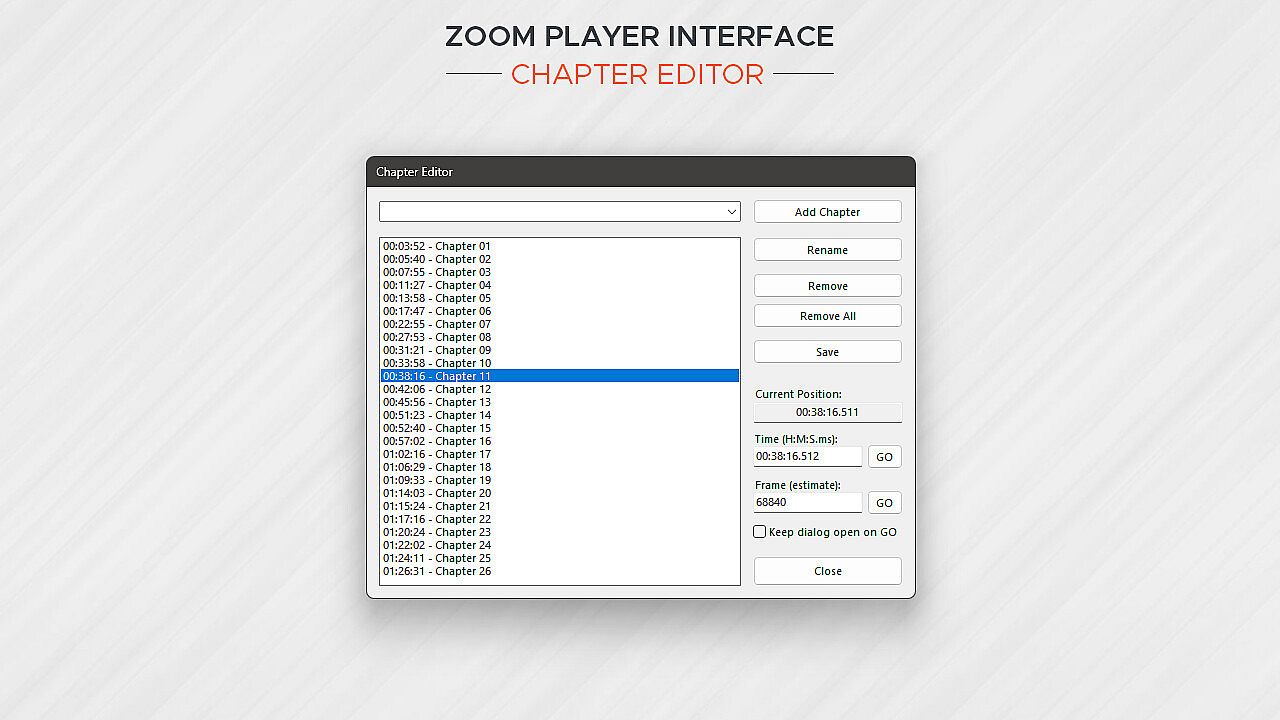
Zoom Player bietet einen vielseitigen Media-Player und Heimkino-Setup für Windows-PCs mit anpassbaren Benutzeroberflächen und Feintuning der Wiedergabe. Er nutzt führende Dekodierungstechnologien wie DirectShow, FFMPEG, LAV Filters, libVLC und Chromium, um vielfältige Formate in höchster Hardware-Qualität zu verarbeiten. Die Steuerungsoptionen reichen von Remote-Apps über Xbox-Controller, Tastaturen und Mäuse bis hin zu PowerShell-Skripten, TCP/IP und Webbrowsern - jede Eingabe ist vollständig neu belegbar. Benutzer gestalten On-Screen-Elemente wie Buttons, Lautstärkeregler und Zeitleisten, indem sie Größe, Farbe und Transparenz an jede Bildschirmgröße anpassen. Heimkino-Funktionen umfassen eine Mediathek mit TV- und Film-Jukebox-Modi, die Hintergründe, Poster und Metadaten anzeigen. Streaming-Unterstützung erstreckt sich auf IPTV, YouTube-Kanäle sowie Server wie PLEX, Emby und Jellyfin - ideal für Medienfans, die maximale Kontrolle und Ordnung wollen.

Zoom Player represents my life-long quest as an indie developer to craft the most versatile media player and Home Theater experience for Windows.

What makes Zoom Player the best overall media player? It's the user interface, viewing experience and tweaking options. Lots and lots of tweaking options, tailoring the playback experience to your personal preferences without bloating up or slowing down.

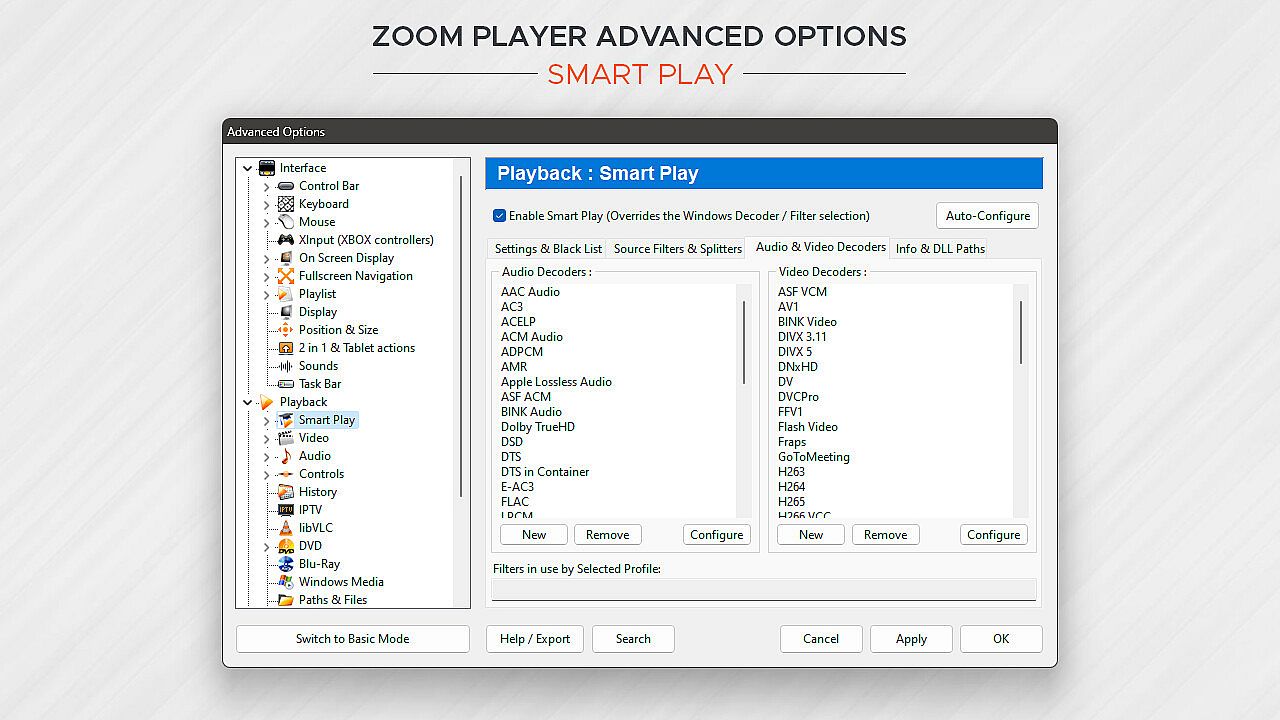
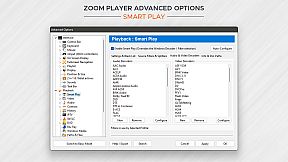
Under the hood, Zoom Player uses the best audio/video decoding and rendering technologies available to get the job done. Whether it's Microsoft DirectShow framework, the FFMPEG project, LAV Filters, libVLC or the Chromium browser, Zoom Player uses the best playback engine for the task. The flexibility of picking the right media engine for the task means that pretty much every media format can play at the highest quality your hardware can muster. And if it doesn't, I will do my best to resolve any issues in the discussions area.

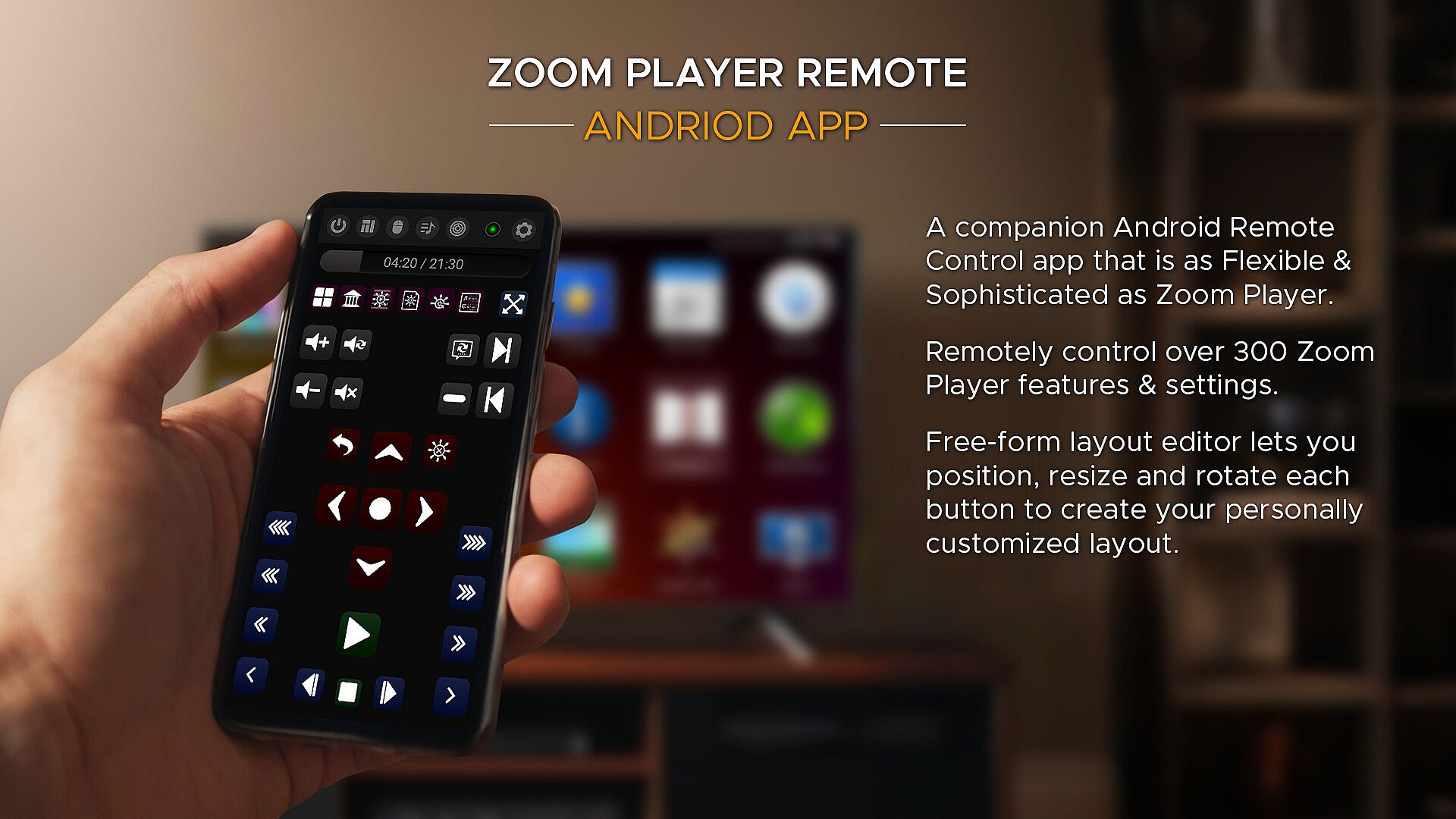
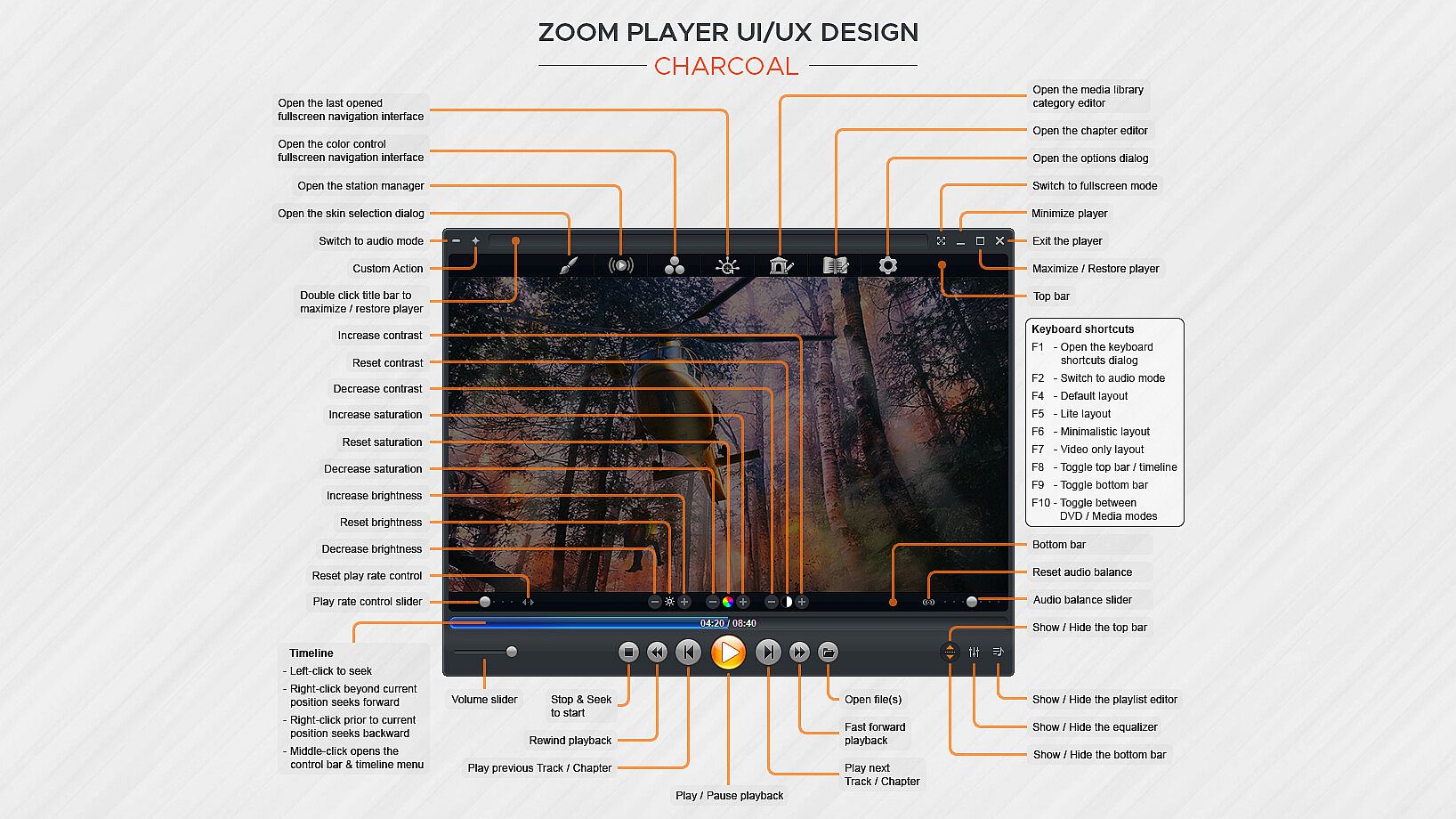
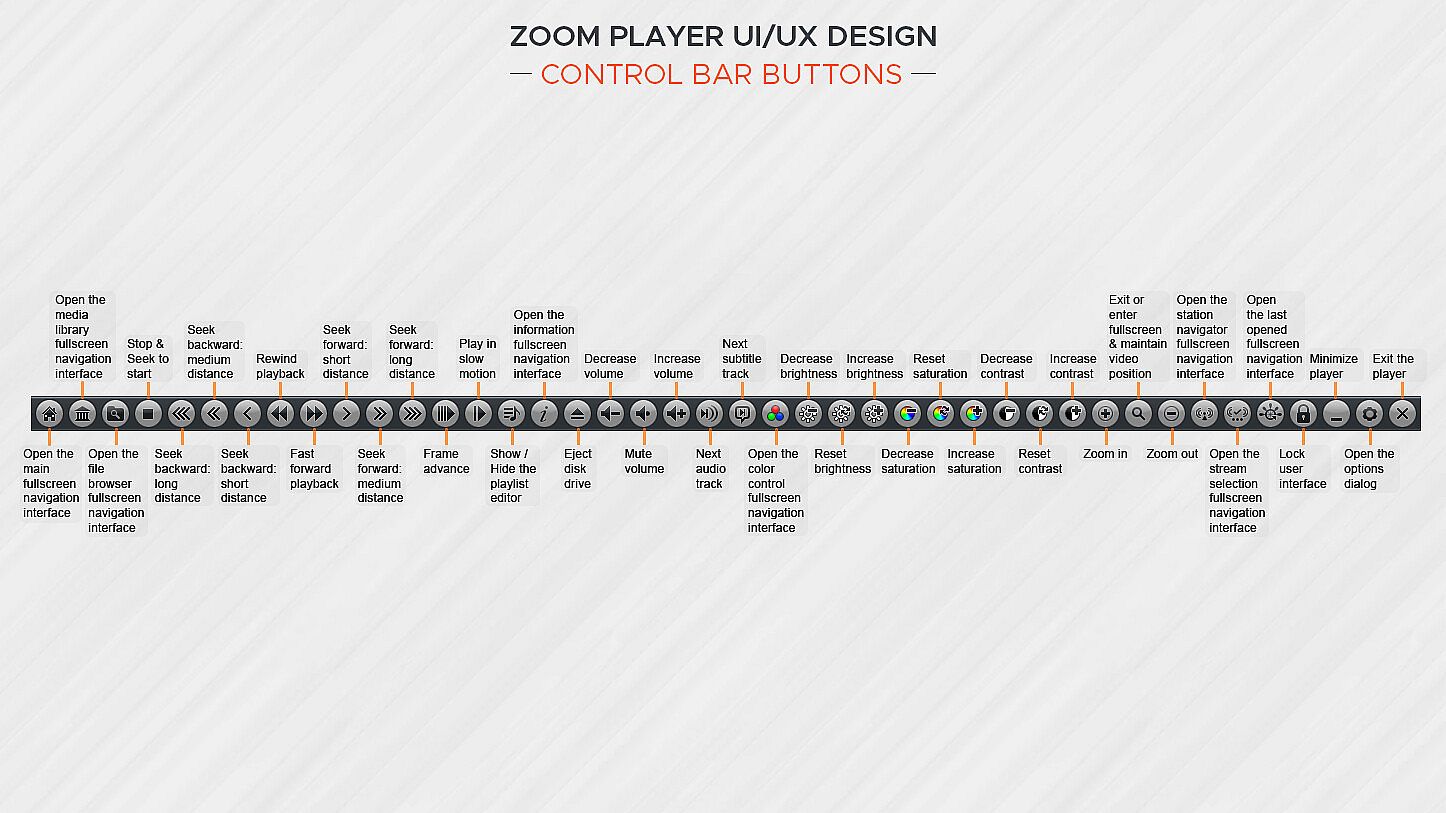
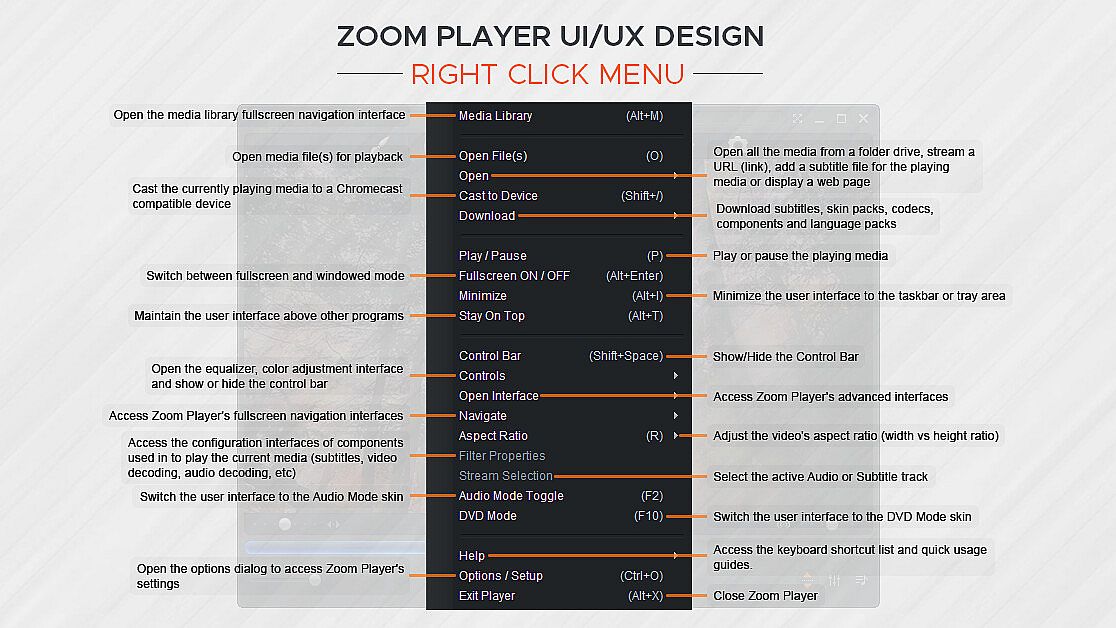
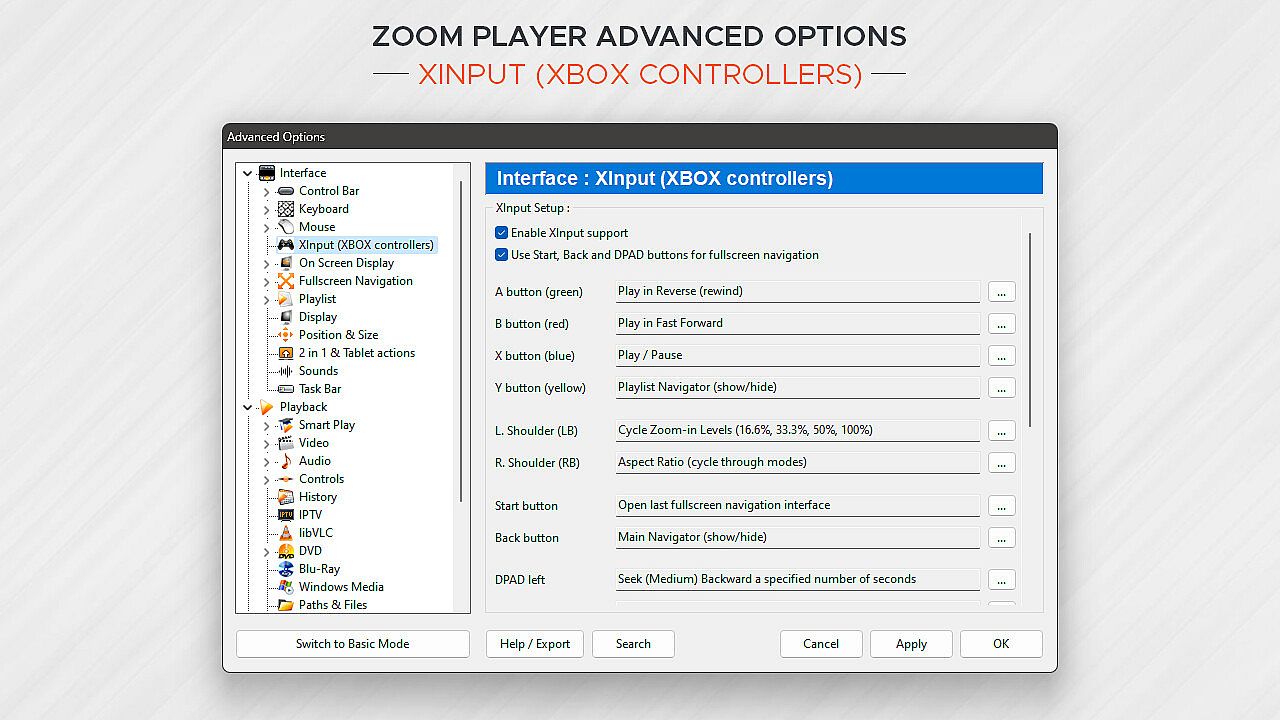
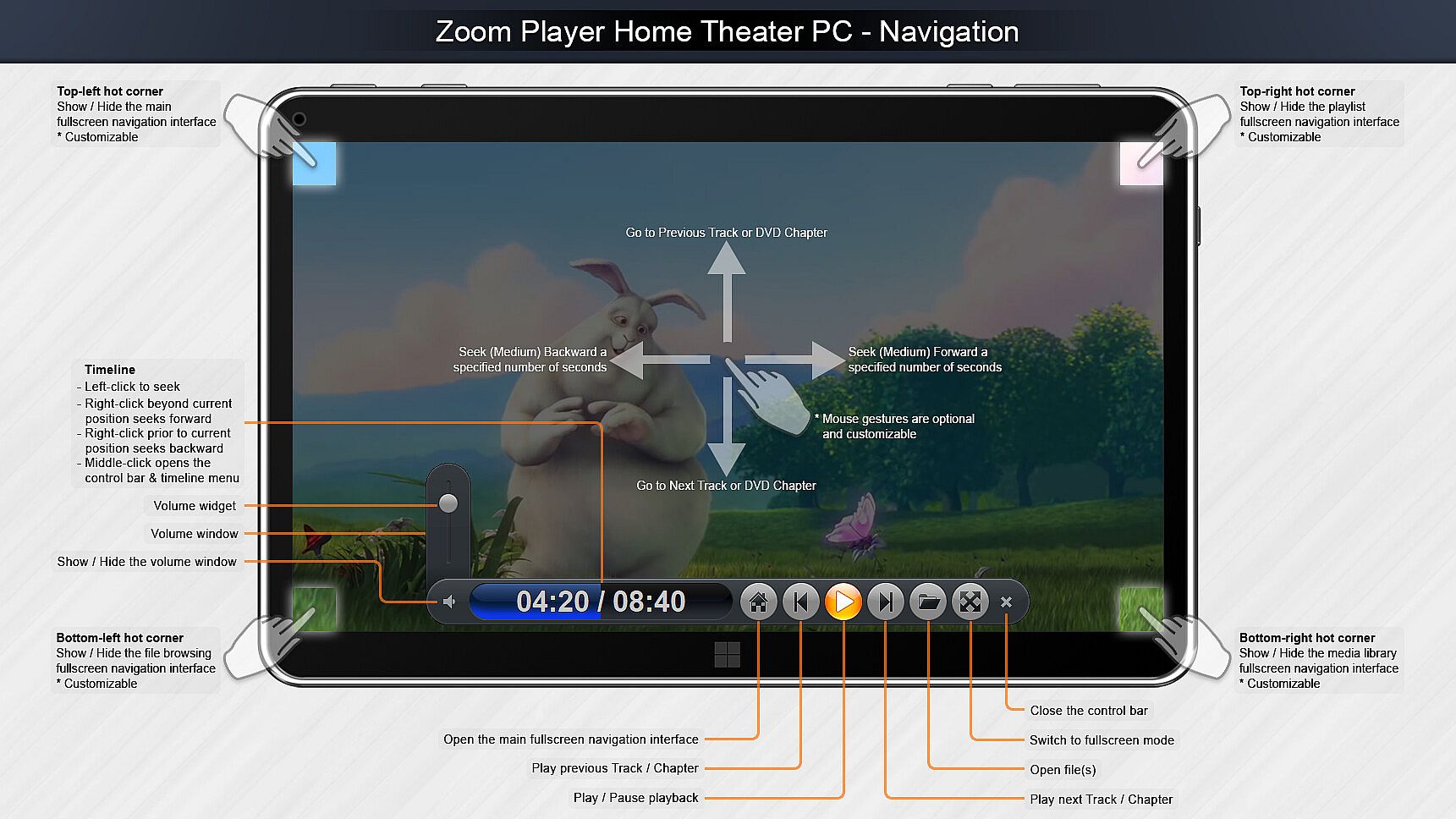
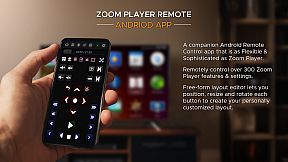
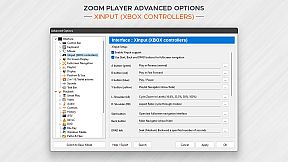
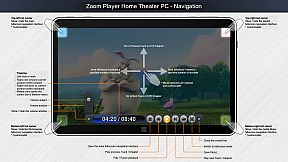
What about Control? If you're scared by long lists, skip to the next paragraph, otherwise know that Zoom Player can be controlled with a Remote Control app; a physical Remote Control; an XBOX controller; a mouse; the keyboard; using a PowerShell Script; Home Automation apps; over TCP/IP; WinAPI; through the Command line; and even with a web browser. Sorry for the long list, but the level of control and attention to detail I designed into Zoom Player is unmatched! Every key, click, swipe, roll and button can be customized to your preferences.

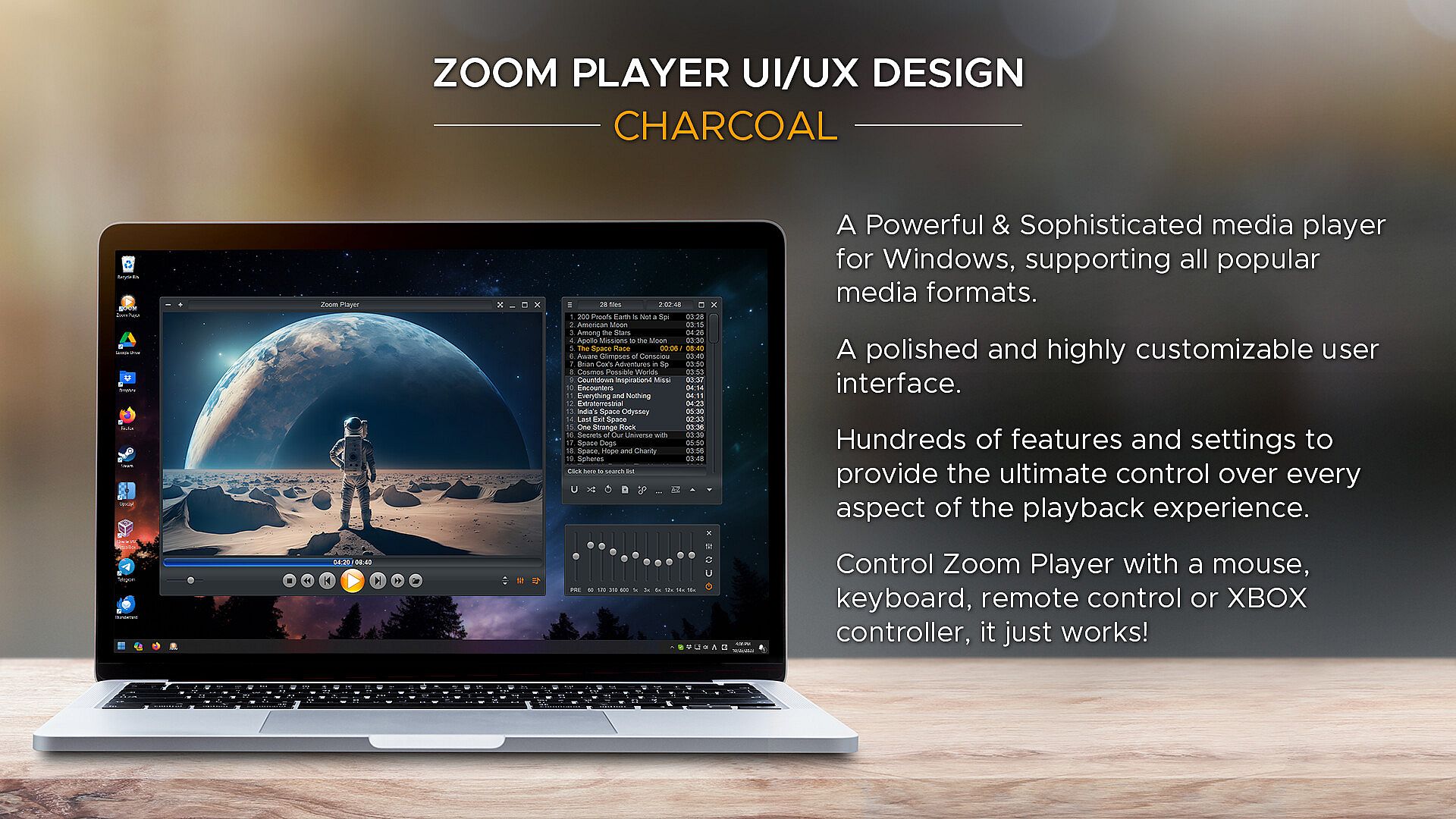
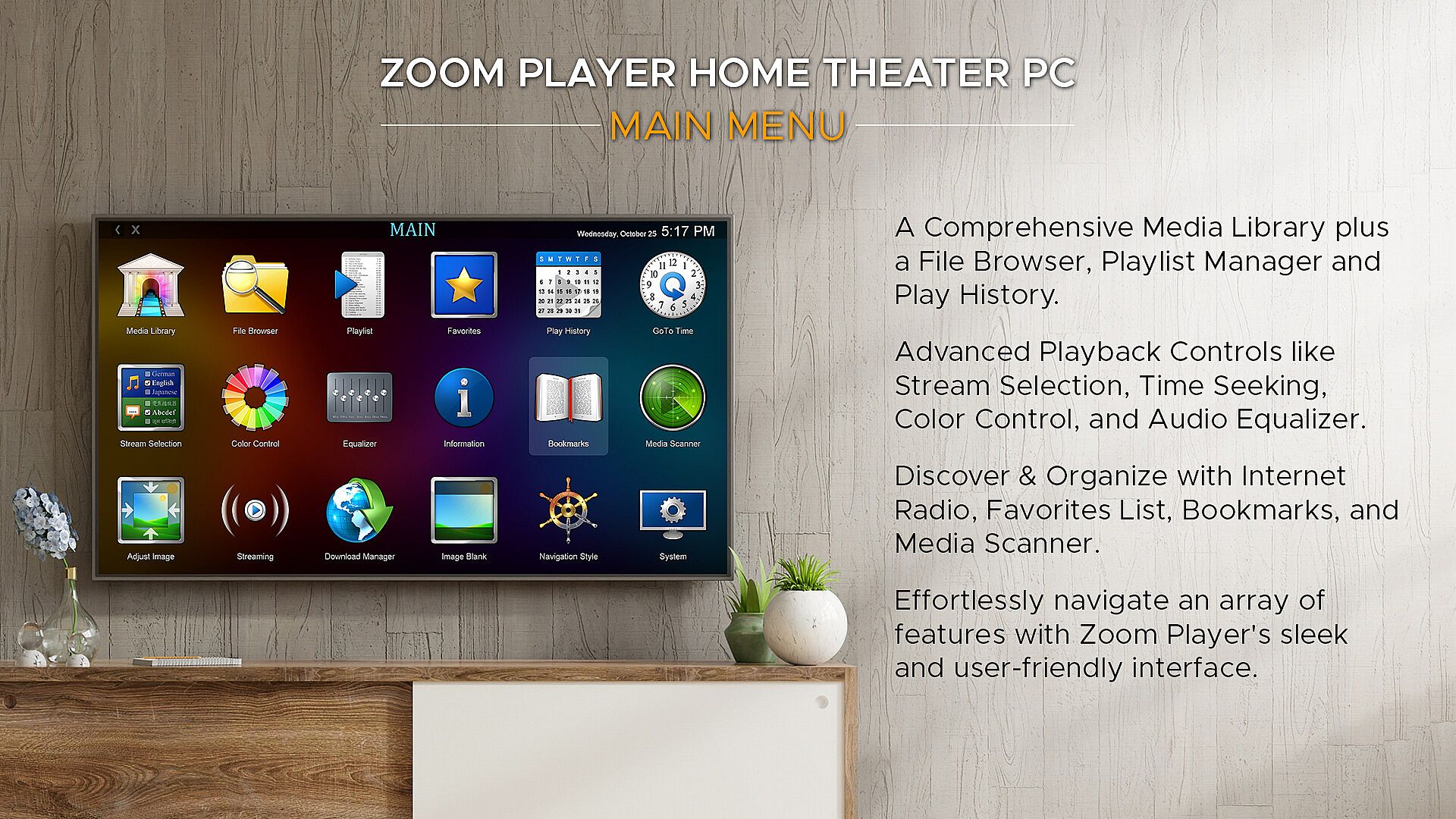
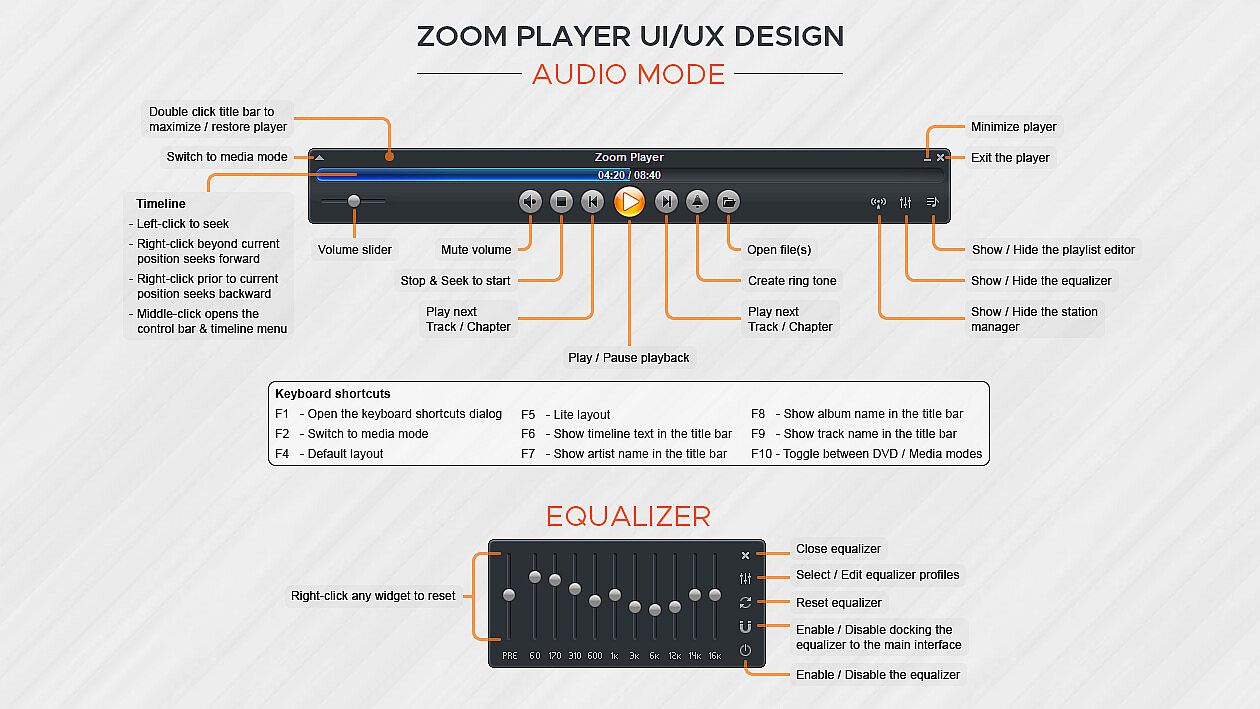
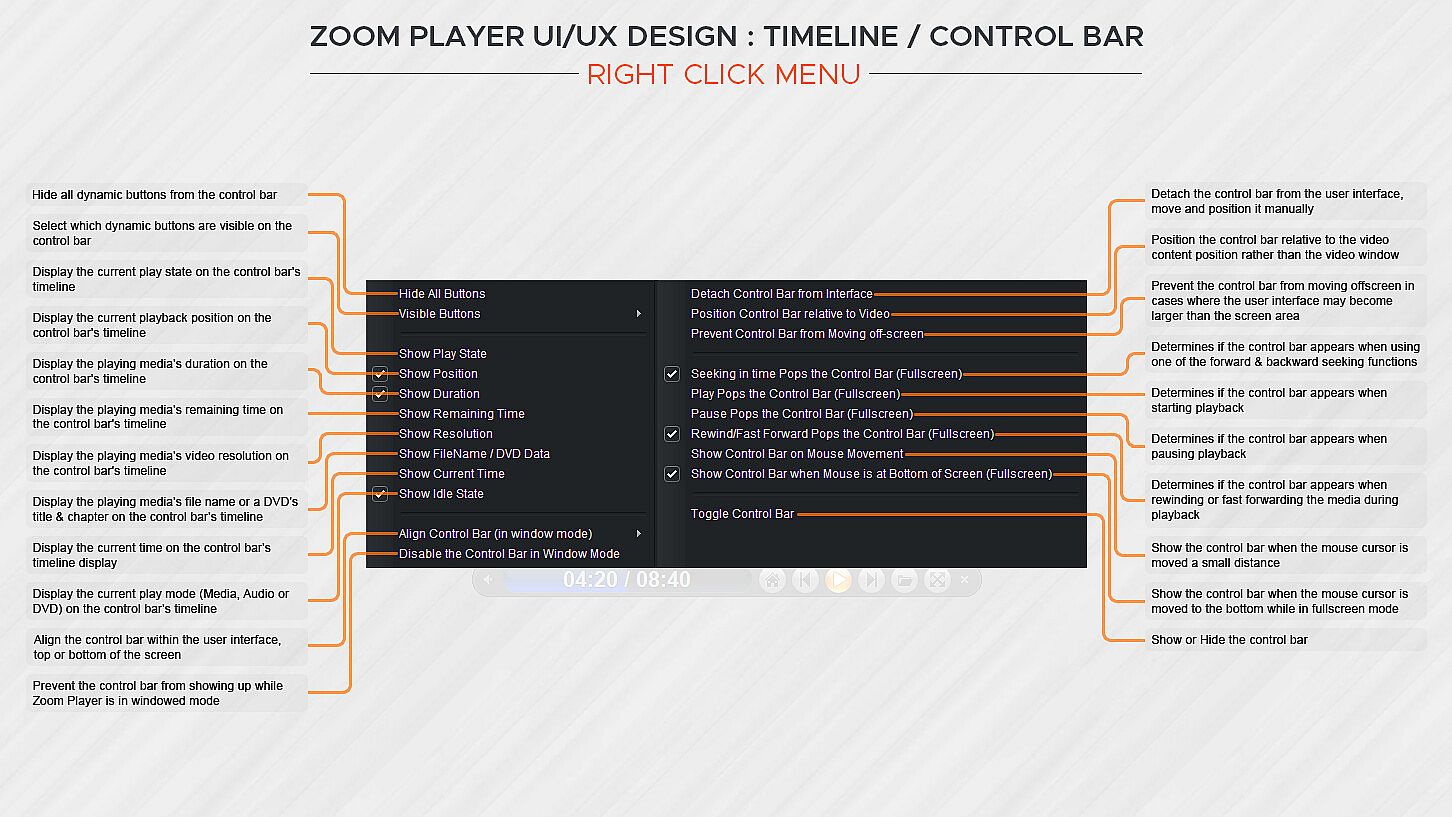
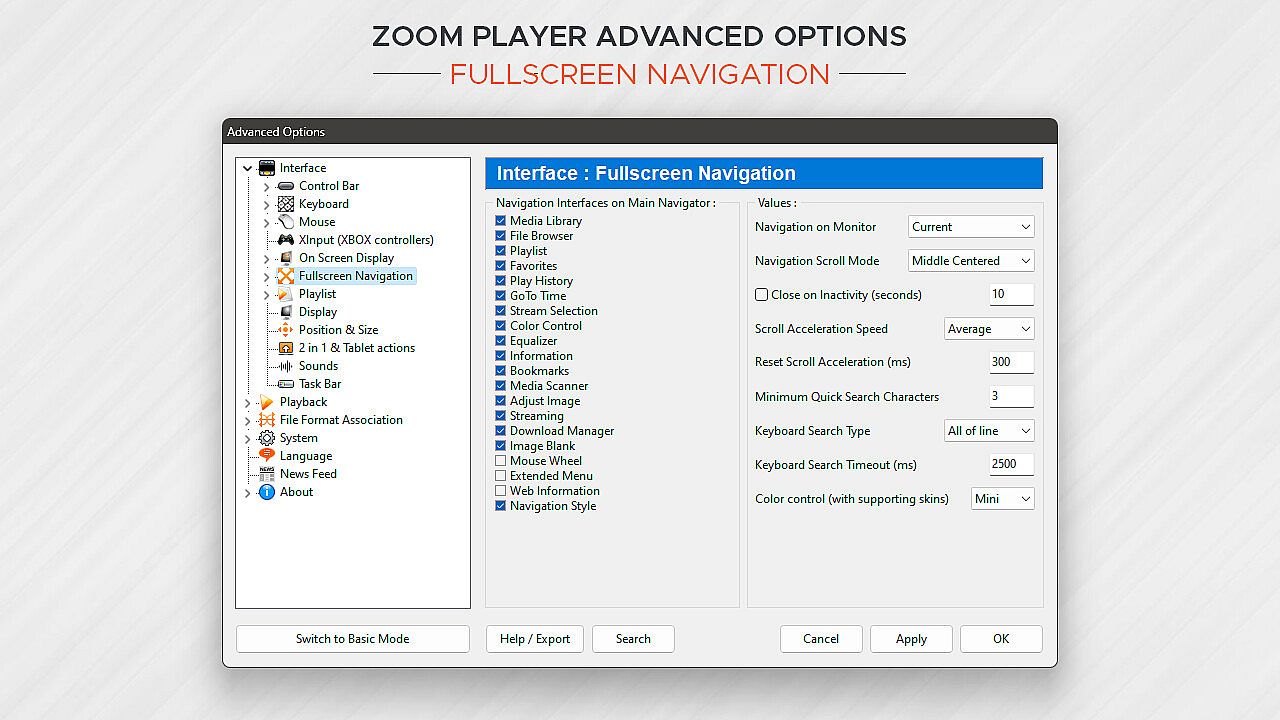
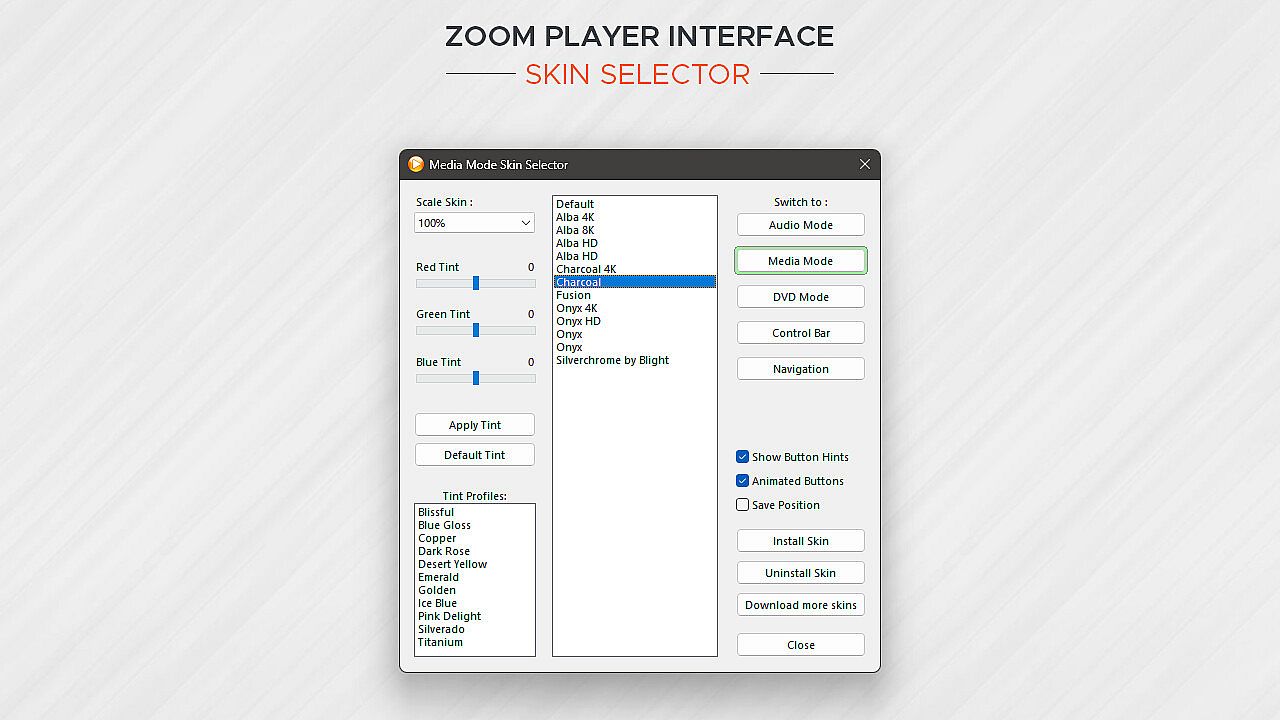
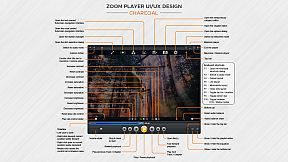
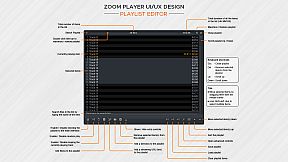
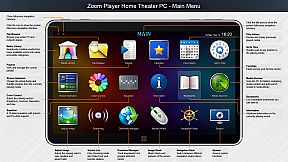
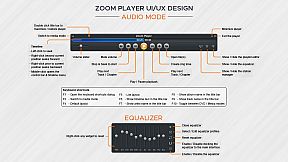
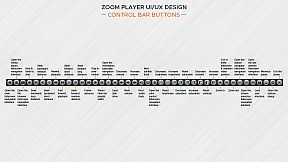
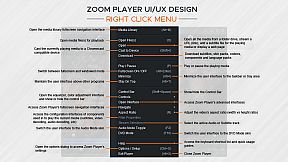
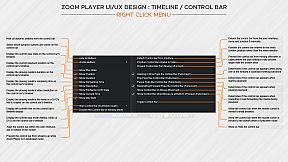
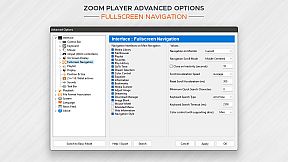
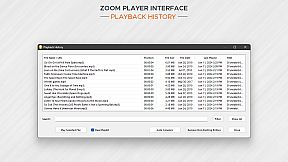
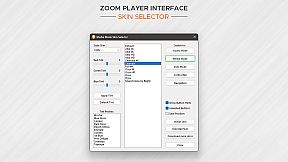
How does Zoom Player look? Amazing. The screenshots only tell half the story. With Zoom Player's powerful control overlay customization features, you can easily pick and choose which user interface elements appear on screen (buttons, volume bar, timeline bar, title text, etc), their size, color, transparency and much more.

Zoom Player's user interface is designed to look good on any display, regardless of the screen size or resolution and is ideal for the visually impaired. You no longer need to be an artist or coder to craft a beautiful user interface tailored to your exact requirements, you can do it yourself with a few simple clicks.

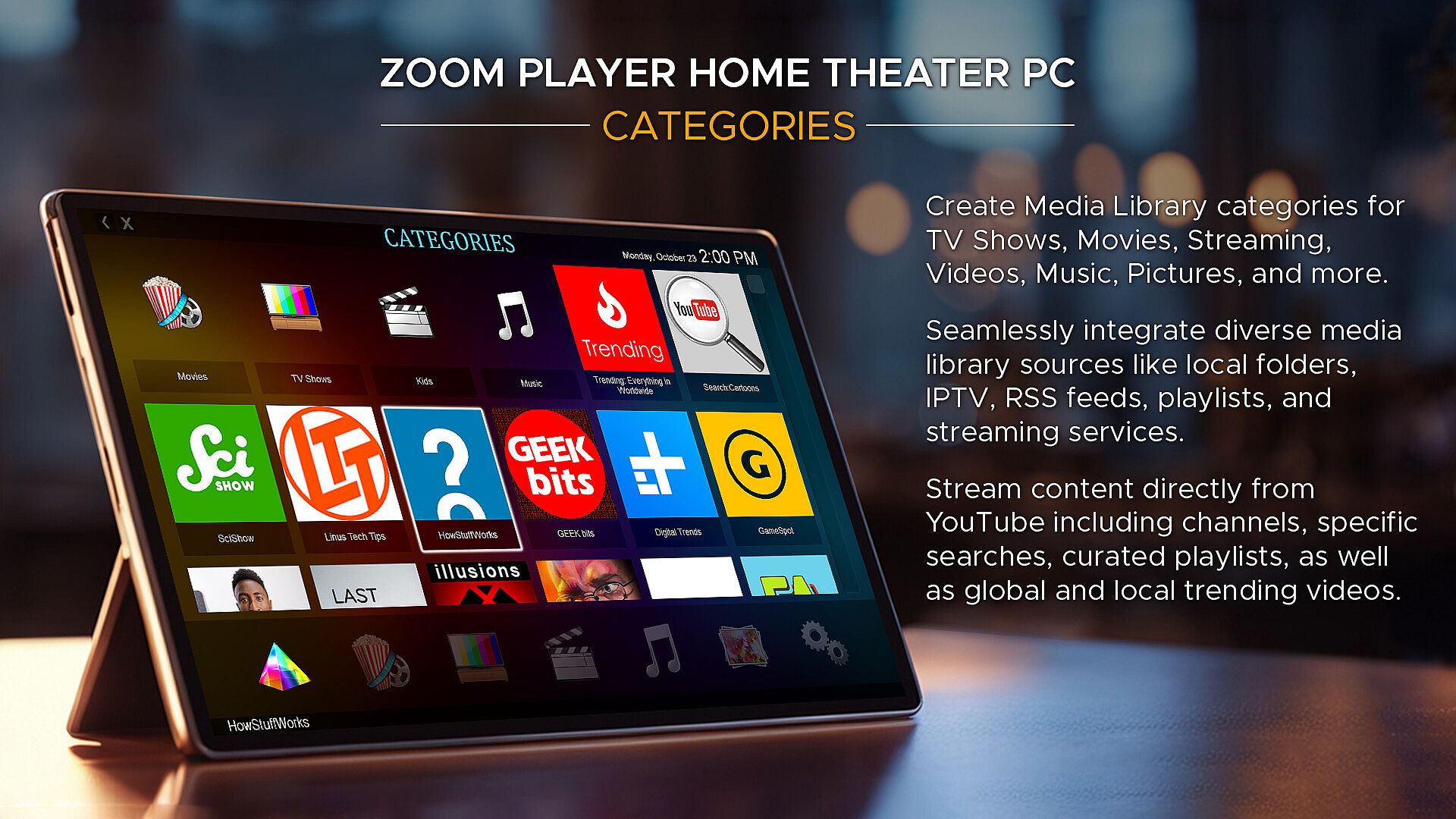
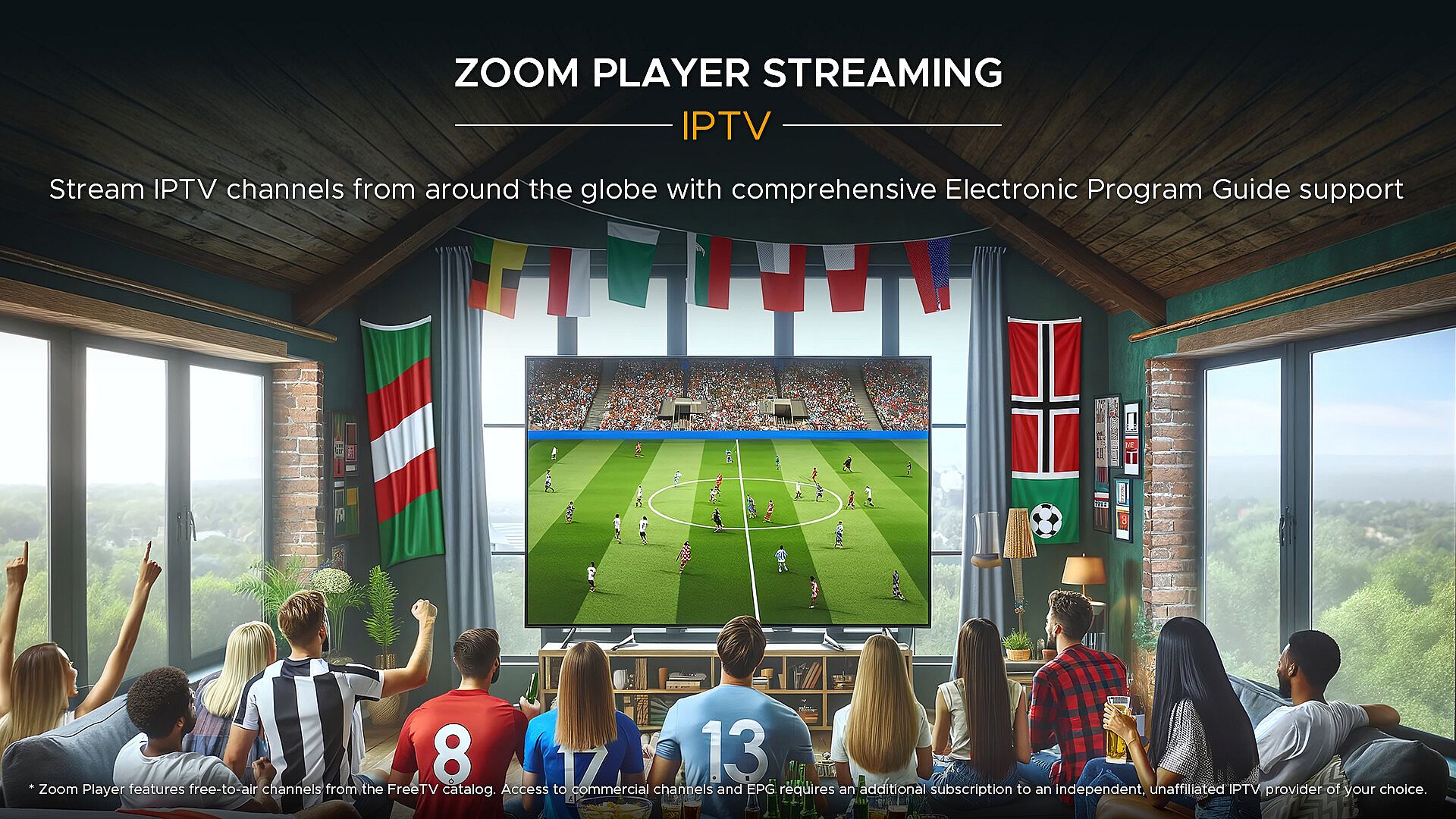
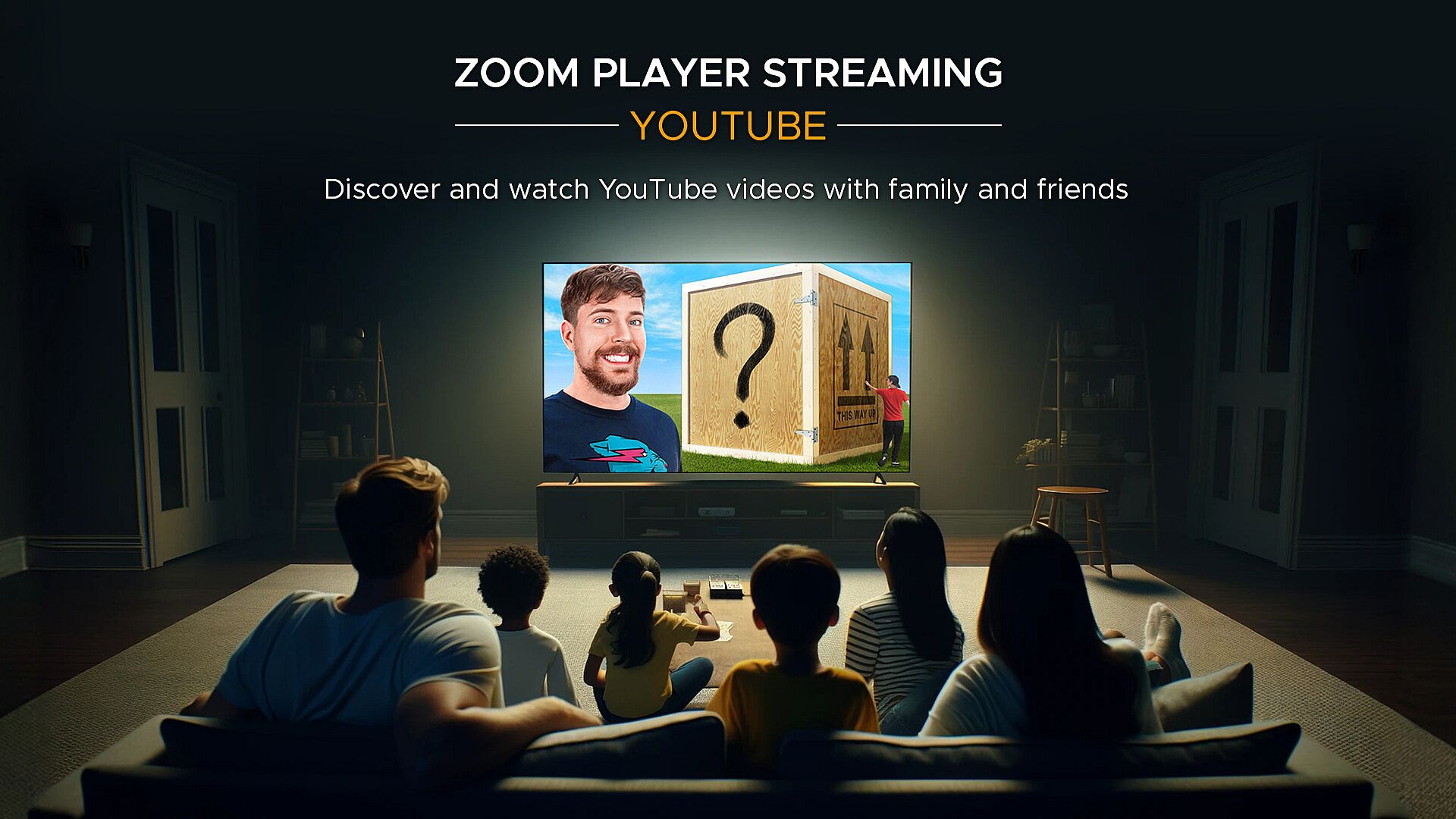
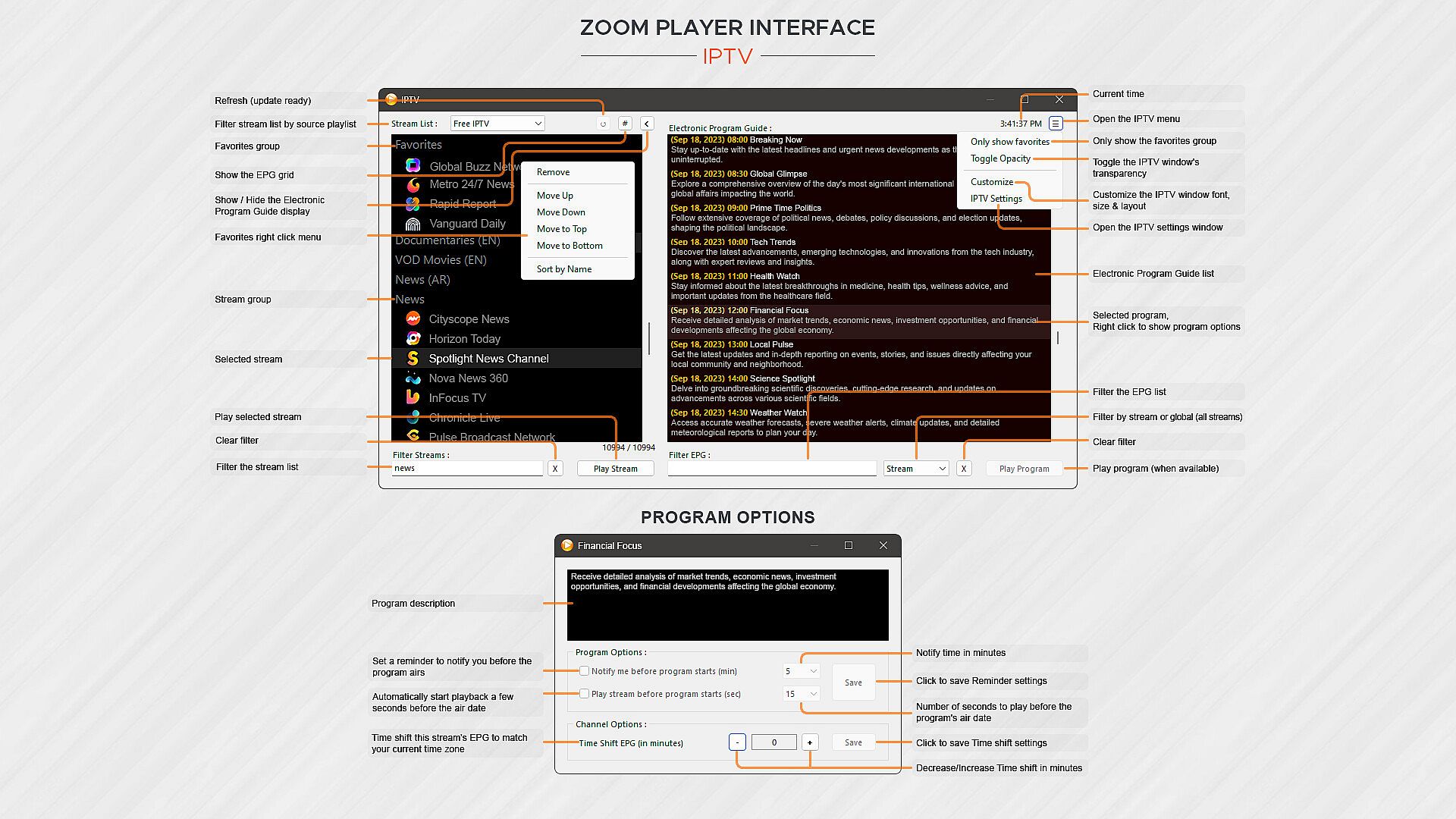
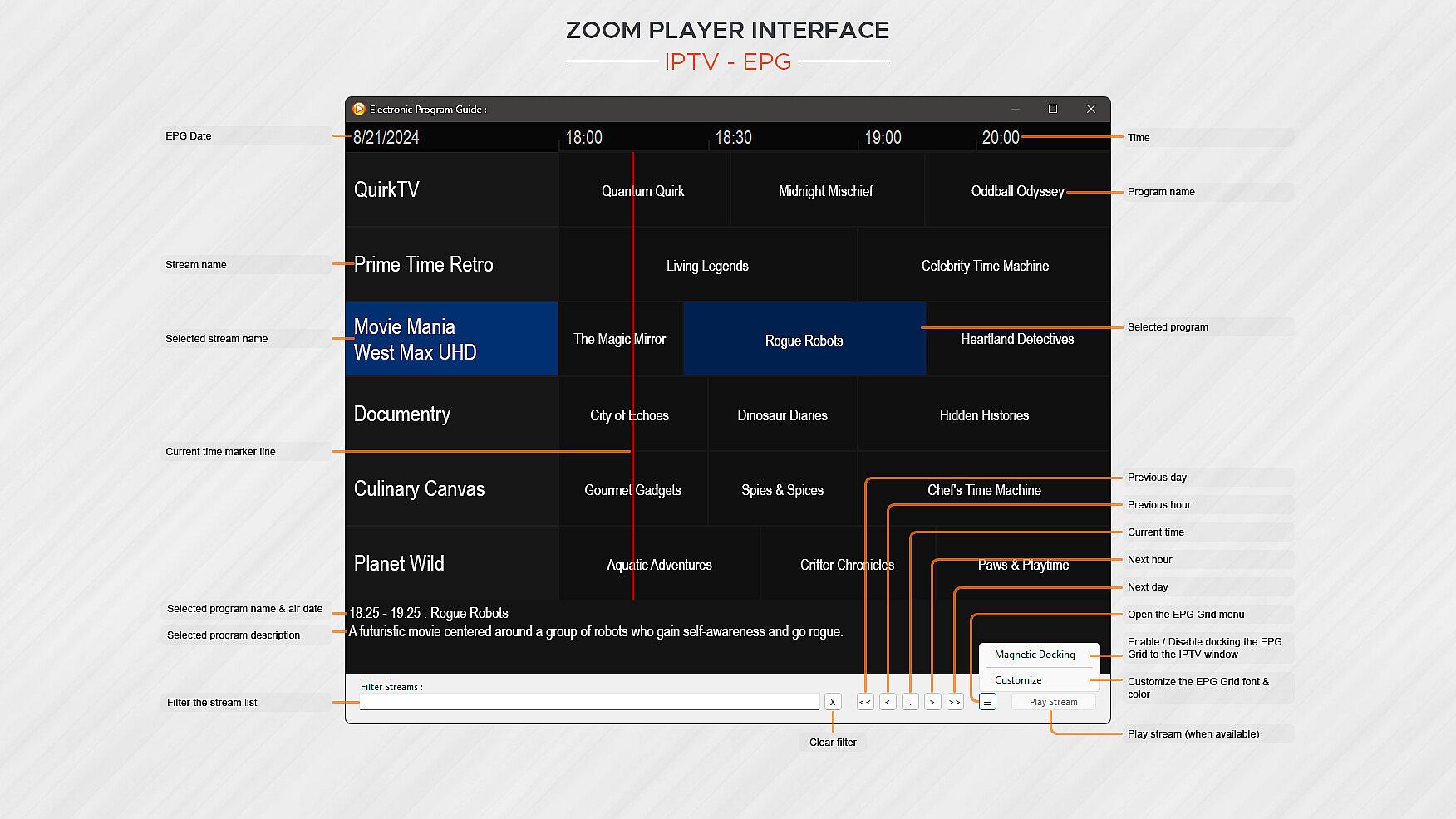
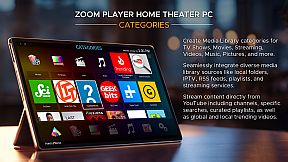
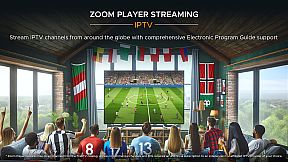
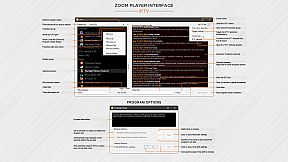
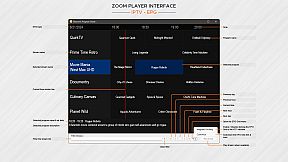
What about Streaming? Zoom Player has the best IPTV implementation on Windows, providing access to live TV from across the world (caveat below). YouTube channels, trends, searches and playlists can be added into the Media Library with ease. Stream content from multiple media servers such as PLEX, Emby and Jellyfin. Other streaming sites either work automatically or can be supported through 3rd party plug-ins.

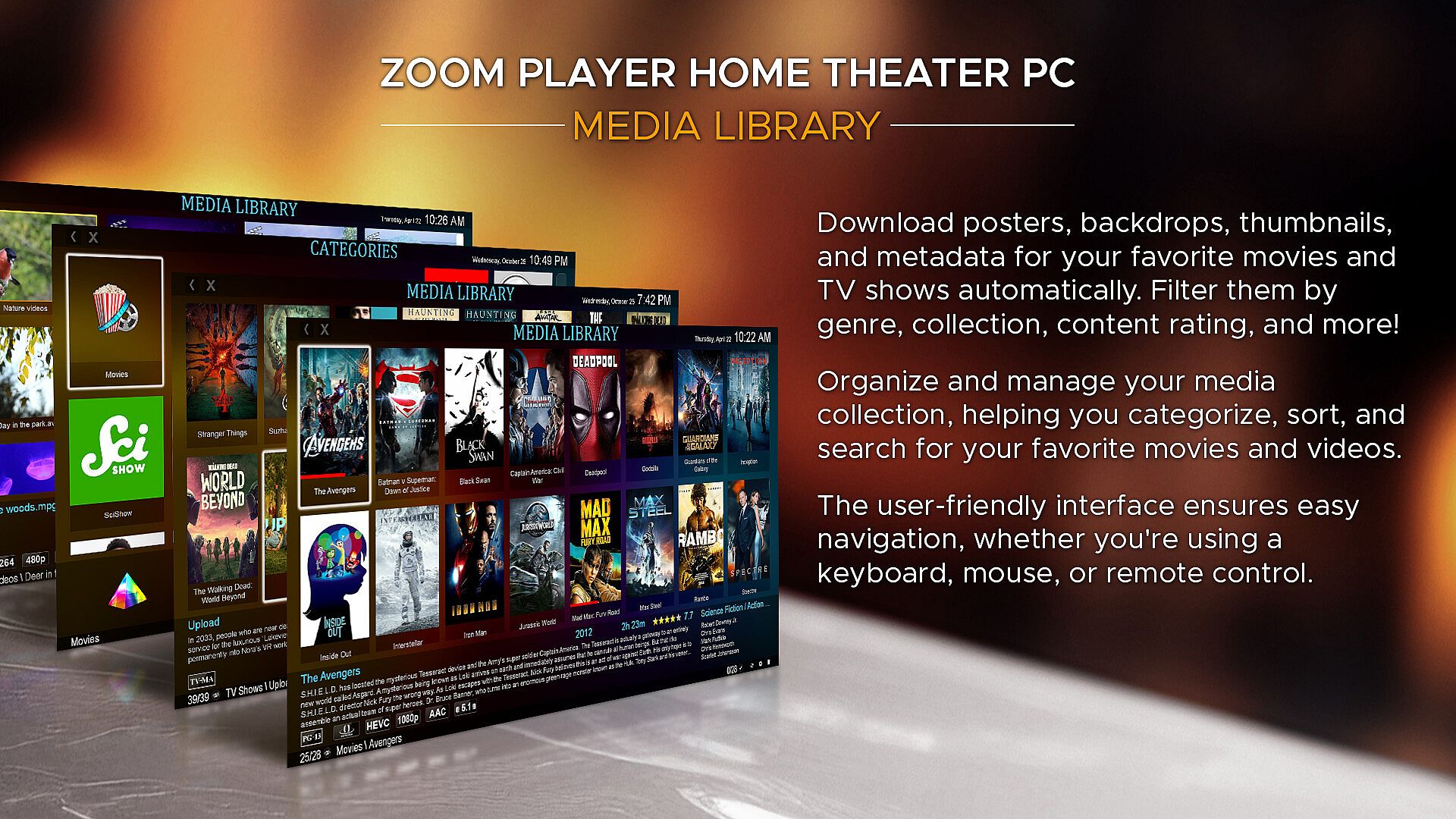
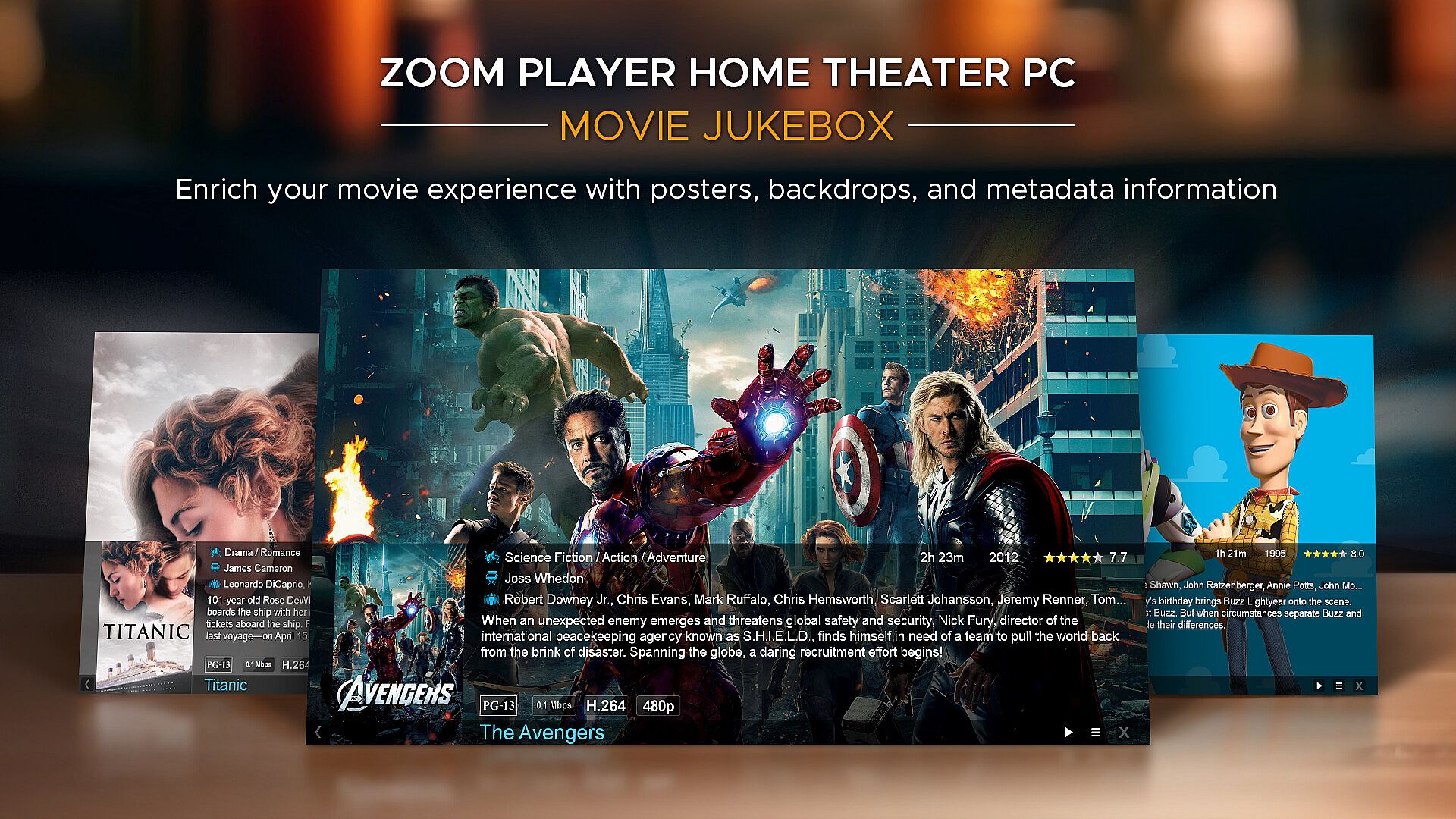
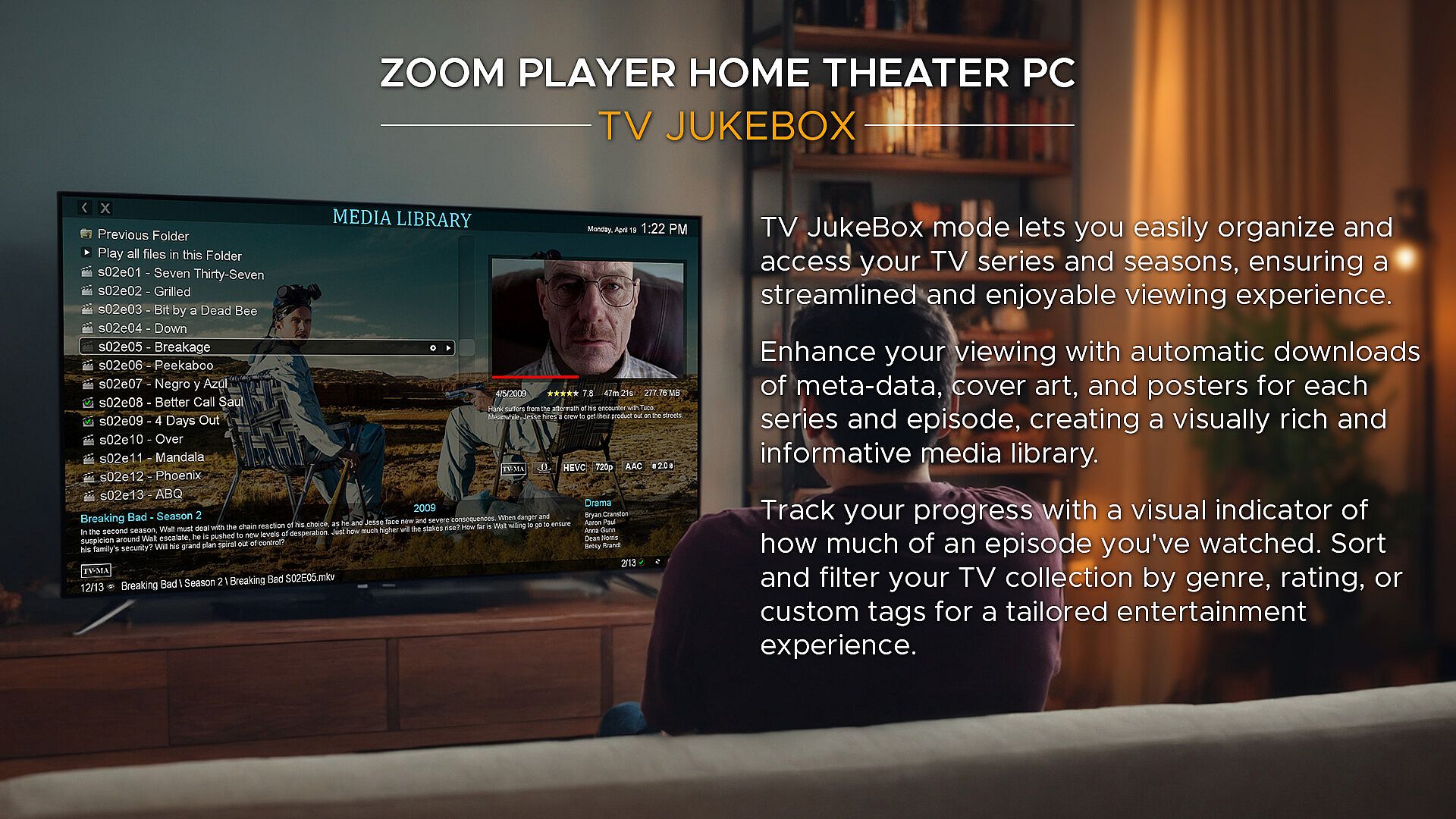
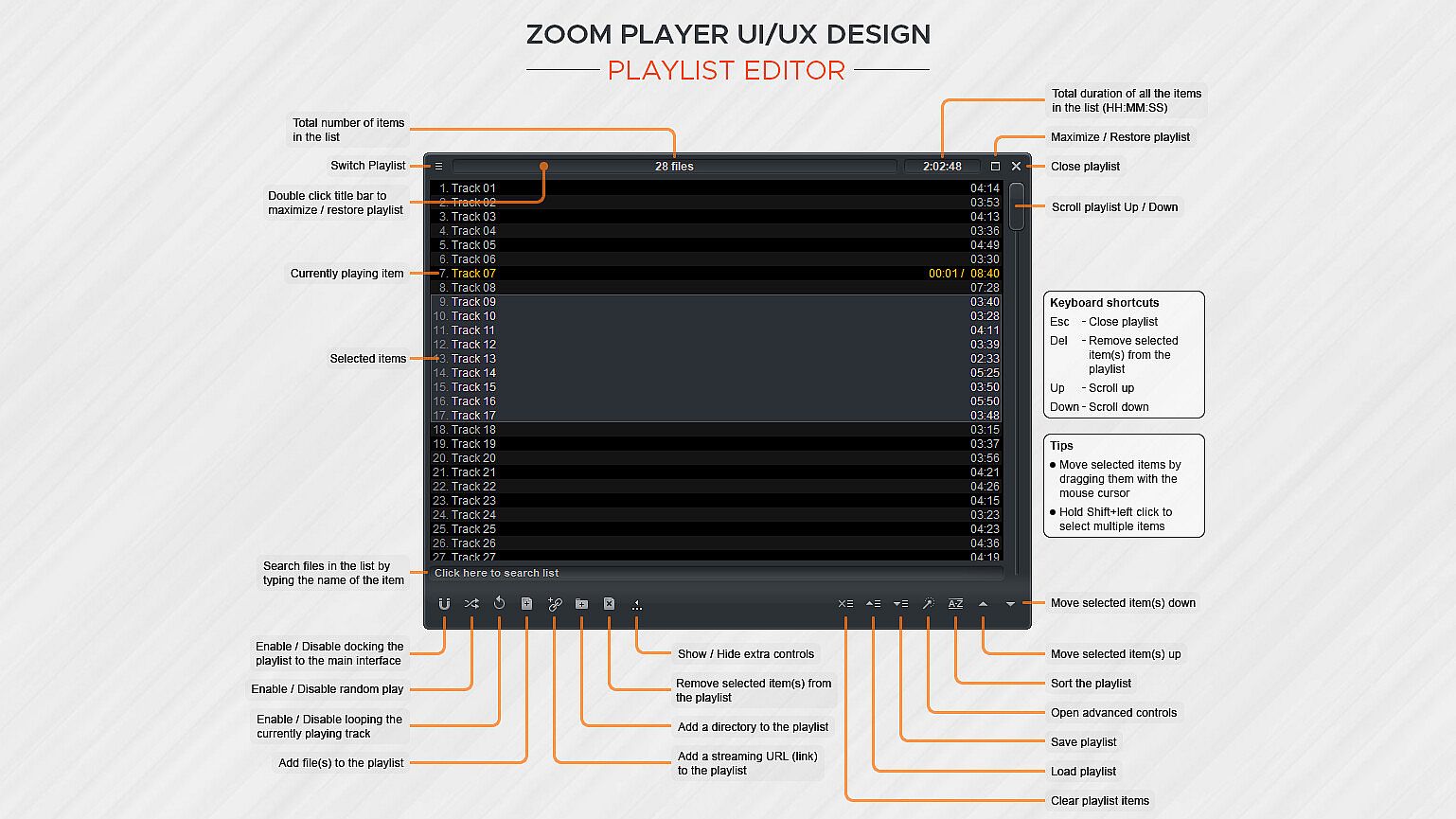
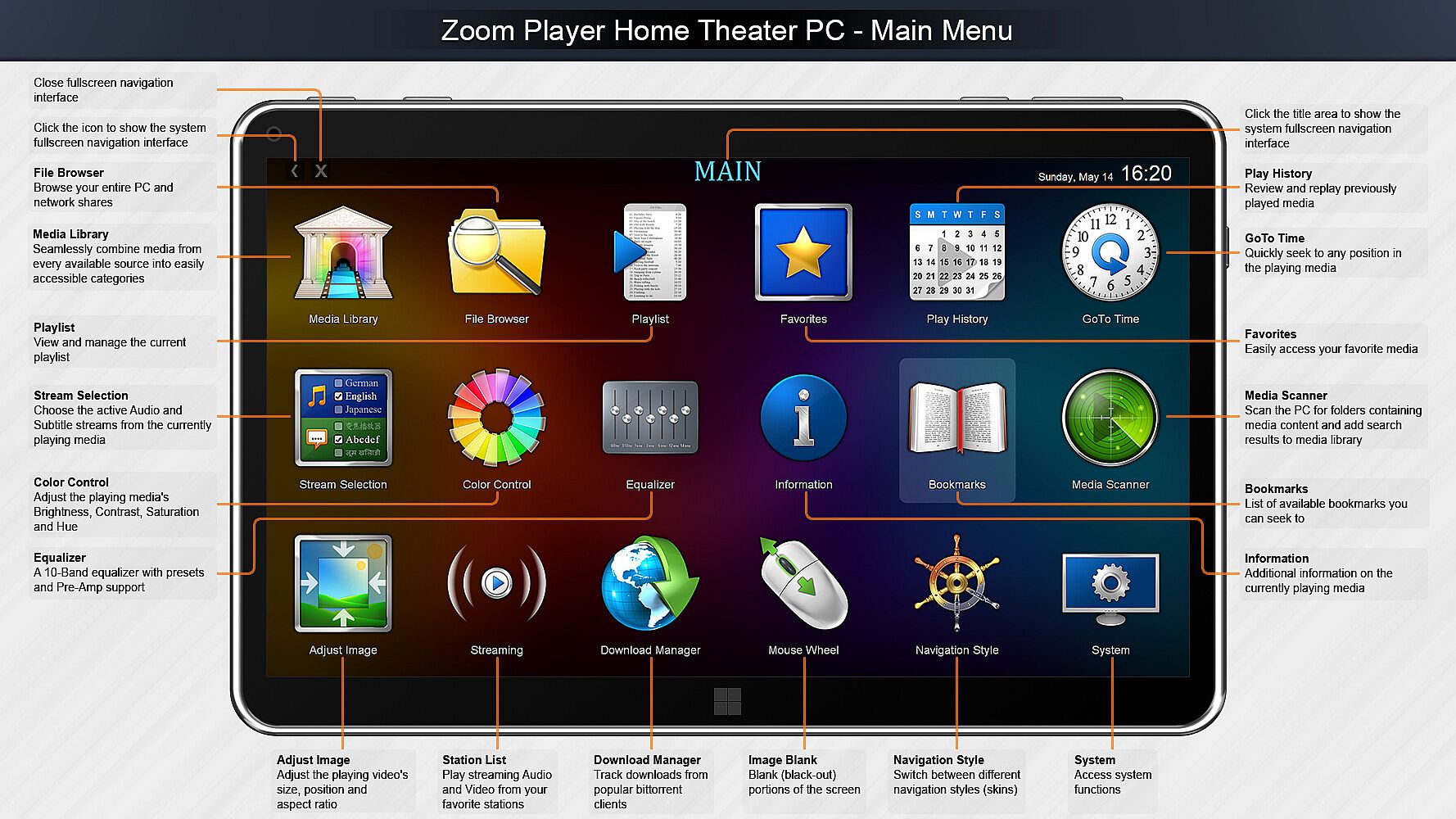
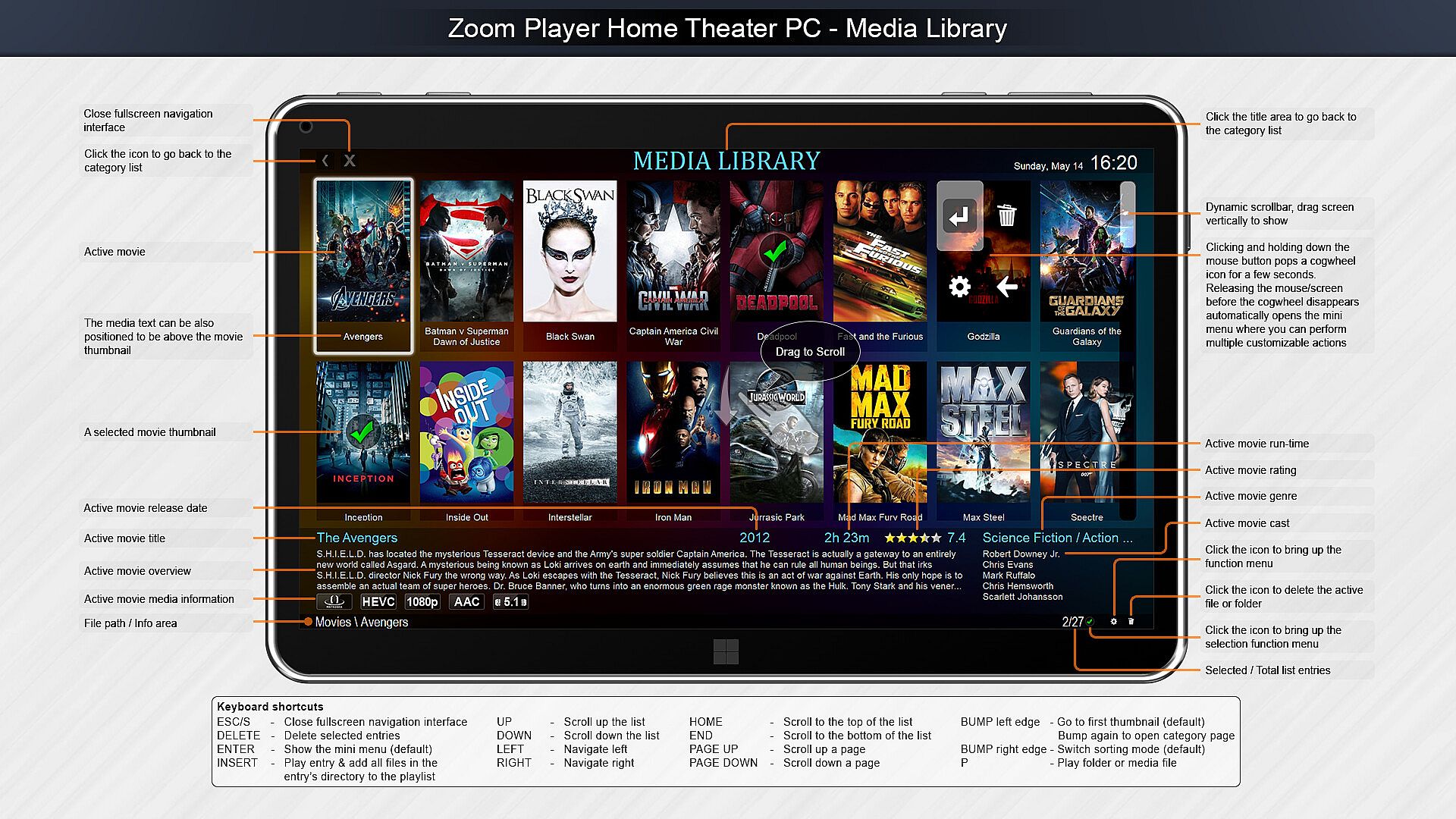
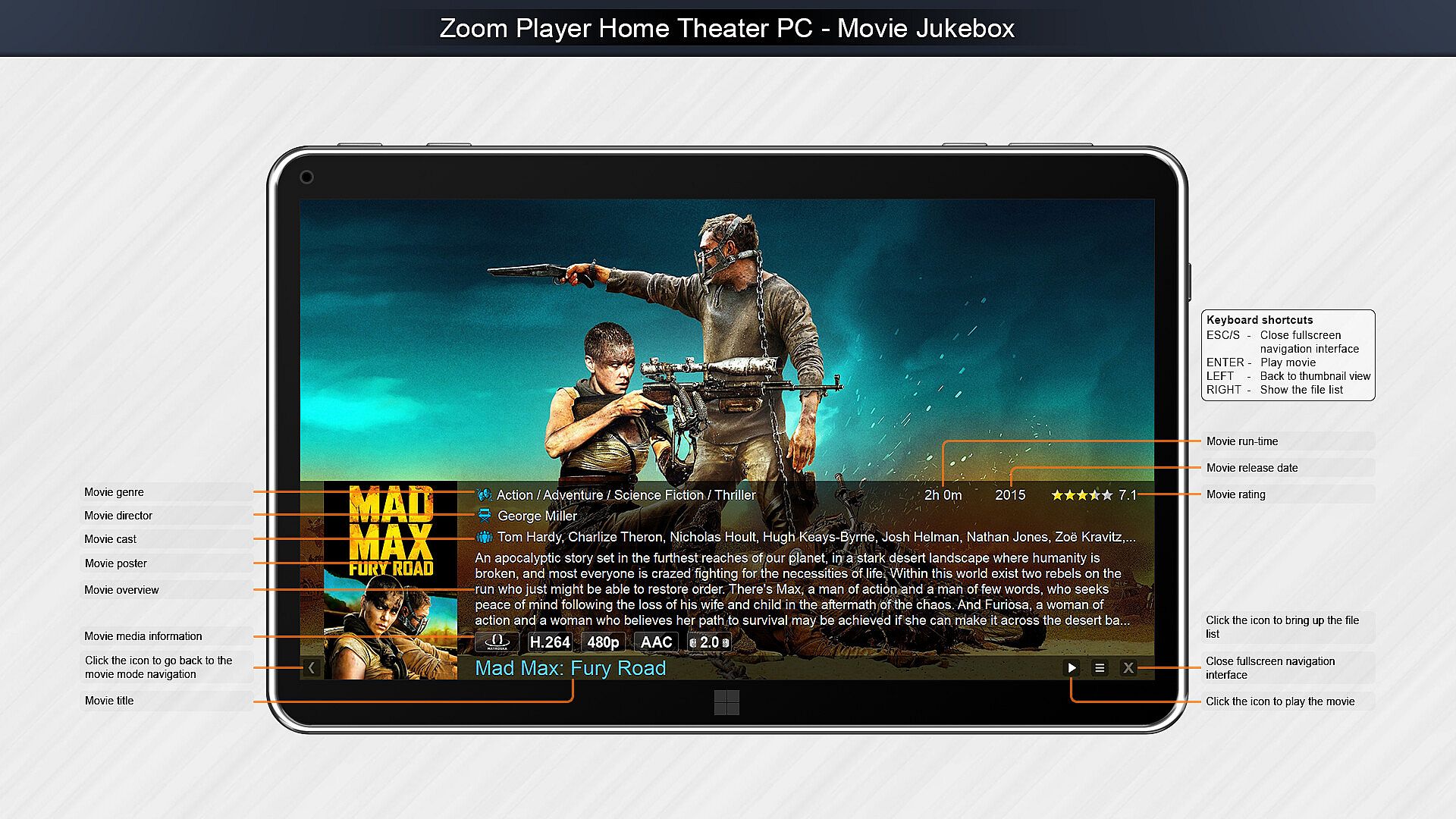
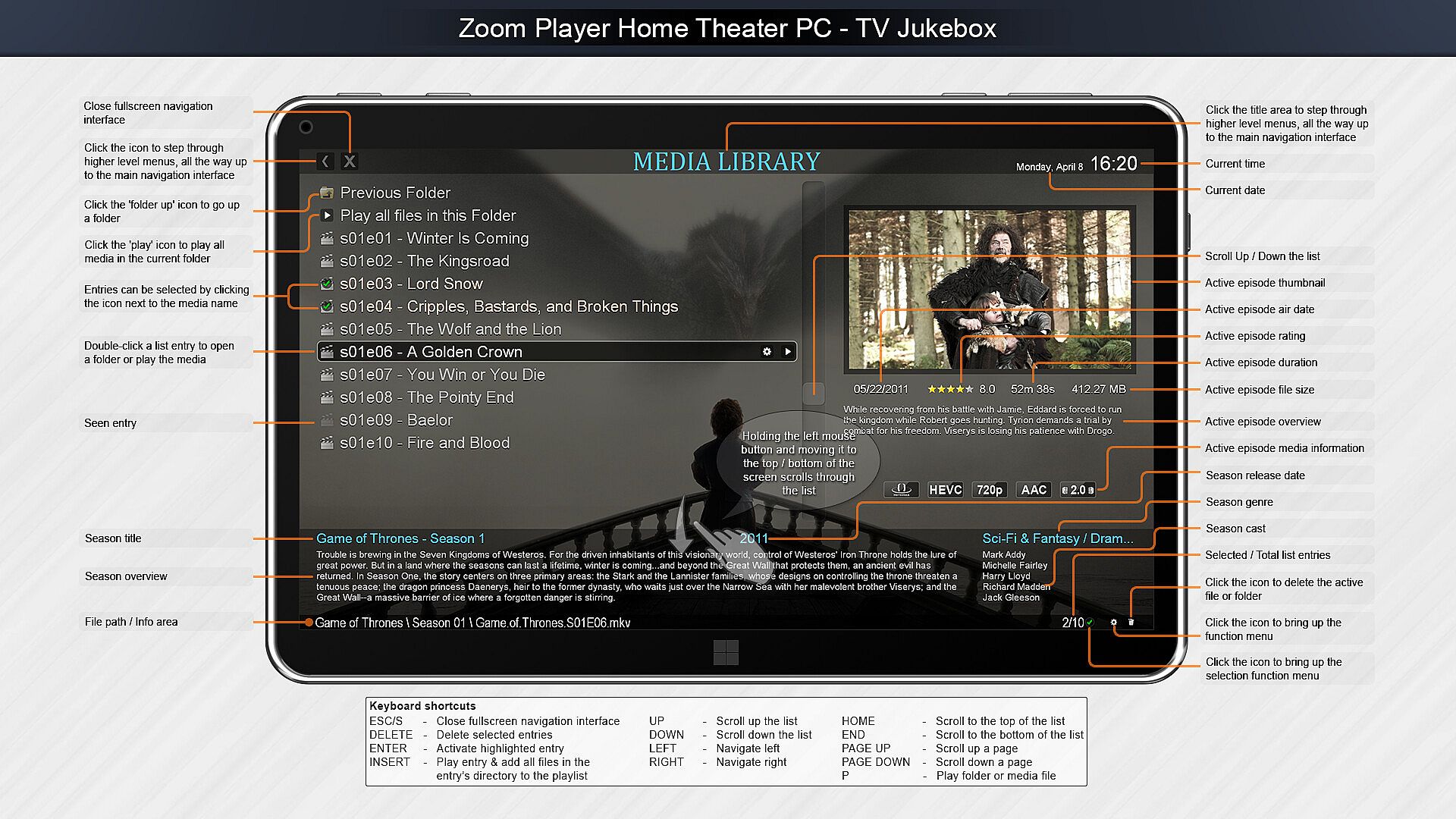
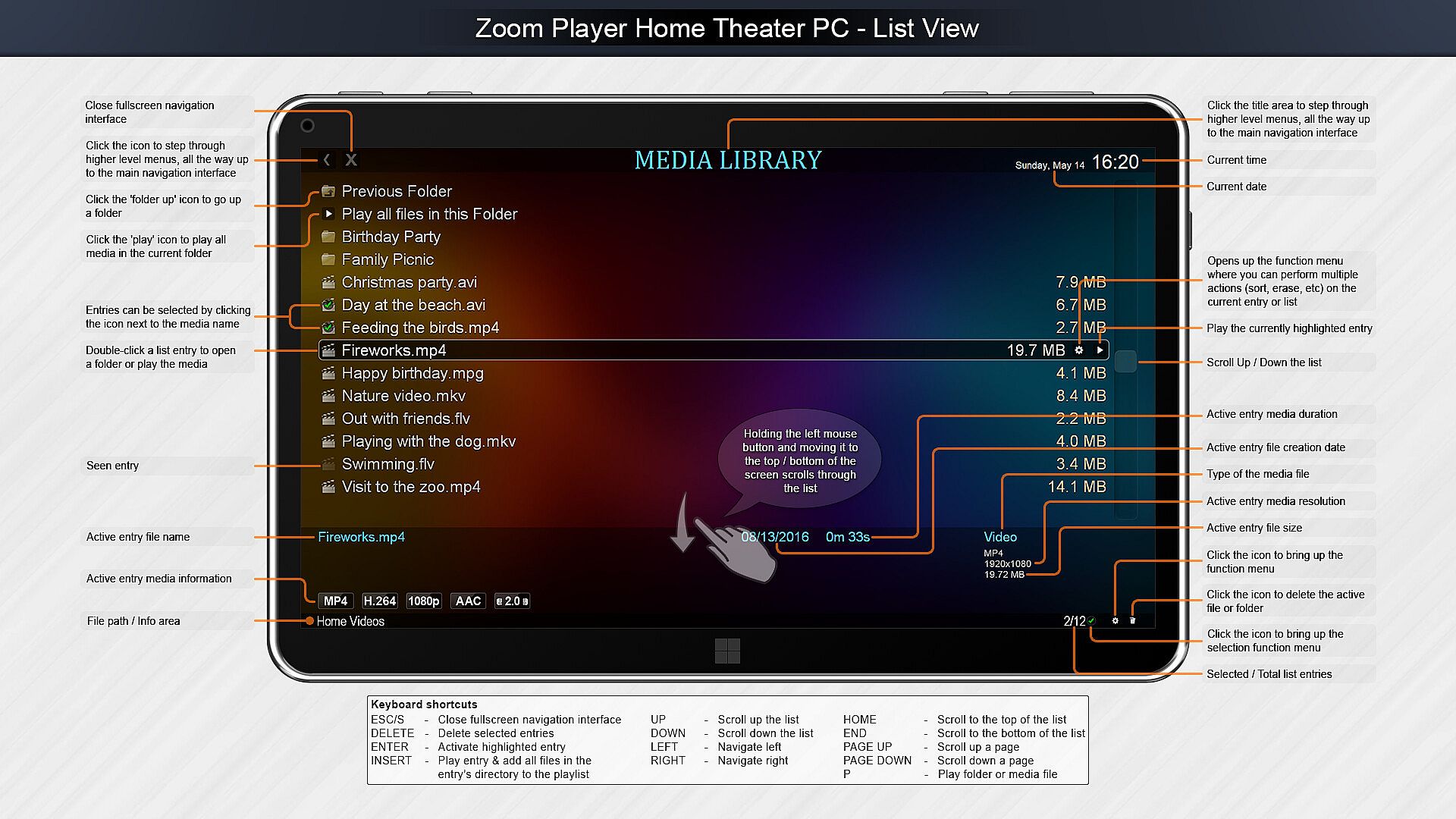
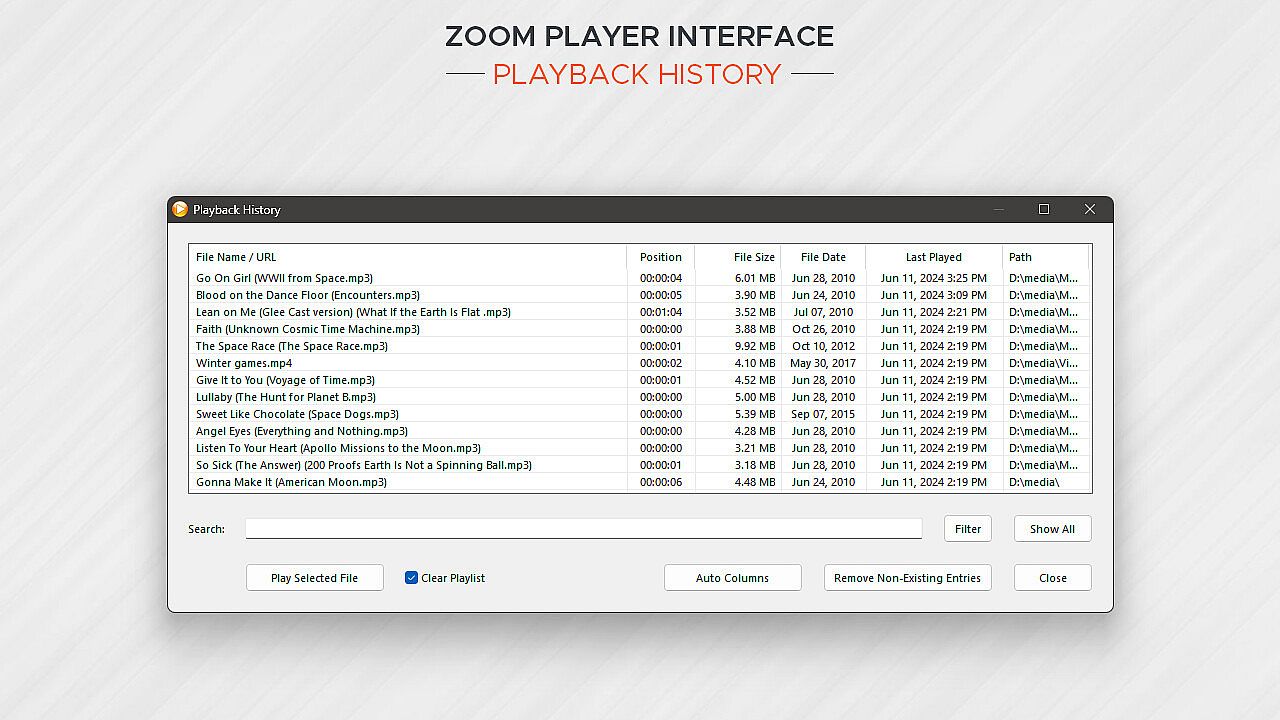
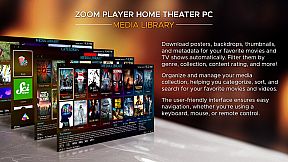
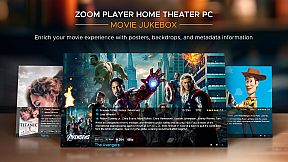
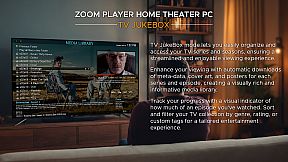
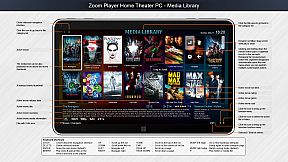
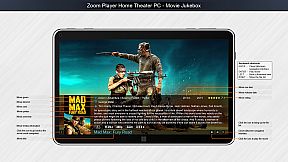
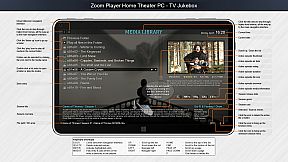
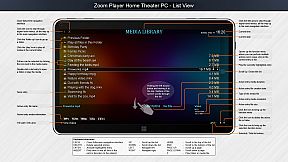
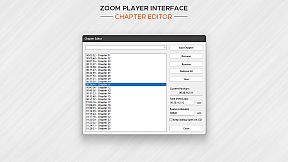
Home Theater? Zoom Player includes an extensive list of Home Theater features backed up by a powerful media library that can help organize your collection and content sources (see screenshots), including a TV and Movie JukeBox modes that displays Backdrop and Poster images along with meta-data such as description, actors, genre, content-rating, etc.

Support? The quick usage guides are the first line of support, clear and concise. Next I wrote the most in-depth documentation for a media player, ever. Every checkbox or setting is explained in great detail. I personally provide support and take requests on Zoom Player's reddit community and review the Steam discussion area often. Every question is answered respectfully and thoughtfully. Did you come up with a cool new feature you would like me to add? Let me know and I'll see if I can get it done.

Caveats:
  • Some of the Steam reviews are old and do not really represent Zoom Player's current potential, please try the demo version and see for yourself.

  • HDR playback requires that the Video Renderer is set to either MadVR or MPC-VR. You may need to configure the selected video renderer with your choice of HDR settings.

  • BluRay playback only works on decrypted content, encrypted discs will not play.

  • To play BluRay discs with menus, you need to install libVLC and the JAVA runtime engine (Zoom Player v19 required).

  • DVD playback works but it's dependent on Microsoft's Framework which can have issues on some systems. Most issues are easily resolved by switching the audio/video decoders used for DVD, but if you are having issues, create a post on the discussions area and I will help you resolve it.

  • Zoom Player implements the IPTV playback standard but I did not include any commercial content. To access commercial IPTV, you must purchase a subscription from an IPTV service provider of your choice. I don't have a recommendation.


Oberfläche:
ArabicCzechGermanEnglishSpanish - SpainFrenchHungarianItalianJapaneseKoreanPolishPortuguese - PortugalPortuguese - BrazilRussianSwedishThaiTurkishUkrainianSimplified ChineseTraditional Chinese

Altersfreigabe

Keine Angabe
Steam:
Mixed (56)

Minimum:

  • Betriebssystem: Windows 98
  • Arbeitsspeicher: 512 MB RAM
  • Speicherplatz: 80 MB available space
  • Zusätzliche Hinweise: Be aware that browsers using hardware accelerated page rendering can interfere with the smoothness of media playback on lower end systems.

Empfohlen:

  • Betriebssystem: Windows 10
  • Arbeitsspeicher: 2 GB RAM
  • Grafik: 6GB VRAM GPU
  • DirectX: Version 11
  • Speicherplatz: 120 MB available space
  • Zusätzliche Hinweise: For the best post-processing quality (scaling, smooth motion), a powerful GPU combined with the MadVR video rendering plug-in is recommended. For additional motion smoothness, use a monitor with a high refresh rate.
Historisches Tief
Preisverlauf von offiziellen Shops
-
-
-
Preisverlauf von Keyshops
-
-
-

FAQ

8 Fragen

Bevor du nach einem günstigen Zoom Player : Steam Edition Key suchst, prüfe die wichtigsten Fakten. Entwickelt von Inmatrix LTD. Veröffentlicht von Inmatrix LTD. PC Release-Datum: 04 Apr. 2014. Genres: Utilities, Audio Production, Video Production. Kategorien: Partial Controller Support.

Q

Wo kann ich einen günstigen Zoom Player : Steam Edition Steam Key kaufen?

Mit unserem Preisvergleich und verifizierten Rabattcodes kannst du einen Zoom Player : Steam Edition Key schon ab 29,97 € kaufen. Dieses Angebot ist bei Steam verfügbar und gehört zu den günstigsten auf dem Markt. Alle auf XD.deals gelisteten Keys werden digital geliefert und können nach der Zahlung sofort heruntergeladen werden. Die Preise enthalten bereits Bearbeitungsgebühren und eingelöste Promo-Codes, sodass du immer den niedrigsten Zoom Player : Steam Edition Preis auf PC siehst. Sieh dir den Zoom Player : Steam Edition Preisverlauf an, um zum besten Zeitpunkt zu kaufen.

Laut unserem letzten Update (wir aktualisieren Steam-Preise mehrmals täglich) beträgt der Zoom Player : Steam Edition Steam-Preis 29,97 €. Du kannst zusätzlich ca. 6% sparen, indem du mit einer vergünstigten Steam-Geschenkkarte zahlst.

Unser Preistracker deckt sowohl offizielle Händler als auch Key-Marktplätze ab, sodass du Zoom Player : Steam Edition im Angebot auch außerhalb saisonaler Aktionen finden kannst. Wir erkennen derzeit 1 aktives Angebot von offiziellen Shops und Keyshops. Prüfe die Tabelle oben, vergleiche mit dem historischen Tief und setze einen Alarm, damit du den nächsten Preissturz nicht verpasst.

Laut unseren Daten ist Zoom Player : Steam Edition derzeit nicht auf GeForce NOW verfügbar. Du musst es lokal auf deinem PC ausführen. Stöbre durch Spiele, die auf GeForce NOW verfügbar sind.

Ja. Zoom Player : Steam Edition hat eine offizielle Steam-Shop-Seite. Du kannst auch einen Zoom Player : Steam Edition Steam Key von Drittanbietern kaufen. Unser Preisvergleich umfasst derzeit 1 Angebot mit Steam-DRM. Wähle eines davon, um sicherzustellen, dass dein Zoom Player : Steam Edition Download über Valves Plattform läuft.

Ja. Zoom Player : Steam Edition ist Steam Deck Verified - es startet ohne Anpassungen, zeigt korrekte Controller-Symbole und läuft stabil. Zoom Player : Steam Edition funktioniert perfekt auf dem Steam Deck.

Zoom Player : Steam Edition scheint derzeit nicht im PC Game Pass, bei EA Play, Ubisoft+ oder einem anderen PC-Abonnement verfügbar zu sein. Deine einzige Option ist der Kauf - nutze XD.deals, um den besten Preis zu finden.

Nein - XD.deals ist kein Shop. Wir sind ein Preisvergleich, der die besten Zoom Player : Steam Edition-Deals bei offiziellen Shops und verifizierten Keyshops verfolgt. Klicke neben einem Angebot auf "Zum Shop" und du wirst zur Webseite des Händlers weitergeleitet, um deinen Kauf abzuschließen.

Beste Preise für Zoom Player : Steam Edition

1 Steam Steam Official
-50% 29,97 €

Zum besten Zeitpunkt kaufen? Setze einen Preisalarm auf XD.deals und werde benachrichtigt, wenn Zoom Player : Steam Edition sein nächstes historisches Tief erreicht.

Alarm erstellen
Tritt unserem Discord bei
Erhalte Hilfe von der Community und bleibe über Angebote informiert
Preisalarme einrichten
Erhalte E-Mail-Benachrichtigungen wenn Preise fallen
Kostenloses Konto erstellen
Schalte Wunschlisten, Preisalarme und Steam-Sync frei