


Daily OVR Free PC kaufen

Daily OVR Free ist kostenlos spielbar! Lade es auf Steam herunter und spiele sofort los.

Veröffentlichung: 16 März 2020
Steam:
Mostly Positive (33)
Official
Nicht verfügbar
Keyshops
Nicht verfügbar
Im offiziellen Store kaufen:
Nicht verfügbar
Im Keyshop kaufen:
Nicht verfügbar

Noch keine Angebote. Wir informieren dich, sobald neue Preise verfügbar sind.

Create Alert Create deal Alert

Über Daily OVR Free

Daily OVR Free - Spielbeschreibung
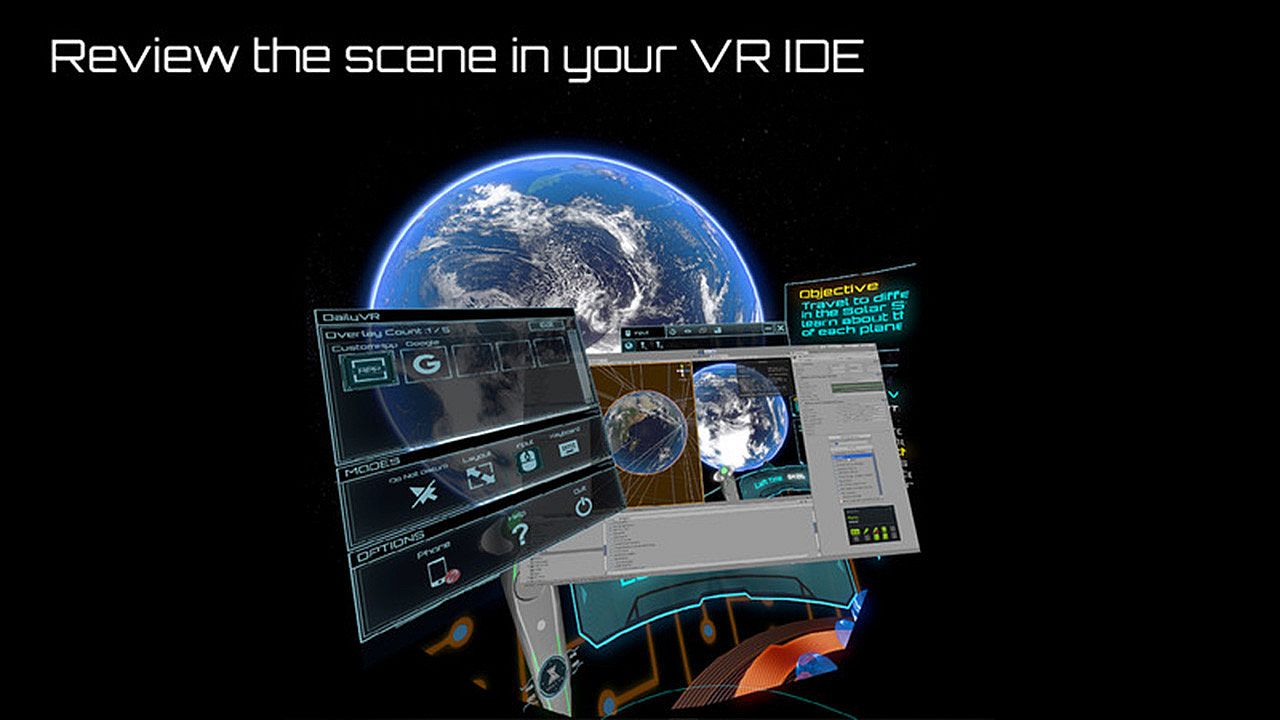
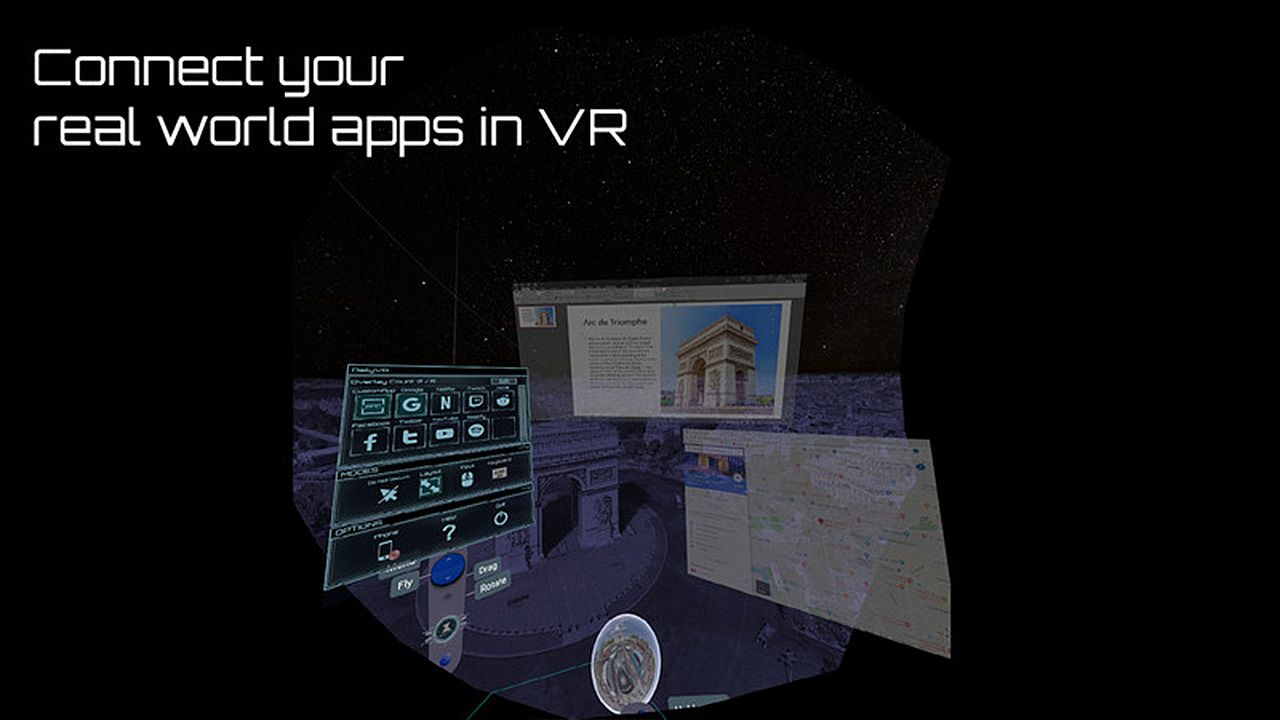
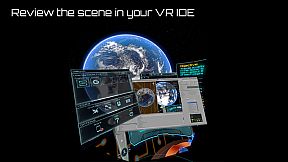
Daily OVR Free bietet PC-VR-Nutzern essenzielle Overlay-Tools. Es spiegelt Desktop-Apps und Fenster in VR-Sessions wider - ideal, um Twitch-Chat beim Spielen von VRChat zu sehen. Die Free-Edition erlaubt nur zwei Overlays gleichzeitig, zwei QuickSwitch-Programme, einen My Favorites-Eintrag, eine CustomApp und Bindings nur am rechten Controller. Zu den Highlights zählen eine intuitive UI zum Skalieren, Anpassen der Transparenz und Positionieren der Overlays sowie FPS-Anpassungen und eine virtuelle Tastatur. Einstellungen lassen sich speichern und wiederverwenden, und über eine Android-App greifen Sie auf Handy-Benachrichtigungen zu. VR-Fans mit SteamVR auf Oculus, Vive, Index oder Windows MR haben so die Basics für Multitasking, ohne das Spiel zu verlassen.

Daily OVR Free is a free version of Daily OVR. It provides minimum essential overlay features. We think it would benefit a lot of VR users! :)
If you like Daily OVR Free and want to use advanced features, you can consider purchasing Daily OVR.


What is Daily OVR?

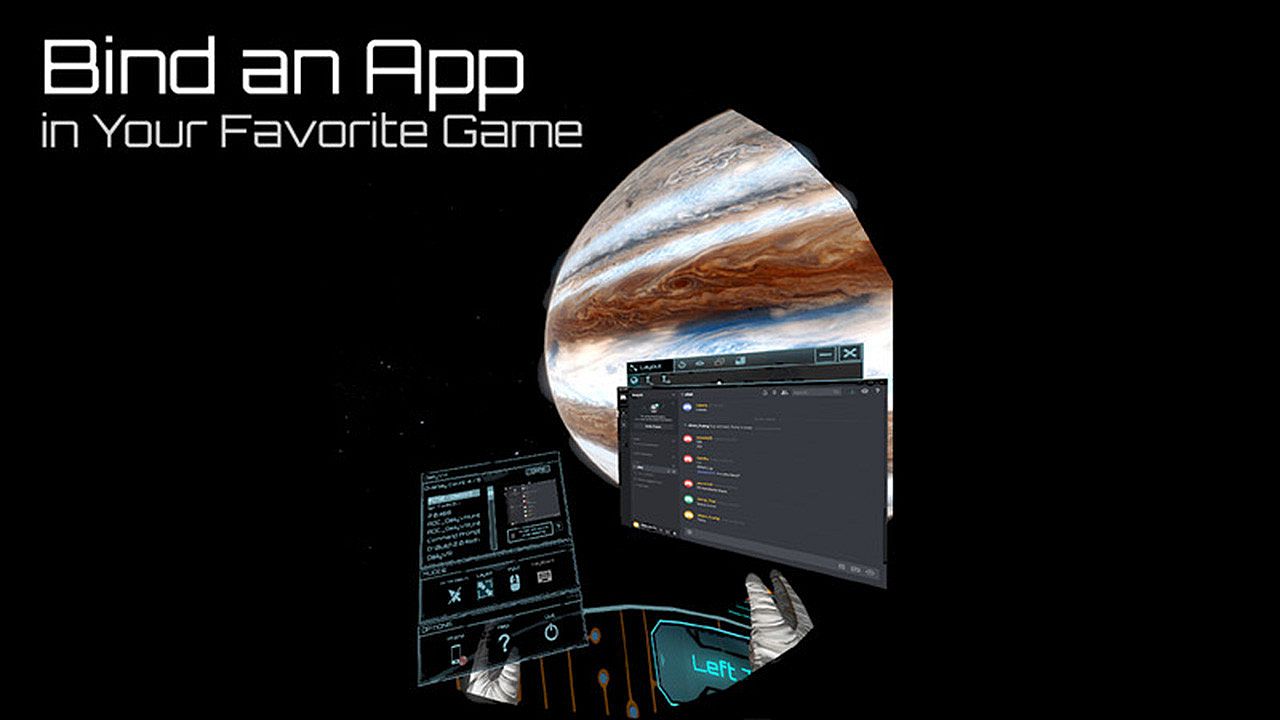
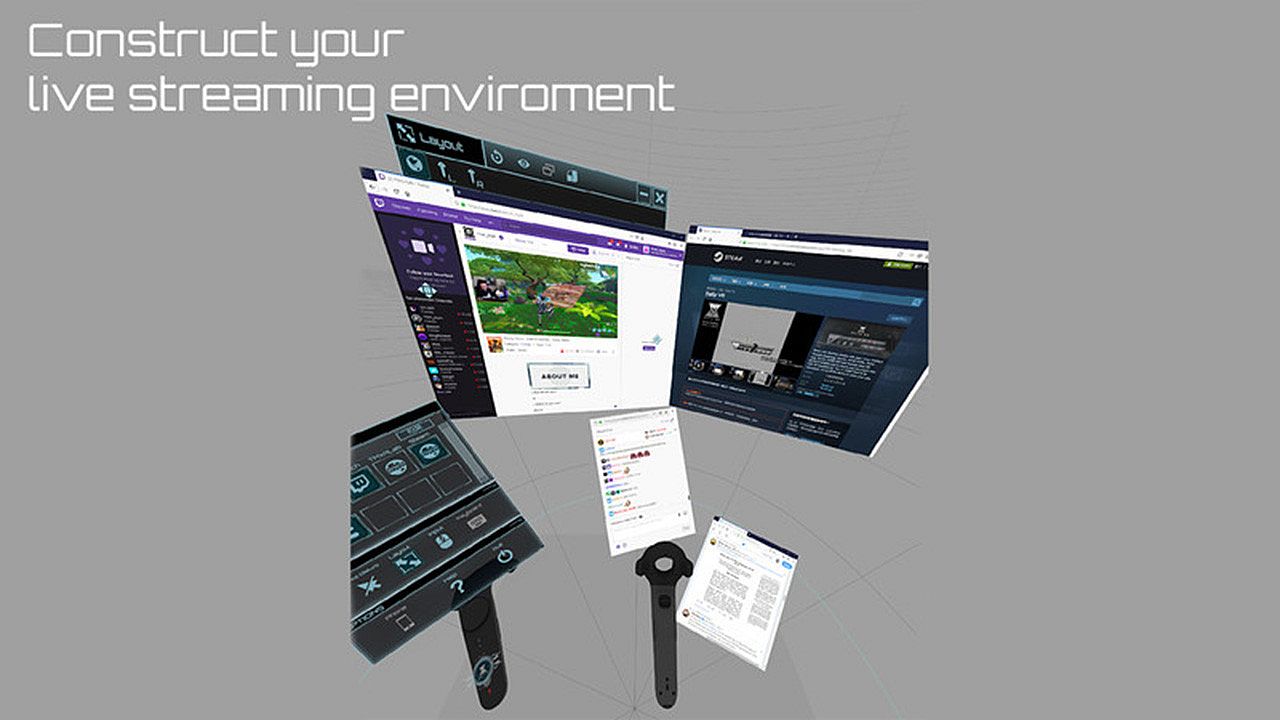
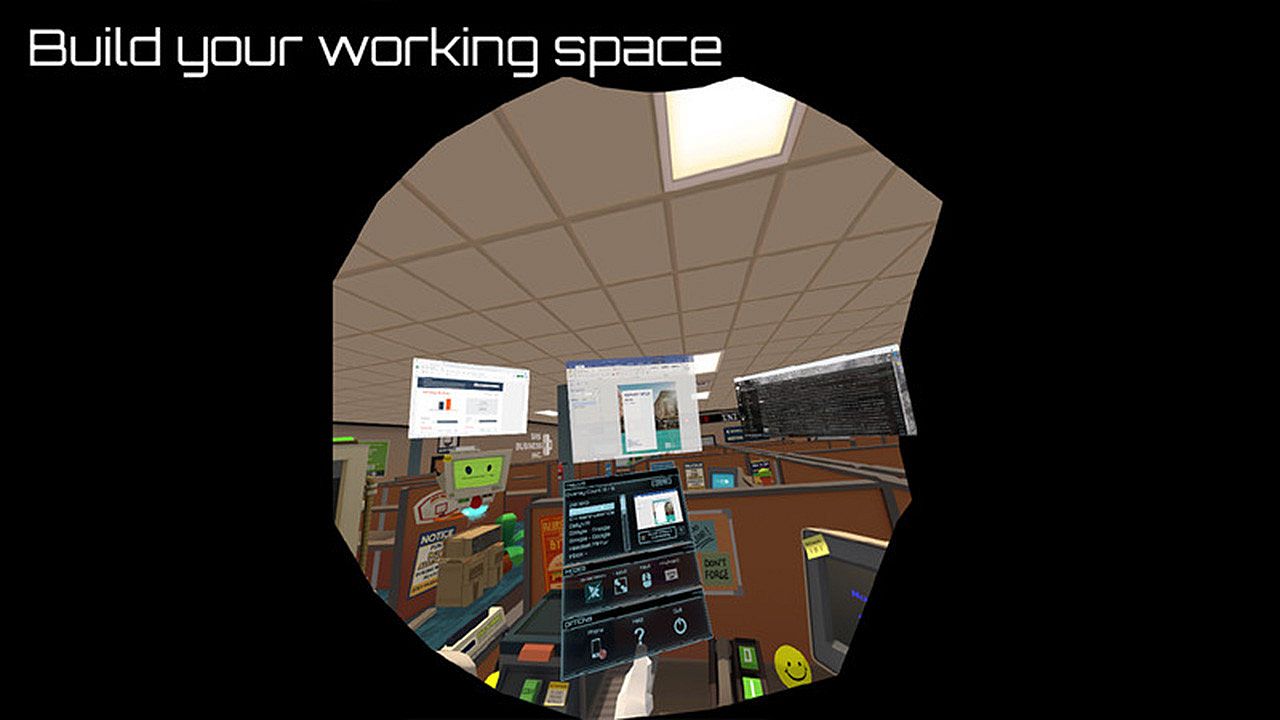
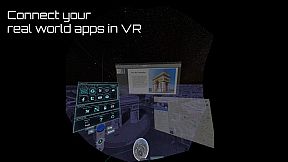
Do you want to use your desktop/window apps during VR gameplay? For example, you can play VRChat and see your Twitch chat window. Daily OVR is the best SteamVR Overlay(OVR) solution! And it supports Oculus, Vive/Viveport/Cosmos/MR(Mixed Reality)/Index!

Here is the beginner tutorial:


Differences between Free and Paid

  • Free version only supports up to 2 opened overlays. (Paid version can support more numbers)
  • Limited numbers (2) of switch programs on the QuickSwitch panel. If you want to switch more programs, you have to close the overlay and reopen it.
  • Only one entry of My Favorites
  • Only one CustomApp
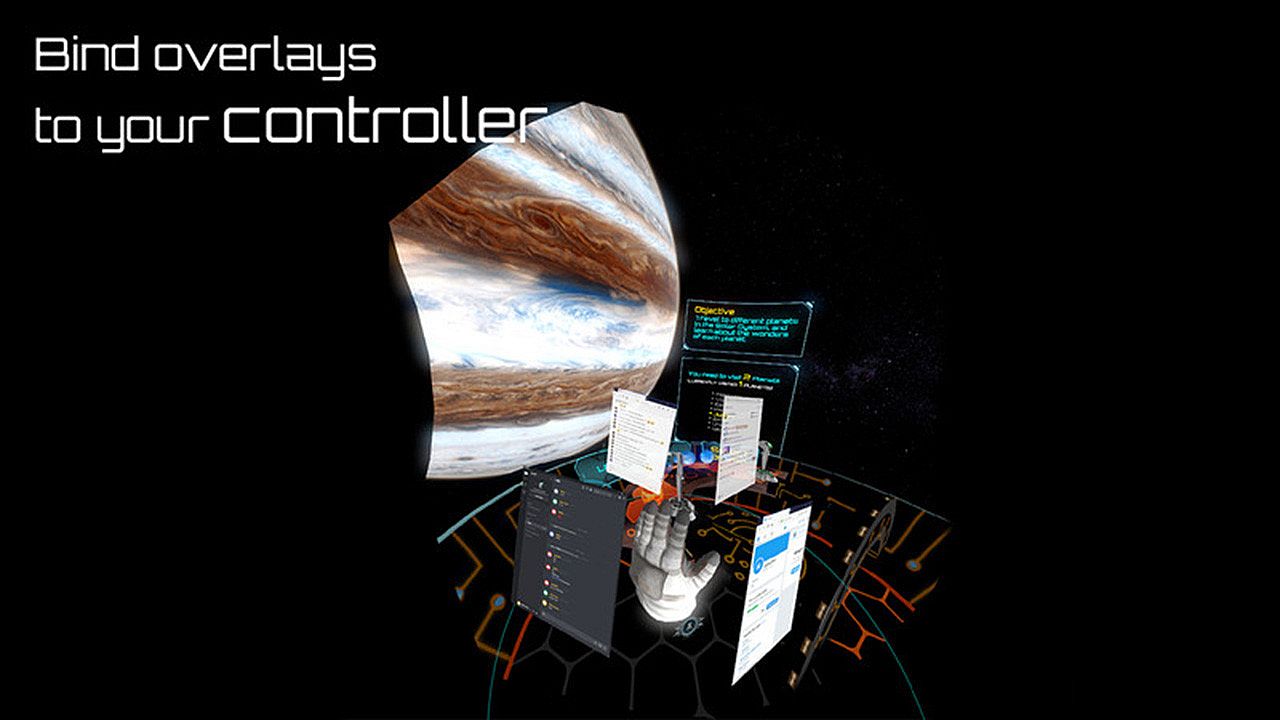
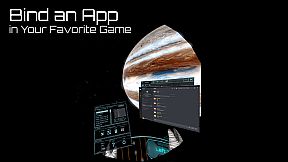
  • You can only bind an overlay to the RIGHT controller. (cannot bind to the left controller, HMD, tracker)

_,.-'~'-.,__,.-'~'-.,__,. Features .,__,.-'~'-.,__,.-'~'-.,_

  • The most user-friendly OVR UI.
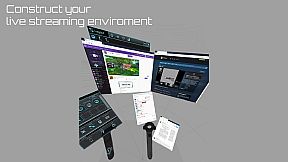
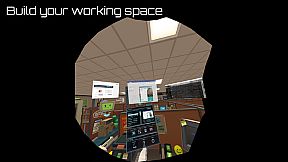
  • Mirror your favorite Windows applications into VR game.
  • Mirror the desktop or monitors.
  • Support up to 5 overlays.
  • QuickSwitch let you quickly switch among programs.
  • Save the frequently used settings to "My Favorites."
  • Adjust the size, transparency, and placement of overlays and keep your settings for next time.
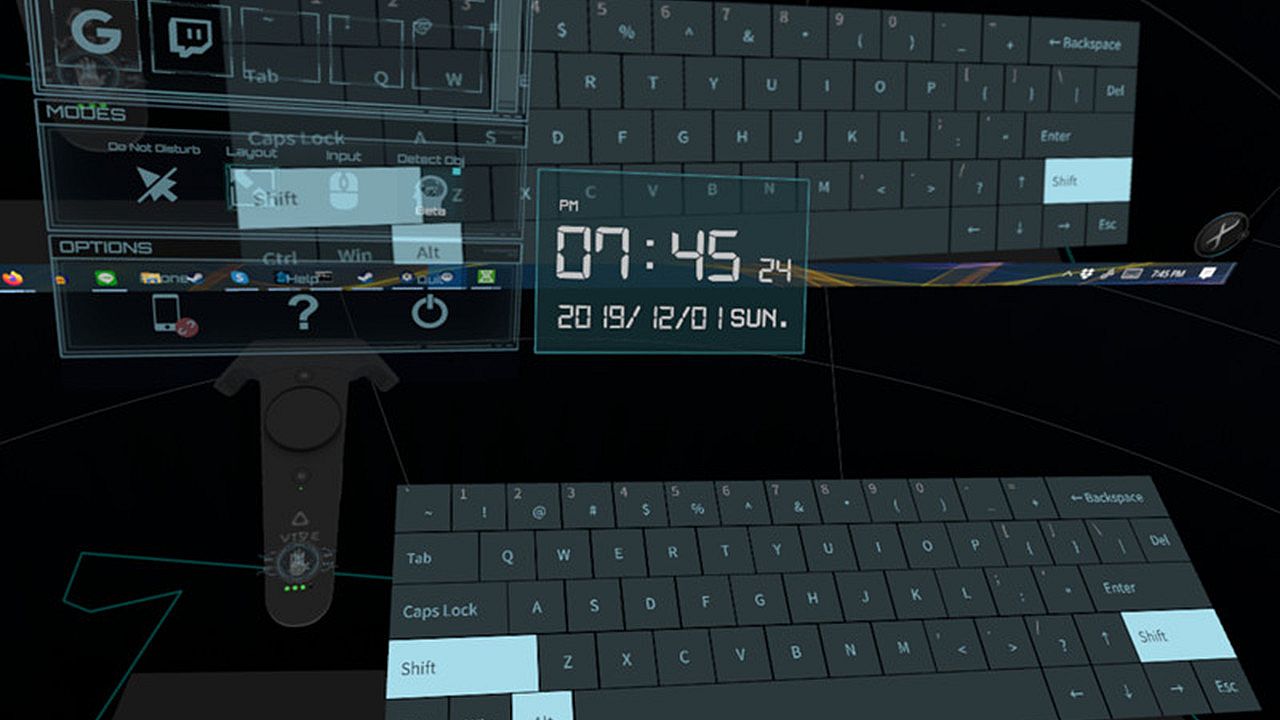
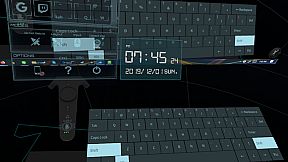
  • Easily launch the virtual keyboard on the overlay toolbar.
  • Overlay FPS adjustment on the overlay toolbar.
  • Bind the overlay to different controllers or the HMD.

  • Support Oculus & Windows MR & Index (through SteamVR)
  • VR Phone Notification Pop-up.
    Daily OVR allows you to bring your Android phone notification into the VR view; you won't miss important messages anymore.
    - Phone calling notification
    - SMS
    - WhatsApp
    - LINE
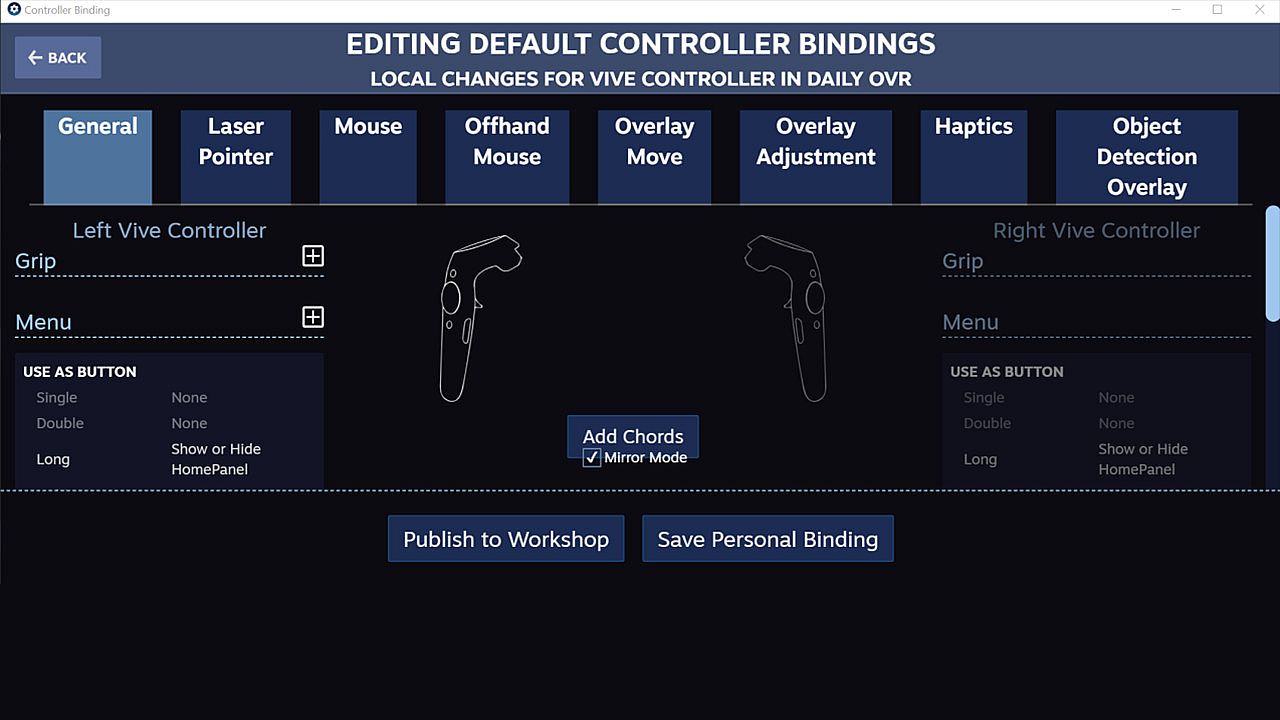
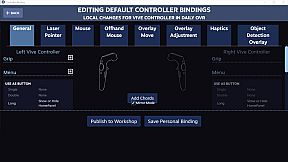
  • Support SteamVR 2.0 Input. (You can customize button settings yourself!)
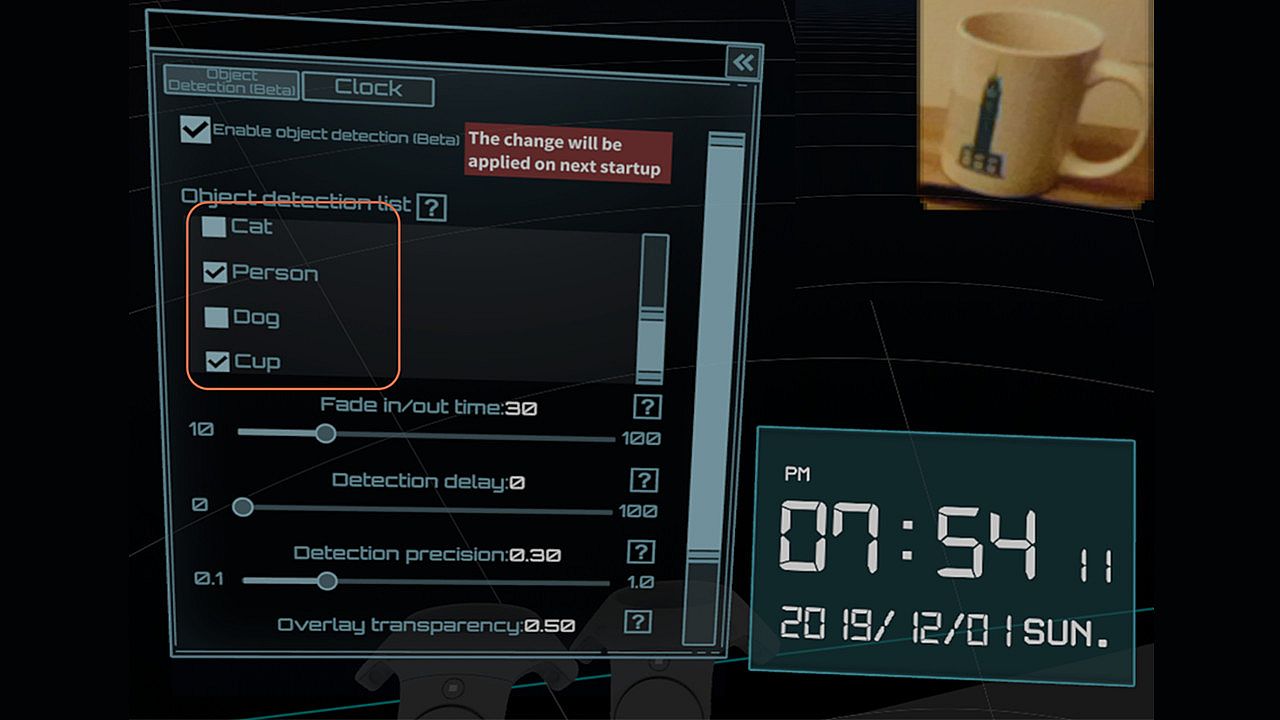
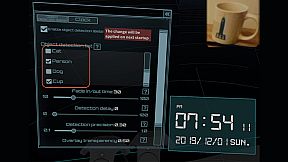
  • ML Object detection and display (Ex: keyboard, mouse, cat, dog, cup, person) (Note: Vive & Vive Pro only)
  • A handy VR keyboard
  • A Clock widget

You have to download Android app: Daily OVR to enable "Mobile phone notification."
Scan the QR code below and download Daily OVR app on Google Play now!

_,.-'~'-.,__,.-'~'-.,__,. FAQ .,__,.-'~'-.,__,.-'~'-.,_


Daily OVR doesn't work in some games. For example, Elite dangerous, PokerStarVR ...etc

The issue is caused by Elite Dangerous tries to run in Oculus SDK mode, and Daily OVR doesn't support Oculus SDK. There is a workaround to force it to run in SteamVR mode, but it doesn't work every game (ED, PokerStarVR are OK). You may have controller issues. The possible problem is the game developer didn't think that users will forcibly use SteamVR to play the game; they didn't design the controller mapping correctly. You can search "daily ovr q&a" on Google to see the steps.

How many overlays can I open?

You can open up to 5 overlays. But it depends on your PC's performance. If performance is terrible, you could try:
  • Close the overlays
  • Set lower FPS value


The button mappings of controllers are not good. Can I change it?

Daily OVR supports SteamVR 2.0 Input. You can customize button settings yourself.

I don't like the big icon/logo! Can I make it disappear?

Yes, you can hide the icon by long-pressing a button. See below:


I cannot see/move my mouse pointer on some apps!

Some apps run as administrator permission. When Daily OVR doesn't run as the same permission, it cannot access to those apps.
You have to check "Run this program as an administrator" on DailyVRLauncher.exe Properties.


My Firefox screen is blank!

You have two options:
1. You have to disable the hardware acceleration of Firefox. See below:

2. Use CustomApp instead

Join Daily OVR Discord and share your feedback with us!

Oberfläche:
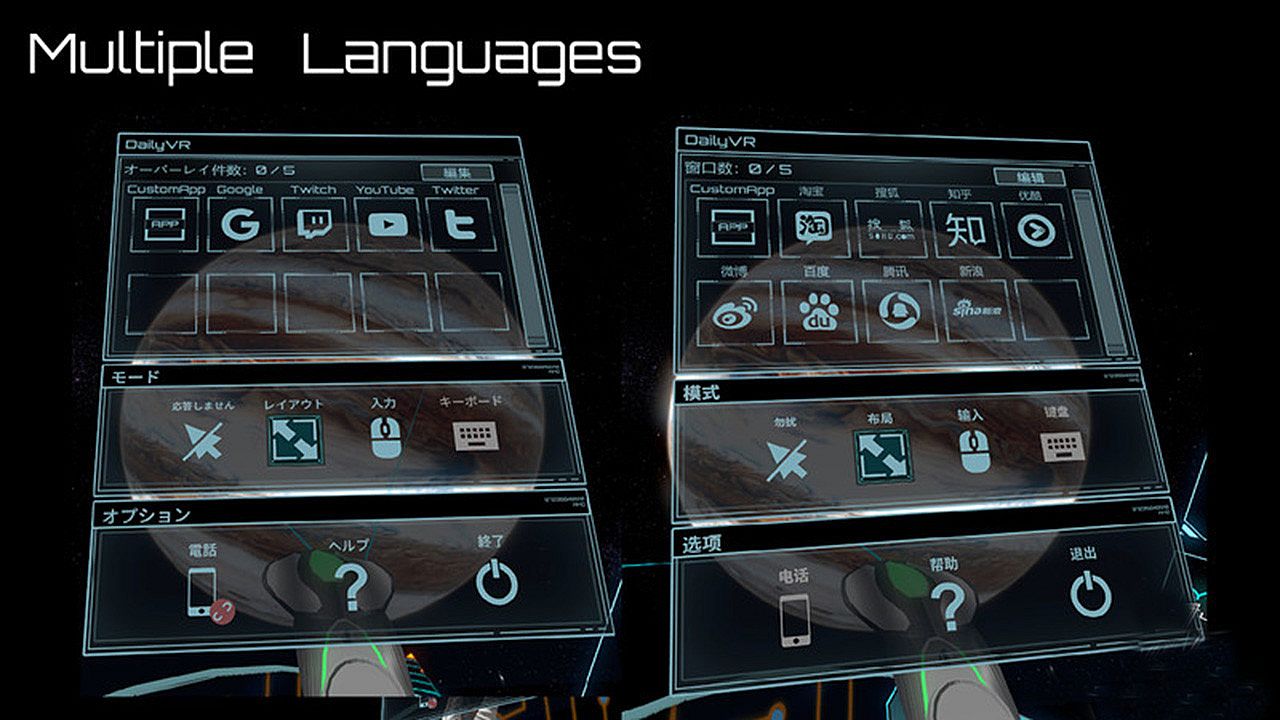
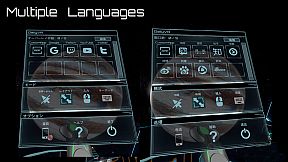
EnglishJapaneseSimplified Chinese

Altersfreigabe

Keine Angabe
Steam:
Mostly Positive (33)

Minimum:

  • Betriebssystem: Windows 10 (64bit) or higher
  • Prozessor: Intel Core i5- 4590 equivalent or greater
  • Arbeitsspeicher: 8 GB RAM
  • Grafik: GeForce GTX 1060/Radeon RX 580
  • Speicherplatz: 500 MB available space

Empfohlen:

  • Betriebssystem: Windows 10 (64bit) or higher
  • Prozessor: Intel Core i7-7700
  • Arbeitsspeicher: 8 GB RAM
  • Grafik: GetForce GTX 1070
  • Speicherplatz: 500 MB available space
Historisches Tief
Preisverlauf von offiziellen Shops
-
-
-
Preisverlauf von Keyshops
-
-
-

FAQ

8 Fragen

Bevor du nach einem günstigen Daily OVR Free Key suchst, prüfe die wichtigsten Fakten. Entwickelt von TM xR Lab. Veröffentlicht von TM xR Lab. PC Release-Datum: 16 März 2020. Genres: Utilities. Kategorien: Tracked Controller Support, VR Only.

Q

Wo kann ich einen günstigen Daily OVR Free Steam Key kaufen?

Daily OVR Free ist kostenlos spielbar! Lade es auf Steam herunter und spiele sofort los.

Daily OVR Free ist auf Steam komplett kostenlos. Kein Kauf nötig - einfach herunterladen und spielen. Wenn du nach Premium-DLC oder In-Game-Items suchst, prüfe die Angebotstabelle oben.

Unser Preistracker deckt sowohl offizielle Händler als auch Key-Marktplätze ab, sodass du Daily OVR Free im Angebot auch außerhalb saisonaler Aktionen finden kannst. Wir erkennen derzeit 0 aktive Angebote von offiziellen Shops und Keyshops. Prüfe die Tabelle oben, vergleiche mit dem historischen Tief und setze einen Alarm, damit du den nächsten Preissturz nicht verpasst.

Laut unseren Daten ist Daily OVR Free derzeit nicht auf GeForce NOW verfügbar. Du musst es lokal auf deinem PC ausführen. Stöbre durch Spiele, die auf GeForce NOW verfügbar sind.

Ja. Daily OVR Free hat eine offizielle Steam-Shop-Seite, aber wir tracken derzeit keine Drittanbieter-Angebote mit Steam-DRM. Schau später nochmal vorbei oder setze einen Preisalarm.

Derzeit nicht. Valve kennzeichnet Daily OVR Free als Unsupported auf dem Steam Deck. Behalte XD.deals im Blick - wir verfolgen Proton-Updates und Community-Fixes. Stöbere durch Spiele, die Steam Deck Verified oder Steam Deck Playable sind.

Daily OVR Free scheint derzeit nicht im PC Game Pass, bei EA Play, Ubisoft+ oder einem anderen PC-Abonnement verfügbar zu sein. Deine einzige Option ist der Kauf - nutze XD.deals, um den besten Preis zu finden.

Nein - XD.deals ist kein Shop. Wir sind ein Preisvergleich, der die besten Daily OVR Free-Deals bei offiziellen Shops und verifizierten Keyshops verfolgt. Klicke neben einem Angebot auf "Zum Shop" und du wirst zur Webseite des Händlers weitergeleitet, um deinen Kauf abzuschließen.

Zum besten Zeitpunkt kaufen? Setze einen Preisalarm auf XD.deals und werde benachrichtigt, wenn Daily OVR Free sein nächstes historisches Tief erreicht.

Alarm erstellen
Tritt unserem Discord bei
Erhalte Hilfe von der Community und bleibe über Angebote informiert
Preisalarme einrichten
Erhalte E-Mail-Benachrichtigungen wenn Preise fallen
Kostenloses Konto erstellen
Schalte Wunschlisten, Preisalarme und Steam-Sync frei