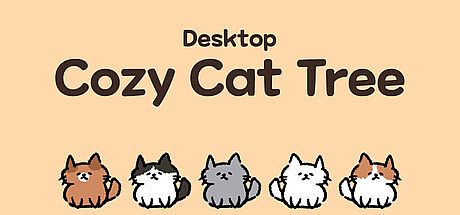



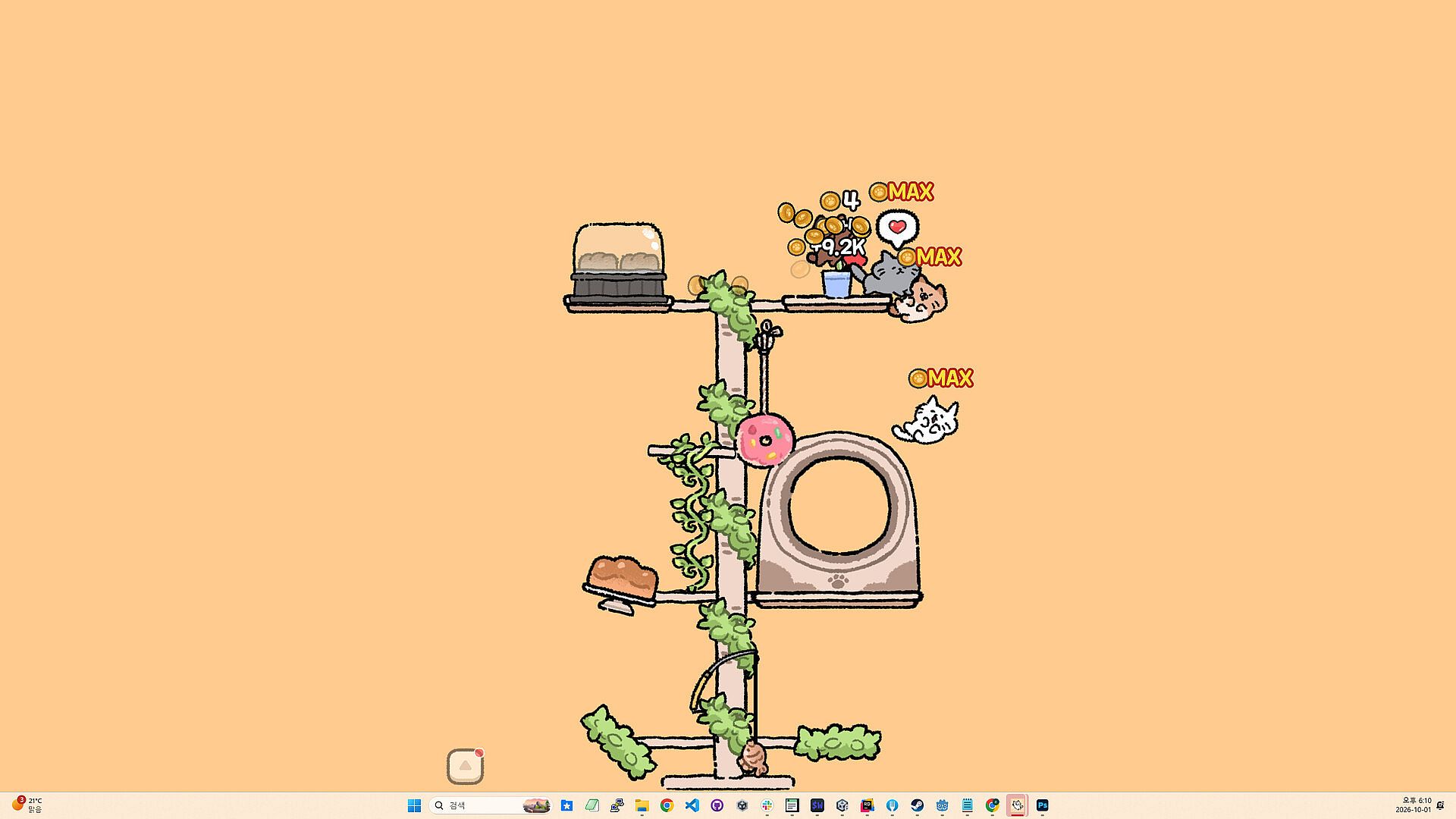
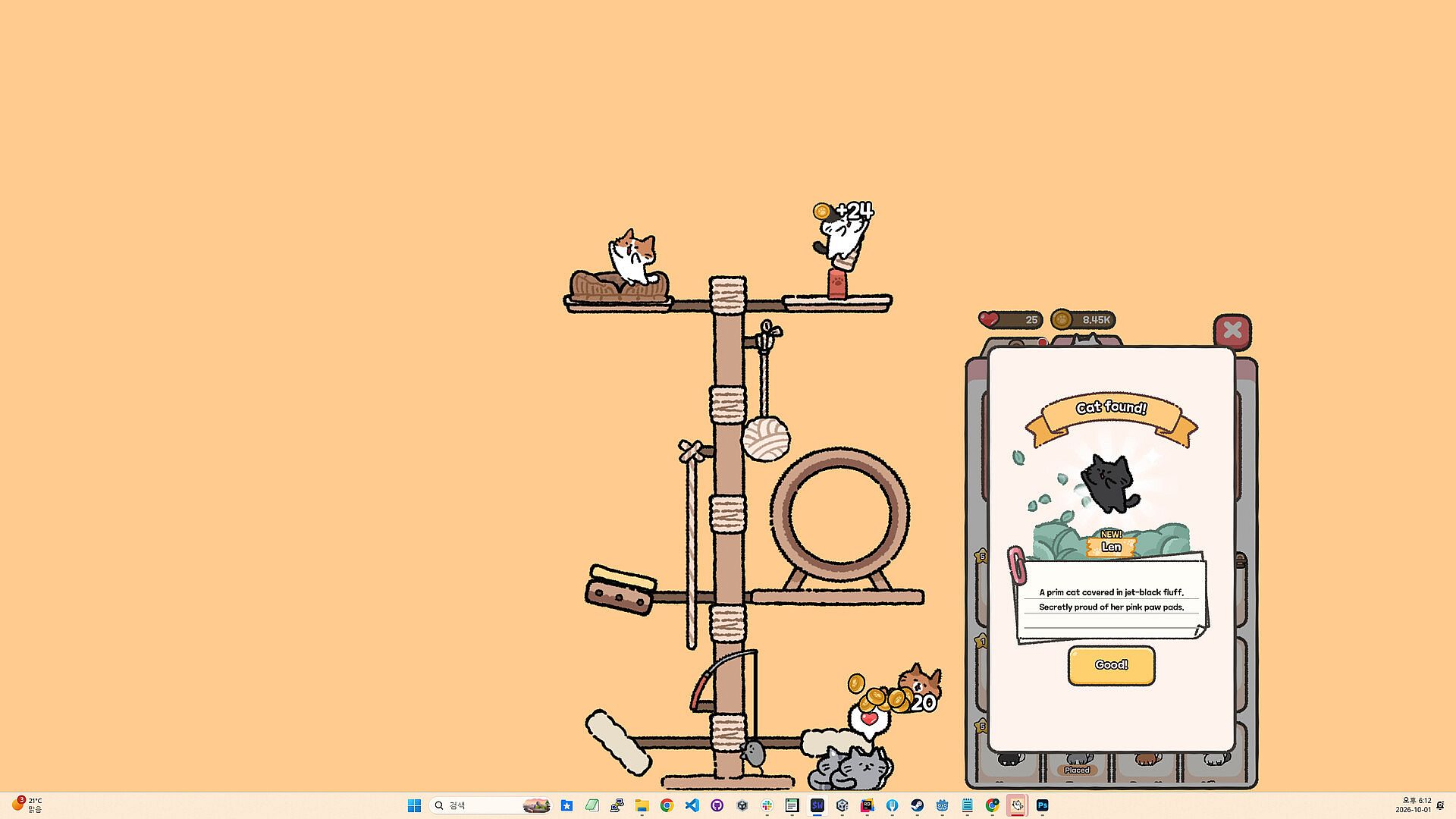
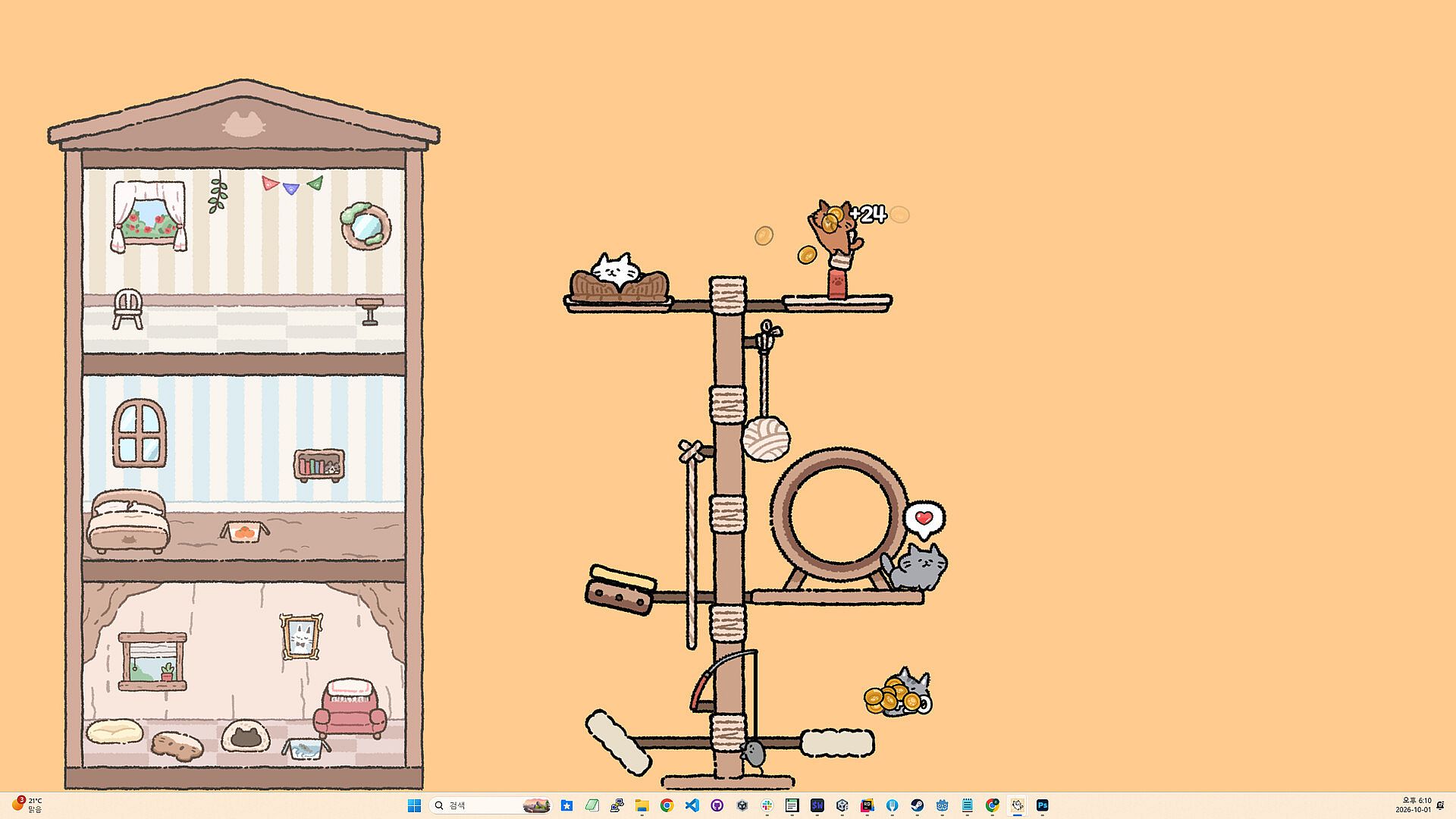
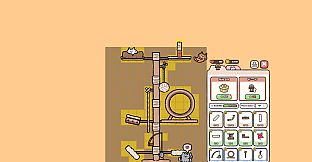
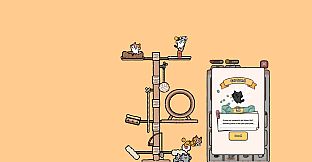
Desktop Cozy Cat Tree is a casual simulation game for PC that places an interactive cat tree directly onto your desktop as a transparent overlay. Players build and expand vertical towers while cats climb, bounce, and play in the background, generating resources through passive interactions that continue even when the window is minimized or closed.
Gameplay
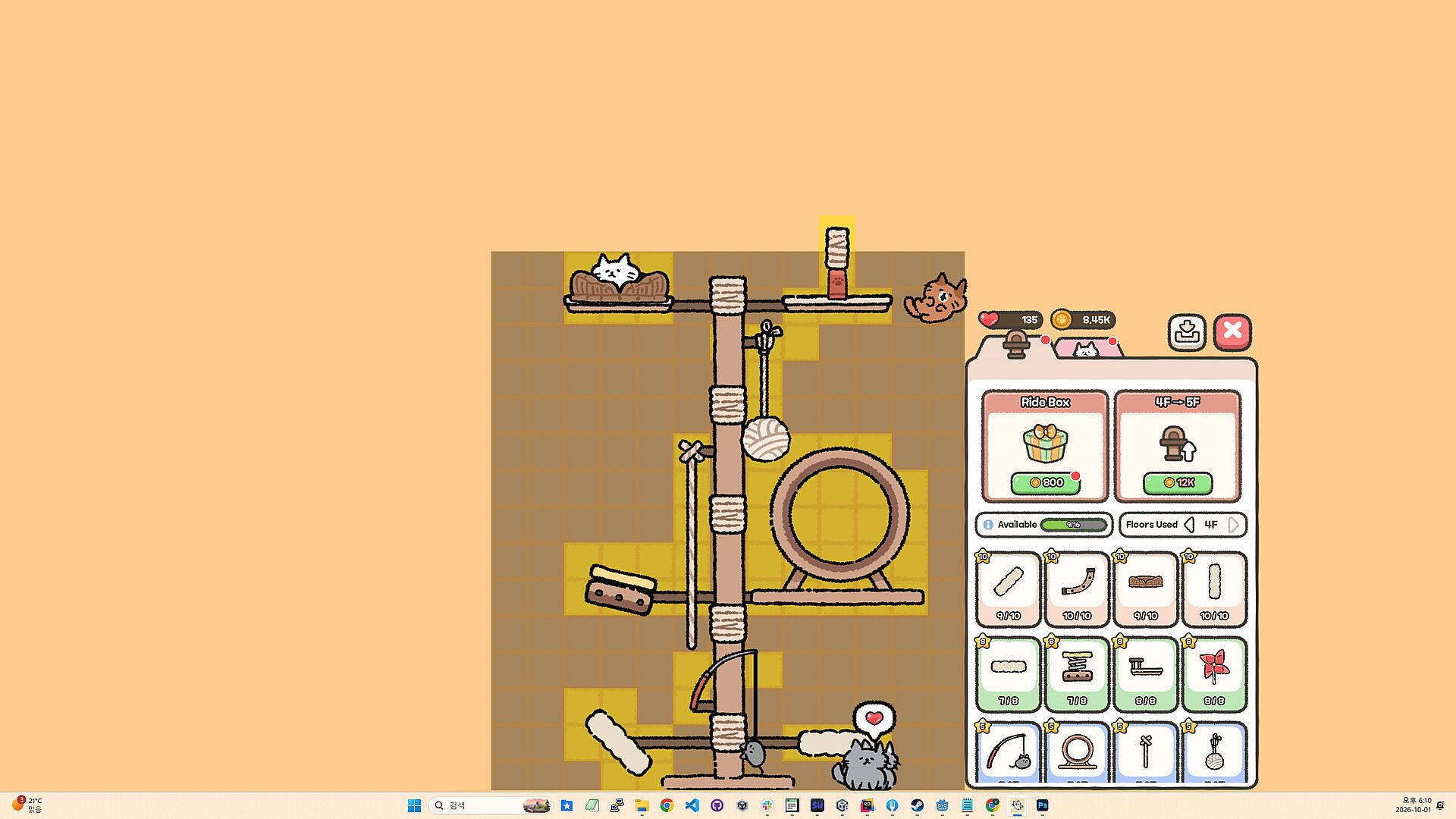
The core loop centers on constructing and customizing cat trees using a variety of rides and attractions. Players open the dedicated menu to drag items such as springy pads, cushions, fishing-rod toys, cat wheels, and swinging ropes onto the structure. Each addition influences how the cats move and interact, with every bounce, spin, or swing producing gold that accumulates in individual cat pouches. Collecting occurs by clicking cats when their pouches reach maximum capacity, and a Main Cat provides reminders for collection after periods of inactivity.
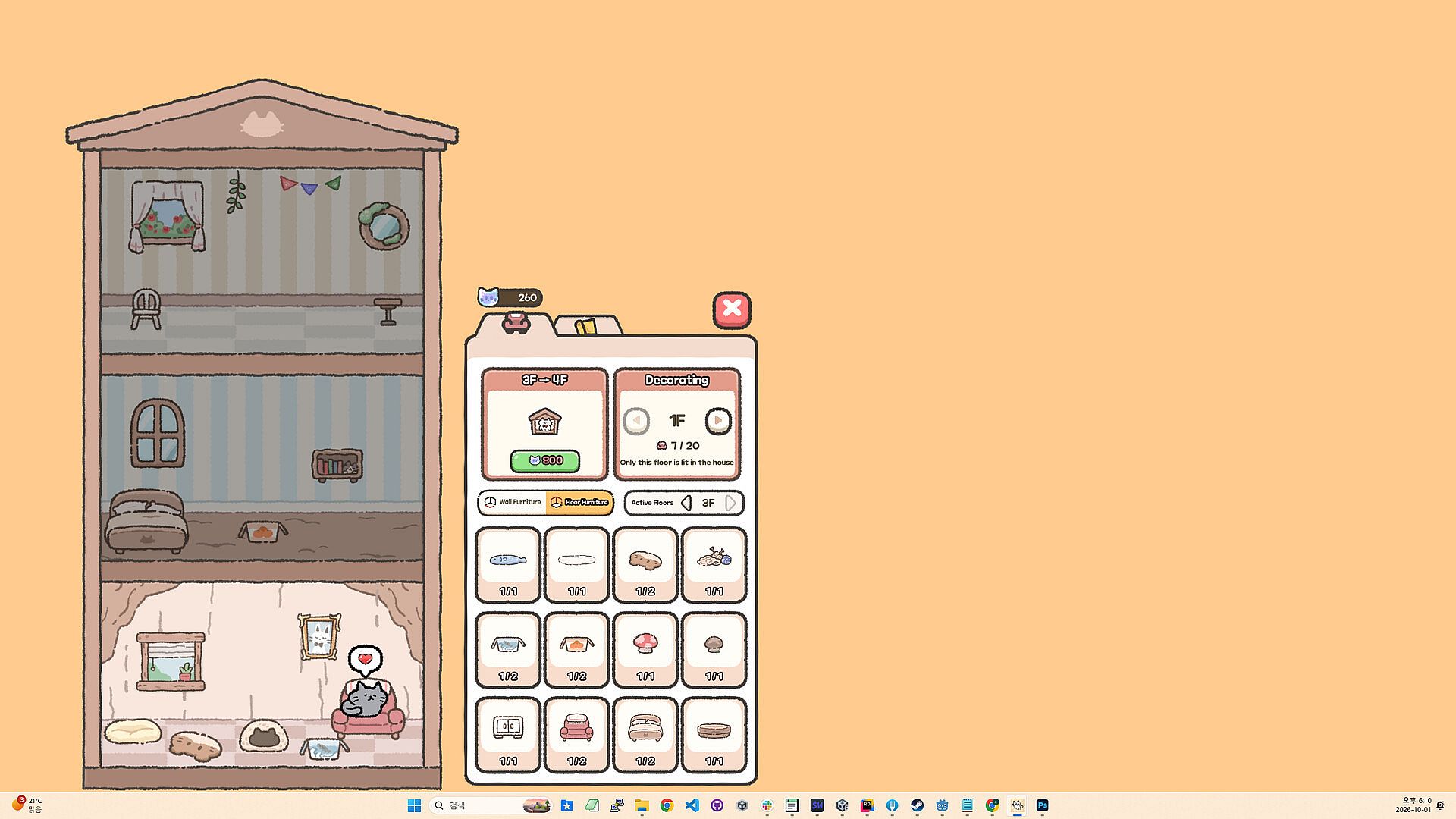
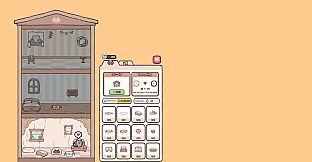
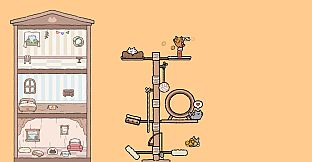
Friendship mechanics deepen engagement as players spend hearts to discover new cats hidden in bushes. Repeated interactions raise friendship levels, allowing closer companions to climb higher, carry more gold, and earn bonuses. Separate progression systems support leveling cats and rides to unlock additional content. The Main Cat receives its own dedicated house where players collect gems from speech bubbles and expand floors with wallpapers, flooring, furniture, beds, sofas, plants, lamps, and toys. The Main Cat can also exit the house to stroll along the screen bottom, where it can be picked up or tossed before being called back.
Game Modes
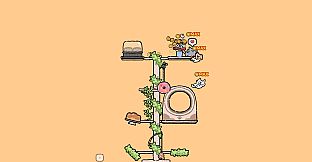
Desktop Cozy Cat Tree operates primarily as a single-player idle experience with optional social features. Multiple themed cat trees become available through progression, beginning with the Comfy House and expanding to options such as the Cozy Cafe and Starry Campsite. Each theme features distinct cats, rides, and visual styles while maintaining independent gold and heart economies. Players can switch between trees at any time.
The Play Together system allows friends to visit one another's cat houses for chatting and interaction between Main Cats. This feature supports in-game chat and operates alongside the transparent desktop overlay, which permits clicks to pass through to underlying applications. Additional desktop-specific options include dragging the tree to reposition it, selecting monitors, adjusting separate size settings for the tree, house, and desktop cat, and toggling an always-on-top mode.
Progression and Customization
Advancement occurs through steady accumulation of gold and hearts, which fund expansions, new rides, and cat discoveries. Raising the tower floor by floor increases height and capacity, while each cat tree theme introduces unique customization paths. The system rewards consistent engagement without requiring constant attention, as cats continue earning resources offline. Language support covers English, Korean, Japanese, Simplified Chinese, and Traditional Chinese, broadening accessibility for a relaxed play style suited to background use during work or browsing.
Is It Worth Playing?
Desktop Cozy Cat Tree suits players seeking a low-pressure idle simulation that blends cat collecting, light decoration, and passive resource generation with desktop integration. Its transparent overlay and friend-visiting options add a social layer uncommon in pure idle titles, while the variety of themes and Main Cat house provide ongoing customization goals. As the game remains in a coming-soon state with no released version or player reviews available yet, potential buyers should monitor official updates for launch timing and final feature confirmation. Those who enjoy cozy desktop companions or similar idle mechanics will likely find the verified systems appealing once available.