




JoustMania PC Key kaufen

JoustMania ist kostenlos spielbar! Lade es auf Steam herunter und spiele sofort los.

Veröffentlichung: 11 Juni 2019
Metacritic:
tbd tbd
Steam:
Very Positive (13)
Official
Nicht verfügbar
Keyshops
Nicht verfügbar
Im offiziellen Store kaufen:
Nicht verfügbar
Im Keyshop kaufen:
Nicht verfügbar

Noch keine Angebote. Wir informieren dich, sobald neue Preise verfügbar sind.

Create Alert Create deal Alert

Über JoustMania

JoustMania - Spielbeschreibung
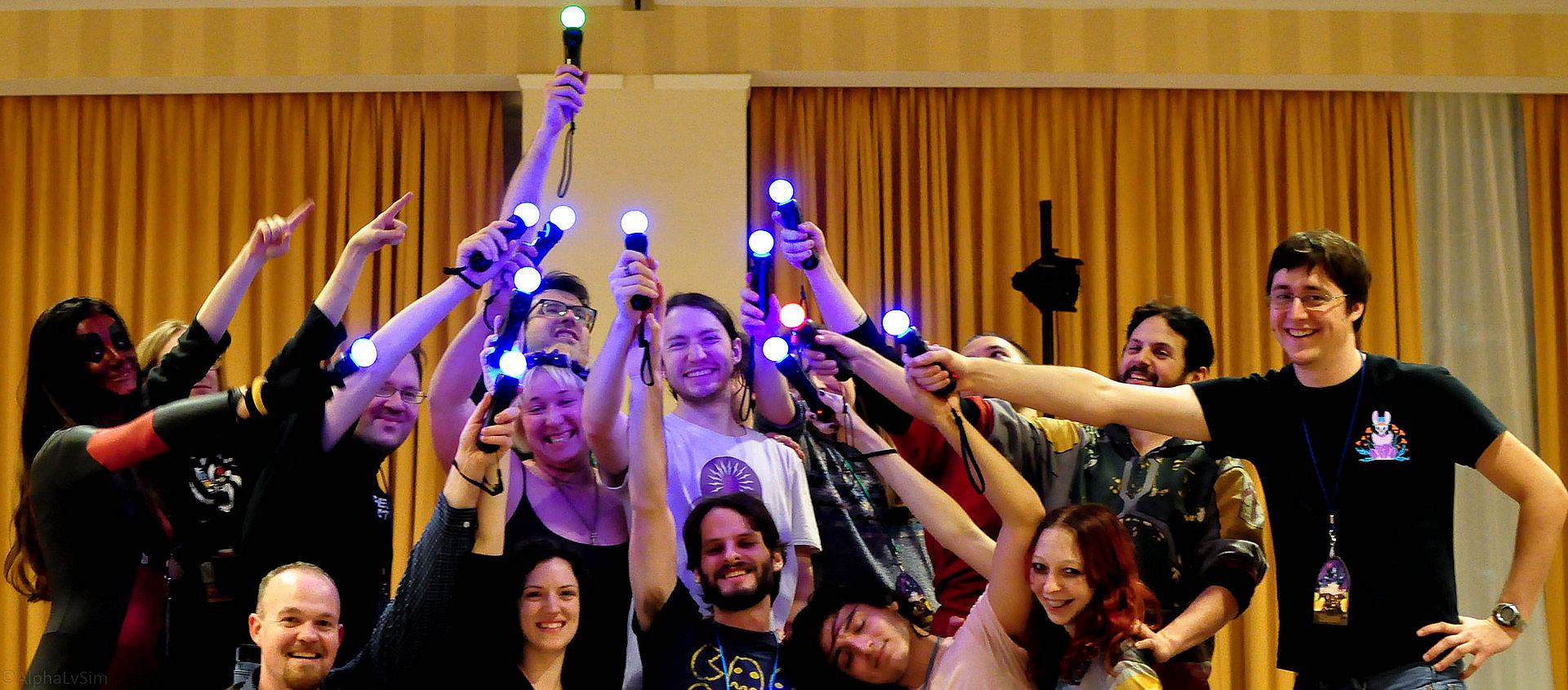
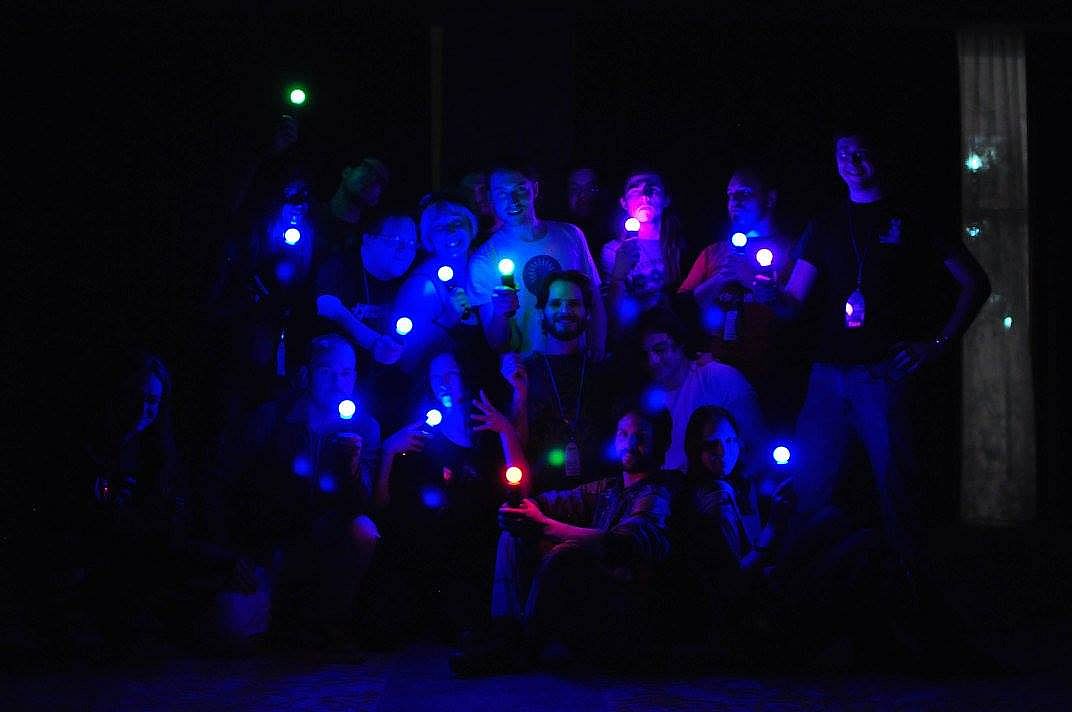
JoustMania delivers a movement-based party game where players hold controllers steady while jostling opponents, drawing from the jostling mechanic in Johann Sebastian Joust. No screen is needed as up to seven players on Windows-or 18+ on Raspberry Pi-compete using PlayStation Move controllers. Thirteen game modes like Free-for-All, Teams, Traitors, Werewolves, Zombies, and Tournament offer variety, with five sensitivity levels adjustable in admin mode. Pair controllers by running the game as administrator, then tweak settings via controller buttons or a browser GUI at 127.0.0.1. Players press triggers to start rounds and select modes with the side button. This casual simulation sports title suits groups of friends seeking quick, physical multiplayer fun on PC.


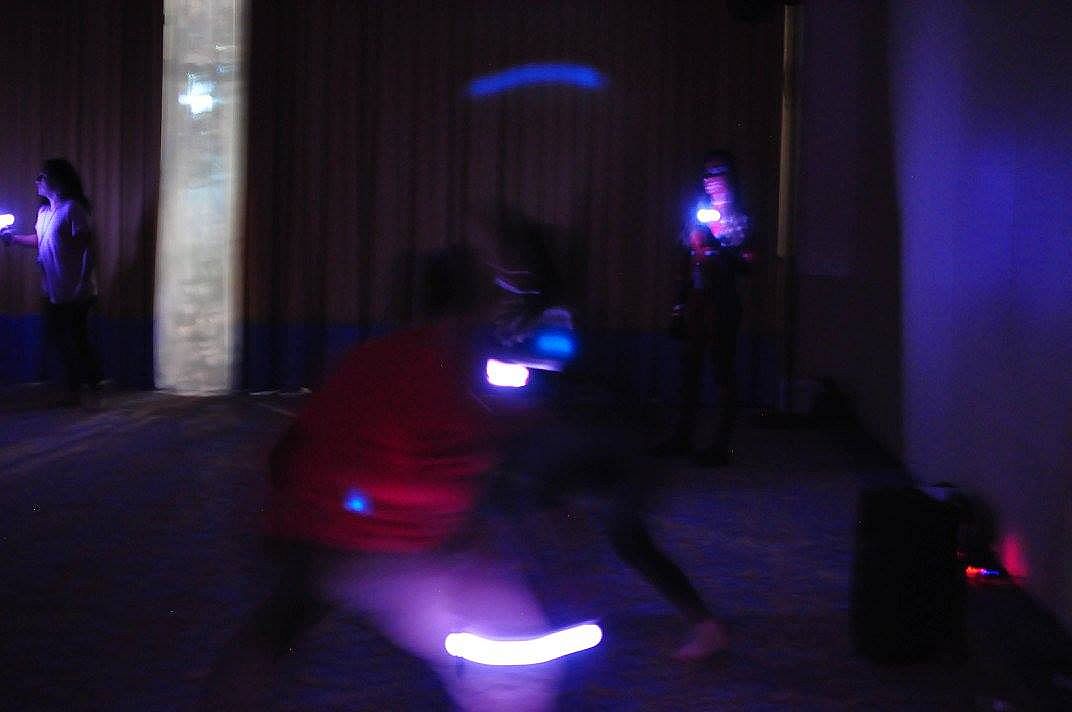
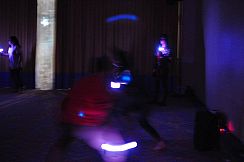
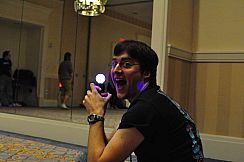
JoustMania is a movement based party game based off of the Jostling mechanic introduced in Johann Sebastian Joust, players try to keep their controller still while jostling others, no screen required. JoustMania features thirteen different game modes, five different sensitivity levels, and a whole range of other features for you and your friends to enjoy. This is the first time this game is available on the Windows platform.

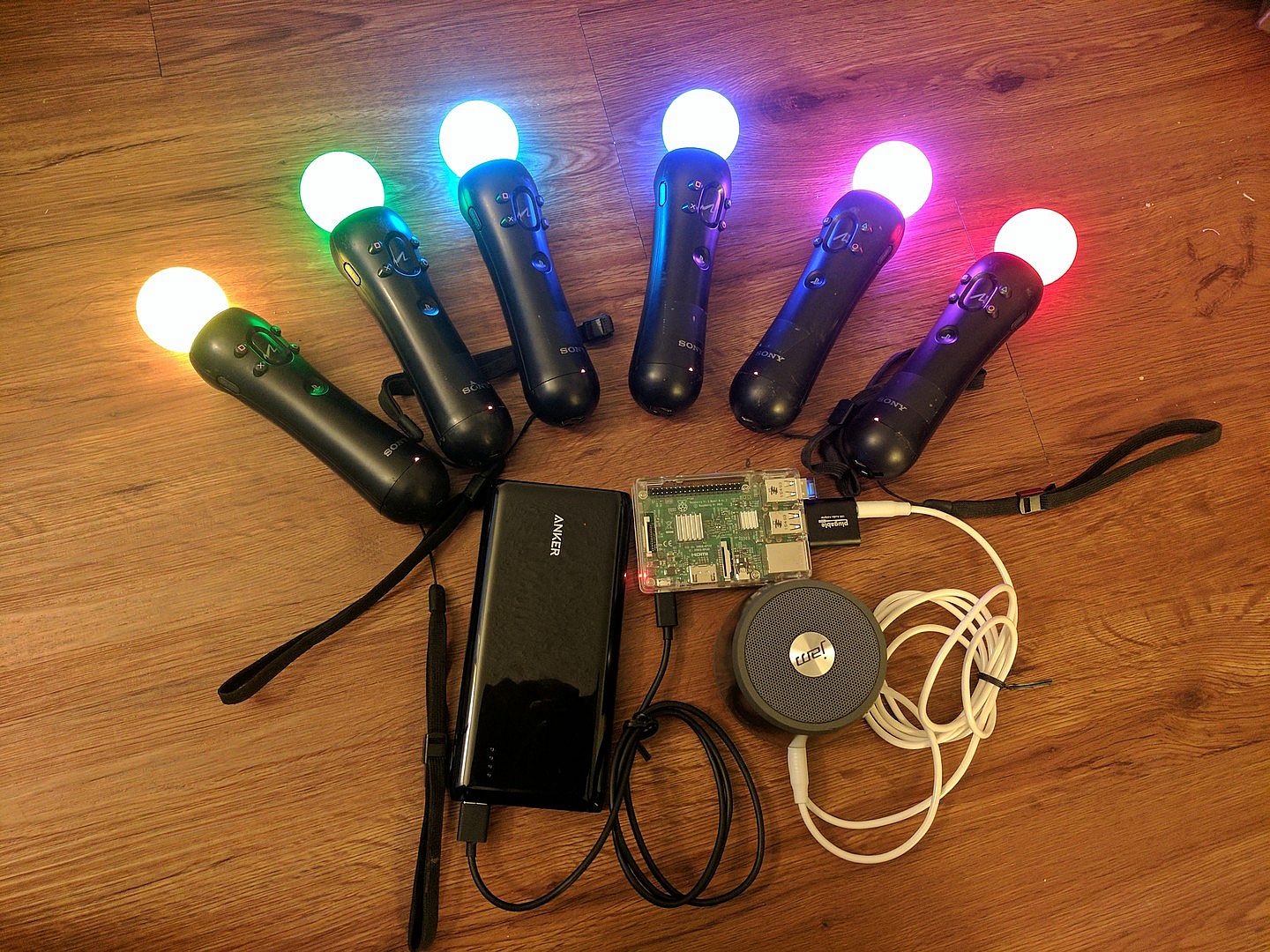
JoustMania supports up to seven players on Windows, and 18+ on the raspberry pi. Playstation move controllers are required to play this game.

Note: In order to sync Joustmania controllers you will need to run in administrator mode:
Go to C:/Program Files (x86)/Steam/SteamApps/common/Joustmania
right click piparty.exe
click properties
click the Compatibility tab
click Run this program as an administrator, and click Apply
GameModes
  • Joust Free-for-All (2+ players)
  • Joust Teams (Minimum 3+ players, 4+ players recommended)
  • Joust Random Teams (3+ players)
  • Traitors (Minimum 6+ players, 9+ players recommended)
  • Werewolves (Minimum 3+ players, 6+ players recommended)
  • Zombies (Minimum 4+ players, 10+ players recommended)
  • Commander (Minimum 4+ players, 6+ players recommended)
  • Swapper (Minimum 3+ players, 4+ players recommended)
  • Fight Club (2+ Players)
  • Tournament (3+ players)
  • Non Stop Joust (2+ players)
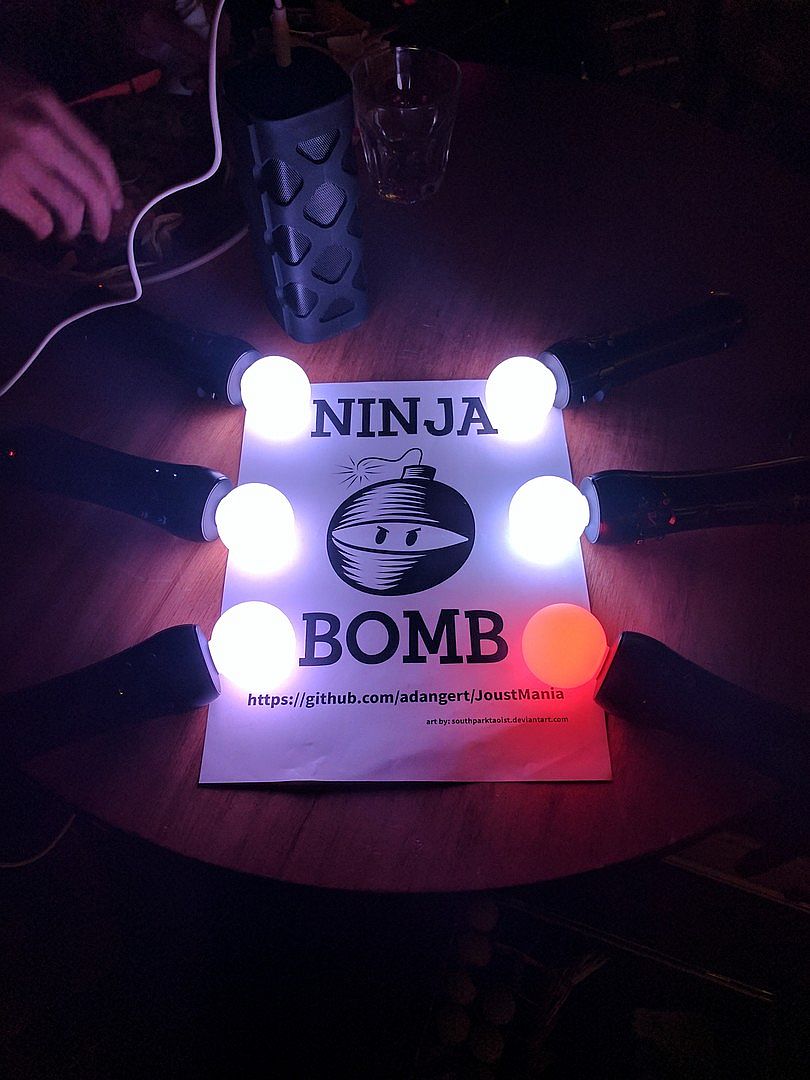
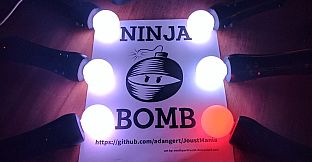
  • Ninja Bomb (2+ players)
  • Random mode
To view rules for each game mode please visit JoustMania Extended Rules
Starting a game
To access different game modes, after pairing a playstation move controller press the select button on the side of the controlelrs. To start a game everyone needs to press the trigger buttons on their controllers.
Pairing
To pair a PlayStation move controller, make sure you follow the above steps to run as an administrator, start JoustMania then plug the controller in and keep on pressing the PlayStation home button until the controller turns a color other than white, you should not have to remove the controller while pairing. If you are using the newer Playstation move controller (CECHZCM2) you will have to click the popup on the bottom right of the screen to allow it to be paired.
Admin Mode
You can become an Admin by pressing all four front buttons on any controller, this will allow you to modify the games settings from the four front buttons on the controller, After a game is played the Admin mode will be reset

(Cross) Add or remove a game from Random mode, your controller will be green if the game is added and Red if it is not, Custom Teams mode can not be added to Random mode
(Circle) Change sensitivity of the game. There are five settings, Ultra High, High, medium, Low, and Ultra low.
(Square) toggle the playback of instructions for each game
(Triangle) show battery level on all controllers
Browser UI
After starting Joustmania, in your web browser go to 127.0.0.1 and you should see a GUI to change game modes and settings from your computer.

Credit to FamilyGamerRadio for the intro video.
Oberfläche:
English
Audio:
English

Altersfreigabe

Keine Angabe
Metacritic:
tbd tbd
Steam:
Very Positive (13)

Minimum:

  • Betriebssystem: Windows 10 64 bit
  • Zusätzliche Hinweise: Bluetooth and playstation move controllers required

Empfohlen:

Historisches Tief
Preisverlauf von offiziellen Shops
-
-
-
Preisverlauf von Keyshops
-
-
-

FAQ

8 Fragen

Bevor du nach einem günstigen JoustMania PC Key suchst, prüfe die wichtigsten Fakten. Entwickelt von Aaron Angert. Veröffentlicht von Aaron Angert. PC Release-Datum: 11 Juni 2019. Genres: Free To Play, Indie, Casual, Simulation, Sports. Kategorien: Multi-player, PvP, Shared/Split Screen PvP, Remote Play Together, Co-op, Shared/Split Screen Co-op, Shared/Split Screen.

Q

Wo kann ich einen günstigen JoustMania Steam Key oder CD Key kaufen?

JoustMania ist kostenlos spielbar! Lade es auf Steam herunter und spiele sofort los.

JoustMania ist auf Steam komplett kostenlos. Kein Kauf nötig - einfach herunterladen und spielen. Wenn du nach Premium-DLC oder In-Game-Items suchst, prüfe die Angebotstabelle oben.

Unser Preistracker deckt sowohl offizielle Händler als auch Key-Marktplätze ab, sodass du JoustMania im Angebot auch außerhalb saisonaler Aktionen finden kannst. Wir erkennen derzeit 0 aktive Angebote von offiziellen Shops und Keyshops. Prüfe die Tabelle oben, vergleiche mit dem historischen Tief und setze einen Alarm, damit du den nächsten Preissturz nicht verpasst.

Laut unseren Daten ist JoustMania derzeit nicht auf GeForce NOW verfügbar. Du musst es lokal auf deinem PC ausführen. Stöbre durch Spiele, die auf GeForce NOW verfügbar sind.

Ja. JoustMania hat eine offizielle Steam-Shop-Seite, aber wir tracken derzeit keine Drittanbieter-Angebote mit Steam-DRM. Schau später nochmal vorbei oder setze einen Preisalarm.

Derzeit nicht. Valve kennzeichnet JoustMania als Unsupported auf dem Steam Deck. Behalte XD.deals im Blick - wir verfolgen Proton-Updates und Community-Fixes. Stöbere durch Spiele, die Steam Deck Verified oder Steam Deck Playable sind.

JoustMania scheint derzeit nicht im PC Game Pass, bei EA Play, Ubisoft+ oder einem anderen PC-Abonnement verfügbar zu sein. Deine einzige Option ist der Kauf - nutze XD.deals, um den besten Preis zu finden.

Nein - XD.deals ist kein Shop. Wir sind ein Preisvergleich, der die besten JoustMania-Deals bei offiziellen Shops und verifizierten Keyshops verfolgt. Klicke neben einem Angebot auf "Zum Shop" und du wirst zur Webseite des Händlers weitergeleitet, um deinen Kauf abzuschließen.

Zum besten Zeitpunkt kaufen? Setze einen Preisalarm auf XD.deals und werde benachrichtigt, wenn JoustMania sein nächstes historisches Tief erreicht.

Alarm erstellen
Tritt unserem Discord bei
Erhalte Hilfe von der Community und bleibe über Angebote informiert
Preisalarme einrichten
Erhalte E-Mail-Benachrichtigungen wenn Preise fallen
Kostenloses Konto erstellen
Schalte Wunschlisten, Preisalarme und Steam-Sync frei