

PhotoVidShow PC kaufen

PhotoVidShow ist kostenlos spielbar! Lade es auf Steam herunter und spiele sofort los.

Veröffentlichung: 29 Aug. 2018
Steam:
Positive (13)
Official
Nicht verfügbar
Keyshops
Nicht verfügbar
Im offiziellen Store kaufen:
Nicht verfügbar
Im Keyshop kaufen:
Nicht verfügbar

Noch keine Angebote. Wir informieren dich, sobald neue Preise verfügbar sind.

Create Alert Create deal Alert

Über PhotoVidShow

PhotoVidShow - Spielbeschreibung
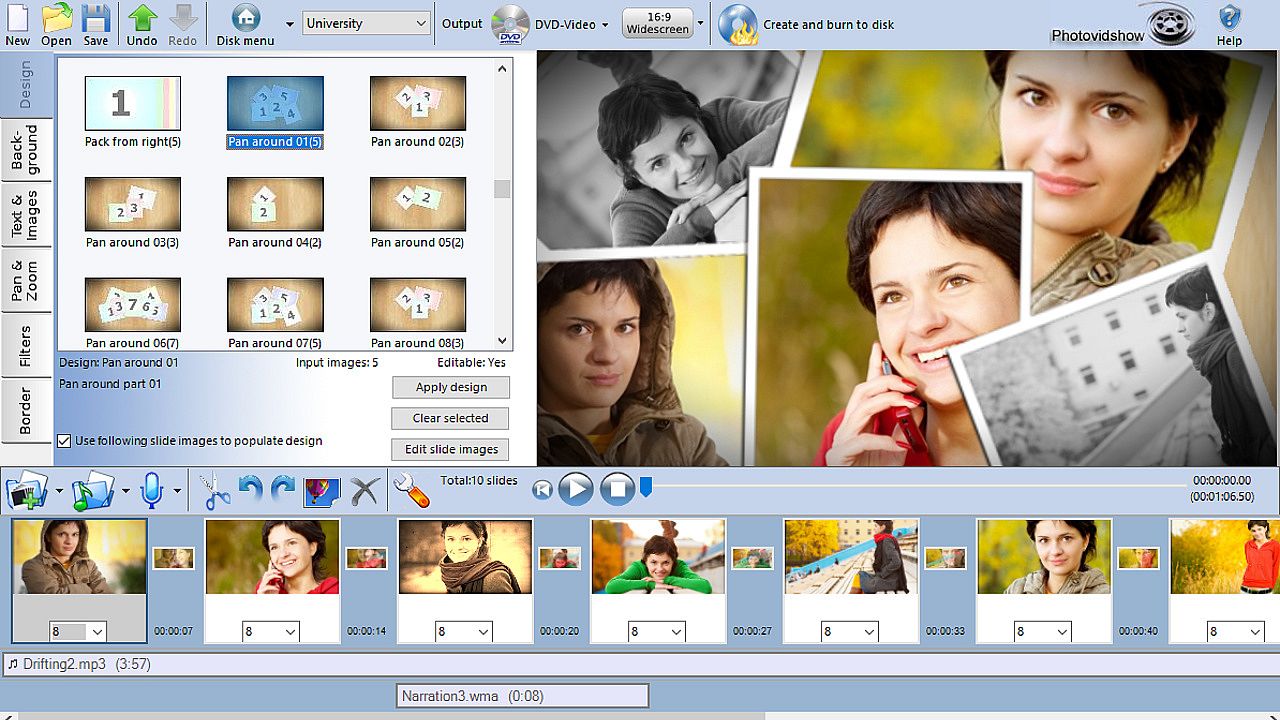
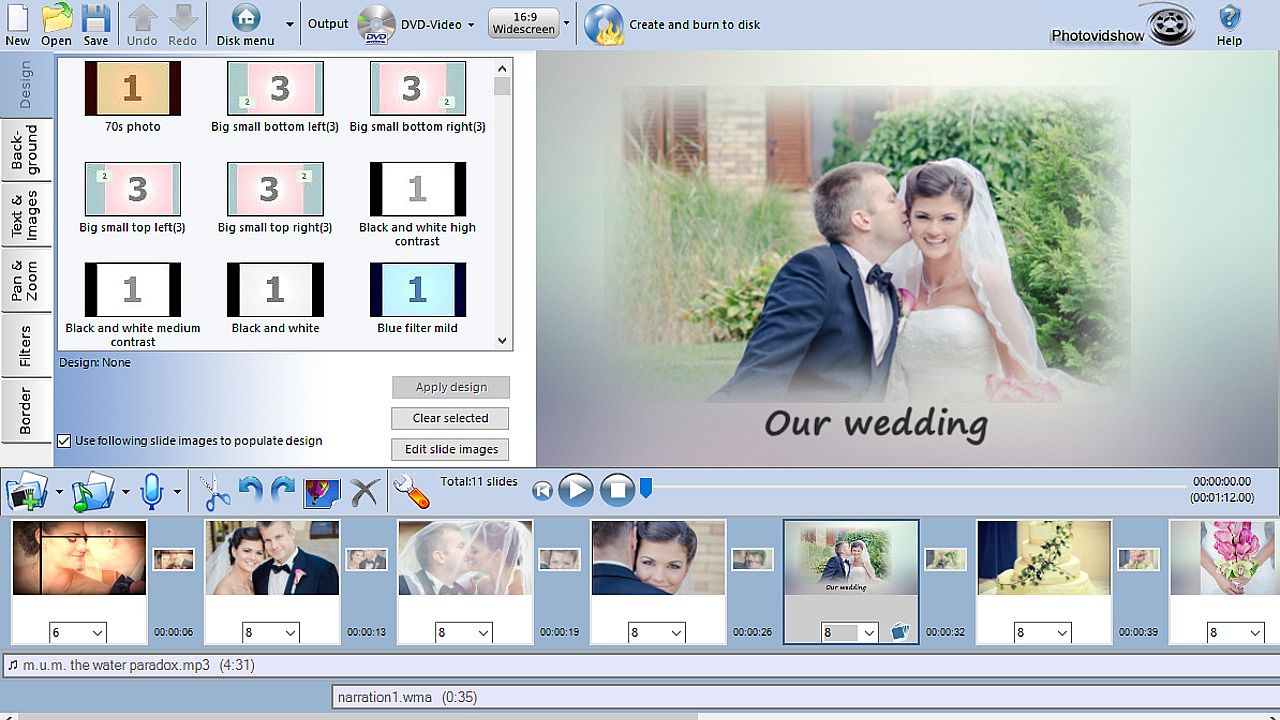
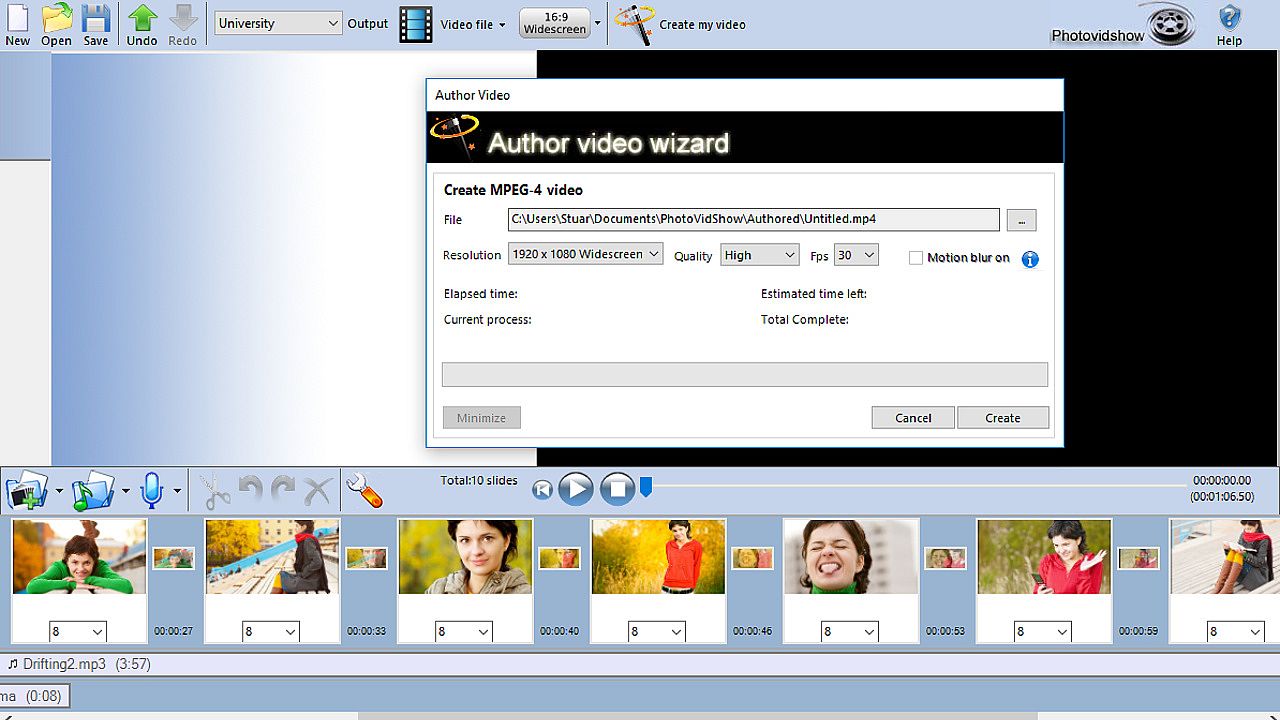
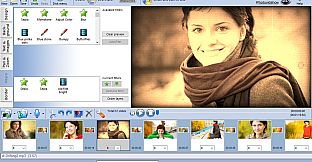
Create stunning photo slideshows with your photos, video clips, and music using PhotoVidShow, the easy video production tool for holidays, weddings, birthdays, memorials, or presentations. Import common formats like JPG, MOV, MP4, MP3, and M4A, then build your project on the storyboard with automatic pan and zoom on photos, slide animations, transitions, caption text, credits, overlays, motion effects, and design filters such as old film or vignette borders. Add narration or background tracks to bring it alive. Burn slideshows to DVD or Blu-ray with editable interactive menus for TV playback, or export HD 720p/1080p video files for USB, computers, tablets, phones, or online sharing on YouTube and Facebook. The intuitive editor suits beginners and pros alike on Windows 10, 8, or 7, with online tutorials and support included.

PhotoVidShow v4.5 (2018 edition), Photo slideshow maker software

Perfect application for creating a slideshow with your photos and video clips. From holidays, weddings, birthdays, special occasions, a special memorial for someone or for creating a presentation video.

  • Easily create a stunning slideshow and burn to DVD, Blu-ray or as a video for sharing online.
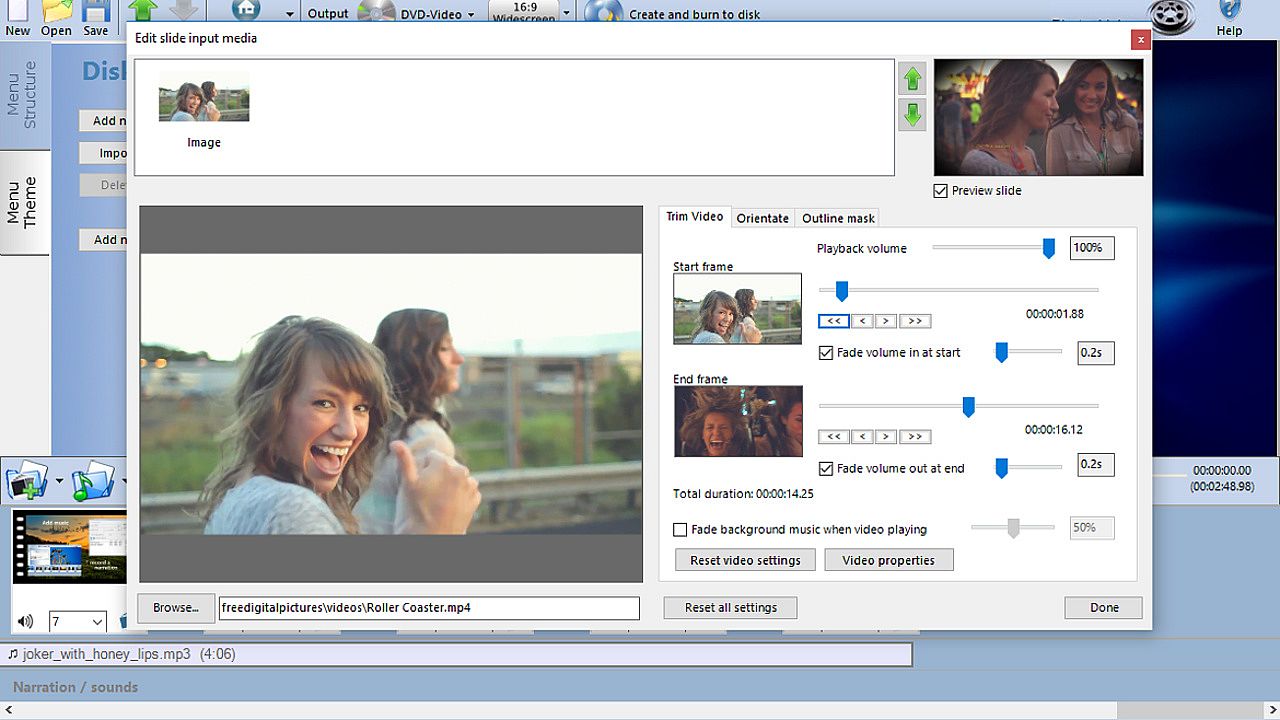
  • Import your photos, video and music files. All common formats supported including .jpg .mov, .mp4, mp3 & m4a
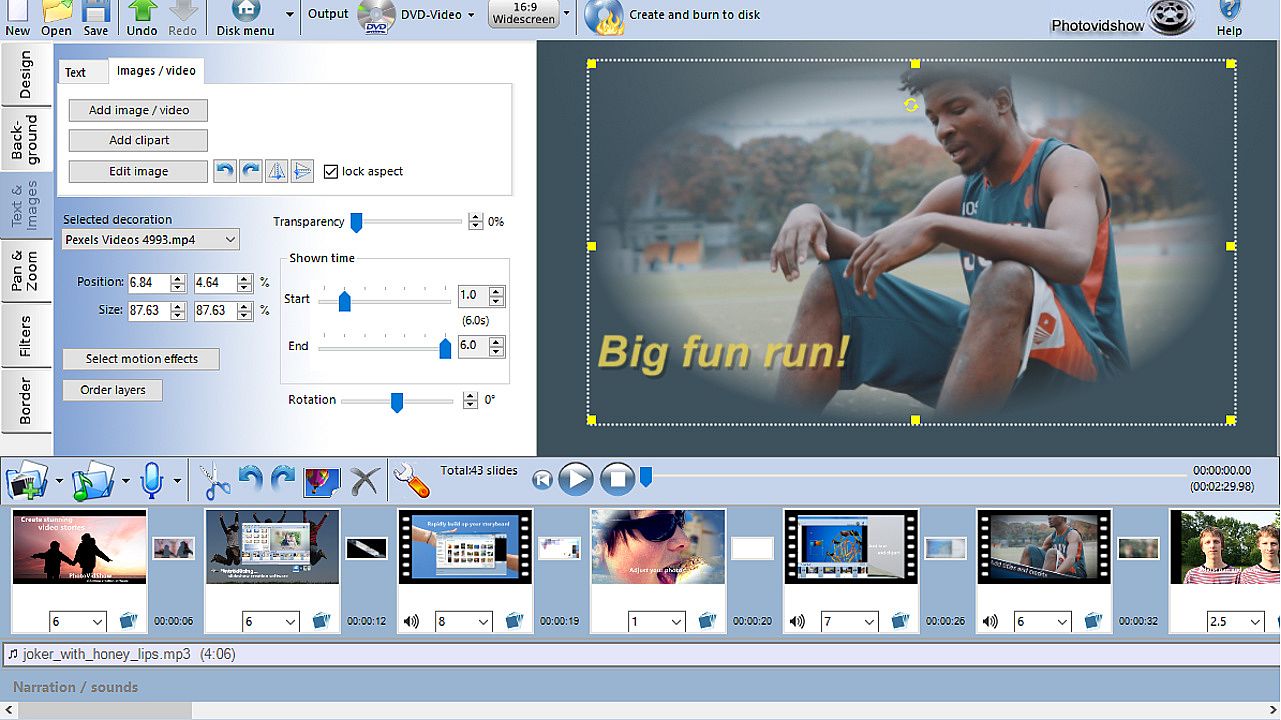
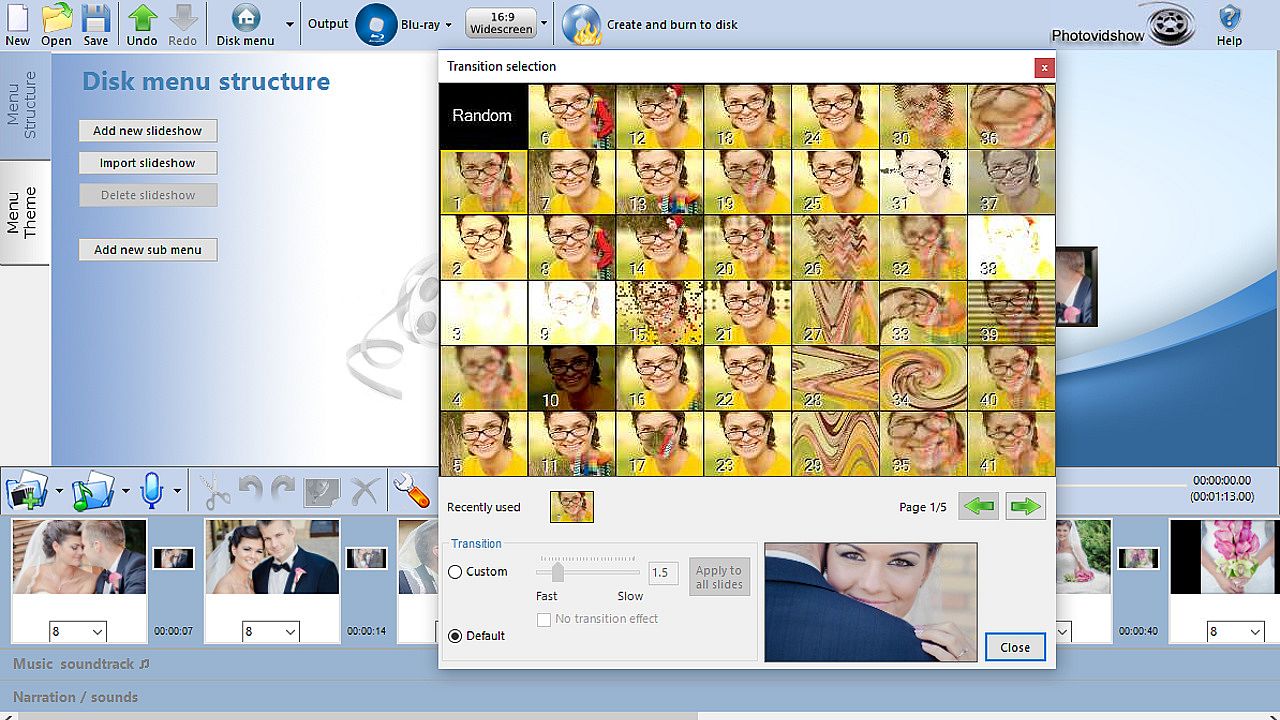
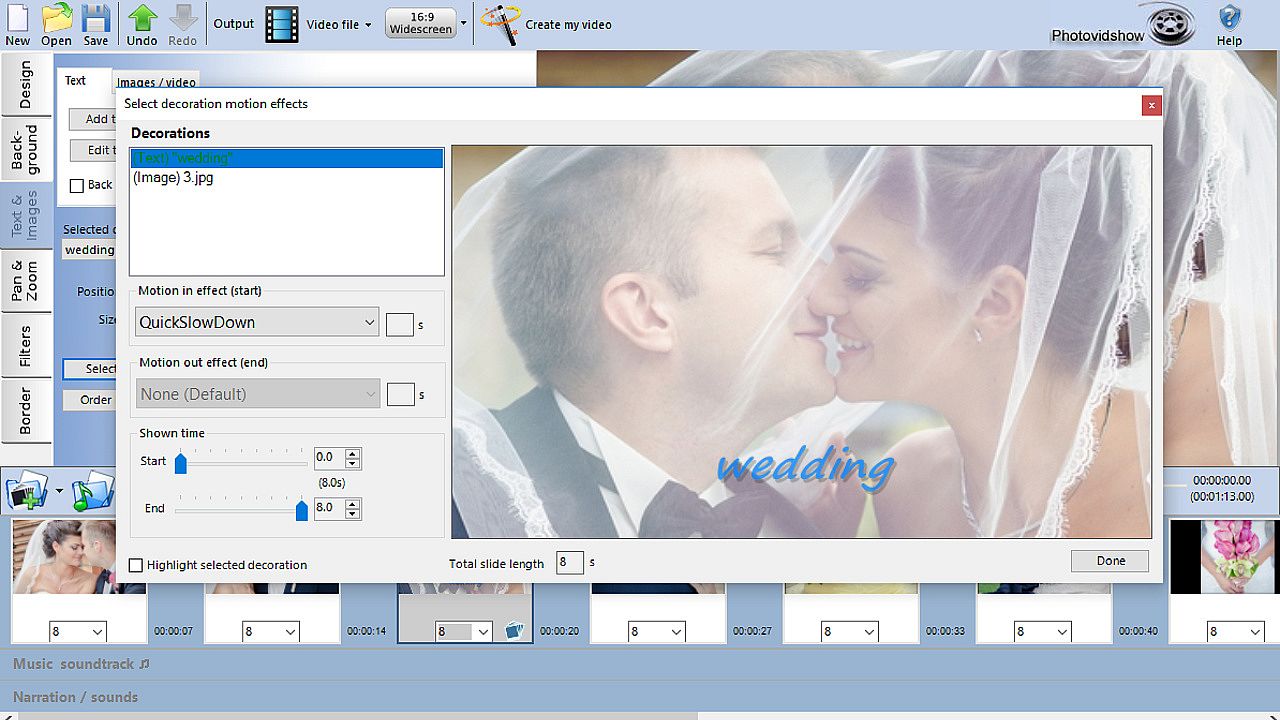
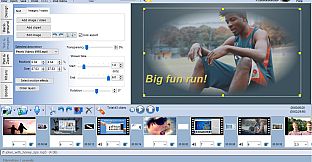
  • Add caption text, credits, overlays, motion effects, transitions & many stunning design effects
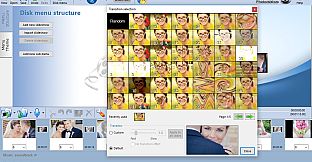
  • Burn DVDs with interactive menus. Super easy to use editor, ideal for beginner to the professional
  • Works on Windows 10,8,7. Online video tutorials, friendly technical support to assist in anyway. Free lifetime updates to software

PhotoVidShow is an incredible application for creating professional but completely customisable photo and video slideshows that can be either burnt to a DVD or Blu-Ray disc and viewed on TV or created as a video file for sharing online. PhotoVidShow is designed to be user friendly, so absolutely no previous knowledge is required in order to create stunning slideshows.

PhotoVidShow can:-
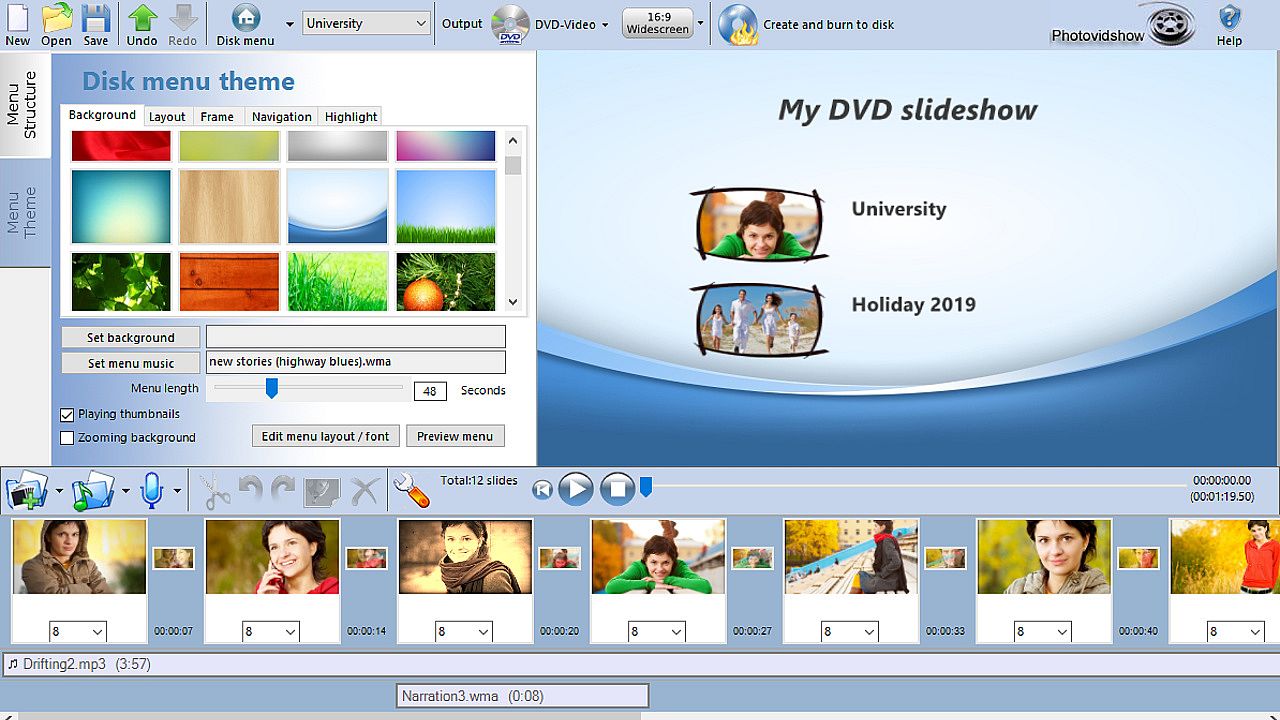
- Burn your slideshow to a DVD or Blu-ray disc with interactive menus that can be played in a stand-alone player and watched on TV.
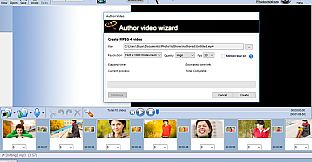
- Create a HD video (720p / 1080p), transferred to a USB stick, inserted into the TV USB slot and played on TV
- Create a video file that can be played on a computer, tablet or smart phone
- Create a video that can be shared online including youtube or facebook

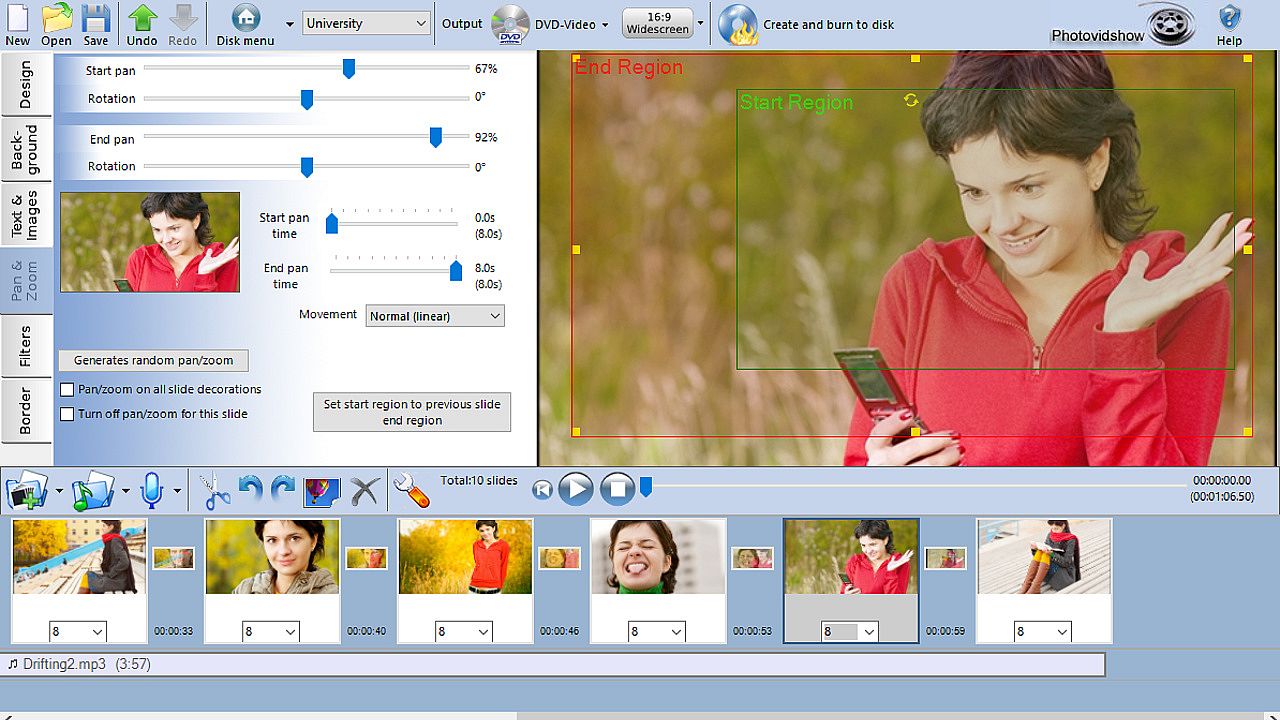
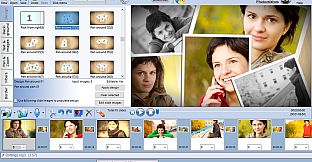
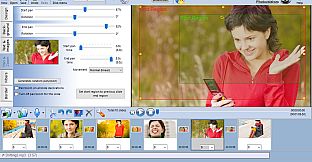
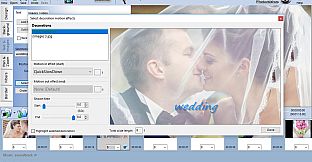
Rapidly build up your slideshow by adding photos and video clips to the storyboard. PhotoVidShow will automatically add a pan and zoom effect to your photos giving it motion and looking professional - Or why not use one of the slide animations to really make your slideshow stand out.

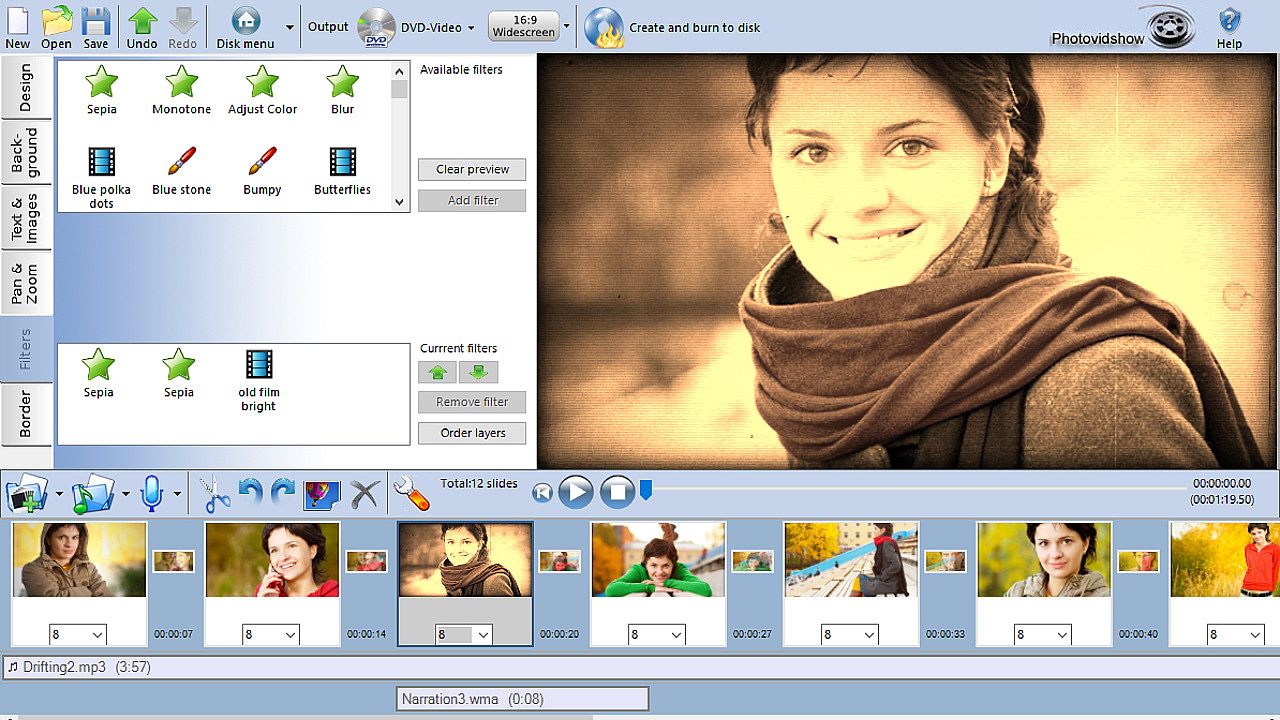
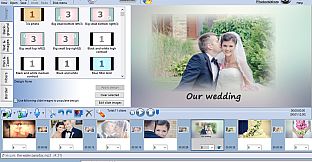
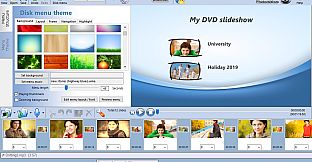
PhotoVidShow offers extensive features allowing you to completely customise your slideshow. Why not add transitions, stylish text, clip-art, motion and filter effects like an old film effect. Or why not add a vignette border to your slides. When mastering a disc, PhotoVidShow has a fully editable disc menu editor with a selection of themes to choose from.

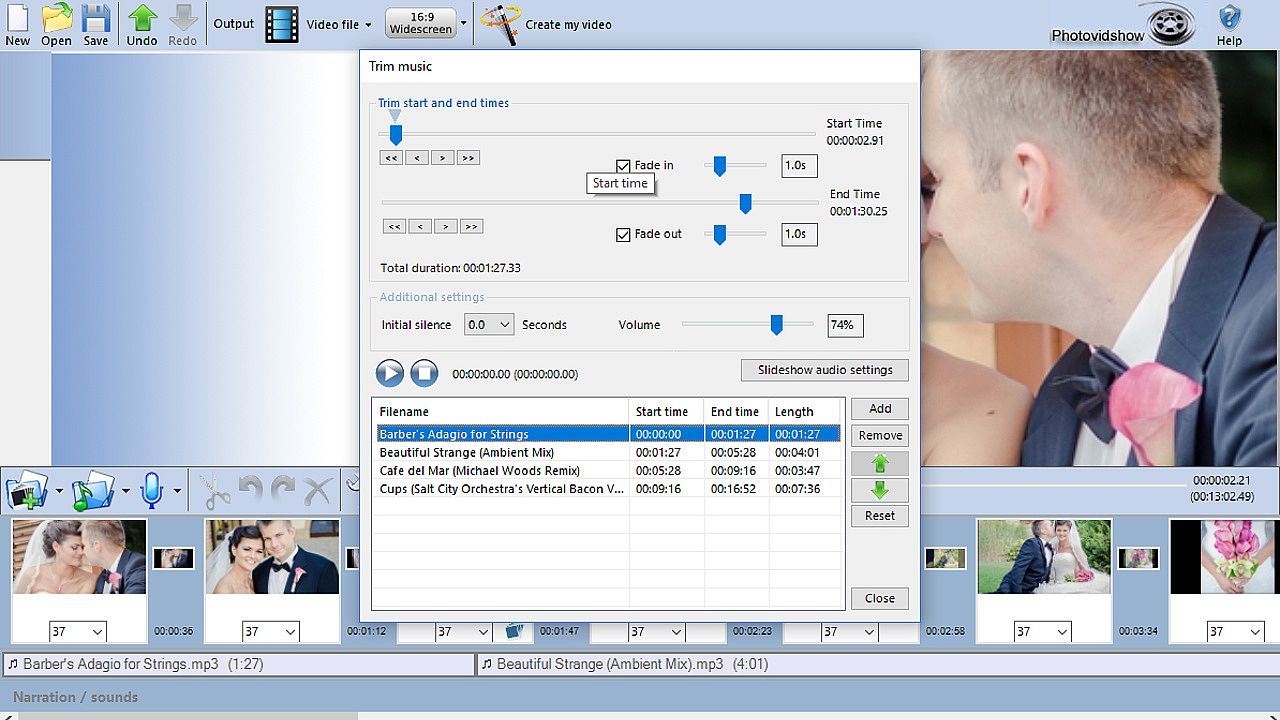
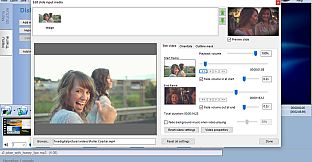
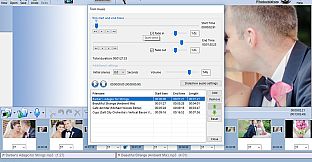
Bring your slideshow alive with a background soundtrack - simply add your favourite music tracks to the storyboard. PhotoVidShow also allows you to record your own narration.

This super easy to use application is perfect for making that memorable slideshow.

Oberfläche:
English

Altersfreigabe

Keine Angabe
Steam:
Positive (13)

Minimum:

  • Prozessor: Celeron
  • Arbeitsspeicher: 2 GB RAM
  • Grafik: Intel HD integrated graphics or similar
  • DirectX: Version 9.0c
  • Speicherplatz: 2 GB available space

Empfohlen:

  • Prozessor: Intel I5
  • Arbeitsspeicher: 4 GB RAM
  • Grafik: Dedicated graphics card
  • DirectX: Version 11
  • Speicherplatz: 10 GB available space
Historisches Tief
Preisverlauf von offiziellen Shops
-
-
-
Preisverlauf von Keyshops
-
-
-

FAQ

8 Fragen

Bevor du nach einem günstigen PhotoVidShow Key suchst, prüfe die wichtigsten Fakten. Entwickelt von Squidgy soft. Veröffentlicht von Squidgy soft. PC Release-Datum: 29 Aug. 2018. Genres: Video Production.

Q

Wo kann ich einen günstigen PhotoVidShow Steam Key kaufen?

PhotoVidShow ist kostenlos spielbar! Lade es auf Steam herunter und spiele sofort los.

PhotoVidShow ist auf Steam komplett kostenlos. Kein Kauf nötig - einfach herunterladen und spielen. Wenn du nach Premium-DLC oder In-Game-Items suchst, prüfe die Angebotstabelle oben.

Unser Preistracker deckt sowohl offizielle Händler als auch Key-Marktplätze ab, sodass du PhotoVidShow im Angebot auch außerhalb saisonaler Aktionen finden kannst. Wir erkennen derzeit 0 aktive Angebote von offiziellen Shops und Keyshops. Prüfe die Tabelle oben, vergleiche mit dem historischen Tief und setze einen Alarm, damit du den nächsten Preissturz nicht verpasst.

Laut unseren Daten ist PhotoVidShow derzeit nicht auf GeForce NOW verfügbar. Du musst es lokal auf deinem PC ausführen. Stöbre durch Spiele, die auf GeForce NOW verfügbar sind.

Ja. PhotoVidShow hat eine offizielle Steam-Shop-Seite, aber wir tracken derzeit keine Drittanbieter-Angebote mit Steam-DRM. Schau später nochmal vorbei oder setze einen Preisalarm.

Derzeit nicht. Valve kennzeichnet PhotoVidShow als Unsupported auf dem Steam Deck. Behalte XD.deals im Blick - wir verfolgen Proton-Updates und Community-Fixes. Stöbere durch Spiele, die Steam Deck Verified oder Steam Deck Playable sind.

PhotoVidShow scheint derzeit nicht im PC Game Pass, bei EA Play, Ubisoft+ oder einem anderen PC-Abonnement verfügbar zu sein. Deine einzige Option ist der Kauf - nutze XD.deals, um den besten Preis zu finden.

Nein - XD.deals ist kein Shop. Wir sind ein Preisvergleich, der die besten PhotoVidShow-Deals bei offiziellen Shops und verifizierten Keyshops verfolgt. Klicke neben einem Angebot auf "Zum Shop" und du wirst zur Webseite des Händlers weitergeleitet, um deinen Kauf abzuschließen.

Zum besten Zeitpunkt kaufen? Setze einen Preisalarm auf XD.deals und werde benachrichtigt, wenn PhotoVidShow sein nächstes historisches Tief erreicht.

Alarm erstellen
Tritt unserem Discord bei
Erhalte Hilfe von der Community und bleibe über Angebote informiert
Preisalarme einrichten
Erhalte E-Mail-Benachrichtigungen wenn Preise fallen
Kostenloses Konto erstellen
Schalte Wunschlisten, Preisalarme und Steam-Sync frei