
Planet X3 (DOS) PC kaufen

Wo kannst du den günstigsten Planet X3 (DOS) Steam-Key für {6} kaufen? Vergleiche Preise aus 1 Shops und finde unter 1 Angeboten auf XD Deals die beste Option. Aktuell liegt der niedrigste Planet X3 (DOS) {6} Preis im Keyshop bei 9,75 € (0% Rabatt).

Veröffentlichung: 14 Juli 2023
Steam:
Overwhelmingly Negative (5)
Keyshops
Nicht verfĂĽgbar
Im offiziellen Store kaufen:
9,75 €
Im Keyshop kaufen:
Preisverlauf anzeigen

Offizielle Shops (1)

DRM:
Steam
Steam
Steam
Planet X3 (DOS)
Windows
+1
vor 1J
DRM:
Steam
Steam
9,75 €
Historical Low Deal
Historical low

Ăśber Planet X3 (DOS)

Planet X3 (DOS) - Spielbeschreibung
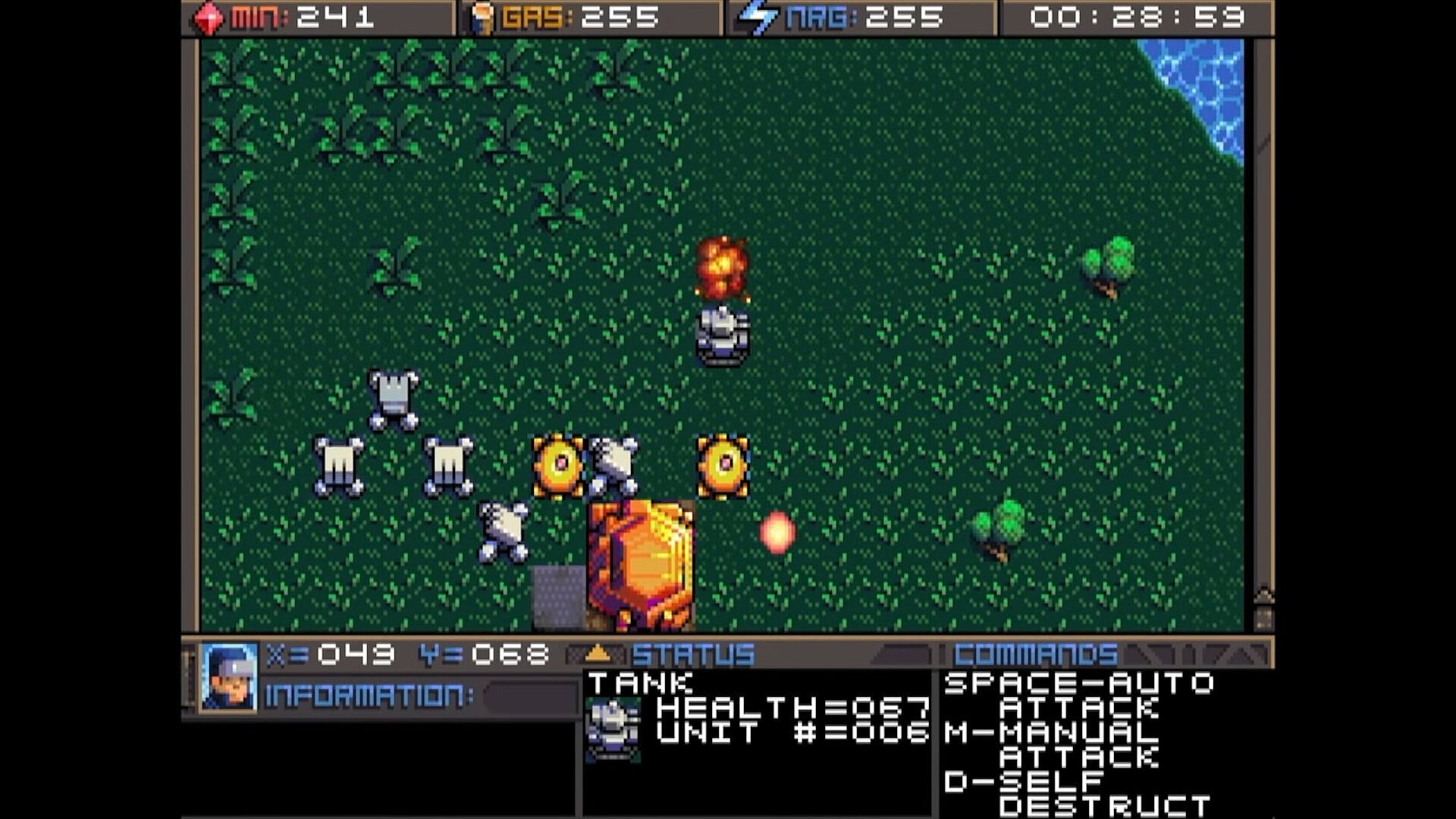
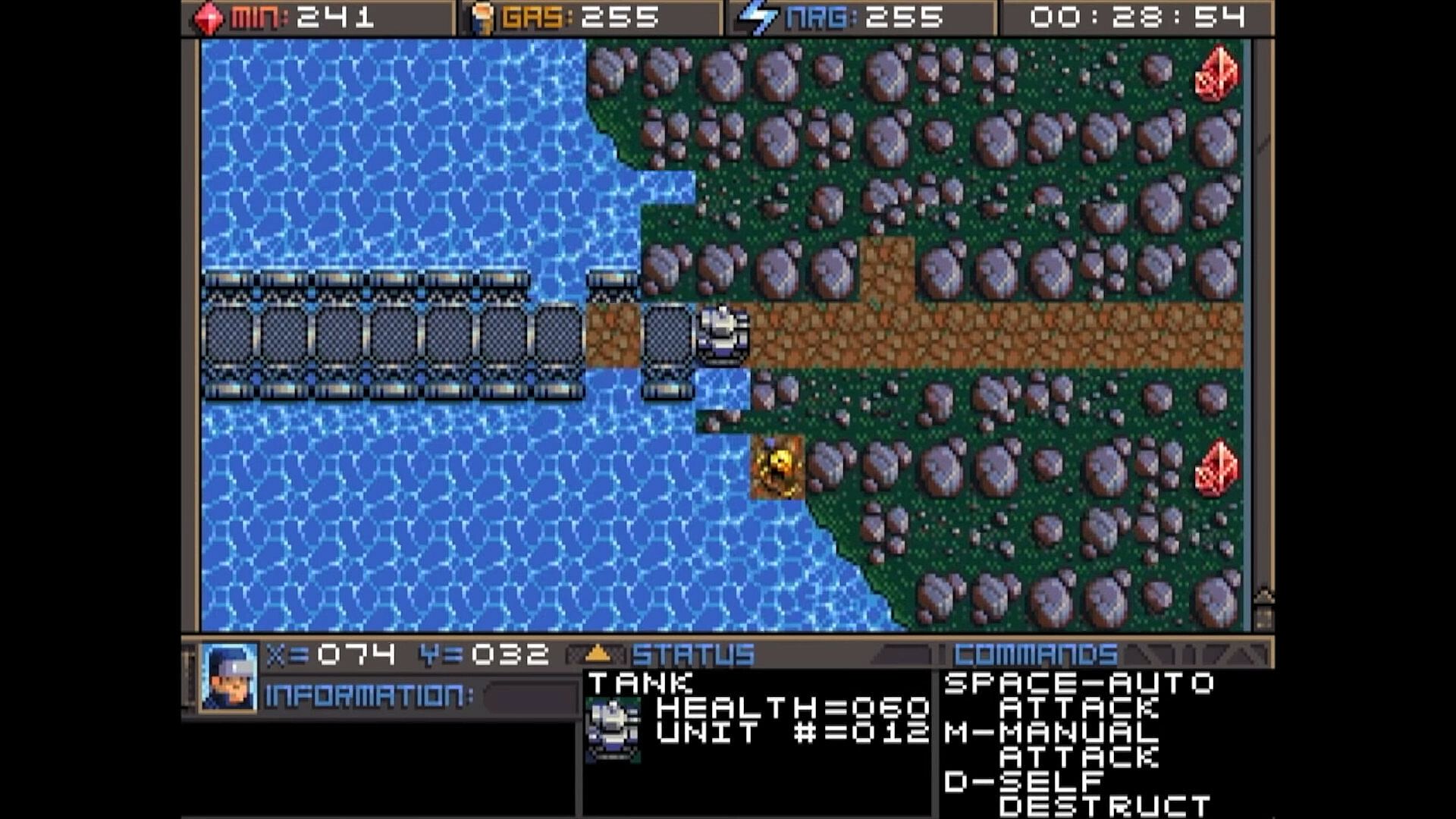
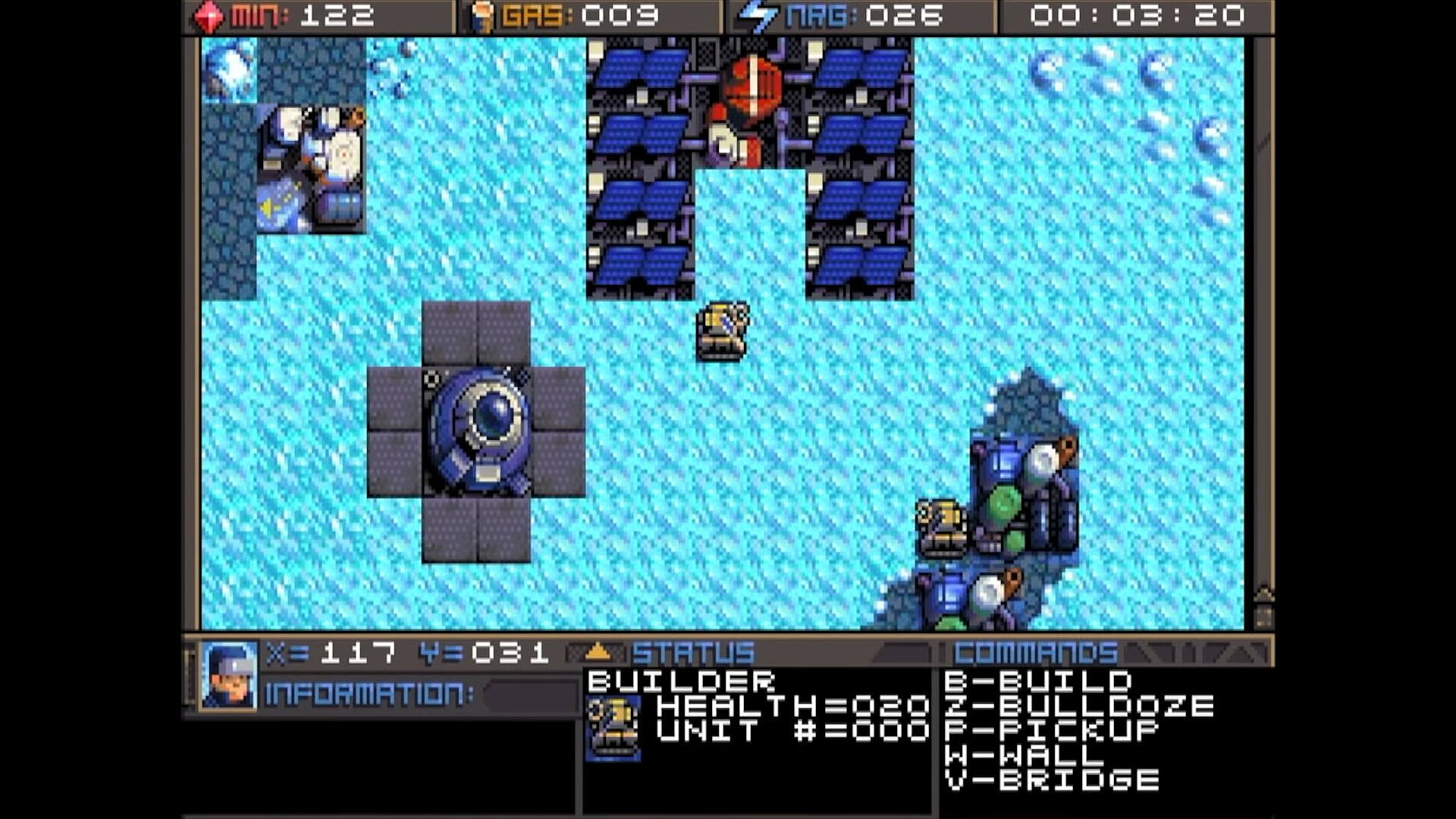
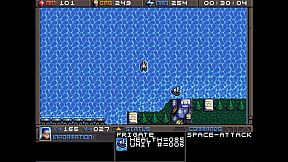
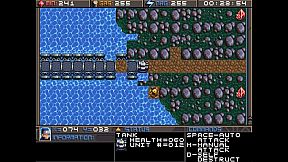
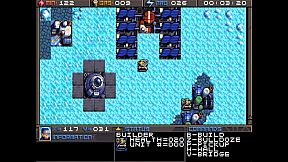
Command units and manage resources in this classic DOS strategy game. Track minerals, gas, and energy in on-screen boxes, capped at 255 each, while monitoring coordinates and a running game clock. Hunt map deposits like rock formations, crystals, and volcano-like gas vents to sustain your operations. Switch between dozens of units and buildings using browse mode with arrow keys and Return, Tab to cycle mobile units like tanks and frigates, Page Up/Down or brackets for structures like factories and smelters, or assign hotkeys with Shift plus numbers for quick access. Build refineries on gas vents and mine varied rock types with different yields and speeds. Strategy players master these controls to juggle infrastructure and unit commands efficiently.

HOW TO PLAY
Although there are many other keys to learn, these are the main keys you need to
operate the game. Some keys do the exact same thing, such as the bracket keys or
page up/page down keys. This will mostly be your preference, and possibly what sort
of keyboard your computer has.


At the top of the screen you’ll find three boxes displaying your current resources, which
include minerals, gas, and energy. You will need to collect more of these, which we’ll
get into later. 255 is the maximum number of resources you can store at any given
time. Next to the resources is a running clock showing how long the game has been


going. On the bottom you’ll find your current coordinates. This is very important for
knowing where your units are, especially in relation to the enemy bases. More on this
later. The bottom three windows are there to give you different types of information.
SWITCHING BETWEEN UNITS

In this game, you will be controlling dozens of different units, so it’s important to
know how to switch between them. There is more than one way to accomplish it, and
you should learn all of the ways.

Browse - If the unit you want to control is visible on the screen, you can press Return
to enter browse mode. At this point, a small box-like cursor will appear on the screen.
Use the arrow keys to move this box around until it is positioned on the unit or
building you wish to select, then press Return again. You can even select enemy units,
but you can only look at their status, not control them.

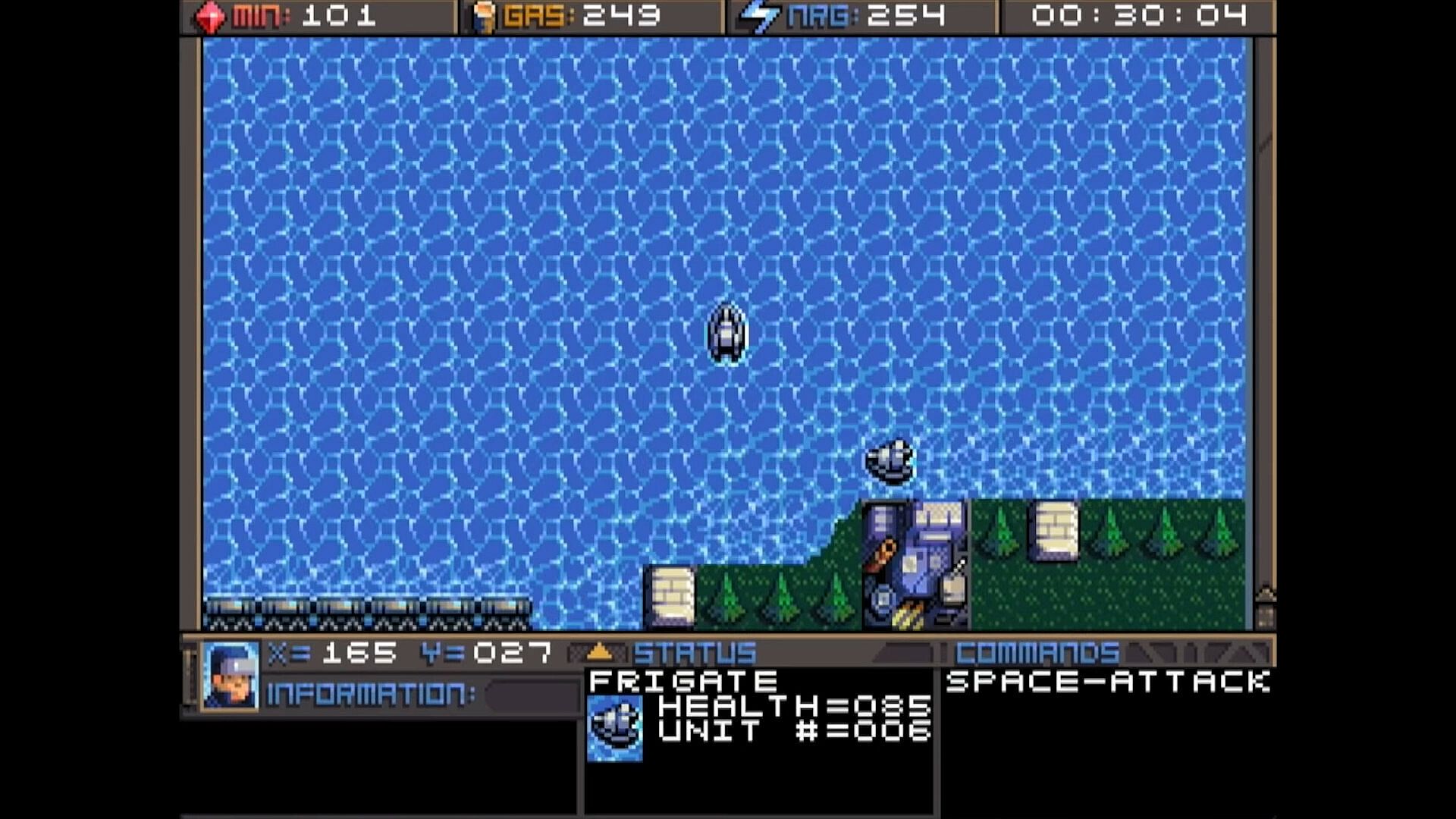
Cycle Units - For things like tanks, builders, and frigates. If the unit you want is not
currently visible and you don’t feel like driving to the unit, you can press the Tab
key to cycle to the next unit, wherever it may be. The cycle is based on unit number,
so sometimes it may seem there is no rhyme or reason as to which unit it goes to
next. You can also use the plus and minus keys on the keyboard to move forward and
backwards through your units. With practice, this is the fastest way to switch between
units.

Cycle Buildings - For things like factories, smelters, and radar stations. If the building
you want is not currently visible, you may press Page-up / Page-down to cycle back
and forth between them, very much like the unit cycle. You can also use the bracket
keys [ and ] to accomplish the same thing. Solar panels are purposely skipped during
the cycle because there are often numerous panels and you can’t actually control
them anyway. If you want to select a solar panel you must use the browse feature.

Hot Keys - You can use the number row 0-9 at the top of your keyboard to assign spe-
cific units or buildings that you need to access more quickly. Press Shift + Number to
assign a number key to the current unit. You can then use that number key to quickly
switch to the assigned unit. This will be especially useful during battles.
CONTROLLING UNITS
Your first order of business after starting the game should be establishing infrastructure and collecting resources.
Without them, you won’t be able to do much.
You’ll need all 3 types of resources: Minerals, Gas, and Energy.
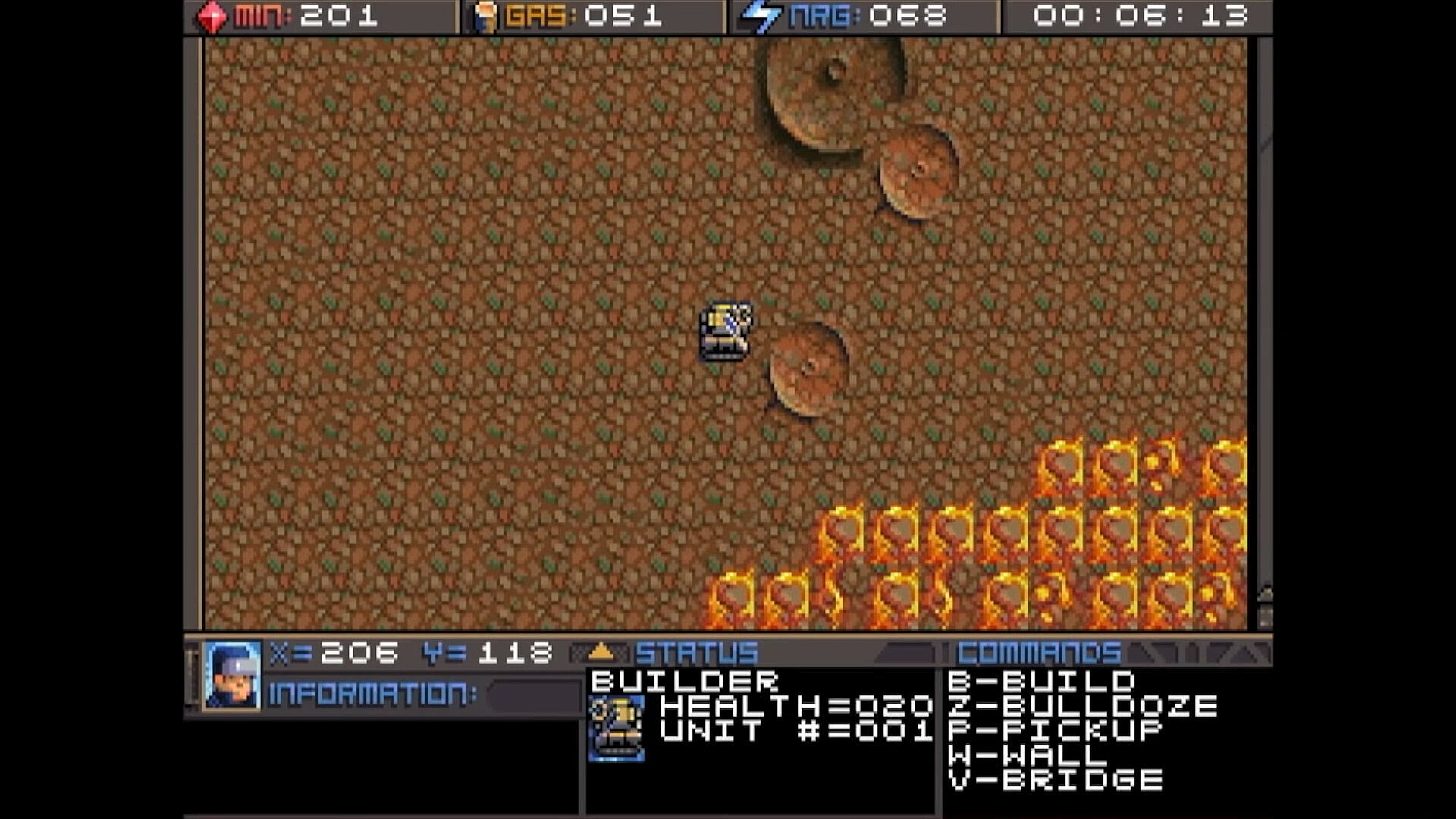
It may require some hunting around the map to
find the minerals and gas, so we’ll talk about
those first. You can find these on the map.
There are usually deposits of minerals
clumped together. Some maps have a
lot, and some have very few, so use them
wisely. In this screenshot, you can see
several rocks and crystals in a formation.
Both the rocks and crystals can be used
as mineral sources. The formations that
look like volcanos are gas vents. You will need to build a refinery on top of them.
The more the better.

Different types of rocks will process at different speeds and also have different yields.
Also, the minerals can look somewhat different depending on which graphics mode
you are in. This chart shows each one and how many minerals you can expect to get
as a result of mining each kind.




Different types of rocks will process at different speeds and also have different yields.
Also, the minerals can look somewhat different depending on which graphics mode
you are in. This chart shows each one and how many minerals you can expect to get
as a result of mining each kind.

Oberfläche:
English

Altersfreigabe

Keine Angabe
Steam:
Overwhelmingly Negative (5)

Minimum:

  • Speicherplatz: 35 MB available space

Empfohlen:

  • Speicherplatz: 150 MB available space

Minimum:

  • Betriebssystem: macOS 10.15 (Catalina)
  • Speicherplatz: 23 MB available space
  • Zusätzliche Hinweise: May support macOS 10.14 (Mojave) or older

Empfohlen:

  • Speicherplatz: 150 MB available space
Historisches Tief
Preisverlauf von offiziellen Shops
-
-
-
Preisverlauf von Keyshops
-
-
-

FAQ

8 Fragen

Bevor du nach einem günstigen Planet X3 (DOS) Key suchst, prüfe die wichtigsten Fakten. Entwickelt von 8-Bit Productions, LLC. Veröffentlicht von NMSE & Co LLC. PC Release-Datum: 14 Juli 2023. Genres: Strategy. Kategorien: Family Sharing, Single-player.

Q

Wo kann ich einen gĂĽnstigen Planet X3 (DOS) Steam Key kaufen?

Mit unserem Preisvergleich und verifizierten Rabattcodes kannst du einen Planet X3 (DOS) Key schon ab 9,75 € kaufen. Dieses Angebot ist bei Steam verfügbar und gehört zu den günstigsten auf dem Markt. Alle auf XD.deals gelisteten Keys werden digital geliefert und können nach der Zahlung sofort heruntergeladen werden. Die Preise enthalten bereits Bearbeitungsgebühren und eingelöste Promo-Codes, sodass du immer den niedrigsten Planet X3 (DOS) Preis auf PC siehst. Sieh dir den Planet X3 (DOS) Preisverlauf an, um zum besten Zeitpunkt zu kaufen.

Laut unserem letzten Update (wir aktualisieren Steam-Preise mehrmals täglich) beträgt der Planet X3 (DOS) Steam-Preis 9,75 €. Du kannst zusätzlich ca. 6% sparen, indem du mit einer vergünstigten Steam-Geschenkkarte zahlst.

Unser Preistracker deckt sowohl offizielle Händler als auch Key-Marktplätze ab, sodass du Planet X3 (DOS) im Angebot auch außerhalb saisonaler Aktionen finden kannst. Wir erkennen derzeit 1 aktives Angebot von offiziellen Shops und Keyshops. Prüfe die Tabelle oben, vergleiche mit dem historischen Tief und setze einen Alarm, damit du den nächsten Preissturz nicht verpasst.

Laut unseren Daten ist Planet X3 (DOS) derzeit nicht auf GeForce NOW verfügbar. Du musst es lokal auf deinem PC ausführen. Stöbre durch Spiele, die auf GeForce NOW verfügbar sind.

Ja. Planet X3 (DOS) hat eine offizielle Steam-Shop-Seite. Du kannst auch einen Planet X3 (DOS) Steam Key von Drittanbietern kaufen. Unser Preisvergleich umfasst derzeit 1 Angebot mit Steam-DRM. Wähle eines davon, um sicherzustellen, dass dein Planet X3 (DOS) Download über Valves Plattform läuft.

Derzeit nicht. Valve kennzeichnet Planet X3 (DOS) als Unsupported auf dem Steam Deck. Behalte XD.deals im Blick - wir verfolgen Proton-Updates und Community-Fixes. Stöbere durch Spiele, die Steam Deck Verified oder Steam Deck Playable sind.

Planet X3 (DOS) scheint derzeit nicht im PC Game Pass, bei EA Play, Ubisoft+ oder einem anderen PC-Abonnement verfĂĽgbar zu sein. Deine einzige Option ist der Kauf - nutze XD.deals, um den besten Preis zu finden.

Nein - XD.deals ist kein Shop. Wir sind ein Preisvergleich, der die besten Planet X3 (DOS)-Deals bei offiziellen Shops und verifizierten Keyshops verfolgt. Klicke neben einem Angebot auf "Zum Shop" und du wirst zur Webseite des Händlers weitergeleitet, um deinen Kauf abzuschließen.

Beste Preise fĂĽr Planet X3 (DOS)

1 Steam Steam Official
9,75 €

Zum besten Zeitpunkt kaufen? Setze einen Preisalarm auf XD.deals und werde benachrichtigt, wenn Planet X3 (DOS) sein nächstes historisches Tief erreicht.

Alarm erstellen
Tritt unserem Discord bei
Erhalte Hilfe von der Community und bleibe ĂĽber Angebote informiert
Preisalarme einrichten
Erhalte E-Mail-Benachrichtigungen wenn Preise fallen
Kostenloses Konto erstellen
Schalte Wunschlisten, Preisalarme und Steam-Sync frei