
VRWorkout PC kaufen

VRWorkout ist kostenlos spielbar auf Steam! Auch erhältlich in 1 offiziellen Shops ab 0,00 €.

Veröffentlichung: 05 Juli 2020
Metacritic:
tbd tbd
Steam:
Positive (24)
Keyshops
Nicht verfügbar
Im offiziellen Store kaufen:
Free
Im Keyshop kaufen:
Preisverlauf anzeigen

Offizielle Shops (1)

DRM:
Steam
Steam
Steam
VRWorkout
Windows
+1
vor 4W
DRM:
Steam
Steam
Free
Historical Low Deal
Historical low

Über VRWorkout

VRWorkout - Spielbeschreibung
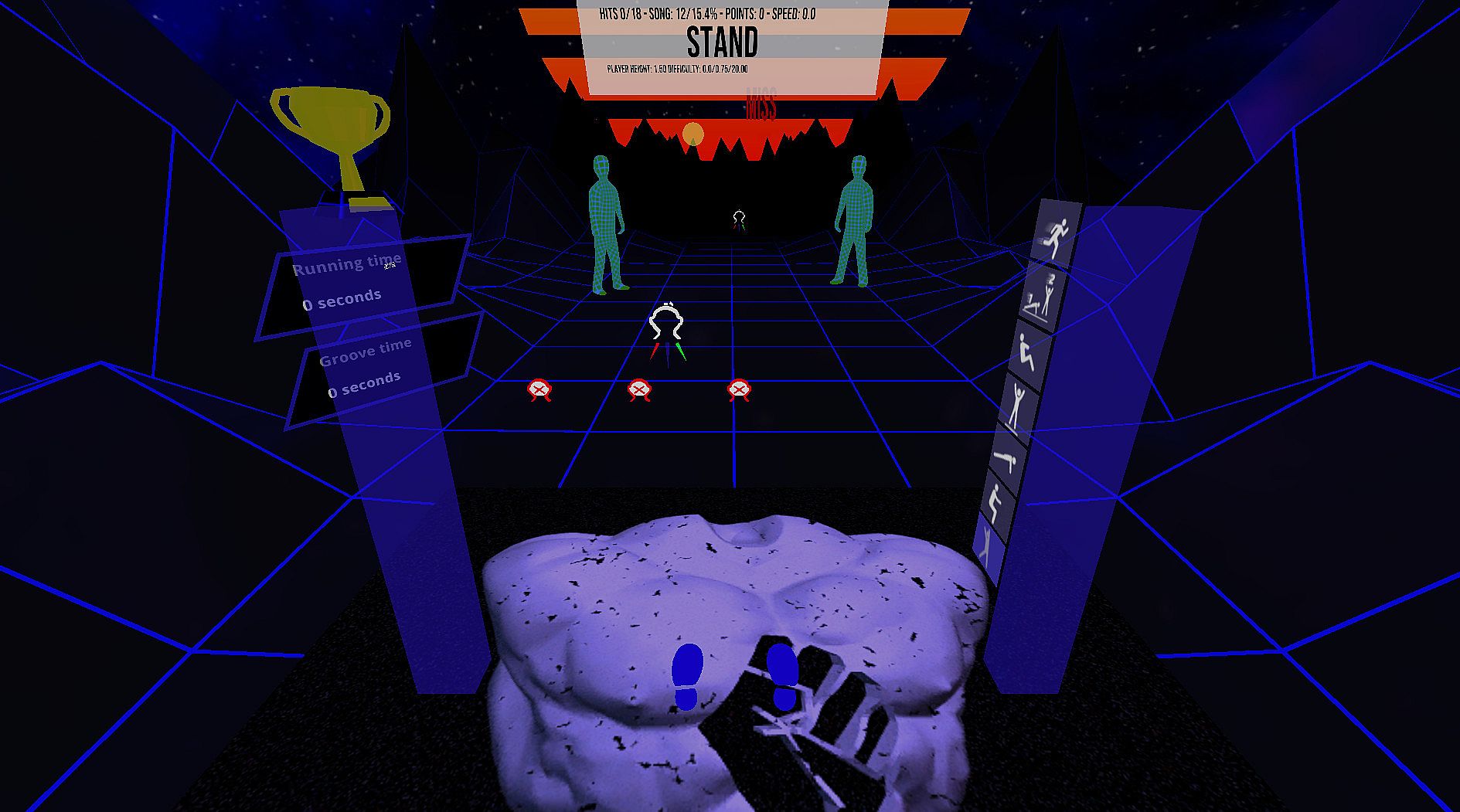
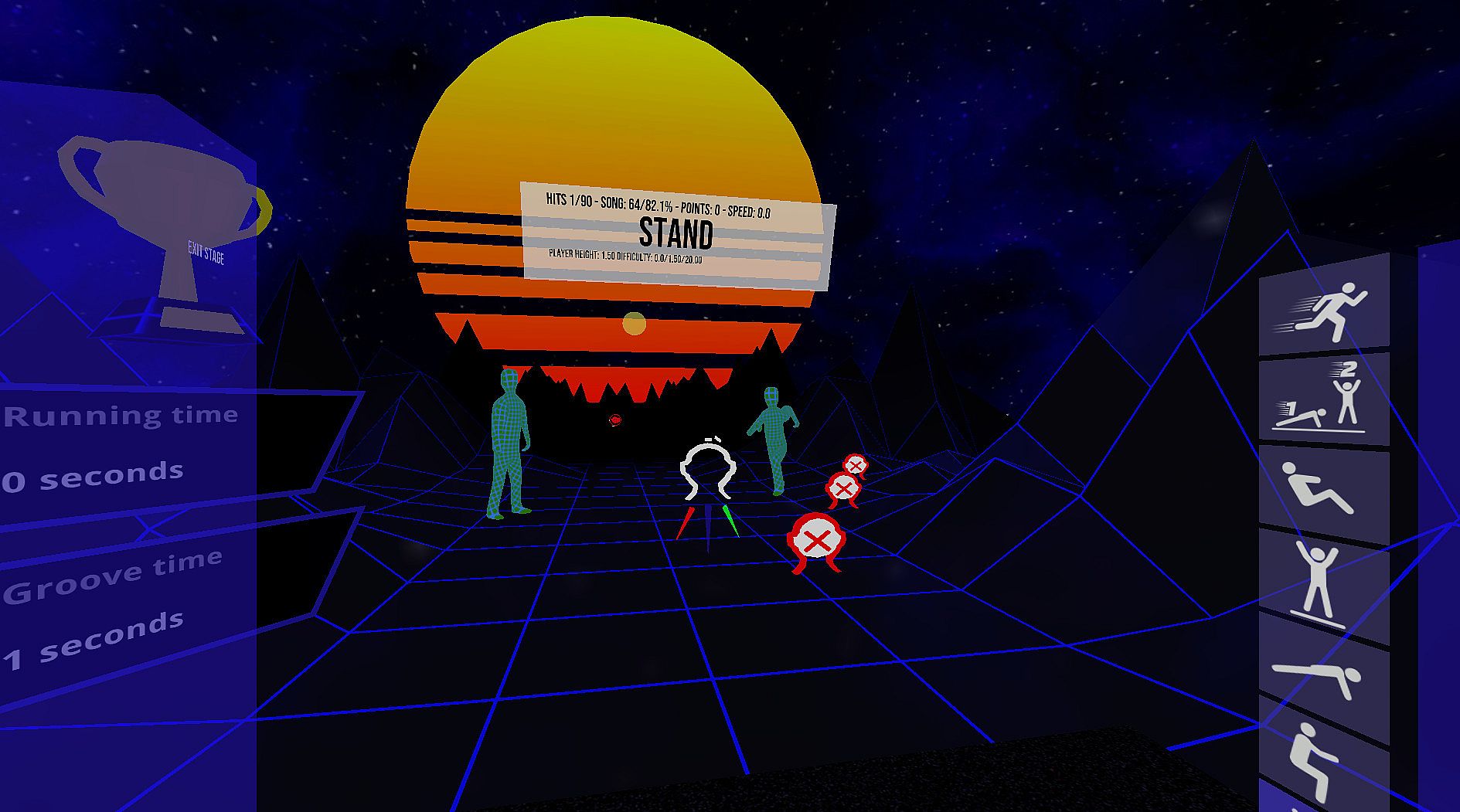
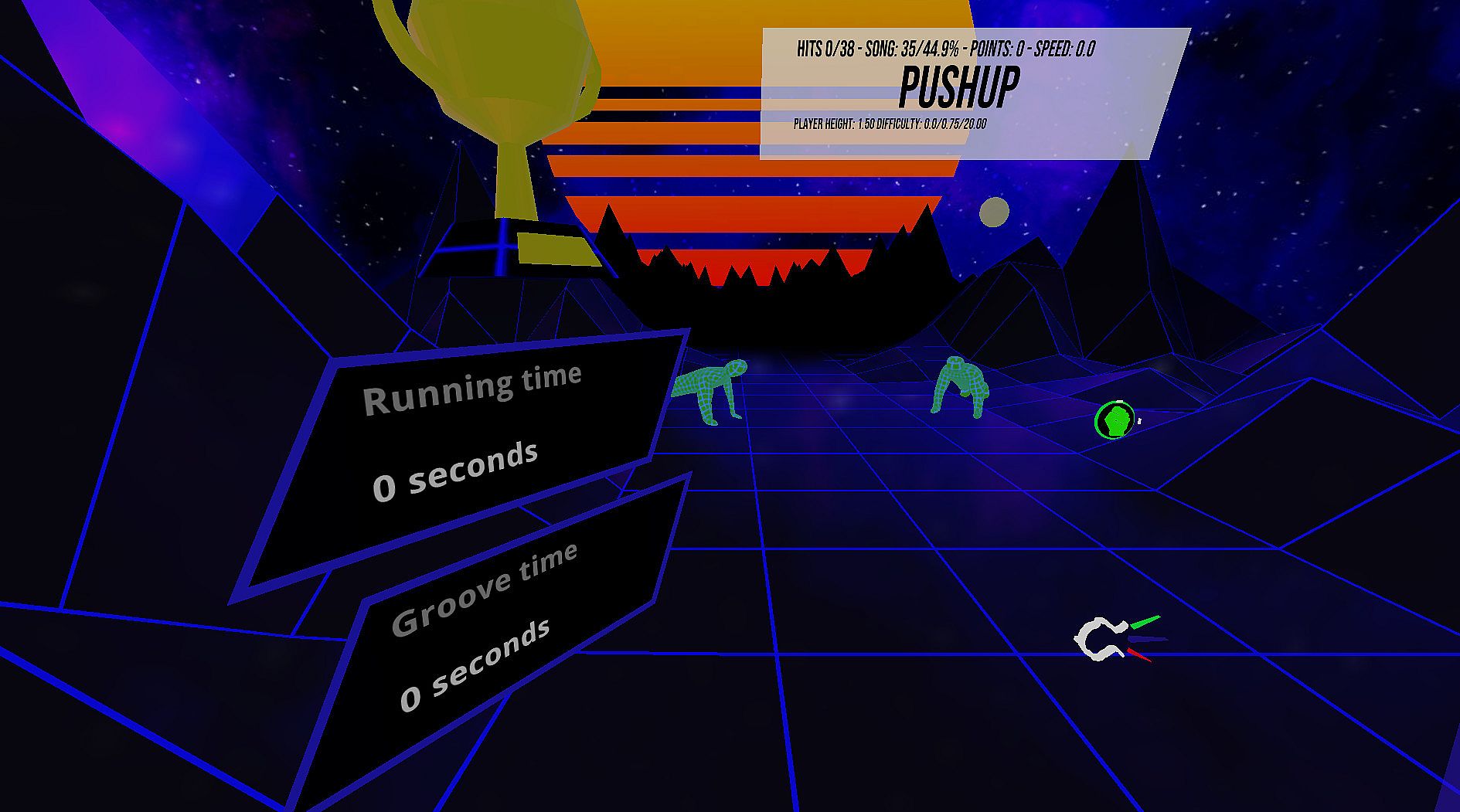
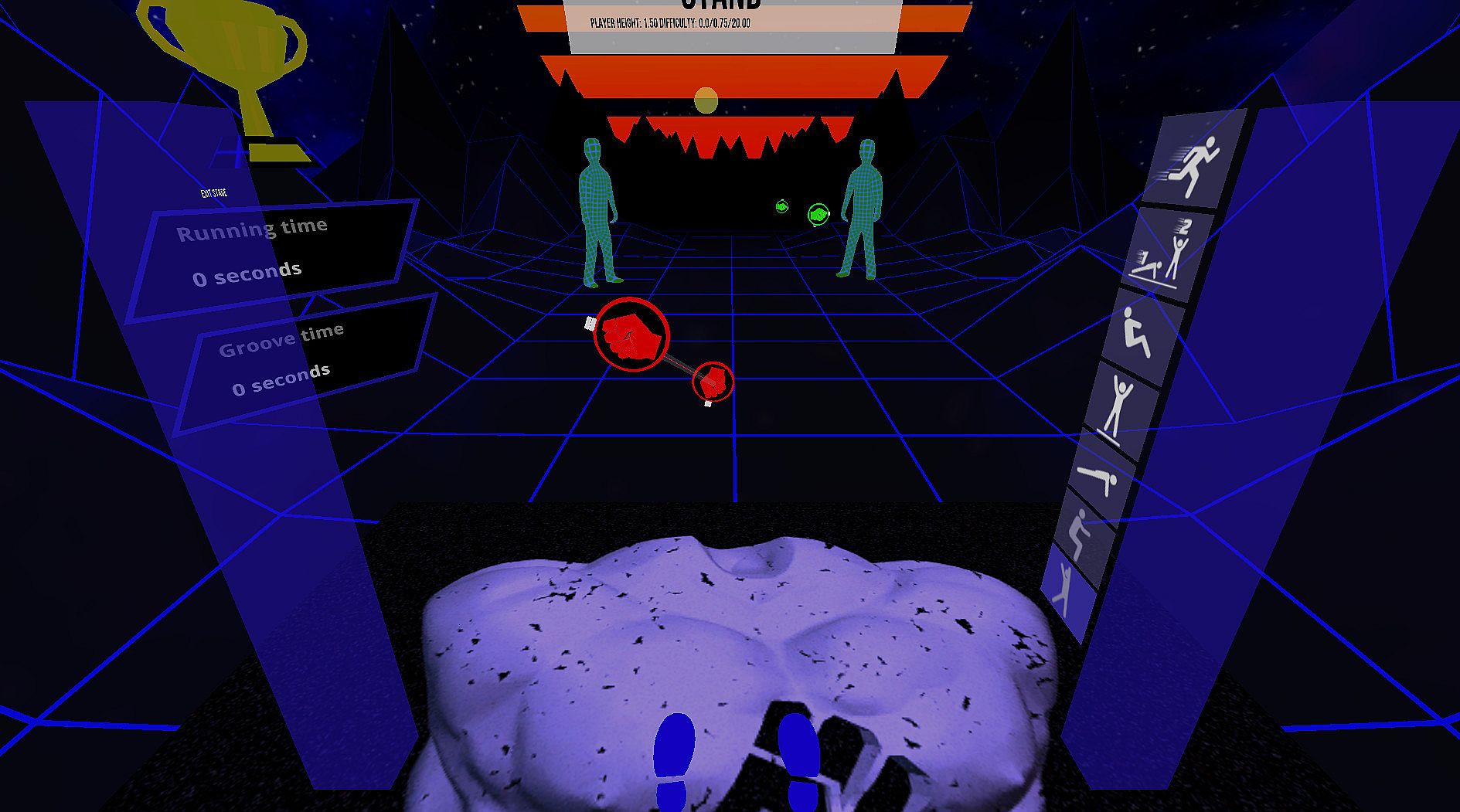
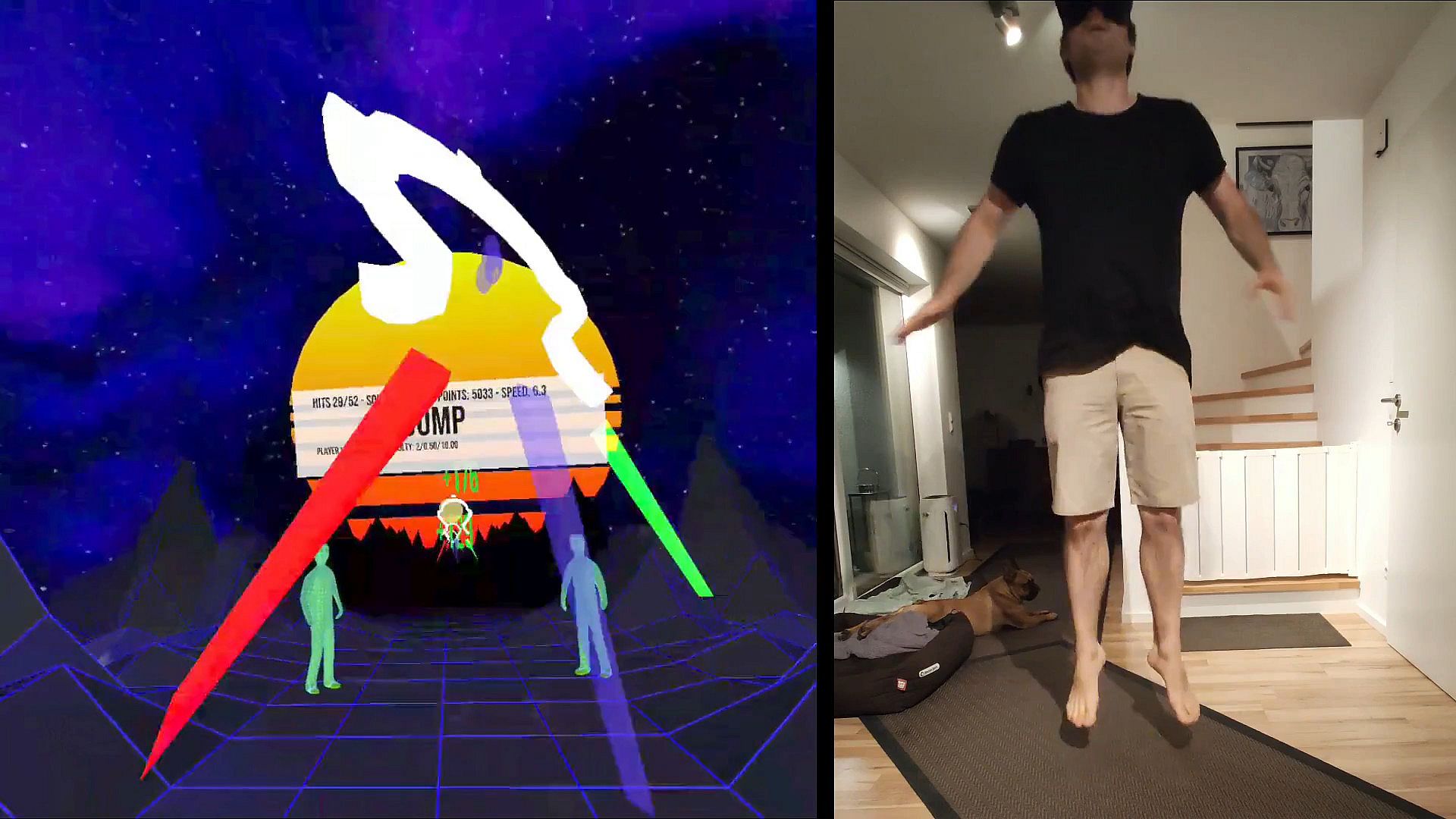
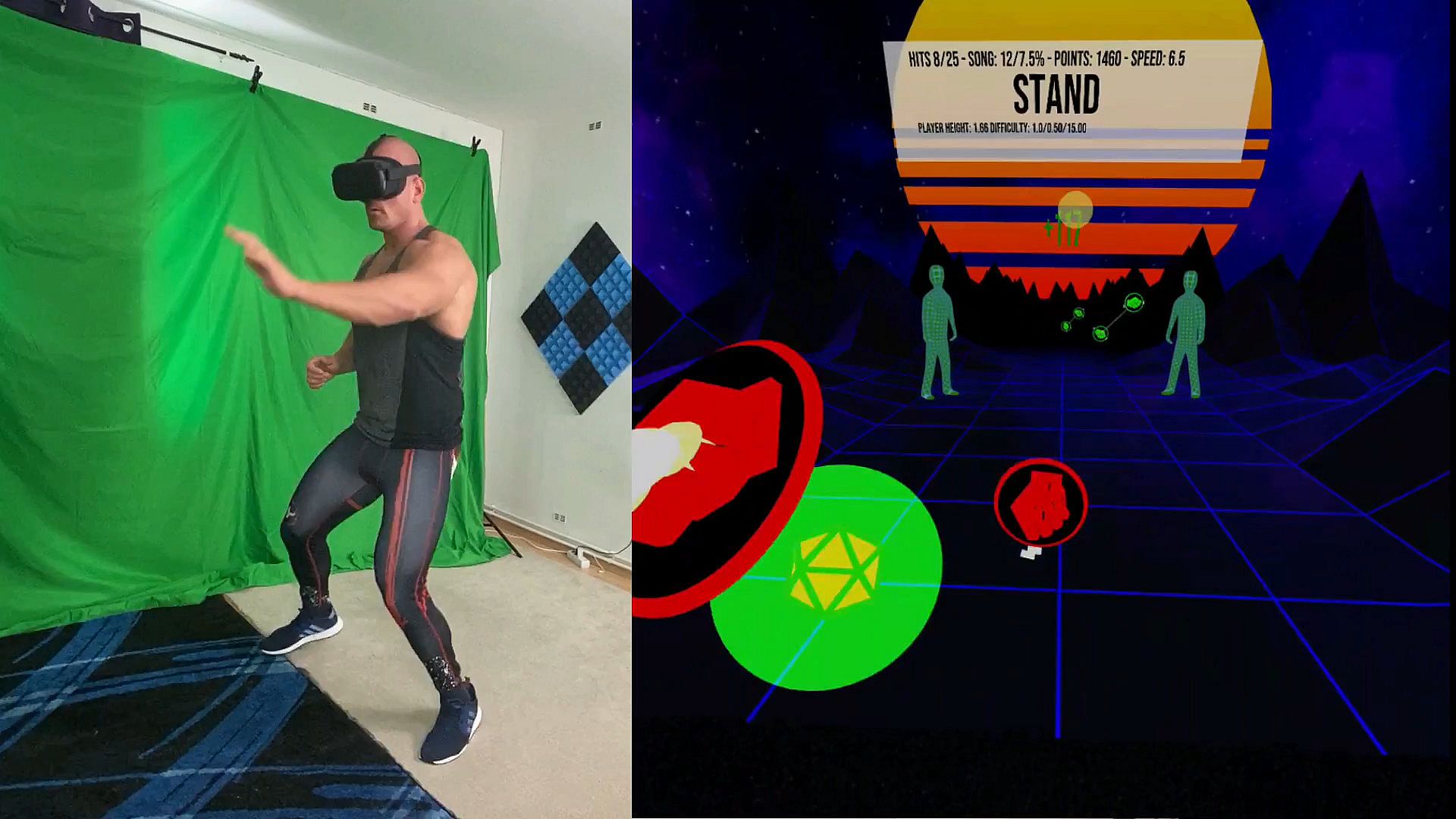
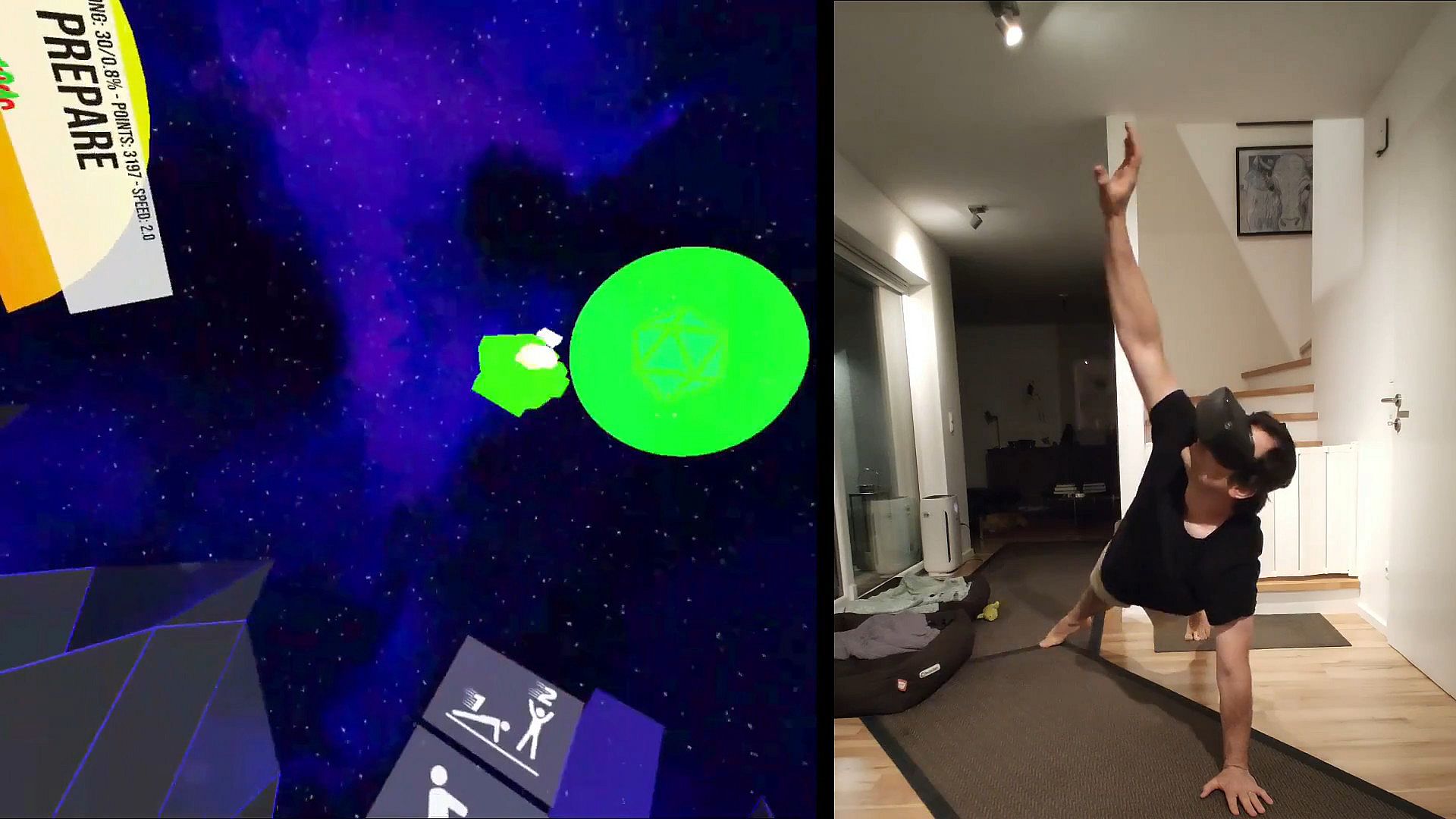
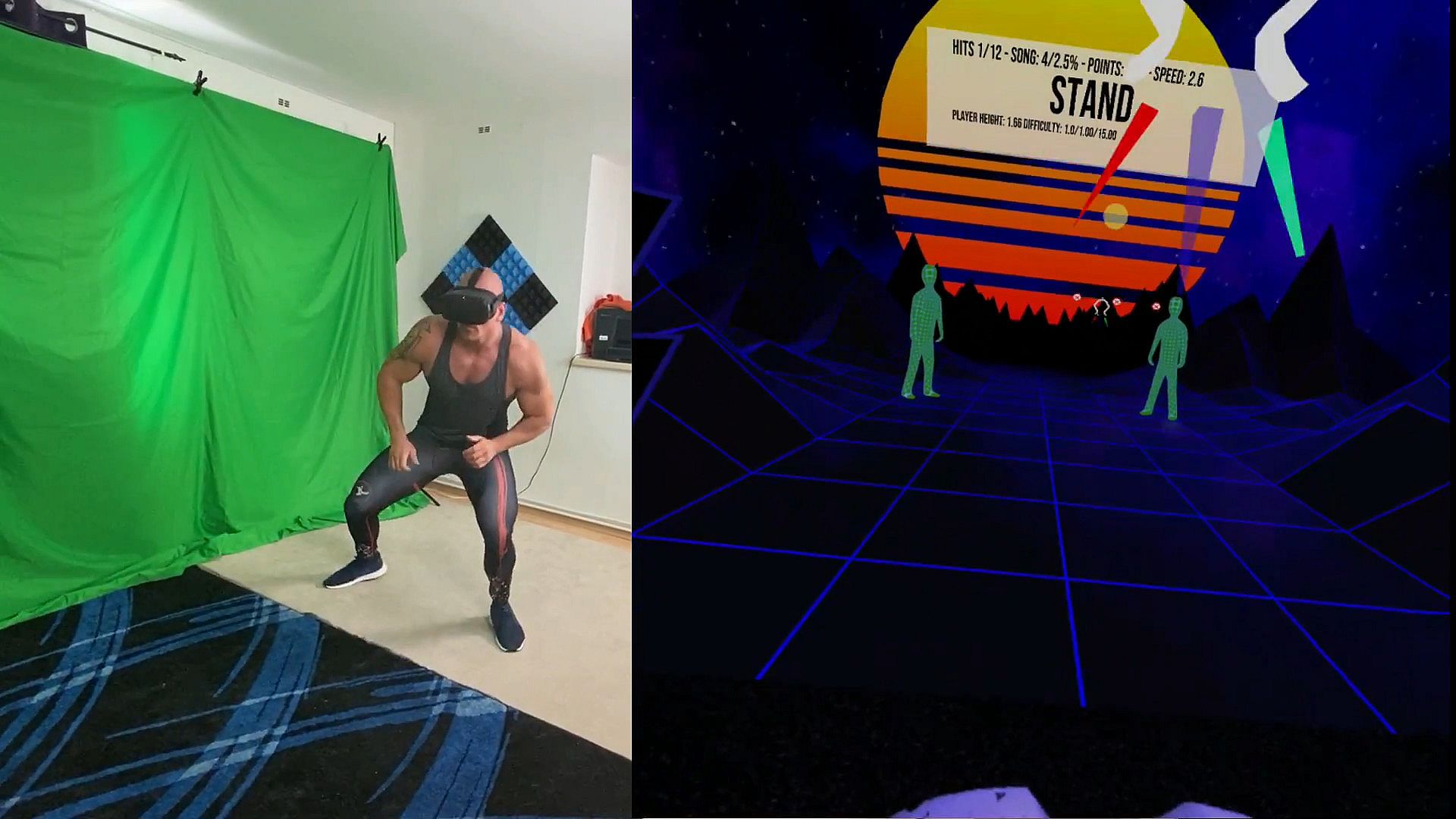
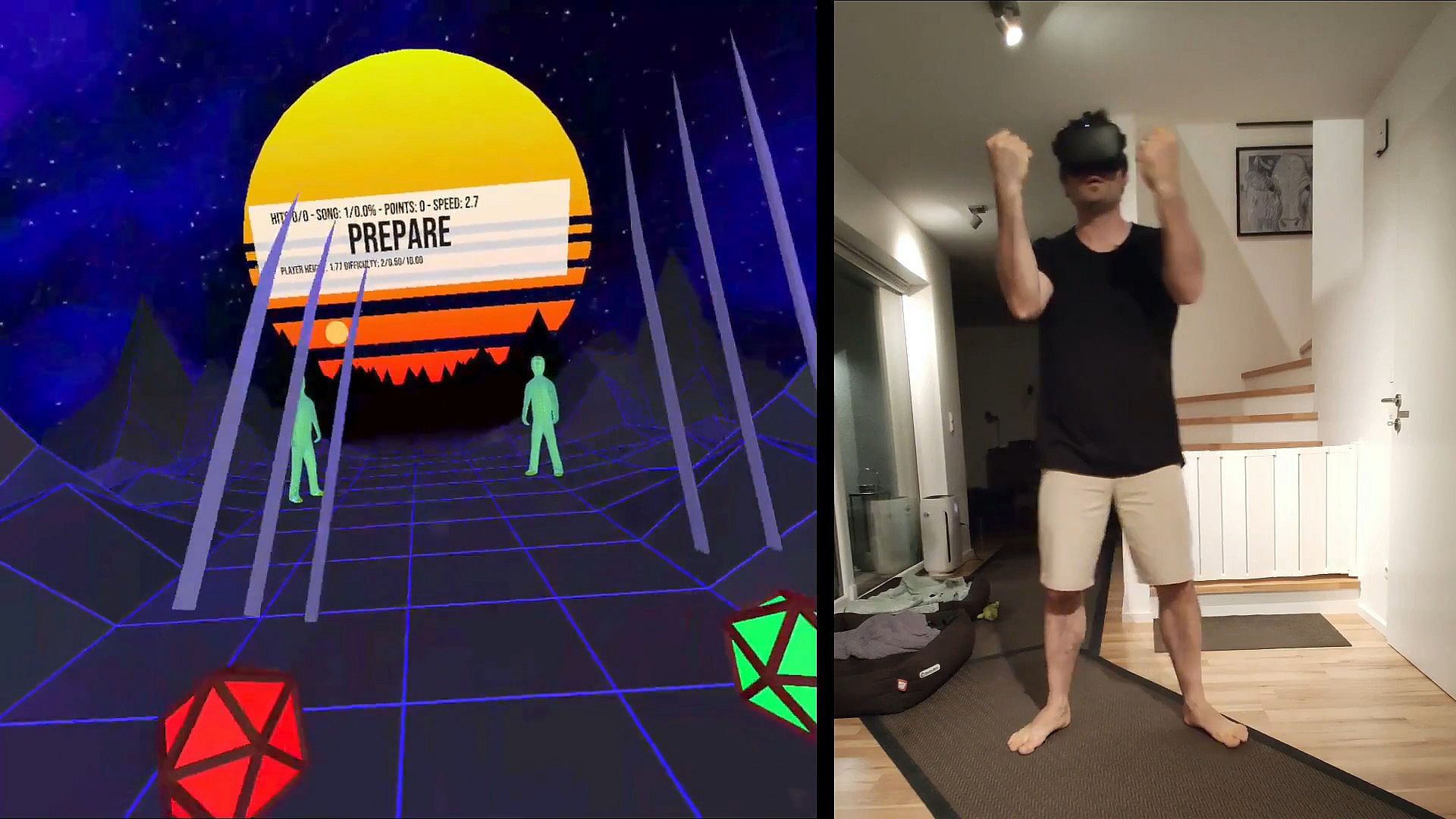
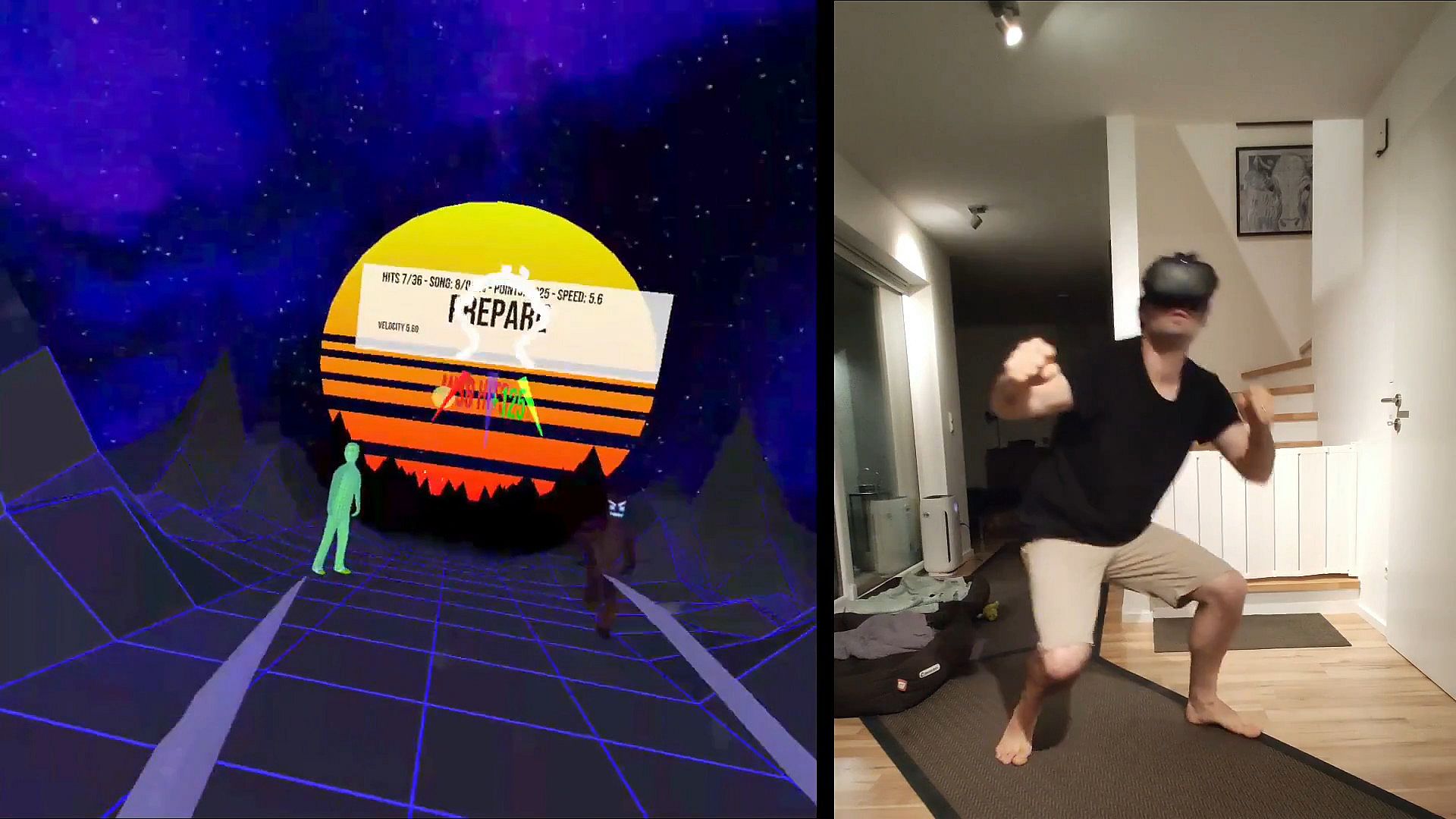
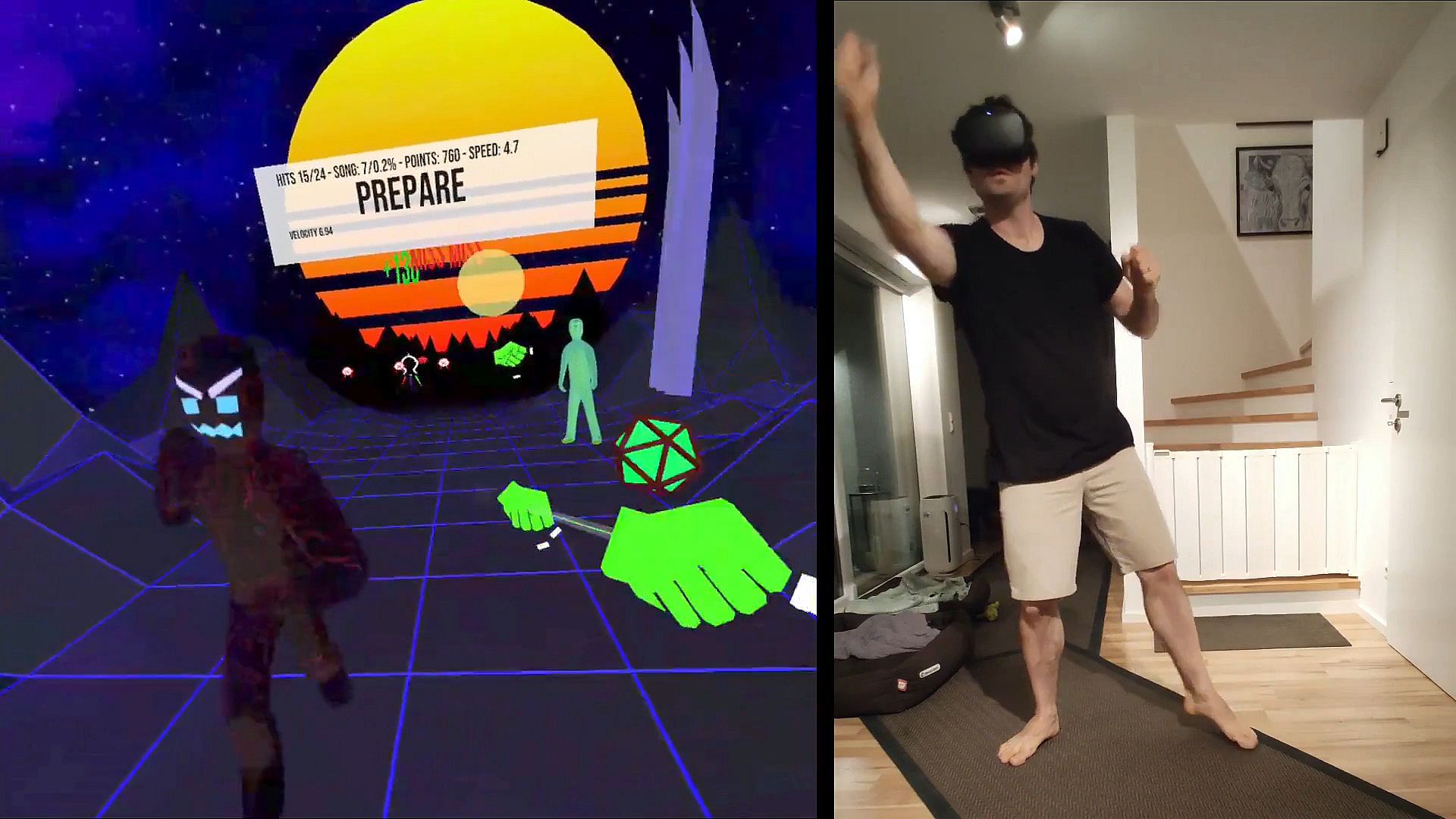
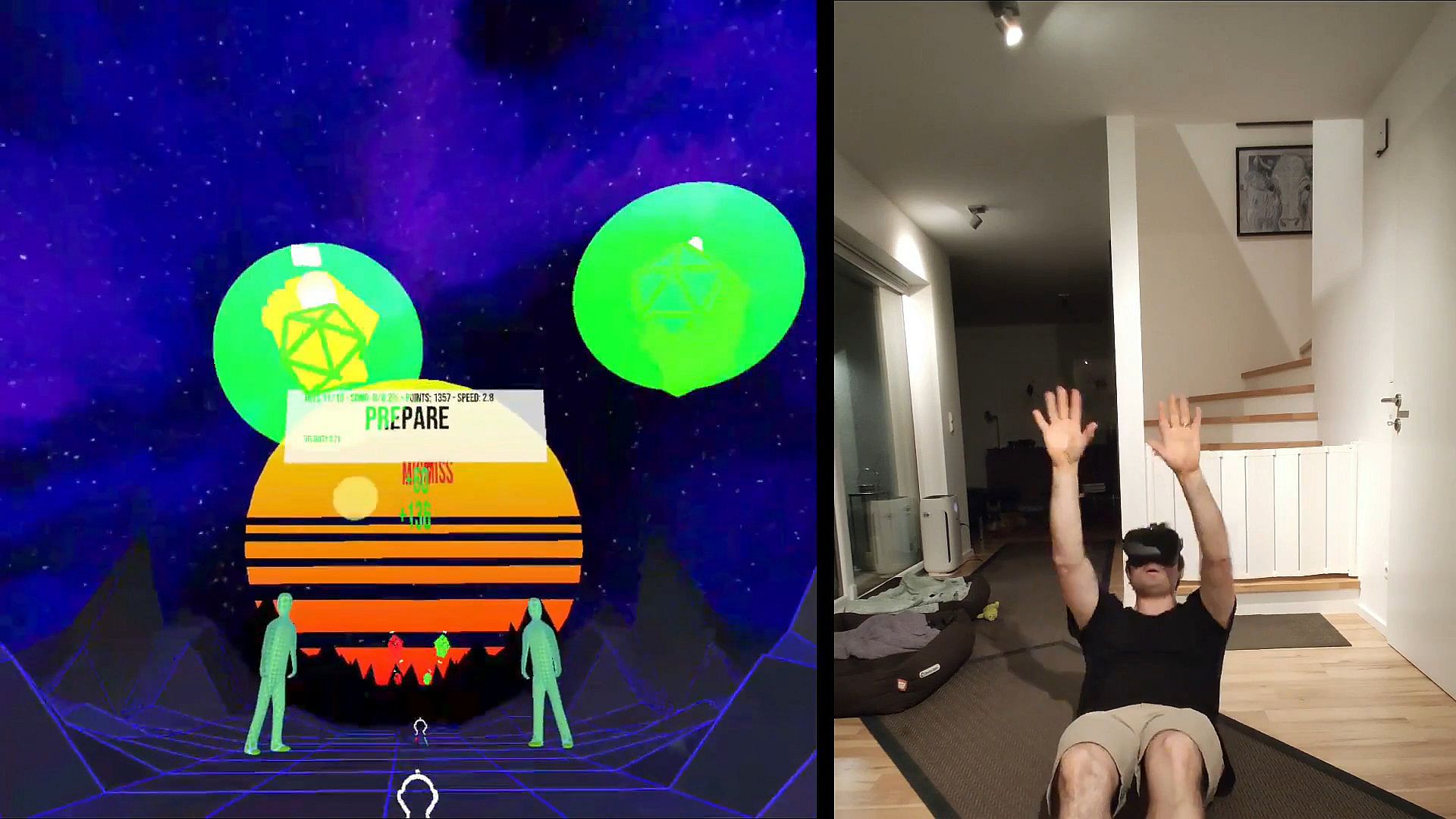
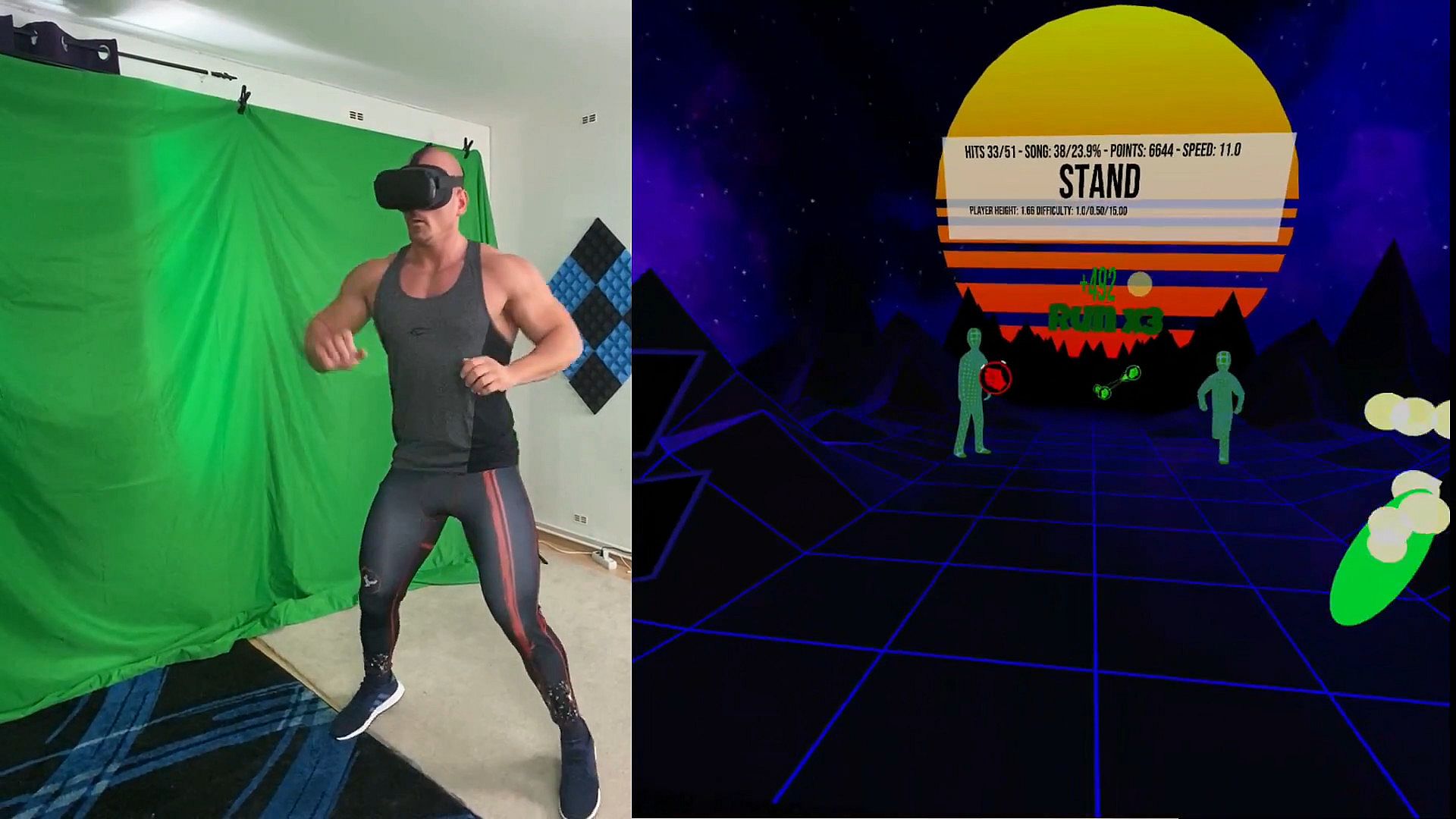
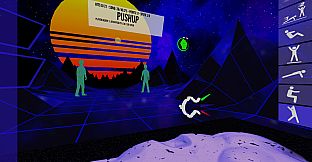
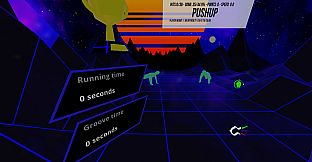
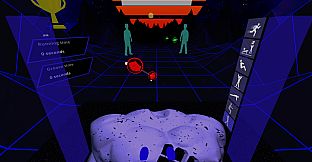
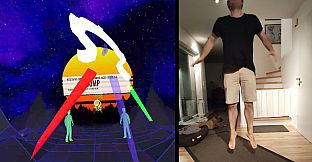
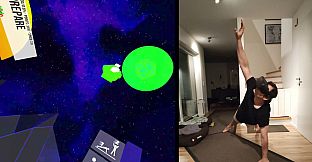
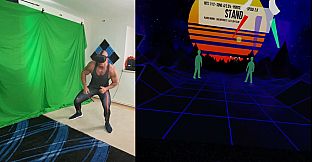
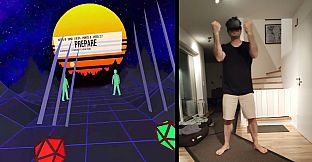
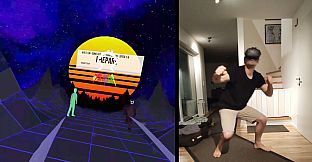
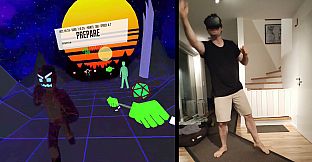
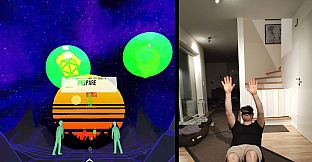
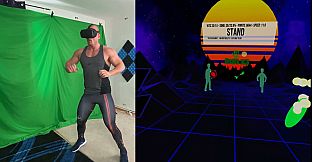
Verwandeln Sie Ihr Wohnzimmer mit VRWorkout in ein privates Fitnessstudio - ein Rhythmus-Fitnessspiel, das Ganzkörperbewegungen verlangt. Treffen Sie Hand-Cues im Takt der Musik mit angeschnallten Controllern oder VIVE Trackers, tippen Sie Kopf-Cues sanft an und joggen Sie auf der Stelle für Punktmultiplikatoren. Wählen Sie aus Jumping, Squats, Pushups, Side Planks, Crunches, Burpees und Sprinting - mit Optionen, Übungen zu deaktivieren und Double-Taps zum Wechseln während des Spiels. Drei Schwierigkeitsstufen über mehrere Blöcke stehen zur Auswahl, unterstützt durch automatische Höhenermittlung und Audio-Anweisungen für Positionswechsel. Im Freeplay-Modus synchronisieren sich Cues nach dem Antippen der blauen Trommel mit dem BPM Ihrer Hintergrundmusik, eigene MP3- oder OGG-Songs landen im Ordner C:\VRWorkout. Dieses Early-Access-Sporttitel ist ideal für engagierte VR-Fitness-Spieler, die intensive Workouts mit Bewusstsein für Risiken auf PC via SteamVR meistern wollen.

Transform your living room into a personal gym

VRWorkout is a fitness rhythm game with full-body engagement.

Jumping // Squatting // Pushups // Side Planks // Crunches // Running // Burpees and Sprinting

DISCLAIMER: Use at your own risk! This game does not check if you bump into your surroundings. There is a lot of movement involved since this is a physical workout game, which bears the risk of injury. Always use common sense when performing the movements inside the game. If you feel that some exercises are too dangerous DO NOT PERFORM them. You acknowledge that this software is free and you are using it at your own risk
How to play

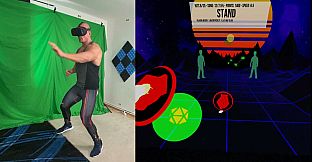
If your system does not have hand tracking support you can strap the controllers to your wrists, for example with knuckle straps:


Here are other options to use controllers:


If you are just trying it out for the first time you can hold the controllers in your hands, just don't expect to be able to hit the hand cues during the pushups and probably avoid the burpees.
Once you are comfortable and want to move forward with a more serious workout either use VIVE Trackers with wrist straps or strap the controllers to your wrists in a safe manner.


VIVE wands are a bit trickier. One method that works quite well is to use a forearm guard usually used in archery and fixing the controller with Velcro to it. Those forearm guards are usually rather cheap (~$20) and are quite a good option to fix a VR controller to the forearm.


  • Try to hit the hand cues to the beat of the music.
  • The head cue has to be touched with your head. Just touch it, you don't need for headbutting
  • Run in place to receive point multipliers!
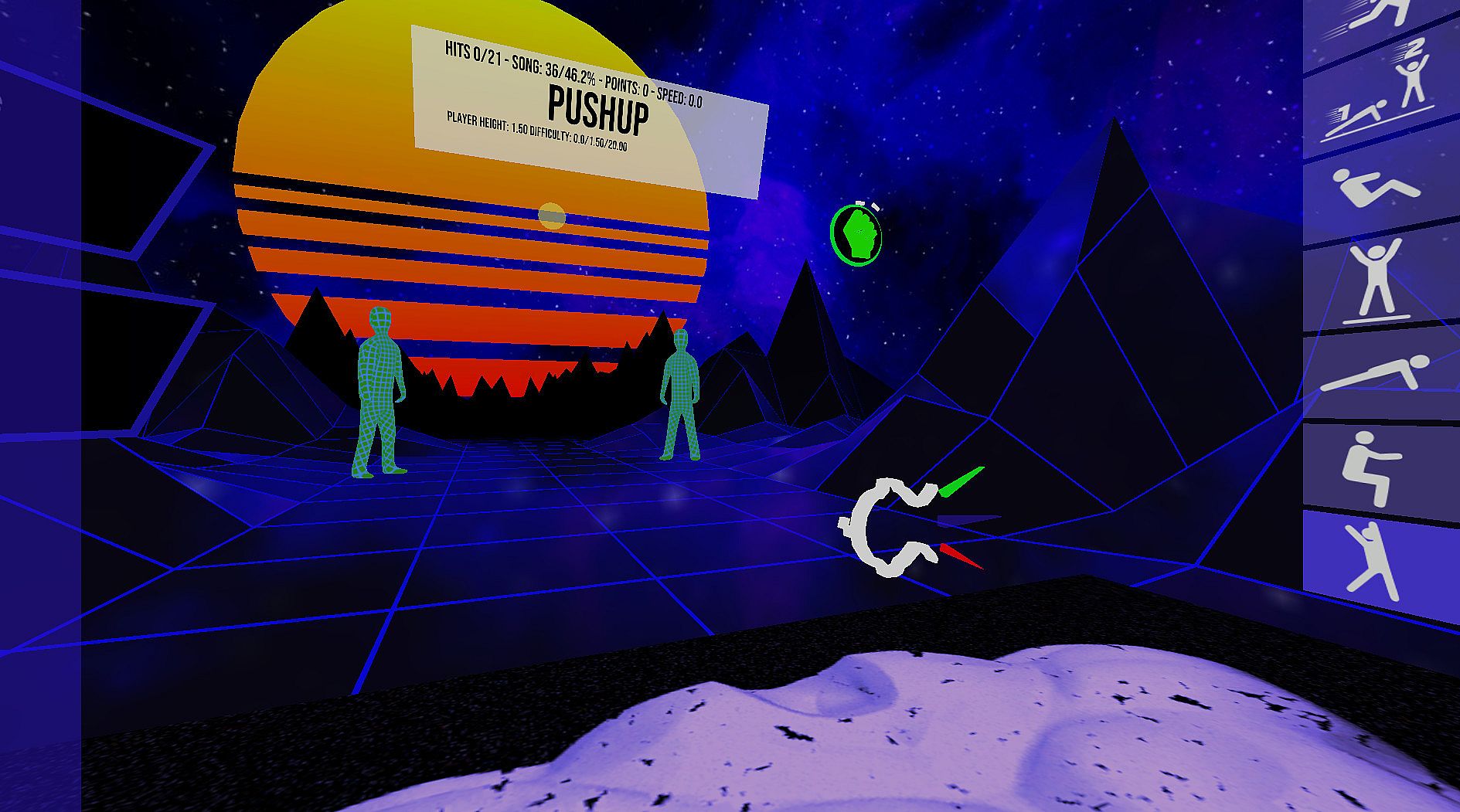
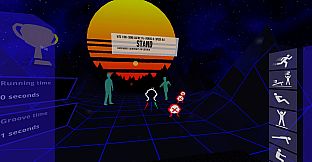
  • If you want to switch out an exercise during play double-tap the new exercise twice in the exercise selector to your right.
The optimal time to hit the cues is when the marker that rotates around the cue touches the second one.

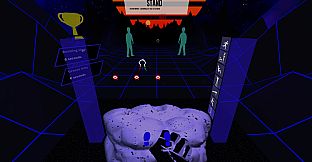
Upon starting you will see several different blocks. Touch one of them at the desired difficulty spot to select a level and difficulty. To disable exercises switch them on/off with the switches to your left.

Exiting a stage during play: On the top of the left blue pole is a sign to exit a stage.

Play with your own music in Freeplay mode* Put on some music in the background and hit the blue drum in the main menu to the beat of the music. Once the beat is set, select one of the freeplay modes to your right. They will send the cues according to the BPM you set but without playing any music.
Current features
  • 3 difficulty levels
  • Automatic player height detection
  • Audio instructions that tell the player when to switch positions
  • Increase points by running in place or by moving more
  • Freeplay mode without music, so you can play to your own background music
  • Experimental heart rate integration (auto difficulty)
  • In-game recentering
  • 34 songs included
  • Custom song support
  • Online portal access (patrons and beta testers only)
  • Heart rate integration
  • SideQuest profile linking
Custom songs
Place your MP3 or OGG files (only stereo is supported) in the Folder C:\VRWorkout
This folder is not automatically created so if you use customs songs create the folder VRWorkout in C:\ first

Attention: Requires SteamVR

Oberfläche:
English
Audio:
English

Altersfreigabe

Keine Angabe
Metacritic:
tbd tbd
Steam:
Positive (24)

Minimum:

  • Prozessor: Intel Core i5-4590 / AMD FX 8350
  • Arbeitsspeicher: 4 GB RAM
  • Grafik: NVIDIA GTX 970 / AMD Radeon R9 290
  • Speicherplatz: 500 MB available space

Empfohlen:

  • Betriebssystem: Windows 10
  • Prozessor: Intel i7
  • Arbeitsspeicher: 8 GB RAM
  • Grafik: NVIDIA GTX 1080
  • Speicherplatz: 500 MB available space
  • Zusätzliche Hinweise: 2xVIVE trackers
Historisches Tief
Preisverlauf von offiziellen Shops
-
-
-
Preisverlauf von Keyshops
-
-
-

FAQ

8 Fragen

Bevor du nach einem günstigen VRWorkout Key suchst, prüfe die wichtigsten Fakten. Entwickelt von Michael Gschwandtner. Veröffentlicht von Michael Gschwandtner. PC Release-Datum: 05 Juli 2020. Genres: Sports, Early Access. Kategorien: Single-player, Tracked Controller Support, VR Only.

Q

Wo kann ich einen günstigen VRWorkout Steam Key kaufen?

VRWorkout ist kostenlos spielbar! Lade es auf Steam herunter und spiele sofort los.

VRWorkout ist auf Steam komplett kostenlos. Kein Kauf nötig - einfach herunterladen und spielen. Wenn du nach Premium-DLC oder In-Game-Items suchst, prüfe die Angebotstabelle oben.

Unser Preistracker deckt sowohl offizielle Händler als auch Key-Marktplätze ab, sodass du VRWorkout im Angebot auch außerhalb saisonaler Aktionen finden kannst. Wir erkennen derzeit 1 aktives Angebot von offiziellen Shops und Keyshops. Prüfe die Tabelle oben, vergleiche mit dem historischen Tief und setze einen Alarm, damit du den nächsten Preissturz nicht verpasst.

Laut unseren Daten ist VRWorkout derzeit nicht auf GeForce NOW verfügbar. Du musst es lokal auf deinem PC ausführen. Stöbre durch Spiele, die auf GeForce NOW verfügbar sind.

Ja. VRWorkout hat eine offizielle Steam-Shop-Seite. Du kannst auch einen VRWorkout Steam Key von Drittanbietern kaufen. Unser Preisvergleich umfasst derzeit 1 Angebot mit Steam-DRM. Wähle eines davon, um sicherzustellen, dass dein VRWorkout Download über Valves Plattform läuft.

Ja. VRWorkout ist Steam Deck Verified - es startet ohne Anpassungen, zeigt korrekte Controller-Symbole und läuft stabil. VRWorkout funktioniert perfekt auf dem Steam Deck.

VRWorkout scheint derzeit nicht im PC Game Pass, bei EA Play, Ubisoft+ oder einem anderen PC-Abonnement verfügbar zu sein. Deine einzige Option ist der Kauf - nutze XD.deals, um den besten Preis zu finden.

Nein - XD.deals ist kein Shop. Wir sind ein Preisvergleich, der die besten VRWorkout-Deals bei offiziellen Shops und verifizierten Keyshops verfolgt. Klicke neben einem Angebot auf "Zum Shop" und du wirst zur Webseite des Händlers weitergeleitet, um deinen Kauf abzuschließen.

Beste Preise für VRWorkout

1 Steam Steam Official
0,00 €

Zum besten Zeitpunkt kaufen? Setze einen Preisalarm auf XD.deals und werde benachrichtigt, wenn VRWorkout sein nächstes historisches Tief erreicht.

Alarm erstellen
Tritt unserem Discord bei
Erhalte Hilfe von der Community und bleibe über Angebote informiert
Preisalarme einrichten
Erhalte E-Mail-Benachrichtigungen wenn Preise fallen
Kostenloses Konto erstellen
Schalte Wunschlisten, Preisalarme und Steam-Sync frei