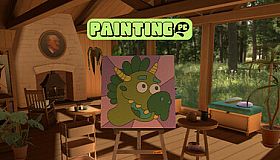



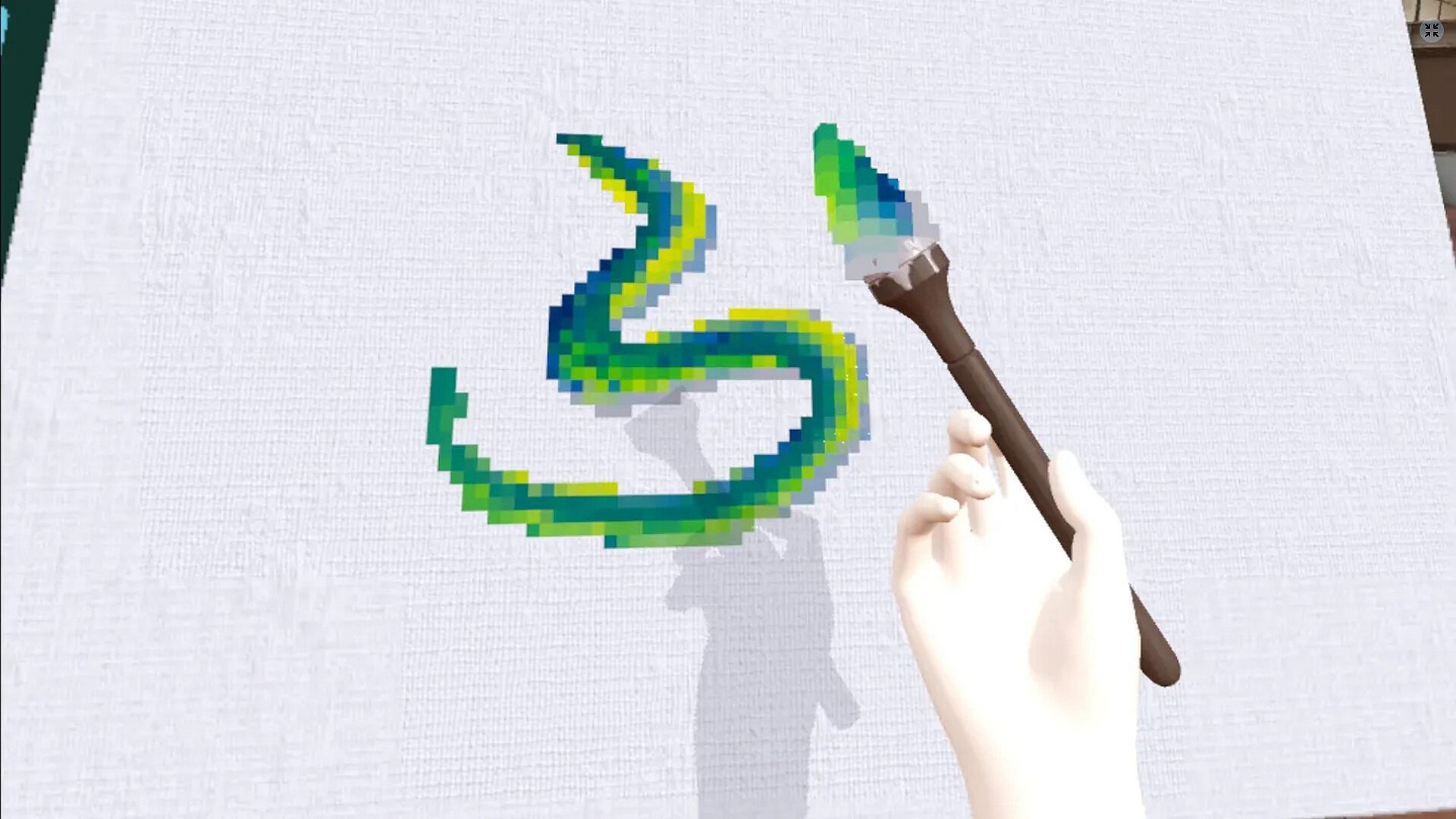
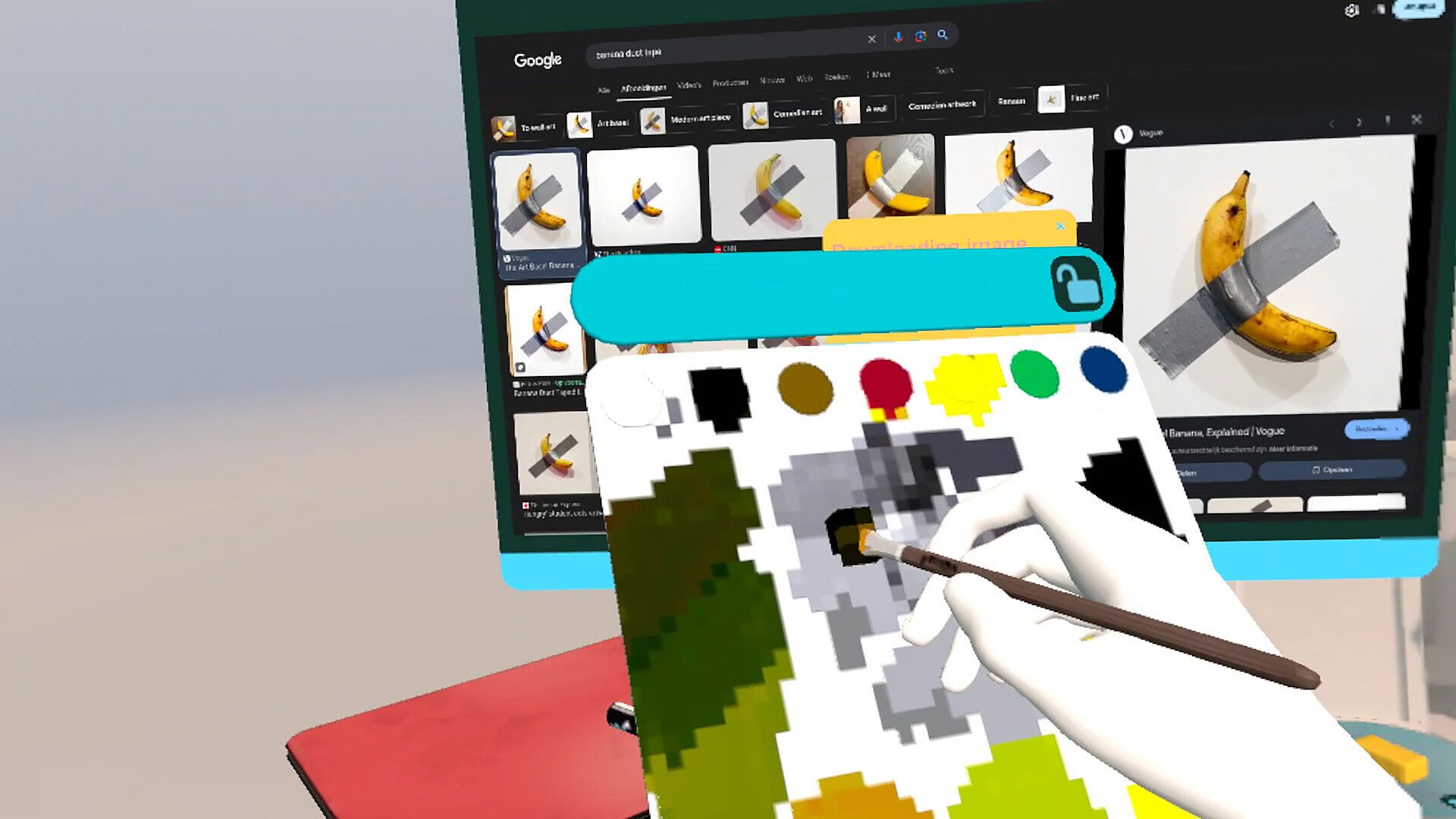
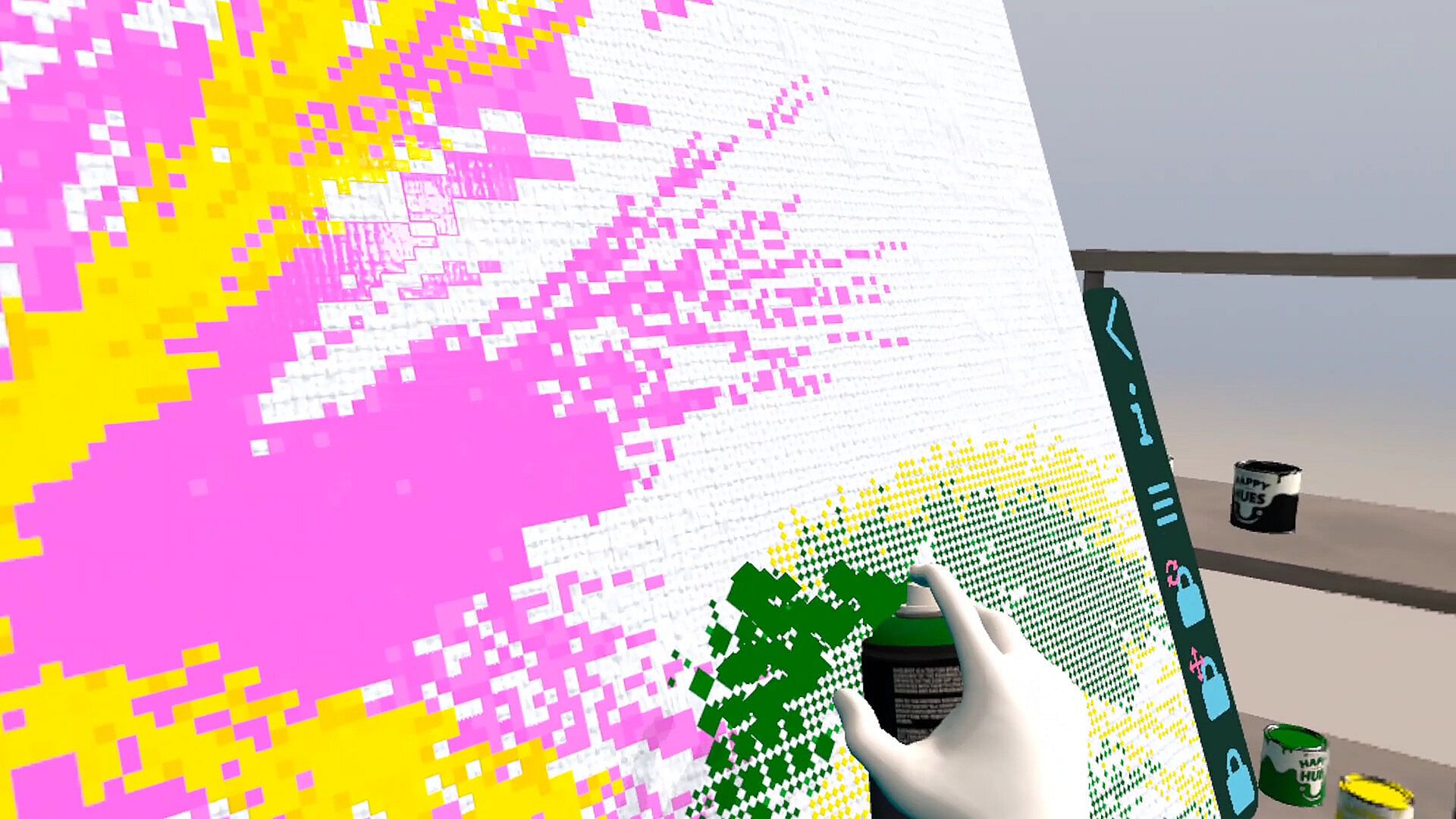
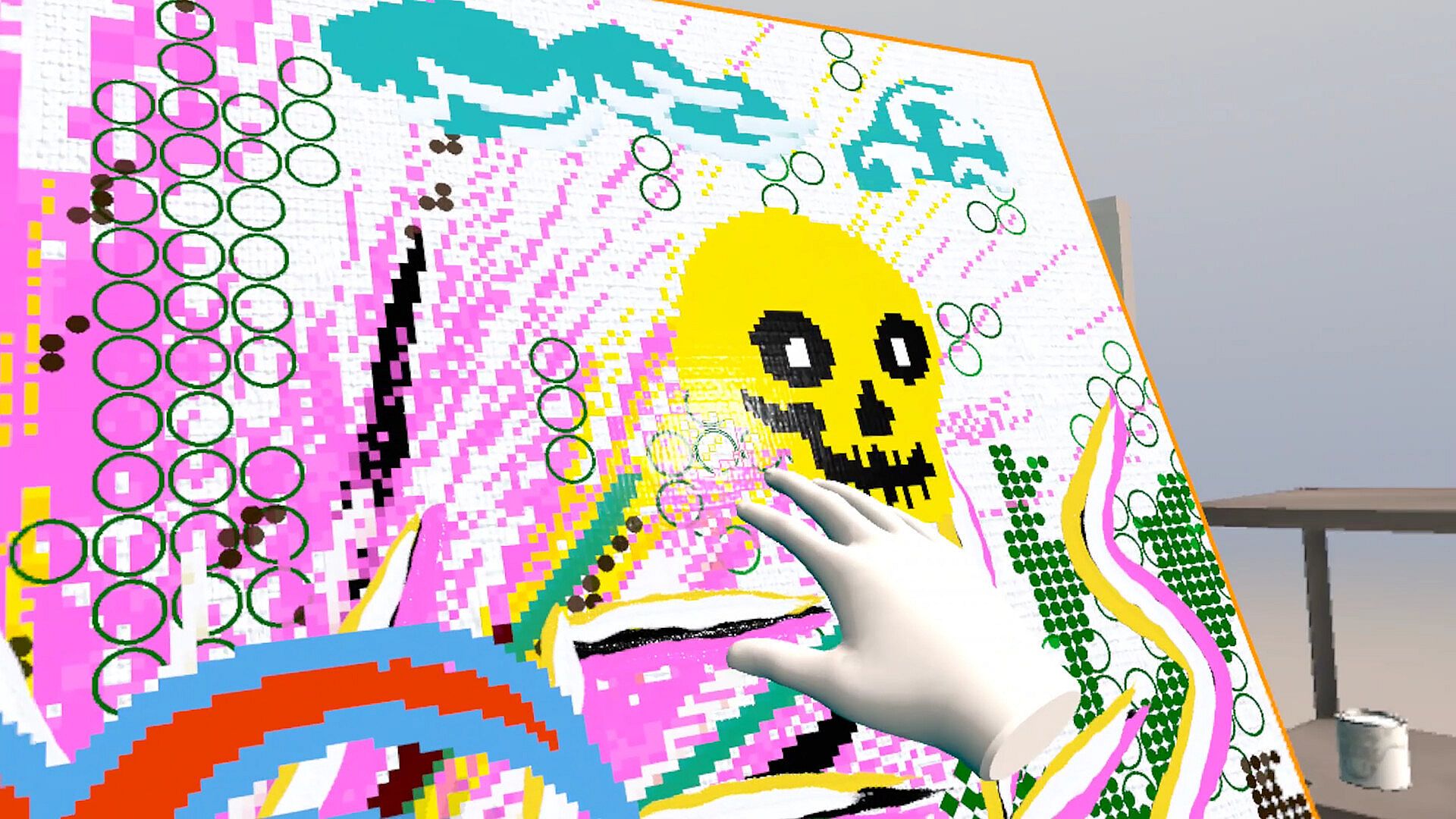
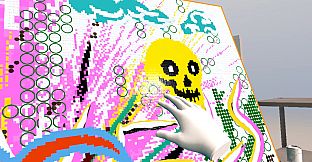
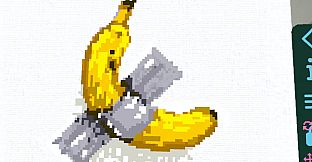
Painting VR - Pixel Paint ist eine entspannte VR-Simulationserfahrung, die Spieler in ein virtuelles Atelier versetzt, in dem sie mit Pinsel und Farbe kreativ tätig werden können. Im Mittelpunkt stehen realistische Pinselstriche und die natürliche Farbverarbeitung in einer ruhigen Umgebung. Mit der Pixel-Paint-Erweiterung kommt ein retro-pixeliger Stil hinzu, der sich über bestehende Werke legen lässt. Das Spiel ist für den PC erhältlich und richtet sich an alle, die ohne komplizierte Regeln oder Wettbewerbsdruck digital Kunst ausprobieren möchten.
Gameplay
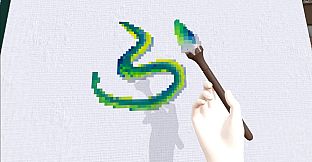
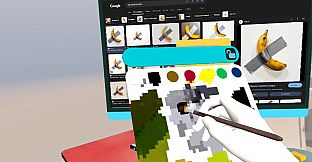
Im Kern wählen Spieler aus verschiedenen Pinseln und Werkzeugen, um Farbe auf virtuelle Leinwände in drei Dimensionen aufzutragen. Die Physik simuliert, wie Farbe sich verteilt, vermischt und mit Oberflächen interagiert, sodass Striche organisch aufbauen wie auf realem Material. Die Farbmenge ist unbegrenzt, und Farbtöne, Pinselgrößen sowie weitere Einstellungen lassen sich jederzeit anpassen. Vorlagen und Ausmalbilder bieten bei Bedarf eine Orientierung, während freies Malen von einfachen Skizzen bis hin zu detaillierten Szenen alles ermöglicht.
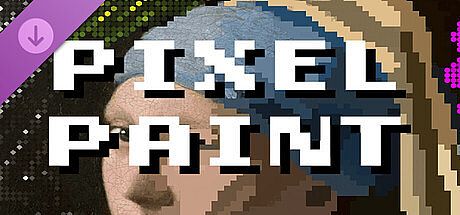
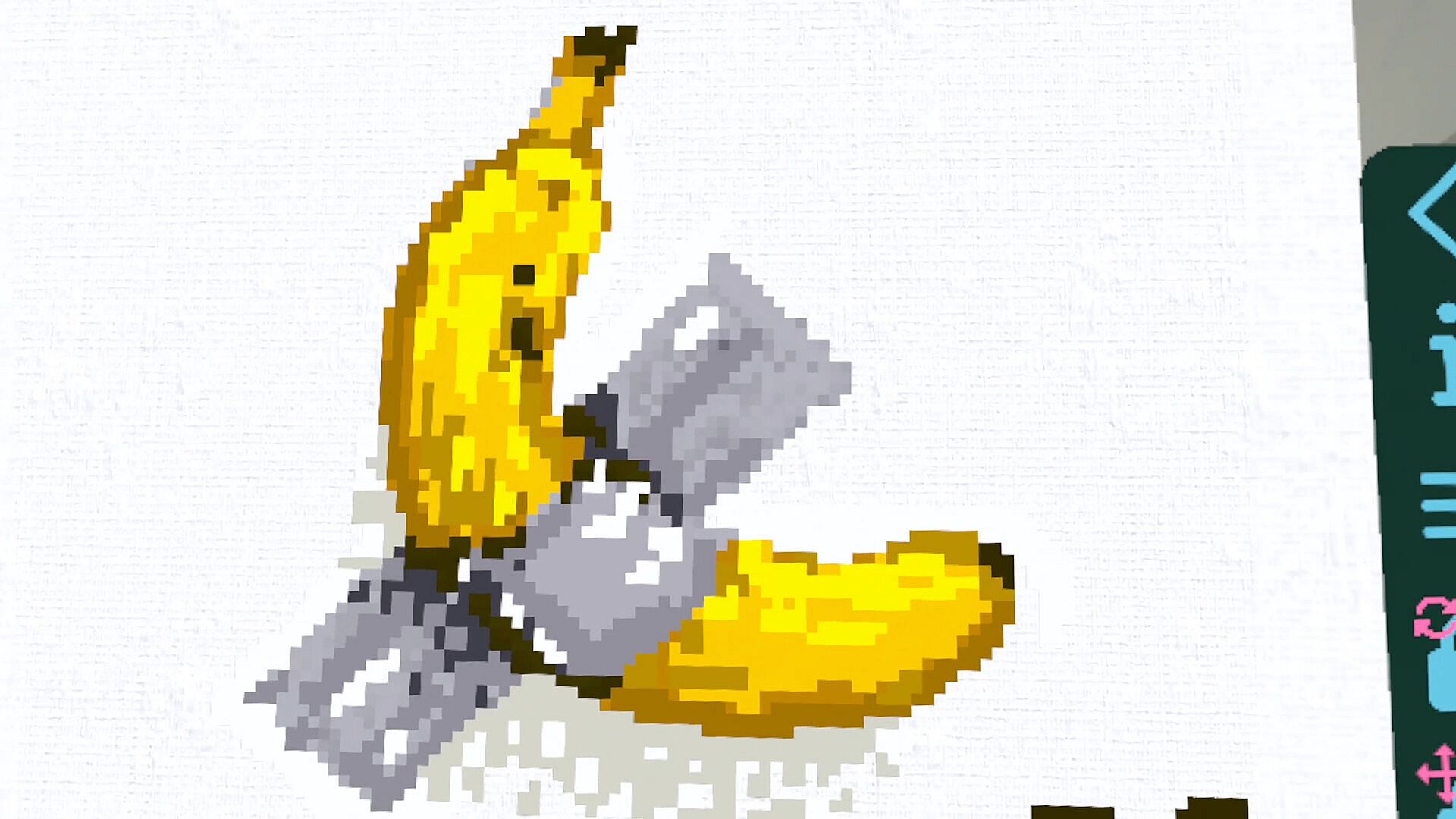
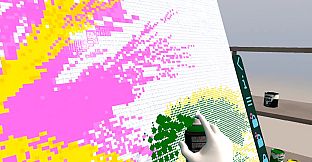
Die Pixel-Paint-Funktion lässt sich direkt in dieses System integrieren und wandelt fertige oder laufende Arbeiten in ein pixeliges Format um. Alle gewohnten Werkzeuge bleiben verfügbar, während die Pixelgröße und -form flexibel angepasst werden können, um den gewünschten Retro-Look zu erzielen. Der Fokus liegt weiterhin auf künstlerischer Kontrolle, ohne neue Mechaniken oder Einschränkungen einzuführen.
Spielmodi
Das Spiel dreht sich um offene Mal-Sessions im virtuellen Atelier. Es gibt keine strukturierten Wettbewerbs- oder Story-Modi, sodass die Sitzungen im eigenen Tempo verlaufen und Raum für Experimente und Iterationen bieten. Die Pixel-Paint-Funktion erweitert diese Sessions um einen visuellen Filter, der jederzeit angewendet und angepasst werden kann, ohne den Kontext zu wechseln oder Fortschritte zu verlieren.
Ob man von Grund auf beginnt oder auf bereitgestellte Vorlagen zurückgreift - beide Ansätze werden unterstützt und passen sich unterschiedlichen Vorlieben an, sei es für schnelle Entspannung oder gezieltes Komponieren. Alle Elemente bleiben über vertraute Steuerungen erreichbar und sorgen für ein einheitliches Erlebnis zwischen Basisversion und Erweiterung.
Pixel Paint-Erweiterung
Das Pixel Paint-DLC erweitert die Möglichkeiten des Ateliers, indem es jedem mit den Standardwerkzeugen erstellten Bild einen pixeligen Renderstil verleiht. Durch Anpassungen der Pixelgröße und -form können Nutzer zwischen weichen, traditionellen Darstellungen und blockigen, nostalgischen Effekten wechseln - und das innerhalb desselben Projekts. Die Erweiterung fügt sich nahtlos in bestehende Arbeitsabläufe ein und erhält das realistische Pinselgefühl, während sie Pixel-Art-Fans eine zusätzliche kreative Ebene bietet.
Da die Erweiterung auf den bestehenden Mal-Mechaniken aufbaut, ist weder eine separate Oberfläche noch eine Einarbeitung nötig. Sie spricht Spieler an, die stilistische Vielfalt suchen, ohne das grundlegende Farbverhalten zu verändern.
Lohnt sich das Spiel?
Spieler loben vor allem die natürliche Pinselphysik und die entspannte Atmosphäre. Viele schätzen die Möglichkeit, ohne Druck oder Ressourcenbeschränkungen zu gestalten. Die Bewertungen der Basisversion fallen insgesamt gemischt aus: Die Mal-Simulation wird solide umgesetzt, während einige Nutzer Einschränkungen bei der erweiterten Anpassung bemängeln. Die Pixel-Paint-Erweiterung bietet gezielten Mehrwert für Fans retroer Stile und erhöht den Wiederspielwert für Bestands- und Neuspieler gleichermaßen.
Das Spiel eignet sich für alle, die in der virtuellen Realität einen unverbindlichen kreativen Ausgleich suchen - insbesondere Gelegenheitsspieler und Künstler, die mit digitalen Medien experimentieren. Der unkomplizierte Ansatz macht es sowohl für kurze Sessions als auch für längere, konzentrierte Arbeitsphasen geeignet. Wer jedoch Multiplayer-Features oder komplexe Fortschrittssysteme erwartet, wird das Angebot eher eingeschränkt finden. Die neuen Pixel-Optionen erweitern die Reichweite innerhalb des Simulationsgenres, ohne das Erlebnis zu verkomplizieren.