

batch (Video Uploader) PC kaufen

batch (Video Uploader) ist kostenlos spielbar! Lade es auf Steam herunter und spiele sofort los.

Veröffentlichung: 31 Jan. 2019
Steam:
Mostly Positive (28)
Official
Nicht verfĂĽgbar
Keyshops
Nicht verfĂĽgbar
Im offiziellen Store kaufen:
Nicht verfĂĽgbar
Im Keyshop kaufen:
Nicht verfĂĽgbar

Noch keine Angebote. Wir informieren dich, sobald neue Preise verfĂĽgbar sind.

Create Alert Create deal Alert

Ăśber batch (Video Uploader)

batch (Video Uploader) - Spielbeschreibung
Optimiere deine YouTube-Videoproduktion mit batch, einem leistungsstarken PC-Tool, das Uploads und Workflow-Aufgaben automatisiert. Erstelle wiederverwendbare Vorlagen für Titel, Beschreibungen und Tags - basierend auf Textbausteinen oder Videodateinamen. Stelle bis zu 10 Videos in die Warteschlange für parallele Verarbeitung, steuere Upload-Geschwindigkeiten und plane Aktionen nach dem Upload wie PC-Abschaltung oder Playlist-Sortierung. Verwalte Kanäle bequem über eine intuitive Oberfläche: Bearbeite Metadaten, antworte auf Kommentare, bewerte Videos und schaue Inhalte im Picture-in-Picture-Modus, ohne Stats zu verfälschen. Behandle mehrere Projekte über Accounts hinweg, während dein Internet für andere Nutzungen frei bleibt. Videocreator, die häufige Uploads und Audience-Engagement jonglieren, sparen mit diesen schnellen, zuverlässigen Tools Stunden.

You create the videos - batch does the rest!
Simplify your Creator everyday life, automate your workflow on YouTube and save your time for the most important thing: your videos. batch is probably the most powerful upload software in the world and brings you a lot of useful features and is above all fast and easy to use.
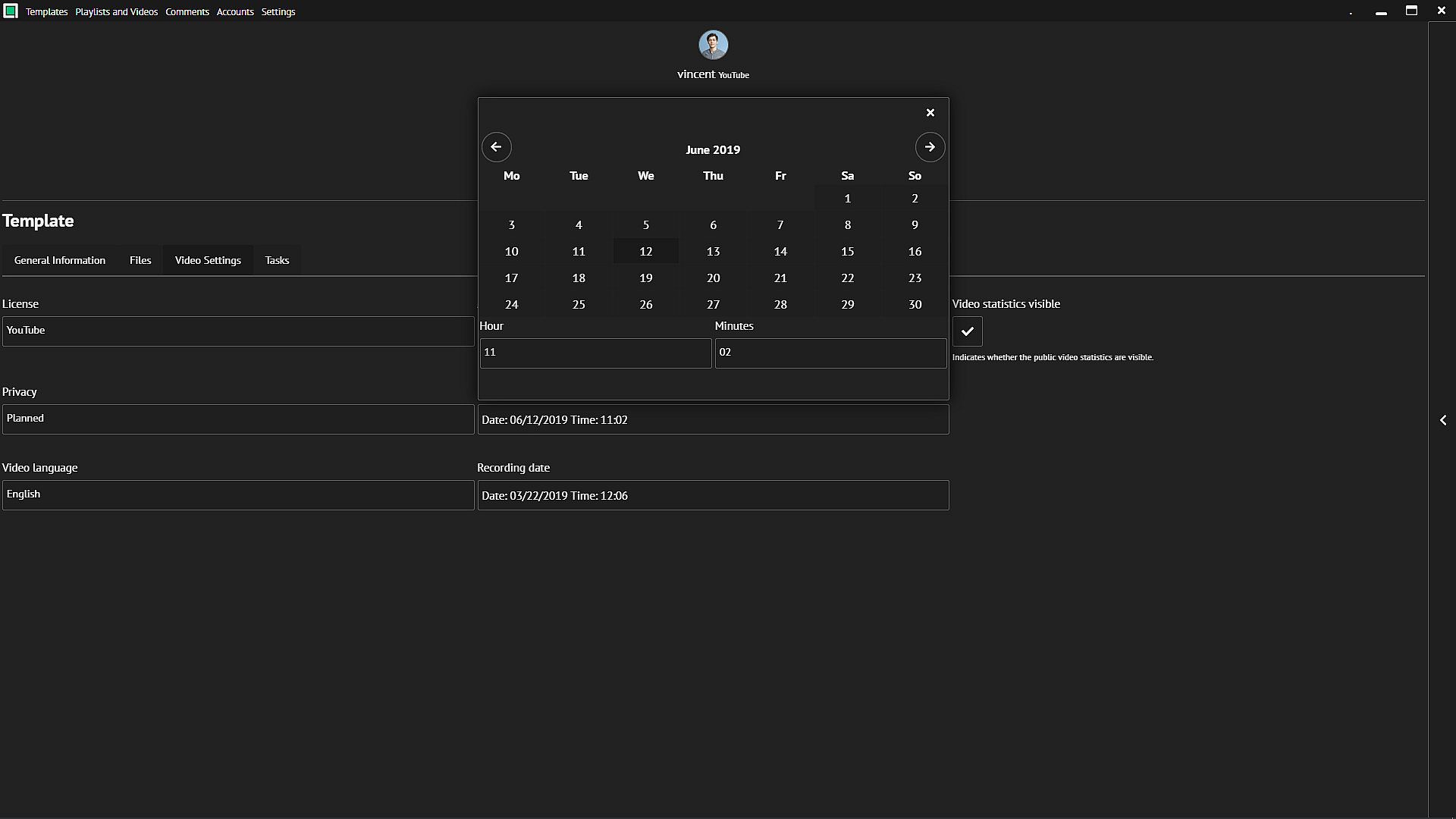
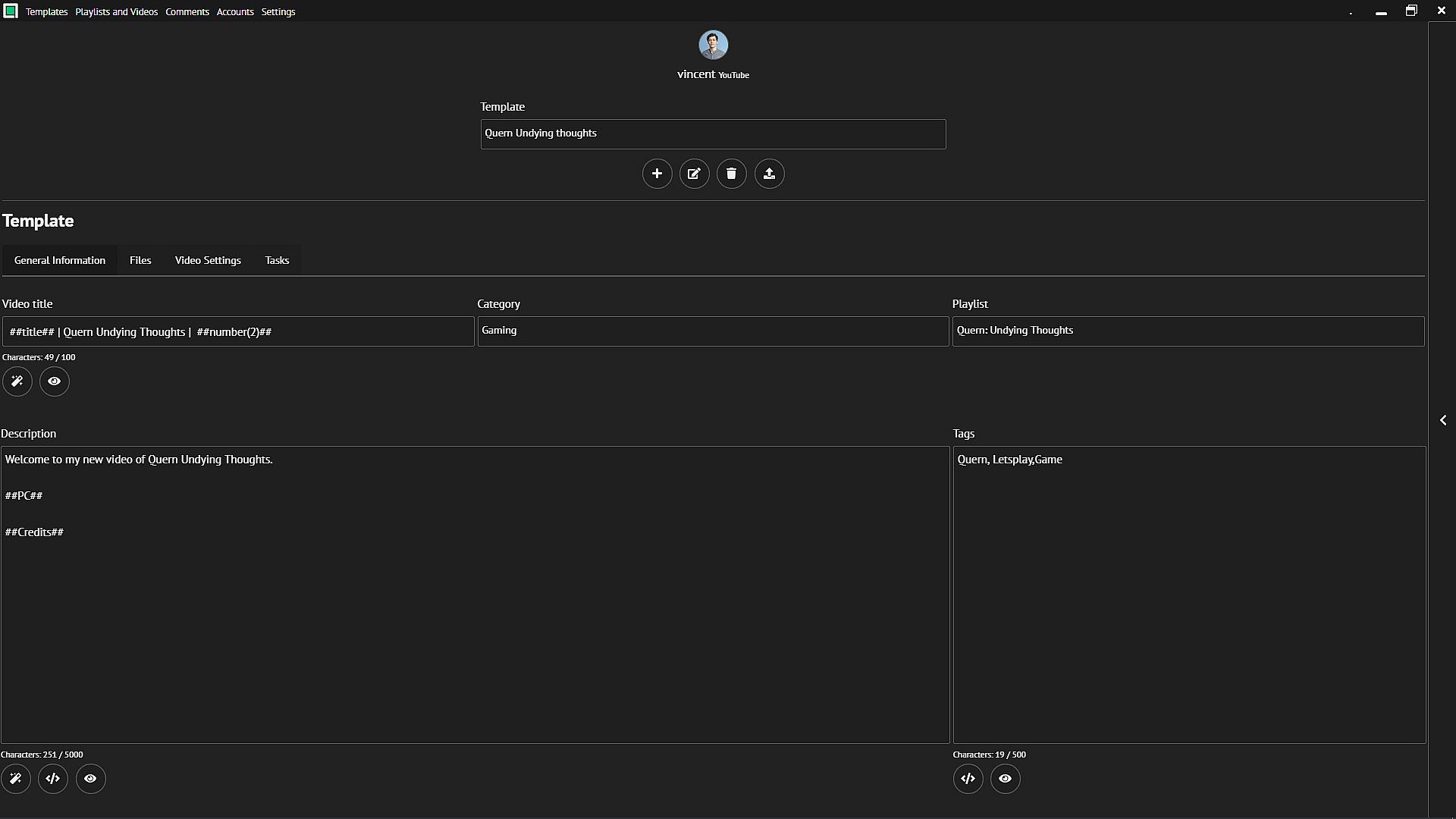
Templates for your projects
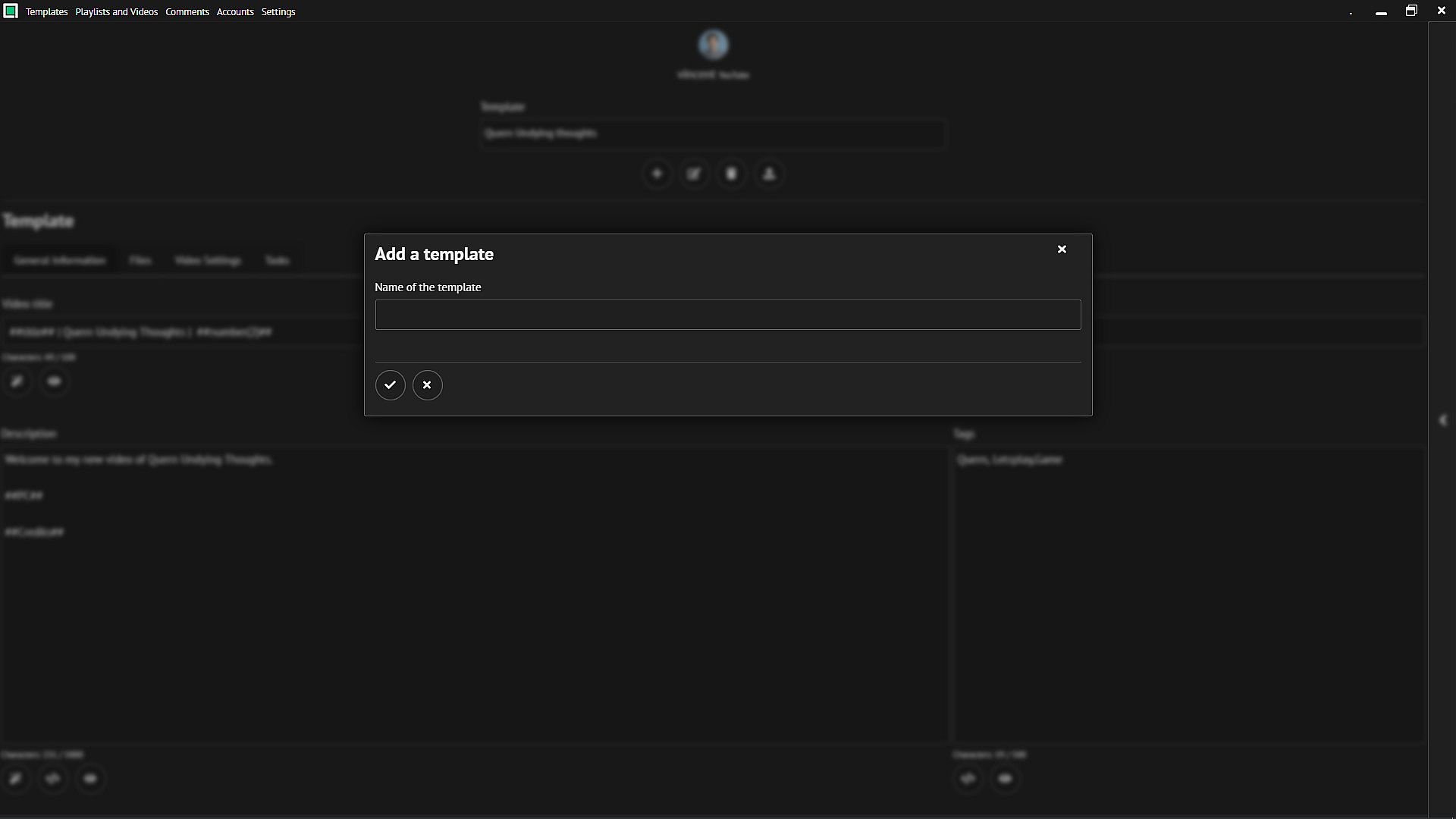
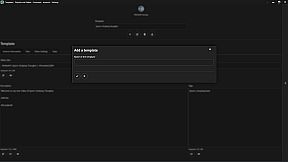
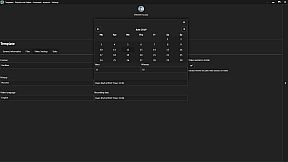
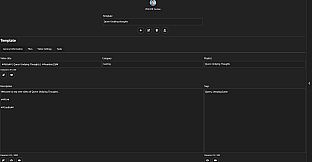
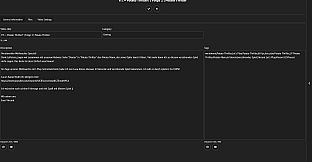
Create templates for your different projects and automate the titles of your videos. Use text blocks for your descriptions and tags and reuse frequently used text.
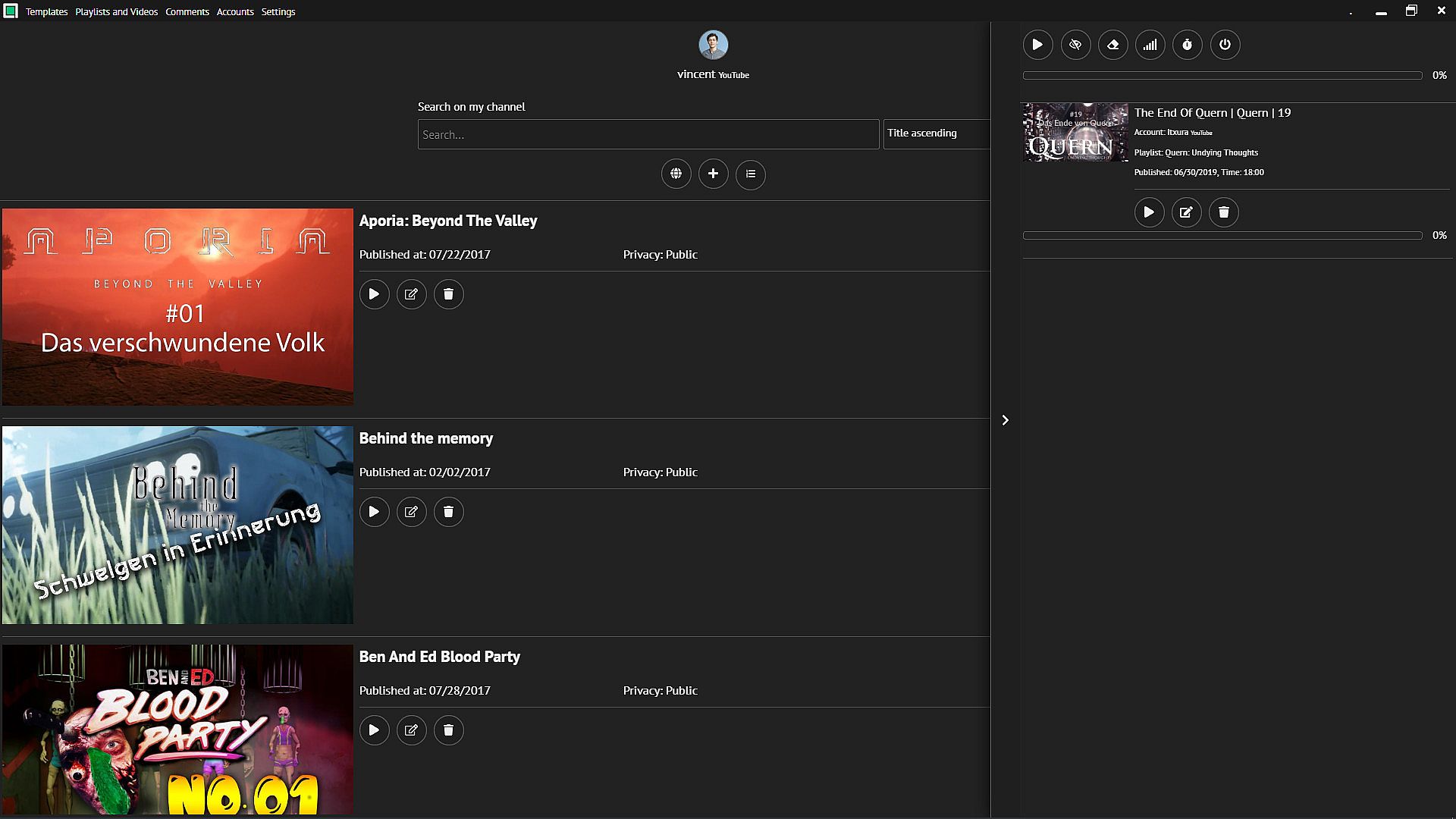
Automate your uploads
batch comes with a queue that uploads up to 10 videos at a time and gradually processes all pending uploads. Set the maximum upload speed so you can continue to use your Internet connection wisely. You have the option to have your PC shut down automatically after the upload. If a power saving mode is activated on your PC, you can deactivate it during the upload.
You sort your videos after publishing them on YouTube? Let batch do this task by defining "Tasks".
Your videos and playlists fully under control
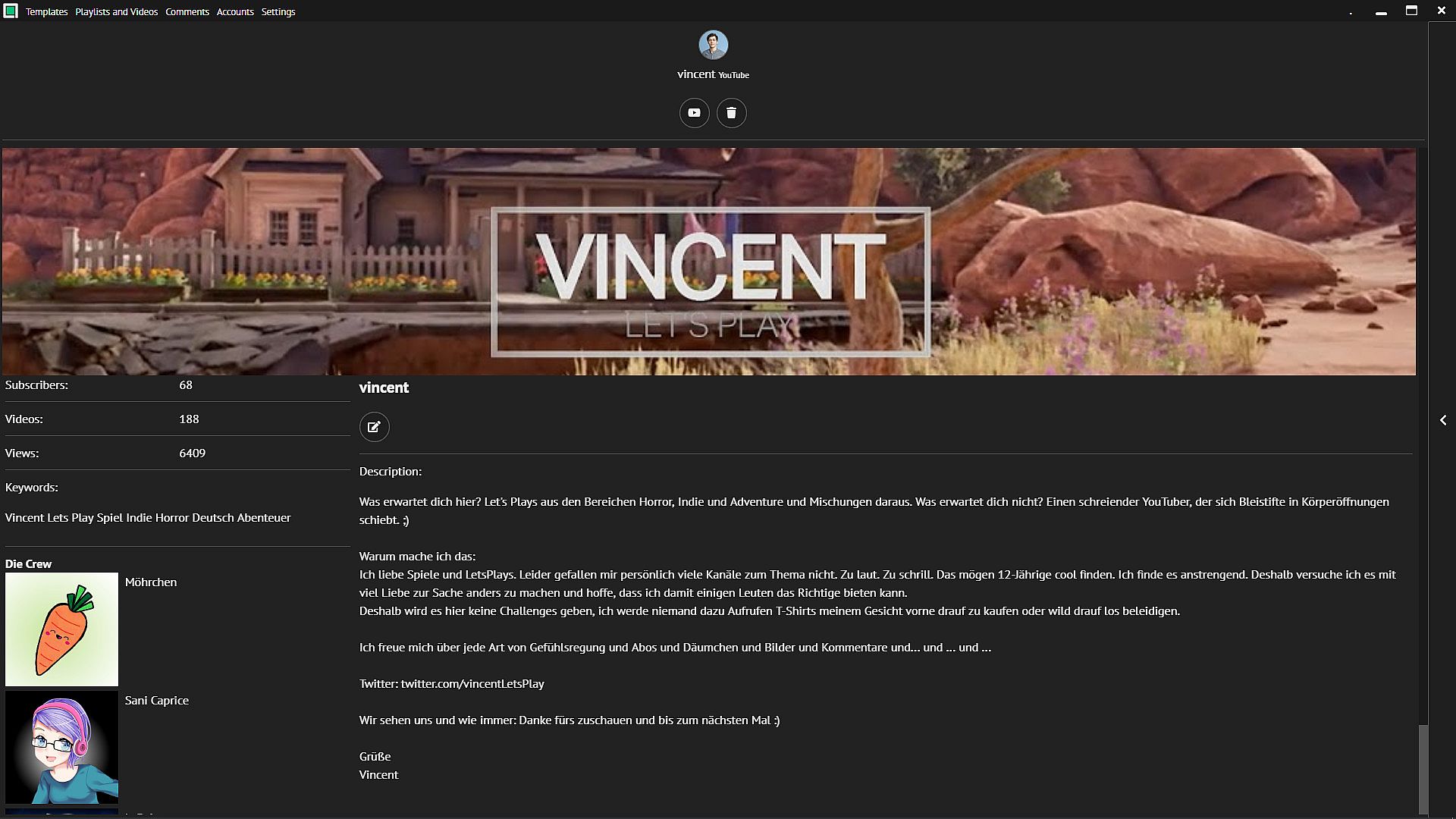
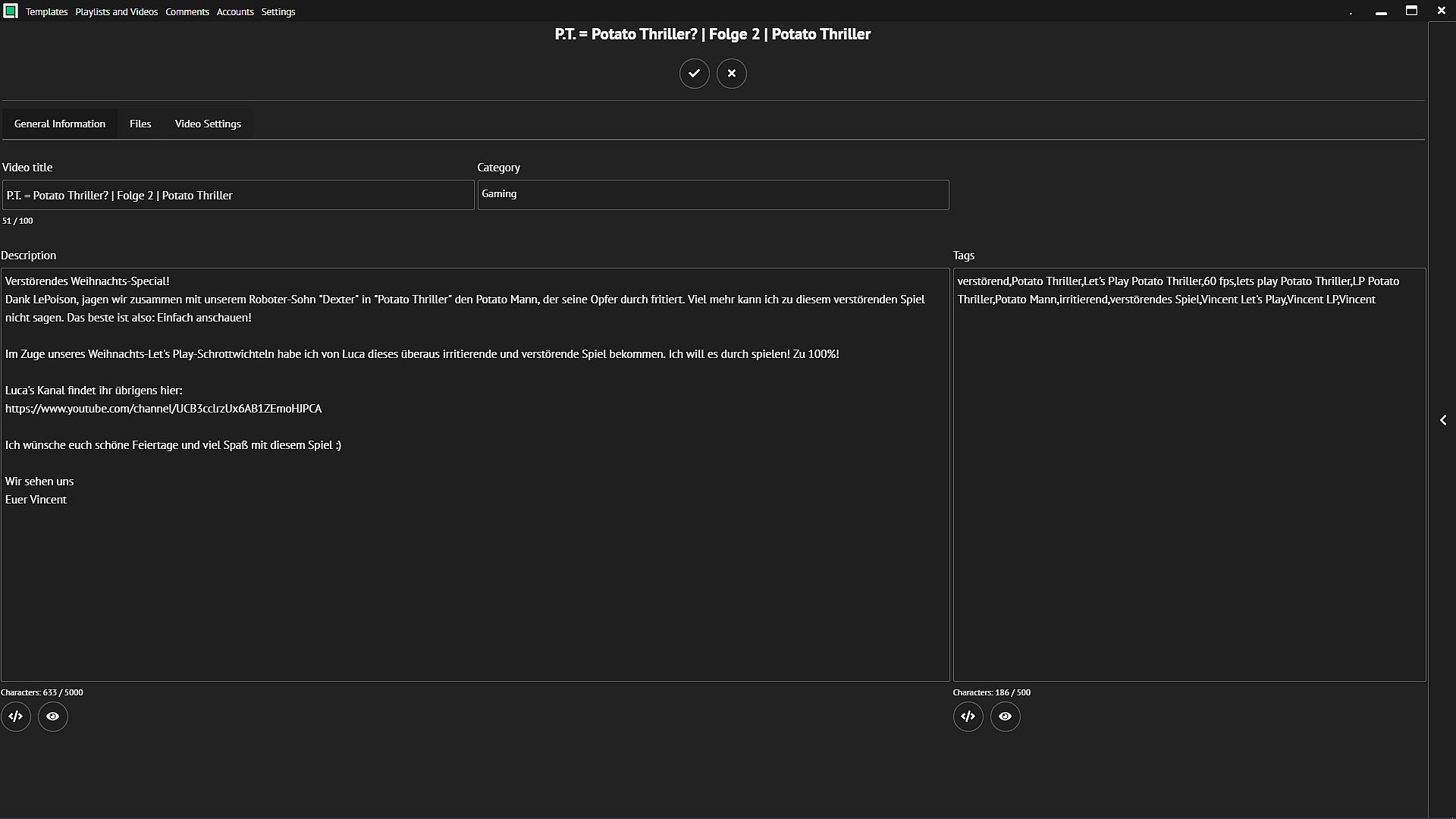
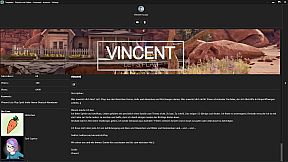
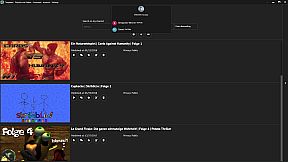
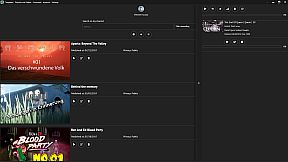
Edit the metadata of your videos and playlists. Add or remove videos from playlists. Watch your videos and playlists directly in batch without distorting your video statistics. Of course, in addition to accessing your own, you also have access to all other content on YouTube. Rate videos you like or don't like.
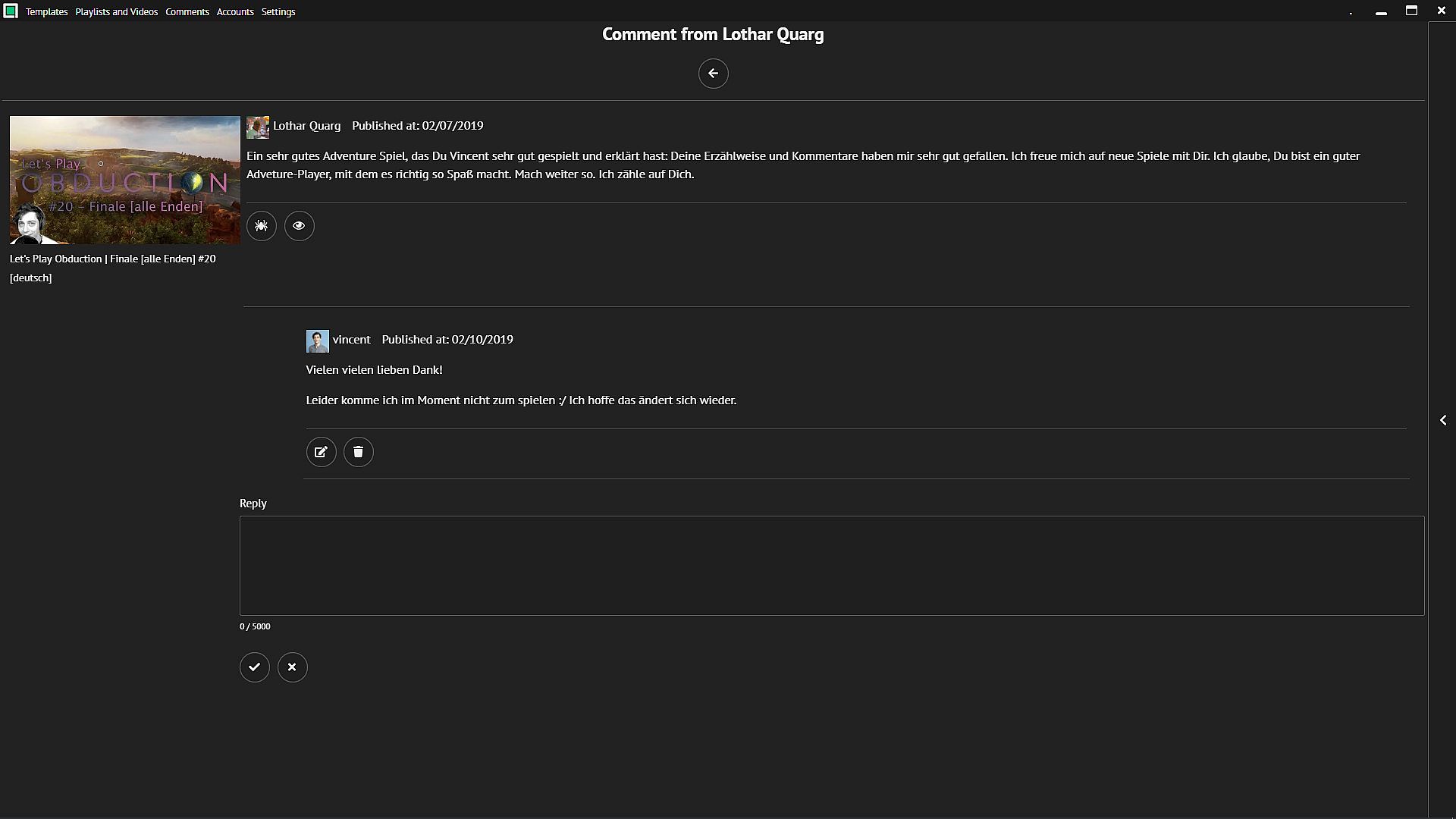
Stay in touch with your viewers
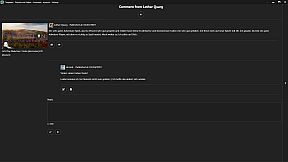
Check your comments and reply to them. Mark dubious comments as spam or delete them.


Benefit from an intuitive and beautiful interface.
Features
  • Create, edit and delete templates for your uploads
  • Edit your uploaded videos and playlists
  • Define tasks to be completed after successful upload
  • Use text blocks for your video description and your tags
  • Let the software create a video title out of your video filename
  • Turn off your PC once the uploads are complete
  • Set the upload speed
  • Rate videos you like or dislike
  • Watch your own videos without falsifying your statistics
  • Watch your videos in a picture-in-picture-mode
  • Watch videos and playlists from YouTube
  • Reply to your comments
  • Edit your account information
  • Upload up to 10 videos at the same time
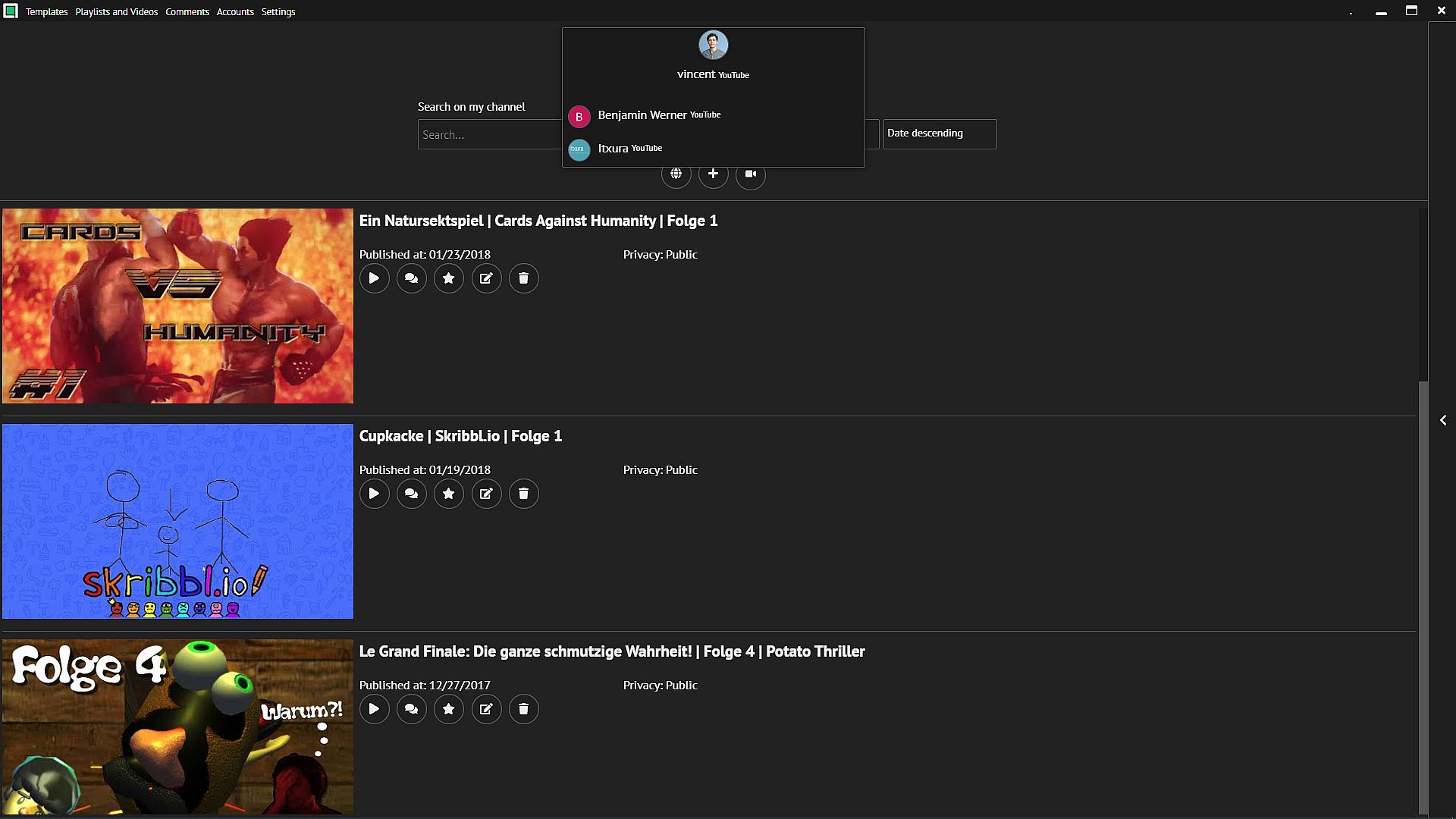
  • Manage as many channels as you want
  • Use a simple and beautiful user interface
  • ... and many more

Do all these things in highspeed.

Oberfläche:
GermanEnglishSpanish - SpainFrenchItalianDutchRussian

Altersfreigabe

Keine Angabe
Steam:
Mostly Positive (28)

Minimum:

  • Prozessor: Intel or AMD 2GHz
  • Arbeitsspeicher: 2 GB RAM
  • Grafik: Intel
  • Speicherplatz: 100 MB available space
  • Zusätzliche Hinweise: -

Empfohlen:

  • Betriebssystem: Windows 10
  • Prozessor: Intel or AMD 2GHz
  • Arbeitsspeicher: 4 GB RAM
  • Grafik: Intel
  • Speicherplatz: 100 MB available space
  • Zusätzliche Hinweise: Broadband Internet connection; -
Historisches Tief
Preisverlauf von offiziellen Shops
-
-
-
Preisverlauf von Keyshops
-
-
-

FAQ

8 Fragen

Bevor du nach einem günstigen batch (Video Uploader) Key suchst, prüfe die wichtigsten Fakten. Entwickelt von Project Simple. Veröffentlicht von Project Simple. PC Release-Datum: 31 Jan. 2019. Genres: Utilities, Video Production.

Q

Wo kann ich einen gĂĽnstigen batch (Video Uploader) Steam Key kaufen?

batch (Video Uploader) ist kostenlos spielbar! Lade es auf Steam herunter und spiele sofort los.

batch (Video Uploader) ist auf Steam komplett kostenlos. Kein Kauf nötig - einfach herunterladen und spielen. Wenn du nach Premium-DLC oder In-Game-Items suchst, prüfe die Angebotstabelle oben.

Unser Preistracker deckt sowohl offizielle Händler als auch Key-Marktplätze ab, sodass du batch (Video Uploader) im Angebot auch außerhalb saisonaler Aktionen finden kannst. Wir erkennen derzeit 0 aktive Angebote von offiziellen Shops und Keyshops. Prüfe die Tabelle oben, vergleiche mit dem historischen Tief und setze einen Alarm, damit du den nächsten Preissturz nicht verpasst.

Laut unseren Daten ist batch (Video Uploader) derzeit nicht auf GeForce NOW verfügbar. Du musst es lokal auf deinem PC ausführen. Stöbre durch Spiele, die auf GeForce NOW verfügbar sind.

Ja. batch (Video Uploader) hat eine offizielle Steam-Shop-Seite, aber wir tracken derzeit keine Drittanbieter-Angebote mit Steam-DRM. Schau später nochmal vorbei oder setze einen Preisalarm.

Derzeit nicht. Valve kennzeichnet batch (Video Uploader) als Unsupported auf dem Steam Deck. Behalte XD.deals im Blick - wir verfolgen Proton-Updates und Community-Fixes. Stöbere durch Spiele, die Steam Deck Verified oder Steam Deck Playable sind.

batch (Video Uploader) scheint derzeit nicht im PC Game Pass, bei EA Play, Ubisoft+ oder einem anderen PC-Abonnement verfĂĽgbar zu sein. Deine einzige Option ist der Kauf - nutze XD.deals, um den besten Preis zu finden.

Nein - XD.deals ist kein Shop. Wir sind ein Preisvergleich, der die besten batch (Video Uploader)-Deals bei offiziellen Shops und verifizierten Keyshops verfolgt. Klicke neben einem Angebot auf "Zum Shop" und du wirst zur Webseite des Händlers weitergeleitet, um deinen Kauf abzuschließen.

Zum besten Zeitpunkt kaufen? Setze einen Preisalarm auf XD.deals und werde benachrichtigt, wenn batch (Video Uploader) sein nächstes historisches Tief erreicht.

Alarm erstellen
Tritt unserem Discord bei
Erhalte Hilfe von der Community und bleibe ĂĽber Angebote informiert
Preisalarme einrichten
Erhalte E-Mail-Benachrichtigungen wenn Preise fallen
Kostenloses Konto erstellen
Schalte Wunschlisten, Preisalarme und Steam-Sync frei