



CopperCube 5 Game Engine PC kaufen

Interessiert an CopperCube 5 Game Engine? Wir tracken Preise von vertrauenswürdigen Shops. Füge CopperCube 5 Game Engine zu deiner Wunschliste hinzu und wir benachrichtigen dich, sobald Angebote verfügbar sind.

Veröffentlichung: 01 Mai 2015
Steam:
Mixed (51)
Official
Nicht verfügbar
Keyshops
Nicht verfügbar
Im offiziellen Store kaufen:
Nicht verfügbar
Im Keyshop kaufen:
Nicht verfügbar

Noch keine Angebote. Wir informieren dich, sobald neue Preise verfügbar sind.

Create Alert Create deal Alert

Über CopperCube 5 Game Engine

CopperCube 5 Game Engine - Spielbeschreibung
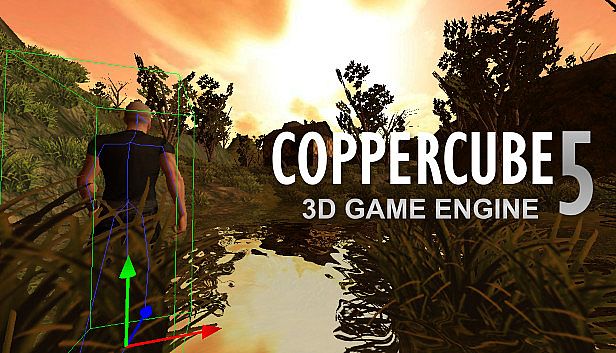
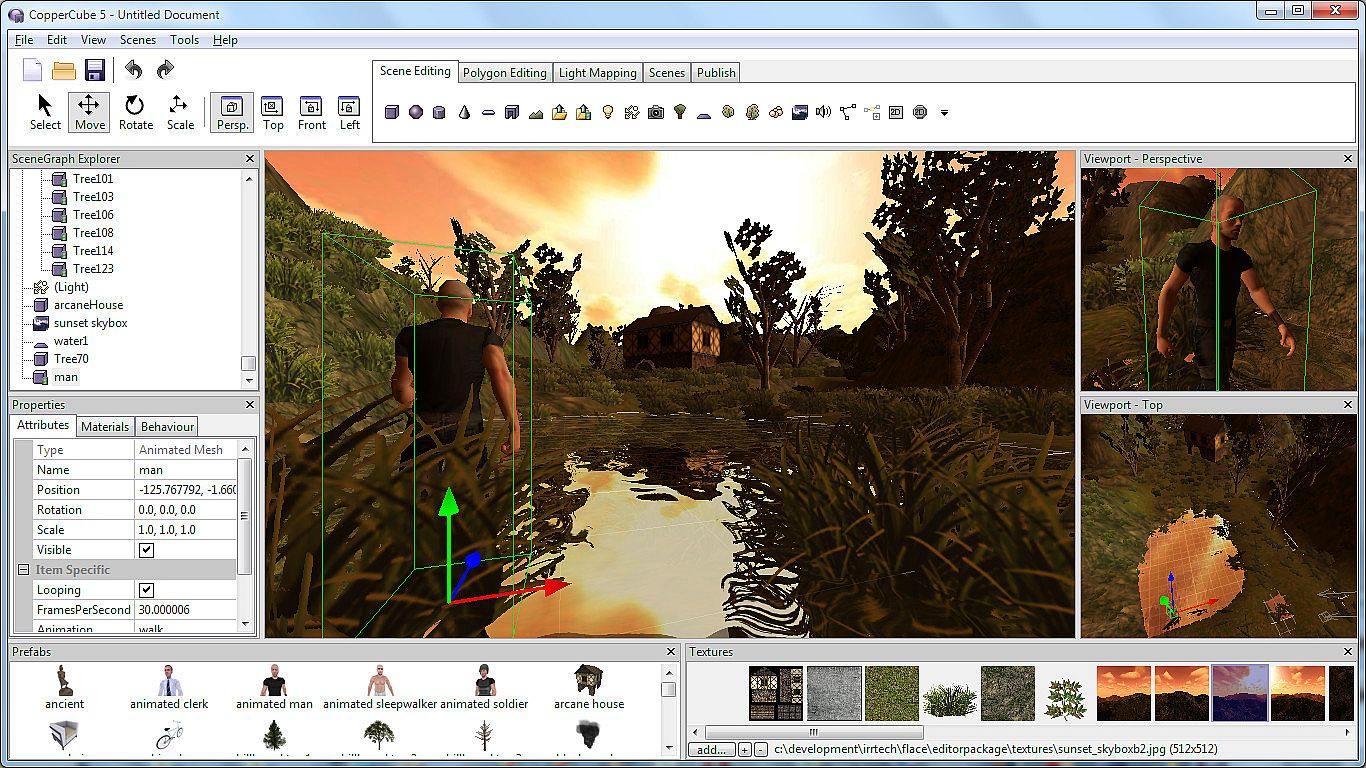
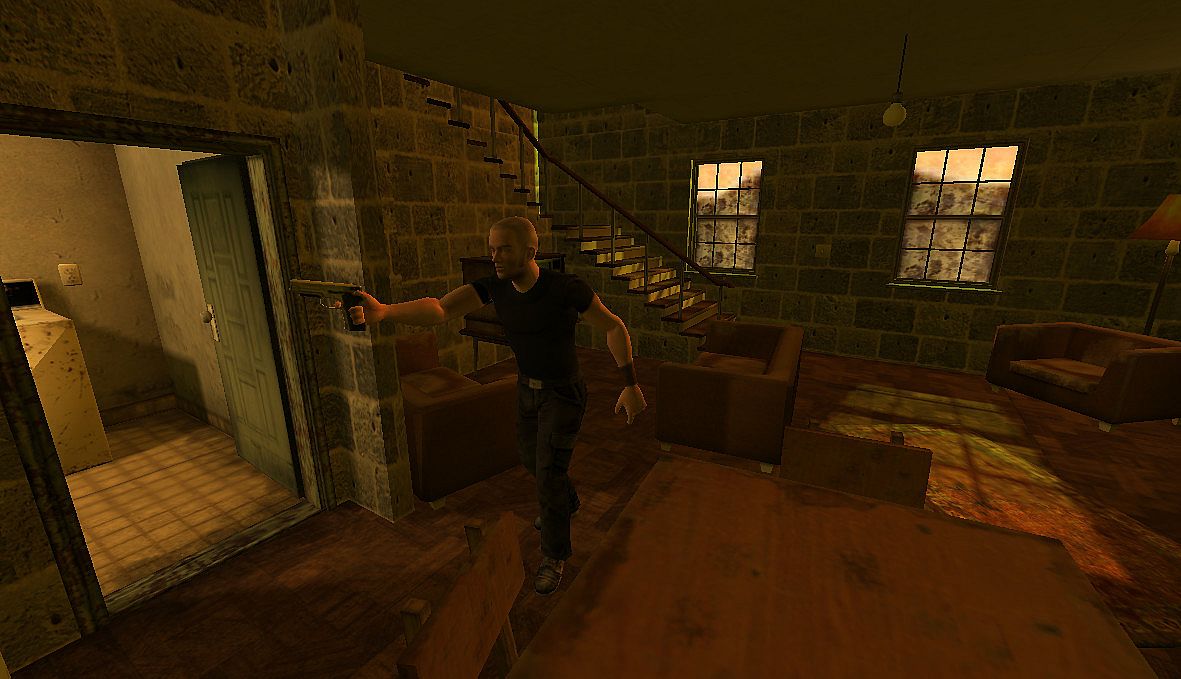
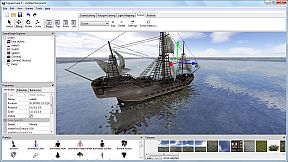
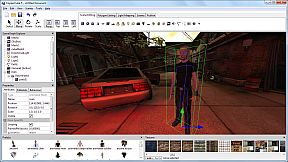
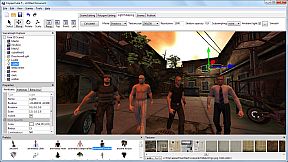
Mit der CopperCube 5 Game Engine auf dem PC erstellen Sie 3D-Spiele, Apps und Websites - ganz ohne Programmierkenntnisse. Ziehen Sie Behaviors für KI, Kamerasteuerung, Materialien und Physik per Drag & Drop in Ihre Szenen, um blitzschnell zu bauen. Formen Sie Terrains mit dem integrierten Editor, malen Sie nahtlos ineinander übergehende Texturen und streuen Gras, Büsche oder Bäume darüber. Bearbeiten Sie Low-Poly-Modelle direkt im Tool, importieren Sie animierte Charaktere aus anderen 3D-Programmen und backen Sie Beleuchtung mit dem hochwertigen Lightmapper. Veröffentlichen Sie für Windows-Exes, Mac-Apps, WebGL-Seiten, Flash-SWFs oder Android-APKs - optimiert für OpenGL, Direct3D, WebGL oder Stage3D. Fortgeschrittene Nutzer greifen plattformübergreifend auf JavaScript-Scripting zu. Ideal für Einsteiger mit einfachen Projekten ebenso wie für Profis bei komplexen Shootern oder Adventures.

CopperCube is a full-featured 3D game engine. No programming needed! Create 3D games, apps and even 3D websites quickly. Includes terrain editor, low poly modelling tools, 3D models, precreated game AI, effects and more. There are also plenty of features for advanced users, like JavaScript scripting and shader support.

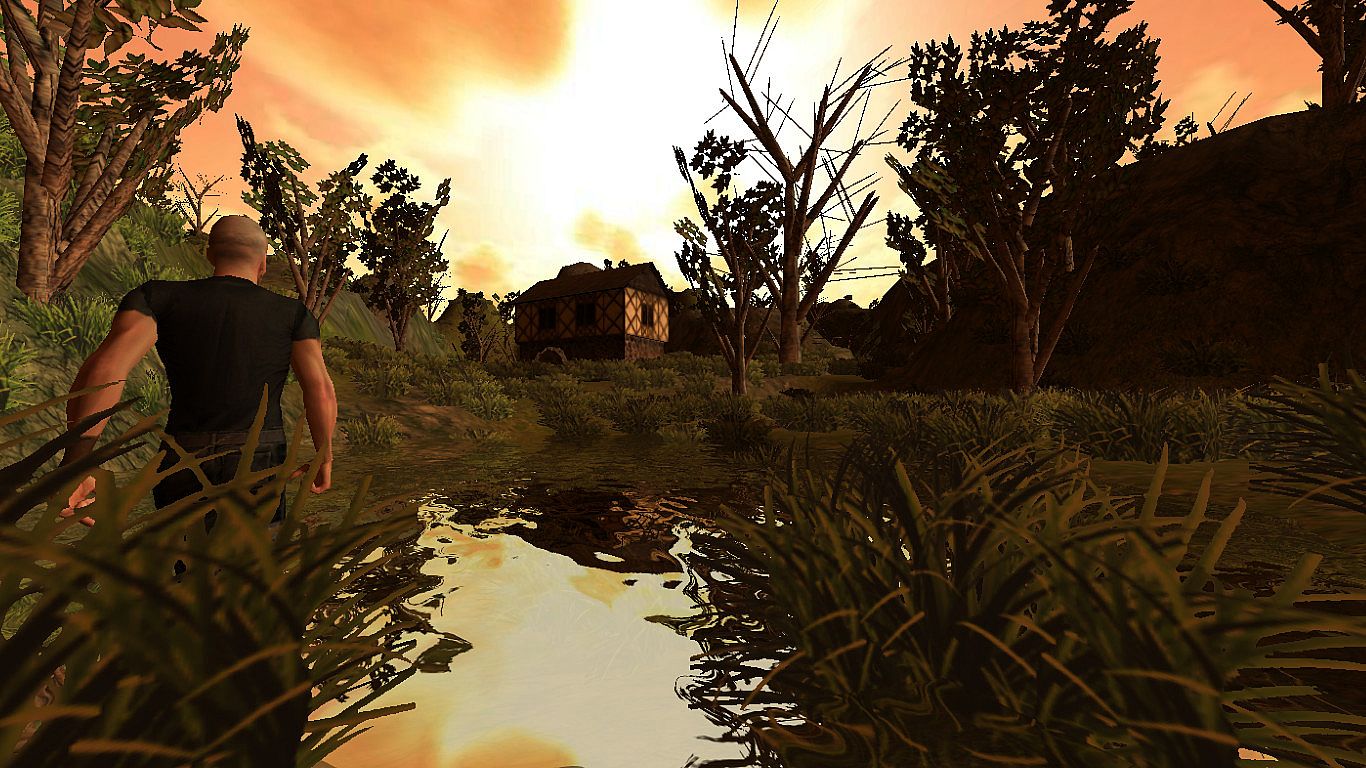
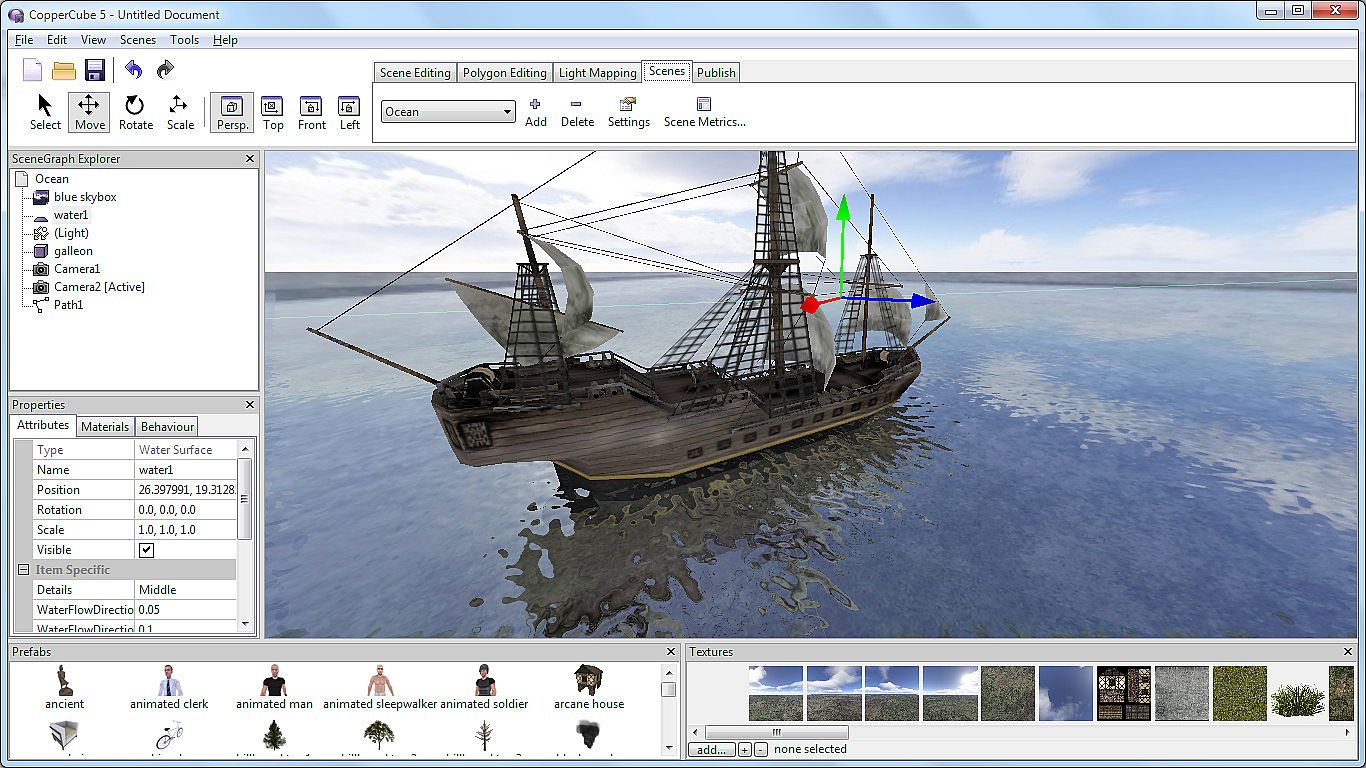
Create your own 3D worlds and 3D models, set camera controllers, materials, behaviors, click 'publish' and your game or app is ready. As Windows or Mac OS X apps, WebGL websites, Flash .swfs, or Android apps. You can do all this without programming.
High performance 3D engine
CopperCube includes manually optimized 3D engines for all supported targets, running with OpenGL, Direct3D, WebGL and Stage3D.
Simple-Click game system
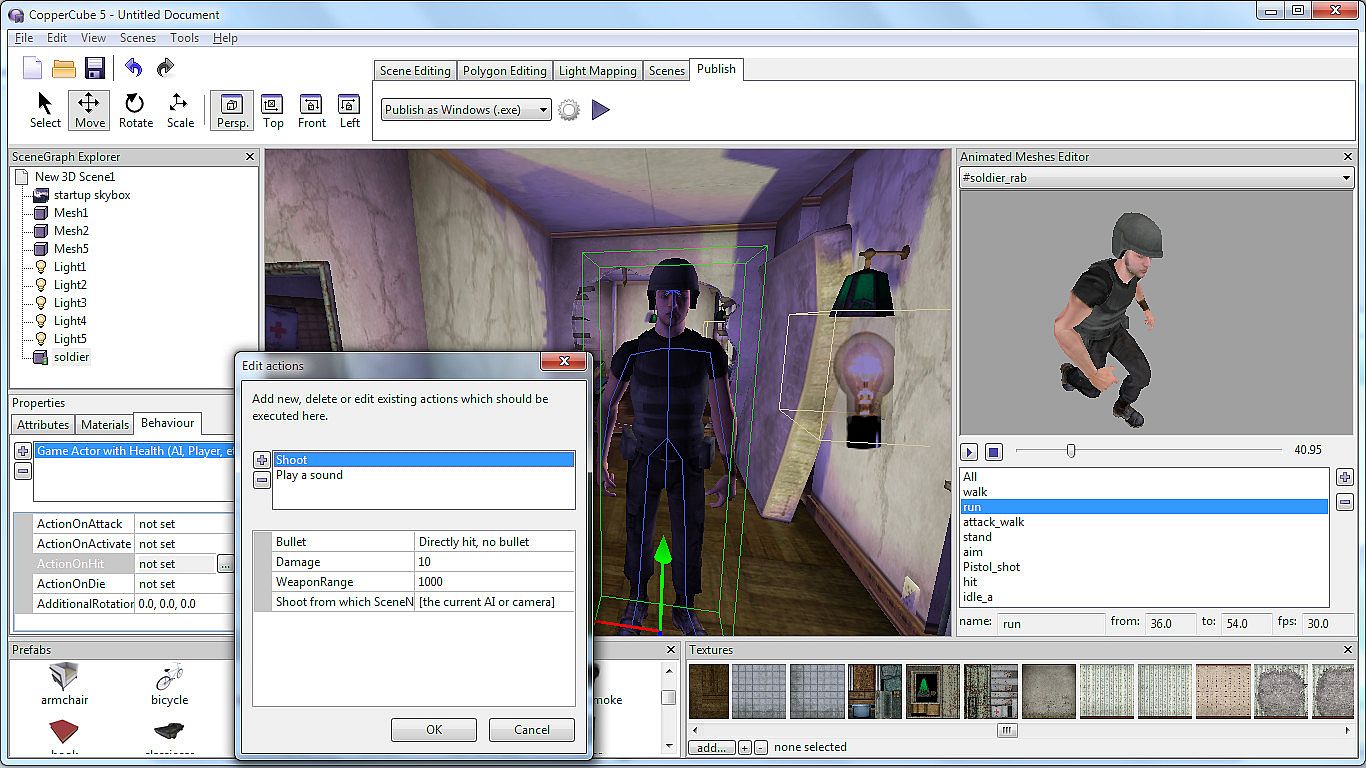
No programming needed: Wether you want to create a simple 3D game, a complex, epic adventure, or a first person shooter: Select from lots of created behaviors and adjust them accordingly.
Terrain Editor
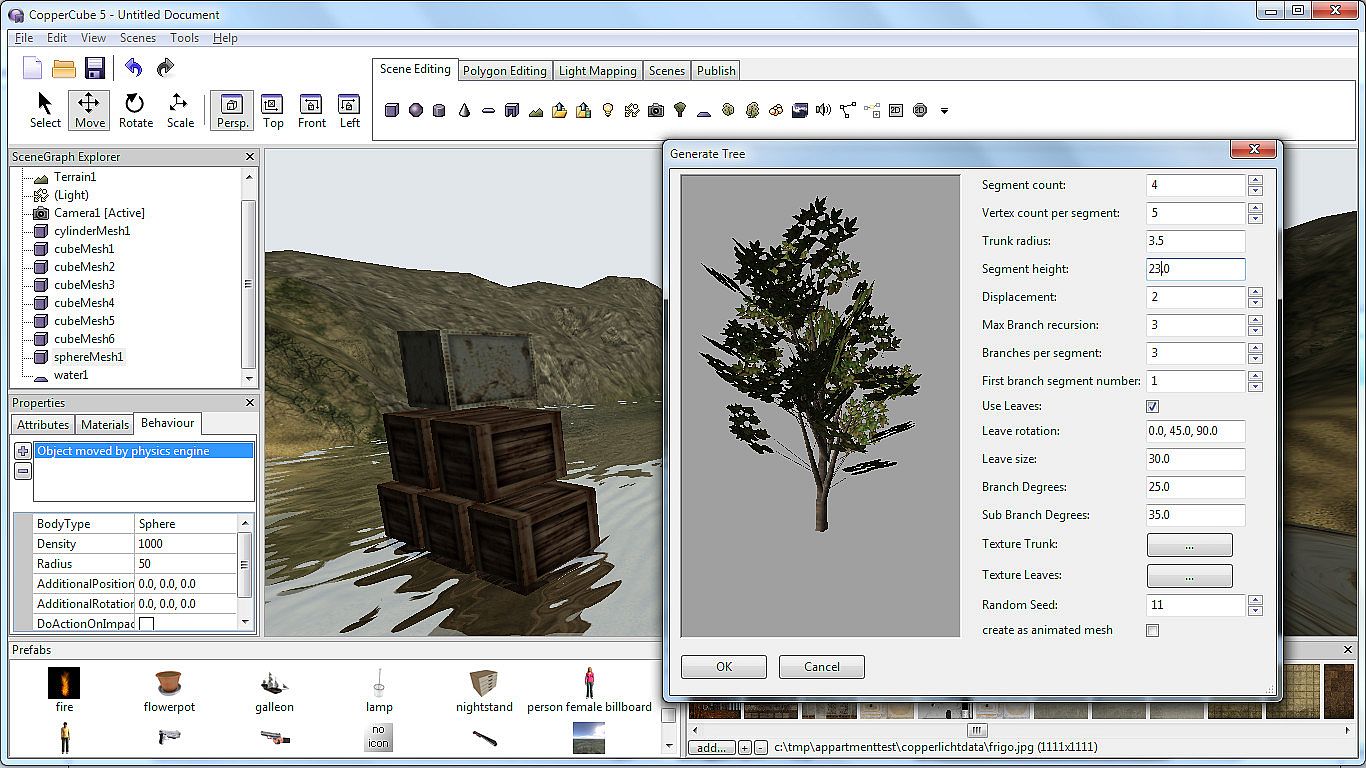
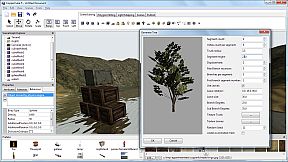
Create your own 3D worlds directly in the editor, textures can be painted quickly with automatic texture blending into the terrain. There are also tools for placing grass and bushes, and creating trees.
Physics Engine
Next to the the built-in blazingly fast collision and repsonse system, there is also a full physics engine integrated when publishing as Windows .exe and Mac OS X .app.
Character Animation
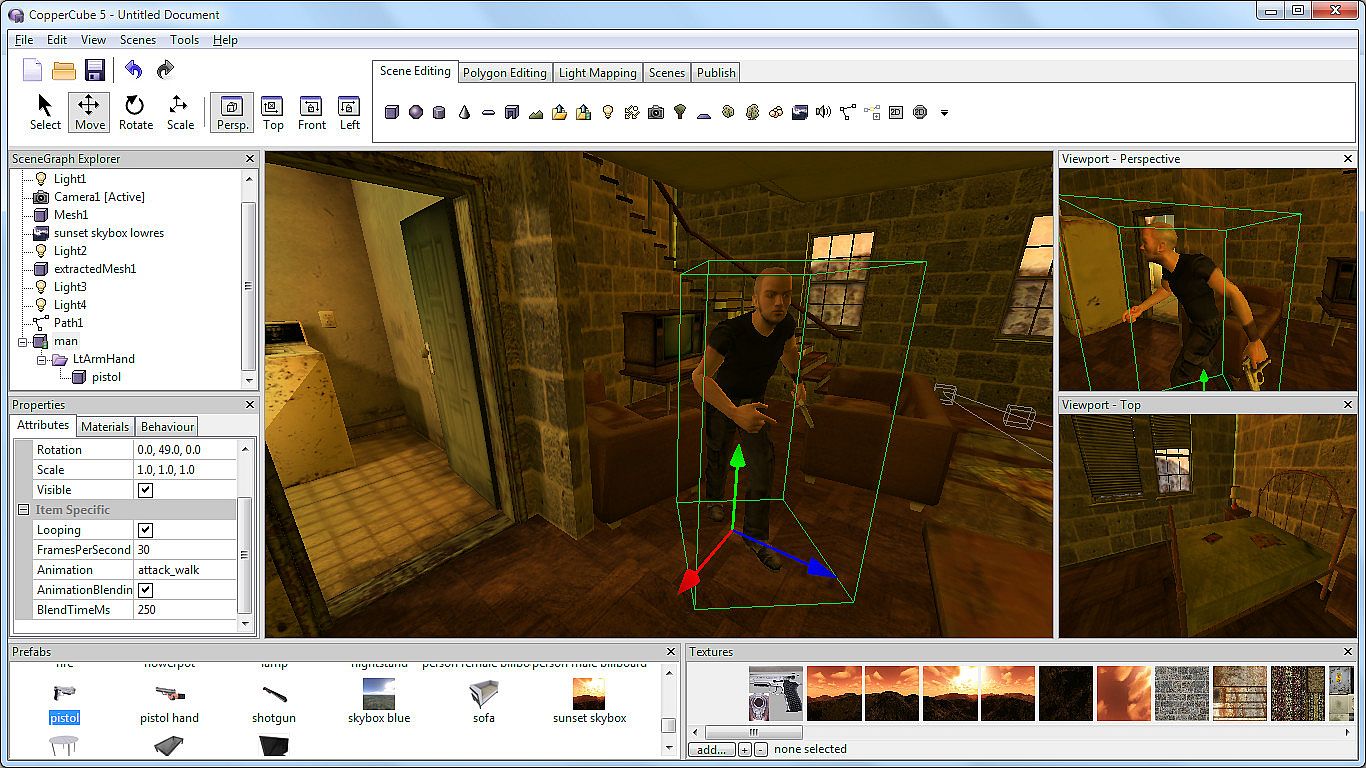
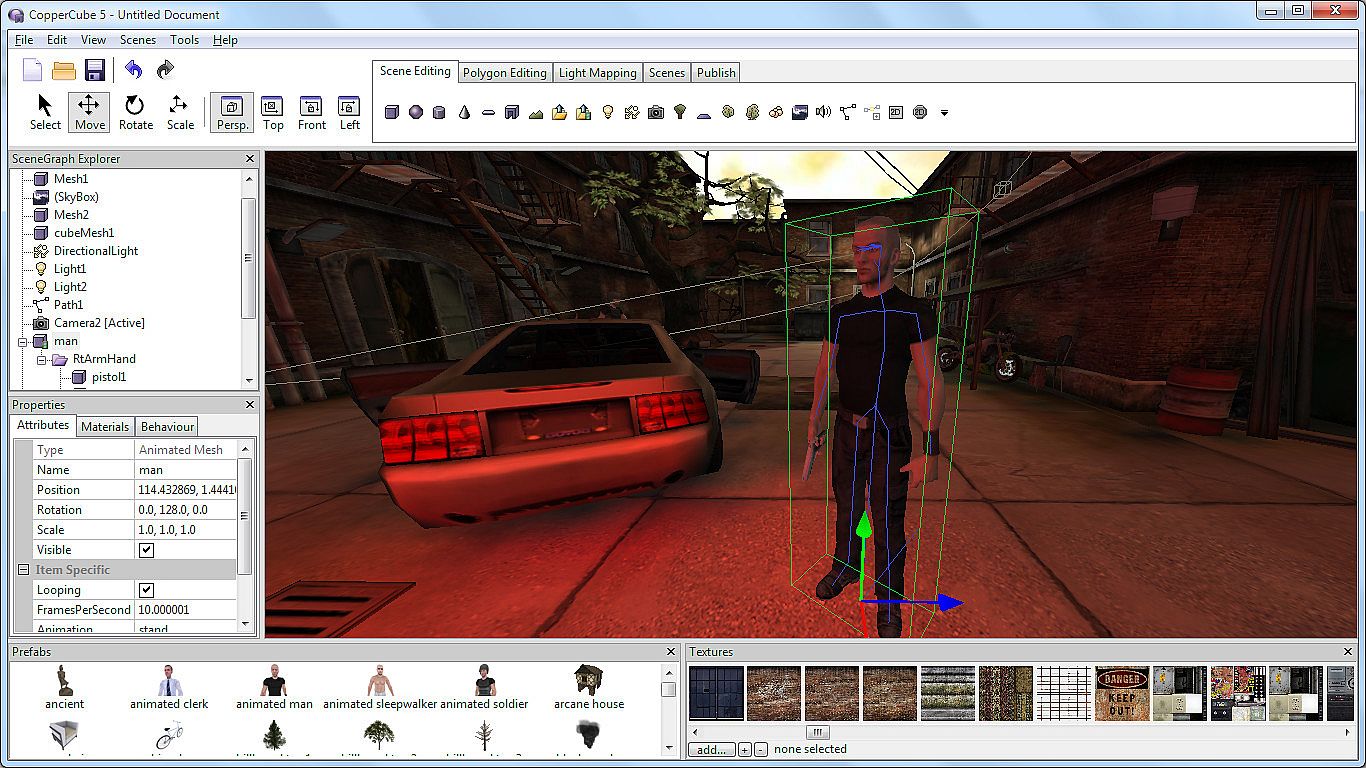
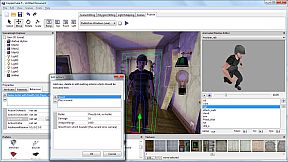
You can model and animate characters using any 3D software, export it into one of the supported file formats and then import them into Coppercube. Also, it is possible to download existing 3D models from the web and use them in the editor.
Low poly editing tools
You can edit your own 3D models directly in CopperCube: It includes a simple 3D modelling tool for creating levels, models and items.
Cross Platform Script system
For advanced users, there is a Javascript API working on all publishing targets. Additionally, when using Flash, you can use ActionScript 3. And for WebGL, there is even a second big JavaScript library with direct access available, which is even open source.
High quality Light Mapper
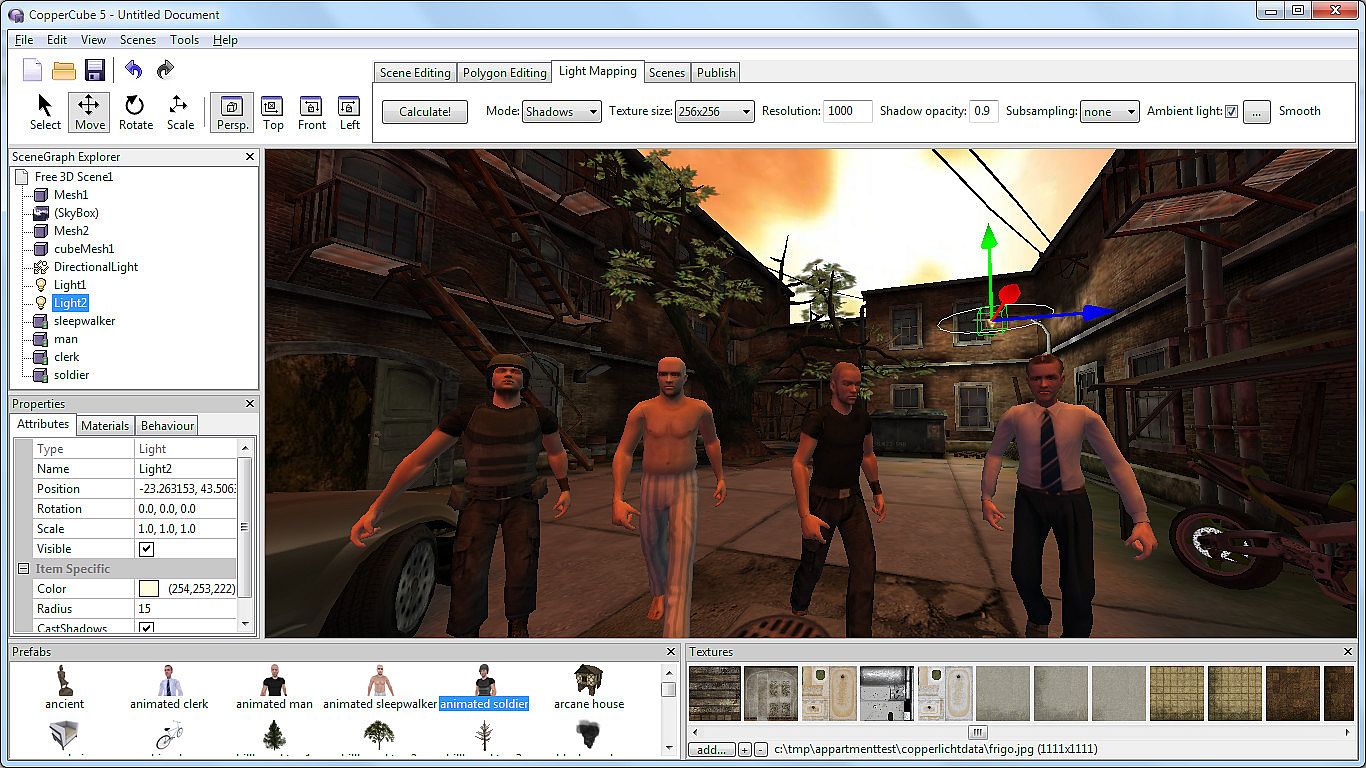
The editor includes a high quality light mapping tool. Place your lights, click on 'calculate' and your 3D levels will look great.
Native WebGL support
Unlike in other 3D engines, CopperCube's WebGL code is handwritten and highly optimized: Your 3D game will download quickly and run fast, even if run directly on a website. CopperCube's WebGL client is just about incredible 200 KB in size!
Many publishing targets
Create 3D games for these targets, with one single click:
  • Windows (.exe) apps
  • Mac OS X (.app) apps
  • WebGL websites (.html)
  • Android (.apk) apps
  • Flash websites (.swf)

With the WebGL and Flash targets, your games work basically everywhere, even on iPhone and iPad.

This is the Basic Edition of CopperCube, with which it is possible to create games, apps and websites with a maximum of 10 scenes per file. It is possible to upgrade to the Professional Edition via DLC, which then adds video playback support, adds a scene metrics tool, allows unlimited scenes per file, and has further smaller advanced features, like a CL interface.

Oberfläche:
ArabicCzechGermanEnglishSpanish - SpainFrenchPolishPortuguese - BrazilRussianTurkishSimplified Chinese

Altersfreigabe

Keine Angabe
Steam:
Mixed (51)

Minimum:

  • Prozessor: Intel Celeron, Athlon Sempron or better
  • Arbeitsspeicher: 1 GB RAM
  • Grafik: Direct 3D 9 compatible or better
  • DirectX: Version 9.0c
  • Speicherplatz: 60 MB available space

Empfohlen:

  • Prozessor: Intel Core 2, Athlon 2 X2 or better
  • Arbeitsspeicher: 1 GB RAM
  • Grafik: Direct 3D 9 compatible or better
  • Speicherplatz: 120 MB available space
Historisches Tief
Preisverlauf von offiziellen Shops
-
-
-
Preisverlauf von Keyshops
-
-
-

FAQ

8 Fragen

Bevor du nach einem günstigen CopperCube 5 Game Engine Key suchst, prüfe die wichtigsten Fakten. Entwickelt von Ambiera e.U.. Veröffentlicht von Ambiera e.U.. PC Release-Datum: 01 Mai 2015. Genres: Animation & Modeling, Utilities, Design & Illustration, Education, Software Training. Kategorien: Includes level editor.

Q

Wo kann ich einen günstigen CopperCube 5 Game Engine Steam Key kaufen?

Derzeit gibt es keine aktiven Angebote für CopperCube 5 Game Engine. Setze einen Preisalarm auf XD.deals und wir benachrichtigen dich, sobald ein Angebot verfügbar ist.

Wir haben derzeit keinen aktuellen Steam-Store-Preis für CopperCube 5 Game Engine. Das Spiel ist möglicherweise vorübergehend nicht verfügbar oder noch nicht bei Steam gelistet.

Unser Preistracker deckt sowohl offizielle Händler als auch Key-Marktplätze ab, sodass du CopperCube 5 Game Engine im Angebot auch außerhalb saisonaler Aktionen finden kannst. Wir erkennen derzeit 0 aktive Angebote von offiziellen Shops und Keyshops. Prüfe die Tabelle oben, vergleiche mit dem historischen Tief und setze einen Alarm, damit du den nächsten Preissturz nicht verpasst.

Laut unseren Daten ist CopperCube 5 Game Engine derzeit nicht auf GeForce NOW verfügbar. Du musst es lokal auf deinem PC ausführen. Stöbre durch Spiele, die auf GeForce NOW verfügbar sind.

Ja. CopperCube 5 Game Engine hat eine offizielle Steam-Shop-Seite, aber wir tracken derzeit keine Drittanbieter-Angebote mit Steam-DRM. Schau später nochmal vorbei oder setze einen Preisalarm.

Derzeit nicht. Valve kennzeichnet CopperCube 5 Game Engine als Unsupported auf dem Steam Deck. Behalte XD.deals im Blick - wir verfolgen Proton-Updates und Community-Fixes. Stöbere durch Spiele, die Steam Deck Verified oder Steam Deck Playable sind.

CopperCube 5 Game Engine scheint derzeit nicht im PC Game Pass, bei EA Play, Ubisoft+ oder einem anderen PC-Abonnement verfügbar zu sein. Deine einzige Option ist der Kauf - nutze XD.deals, um den besten Preis zu finden.

Nein - XD.deals ist kein Shop. Wir sind ein Preisvergleich, der die besten CopperCube 5 Game Engine-Deals bei offiziellen Shops und verifizierten Keyshops verfolgt. Klicke neben einem Angebot auf "Zum Shop" und du wirst zur Webseite des Händlers weitergeleitet, um deinen Kauf abzuschließen.

Zum besten Zeitpunkt kaufen? Setze einen Preisalarm auf XD.deals und werde benachrichtigt, wenn CopperCube 5 Game Engine sein nächstes historisches Tief erreicht.

Alarm erstellen
Tritt unserem Discord bei
Erhalte Hilfe von der Community und bleibe über Angebote informiert
Preisalarme einrichten
Erhalte E-Mail-Benachrichtigungen wenn Preise fallen
Kostenloses Konto erstellen
Schalte Wunschlisten, Preisalarme und Steam-Sync frei