

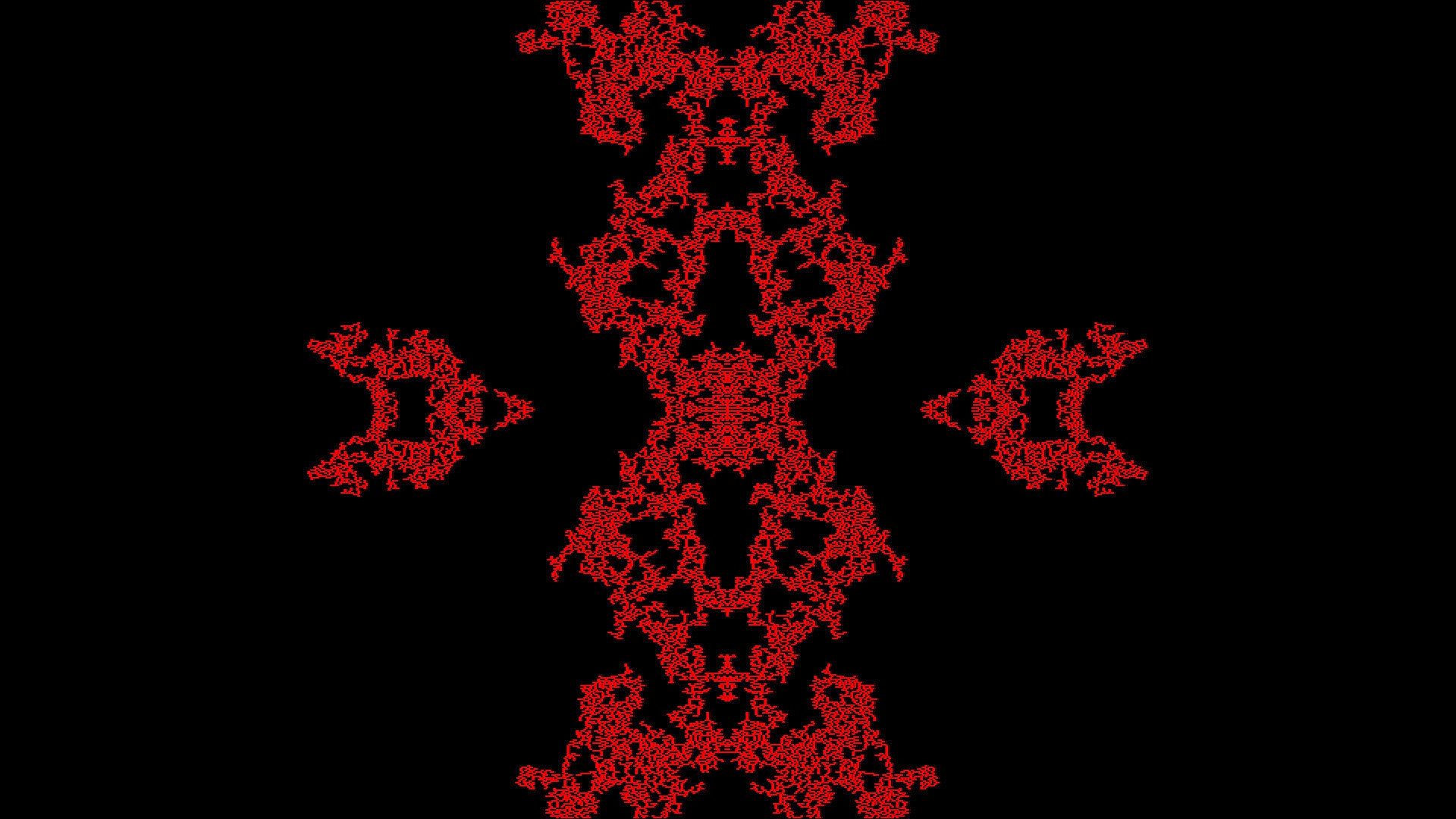
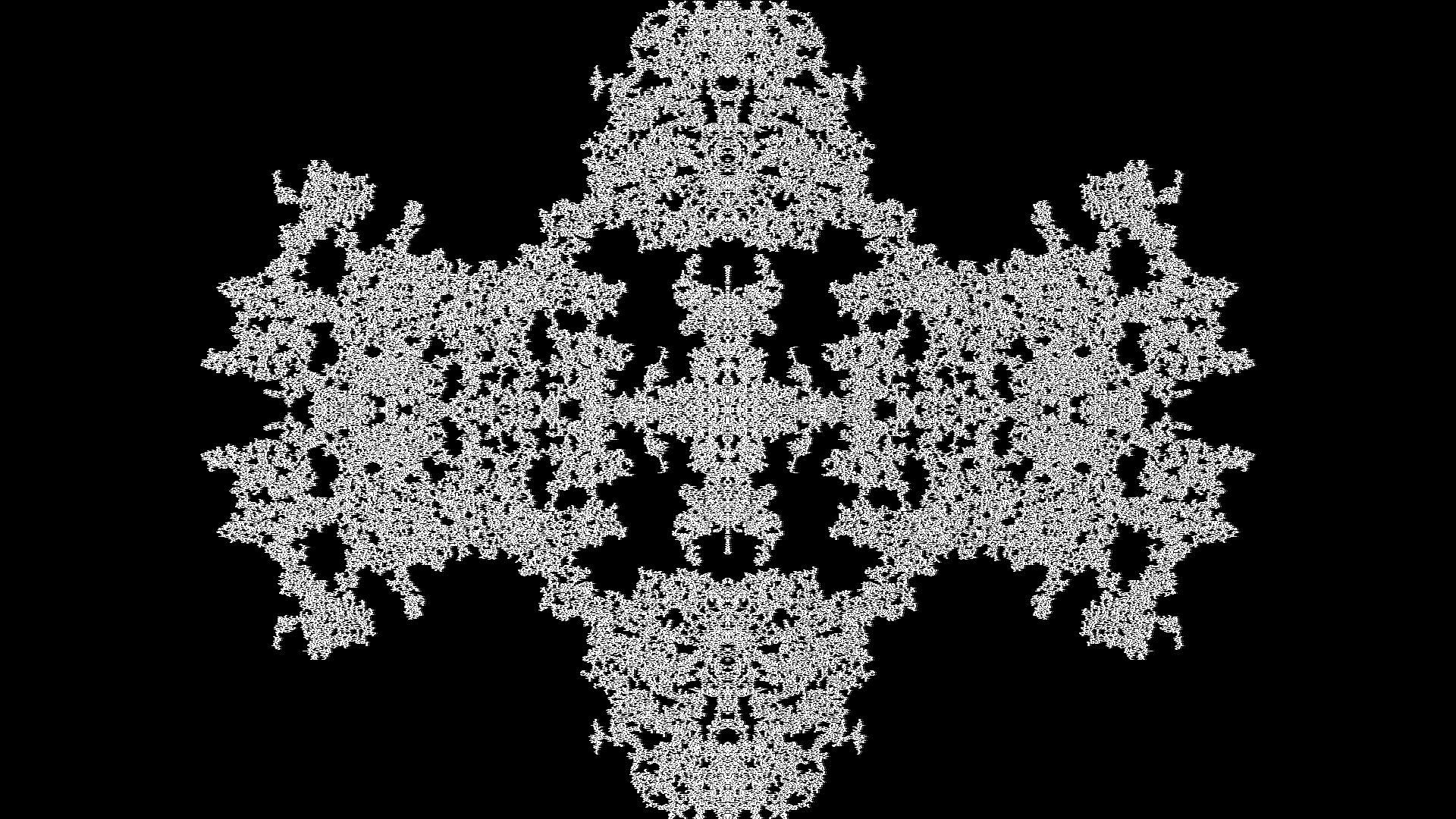
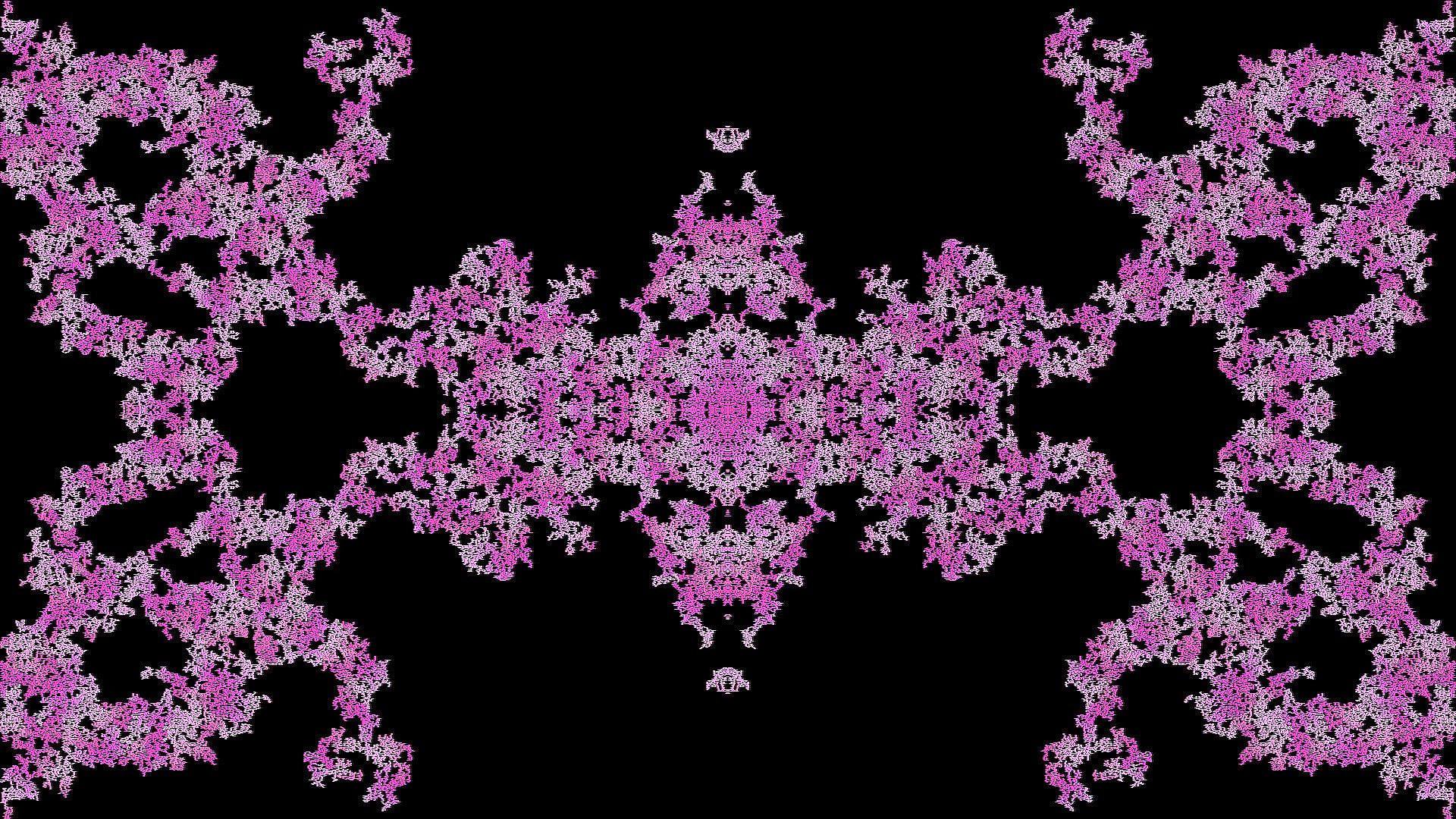
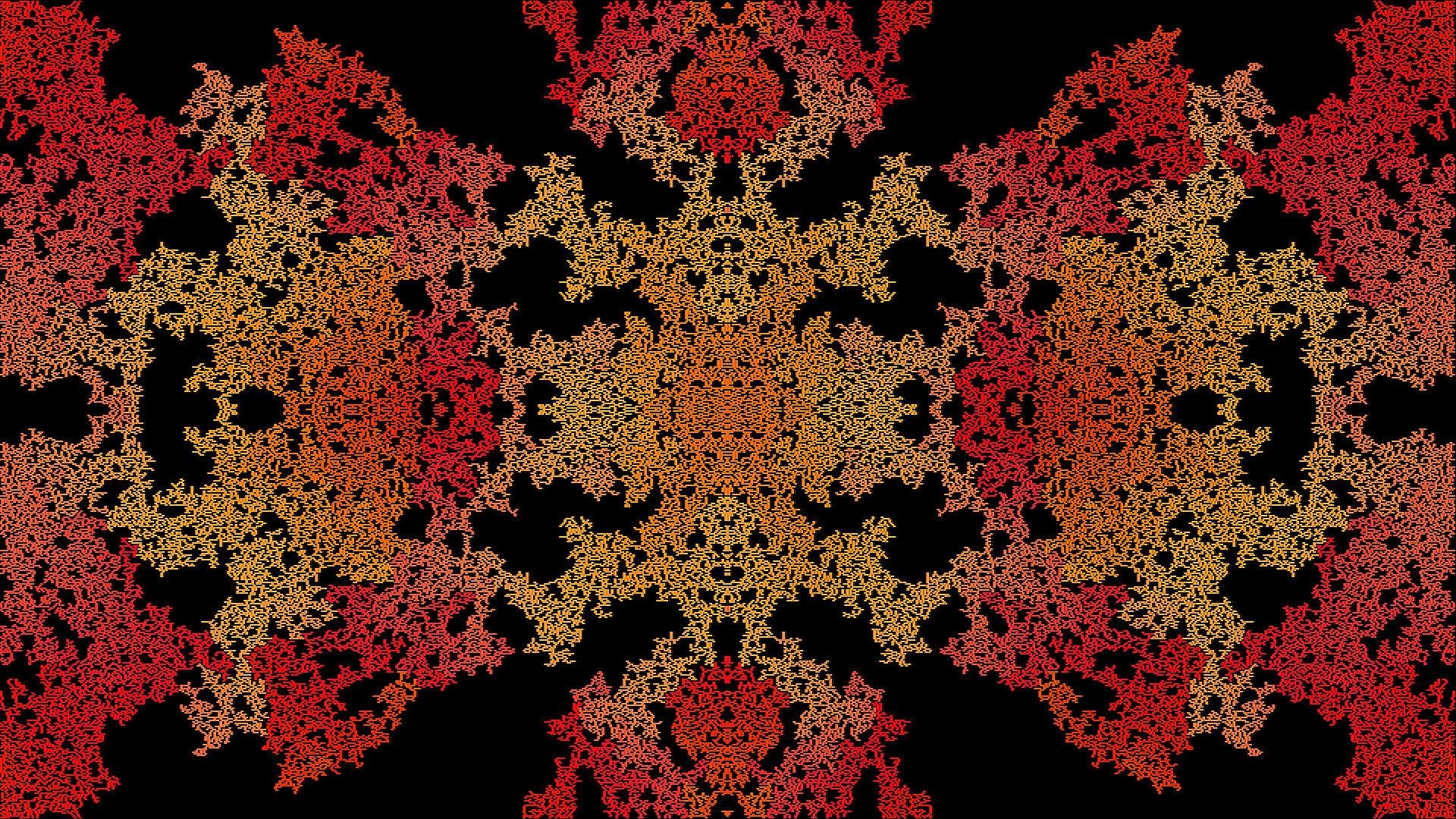
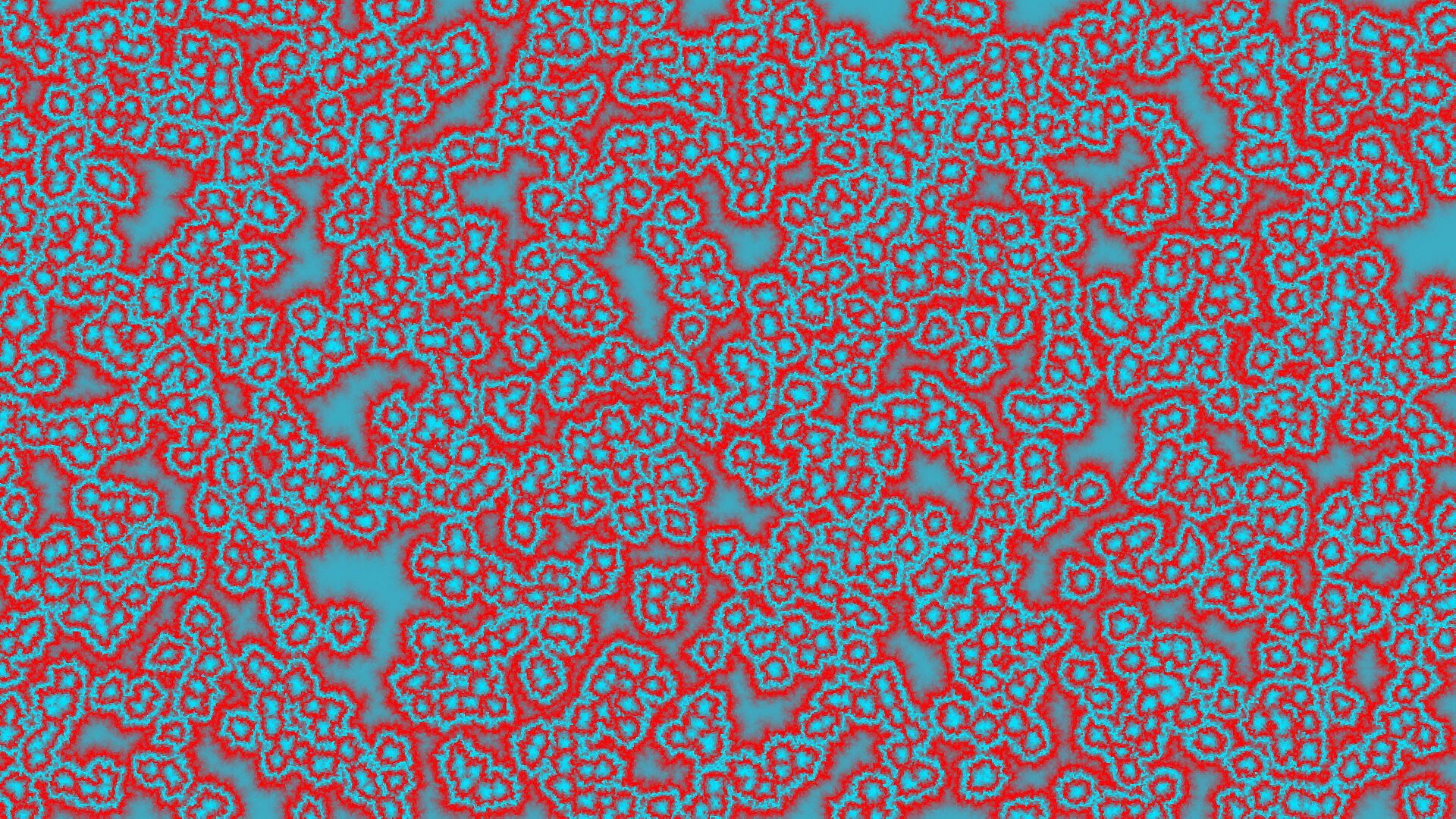
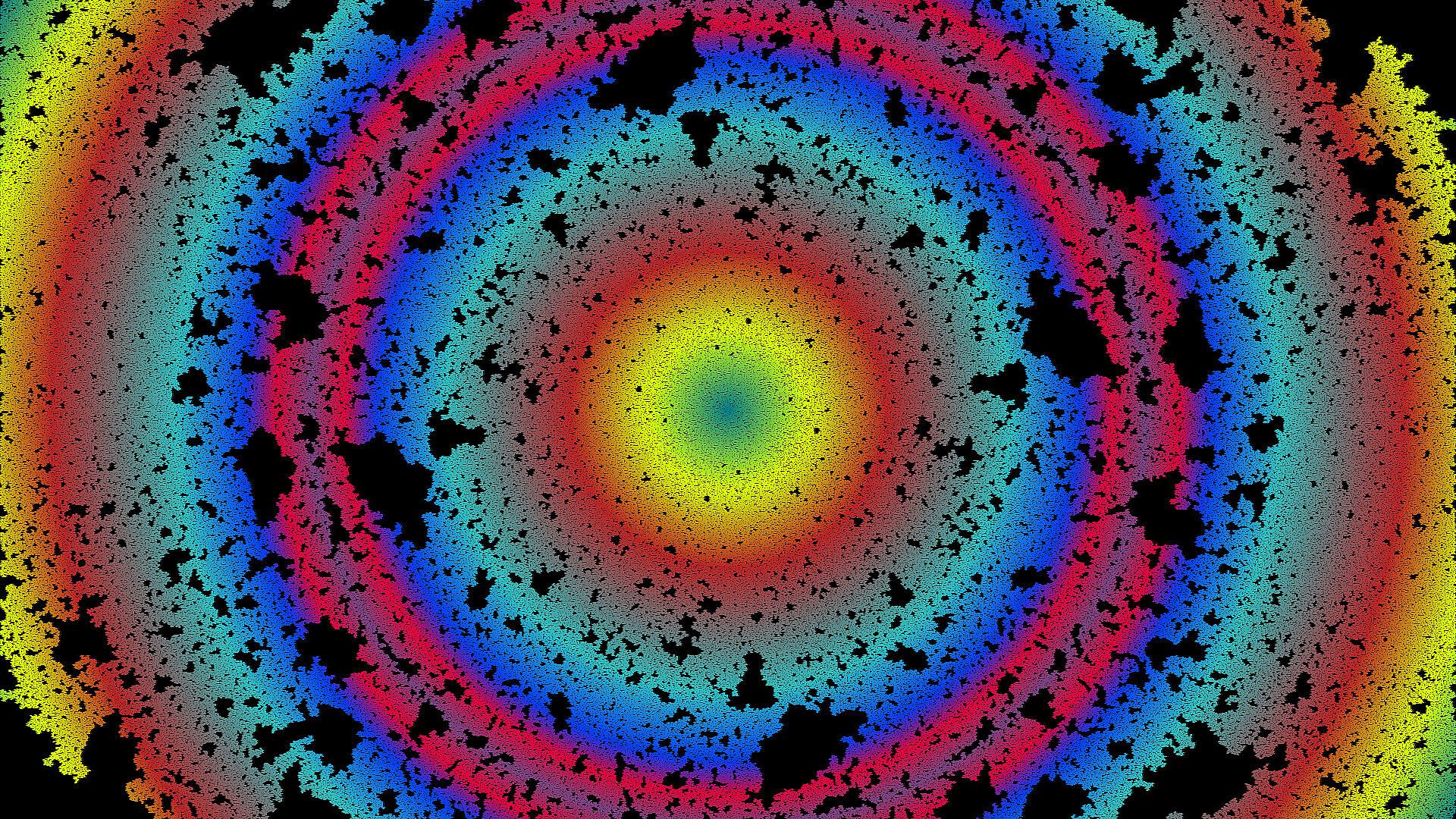

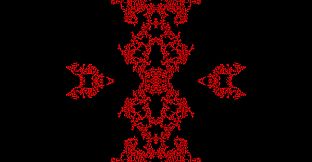

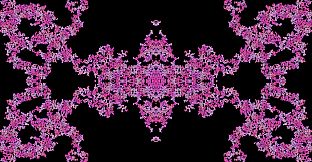
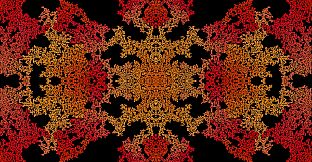
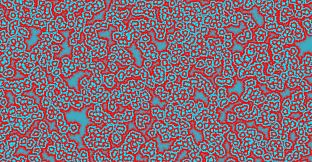
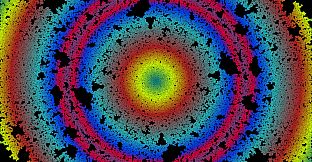

Cyan Moon - The Simulation Program is an indie casual simulation game built as a sandbox for exploring procedurally generated patterns and growth on PC. Players interact with evolving visual systems through adjustable parameters rather than pursuing objectives or competing against others. The experience centers on experimentation with pattern formation and simulation behavior in a relaxed, single-player environment.
Gameplay
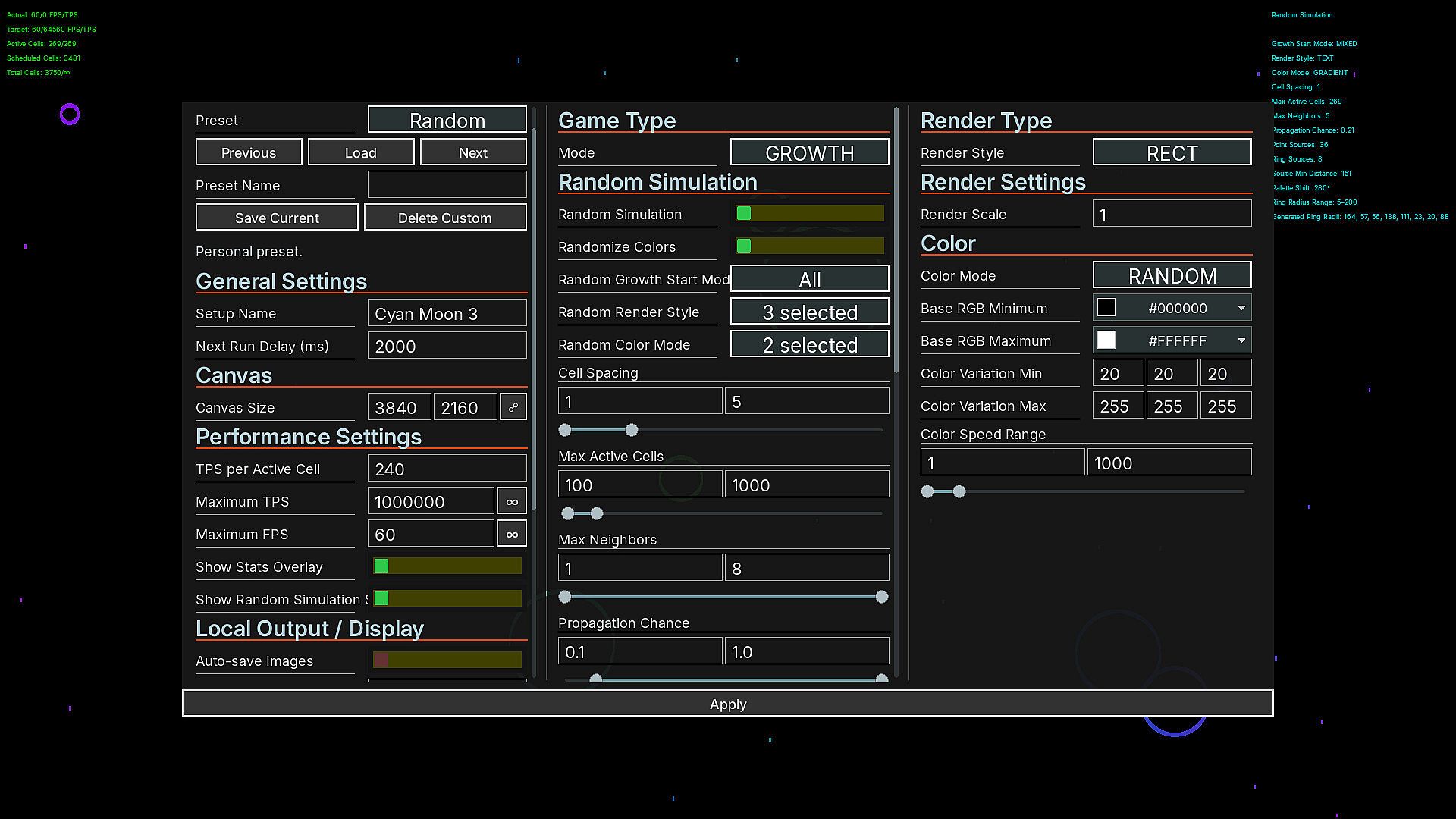
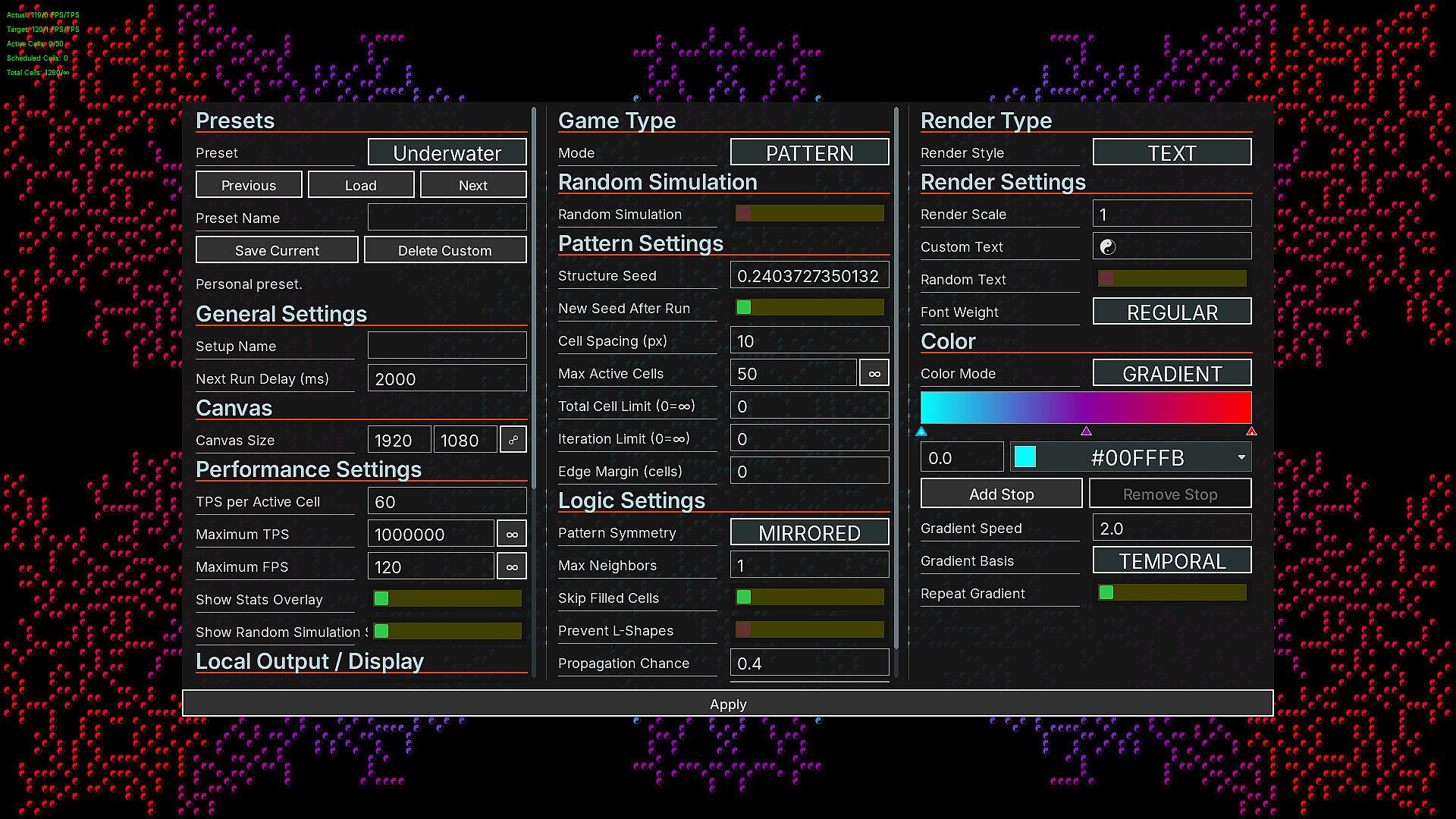
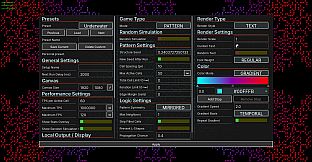
The core loop involves launching simulations that generate patterns according to underlying rules of growth and interaction. Users access an extensive settings menu to modify parameters such as scale, speed, and other variables that influence how patterns develop over time. Small adjustments to these values often produce noticeable shifts in the resulting visuals and dynamics, encouraging repeated runs to observe different outcomes.
Procedural generation ensures each simulation run produces unique results based on the chosen settings. The system supports both quick tests with minor tweaks and longer sessions with larger or faster configurations. Restarting the simulation after changes allows immediate comparison of effects without complex setup steps.
Players control the pace entirely, pausing or continuing as desired. The absence of timers, scores, or win conditions keeps focus on personal exploration of the pattern space. This design suits those who enjoy tinkering with systems and watching emergent behaviors unfold at their own speed.
Game Modes
No distinct game modes exist in Cyan Moon - The Simulation Program. The title operates as a single open sandbox where all activity revolves around creating and observing simulations. There are no separate campaign structures, challenge variants, or multiplayer options to select from.
Instead, variety comes from the settings menu itself. Users can switch between different parameter combinations on the fly or load saved configurations to explore alternate paths. This unified approach reinforces the idea that every session follows the same core activity of pattern creation and observation.
Customization and Sharing
The game includes built-in presets that provide starting points for simulations. These can be loaded directly to see example patterns and behaviors. From there, players modify values to create their own variations and save those configurations as custom presets for future use.
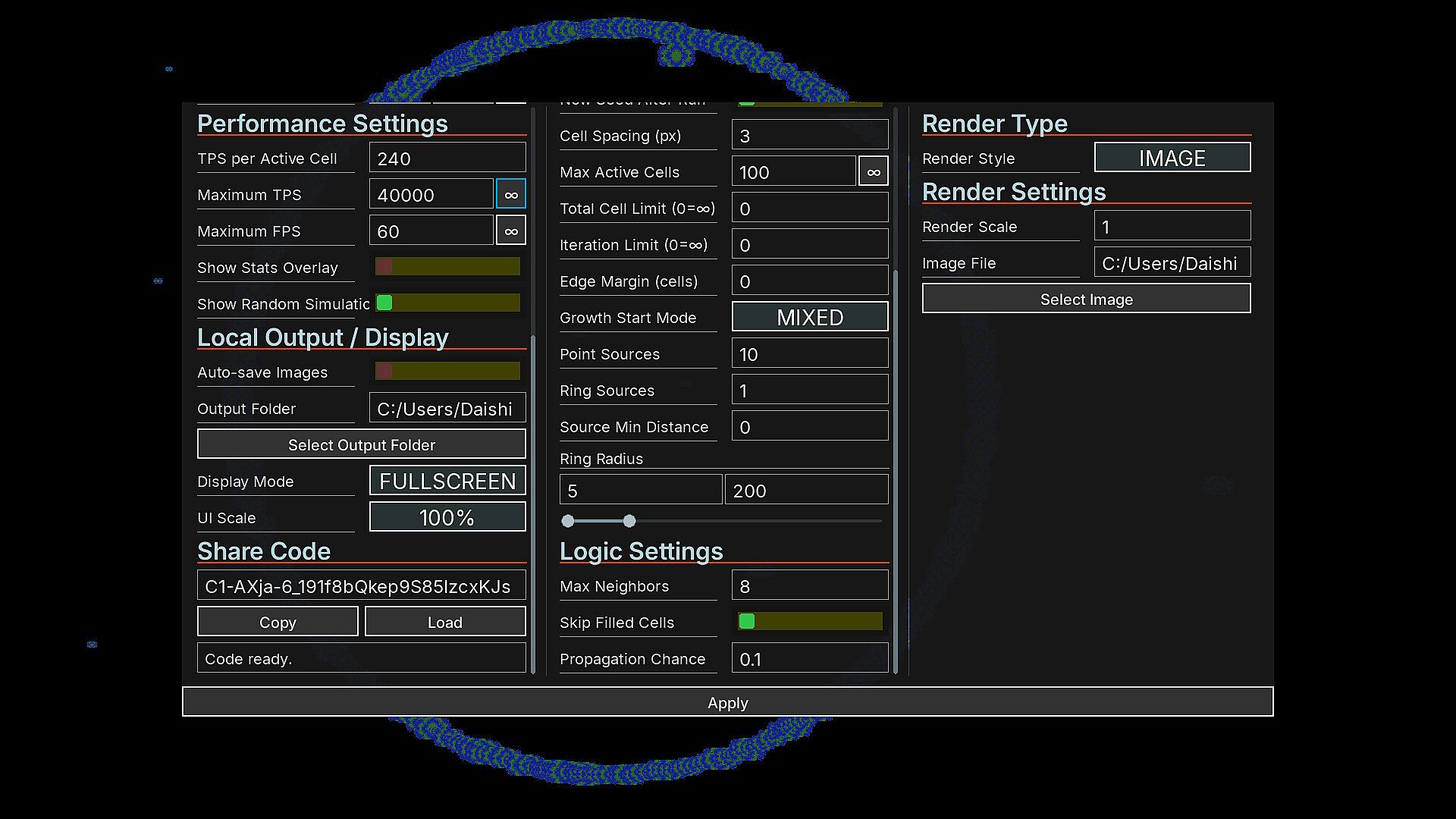
Custom presets support sharing through share codes. Anyone with the game installed can enter a code to import the exact settings another user created. This feature enables community exchange of interesting parameter sets without requiring external files or complicated transfers.
Completed or interesting simulations can be exported as transparent PNG files. The images save to a user-chosen location on the computer, allowing easy collection of pattern visuals for personal reference or further editing outside the game.
Is It Worth Playing?
Cyan Moon - The Simulation Program appeals to players who prefer open-ended creative tools over structured gameplay with goals or narratives. Its strength lies in the flexibility of the settings system and the immediate feedback from parameter changes, which supports repeated experimentation without pressure.
Those seeking casual simulation experiences focused on visual patterns and procedural growth will find a straightforward platform here. The lack of objectives means sessions can remain short or extend as long as interest holds, fitting different play styles equally well.
Availability on PC makes it accessible for anyone with a compatible system who enjoys tinkering with simulation parameters. The preset and sharing options add longevity through community-created content, while the export feature supports personal archiving of results. Overall, it suits users comfortable with self-directed exploration in a relaxed simulation setting.