
DesktopMMD3:Miss Fish PC kaufen

Interessiert an DesktopMMD3:Miss Fish? Wir tracken Preise von vertrauenswürdigen Shops. Füge DesktopMMD3:Miss Fish zu deiner Wunschliste hinzu und wir benachrichtigen dich, sobald Angebote verfügbar sind.

Veröffentlichung: 21 Jan. 2021
Steam:
Mostly Positive (245)
Official
Nicht verfügbar
Keyshops
Nicht verfügbar
Im offiziellen Store kaufen:
Nicht verfügbar
Im Keyshop kaufen:
Nicht verfügbar

Noch keine Angebote. Wir informieren dich, sobald neue Preise verfügbar sind.

Create Alert Create deal Alert

Über DesktopMMD3:Miss Fish

DesktopMMD3:Miss Fish - Spielbeschreibung
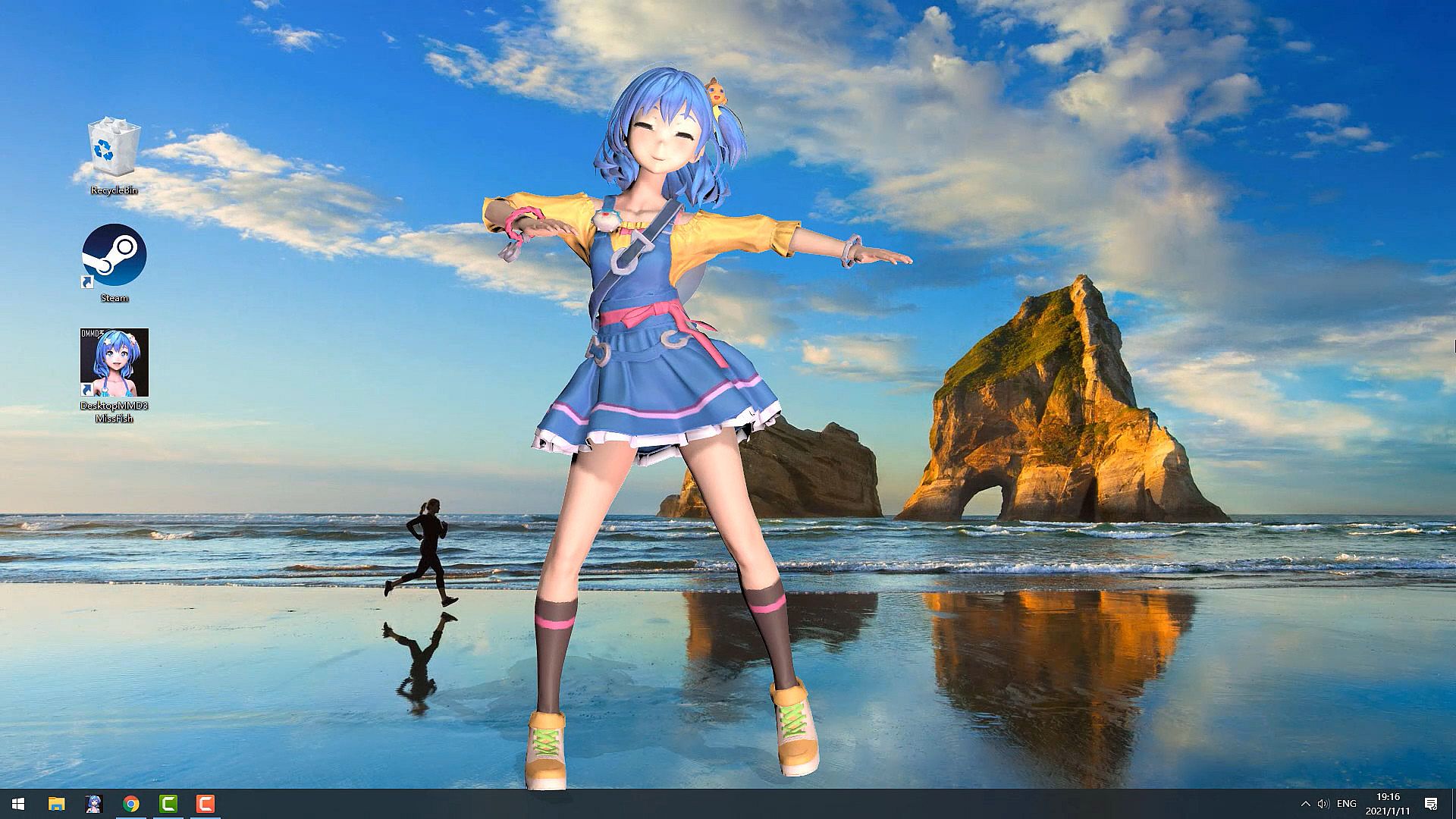
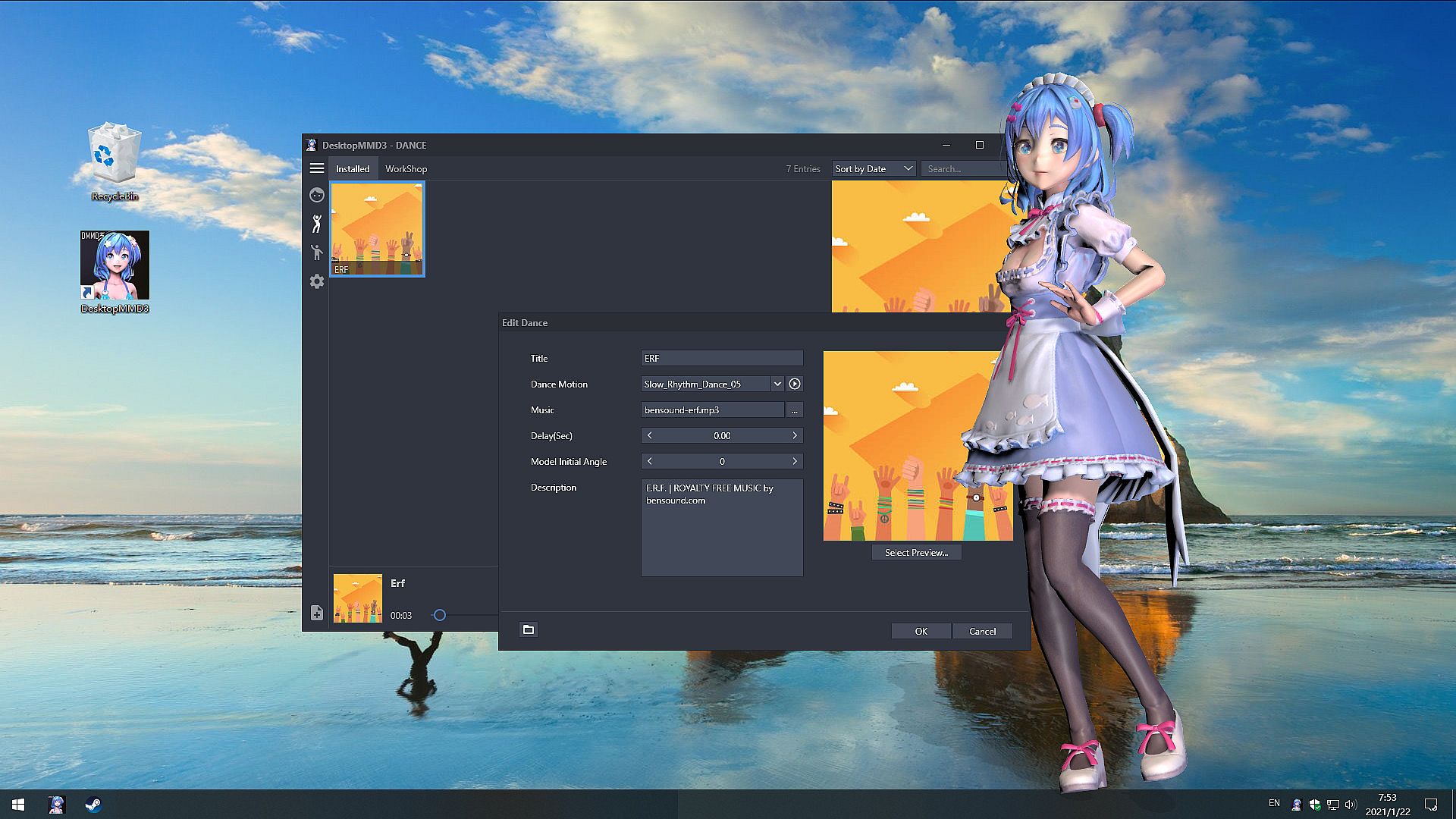
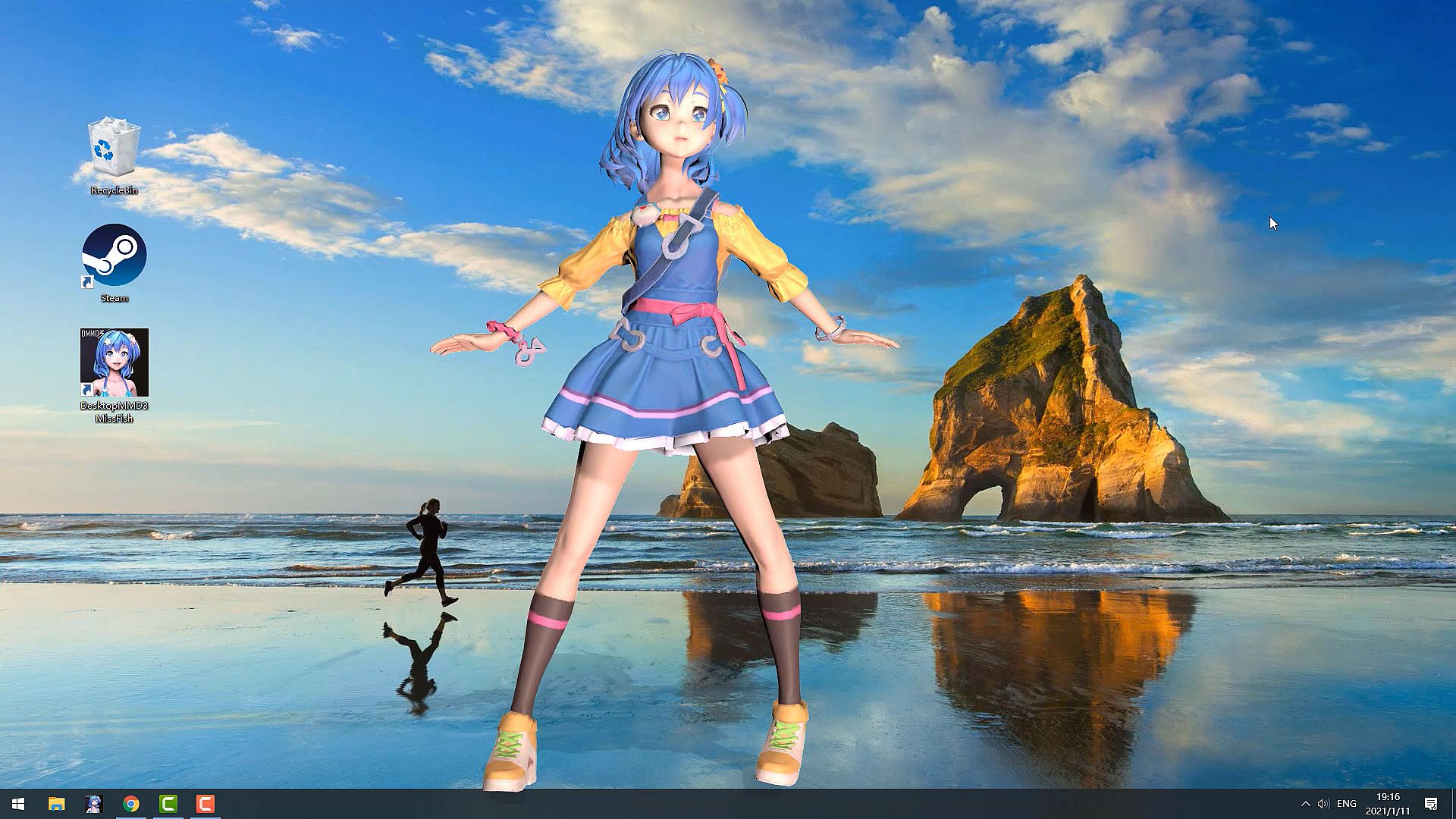
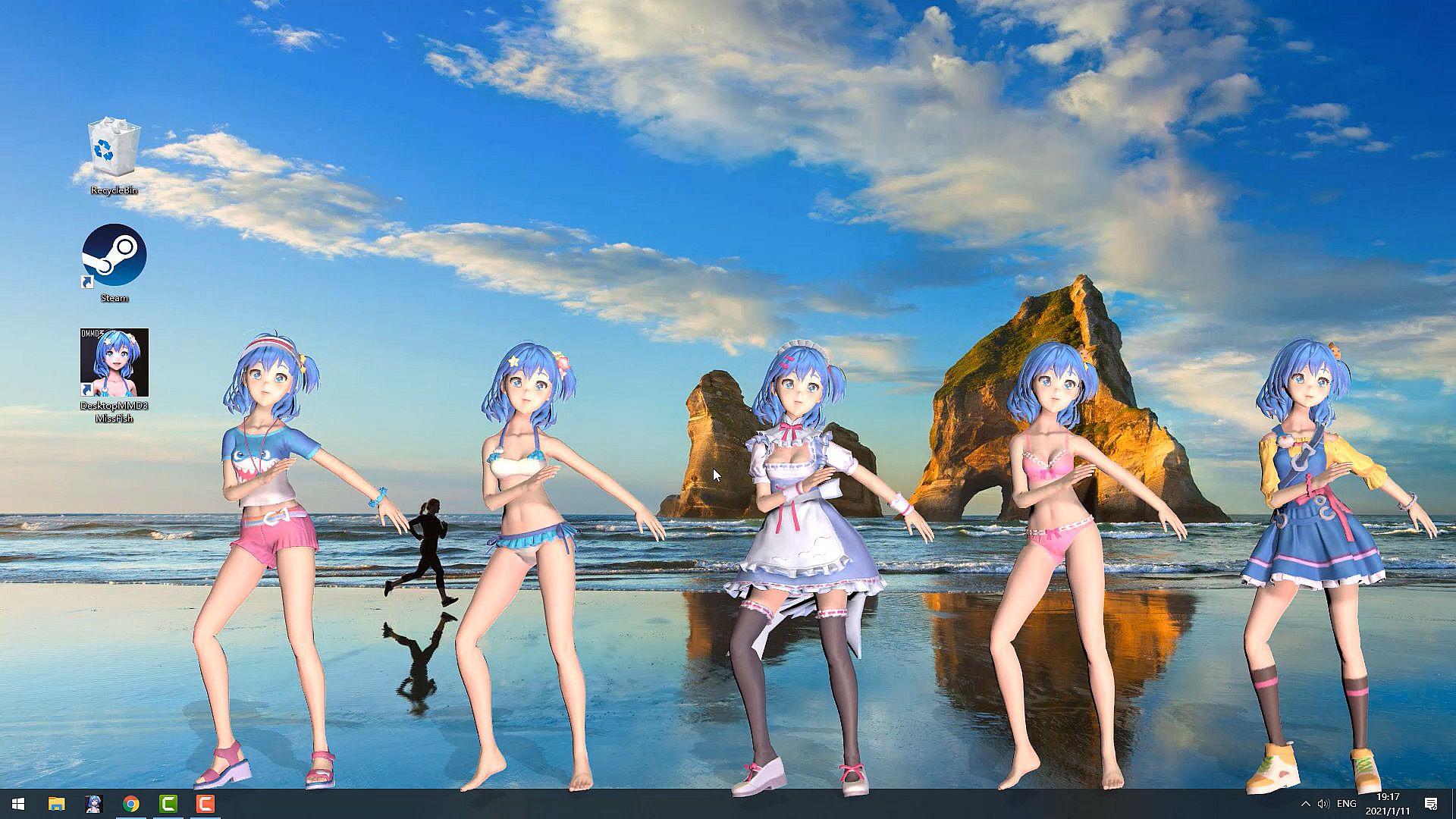
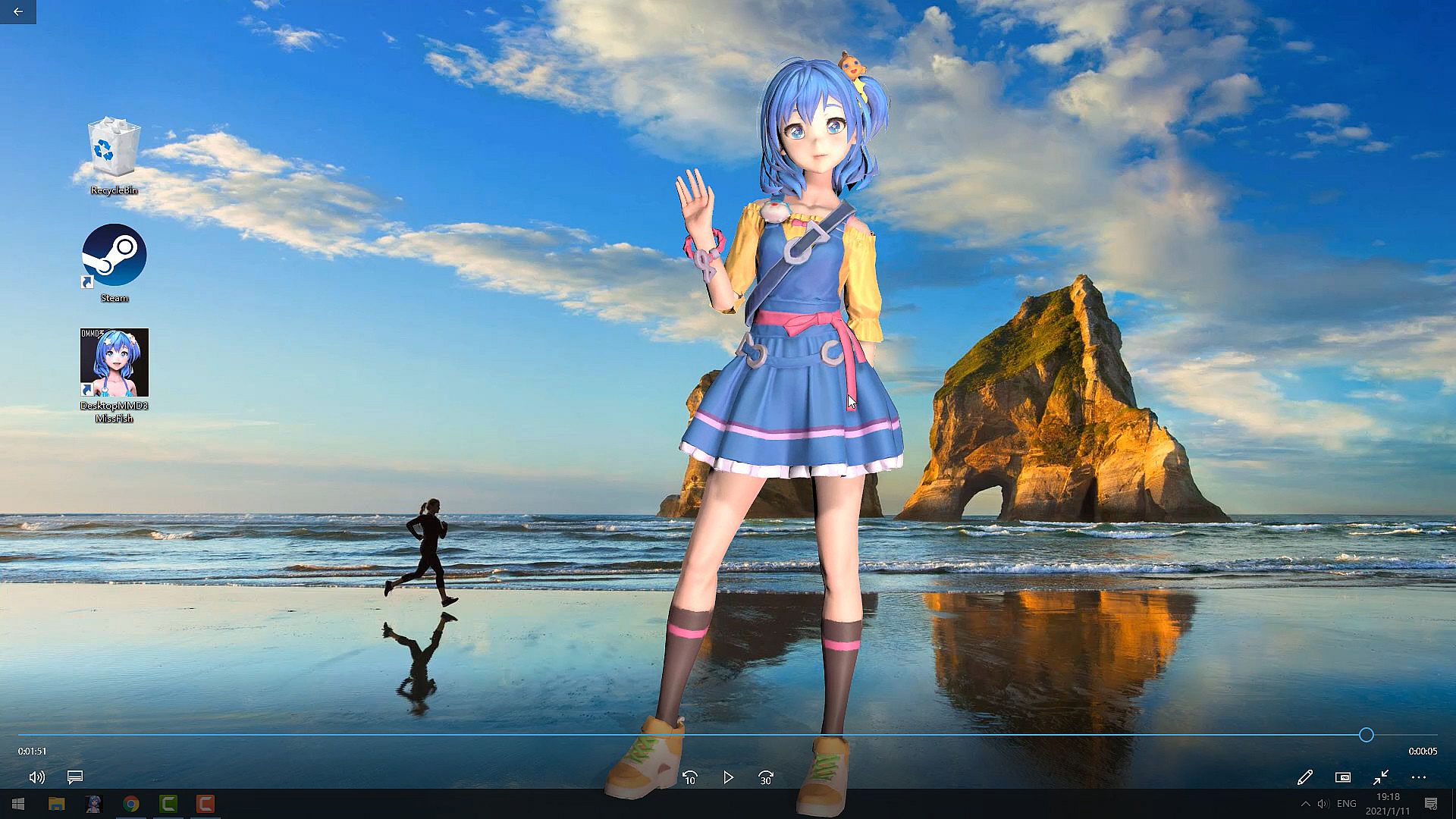
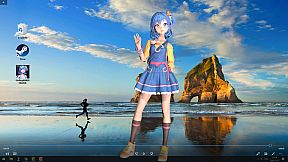
Bringe die lebhafte Miss Fish mit dieser Casual-Simulation auf deinen PC-Desktop. Sie tanzt und interagiert direkt neben deinen Games oder beim Surfen im Web - dank Idle-Animationen und Reaktionen auf den Mauszeiger. Fortschrittliches HD-Rendering sowie Maus-Through-Interaktionen bei Haar und Rock verleihen ihr ein greifbar echtes Gefühl auf dem Bildschirm. Passe jedes Modellteil an, von Farben bis Sichtbarkeit, und passe Bewegungen, Stimmen, Emotionen sowie LipSync über das interaktive Modul an. Lade MMD- oder VRM-Modelle per Drag-and-Drop, synchronisiere Tänze mit Musik aus Playern wie Spotify oder Winamp mithilfe von 60 integrierten Templates und aktiviere Always-on-Top bei Bedarf. Indie-RPG-Fans, die Personalisierung und Desktop-Companions lieben, entdecken unzählige Anpassungsmöglichkeiten für Abwechslung ohne Ende.

Buy DMMD3 Get DMMD4 Free
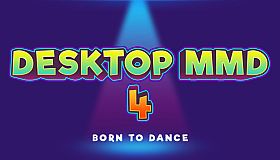
Buy “DesktopMMD3:Miss Fish” Now and Get "DesktopMMD4: Born to Dance"


The difference between DesktopMMD3 and DesktopMagicEngin
Touchable Lover
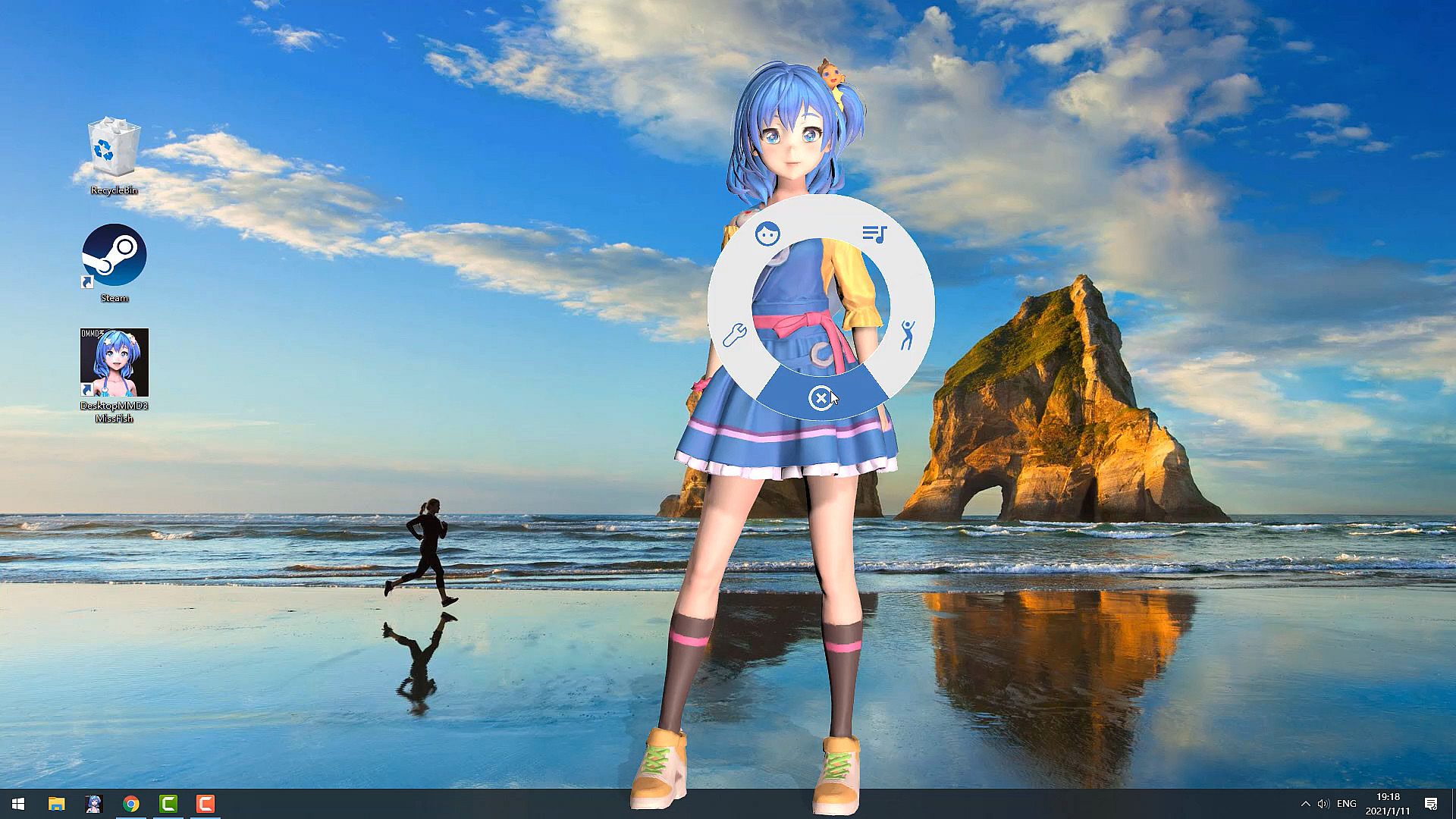
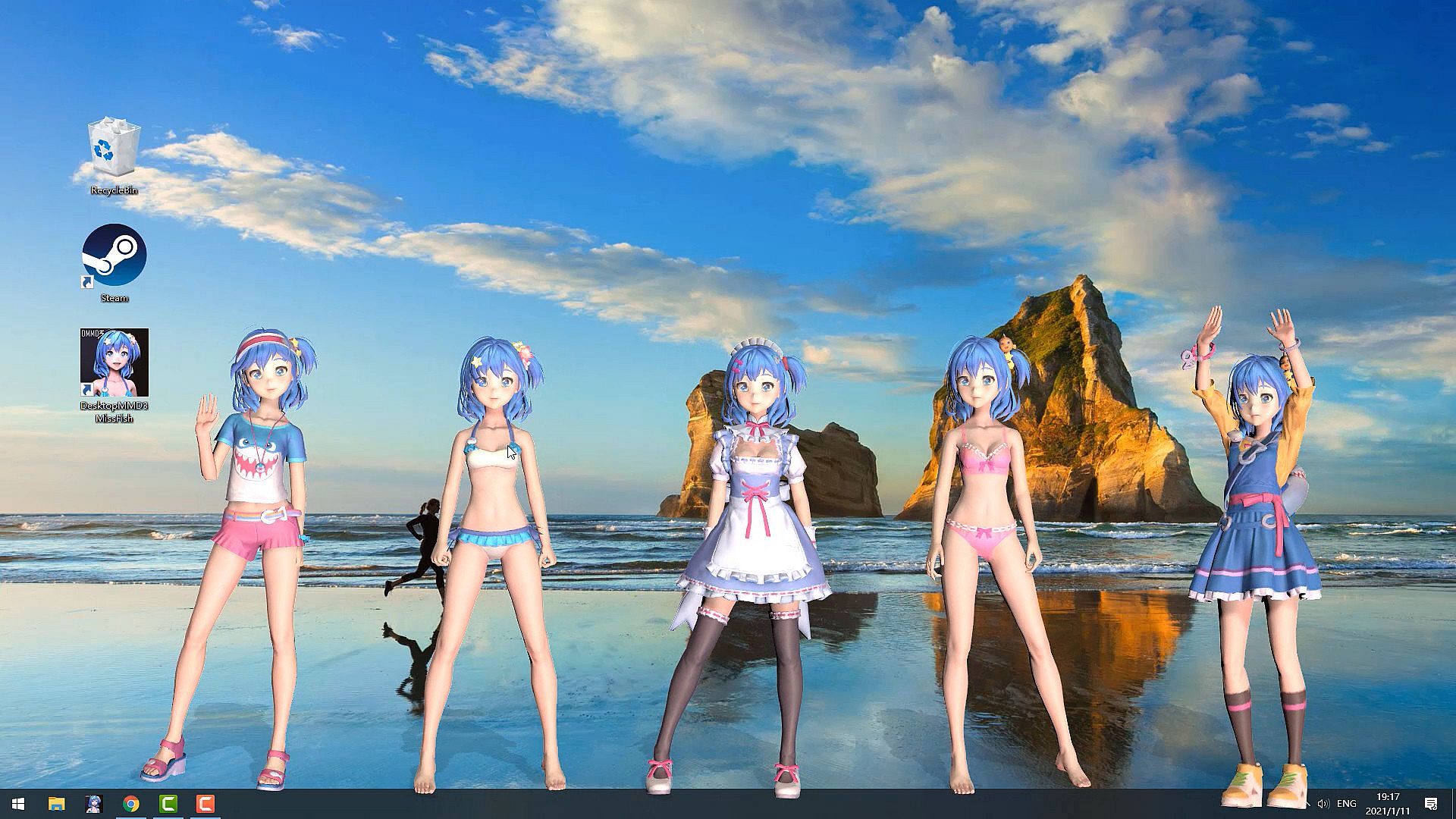
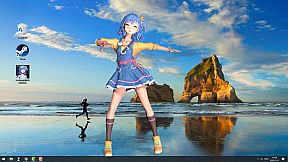
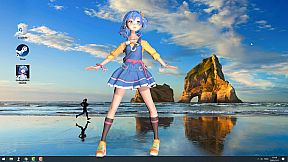
Living and dancing lovely girl “Miss Fish” on your desktop! She will always be with you, even while playing game or browsing the web.
Features:
  • BRAND NEW Next-Generation HD Rendering Engine, make the models render more realistic and high visual fidelity.
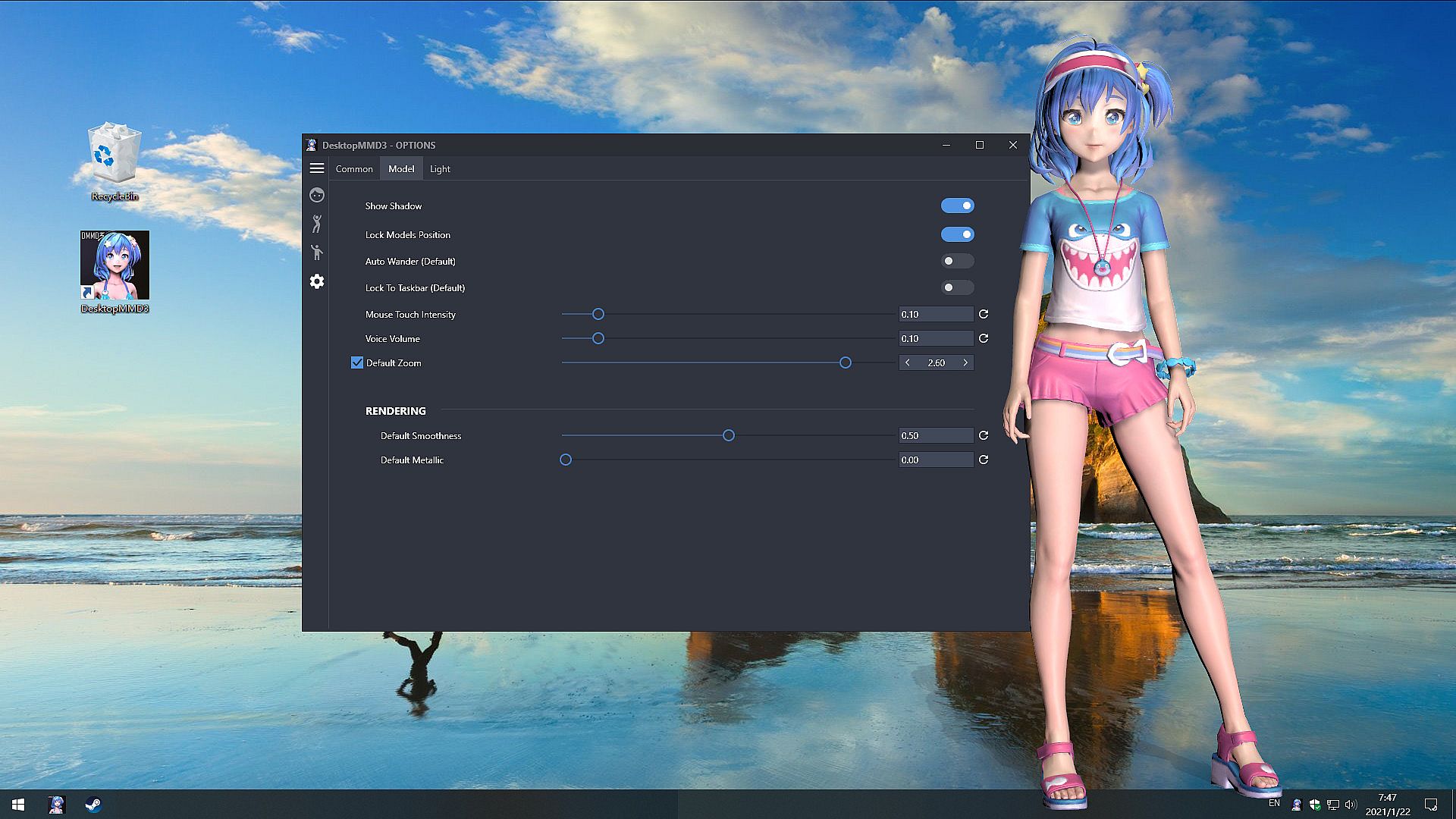
  • BRAND NEW Mouse Move Touch Function ,now the mouse can really pass through model's hair and skirt.
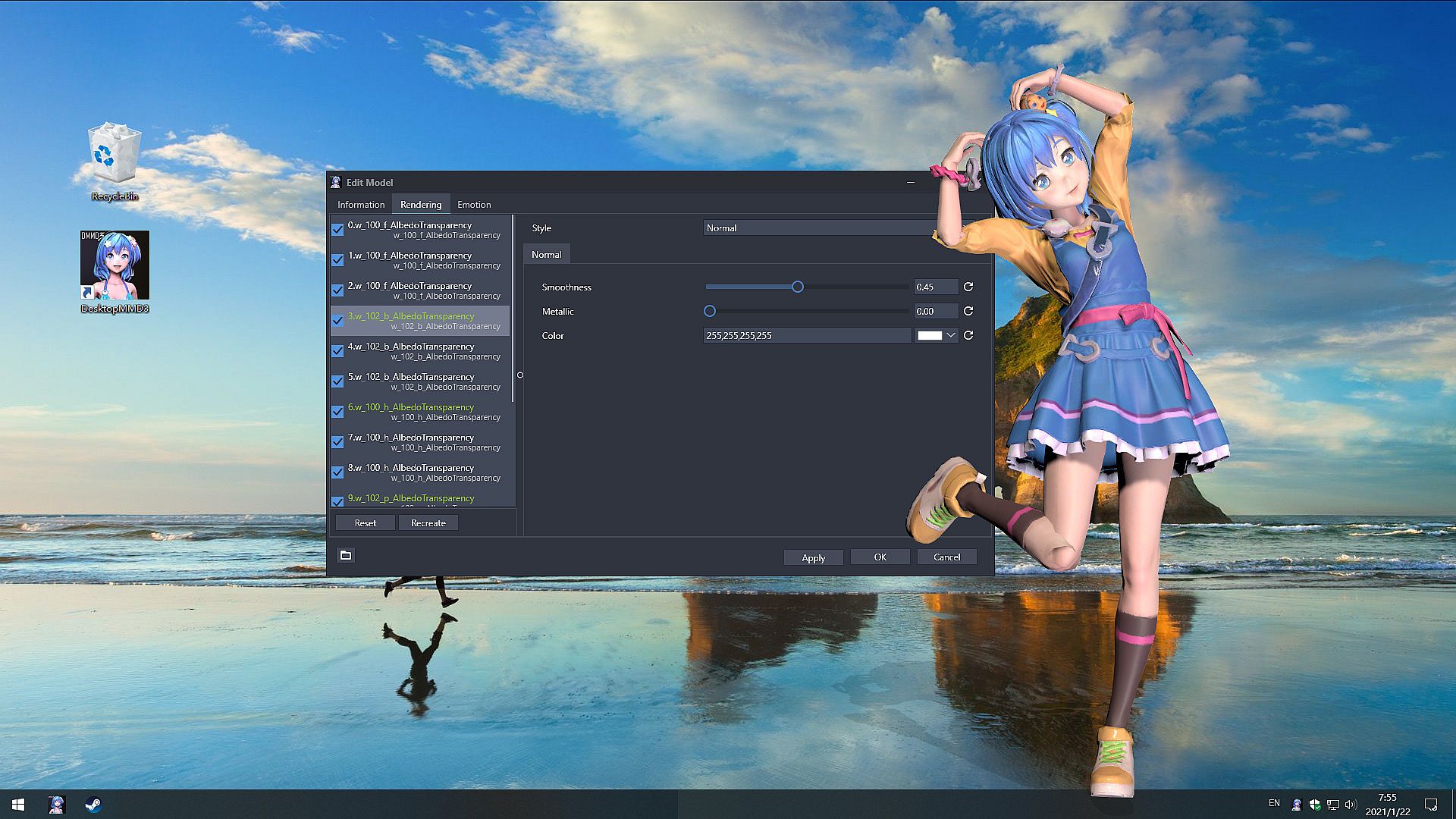
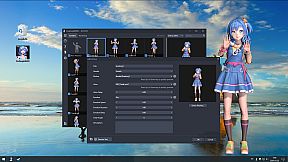
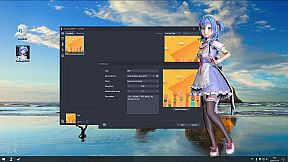
  • BRAND NEW Model Customization Module, supports customizing every part of the model, such as adjusting the rendering style and color or visible.
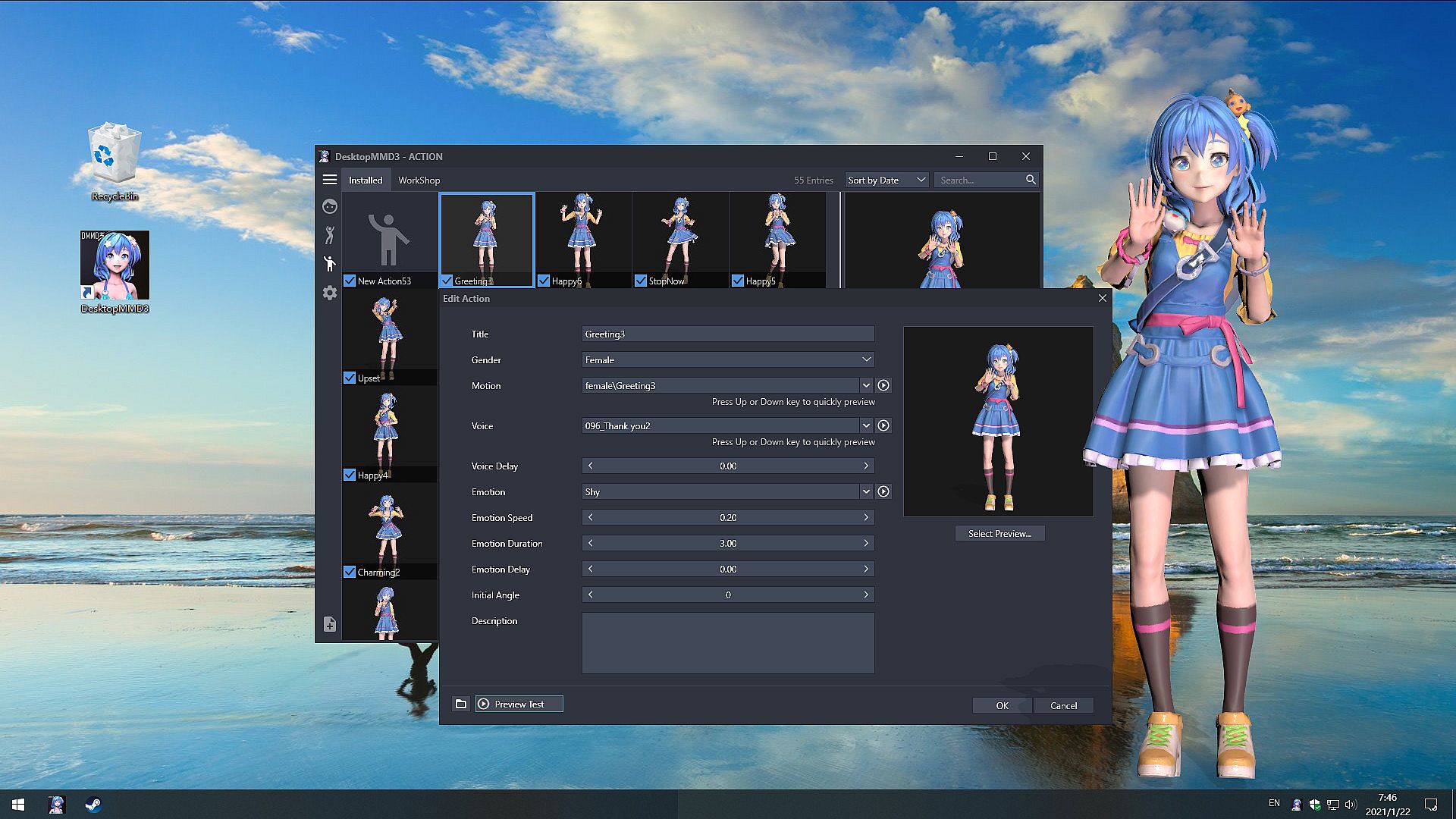
  • BRAND NEW Interactive Action Module, support custom motion, voice, emotion and LipSync,support workshop, Built-in 75 female motions and 68 male motions, 126 female voices and 126 male voices.
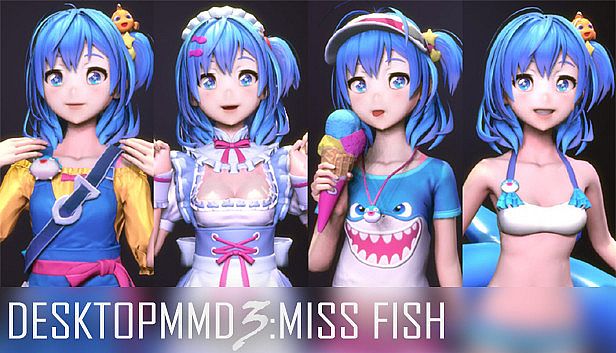
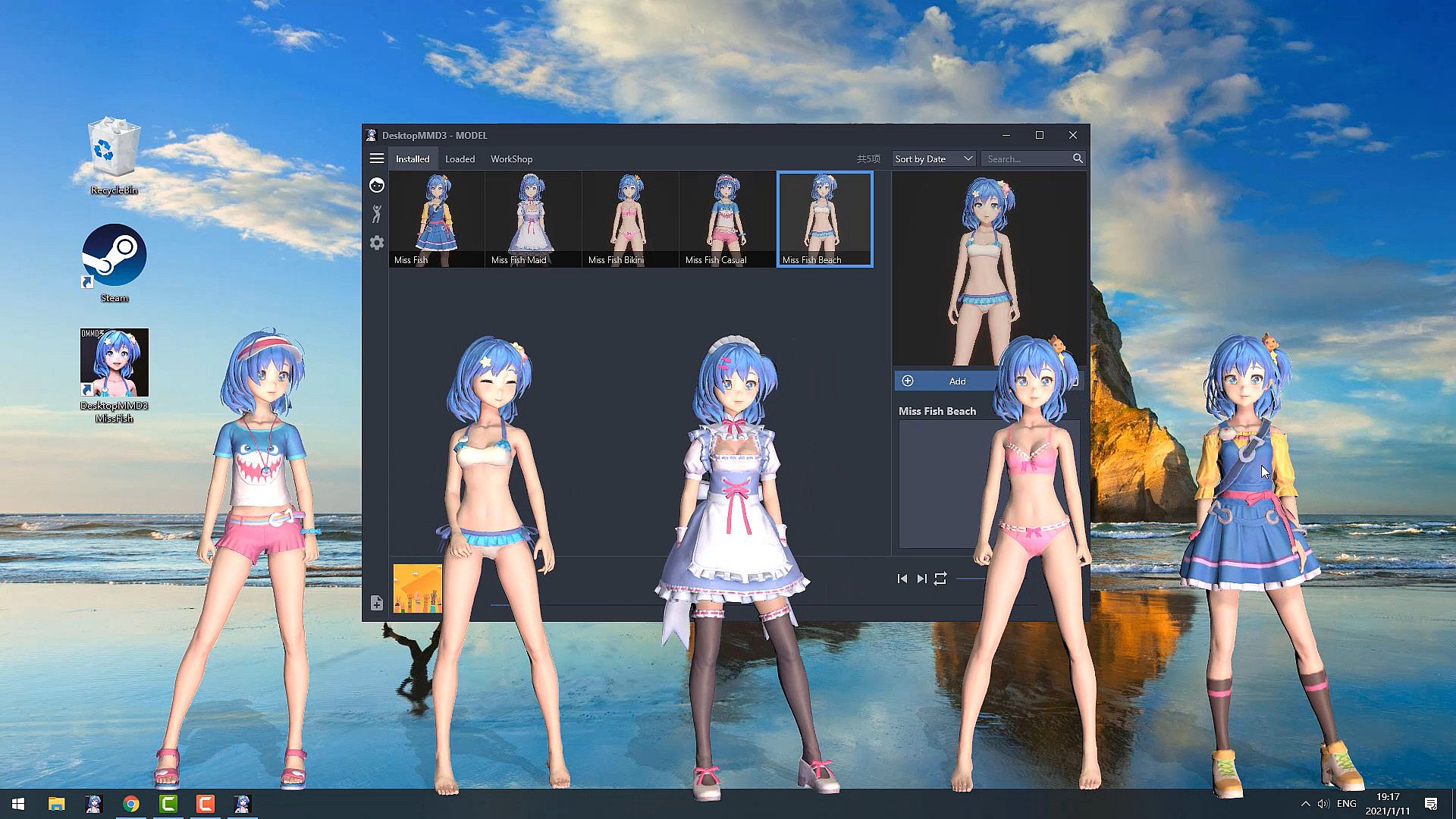
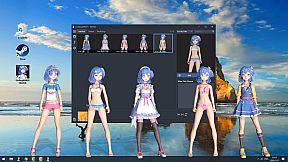
  • BRAND NEW Lovely default characters “Miss Fish” comes with four outfits.
  • Gives your desktop some life with lovely AI girls and lots of Interactive animations.
  • Supports third party music players such as CloudMusic, QQMusic, Spotify, Winamp, Foobar2000, Kugou and so on.
  • Support act on top of other windows (Optional).
  • Support idle animations and interacte with mouse cursor.
  • Support one-click import of MMD / VRM models
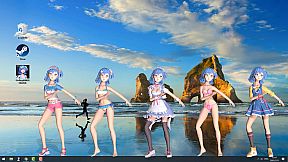
  • Contains 60 built-in dance templates (19 slow-rhythms / 15 mid-rhythms / 17 fast-rhythms / 8 short-dances / moonwalk). It allows easily-applied personalization of dances for your favorite music.
  • Compatible with all other software and live wallpapers.
  • Supports Windows 7 (with Aero), 8, 8.1 and 10
Credits
  • "Miss Fish" model created by "Press START"
  • Translation / Proofreading by Nyanco Channel


================================================================================
Q: Why is my background all black on some computers?
A: You can press the "Win" key to pop up the taskbar, and then proceed to the following operations:
1. Open the Nvidia panel and select [manage 3D settings] on the left
2. [multi frame sampling AA (MFAA)] and [smoothing fxaa] in the right side are changed to [off]
3. Close the application to solve the problem of game black screen.


Q: Why can not display model on desktop sometimes?
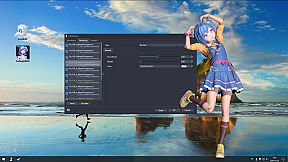
A: Some models has problem and make DesktopMMD3 crash ,just need close all models in "Manage Model">"Loaded" List and restart DesktopMMD3 from tray icon popupmenu.

Q: How to add model to desktop?
A: You can subscribe models from STEAM Workshop at "Manage Model">"Workshop" , and then load model at "Manage Model">"Installed" list.


Q: How to import MMD/VRM model into DesktopMMD3?
A: Drag and drop MMD model file .pmx or .vrm file into DesktopMMD3 "Manage Model">"Installed" List Box, the model will auto display on your desktop.

Q: How to Hiding "Now Playing DesktopMMD3" from Steam status?
A: Right click tray icon and select menu item "Preferences" and uncheck the "Enable Steam Support", and restart app from tray icon menu.

Q: How to set higher Anti-aliasing ? How to set the model to HD texture? How to modify the drawing quality of the model?
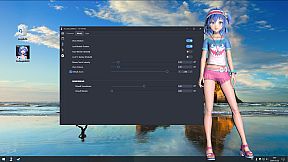
A: "Settings">"Graphic Quality" option set to "High" .or You can switch to HD mode: right-click the model and select the menu item "Edit" in the "Manage Model"> "Installed" list, and select "Graphic Quality" as "Hight" in the edit window. Then reload the model.

Oberfläche:
EnglishJapaneseKoreanSimplified Chinese
Audio:
Japanese

Altersfreigabe

Keine Angabe
Steam:
Mostly Positive (245)

Minimum:

  • Prozessor: Intel i3 or equivalent
  • Arbeitsspeicher: 2 GB RAM
  • Grafik: HD Graphics 4000 or above
  • Speicherplatz: 500 MB available space

Empfohlen:

  • Betriebssystem: Windows 10
  • Prozessor: Intel i7 or equivalent
  • Arbeitsspeicher: 4 GB RAM
  • Grafik: NVIDIA GeForce GTX 660, AMD HD7870, 2 GB VRAM or above
  • Speicherplatz: 1024 MB available space
Historisches Tief
Preisverlauf von offiziellen Shops
-
-
-
Preisverlauf von Keyshops
-
-
-

FAQ

8 Fragen

Bevor du nach einem günstigen DesktopMMD3:Miss Fish Key suchst, prüfe die wichtigsten Fakten. Entwickelt von DesktopMMD Team. Veröffentlicht von DesktopMMD Team. PC Release-Datum: 21 Jan. 2021. Genres: Action, Indie, RPG, Casual, Simulation. Kategorien: Family Sharing, Steam Workshop, Single-player, Steam Cloud.

Q

Wo kann ich einen günstigen DesktopMMD3:Miss Fish Steam Key kaufen?

Derzeit gibt es keine aktiven Angebote für DesktopMMD3:Miss Fish. Setze einen Preisalarm auf XD.deals und wir benachrichtigen dich, sobald ein Angebot verfügbar ist.

Wir haben derzeit keinen aktuellen Steam-Store-Preis für DesktopMMD3:Miss Fish. Das Spiel ist möglicherweise vorübergehend nicht verfügbar oder noch nicht bei Steam gelistet.

Unser Preistracker deckt sowohl offizielle Händler als auch Key-Marktplätze ab, sodass du DesktopMMD3:Miss Fish im Angebot auch außerhalb saisonaler Aktionen finden kannst. Wir erkennen derzeit 0 aktive Angebote von offiziellen Shops und Keyshops. Prüfe die Tabelle oben, vergleiche mit dem historischen Tief und setze einen Alarm, damit du den nächsten Preissturz nicht verpasst.

Laut unseren Daten ist DesktopMMD3:Miss Fish derzeit nicht auf GeForce NOW verfügbar. Du musst es lokal auf deinem PC ausführen. Stöbre durch Spiele, die auf GeForce NOW verfügbar sind.

Ja. DesktopMMD3:Miss Fish hat eine offizielle Steam-Shop-Seite, aber wir tracken derzeit keine Drittanbieter-Angebote mit Steam-DRM. Schau später nochmal vorbei oder setze einen Preisalarm.

Derzeit nicht. Valve kennzeichnet DesktopMMD3:Miss Fish als Unsupported auf dem Steam Deck. Behalte XD.deals im Blick - wir verfolgen Proton-Updates und Community-Fixes. Stöbere durch Spiele, die Steam Deck Verified oder Steam Deck Playable sind.

DesktopMMD3:Miss Fish scheint derzeit nicht im PC Game Pass, bei EA Play, Ubisoft+ oder einem anderen PC-Abonnement verfügbar zu sein. Deine einzige Option ist der Kauf - nutze XD.deals, um den besten Preis zu finden.

Nein - XD.deals ist kein Shop. Wir sind ein Preisvergleich, der die besten DesktopMMD3:Miss Fish-Deals bei offiziellen Shops und verifizierten Keyshops verfolgt. Klicke neben einem Angebot auf "Zum Shop" und du wirst zur Webseite des Händlers weitergeleitet, um deinen Kauf abzuschließen.

Zum besten Zeitpunkt kaufen? Setze einen Preisalarm auf XD.deals und werde benachrichtigt, wenn DesktopMMD3:Miss Fish sein nächstes historisches Tief erreicht.

Alarm erstellen
Tritt unserem Discord bei
Erhalte Hilfe von der Community und bleibe über Angebote informiert
Preisalarme einrichten
Erhalte E-Mail-Benachrichtigungen wenn Preise fallen
Kostenloses Konto erstellen
Schalte Wunschlisten, Preisalarme und Steam-Sync frei