
DiyMachinery (自定义机械) PC kaufen

Wo kannst du den günstigsten DiyMachinery (自定义机械) Steam-Key für {6} kaufen? Vergleiche Preise aus 1 Shops und finde unter 1 Angeboten auf XD Deals die beste Option. Aktuell liegt der niedrigste DiyMachinery (自定义机械) {6} Preis im Keyshop bei 0,79 € (0% Rabatt).

Veröffentlichung: 16 Mai 2018
me
me
Metacritic:
tbd tbd
Steam:
Overwhelmingly Negative (2)
Keyshops
Nicht verfügbar
Im offiziellen Store kaufen:
0,79 €
Im Keyshop kaufen:
Preisverlauf anzeigen

Offizielle Shops (1)

DRM:
Steam
Steam
Steam
DiyMachinery (自定义机械)
Windows
vor 1J
DRM:
Steam
Steam
0,79 €
Historical Low Deal
Historical low

Über DiyMachinery (自定义机械)

DiyMachinery (自定义机械) - Spielbeschreibung
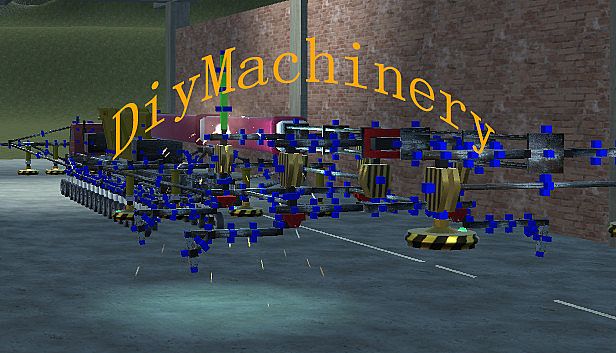
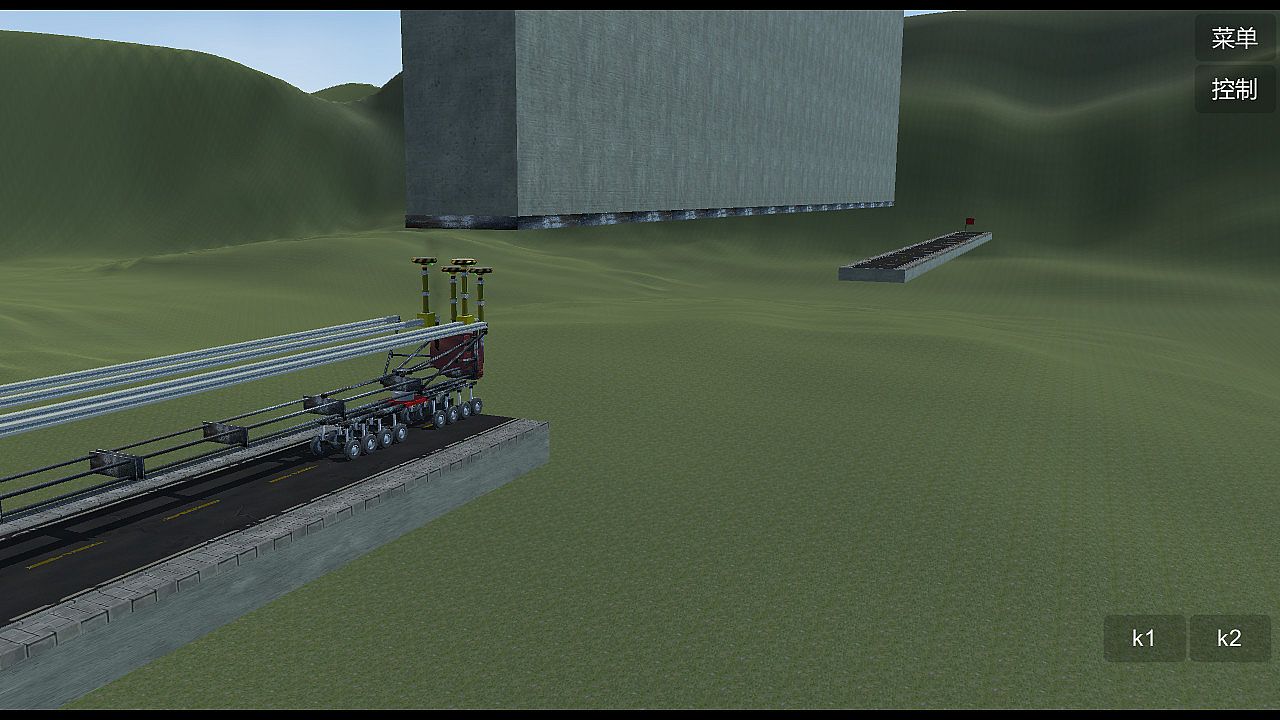
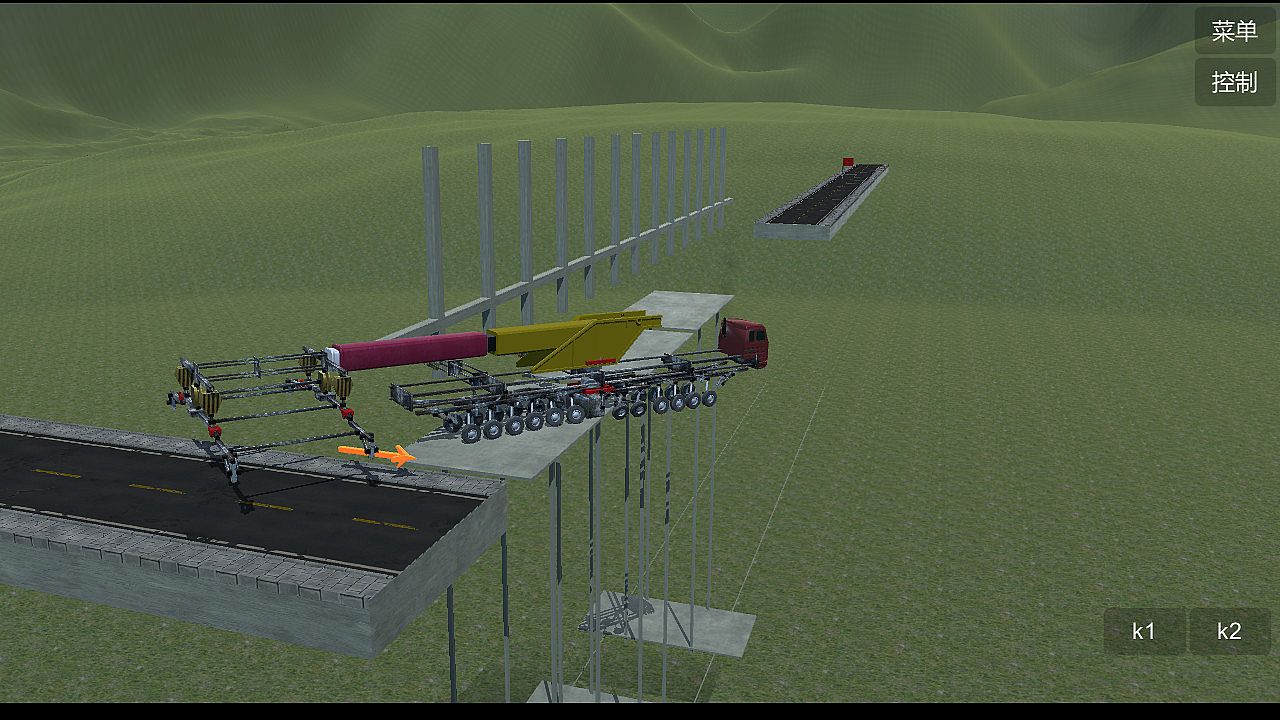
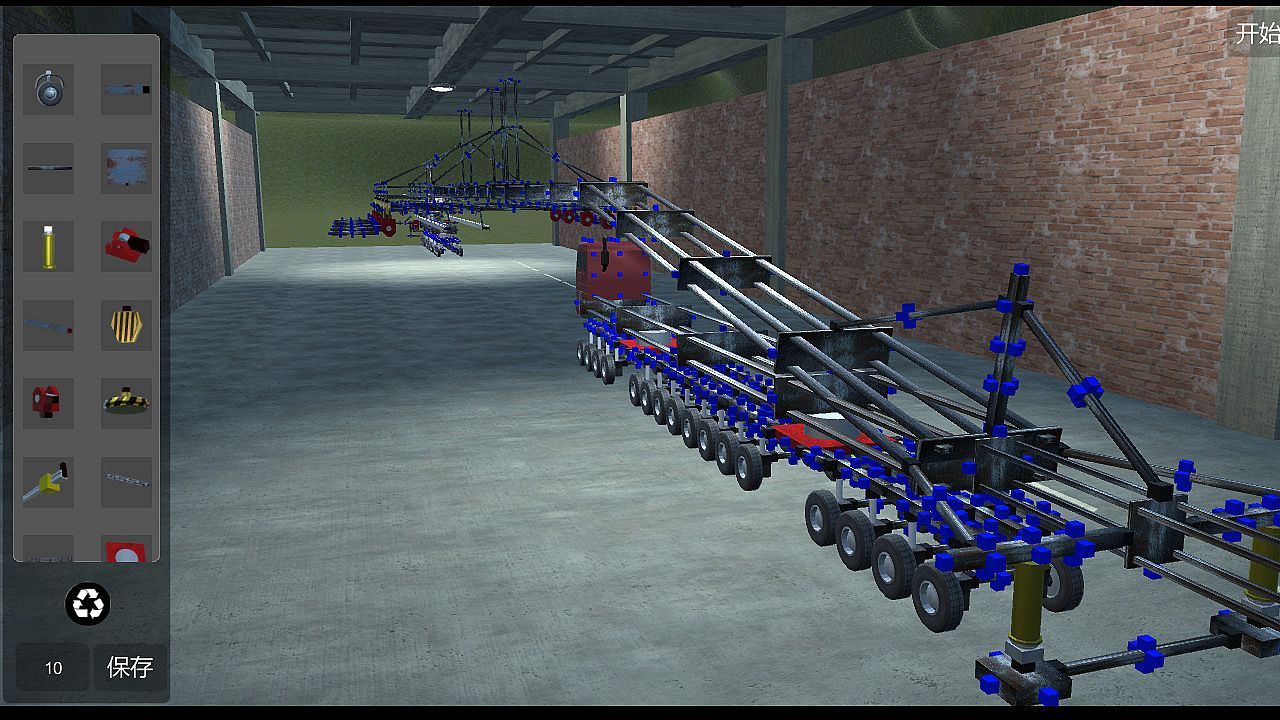
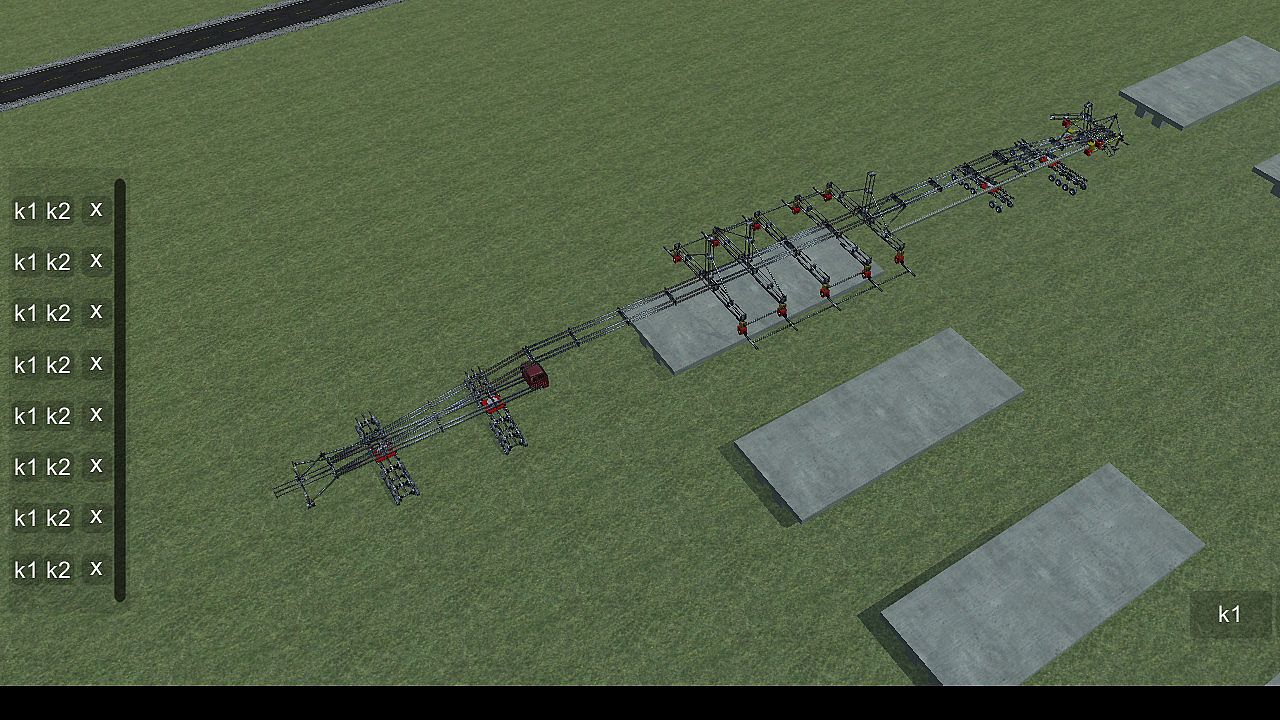
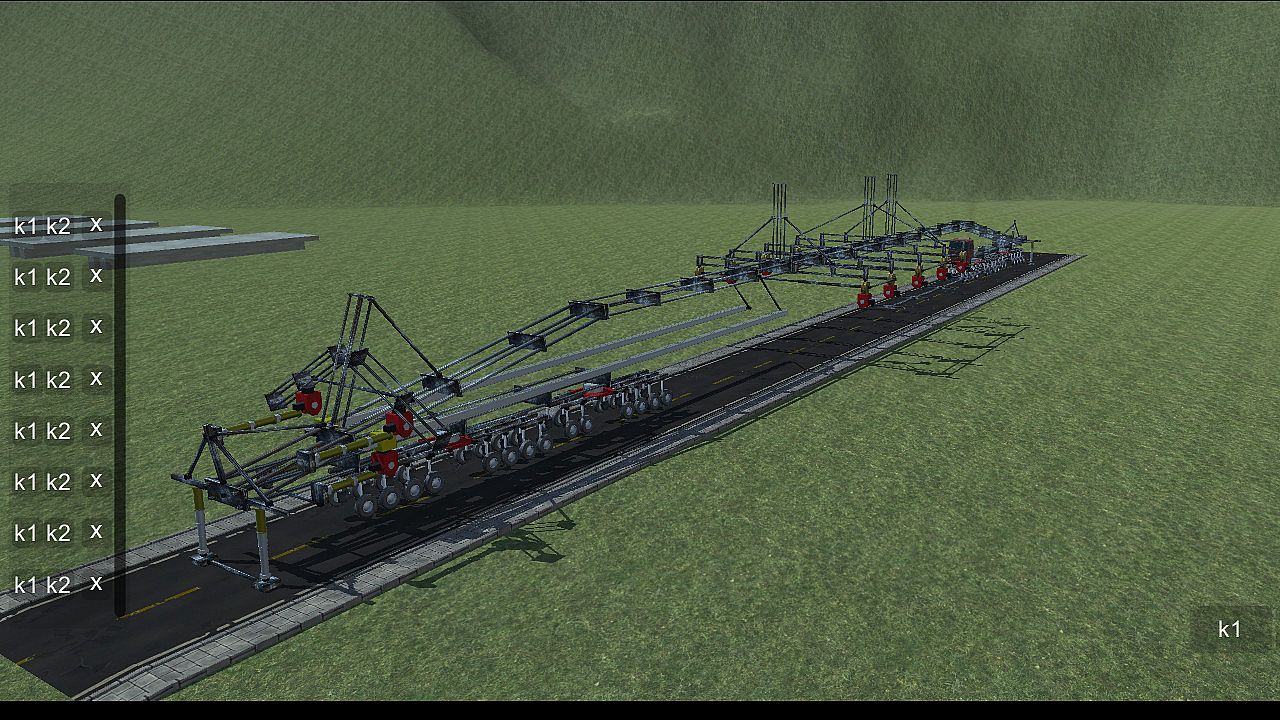
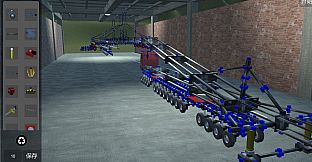
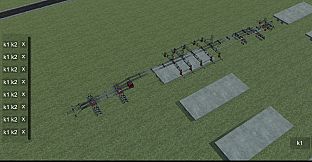
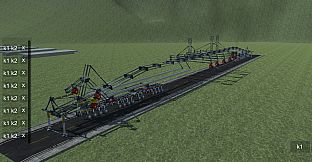
Build intricate machines from 22 basic parts to conquer obstacles like crossing gaps, climbing heights, bridging voids, and hanging precariously. This physics-based simulation demands sharp logical thinking, keen observation, precise manipulation, and strong spatial imagination. Master core operations such as clicking the blue box to select and attach components, rotating them with Q, W, E, A, S, D keys, removing with Z, copying via Ctrl+C and pasting with Ctrl+V, or welding blue squares by pressing X. Group components for control by holding Ctrl for multi-select and assigning K1/K2 functions, or drag icons in the controller interface for line-based operations-both methods work independently. Adjust wheels for turning, car heads for suspension and steering, and slide rails for length. Ideal for players who thrive on brain-teasing strategy and engineering challenges that scale with your PC's power and ingenuity.

DiyMachinery It's a physical game, 22 basic parts build machines complete over, over, hanging, climbing, bridging... Such as obstacles. There is no hierarchy, so long as your computer is good, you can build big, interesting machines. This game requires a lot of logical thinking, observation, manipulation, and spatial imagination. If you like research and thinking, don't miss it.

This game is a skill and requires a high IQ to play.
builds basic operations:
Click the blue box, click on the component interface you want to build components, click on the components, press Q, W, E, A, S, D and other keyboard keys to rotate.
The Z key removes the selected component.
Ctrl+c copies the selected components, then selects the blue box Ctrl+v to paste.
Click a blue square, click on the other block, and then press the X key to weld two blue squares. If the steering wheel is welded, the component will disconnect (also press the lower right corner of the game button).
adds an operating group:
Method 1: hold the Ctrl key for multiple selection, then click Add group button, the lower left corner of the game interface will appear, the K1 and K2 buttons in the list are the function of the control component, such as the hydraulic top bar: press the K1 top, then stop by K1, the K2, and then stop by a K2, basically all the operable components are this Class operation.
Method 2: click the controller button in the upper right corner, enter the controller interface, drag the icon to organize the operation group, then select the line to operate, and then press the K1 K2 big button in the lower right corner to control the selected line. (this method does not conflict with the first method, that is to say, you set the first method will not affect the second method, and vice versa).
wheel:
The system automatically opens the turning functions of the front wheels. You can also click the wheel to open the wheel control interface to control the turn, turn, and turn off the power.
car head:
You can control the suspension force of the wheel and the number of turning wheels by clicking the front end and opening the control interface.
slide
The slide is the long one. When you build it, you can adjust the length by clicking the slide rail.
summary:

This game can exercise your brain, saying it is easy and easy to say, it's complicated to say that the component is also the two or three methods of operation, see what you build and match. If you can completely pass it, you are more cattle than my author, and the technology that finally needs the bridge is different from the technology of the high iron bridge. You can be an engineer, too.

Oberfläche:
EnglishSimplified Chinese
Untertitel:
EnglishSimplified Chinese

Altersfreigabe

Keine Angabe
Metacritic:
tbd tbd
Steam:
Overwhelmingly Negative (2)

Minimum:

  • Prozessor: 四核
  • Arbeitsspeicher: 4096 MB RAM
  • Grafik: GTX 550
  • Speicherplatz: 400 MB available space

Empfohlen:

  • Prozessor: 四核
  • Arbeitsspeicher: 4096 MB RAM
  • Grafik: GTX 550
  • Speicherplatz: 400 MB available space
Historisches Tief
Preisverlauf von offiziellen Shops
-
-
-
Preisverlauf von Keyshops
-
-
-

FAQ

8 Fragen

Bevor du nach einem günstigen DiyMachinery (自定义机械) Key suchst, prüfe die wichtigsten Fakten. Entwickelt von me. Veröffentlicht von me. PC Release-Datum: 16 Mai 2018. Genres: Strategy, Indie, Simulation, Adventure. Kategorien: Family Sharing, Single-player.

Q

Wo kann ich einen günstigen DiyMachinery (自定义机械) Steam Key kaufen?

Mit unserem Preisvergleich und verifizierten Rabattcodes kannst du einen DiyMachinery (自定义机械) Key schon ab 0,79 € kaufen. Dieses Angebot ist bei Steam verfügbar und gehört zu den günstigsten auf dem Markt. Alle auf XD.deals gelisteten Keys werden digital geliefert und können nach der Zahlung sofort heruntergeladen werden. Die Preise enthalten bereits Bearbeitungsgebühren und eingelöste Promo-Codes, sodass du immer den niedrigsten DiyMachinery (自定义机械) Preis auf PC siehst. Sieh dir den DiyMachinery (自定义机械) Preisverlauf an, um zum besten Zeitpunkt zu kaufen.

Laut unserem letzten Update (wir aktualisieren Steam-Preise mehrmals täglich) beträgt der DiyMachinery (自定义机械) Steam-Preis 0,79 €. Du kannst zusätzlich ca. 6% sparen, indem du mit einer vergünstigten Steam-Geschenkkarte zahlst.

Unser Preistracker deckt sowohl offizielle Händler als auch Key-Marktplätze ab, sodass du DiyMachinery (自定义机械) im Angebot auch außerhalb saisonaler Aktionen finden kannst. Wir erkennen derzeit 1 aktives Angebot von offiziellen Shops und Keyshops. Prüfe die Tabelle oben, vergleiche mit dem historischen Tief und setze einen Alarm, damit du den nächsten Preissturz nicht verpasst.

Laut unseren Daten ist DiyMachinery (自定义机械) derzeit nicht auf GeForce NOW verfügbar. Du musst es lokal auf deinem PC ausführen. Stöbre durch Spiele, die auf GeForce NOW verfügbar sind.

Ja. DiyMachinery (自定义机械) hat eine offizielle Steam-Shop-Seite. Du kannst auch einen DiyMachinery (自定义机械) Steam Key von Drittanbietern kaufen. Unser Preisvergleich umfasst derzeit 1 Angebot mit Steam-DRM. Wähle eines davon, um sicherzustellen, dass dein DiyMachinery (自定义机械) Download über Valves Plattform läuft.

Derzeit nicht. Valve kennzeichnet DiyMachinery (自定义机械) als Unsupported auf dem Steam Deck. Behalte XD.deals im Blick - wir verfolgen Proton-Updates und Community-Fixes. Stöbere durch Spiele, die Steam Deck Verified oder Steam Deck Playable sind.

DiyMachinery (自定义机械) scheint derzeit nicht im PC Game Pass, bei EA Play, Ubisoft+ oder einem anderen PC-Abonnement verfügbar zu sein. Deine einzige Option ist der Kauf - nutze XD.deals, um den besten Preis zu finden.

Nein - XD.deals ist kein Shop. Wir sind ein Preisvergleich, der die besten DiyMachinery (自定义机械)-Deals bei offiziellen Shops und verifizierten Keyshops verfolgt. Klicke neben einem Angebot auf "Zum Shop" und du wirst zur Webseite des Händlers weitergeleitet, um deinen Kauf abzuschließen.

Beste Preise für DiyMachinery (自定义机械)

1 Steam Steam Official
0,79 €

Zum besten Zeitpunkt kaufen? Setze einen Preisalarm auf XD.deals und werde benachrichtigt, wenn DiyMachinery (自定义机械) sein nächstes historisches Tief erreicht.

Alarm erstellen
Tritt unserem Discord bei
Erhalte Hilfe von der Community und bleibe über Angebote informiert
Preisalarme einrichten
Erhalte E-Mail-Benachrichtigungen wenn Preise fallen
Kostenloses Konto erstellen
Schalte Wunschlisten, Preisalarme und Steam-Sync frei