




GameLibBooster PC kaufen

Stand 11 Apr. 2026: Der günstigste GameLibBooster Key kostet 3,66 € bei Kinguin. XD.deals vergleicht Preise aus 3 Shops mit 3 Angeboten. Bei Keyshops liegt der niedrigste Preis bei 3,66 € (78% Rabatt), offizielle Shops starten bei 16,79 € (0% Rabatt). Daten von XD.deals.

Veröffentlichung: 01 März 2019
Steam:
Overwhelmingly Negative (8)
Im offiziellen Store kaufen:
16,79 €
Im Keyshop kaufen:
-78%
3,66 €
Preisverlauf anzeigen

Offizielle Shops (1)

DRM:
Steam
Steam
Steam
GameLibBooster
Windows
vor 1J
DRM:
Steam
Steam
16,79 €

Keyshops (2)

DRM:
Steam
Steam
Kinguin
GameLibBooster Steam CD Key
Windows
vor 6W
DRM:
Steam
Kinguin
16,79 € 3,66 €
-78%
-8% with XD8DEALScopy
CJS-CDKeys
GameLibBooster Steam Key (GLOBAL)
Windows
vor 5h
DRM:
Steam
CJS-CDKeys
17,79 € 4,41 €
-75%

Ăśber GameLibBooster

GameLibBooster - Spielbeschreibung
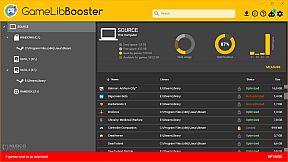
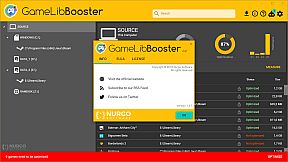
GameLibBooster delivers disk optimization tailored for PC gamers. It scans drive performance and game file structures to place active titles on the fastest storage, like SSDs or RAMDisks, for quicker load times and reduced stuttering during asset loading. Open-world lazy loading improves too, minimizing pop-in of levels, objects, and textures as you explore. The tool automates everything by shifting unused games to larger drives while preserving saves and avoiding redownloads. GLibBBot guides setup, detects Steam directories, and fixes configurations for peak hardware use-all without interrupting your play. PC gamers with mixed drives get seamless storage management that keeps titles ready on fast drives.

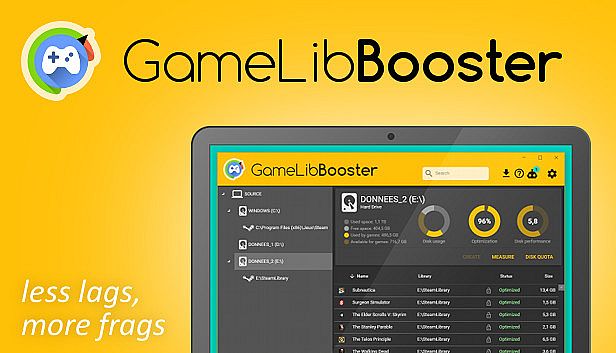
GameLibBooster is the first disk optimization software dedicated to PC gamers.
Faster loading
Always run your games from your fastest drive
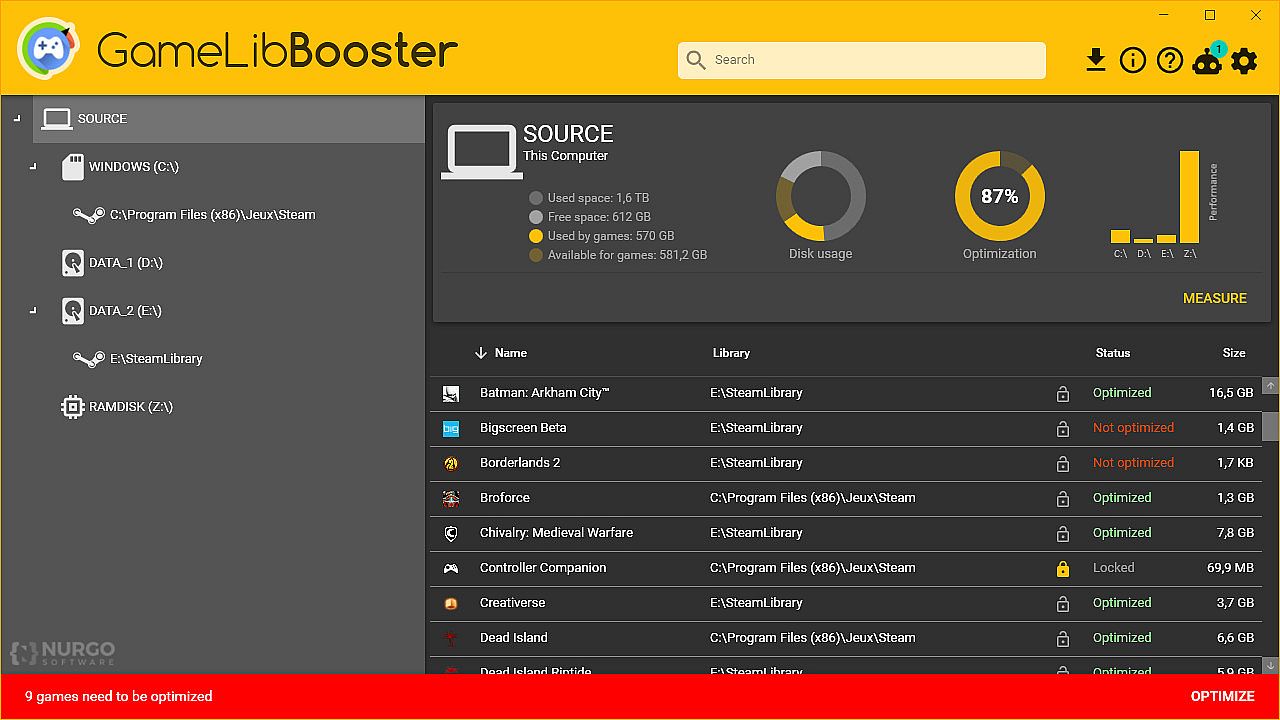
GameLibBooster analyses the performance of your drives and the file structure of your games, and ensures that the games you play are always on the most suited drive. The improvement can be very noticeable, as moving a game from HDD to SSD usually results in 2 to 3 times faster loadings. A RAMDisk can even be used to get a better performance optimization.
Less loading lags
Game freezes when entering a new area?
This annoying FPS drop occurs when your drive isn’t fast enough to load all the game assets needed to render the scene. By moving the games that you’re playing to your fastest drive, GameLibBooster can noticeably reduce or even eliminate the occurrence of this stuttering.
Faster level streaming
See the battlefield before your enemies
To limit RAM usage, most open world games only keep into memory the areas of the map that surround the player; this programming technique is called lazy loading. But the negative effect of this technique is that you can often see chunks of level, objects and texture details popping-in as you move around. GameLibBooster can greatly reduce this effect by making game data load faster.
Better disk usage
More room for your games
Having to uninstall an old game to free up space for a new one is a thing of the past. GameLibBooster automatically makes the best use of all your drives. Games you no longer play are moved to your larger drive. As soon as you play them again, they are moved back to your fastest drive. Your save files are preserved, and you don't need to re-download your games again and again.
Fully automated
Install, configure and forget
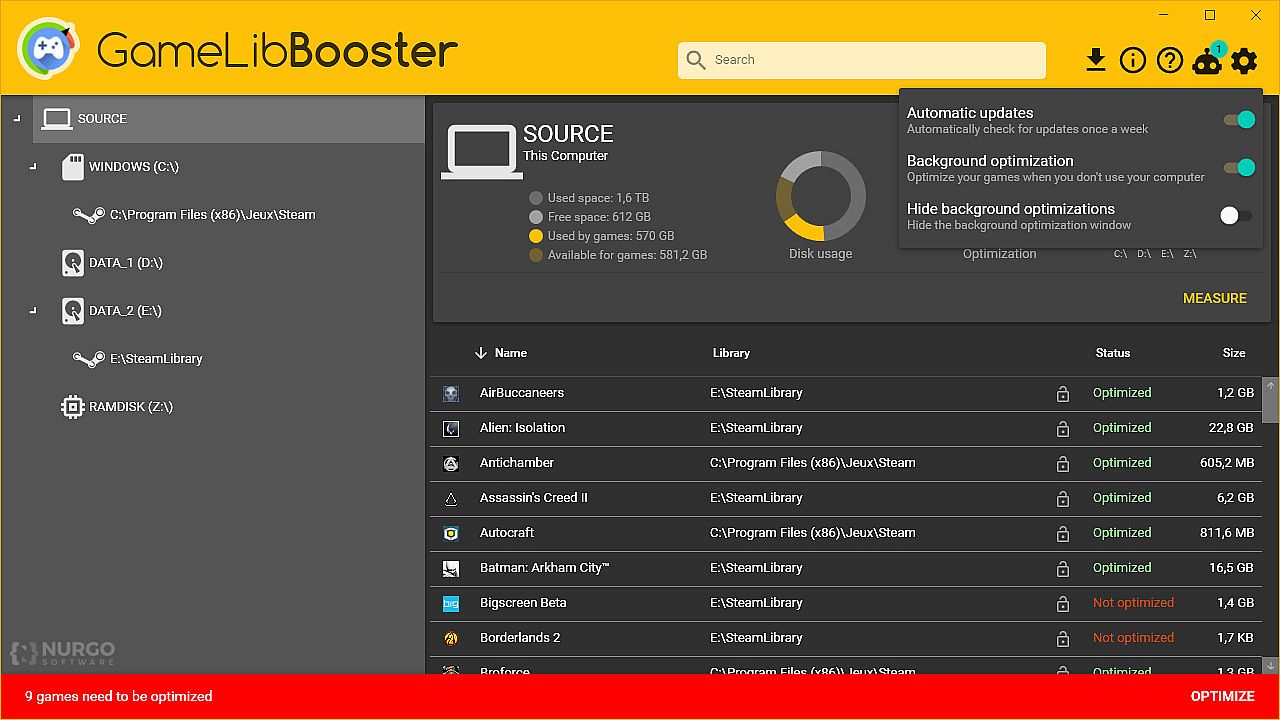
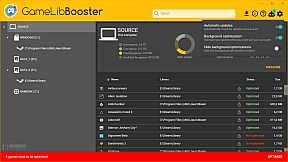
You have nothing to do, your games are always optimized. Just install your Steam games as usual, GameLibBooster takes care of the rest. GameLibBooster only works when you don't use your computer, and keeps your games optimized without affecting performance.
Easy to configure
3, 2, 1, your games are optimized!
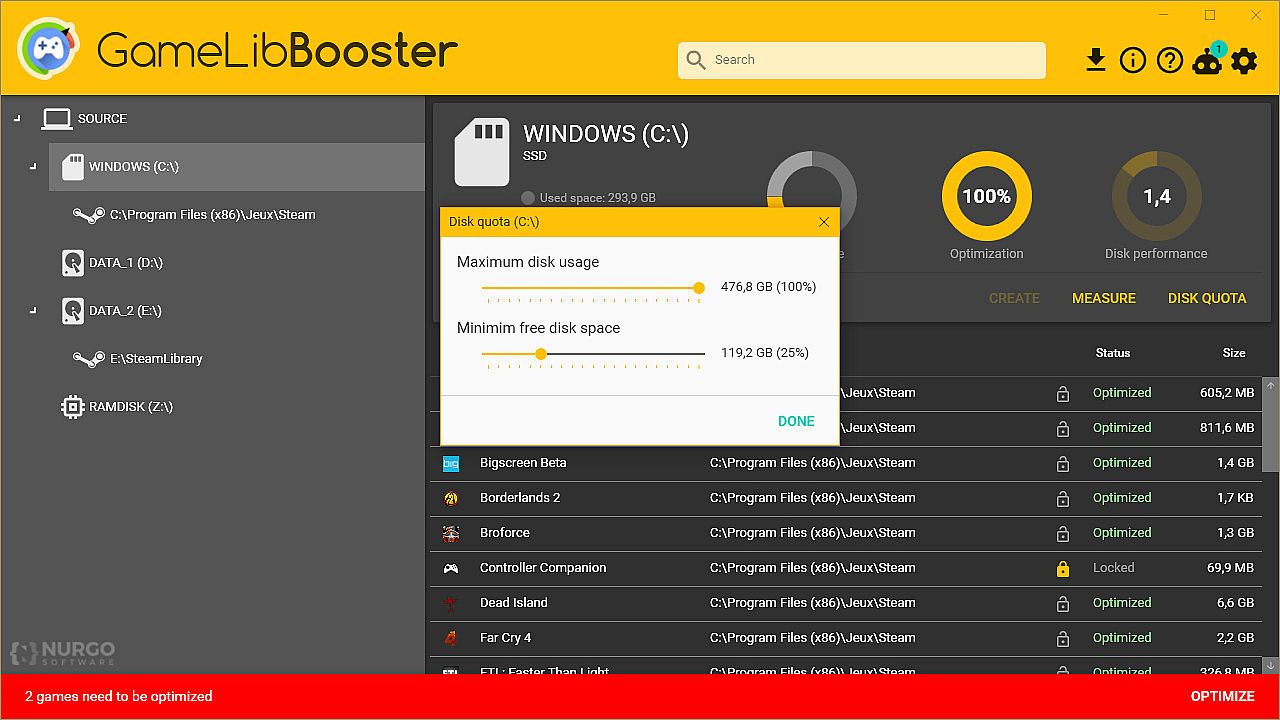
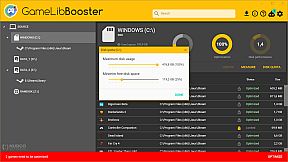
Setting up GameLibBooster is only a matter of minutes. Your game directories are automatically detected. Just tell GameLibBooster how much space on each drive can be used for games, and that's it! GLibBBot, our smart advisor, will even guide you through these steps.
GLibBBot
The AI that will get you up and running in no time
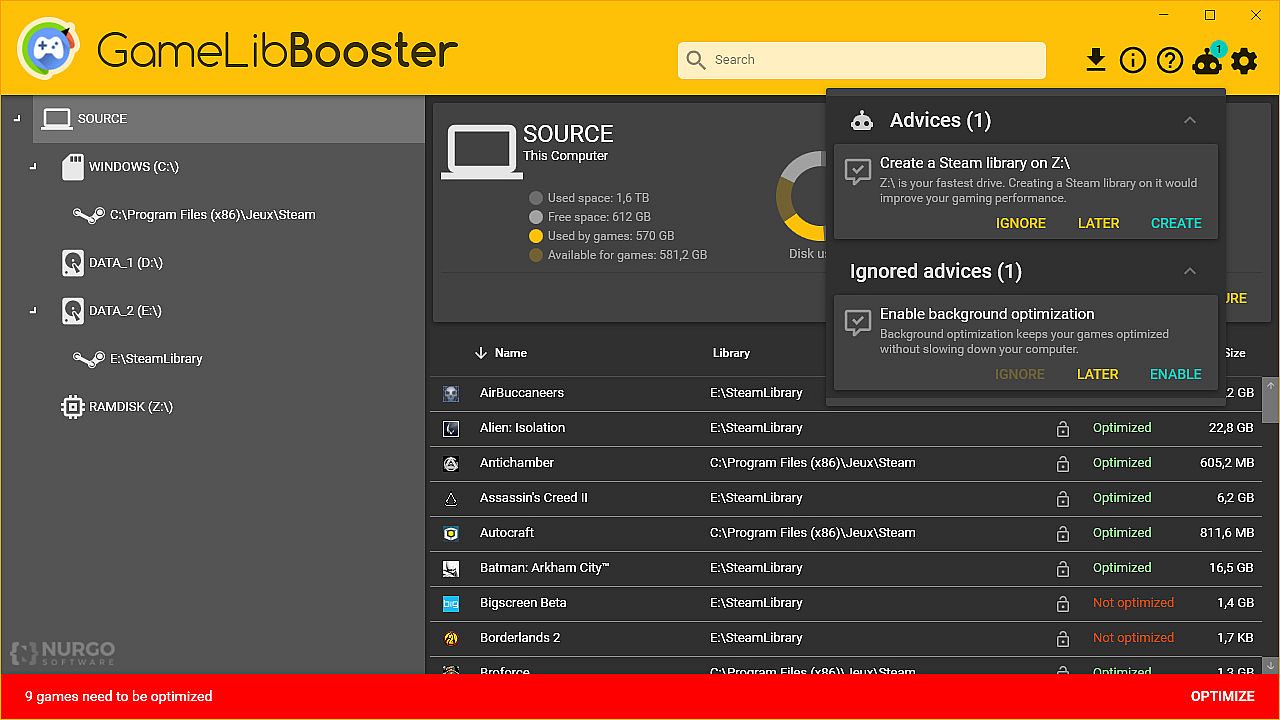
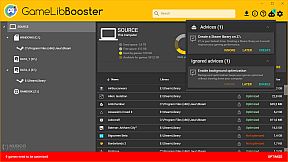
GLibBBot is the smart advisor that makes sure that GameLibBooster and Steam are ideally configured and that you are getting the most out of your hardware. It will notify you of any configuration problem or potential performance improvement, will tell you what to do, and can even do it for you.
Oberfläche:
English
Audio:
English
Untertitel:
English

Altersfreigabe

Keine Angabe
Steam:
Overwhelmingly Negative (8)

Minimum:

  • Prozessor: 1GHz
  • Arbeitsspeicher: 2 GB RAM
  • Speicherplatz: 10 MB available space
  • Zusätzliche Hinweise: ⚠️at least 2 drives are required, preferably one large and one fast.

Empfohlen:

  • Prozessor: 1.5GHz
  • Arbeitsspeicher: 4 GB RAM
Historisches Tief
Preisverlauf von offiziellen Shops
-
-
-
Preisverlauf von Keyshops
-
-
-

FAQ

8 Fragen

Bevor du nach einem günstigen GameLibBooster Key suchst, prüfe die wichtigsten Fakten. Entwickelt von Nurgo Software. Veröffentlicht von Nurgo Software. PC Release-Datum: 01 März 2019. Genres: Utilities.

Q

Wo kann ich einen gĂĽnstigen GameLibBooster Steam Key kaufen?

Mit unserem Preisvergleich und verifizierten Rabattcodes kannst du einen GameLibBooster Key schon ab 3,66 € kaufen. Dieses Angebot ist bei Kinguin verfügbar und gehört zu den günstigsten auf dem Markt. Alle auf XD.deals gelisteten Keys werden digital geliefert und können nach der Zahlung sofort heruntergeladen werden. Die Preise enthalten bereits Bearbeitungsgebühren und eingelöste Promo-Codes, sodass du immer den niedrigsten GameLibBooster Preis auf PC siehst. Sieh dir den GameLibBooster Preisverlauf an, um zum besten Zeitpunkt zu kaufen.

Laut unserem letzten Update (wir aktualisieren Steam-Preise mehrmals täglich) beträgt der GameLibBooster Steam-Preis 16,79 €. Du kannst zusätzlich ca. 6% sparen, indem du mit einer vergünstigten Steam-Geschenkkarte zahlst.

Unser Preistracker deckt sowohl offizielle Händler als auch Key-Marktplätze ab, sodass du GameLibBooster im Angebot auch außerhalb saisonaler Aktionen finden kannst. Wir erkennen derzeit 3 aktive Angebote von offiziellen Shops und Keyshops. Prüfe die Tabelle oben, vergleiche mit dem historischen Tief und setze einen Alarm, damit du den nächsten Preissturz nicht verpasst.

Laut unseren Daten ist GameLibBooster derzeit nicht auf GeForce NOW verfügbar. Du musst es lokal auf deinem PC ausführen. Stöbre durch Spiele, die auf GeForce NOW verfügbar sind.

Ja. GameLibBooster hat eine offizielle Steam-Shop-Seite. Du kannst auch einen GameLibBooster Steam Key von Drittanbietern kaufen. Unser Preisvergleich umfasst derzeit 3 Angebote mit Steam-DRM. Wähle eines davon, um sicherzustellen, dass dein GameLibBooster Download über Valves Plattform läuft.

Derzeit nicht. Valve kennzeichnet GameLibBooster als Unsupported auf dem Steam Deck. Behalte XD.deals im Blick - wir verfolgen Proton-Updates und Community-Fixes. Stöbere durch Spiele, die Steam Deck Verified oder Steam Deck Playable sind.

GameLibBooster scheint derzeit nicht im PC Game Pass, bei EA Play, Ubisoft+ oder einem anderen PC-Abonnement verfĂĽgbar zu sein. Deine einzige Option ist der Kauf - nutze XD.deals, um den besten Preis zu finden.

Nein - XD.deals ist kein Shop. Wir sind ein Preisvergleich, der die besten GameLibBooster-Deals bei offiziellen Shops und verifizierten Keyshops verfolgt. Klicke neben einem Angebot auf "Zum Shop" und du wirst zur Webseite des Händlers weitergeleitet, um deinen Kauf abzuschließen.

Beste Preise fĂĽr GameLibBooster

1 Kinguin Kinguin Keyshop
-78% 3,66 €
2 CJS-CDKeys CJS-CDKeys Keyshop
-75% 4,41 €
3 Steam Steam Official
16,79 €

Zum besten Zeitpunkt kaufen? Setze einen Preisalarm auf XD.deals und werde benachrichtigt, wenn GameLibBooster sein nächstes historisches Tief erreicht.

Alarm erstellen
Tritt unserem Discord bei
Erhalte Hilfe von der Community und bleibe ĂĽber Angebote informiert
Preisalarme einrichten
Erhalte E-Mail-Benachrichtigungen wenn Preise fallen
Kostenloses Konto erstellen
Schalte Wunschlisten, Preisalarme und Steam-Sync frei