
icpaint PC Key kaufen

Wo kannst du den günstigsten icpaint Steam-Key für {6} kaufen? Vergleiche Preise aus 1 Shops und finde unter 1 Angeboten auf XD Deals die beste Option. Aktuell liegt der niedrigste icpaint {6} Preis im Keyshop bei 28,99 € (0% Rabatt).

Veröffentlichung: 12 Apr. 2023
Steam:
Overwhelmingly Negative (1)
Keyshops
Nicht verfügbar
Im offiziellen Store kaufen:
28,99 €
Im Keyshop kaufen:
Preisverlauf anzeigen

Offizielle Shops (1)

DRM:
Steam
Steam
Steam
icpaint
Windows
vor 1J
DRM:
Steam
Steam
28,99 €
Historical Low Deal
Historical low

Über icpaint

icpaint - Spielbeschreibung
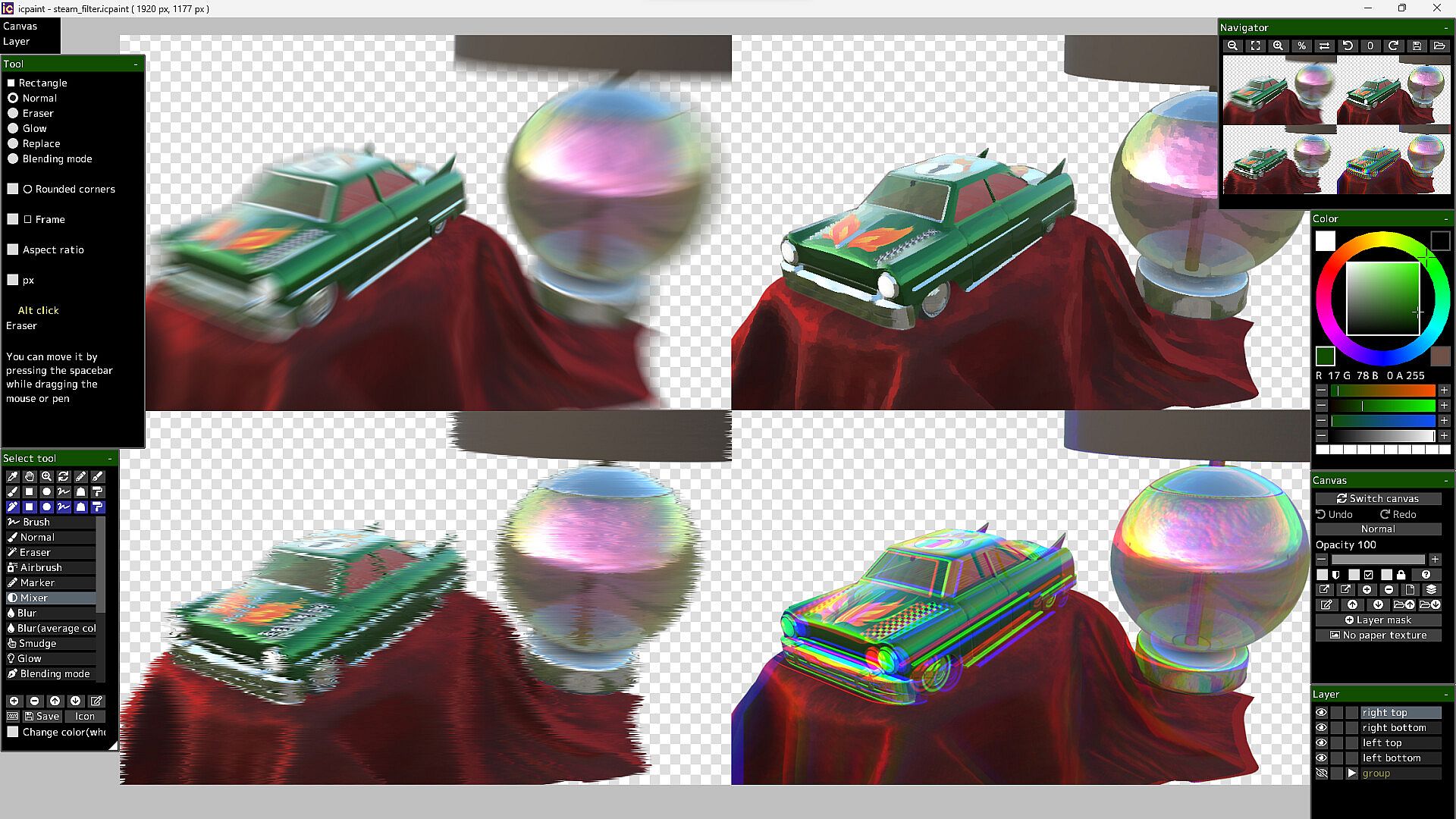
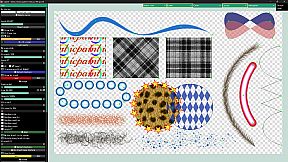
icpaint delivers a robust painting application for PC, blending design and illustration tools with advanced layer management. Artists layer drawings, vectors, text, and pixel art, applying 29 blending modes like Multiply or Overlay, while adjusting opacity, masks, and transforms. Canvas features include resizing, flipping, rotation, guides, grids, and clipboard integration, alongside saves in PSD, PNG, TIFF-even CMYK for print-or custom formats. Brush modes span Normal, Eraser, Mixer, and Smudge, with stabilizers, random variations, and ruler-guided strokes. Vector layers curve precisely with control points and gradients; pixel art limits to 254 colors for indexed animation in GIF or WebP; 3D models import via GLTF for realistic rendering and 2D transfer. Adjustment layers and 50 filters like Gaussian blur or Oil painting refine works, ideal for digital painters and illustrators seeking pro-level control.

icpaint is a painting application.
Features

  • Compatible with WinTab (Wacom) and TabletPC
  • Layer type (drawing layer, group, adjustment layer, vector layer, text layer, pixel art layer, pixel art vector layer)
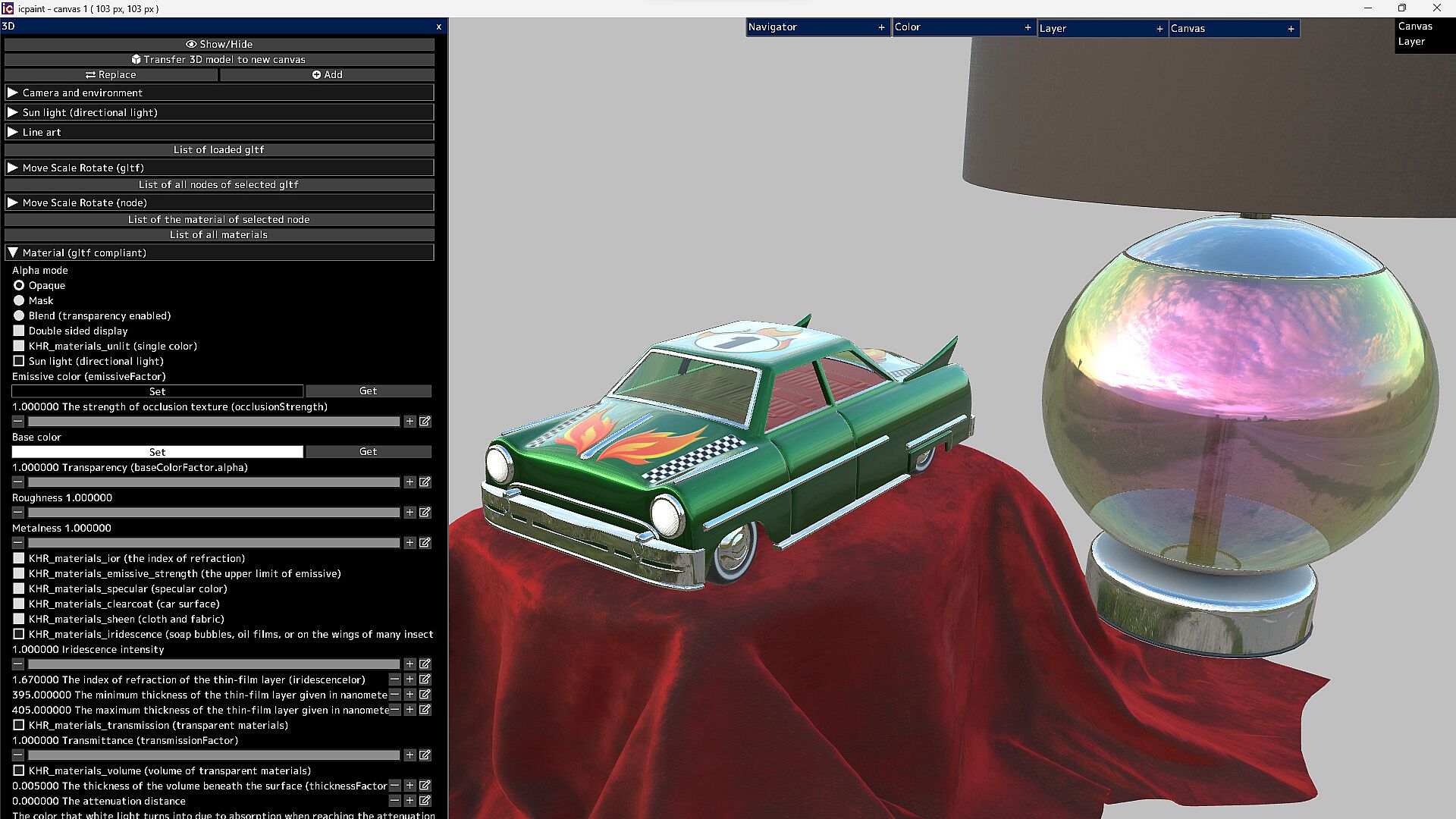
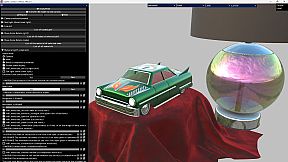
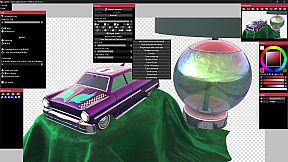
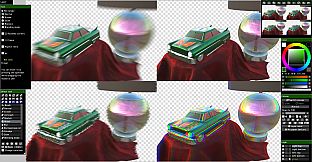
  • It can display very beautiful and realistic 3D. You can transfer it to a 2D canvas
Features (canvas)

  • Copy canvas to clipboard, Create canvas from clipboard
  • Resize canvas, Change resolution, Change the background of the canvas (plaid or color)
  • Flip horizontal, Flip vertical (canvas)
  • Canvas zoom, rotation, flip horizontal (view), The Ruler tool
  • Show guide (perspective ruler), Show grid, Adjust grid spacing
  • Save/Open psd, png, jpg, bmp, tga, tif, webp and gif
  • Save tif in CMYK for printing (RGB -> CMYK)
  • Save pdf
  • Save/Open a canvas in custom format (~.icpaint)
  • Recently used color, Color library
  • You can display the reference image
  • Tools to fill with various shapes (Rectangle, Rounded rectangle, Circle, Ellipse, Lasso, Polygon)
  • You can also paint on selections and layer masks in the same way
  • Select the drawing area of the layer, Blur 3x3 ~ 15x15 px (selection)
  • Save/Open selection, Transform selection
  • Recently used file list, Favorite file list
Features (layer)

  • Opacity, Clipping mask, Protected opacity, Layer mask, Lock layer
  • Duplicate layer, Erase layer, Transfer to lower layer, Combine with lower layer
  • Combine group, Merge all layers, Maximize layer opacity
  • Convert luminance to transparency, Rasterize layer, Convert layer to pixel art (254 colors)
  • Group all layers, Ungroup layers
  • Fill, Reorder layers, Paper texture
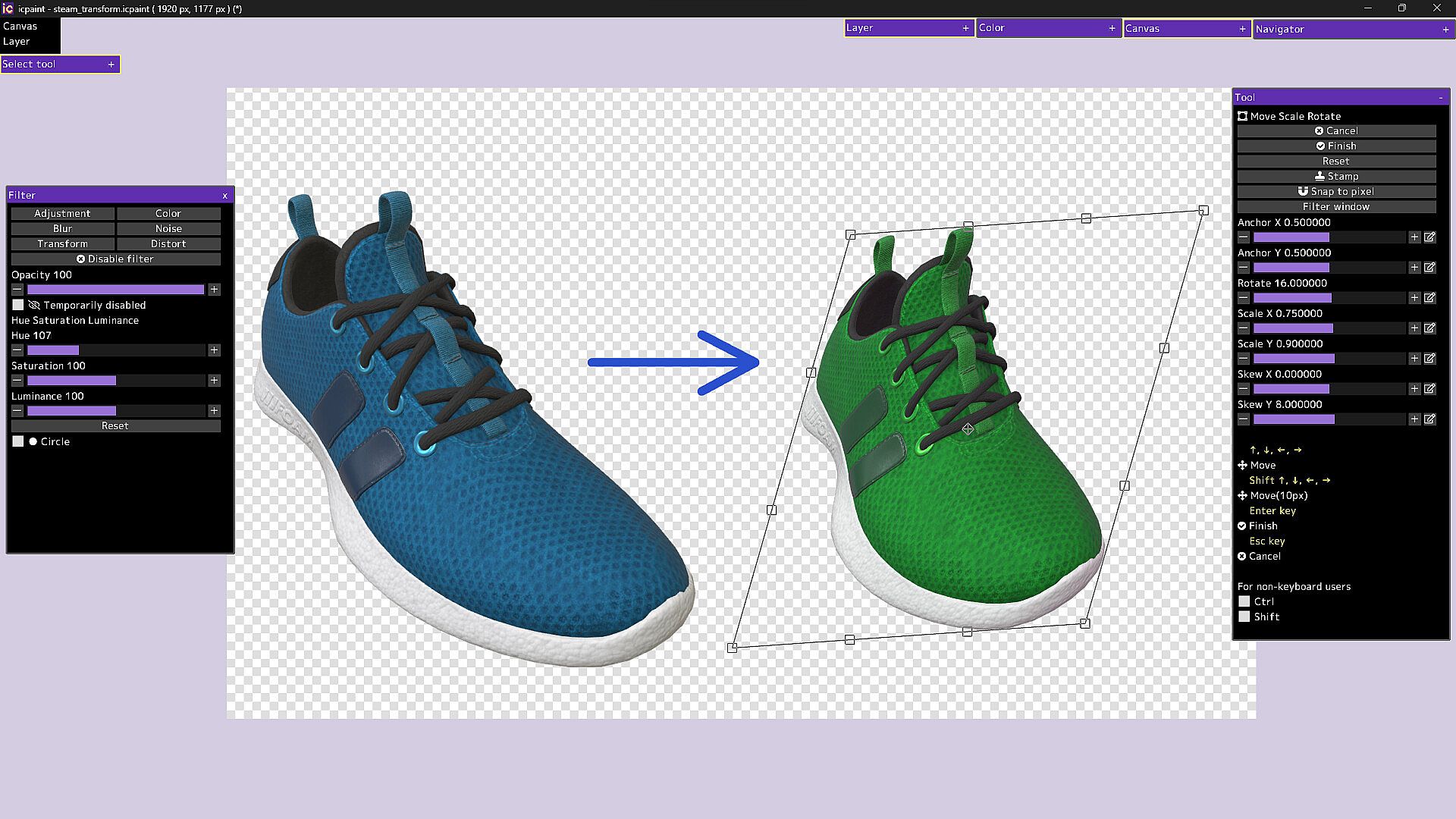
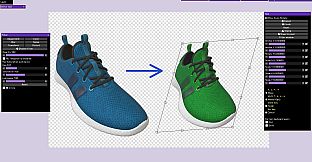
  • Move, Transform, Perspective transform
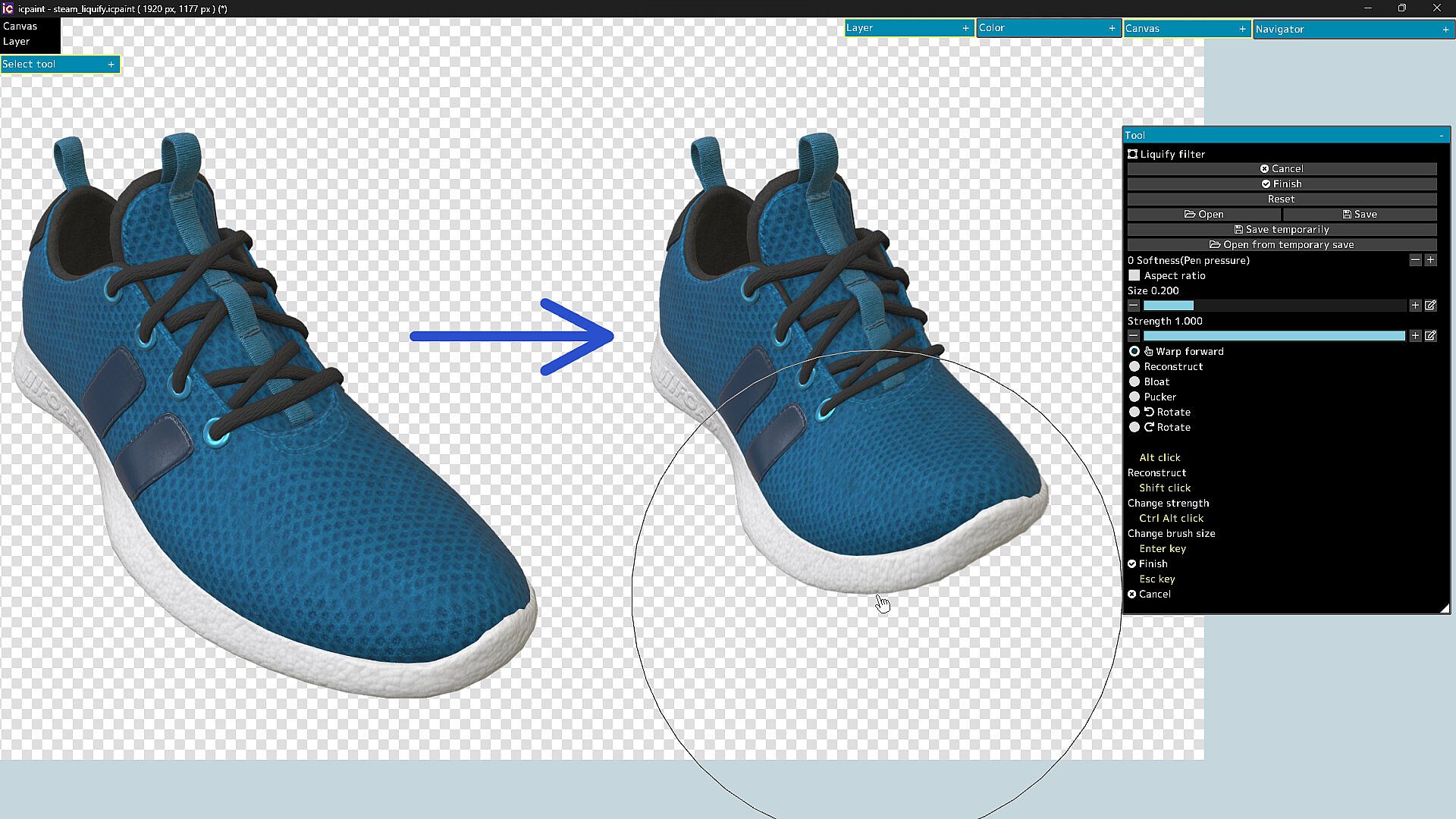
  • Liquify filter, Transform by numerical input
  • Resize, Flip horizontal, Flip vertical, Rotate 90°
  • Noise removal, Blur 3x3 ~ 15x15 px
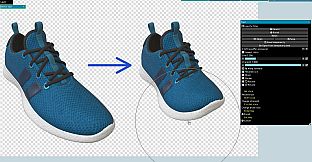
  • Retouch filter (Clone Stamp tool)
  • Copy layer to clipboard, Paste clipboard
  • Create gradation (Linear or circular)
  • Save/Open layer mask, Transform layer mask, Blur (layer mask)
  • You can display a list of layers that draw the pixel at the cursor position by Ctrl + right-clicking
  • Show layer thumbnail, Show layer mask thumbnail
  • You can reorder layers by dragging and dropping layers in the layers window
29 Blending modes

  • Normal, Darken, Multiply, Color Burn, Linear Burn, Subtract, Lighten, Screen
  • Color Dodge, Color Dodge(Glow), Add, Add(Glow), Overlay, Soft Light, Hard Light
  • Difference, Vivid Light, Linear Light, Pin Light, Hard Mix, Exclusive
  • Color Darken, Color Lighten, Divide, Hue, Saturation, Color, Luminosity, Pass Through
Features (brush)

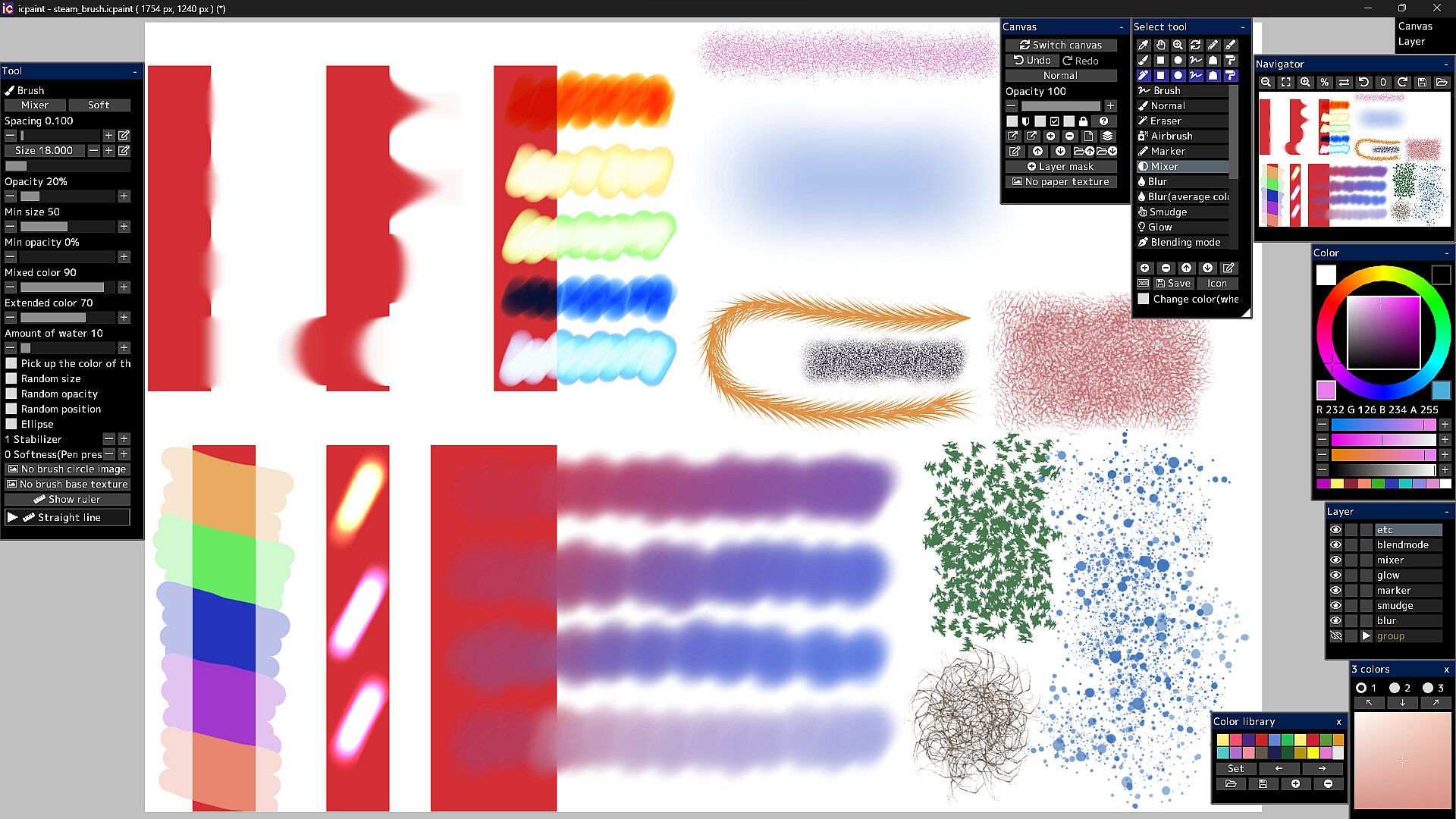
  • Brush modes (Normal, Eraser, Marker, Mixer, Blur, Blur(average color), Smudge, Glow, Blending mode)
  • Brush circle image, Brush base texture
  • Stabilizer, Spacing, Opacity, Min size, Min opacity
  • Random size, Random opacity, Random position, Random angle, Ellipse
  • Mixed color, Extended color, Amount of water, Blur area, Softness
  • Brush preset
  • You can set a shortcut key for each brush preset
  • You can draw brush strokes along the ruler
  • This ruler has the same feature as curves in vector layers
Features (vector layer)

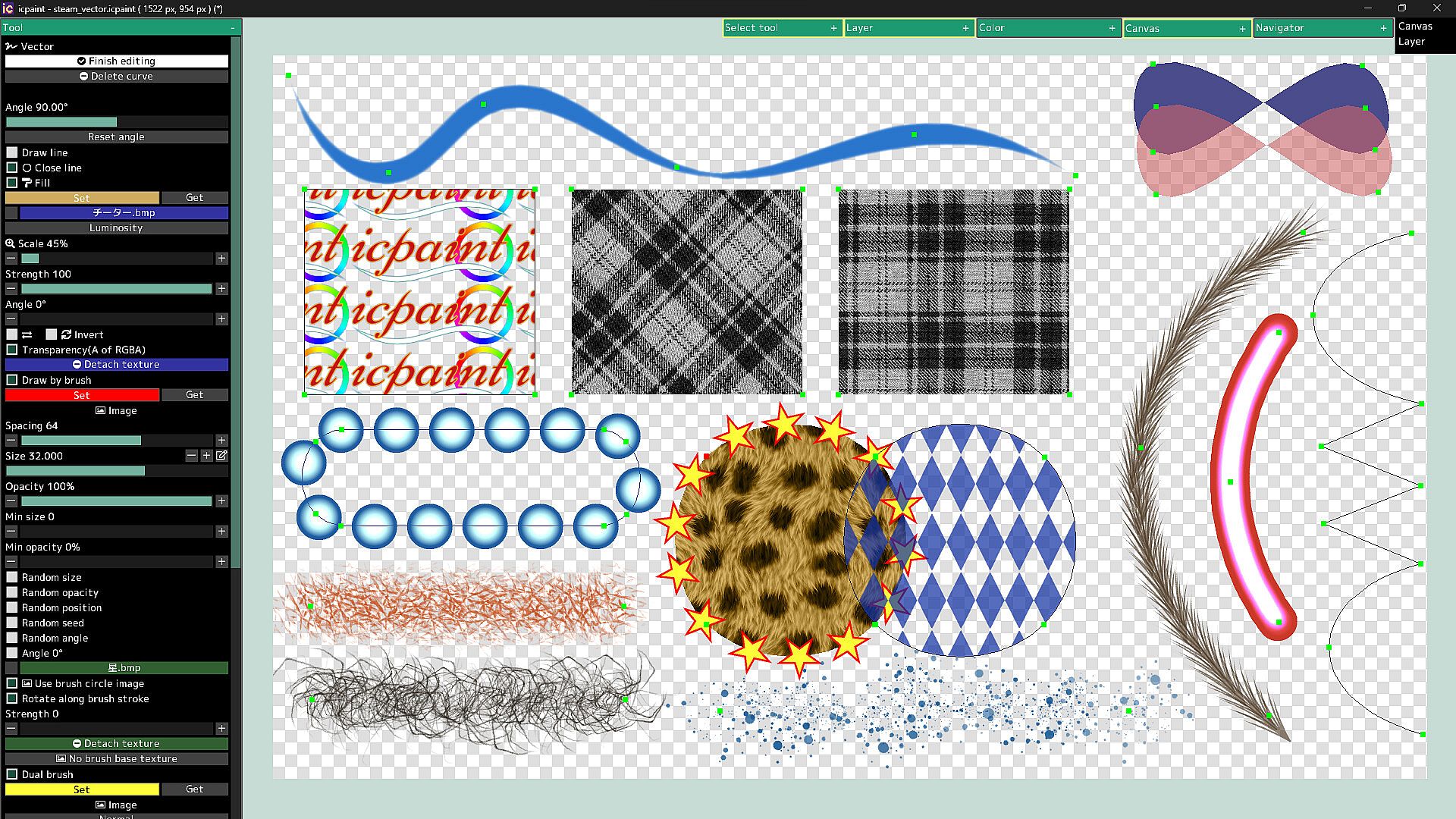
  • You can draw curves and straight lines by moving control points
  • You can close the curve and automatically fill the inside of the curve
  • You can automatically draw along the curve with a brush
  • Dual brush
  • Texture for fill
  • You can also fill with a gradient (linear or radial)
  • You can adjust the start point, end point, mid point and color stop of the gradient
Features (text layer)

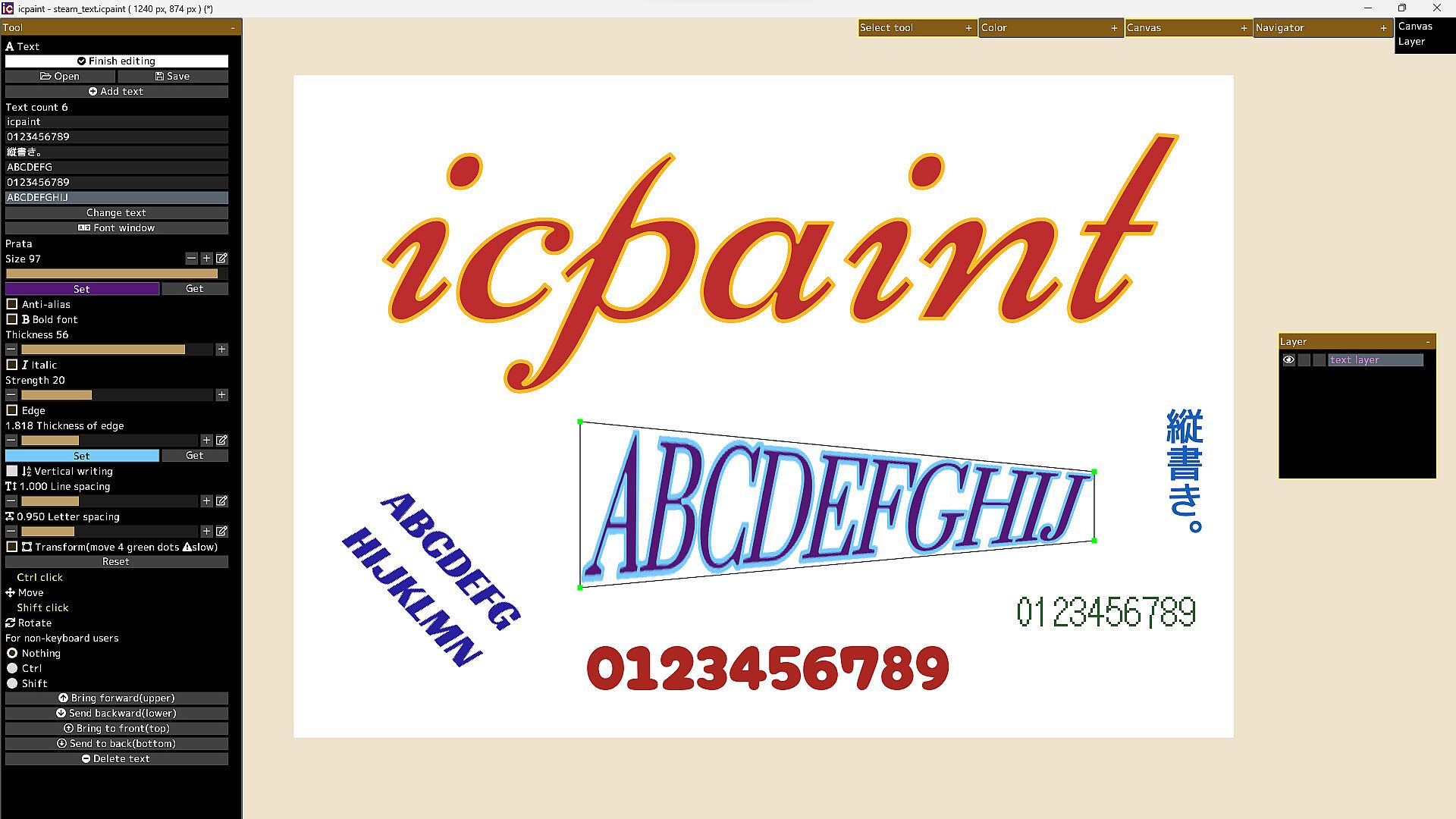
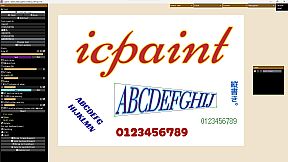
  • Anti-alias, Bold font, Italic, Edge, Vertical writing, Line spacing, Letter spacing
  • Open fonts (ttf, ttc, otf, otc)
  • Transform/Rotate the text layer
  • You can freely move the four vertices surrounding the text
Features (pixel art layer)

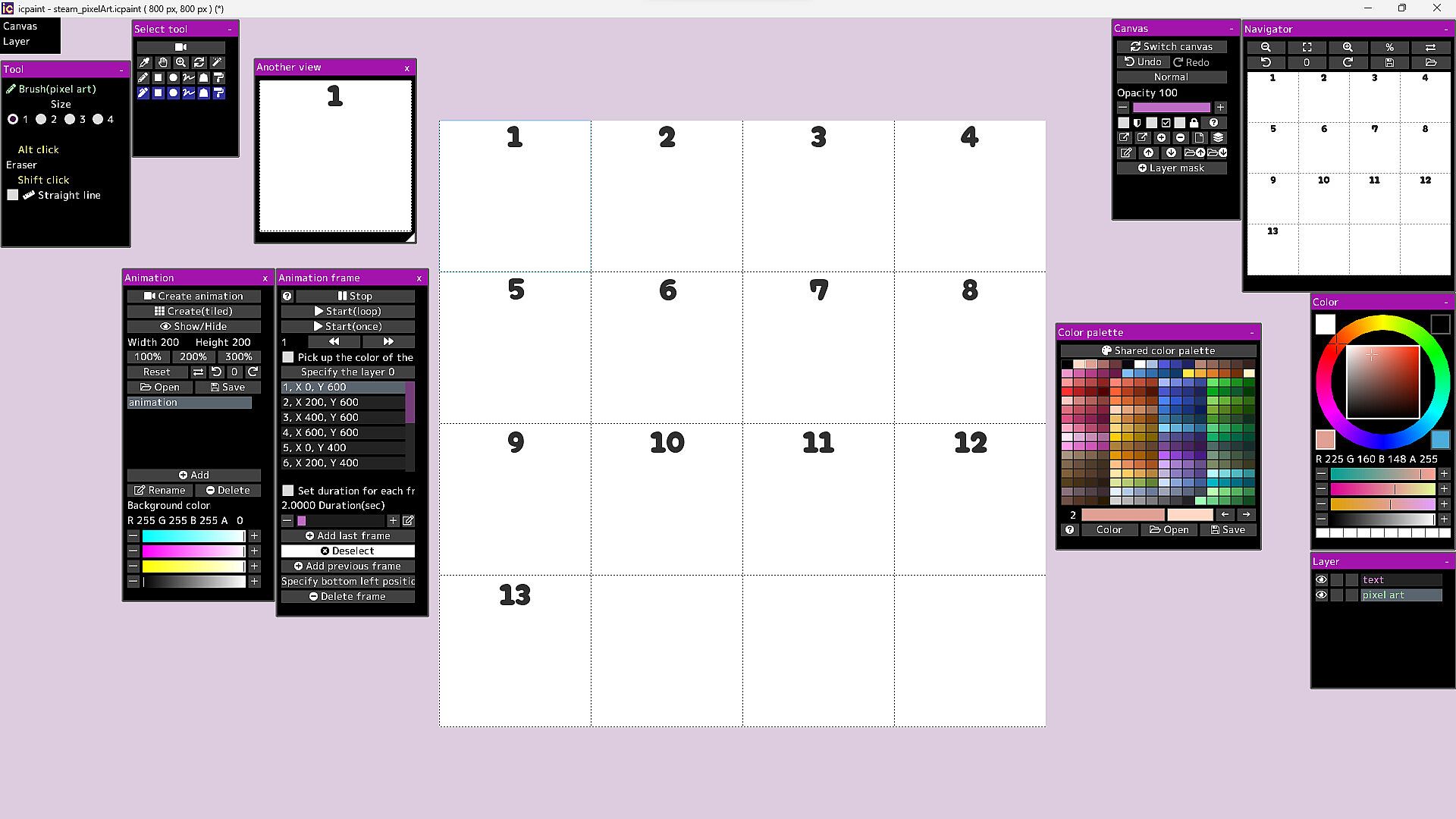
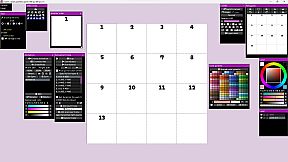
  • Pixel art layer is a layer limited to transparent colors and 254 colors
  • A color index is a number from 0 to 255
  • The 0th color index is the transparent color
  • The pixel art layer is painted with a color index and displayed in RGB corresponding to that color index
  • You can freely change the colors in the canvas by changing the colors in the color palette
  • You can play the animation by drawing each frame of the animation in the canvas
  • You can adjust animation speed etc.
  • Save/Open animation (gif, webp)
  • Save/Open color palette
  • Pixel grid
Features (3D)

  • Open 3d model (gltf, glb)
  • Multiple 3D models can be opened and placed freely
  • You can adjust the material parameters of each 3D model
  • You can transfer 3D model to new canvas (2D) as it is
  • Line art (3D)
13 adjustment modes for adjustment layer

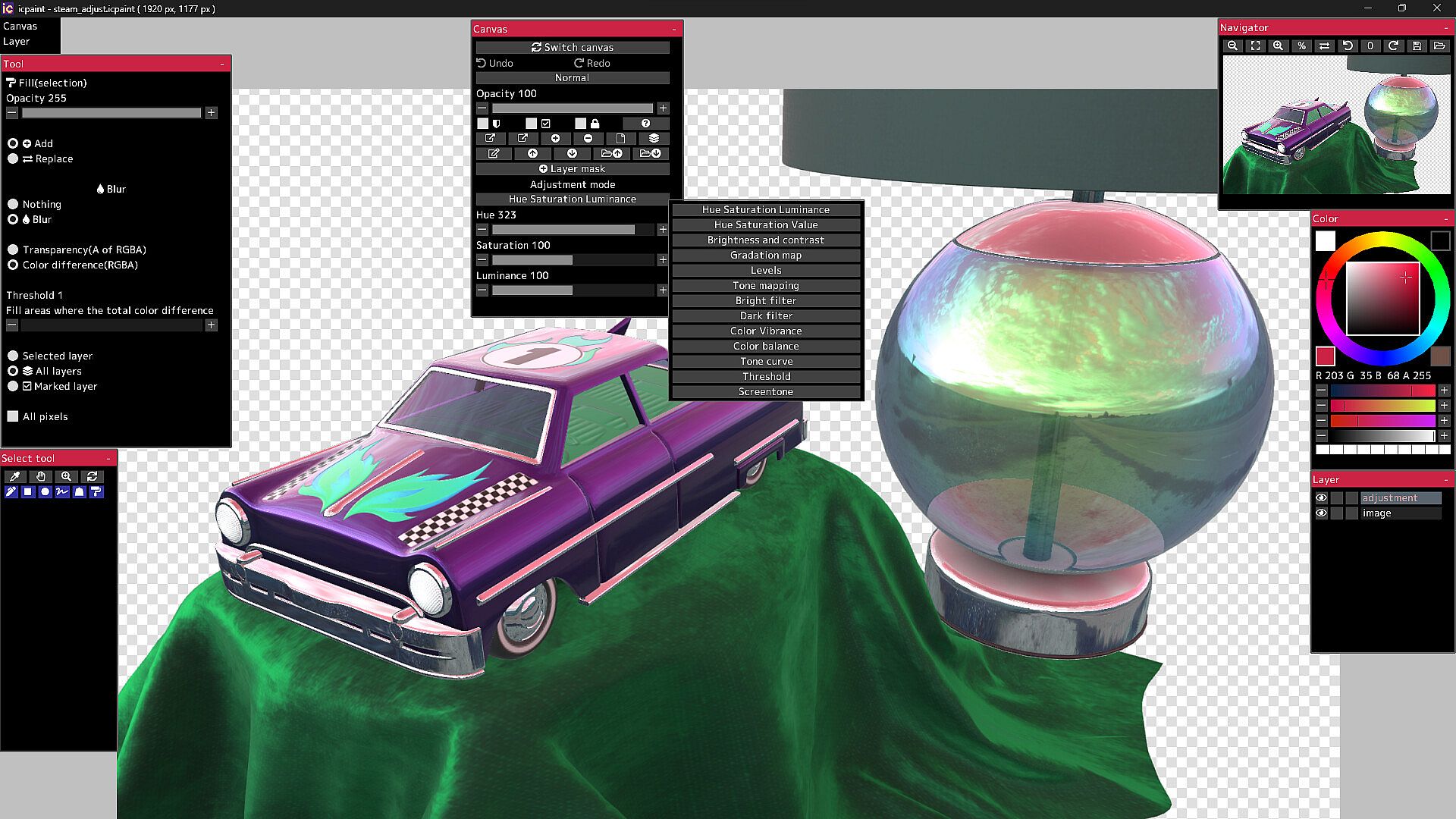
  • Hue Saturation Luminance, Hue Saturation Value, Brightness and contrast
  • Gradation map, Levels, Tone mapping, Bright filter, Dark filter, Color Vibrance
  • Color balance, Tone curve, Threshold, Screentone
50 filters

  • Chromatic aberration, Directional blur, Particulate blur, Gaussian blur, Radial blur, Sharp
  • Mosaic, Swirl, Ripple, FishEye lens, Water distortion, Wave, Shaking, Oil painting, etc.

It will not work on computers that do not support Vulkan.

The Guides in the Community Hub has detailed instructions.

Oberfläche:
GermanEnglishSpanish - SpainSpanish - Latin AmericaFrenchJapanesePortuguese - PortugalPortuguese - BrazilRussianSimplified Chinese

Altersfreigabe

Keine Angabe
Steam:
Overwhelmingly Negative (1)

Minimum:

  • Betriebssystem: Windows 10, 11
  • Prozessor: 2.5GHz Quad-core CPU
  • Arbeitsspeicher: 4 GB RAM
  • Grafik: Vulkan 1.1
  • Speicherplatz: 250 MB available space
  • Zusätzliche Hinweise: Compatible with WinTab (Wacom) and TabletPC

Empfohlen:

Historisches Tief
Preisverlauf von offiziellen Shops
-
-
-
Preisverlauf von Keyshops
-
-
-

FAQ

8 Fragen

Bevor du nach einem günstigen icpaint Key suchst, prüfe die wichtigsten Fakten. Entwickelt von Tomoyuki Mizuma. Veröffentlicht von Tomoyuki Mizuma. PC Release-Datum: 12 Apr. 2023. Genres: Design & Illustration.

Q

Wo kann ich einen günstigen icpaint Steam Key kaufen?

Mit unserem Preisvergleich und verifizierten Rabattcodes kannst du einen icpaint Key schon ab 28,99 € kaufen. Dieses Angebot ist bei Steam verfügbar und gehört zu den günstigsten auf dem Markt. Alle auf XD.deals gelisteten Keys werden digital geliefert und können nach der Zahlung sofort heruntergeladen werden. Die Preise enthalten bereits Bearbeitungsgebühren und eingelöste Promo-Codes, sodass du immer den niedrigsten icpaint Preis auf PC siehst. Sieh dir den icpaint Preisverlauf an, um zum besten Zeitpunkt zu kaufen.

Laut unserem letzten Update (wir aktualisieren Steam-Preise mehrmals täglich) beträgt der icpaint Steam-Preis 28,99 €. Du kannst zusätzlich ca. 6% sparen, indem du mit einer vergünstigten Steam-Geschenkkarte zahlst.

Unser Preistracker deckt sowohl offizielle Händler als auch Key-Marktplätze ab, sodass du icpaint im Angebot auch außerhalb saisonaler Aktionen finden kannst. Wir erkennen derzeit 1 aktives Angebot von offiziellen Shops und Keyshops. Prüfe die Tabelle oben, vergleiche mit dem historischen Tief und setze einen Alarm, damit du den nächsten Preissturz nicht verpasst.

Laut unseren Daten ist icpaint derzeit nicht auf GeForce NOW verfügbar. Du musst es lokal auf deinem PC ausführen. Stöbre durch Spiele, die auf GeForce NOW verfügbar sind.

Ja. icpaint hat eine offizielle Steam-Shop-Seite. Du kannst auch einen icpaint Steam Key von Drittanbietern kaufen. Unser Preisvergleich umfasst derzeit 1 Angebot mit Steam-DRM. Wähle eines davon, um sicherzustellen, dass dein icpaint Download über Valves Plattform läuft.

Derzeit nicht. Valve kennzeichnet icpaint als Unsupported auf dem Steam Deck. Behalte XD.deals im Blick - wir verfolgen Proton-Updates und Community-Fixes. Stöbere durch Spiele, die Steam Deck Verified oder Steam Deck Playable sind.

icpaint scheint derzeit nicht im PC Game Pass, bei EA Play, Ubisoft+ oder einem anderen PC-Abonnement verfügbar zu sein. Deine einzige Option ist der Kauf - nutze XD.deals, um den besten Preis zu finden.

Nein - XD.deals ist kein Shop. Wir sind ein Preisvergleich, der die besten icpaint-Deals bei offiziellen Shops und verifizierten Keyshops verfolgt. Klicke neben einem Angebot auf "Zum Shop" und du wirst zur Webseite des Händlers weitergeleitet, um deinen Kauf abzuschließen.

Beste Preise für icpaint

1 Steam Steam Official
28,99 €

Zum besten Zeitpunkt kaufen? Setze einen Preisalarm auf XD.deals und werde benachrichtigt, wenn icpaint sein nächstes historisches Tief erreicht.

Alarm erstellen
Tritt unserem Discord bei
Erhalte Hilfe von der Community und bleibe über Angebote informiert
Preisalarme einrichten
Erhalte E-Mail-Benachrichtigungen wenn Preise fallen
Kostenloses Konto erstellen
Schalte Wunschlisten, Preisalarme und Steam-Sync frei