


Marble on Rails PC kaufen

Wo kannst du den günstigsten Marble on Rails Steam-Key für {6} kaufen? Vergleiche Preise aus 1 Shops und finde unter 1 Angeboten auf XD Deals die beste Option. Aktuell liegt der niedrigste Marble on Rails {6} Preis im Keyshop bei 2,99 € (0% Rabatt).

Veröffentlichung: 01 Sept. 2022
Steam:
Overwhelmingly Negative (4)
Keyshops
Nicht verfügbar
Im offiziellen Store kaufen:
2,99 €
Im Keyshop kaufen:
Preisverlauf anzeigen

Offizielle Shops (1)

DRM:
Steam
Steam
Steam
Marble on Rails
Windows
vor 1W
DRM:
Steam
Steam
2,99 €

Über Marble on Rails

Marble on Rails - Spielbeschreibung
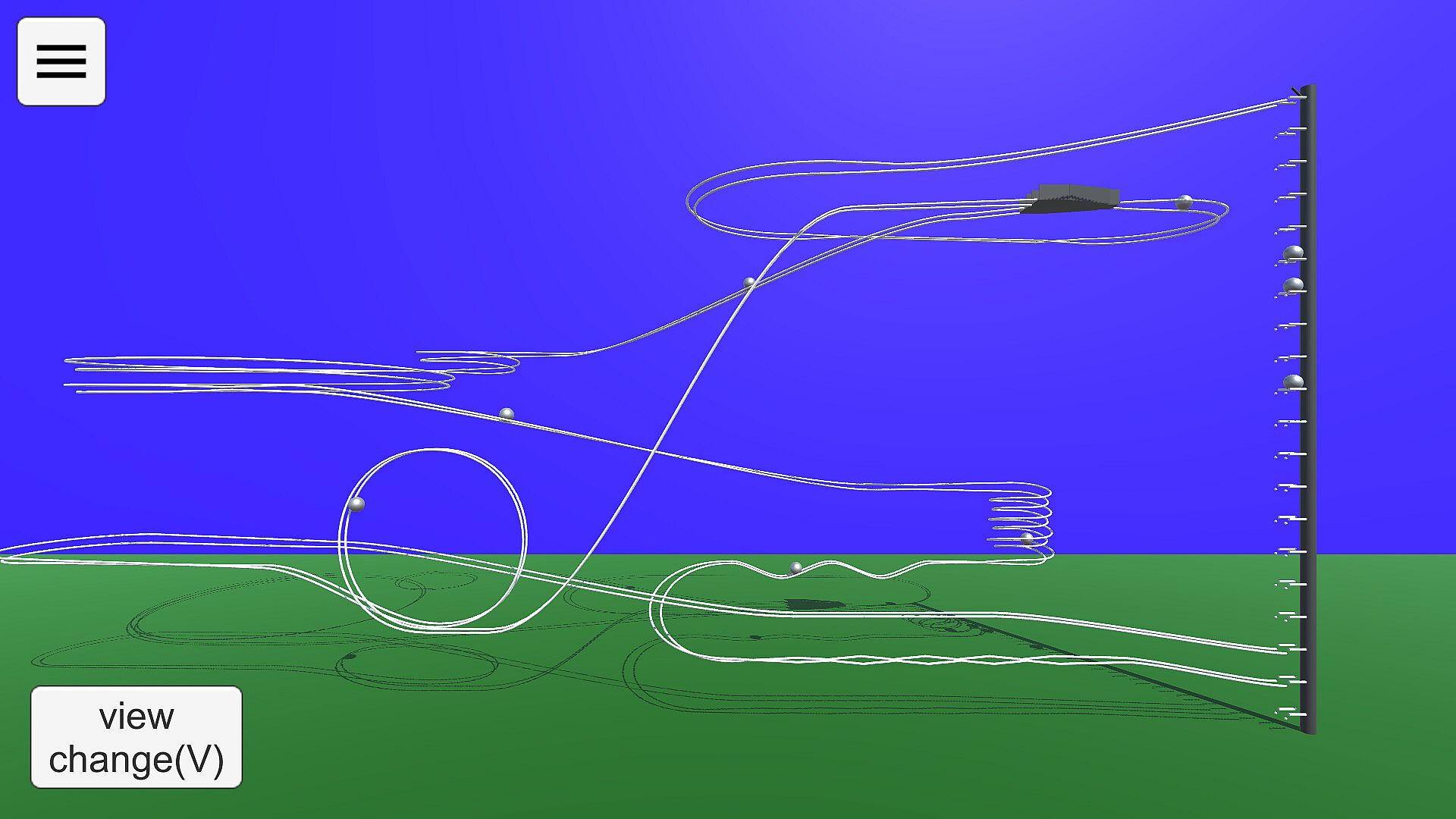
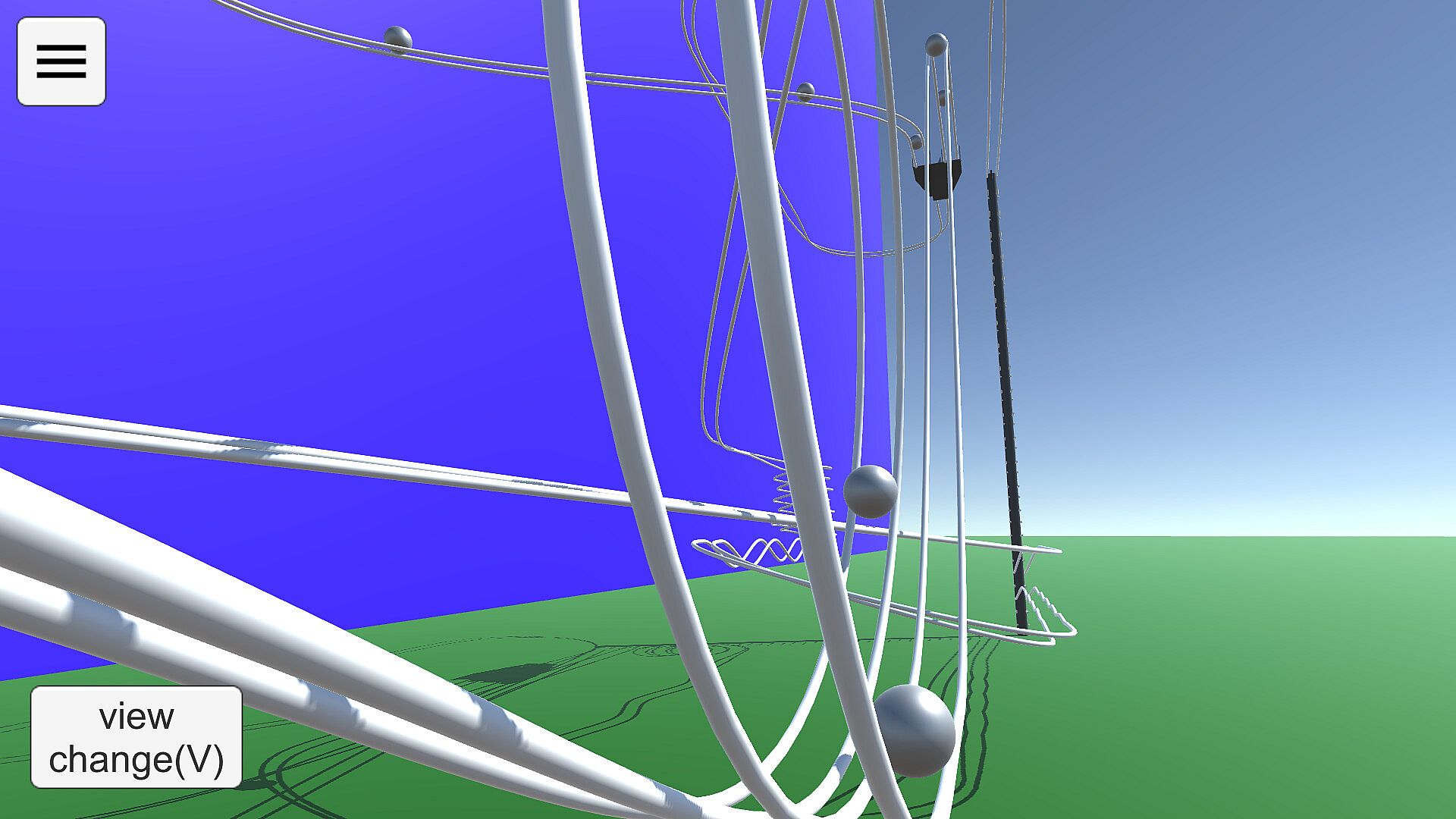
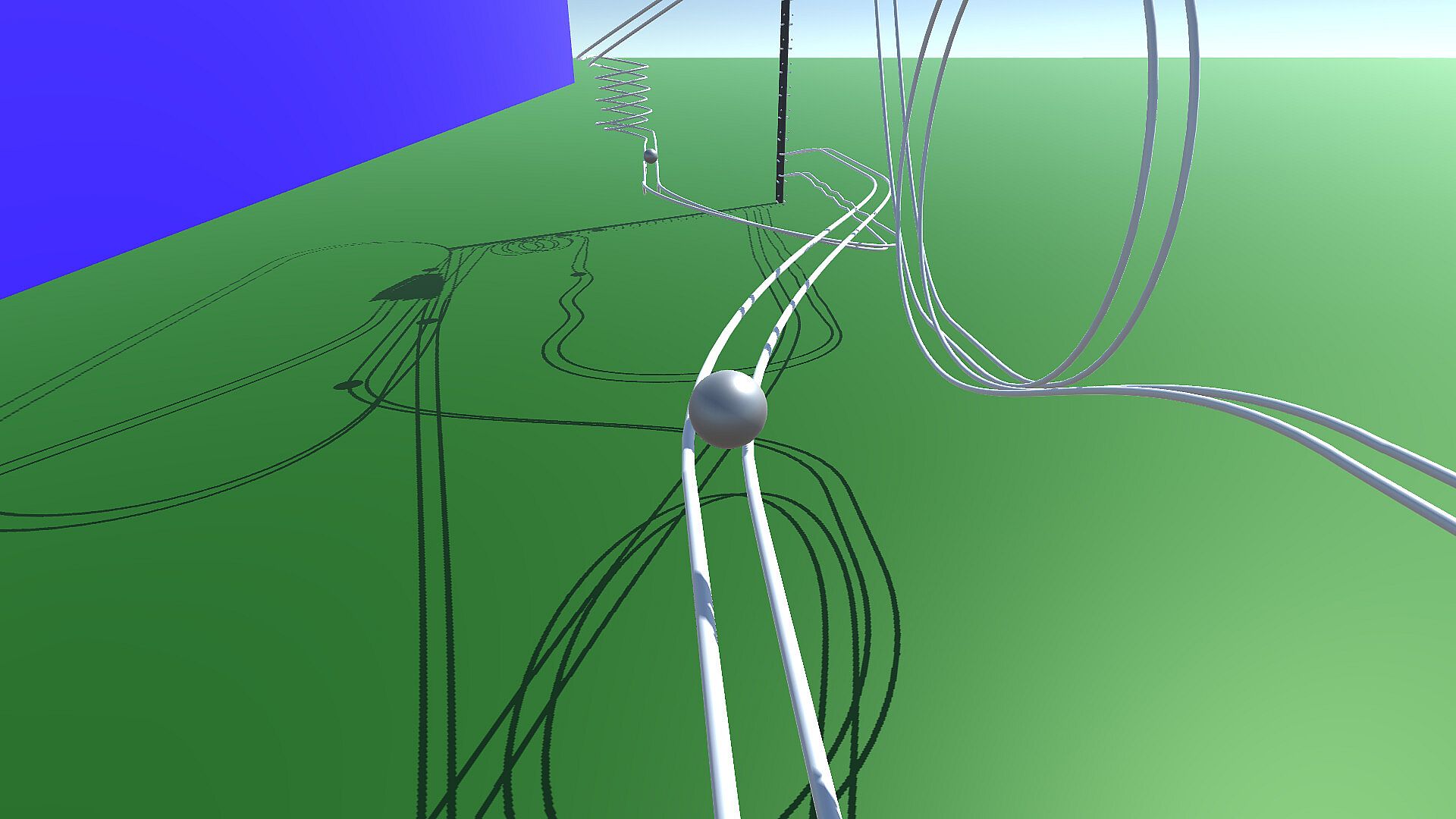
Build and test intricate marble runs in this indie simulation on PC. Switch between View Mode to observe marble paths on your courses or samples, tweaking cameras with shortcuts like 1-5 for fixed angles and WSADQE keys for movement. Drag the screen to adjust direction, track specific balls, or reset runs for quick checks. In Edit Mode, place rails like in drawing software by setting anchor points and Bezier control points within ground lines, adding preset shapes such as straights, curves, or loops. Fine-tune bank angles, position up to five cameras, and configure the elevator for ejections and connections to loop marbles back. Share creations via Steam Workshop and enjoy enhanced physics accuracy with shadows over the Android version, perfect for simulation fans who craft precise tracks.

How to play
'Marble on Rails' is a marble run simulation application.
The application has two modes: View Mode and Edit Mode.
View Mode
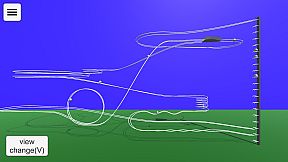
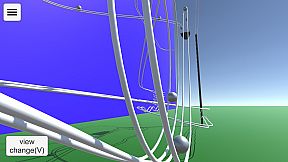
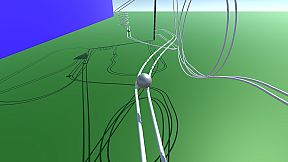
In View Mode, you can view the behavior of the courses you have created so far and sample courses.
The viewpoint can be switched using the buttons, and the marbles to be gazed at can be changed. You can change the camera direction by dragging the screen with the mouse.
You can use the keyboard (WSADQE, cursor keys) to move the viewpoint as desired.
The drawer menu is displayed by pressing the hamburger button in the upper left corner. You can change some settings and modes, and exit the application.
Keyboard Shortcuts in View Mode
1-5 Camera Switching. Fixed camera to be set when editing course.
6 Ball tracking side angle camera. operated by WS, cursor keys.
7 Ball tracking rear angle camera, operated with WS and cursor keys.
8 Rotational camera.
0 Fixed camera, ball tracking. With zoom. Zoom size can be changed with up/down cursor keys.
V Switch camera in sequence.
B Switching the ball in focus
M Toggle on-screen button display
R Ball reset
Period(.) Random camera switching mode.
Edit Mode
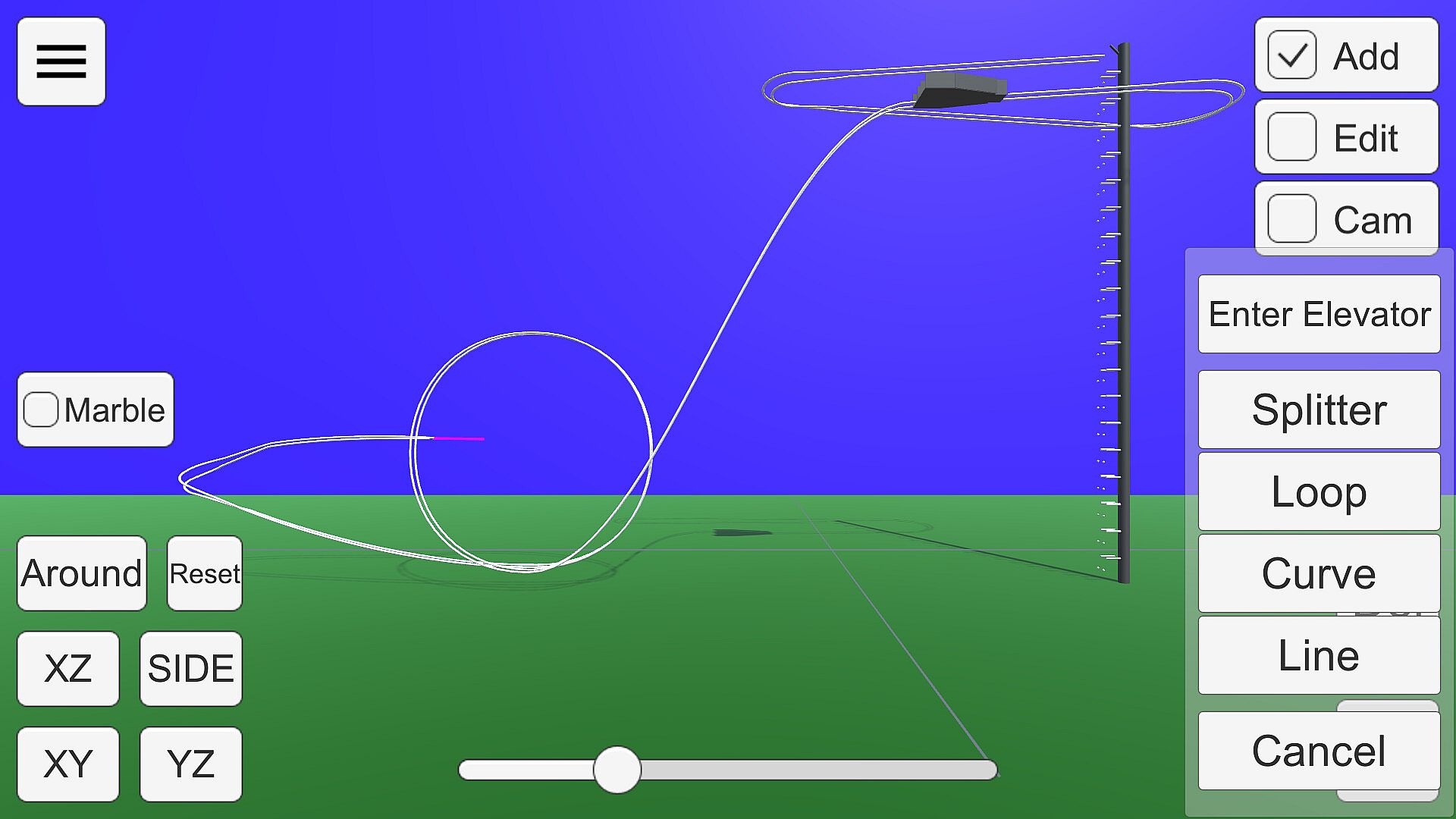
You can create your own courses.
The rails are placed and edited in the same way as in drawing software. Smooth rails can be generated by setting anchor points and control points in space.
Anchor points can be placed within the white line drawn on the ground in the edit screen.

There are several states in the edit mode.

Add:
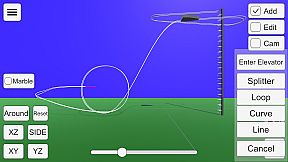
Press the + button to add a rail with a preset shape, such as straight, curved, or looped.
A pink bar is displayed at the position to be added. If there are multiple positions to which rails can be added, press the Add button again to change the add position.
You can delete the anchor point at the position of the pink bar by pressing the Del key.
If there are no more positions to add (all rails are connected to the elevator), this state will no longer be selectable.
If you want to delete a connection to the elevator, put the point of connection to the elevator in Edit state and select "Disconnect from elevator".
Edit:
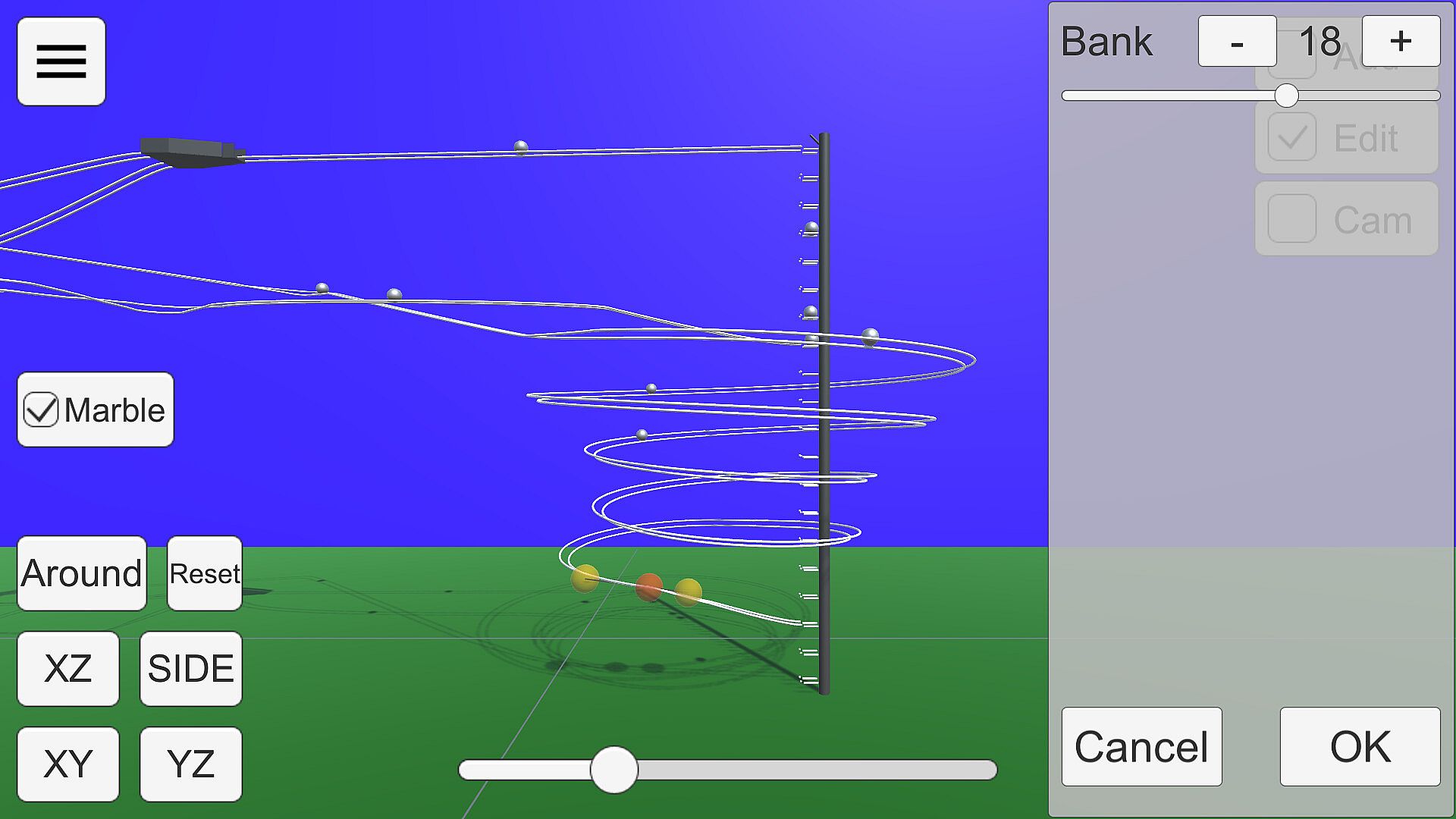
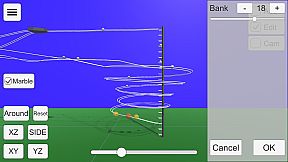
The anchor point of the rail is displayed as a gray sphere.

Click on the sphere to enter anchor point edit mode.

Anchor points are displayed as red spheres and Bezier curve control points as yellow spheres.
Each sphere can be moved by dragging.
The bank angle of the rail can be edited in the window displayed on the right.
Cam:
You can edit up to five camera positions to be used in View Mode.
Use the buttons in the lower right corner to switch camera numbers and move the camera with the mouse or keyboard (WSADQE).
About the viewpoint
The 'XY', 'YZ', 'XZ', 'SIDE', and 'Reset' buttons in the lower left corner and the seek bar for zoom control the viewpoint.
Press 'XY', 'YZ', and 'SIDE' twice to get the view from the back side.
The Bezier curve control points move on the visible plane when editing, so proper viewpoint switching is necessary. XZ' or 'SIDE' is recommended.
About the Elevator
In Edit mode, select the center sphere of the elevator to open the elevator setting window.
In this state, it can be moved by dragging. From the side panel, you can select the direction of ejection, height, and three-way.
Connecting to an Elevator
Selecting 'Enter Elevator' in Add mode adds a straight line connecting the current position to the nearest elevator point.
In order to successfully return the ball to the elevator, the rail must be connected to the elevator and the ball must be controlled to roll in the direction of the elevator.
Mouse Controls
Drag to move the ball parallel to the screen.
Right-click and drag to rotate around the gazing point. If there is no gazing point, rotate the camera.
Keyboard shortcuts
Escape key cancels a dialog or opens a drawer menu.
See below for shortcuts when in edit mode.
Miscellaneous
You can run Marble for testing by checking the Test checkbox.
Steam Workshop
You can share the courses you have created.
Uploading is available from the Edit Mode menu. You can upload the course you are currently editing. Tapping the notification that the upload is complete will open the Steam item page. The preview image will use the camera setting Cam1.
If you want to view a course shared in the workshop on your own computer, you can subscribe to it on the Steam Workshop. The subscribed courses will be downloaded automatically. You can select the downloaded course from the "Steam Workshop" menu in View Mode.
Differences from the Android version
Compared to the Android version, the accuracy of physics calculation has been improved. This allows Marble to run more smoothly.
Shadows are drawn
Elevator three-way support

Oberfläche:
EnglishJapanese

Altersfreigabe

Keine Angabe
Steam:
Overwhelmingly Negative (4)

Minimum:

  • Prozessor: Intel Core i3 4160
  • Arbeitsspeicher: 4 GB RAM
  • Grafik: Intel HD Graphics 4400
  • DirectX: Version 10
  • Speicherplatz: 200 MB available space

Empfohlen:

Historisches Tief
Preisverlauf von offiziellen Shops
-
-
-
Preisverlauf von Keyshops
-
-
-

FAQ

8 Fragen

Bevor du nach einem günstigen Marble on Rails Key suchst, prüfe die wichtigsten Fakten. Entwickelt von dbitware. Veröffentlicht von dbitware. PC Release-Datum: 01 Sept. 2022. Genres: Indie, Simulation. Kategorien: Family Sharing, Steam Workshop, Single-player.

Q

Wo kann ich einen günstigen Marble on Rails Steam Key kaufen?

Mit unserem Preisvergleich und verifizierten Rabattcodes kannst du einen Marble on Rails Key schon ab 2,99 € kaufen. Dieses Angebot ist bei Steam verfügbar und gehört zu den günstigsten auf dem Markt. Alle auf XD.deals gelisteten Keys werden digital geliefert und können nach der Zahlung sofort heruntergeladen werden. Die Preise enthalten bereits Bearbeitungsgebühren und eingelöste Promo-Codes, sodass du immer den niedrigsten Marble on Rails Preis auf PC siehst. Sieh dir den Marble on Rails Preisverlauf an, um zum besten Zeitpunkt zu kaufen.

Laut unserem letzten Update (wir aktualisieren Steam-Preise mehrmals täglich) beträgt der Marble on Rails Steam-Preis 2,99 €. Du kannst zusätzlich ca. 6% sparen, indem du mit einer vergünstigten Steam-Geschenkkarte zahlst.

Unser Preistracker deckt sowohl offizielle Händler als auch Key-Marktplätze ab, sodass du Marble on Rails im Angebot auch außerhalb saisonaler Aktionen finden kannst. Wir erkennen derzeit 1 aktives Angebot von offiziellen Shops und Keyshops. Prüfe die Tabelle oben, vergleiche mit dem historischen Tief und setze einen Alarm, damit du den nächsten Preissturz nicht verpasst.

Laut unseren Daten ist Marble on Rails derzeit nicht auf GeForce NOW verfügbar. Du musst es lokal auf deinem PC ausführen. Stöbre durch Spiele, die auf GeForce NOW verfügbar sind.

Ja. Marble on Rails hat eine offizielle Steam-Shop-Seite. Du kannst auch einen Marble on Rails Steam Key von Drittanbietern kaufen. Unser Preisvergleich umfasst derzeit 1 Angebot mit Steam-DRM. Wähle eines davon, um sicherzustellen, dass dein Marble on Rails Download über Valves Plattform läuft.

Derzeit nicht. Valve kennzeichnet Marble on Rails als Unsupported auf dem Steam Deck. Behalte XD.deals im Blick - wir verfolgen Proton-Updates und Community-Fixes. Stöbere durch Spiele, die Steam Deck Verified oder Steam Deck Playable sind.

Marble on Rails scheint derzeit nicht im PC Game Pass, bei EA Play, Ubisoft+ oder einem anderen PC-Abonnement verfügbar zu sein. Deine einzige Option ist der Kauf - nutze XD.deals, um den besten Preis zu finden.

Nein - XD.deals ist kein Shop. Wir sind ein Preisvergleich, der die besten Marble on Rails-Deals bei offiziellen Shops und verifizierten Keyshops verfolgt. Klicke neben einem Angebot auf "Zum Shop" und du wirst zur Webseite des Händlers weitergeleitet, um deinen Kauf abzuschließen.

Beste Preise für Marble on Rails

1 Steam Steam Official
2,99 €

Zum besten Zeitpunkt kaufen? Setze einen Preisalarm auf XD.deals und werde benachrichtigt, wenn Marble on Rails sein nächstes historisches Tief erreicht.

Alarm erstellen
Tritt unserem Discord bei
Erhalte Hilfe von der Community und bleibe über Angebote informiert
Preisalarme einrichten
Erhalte E-Mail-Benachrichtigungen wenn Preise fallen
Kostenloses Konto erstellen
Schalte Wunschlisten, Preisalarme und Steam-Sync frei










