


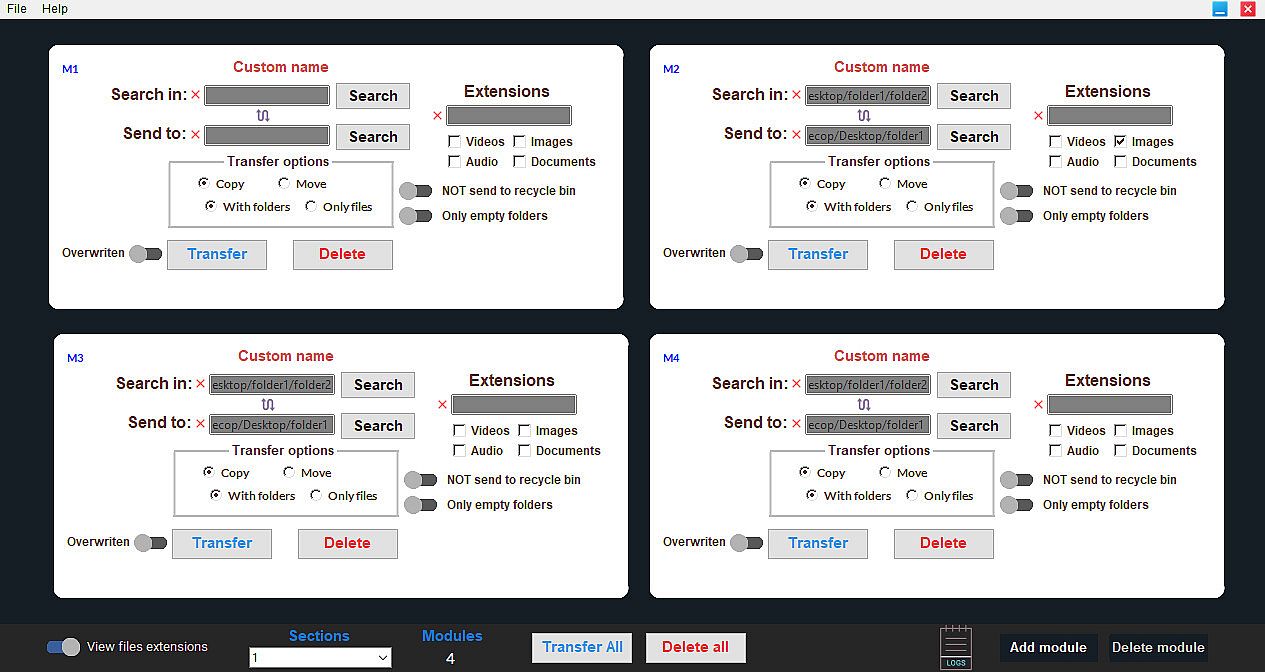
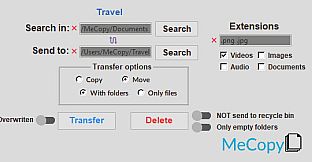
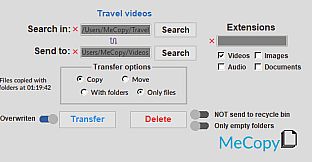
MeCopy is a software based on independent modules that allows you to copy, move or delete files simultaneously in your computer without any module interfering with the others.
If you like to maintain your computer tidy and you are too lazy to manually search for all those documents or multimedia files and then move them to their respective folders, MeCopy will do it for you.
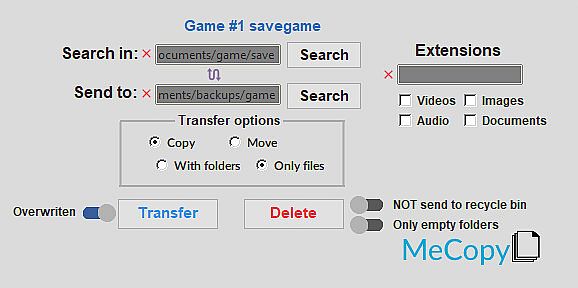
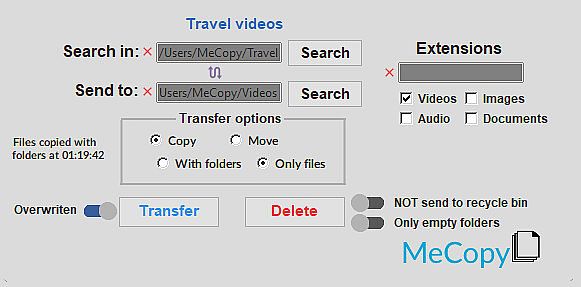
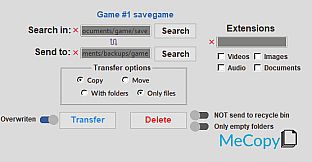
Are you a gamer? With MeCopy you can select the folder where you have all your savegames (or each folder individually) and backup them in your portable HDD or USB. MeCopy will remember the paths, the extensions, the customizable module name and others module options you choose for the next time you open it. So all you need to do is click a button and let MeCopy do the rest.
Avoid doing repetitive tasks by managing your files.
- Copy, move or delete specific files by their extensions and empty folders.
- Generate or delete modules in real time, adjusting them to your needs and your organization methods.
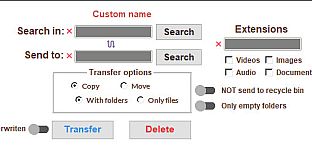
- Customizable names for each module.
- MeCopy will be able to remember the information you provide to it and the options you choose in case you need to copy, move or delete recurrently in a location.
- Each of the modules are independent of each other. You can copy, move or delete files at the same time between them without interrupting each other.
How to use
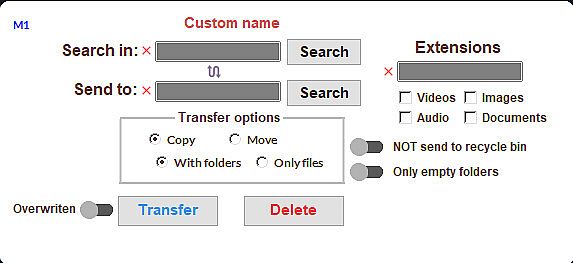
You can choose which type of transfer to use when copying or moving files:1) With folders.
- - This means that yours files will copy or move recursively to the location you choose inside the folder they were in.
2) Only files.
- - This means your files will be copied or moved individually into the destination you choose.
How to place extensions:
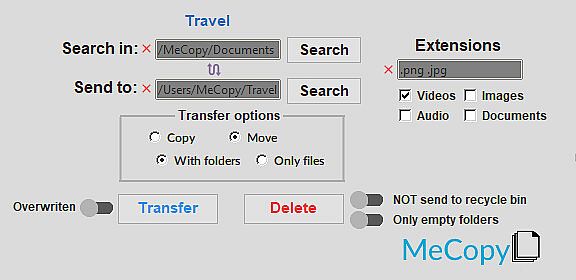
You must put the extensions separated by a space, no need to add a dot before each extension.Note: Extensions must be separated by a space. It is not necessary to add a period before each extension. You can place as many as you want.
Note 2: It is not mandatory to type the extensions. You can also select them by clicking on the type of files you want to transfer or delete:
Note 3: If no extension is placed or selected, all files will be copied or moved from the source path to the destination path (or deleted, depending on the user's choice).
- If no extension is placed or selected, all files will be copied or moved from the source path to the destination path (or deleted, depending on the user's choice).
How to delete files and empty folders:
To delete files you must put or select the extensions and click in "Search in" the directory where the files or empty folders are.Options:
- Overwriten: If this option is enabled the files in the destination folders will be overwritten with the new ones.
- NOT send to recycle bin: If this option is enabled the deleted files or empty folders will not be sent to the recycle bin.
- Only empty folders: f this option is enabled only empty folders in the selected path in "search in" will be deleted.
ATTENTION:
- Your antivirus may detect MeCopy as a virus but these are false positives and you can ignore such warnings. MeCopy was programmed using Python and compiled using Nuitka. The Nuitka compiler results in an executable .exe file which is detected by many antivirus as a malicious file and is out of our hands and it is up to the Nuitka team to fix it. We are in communication with antivirus companies to add MeCopy to their whitelist. Some give us an answer and others don't, so if you want to collaborate with us in this matter you can send us an email indicating your antivirus along with the warning it gives you, this will help us a lot. Also given the nature of MeCopy, which is to copy and delete files from the system, Windows can get a little alert, but as we said at the beginning, you can ignore these warnings and use the software with total tranquility.
If you have any questions or problems, do not hesitate to contact us at our email address
-It is important that your operating system is completely updated. If you have problems starting MeCopy, verify that you have the latest version of your OS. If you have Windows 7 , you will need the system update KB3063858, which can be found in the 'Pre-requisites' folder, located inside the MeCopy installation folder.
C:\Program Files (x86)\Steam\steamapps\common\MeCopy\Pre-requisites