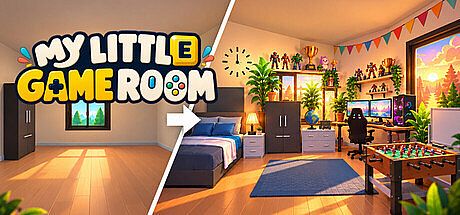


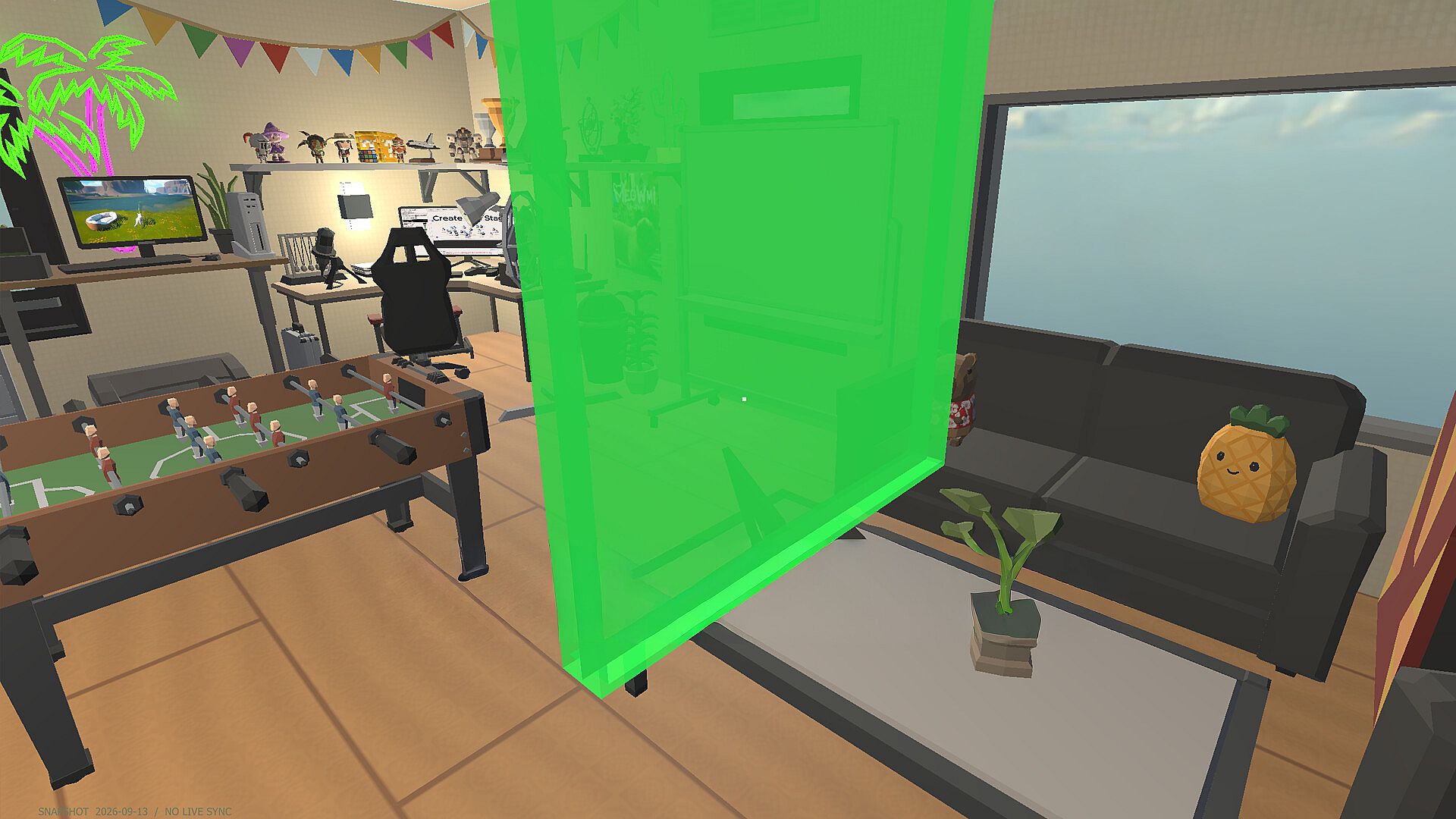
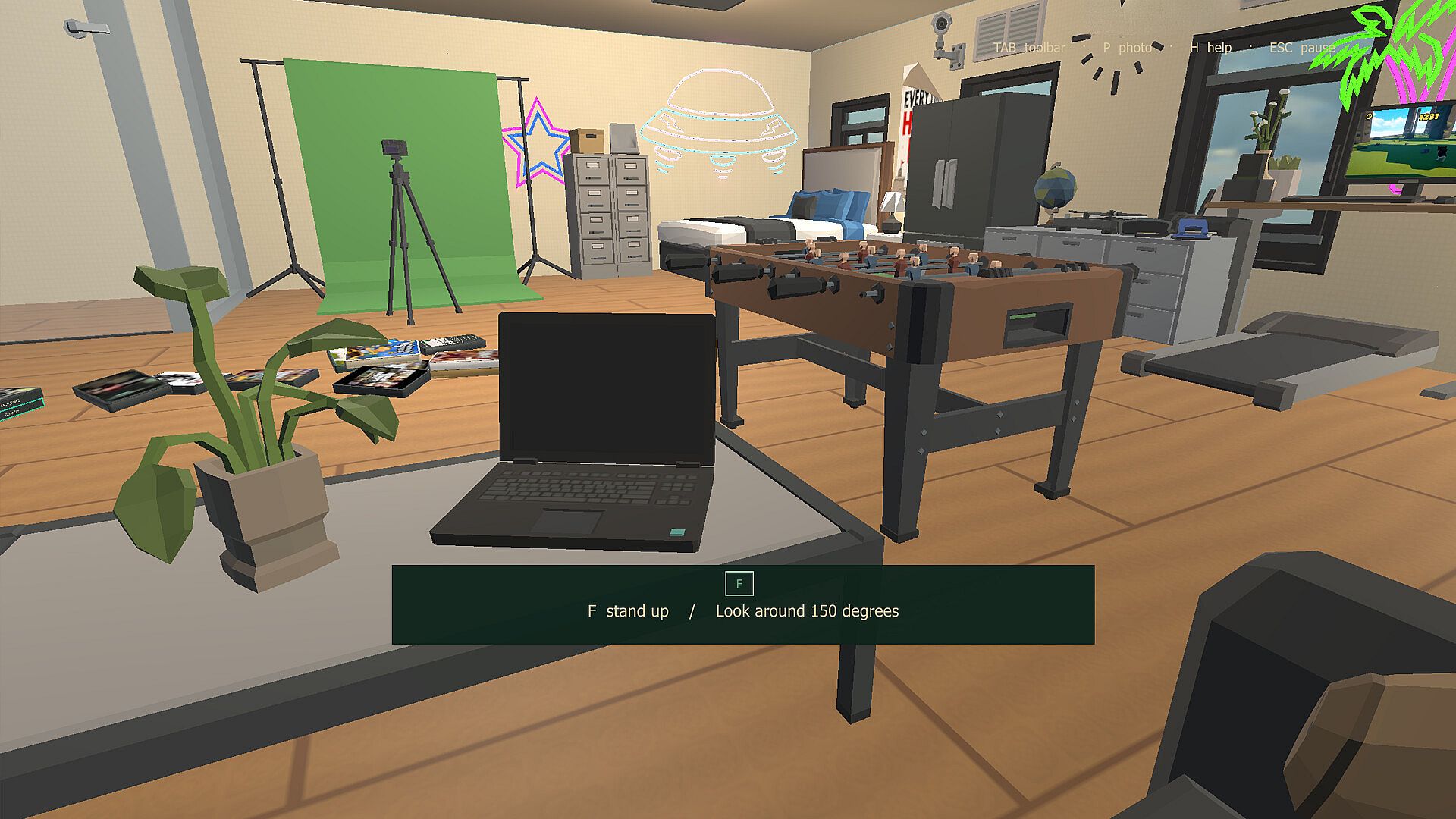
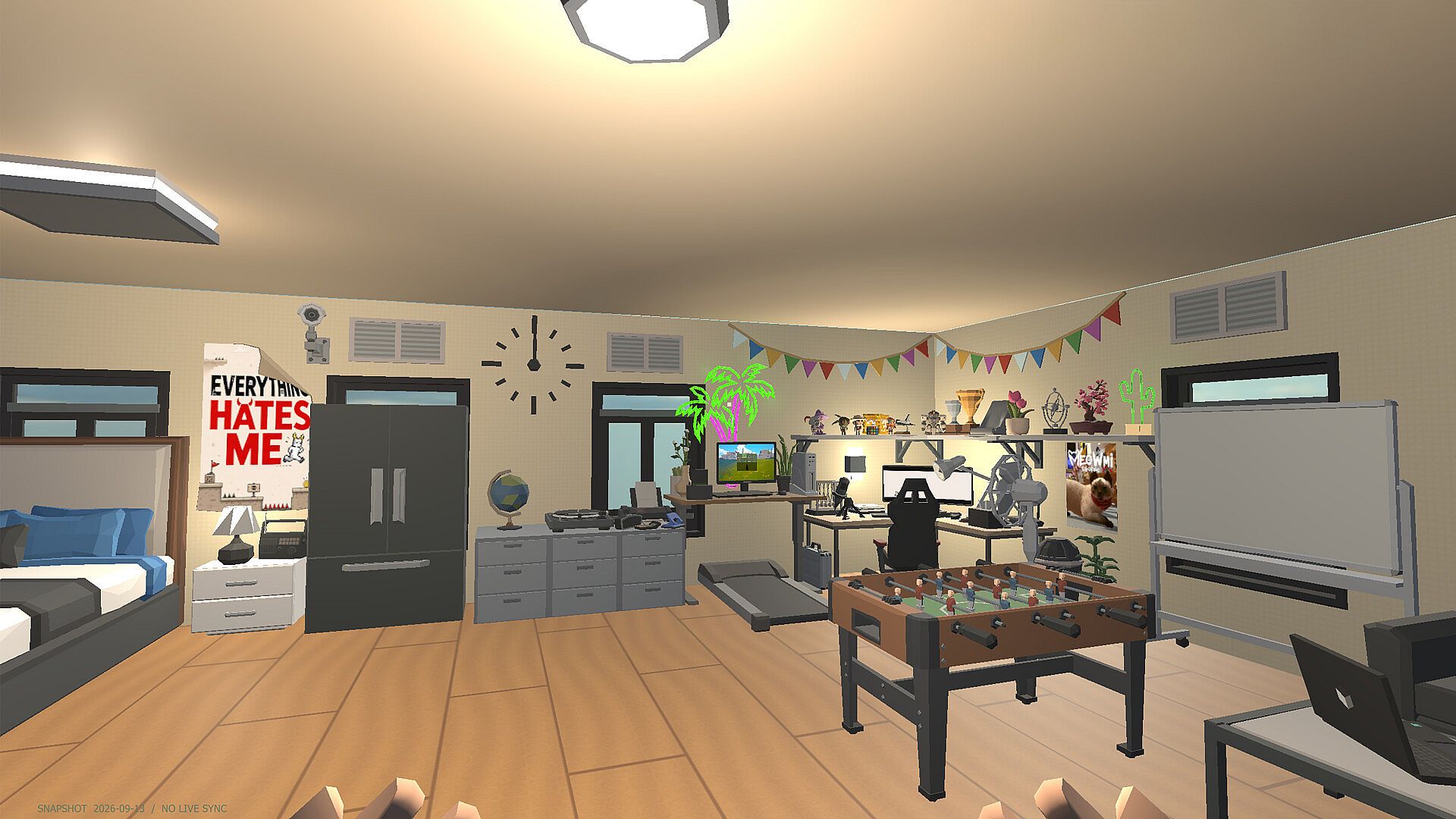
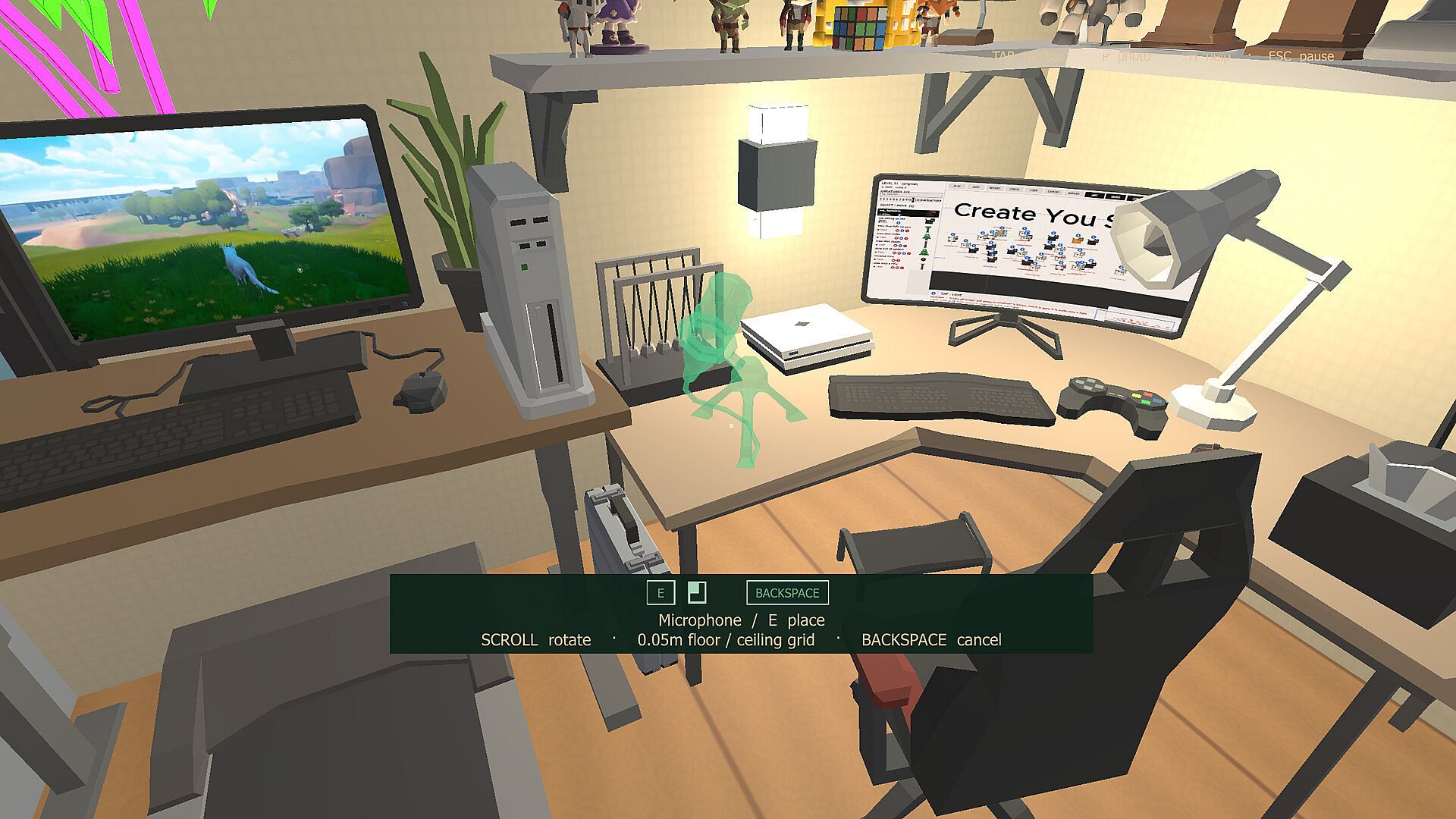

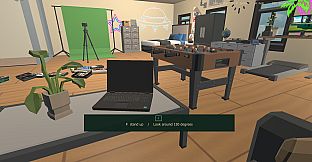
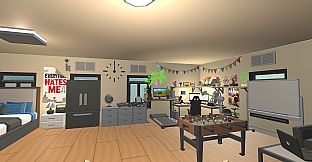
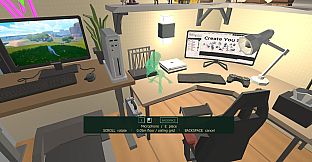
My Little Game Room is a cozy first-person decorating simulation game for PC that lets players turn their digital Steam library into a tangible personal space. The core loop centers on importing game titles, arranging physical-style cases on shelves and stands, and filling the room with furniture and accessories to create a customized environment that highlights a collection.
Gameplay
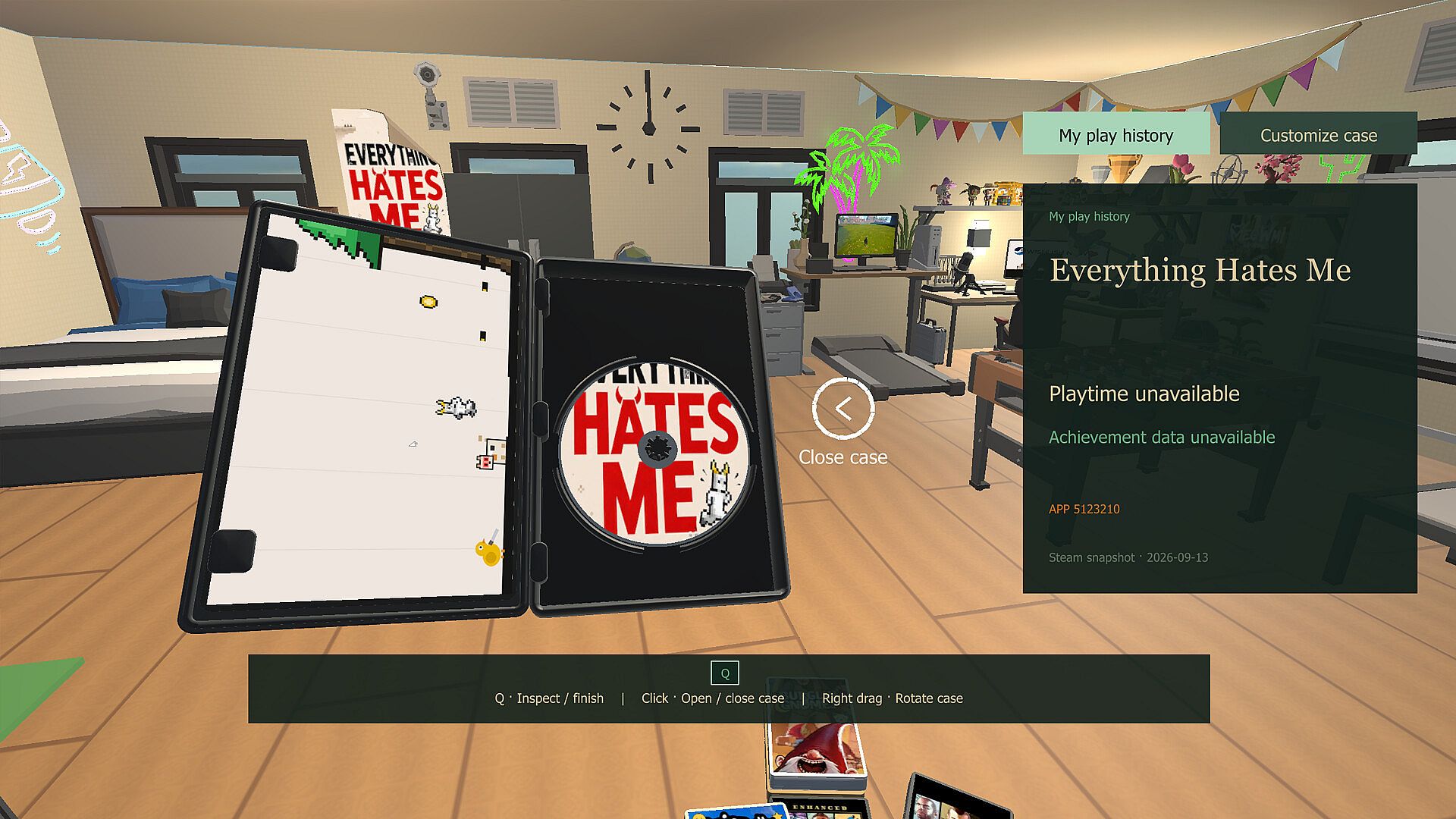
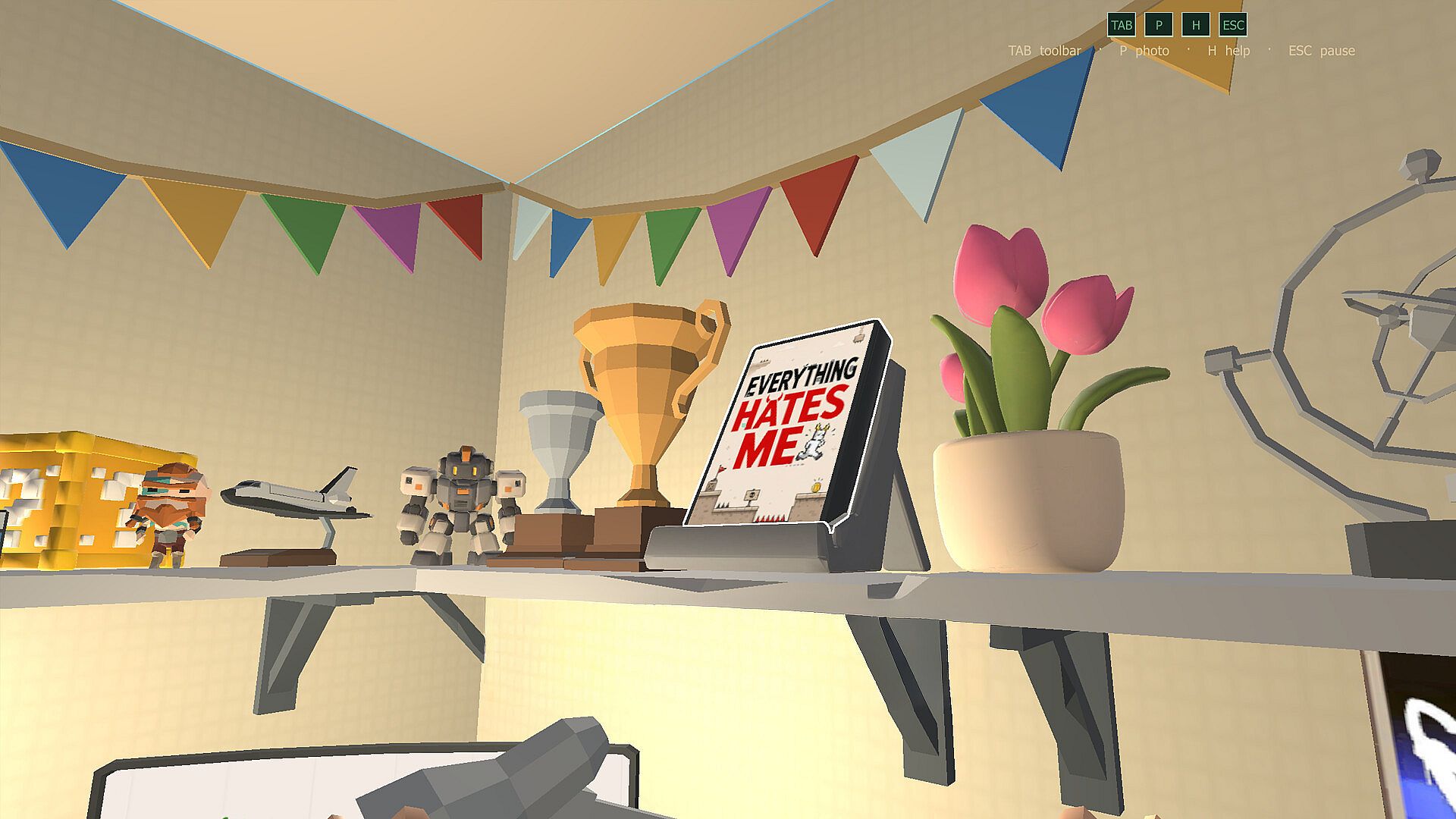
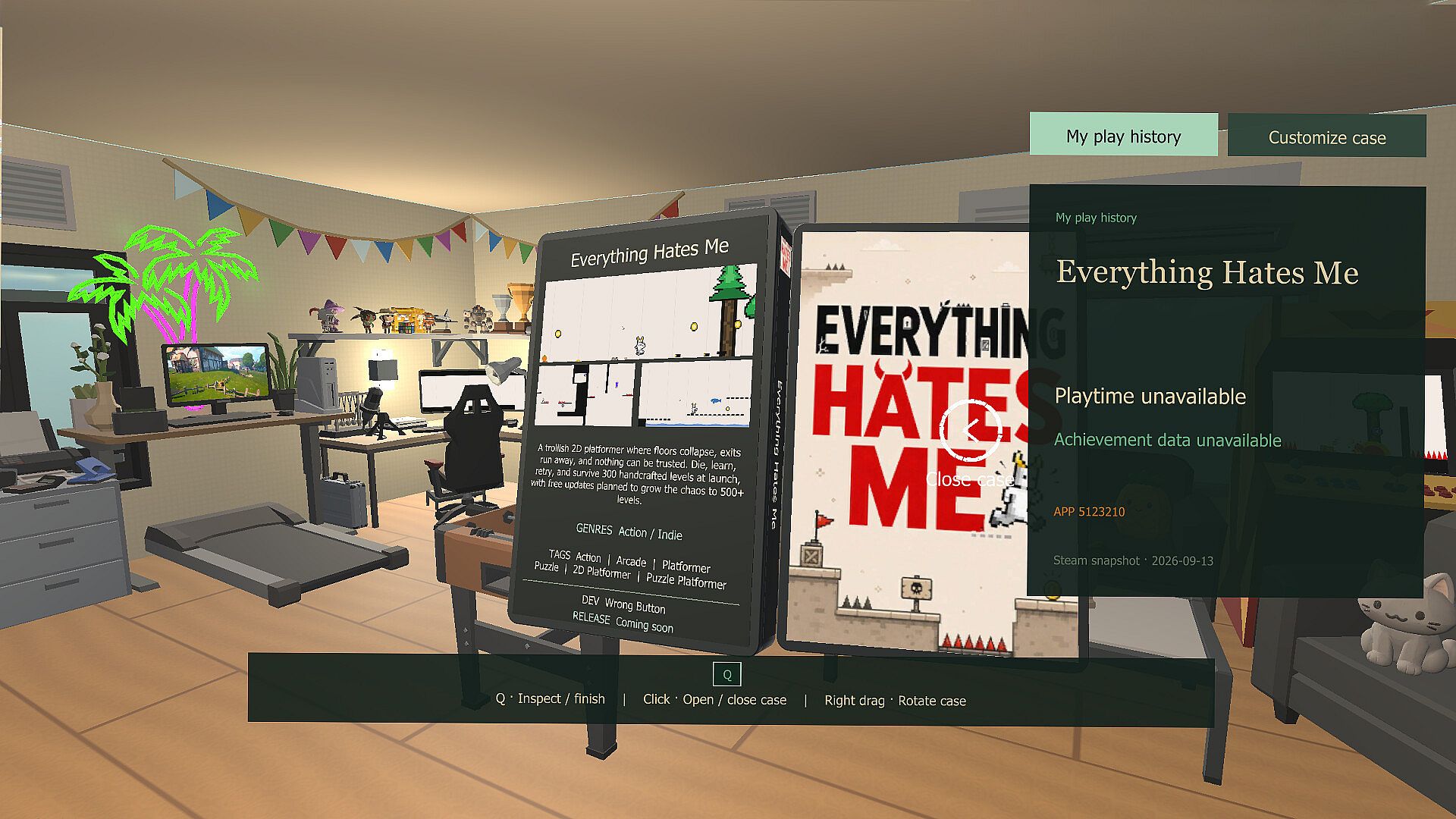
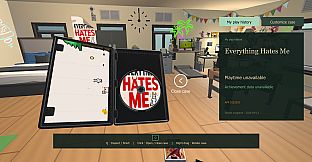
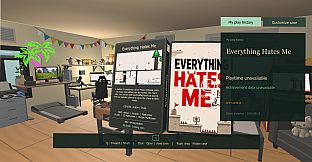
Players begin by connecting to their Steam account to pull in owned titles, which then appear as physical game cases ready for placement. Cases can be positioned on various display surfaces, grouped by genre or personal preference, and rotated or stacked for visual appeal. The first-person camera allows free movement through the room to inspect arrangements from different angles, check cover art details, read game information, and review unlocked achievements tied to each title.
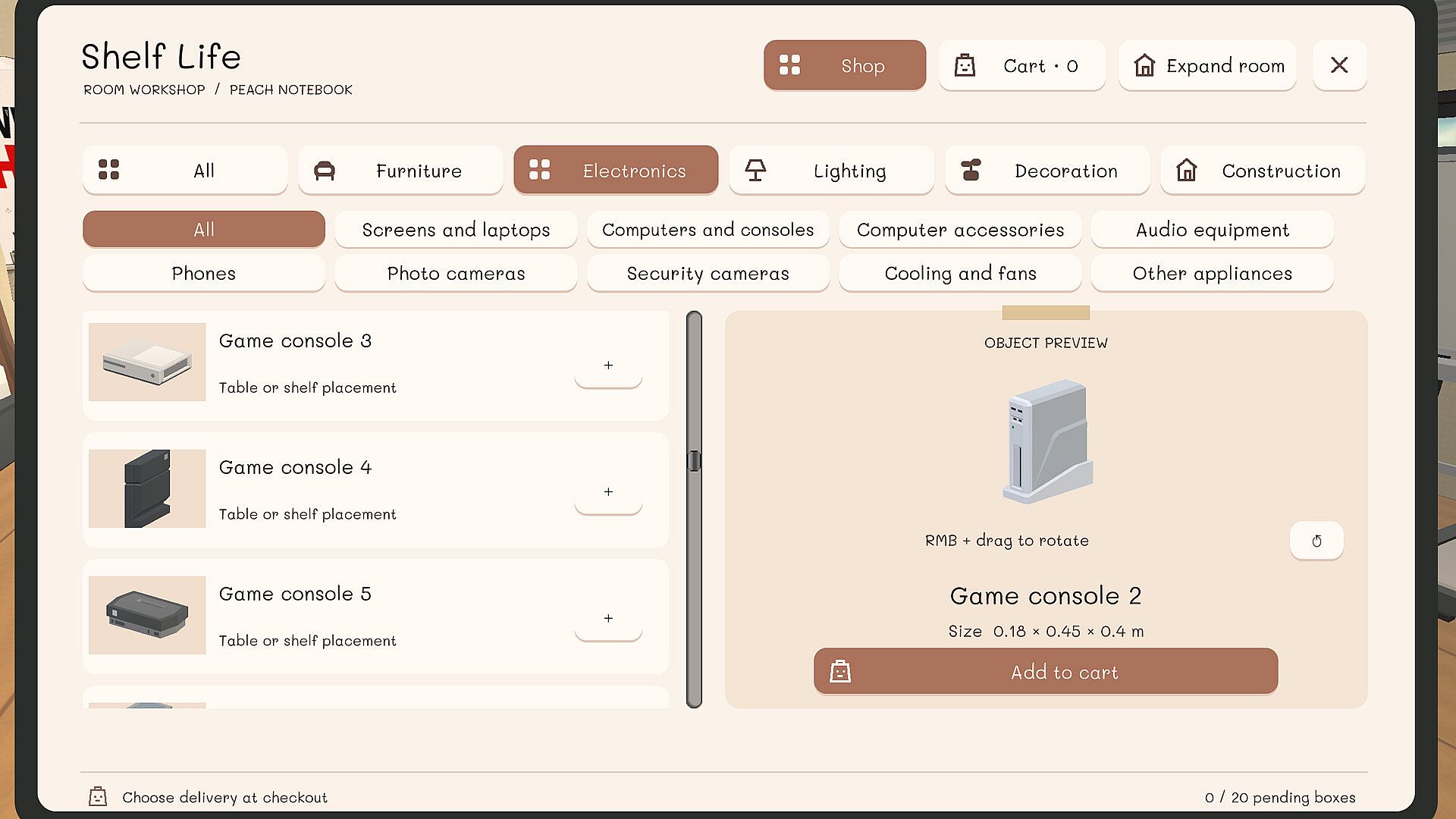
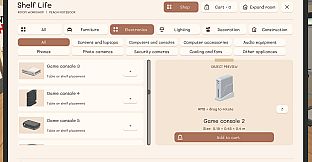
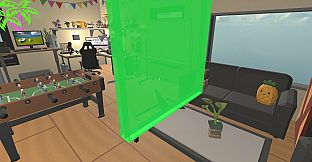
Decoration expands beyond basic placement with options for furniture pieces, wall-mounted shelves, freestanding stands, and smaller accessories that fill out the space. Every change saves automatically, enabling quick rearrangements or complete redesigns without losing progress. The system emphasizes a relaxed pace where experimentation with layouts takes priority over any timed challenges or resource management.
Game Modes
The experience operates as a single-player sandbox focused entirely on collection display and room customization. There are no separate competitive or story-driven modes, instead offering an open environment where the only objectives stem from personal creativity in organizing and decorating. Players can switch between viewing their imported library, adjusting case positions, and adding decorative elements at any time, with the ability to save multiple room configurations for later use.
Key Features and Mechanics
Importing the Steam library forms the foundation, automatically populating the room with accurate game cases that include cover images and metadata. Organization tools support sorting by title, developer, or release year, while display stands and shelves provide varied placement options that affect how the collection looks overall. Achievement viewing integrates directly into the room, allowing players to browse progress without leaving the first-person perspective.
Additional mechanics include support for multiple languages on the interface and full audio options in several languages. The game requires an internet connection solely for the initial library import, after which all arrangement and decoration work happens locally. System requirements remain modest, supporting a wide range of Windows PCs with basic graphics hardware.
Is It Worth Playing?
This title suits players who enjoy cozy simulation experiences centered on personalization and collection management rather than action or narrative depth. The straightforward focus on importing and arranging a Steam library appeals especially to those with extensive digital collections who want a dedicated space to showcase titles visually. Since the game remains in development with a planned October 2026 release and currently has no player reviews available, its value depends on how well the core decorating loop matches individual preferences for relaxed, creative gameplay. Those drawn to similar indie simulation titles will likely find the first-person room-building loop engaging for short or extended sessions of rearranging and decorating.