
PhotoPad PC Key kaufen

Wo kannst du den günstigsten PhotoPad Steam-Key für PC kaufen? Vergleiche Preise aus 1 Shops und finde unter 1 Angeboten auf XD Deals die beste Option. Aktuell liegt der niedrigste PhotoPad PC Preis im Keyshop bei 29,39 € (30% Rabatt).

Veröffentlichung: 05 Mai 2017
Steam:
Overwhelmingly Negative (9)
Keyshops
Nicht verfügbar
Im offiziellen Store kaufen:
-30%
29,39 €
Im Keyshop kaufen:
Preisverlauf anzeigen

Offizielle Shops (1)

DRM:
Steam
Steam
Steam
PhotoPad
Windows
vor 1W
DRM:
Steam
Endet in 2 Tagen
Steam
41,99 € 29,39 €
Endet in 2 Tagen
-30%

Über PhotoPad

PhotoPad - Spielbeschreibung
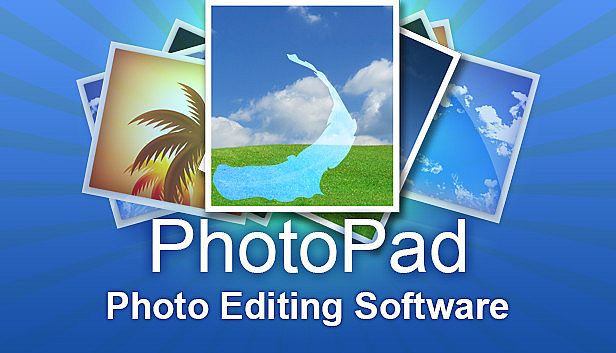
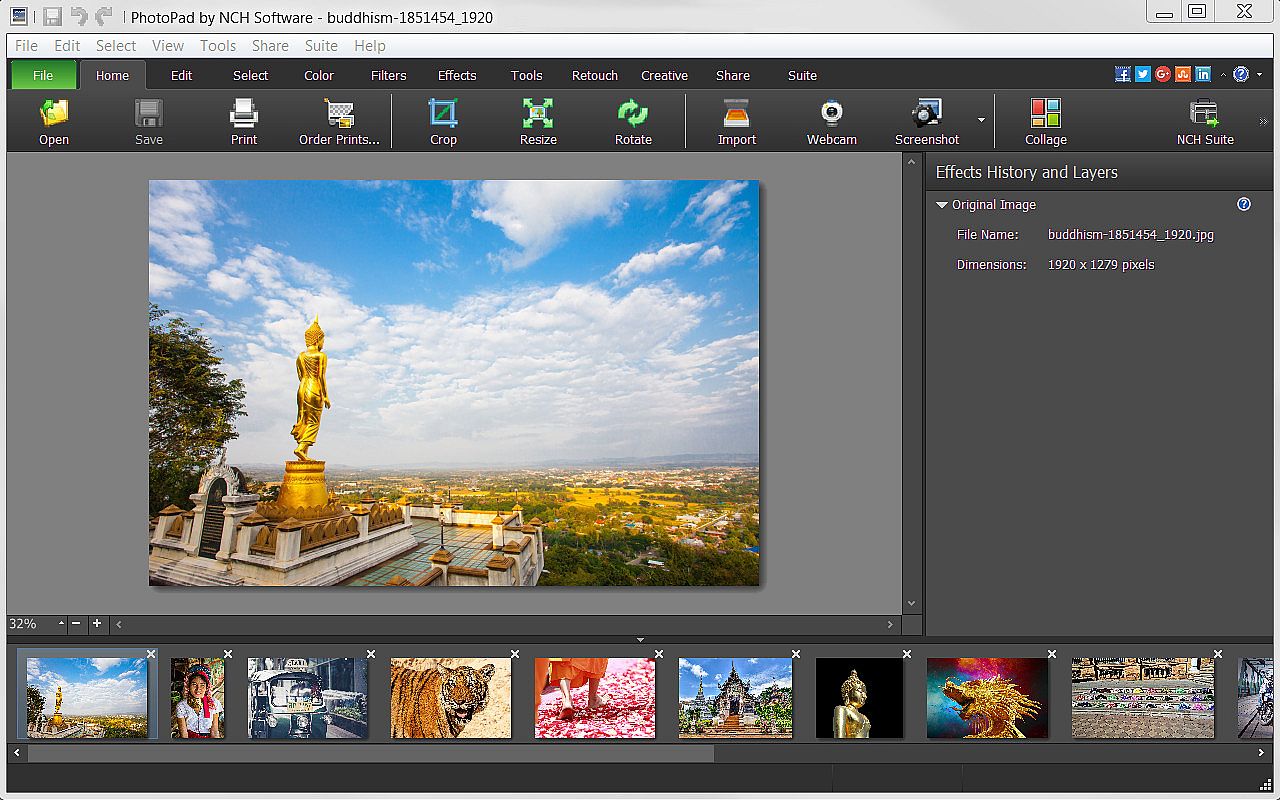
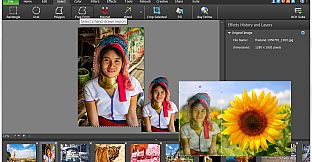
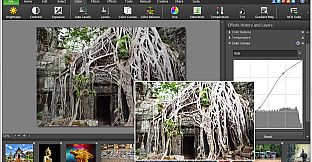
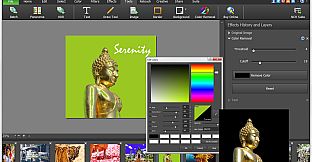
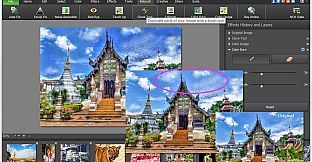
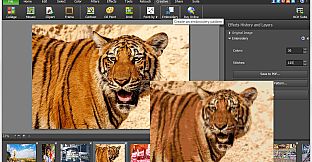
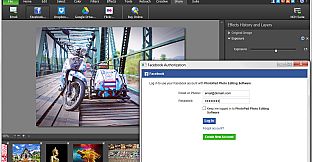
Elevate your images with PhotoPad Photo Editor on PC, a versatile tool for design and illustration that handles everything from basic tweaks to advanced photo editing. Rotate, crop, flip, and resize photos with liquid precision, or select areas using wand, magnet, and free-form tools to recolor, transfer pixels, and reshape elements. Apply filters, effects like sharpen, distort, or cartoon styles, and retouch with noise reduction, red-eye fixes, and color curves for professional results. Draw custom art, clone elements, or batch-process multiple images at once, then stitch panoramas, build collages, or create embroidery designs. Add text, borders, and backgrounds before exporting to Dropbox, Google Drive, or directly to Facebook and Flickr. Beginners and pros alike edit photos effortlessly with these robust features.

PhotoPad Photo Editor is a photo editing software for Windows that allows you take your images to the next level and create stunning photos to share with your friends and family. Whether a beginning editor or a seasoned editor, PhotoPad is easy-to-use but robust enough to do intricate photoshop work. With PhotoPad, you can use many editing, effect, quality enhancement and coloring tools to customize your photos.

PhotoPad Features Include:

Editing & Effects
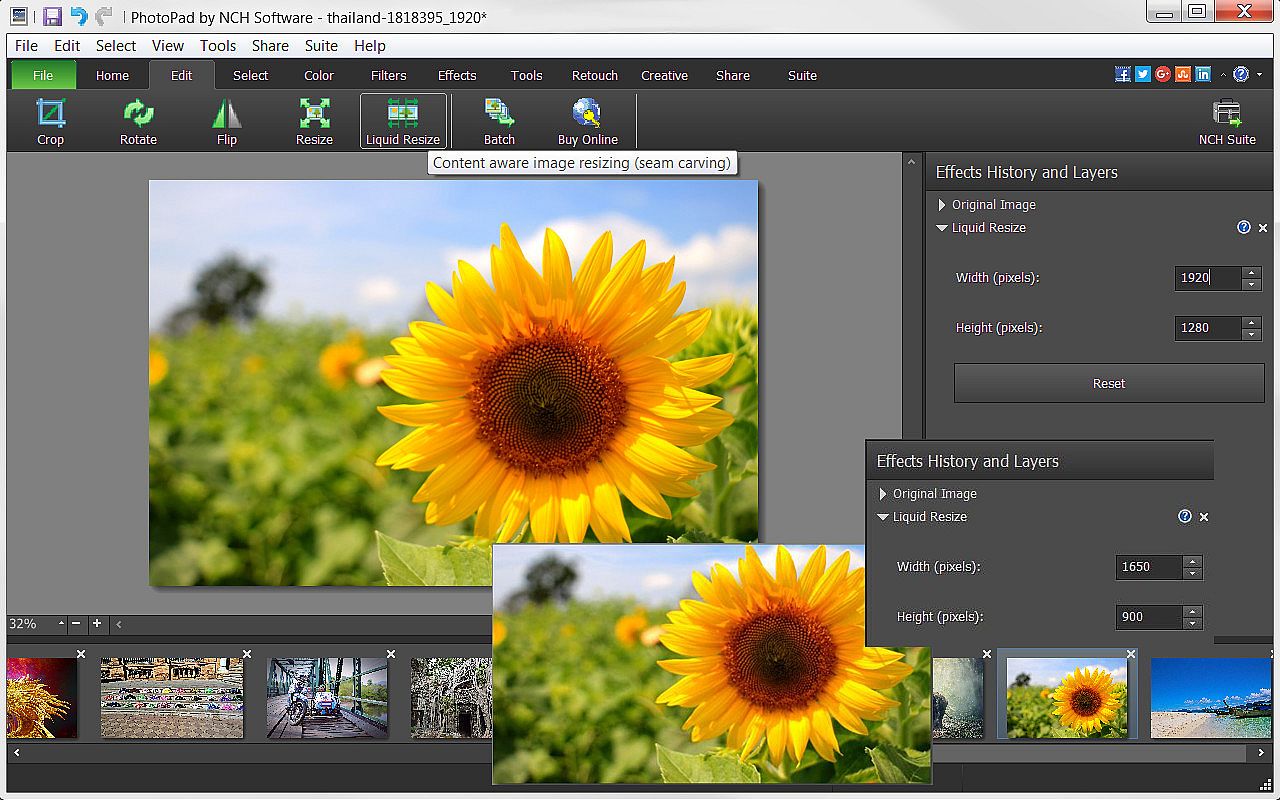
  • Edit your photos using liquid resize, flip, rotate, crop and other editing tools.
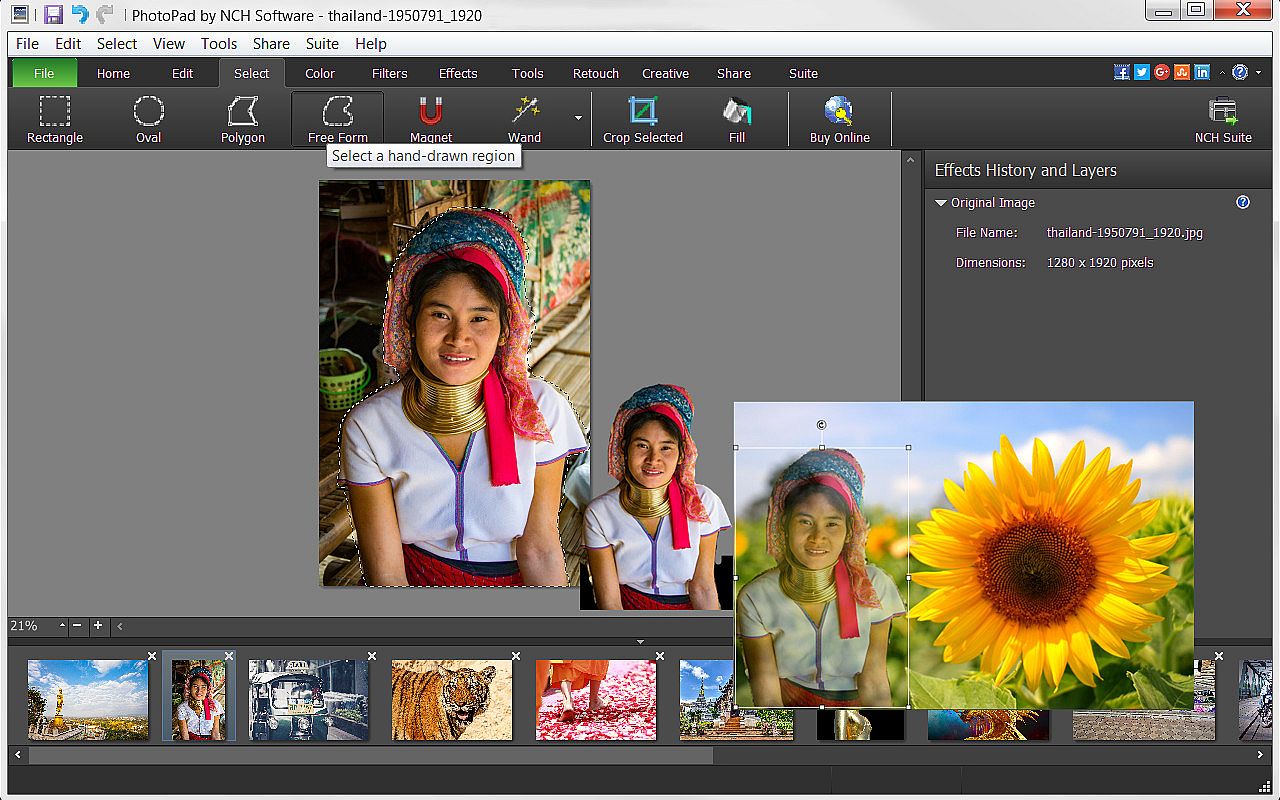
  • Manipulate image shapes, pixel/element transfers and recoloring with selection tools, like wand, magnet, free form and other shape options.
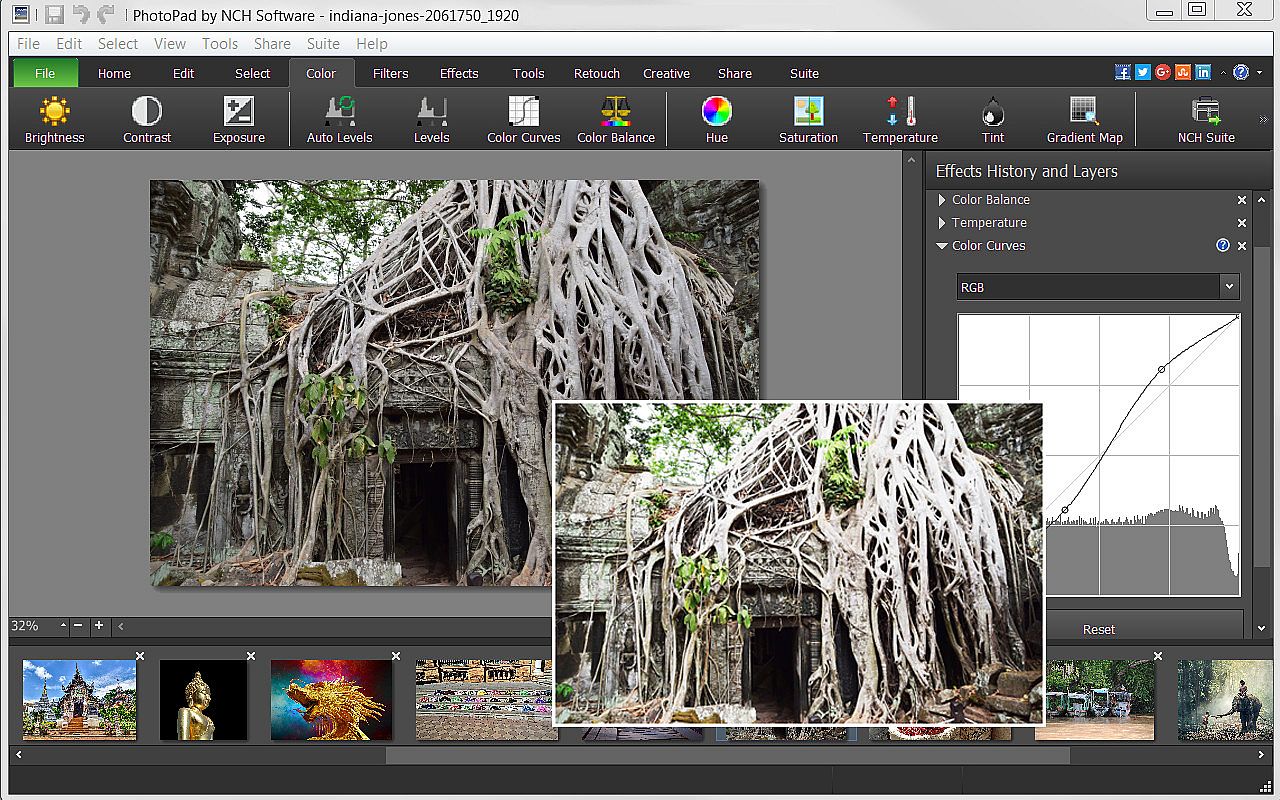
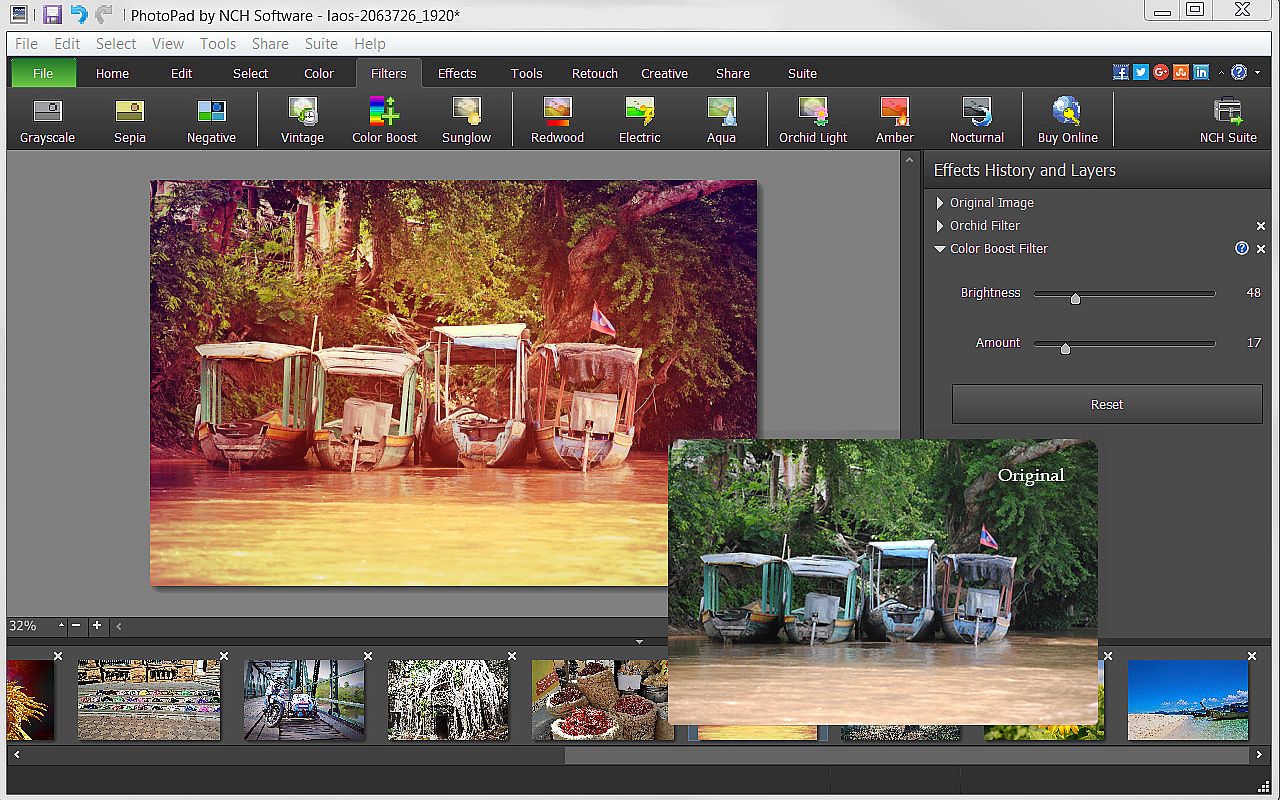
  • Brighten or change exposure, color curves and balance, hue and other color features.
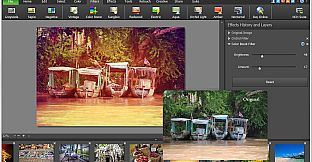
  • Apply one or more of the many filters available to make photos more interesting.
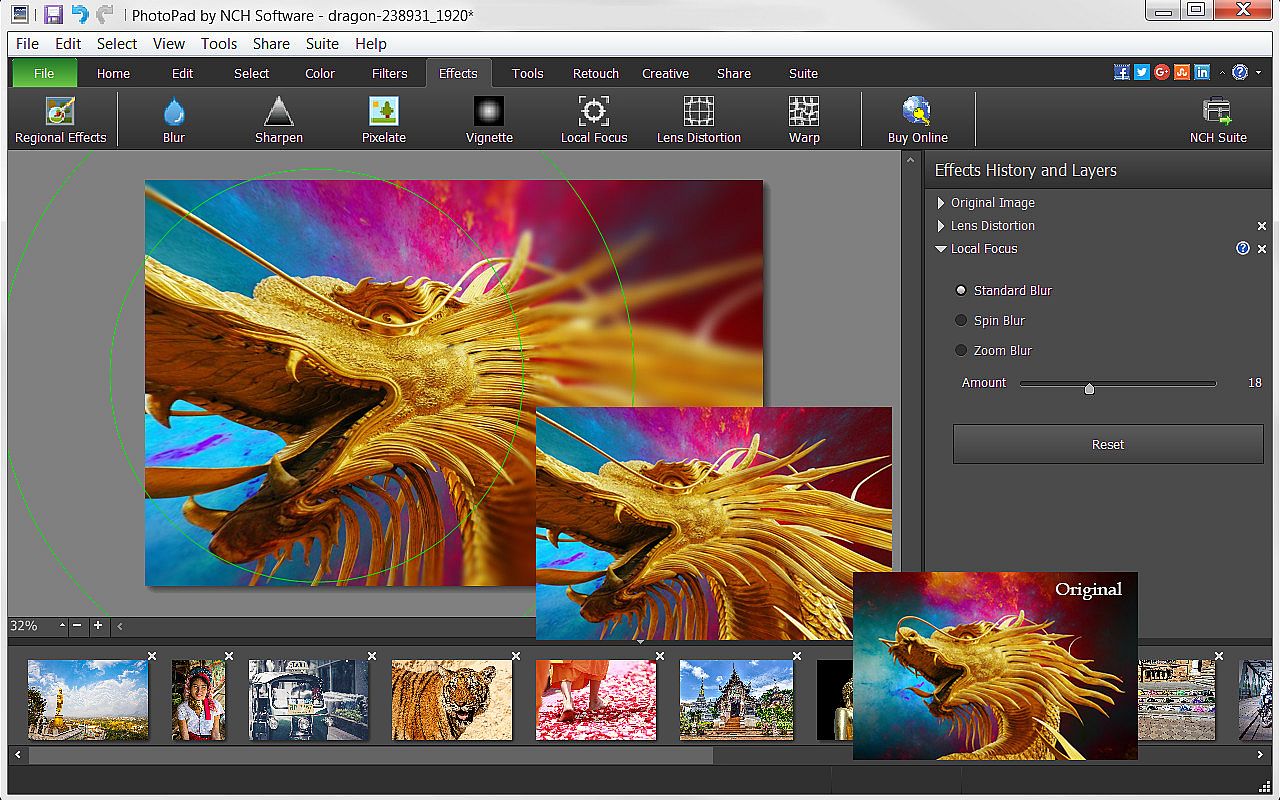
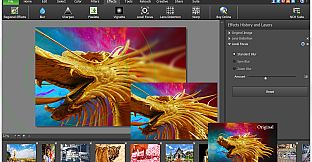
  • Use sharpen, pixelate, focus, distort or one of the many other effects to change your photo’s perspective.
  • Turn your photo into a cartoon or oil painting.
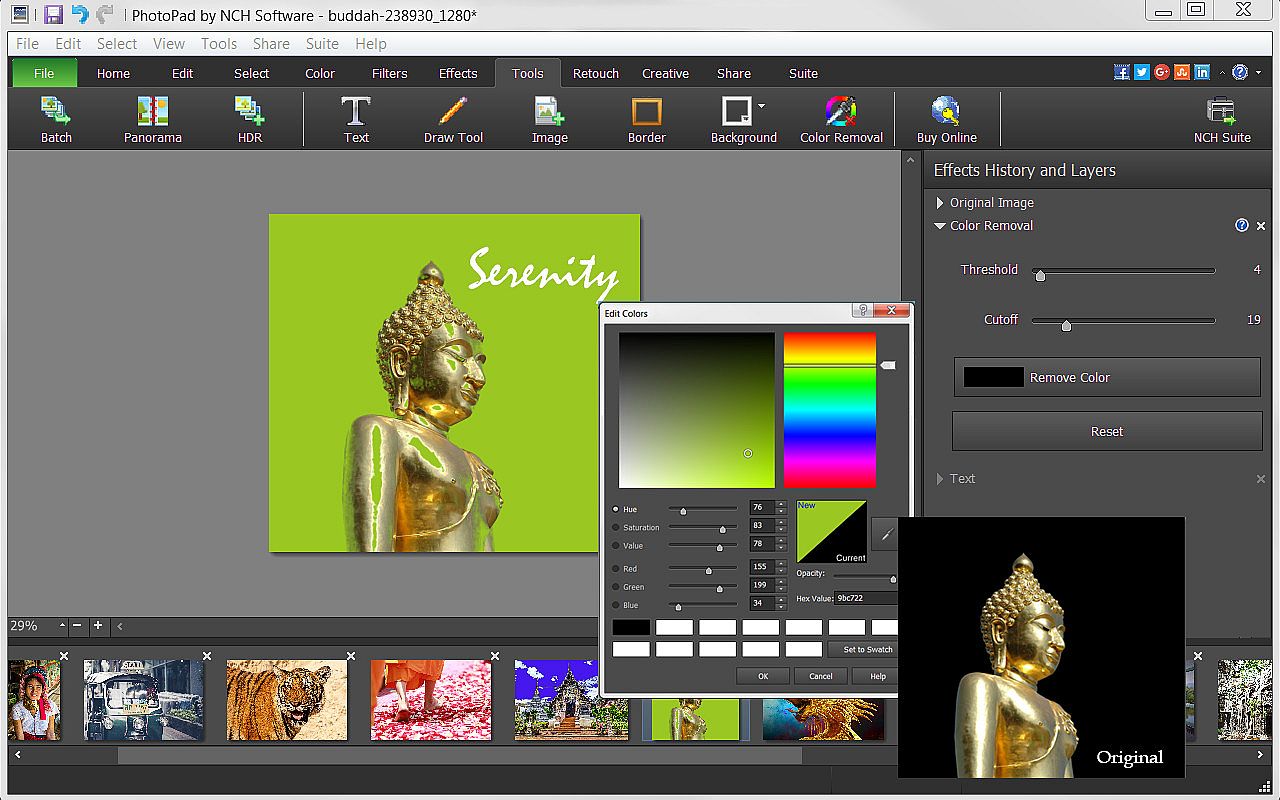
  • Add borders, background or fill colors to give your photo a more complete look.
  • Include text to give your photo narration.
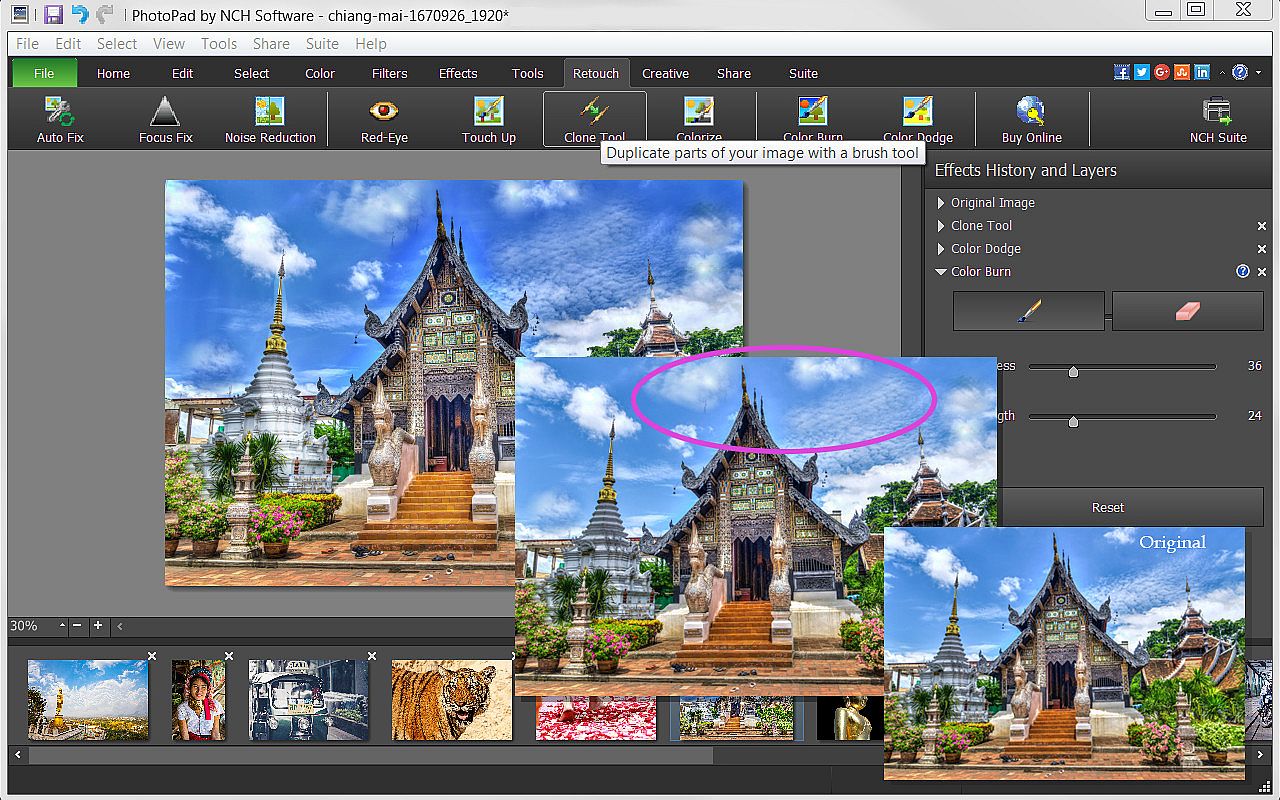
  • Retouch photos with noise reduction, red-eye, colorize, focus fix and other retouching tools.

Useful Tools
  • Be creative and use the Draw Tool to create your own art, illustration or notes on your photo.
  • Mimic colors, shapes and other elements or correct your photos with the Clone Tool.
  • Use the Batch Tool to apply effects to many photos at one time.
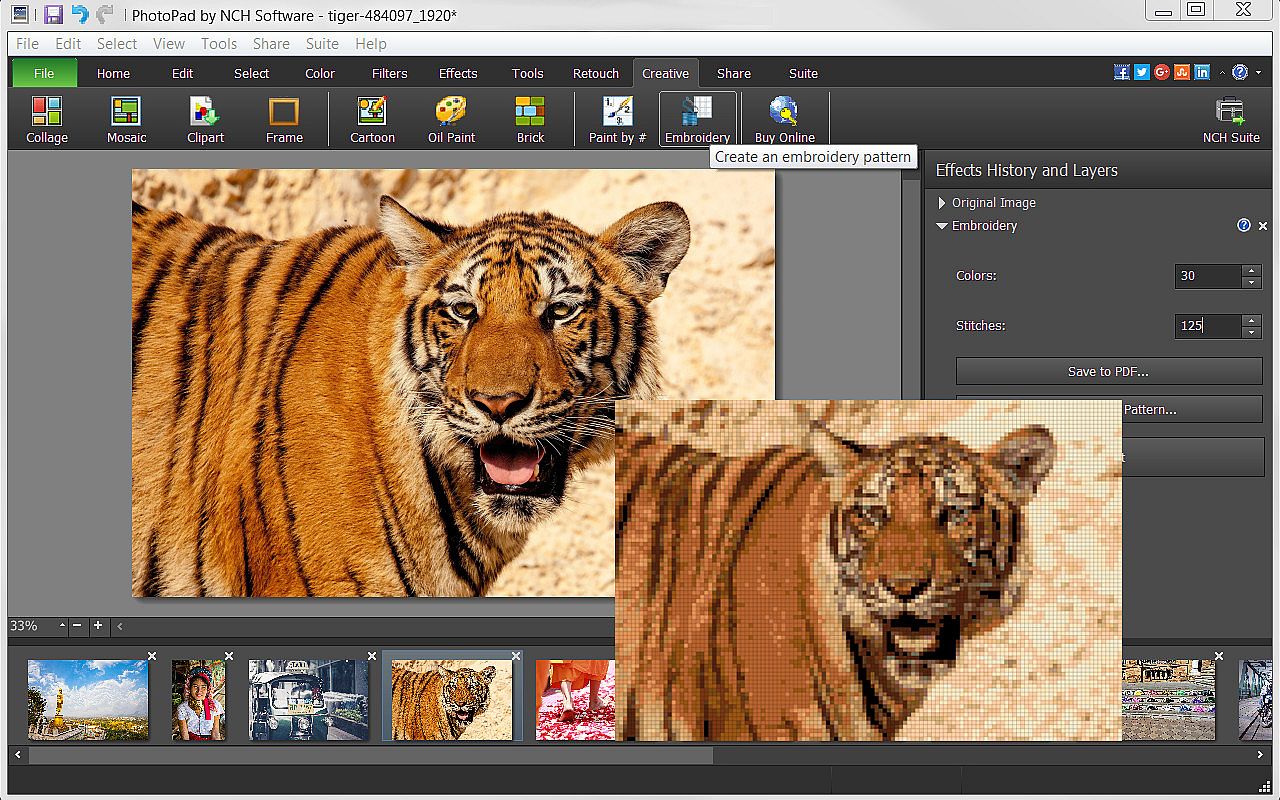
  • Turn your photo into a fun Embroidery or Paint-by-Numbers project.
  • Create a collage or Mosaic with one of the many layouts available.
  • Take advantage of other useful photo applications, like Pixillion Image File Conversion, that can be used through PhotoPad.
  • Stitch photos together to make a Panorama.

Export and Import Options
  • Import images directly from your camera and other digital devices.
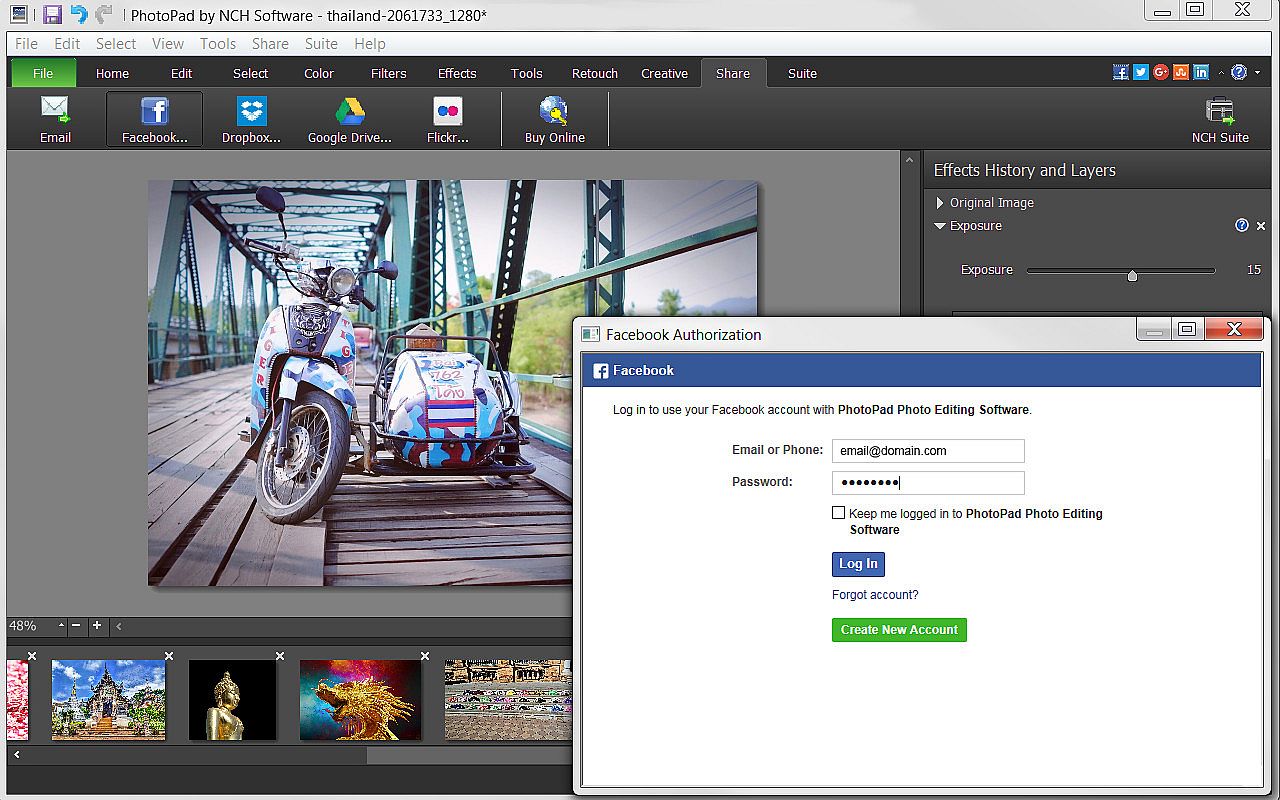
  • Share with friends via Facebook and Flickr.
  • Upload photos to online cloud storage sites, including Dropbox and Google Drive.
  • Email photos to loved ones or clients.
  • Order prints instantly from the PhotoPad interface.

Oberfläche:
English

Altersfreigabe

Keine Angabe
Steam:
Overwhelmingly Negative (9)

Minimum:

  • Prozessor: Windows 10, XP, Vista, 7, 8 and 8.1
  • Arbeitsspeicher: 4 GB RAM
  • Speicherplatz: 100 MB available space
  • Zusätzliche Hinweise: PhotoPad is designed to be usable with minimal resources.
Historisches Tief
Preisverlauf von offiziellen Shops
-
-
-
Preisverlauf von Keyshops
-
-
-

FAQ

8 Fragen

Bevor du nach einem günstigen PhotoPad PC Key suchst, prüfe die wichtigsten Fakten. Entwickelt von NCH Software. Veröffentlicht von NCH Software. PC Release-Datum: 05 Mai 2017. Genres: Design & Illustration, Photo Editing.

Q

Wo kann ich einen günstigen PhotoPad Steam Key oder CD Key kaufen?

Mit unserem Preisvergleich und verifizierten Rabattcodes kannst du einen PhotoPad Key schon ab 29,39 € kaufen. Dieses Angebot ist bei Steam verfügbar und gehört zu den günstigsten auf dem Markt. Alle auf XD.deals gelisteten Keys werden digital geliefert und können nach der Zahlung sofort heruntergeladen werden. Die Preise enthalten bereits Bearbeitungsgebühren und eingelöste Promo-Codes, sodass du immer den niedrigsten PhotoPad Preis auf PC siehst. Sieh dir den PhotoPad Preisverlauf an, um zum besten Zeitpunkt zu kaufen.

Laut unserem letzten Update (wir aktualisieren Steam-Preise mehrmals täglich) beträgt der PhotoPad Steam-Preis 29,39 €. Du kannst zusätzlich ca. 6% sparen, indem du mit einer vergünstigten Steam-Geschenkkarte zahlst.

Unser Preistracker deckt sowohl offizielle Händler als auch Key-Marktplätze ab, sodass du PhotoPad im Angebot auch außerhalb saisonaler Aktionen finden kannst. Wir erkennen derzeit 1 aktives Angebot von offiziellen Shops und Keyshops. Prüfe die Tabelle oben, vergleiche mit dem historischen Tief und setze einen Alarm, damit du den nächsten Preissturz nicht verpasst.

Laut unseren Daten ist PhotoPad derzeit nicht auf GeForce NOW verfügbar. Du musst es lokal auf deinem PC ausführen. Stöbre durch Spiele, die auf GeForce NOW verfügbar sind.

Ja. PhotoPad hat eine offizielle Steam-Shop-Seite. Du kannst auch einen PhotoPad Steam Key von Drittanbietern kaufen. Unser Preisvergleich umfasst derzeit 1 Angebot mit Steam-DRM. Wähle eines davon, um sicherzustellen, dass dein PhotoPad Download über Valves Plattform läuft.

Derzeit nicht. Valve kennzeichnet PhotoPad als Unsupported auf dem Steam Deck. Behalte XD.deals im Blick - wir verfolgen Proton-Updates und Community-Fixes. Stöbere durch Spiele, die Steam Deck Verified oder Steam Deck Playable sind.

PhotoPad scheint derzeit nicht im PC Game Pass, bei EA Play, Ubisoft+ oder einem anderen PC-Abonnement verfügbar zu sein. Deine einzige Option ist der Kauf - nutze XD.deals, um den besten Preis zu finden.

Nein - XD.deals ist kein Shop. Wir sind ein Preisvergleich, der die besten PhotoPad-Deals bei offiziellen Shops und verifizierten Keyshops verfolgt. Klicke neben einem Angebot auf "Zum Shop" und du wirst zur Webseite des Händlers weitergeleitet, um deinen Kauf abzuschließen.

Beste Preise für PhotoPad

1 Steam Steam Official
-30% 29,39 €

Zum besten Zeitpunkt kaufen? Setze einen Preisalarm auf XD.deals und werde benachrichtigt, wenn PhotoPad sein nächstes historisches Tief erreicht.

Alarm erstellen
Tritt unserem Discord bei
Erhalte Hilfe von der Community und bleibe über Angebote informiert
Preisalarme einrichten
Erhalte E-Mail-Benachrichtigungen wenn Preise fallen
Kostenloses Konto erstellen
Schalte Wunschlisten, Preisalarme und Steam-Sync frei