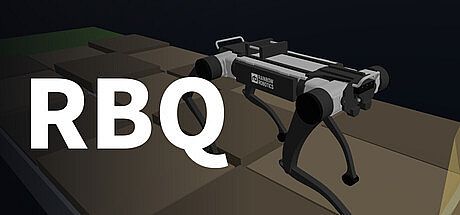



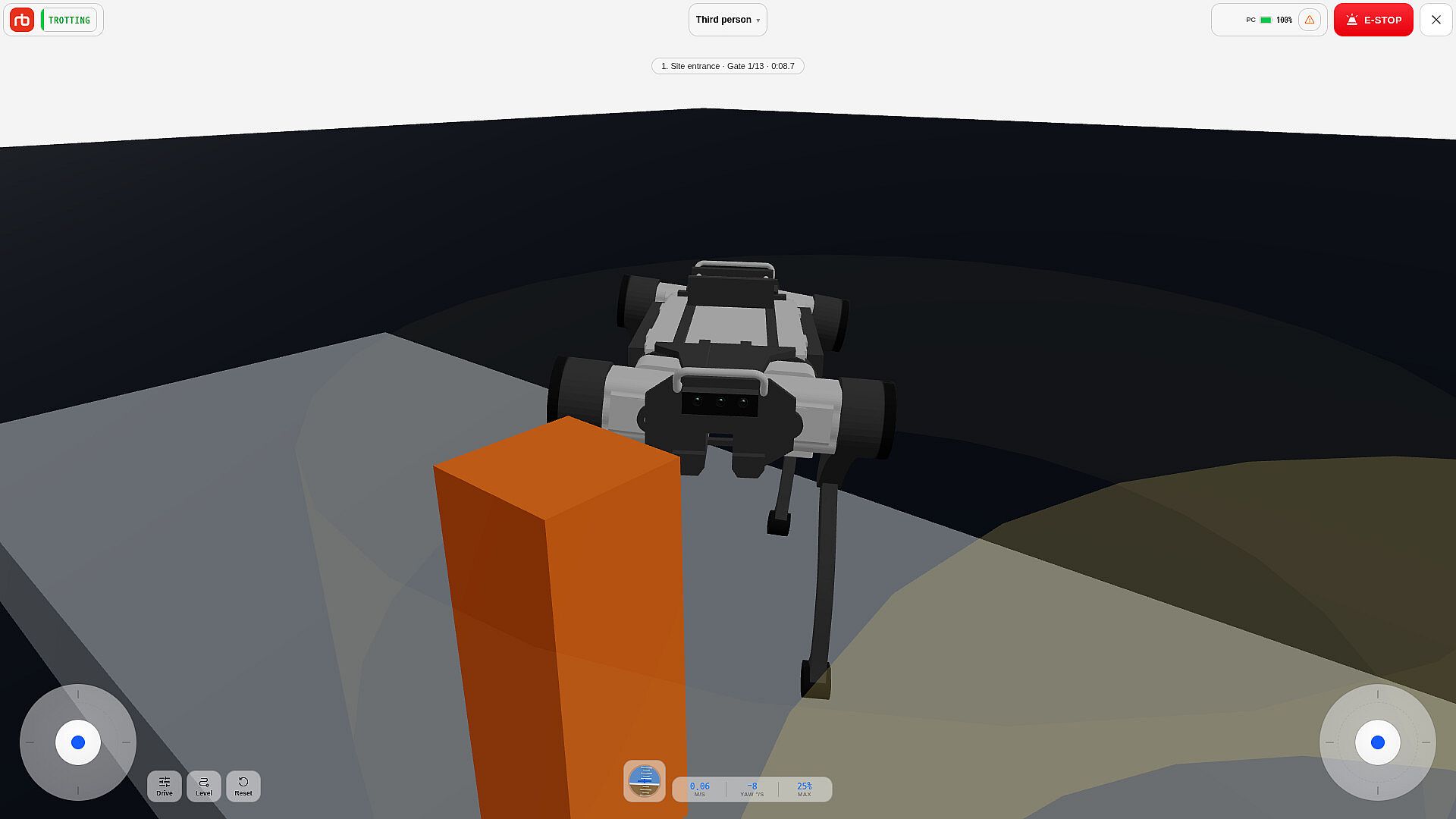
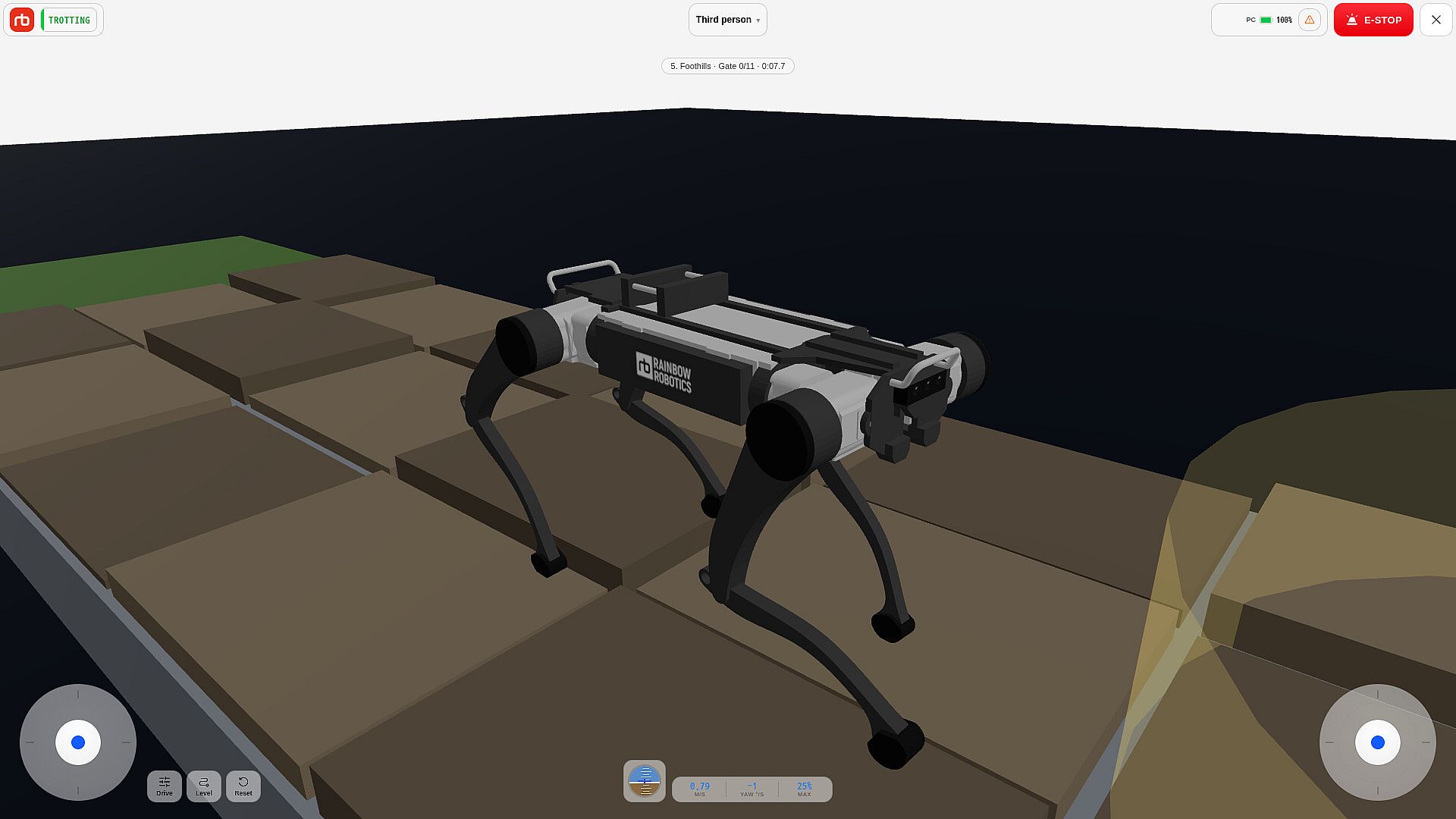
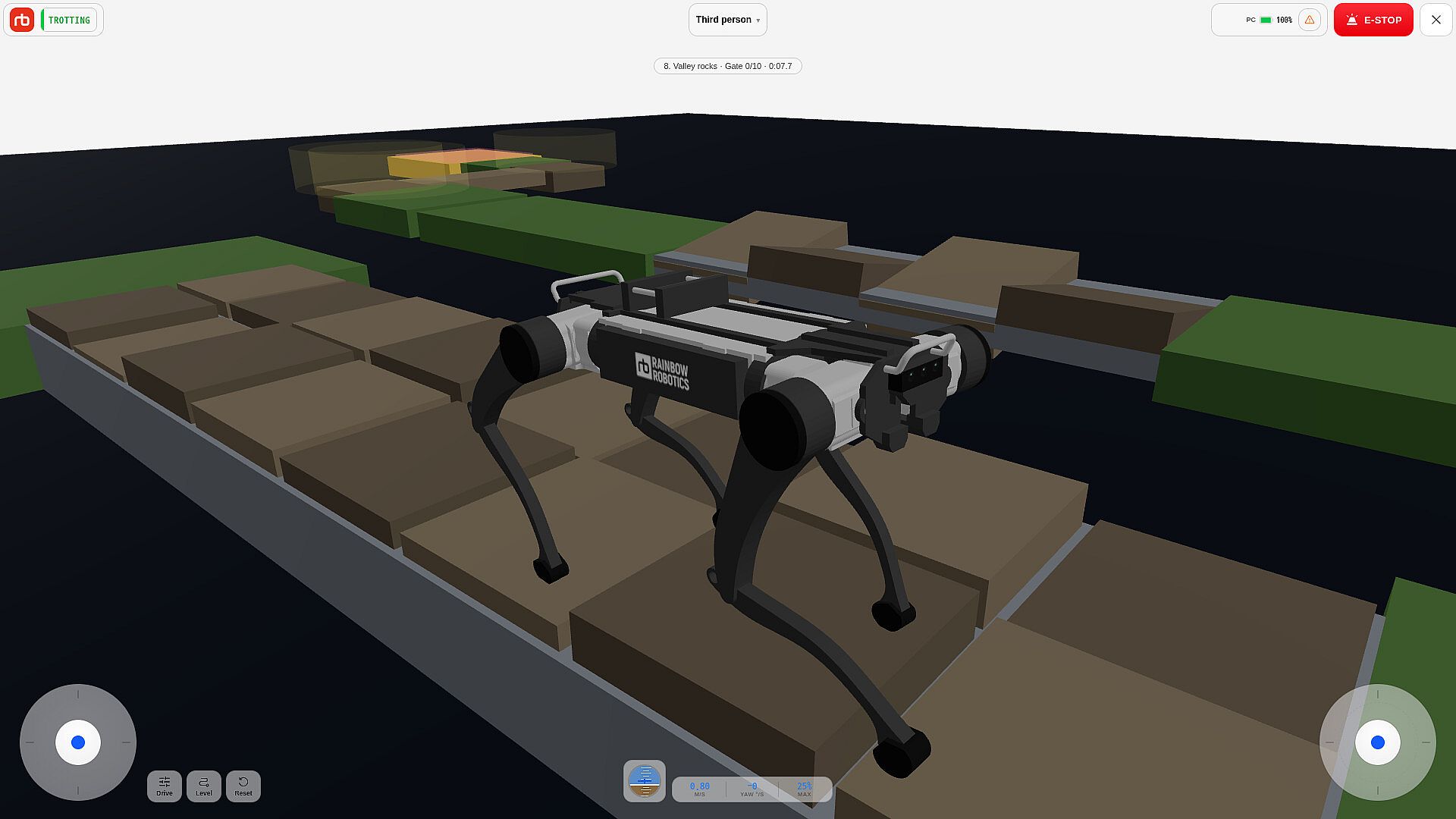
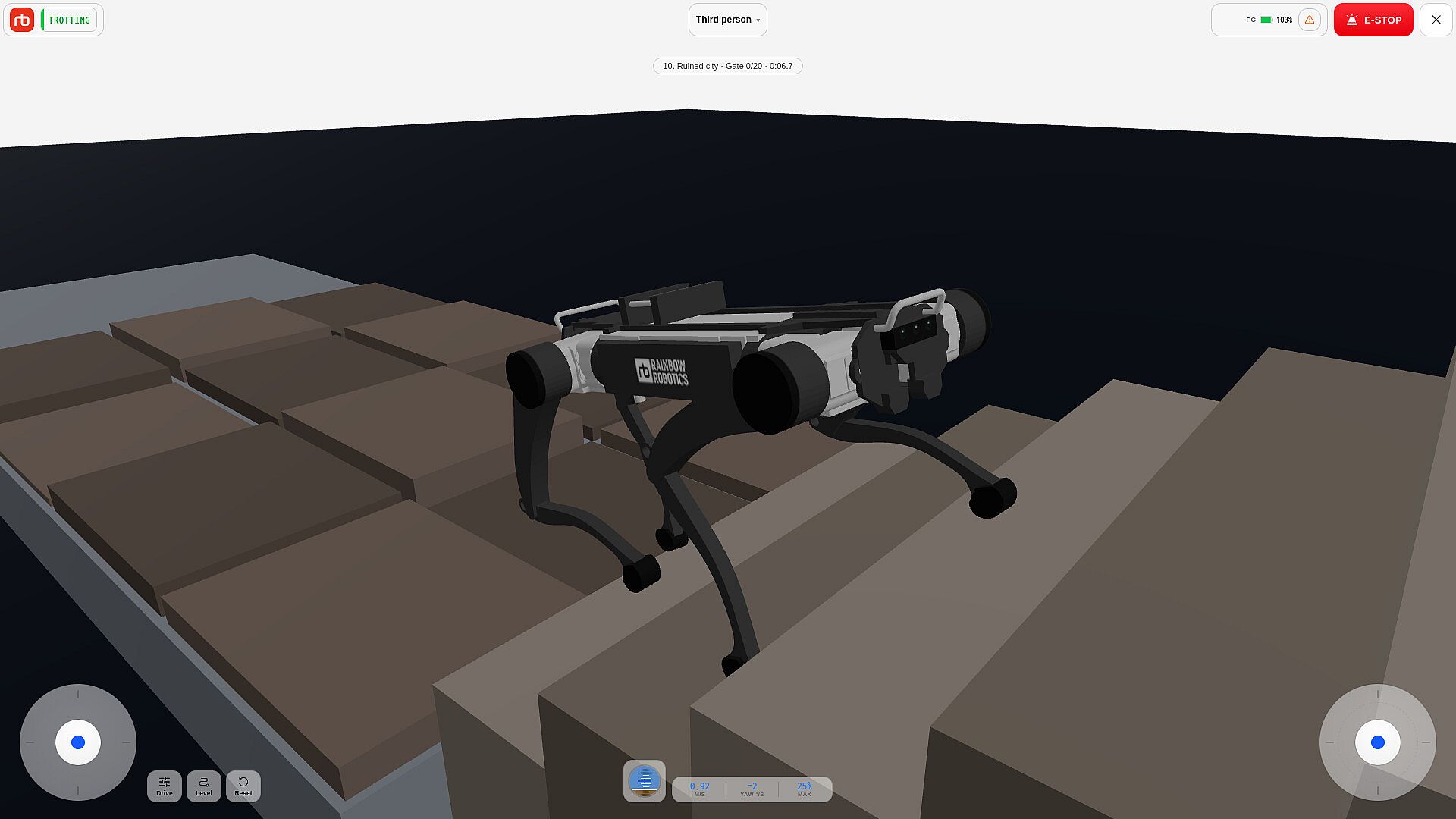
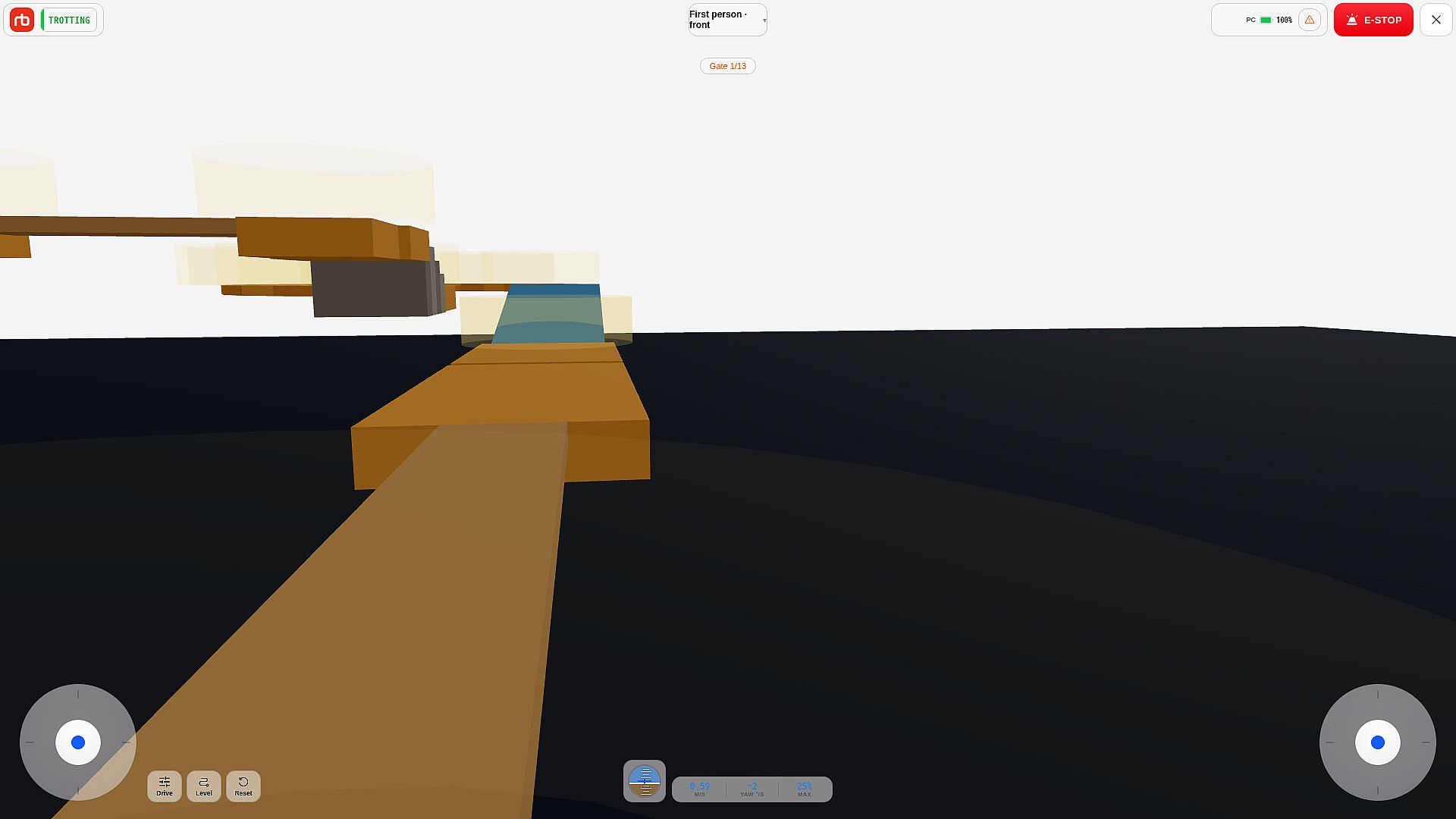
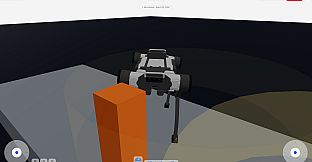
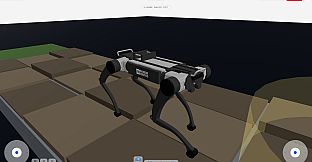
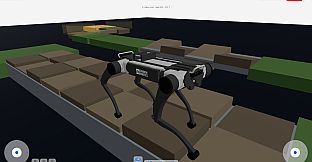
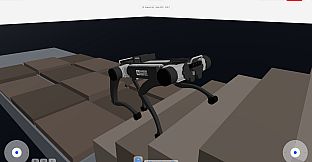
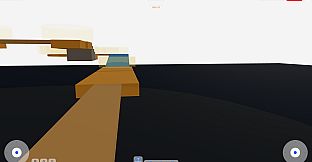
RBQ is a free to play simulation game on PC that places players in direct control of a quadruped robot developed by Rainbow Robotics. The experience centers on operating a realistic model of the hardware using the same learned walking policy and MuJoCo physics engine that powers the physical robot. This setup delivers accurate movement and balance behavior drawn straight from the real machine rather than simplified approximations.
Gameplay
Core play revolves around mastering the quadruped's locomotion in a full three dimensional environment. Players steer the robot across varied surfaces while managing posture, speed, and gait selection. The simulation replicates the exact dynamics of the hardware, so actions like shifting weight, adjusting foot placement, and recovering from uneven terrain feel consistent with real operation.
Input options include gamepad, Steam Deck controls, keyboard, and touch support. These map directly to the robot's operator interface, allowing seamless transitions between standing, sitting, walking, and more dynamic movements. Parameter adjustments for maximum speed, body height, and foot clearance provide fine tuning during sessions. The control scheme mirrors the dedicated mobile app used by actual RBQ owners, which means skills developed here transfer directly to hardware operation when a physical unit is available.
Connection to a real RBQ robot occurs over its Wi Fi network, turning the simulator into the official controller app. This feature requires the physical robot and enables live video feed from onboard cameras along with status monitoring for battery, IMU data, and system resources. In pure simulation mode, the focus stays on practicing precise commands without hardware risk.
Game Modes
The game emphasizes open ended control practice rather than structured competitive modes. Players engage in free form sessions that test gait switching, obstacle navigation, and sustained movement across simulated terrain. Emphasis lies on replicating real world tasks such as patrol style traversal, stair climbing, and posture changes for stability on slopes or uneven ground.
Reinforcement learning based walking policies run alongside traditional dynamics control, letting users experiment with different locomotion styles in the same environment. Sessions can focus on basic mobility drills or extended exploration that builds familiarity with the robot's full range of commands, including emergency stops and real time parameter tweaks.
Control and Physics Fidelity
MuJoCo integration ensures that every joint response and balance correction matches the robot's documented behavior. The walking policy deployed in the simulation is the identical one running on production hardware, creating a direct training bridge between virtual practice and field use. This level of fidelity supports research oriented play where users refine commands that later apply to sensor equipped missions or autonomous routines.
Visual feedback includes real time camera perspectives when connected to hardware, while simulation provides equivalent viewpoint controls for planning movements. Status overlays display critical metrics such as posture estimation and resource usage, mirroring the monitoring tools available on the physical platform.
Who the Game Targets
RBQ appeals to robotics enthusiasts, researchers, and developers interested in quadruped locomotion. It serves as an accessible entry point for learning the exact control interface used by Rainbow Robotics hardware without requiring immediate purchase of a physical unit. Hobbyists exploring simulation tools for AI gait development or remote operation practice find the direct policy match particularly useful.
Because the experience replicates an operator application rather than a traditional entertainment title, it suits users who value technical accuracy over narrative or action elements. The free to play model removes barriers for anyone wanting to test compatibility with gamepads or Steam Deck before committing further.
Is It Worth Playing?
RBQ delivers value for players seeking authentic quadruped robot control practice grounded in real hardware physics and policies. Its strength lies in the one to one mapping between simulation and the official operator tools, which supports skill transfer for owners of physical units. The free to play availability on PC makes it easy to explore without cost, and the input flexibility accommodates different hardware setups.
Those drawn to simulation experiences focused on precise mechanical operation and gait management will find consistent depth here. The absence of additional game layers keeps the focus narrow but purposeful, rewarding repeated sessions that build command proficiency. For anyone evaluating robotics platforms or training on real control systems, the simulator provides a practical, no risk environment that aligns closely with documented hardware capabilities.