


RecMaster Pro - Gameplay & Screen Recorder PC kaufen

Interessiert an RecMaster Pro - Gameplay & Screen Recorder? Wir tracken Preise von vertrauenswĂĽrdigen Shops. FĂĽge RecMaster Pro - Gameplay & Screen Recorder zu deiner Wunschliste hinzu und wir benachrichtigen dich, sobald Angebote verfĂĽgbar sind.

Steam:
Overwhelmingly Negative (9)
Official
Nicht verfĂĽgbar
Keyshops
Nicht verfĂĽgbar
Im offiziellen Store kaufen:
Nicht verfĂĽgbar
Im Keyshop kaufen:
Nicht verfĂĽgbar

Noch keine Angebote. Wir informieren dich, sobald neue Preise verfĂĽgbar sind.

Create Alert Create deal Alert

Ăśber RecMaster Pro - Gameplay & Screen Recorder

RecMaster Pro - Gameplay & Screen Recorder - Spielbeschreibung
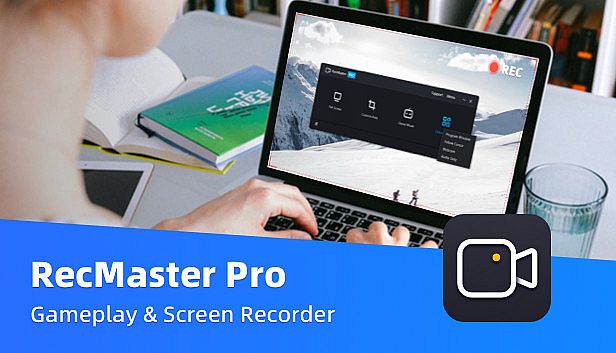
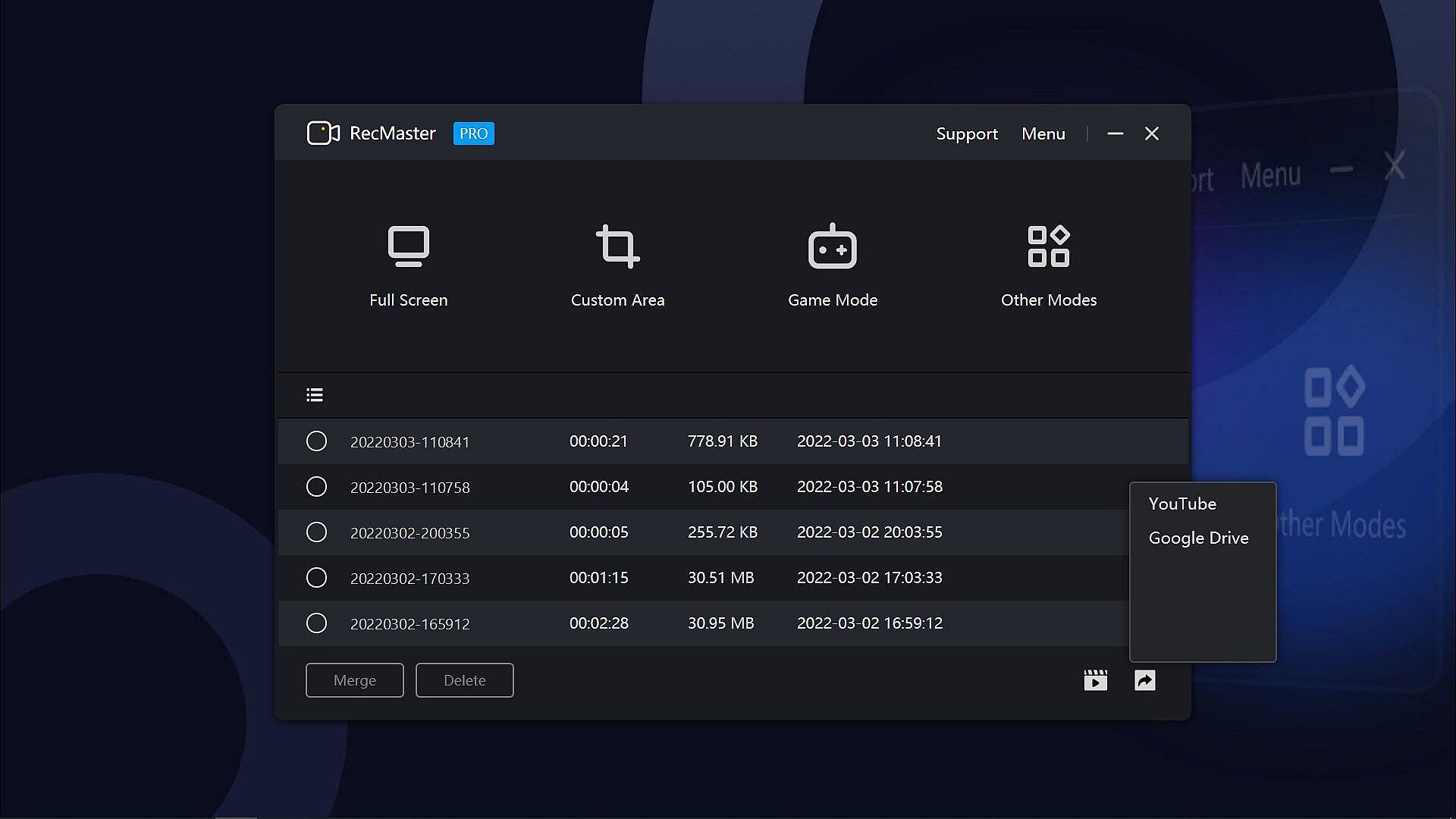
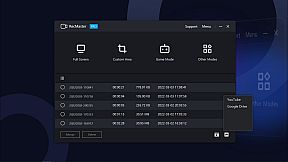
RecMaster Pro delivers lightweight screen recording for gameplay, programs, and audio on PC. Choose from seven modes like full-screen, custom area, game mode, or webcam to capture HD/4K videos with minimal file sizes. Hotkeys control operations, multi-screen setups grab wide views, and effects such as cursor highlights or keystrokes add precision without complex setups. Auto-tasks handle timed starts, ends, and segment saves, while FPS benchmarks track games separately. Output options cover MP4, AVI, FLV, GIF videos, and MP3 audio with adjustable quality, frame rates, and noise reduction. Video production pros, software trainers, and educators grab webinars, tutorials, lectures, or narrations effortlessly.

RecMaster Pro is a super-easy and lightweight gameplay recorder, screen recorder, program recorder, and audio recorder. It records HD/4K videos with the best quality and the smallest file size without the need to set complicated parameters or settings. And if you hope to set advanced parameters, you can do it easily with the menu options.

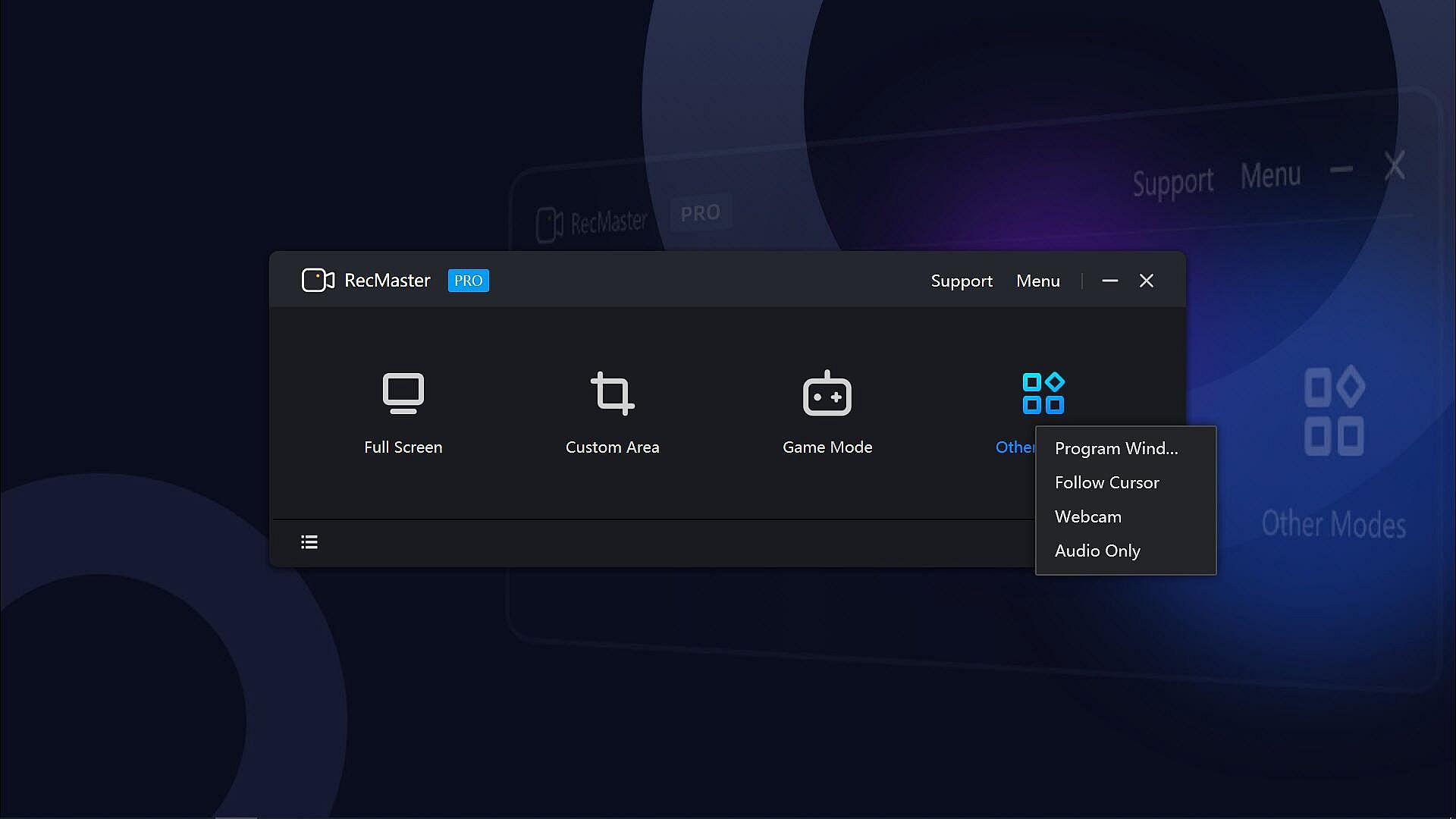
With the 7 recording modes, you can one-click record any actions on your computer screen with or without audio, webcam video, on-screen annotation, cursor effects & keystrokes, and more. Well compatible with Windows 11, 10, 8.1, 8, 7, Vista, you can smoothly record not only the gameplay or walk-through videos, but also online webinars & meetings, lectures & lessons, YouTube videos & movies, software video tutorials, presentations, audiobooks, narrations, and more.
Key Features:
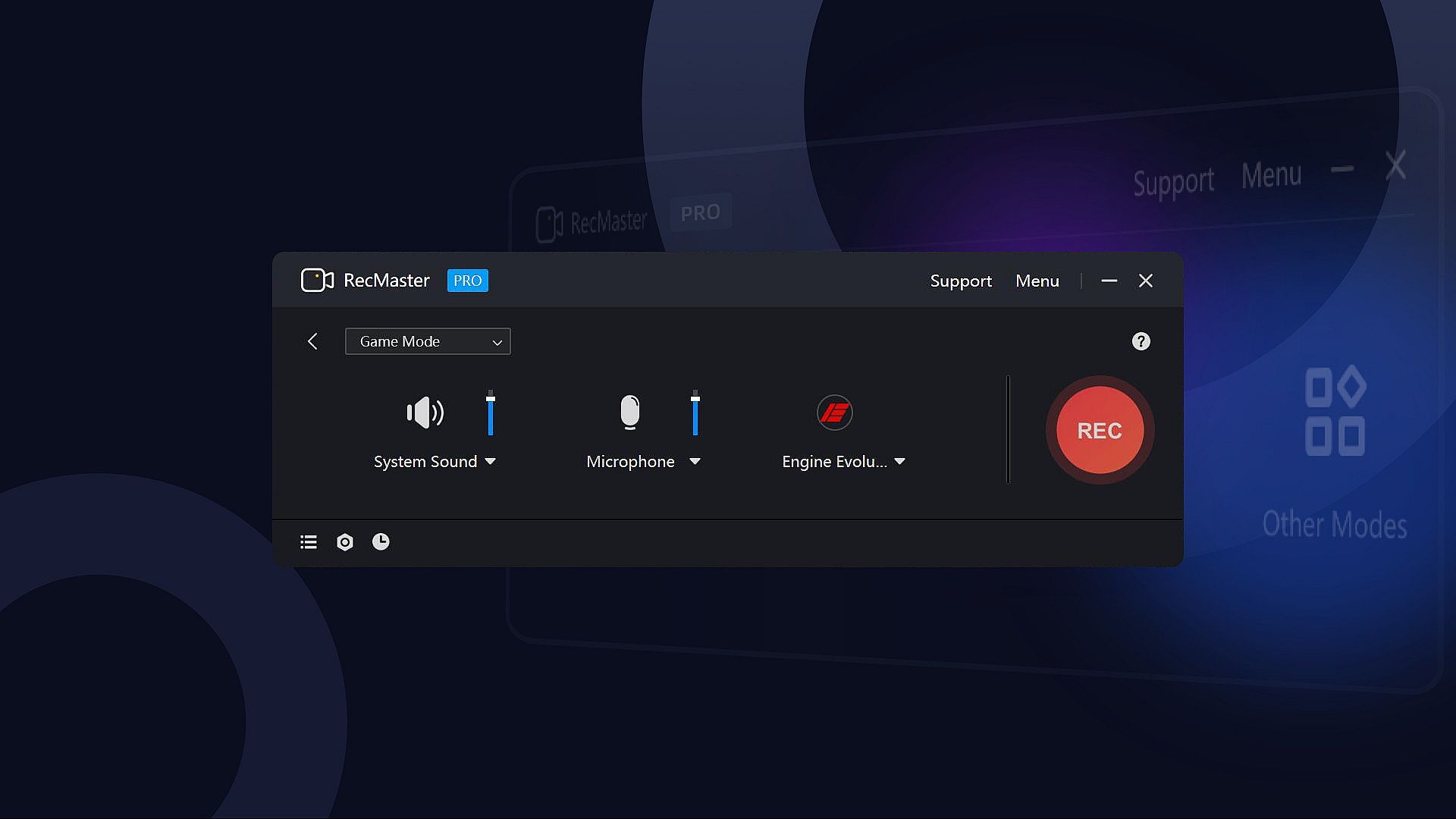
  • 7 Recording Modes: Full-screen Mode, Custom Area, Game Mode, Program Window, Follow Cursor, Webcam Recording, and Audio-only Mode.
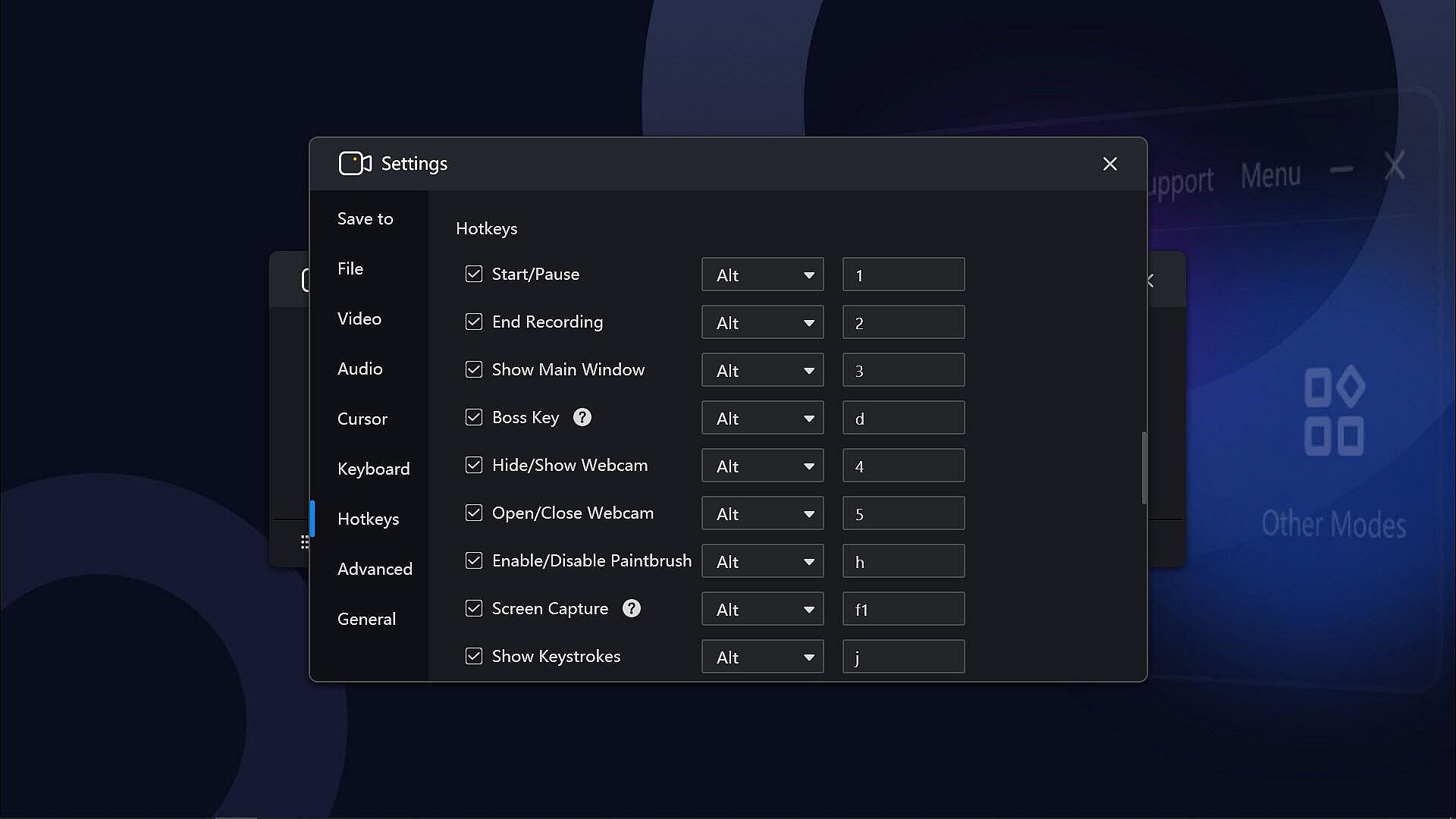
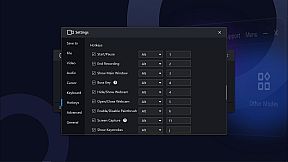
  • Hotkeys help manage all the operations with key combinations without launching the software interface.
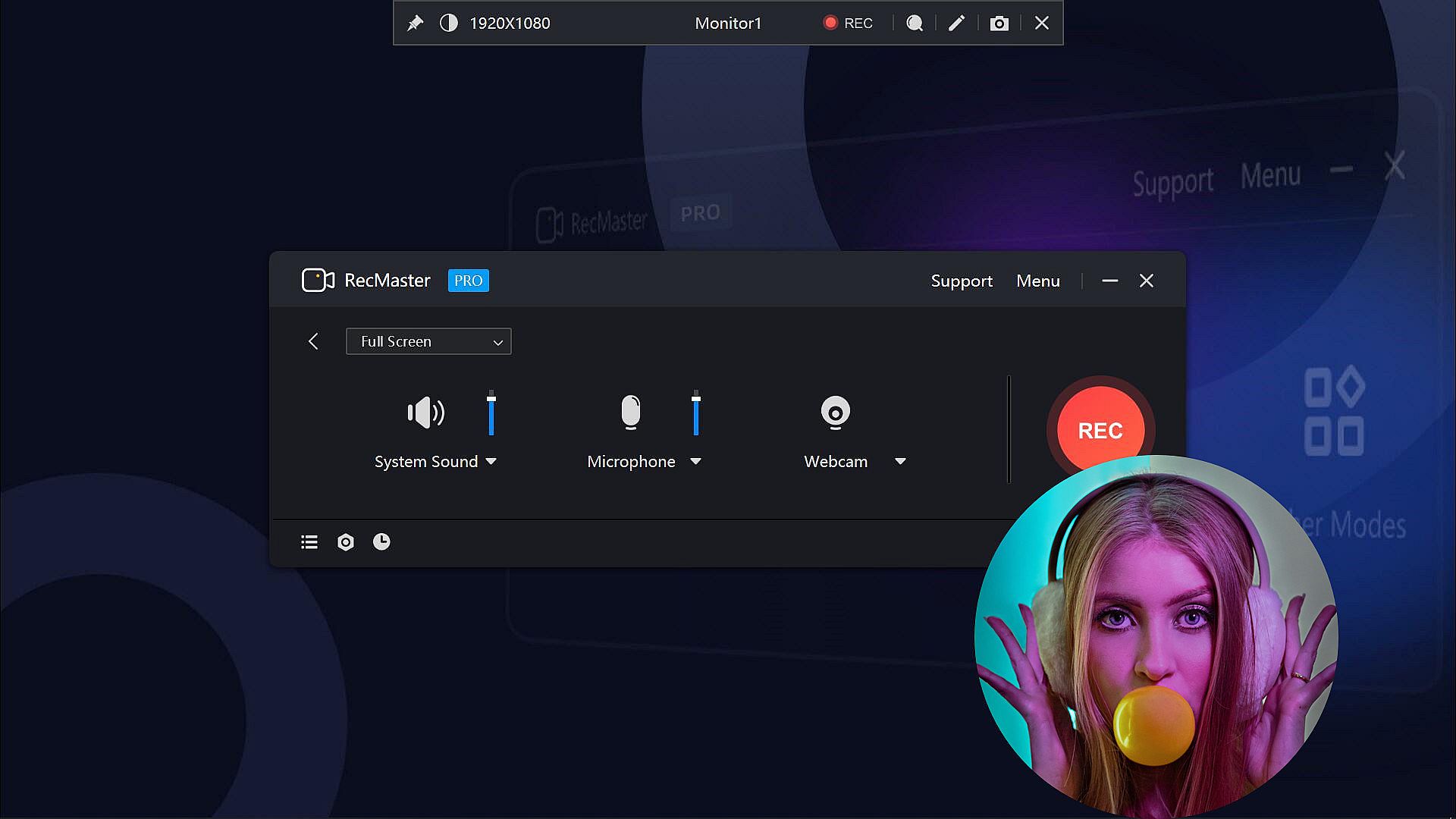
  • Multi-screen recording to record super-wide screens or specific screens.
  • Capture screen videos with or without system audio, microphone, and camera.
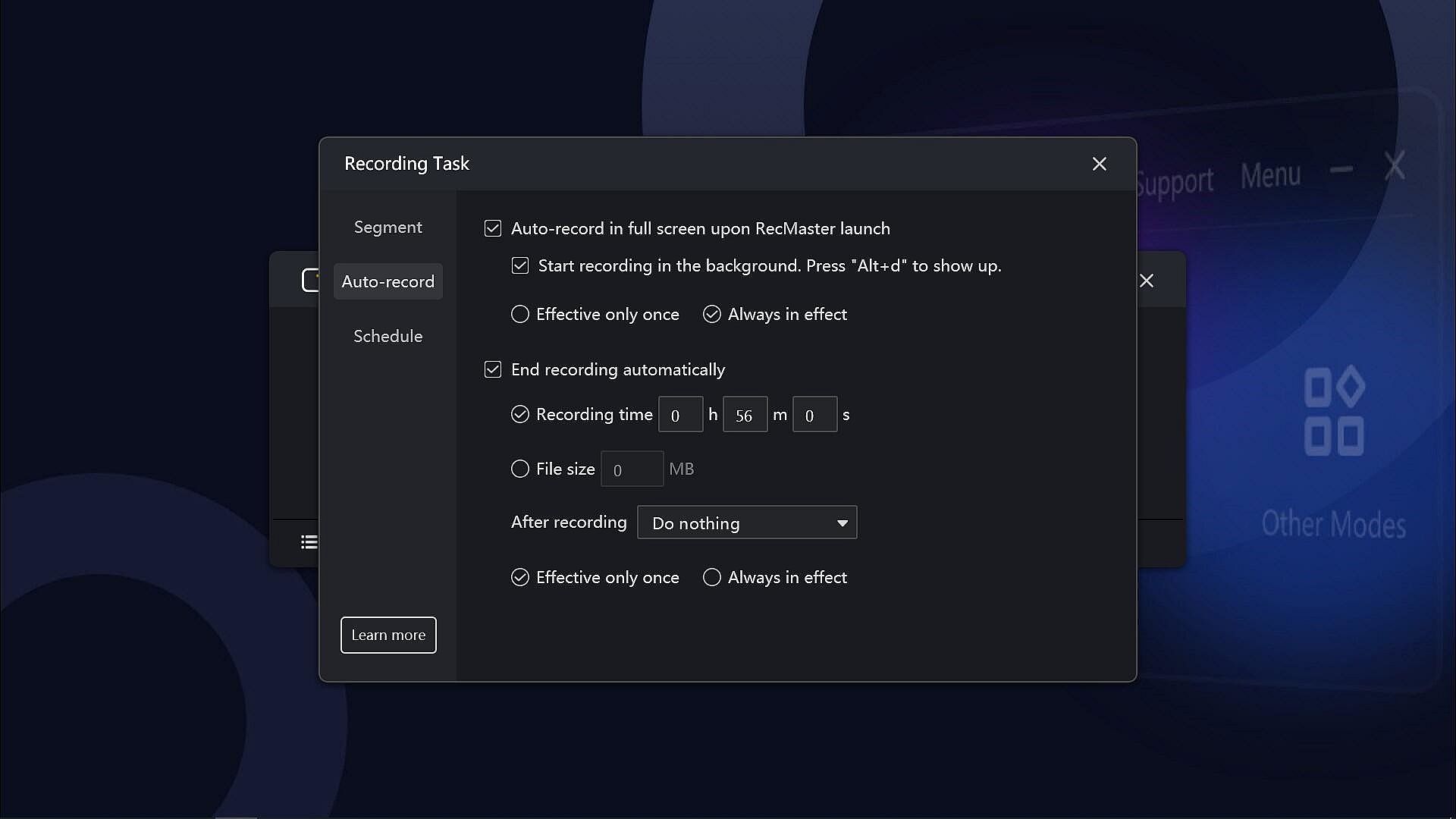
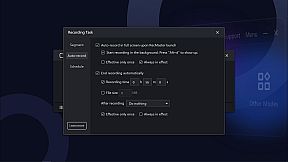
  • Auto-recording Tasks to set recordings to start and/or end automatically and save in segments.
  • Record Games with FPS benchmarks (the FPS won’t be recorded in the video)
  • Output video formats: mp4, avi, flv, and gif; video parameter settings: quality, frame rate (VFR/CFR), encoder (H.264/MPEG4), resolution settings (up to 4K).
  • Output audio formats: mp3; audio parameter settings: sample rate, bit rate settings.
  • Microphone gain, system sound gain, and Mic noise reduction are available, helping get clearer audios.
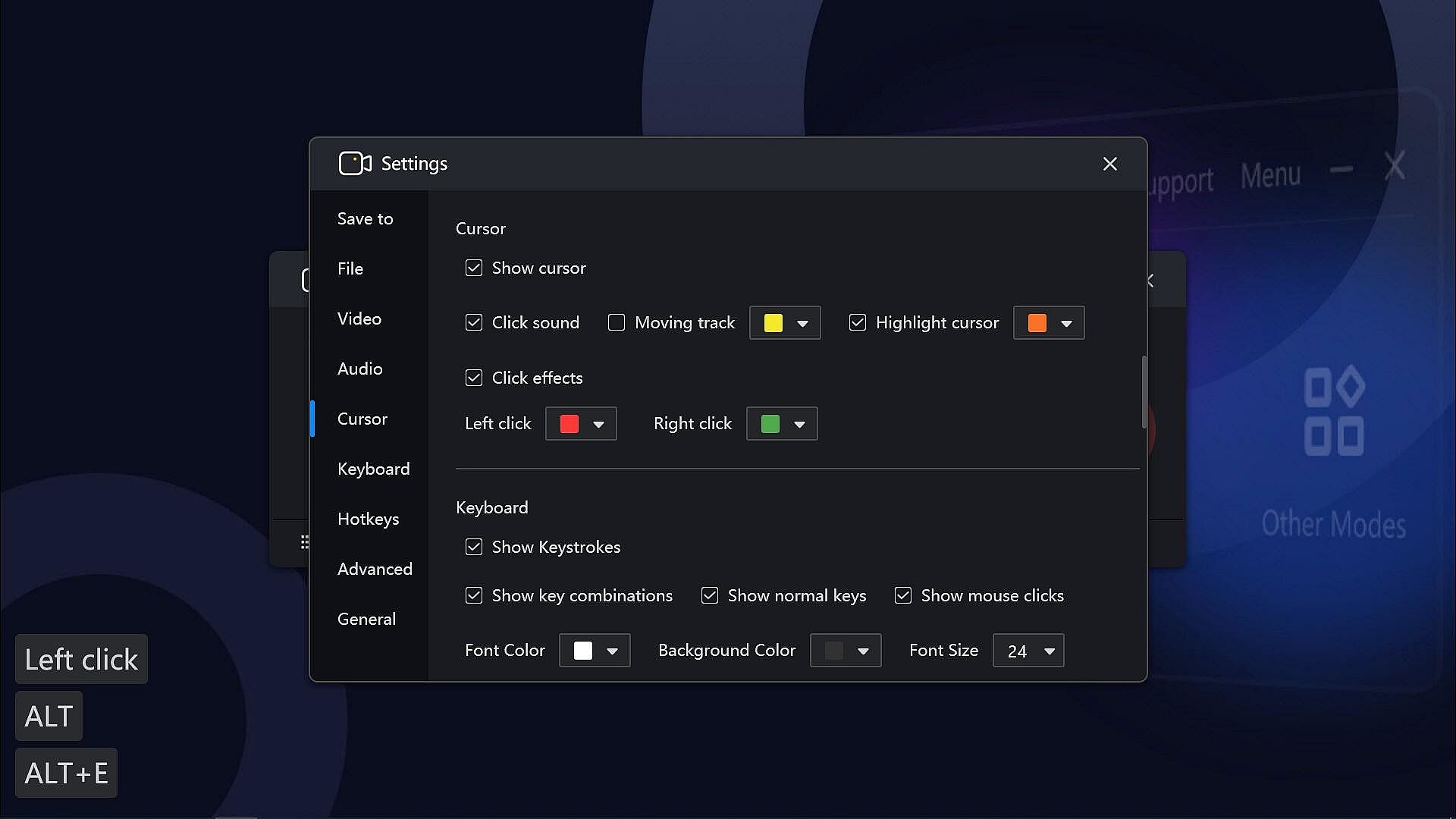
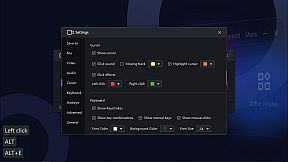
  • Useful effects to show exactly what you want: Cursor effects, keystrokes, paintbrush tools with markers and highlighters, etc.
  • Text/image/timestamp Watermark adding during the recording, helps you protect your copyright and make unique videos.
  • Show/hide system taskbar, provide a clean canvas while recording.
  • Hope to record in the background without showing the RecMaster interface? Enable the Boss key.
  • More useful tools on the RecMaster status bar to capture screenshots, magnify the specific areas, and more.

If you have any questions or suggestions about RecMaster Pro, please feel free to contact us. We will do our best to provide you with the best experience with RecMaster Pro.
Oberfläche:
EnglishSimplified Chinese

Altersfreigabe

Keine Angabe
Steam:
Overwhelmingly Negative (9)

Minimum:

  • Betriebssystem: Vista, 7, 8, 8.1, 10, 11
  • Prozessor: Intel® Celeron® 2.0GHz or equivalent processor
  • Arbeitsspeicher: 512 MB RAM
  • Grafik: Direct3D 9.0 compatible with Pixel Shader 2.0 support
  • DirectX: Version 9.0c
  • Speicherplatz: 150 MB available space
  • Zusätzliche Hinweise: Broadband Internet connection; DirectX® compatible; The 150MB Hard Disk Space is for installing the software. You need extra space to save the recorded videos.

Empfohlen:

  • Betriebssystem: Vista, 7, 8, 8.1, 10, 11
  • Prozessor: Intel® Core™ 2 Duo 3.0GHz or equivalent processor
  • Arbeitsspeicher: 1 GB RAM
  • Grafik: Full Direct3D 10.0 compatible with Pixel Shader 4.0 support
  • DirectX: Version 9.0c
  • Speicherplatz: 150 MB available space
  • Zusätzliche Hinweise: Broadband Internet connection; DirectX® compatible; The 150MB Hard Disk Space is for installing the software. You need extra space to save the recorded videos.
Historisches Tief
Preisverlauf von offiziellen Shops
-
-
-
Preisverlauf von Keyshops
-
-
-

FAQ

8 Fragen

Bevor du nach einem günstigen RecMaster Pro - Gameplay & Screen Recorder Key suchst, prüfe die wichtigsten Fakten. Entwickelt von Suzhou Aunbox Software Co., Ltd.. Veröffentlicht von Suzhou Aunbox Software Co., Ltd.. PC Release-Datum: 17 März 2022. Genres: Utilities, Audio Production, Video Production, Education, Web Publishing, Software Training.

Q

Wo kann ich einen gĂĽnstigen RecMaster Pro - Gameplay & Screen Recorder Steam Key kaufen?

Derzeit gibt es keine aktiven Angebote fĂĽr RecMaster Pro - Gameplay & Screen Recorder. Setze einen Preisalarm auf XD.deals und wir benachrichtigen dich, sobald ein Angebot verfĂĽgbar ist.

Wir haben derzeit keinen aktuellen Steam-Store-Preis für RecMaster Pro - Gameplay & Screen Recorder. Das Spiel ist möglicherweise vorübergehend nicht verfügbar oder noch nicht bei Steam gelistet.

Unser Preistracker deckt sowohl offizielle Händler als auch Key-Marktplätze ab, sodass du RecMaster Pro - Gameplay & Screen Recorder im Angebot auch außerhalb saisonaler Aktionen finden kannst. Wir erkennen derzeit 0 aktive Angebote von offiziellen Shops und Keyshops. Prüfe die Tabelle oben, vergleiche mit dem historischen Tief und setze einen Alarm, damit du den nächsten Preissturz nicht verpasst.

Laut unseren Daten ist RecMaster Pro - Gameplay & Screen Recorder derzeit nicht auf GeForce NOW verfügbar. Du musst es lokal auf deinem PC ausführen. Stöbre durch Spiele, die auf GeForce NOW verfügbar sind.

Ja. RecMaster Pro - Gameplay & Screen Recorder hat eine offizielle Steam-Shop-Seite, aber wir tracken derzeit keine Drittanbieter-Angebote mit Steam-DRM. Schau später nochmal vorbei oder setze einen Preisalarm.

Derzeit nicht. Valve kennzeichnet RecMaster Pro - Gameplay & Screen Recorder als Unsupported auf dem Steam Deck. Behalte XD.deals im Blick - wir verfolgen Proton-Updates und Community-Fixes. Stöbere durch Spiele, die Steam Deck Verified oder Steam Deck Playable sind.

RecMaster Pro - Gameplay & Screen Recorder scheint derzeit nicht im PC Game Pass, bei EA Play, Ubisoft+ oder einem anderen PC-Abonnement verfĂĽgbar zu sein. Deine einzige Option ist der Kauf - nutze XD.deals, um den besten Preis zu finden.

Nein - XD.deals ist kein Shop. Wir sind ein Preisvergleich, der die besten RecMaster Pro - Gameplay & Screen Recorder-Deals bei offiziellen Shops und verifizierten Keyshops verfolgt. Klicke neben einem Angebot auf "Zum Shop" und du wirst zur Webseite des Händlers weitergeleitet, um deinen Kauf abzuschließen.

Zum besten Zeitpunkt kaufen? Setze einen Preisalarm auf XD.deals und werde benachrichtigt, wenn RecMaster Pro - Gameplay & Screen Recorder sein nächstes historisches Tief erreicht.

Alarm erstellen
Tritt unserem Discord bei
Erhalte Hilfe von der Community und bleibe ĂĽber Angebote informiert
Preisalarme einrichten
Erhalte E-Mail-Benachrichtigungen wenn Preise fallen
Kostenloses Konto erstellen
Schalte Wunschlisten, Preisalarme und Steam-Sync frei










