





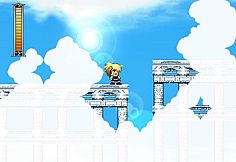
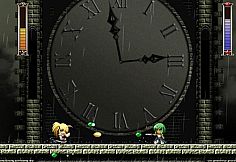
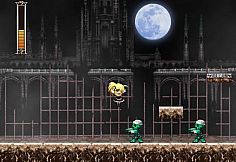
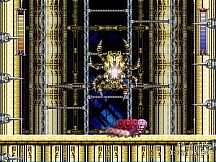
- New code for a new mode upon completing Rosenkreuzstilette Grollschwert.
- Easy Mode added to the game (if you love retro games, you'll know the code already).
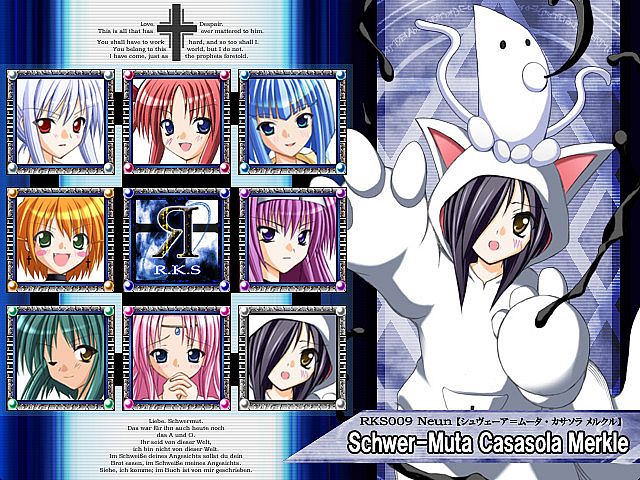
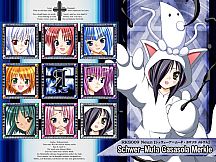
- Added a special stage for Schwer-Muta, needs a special code to active.
- All new codes need to be inputted during the Introduction Screen.
- Please note that some of the codes/modes will disable the Replay function.
- Acheivements!
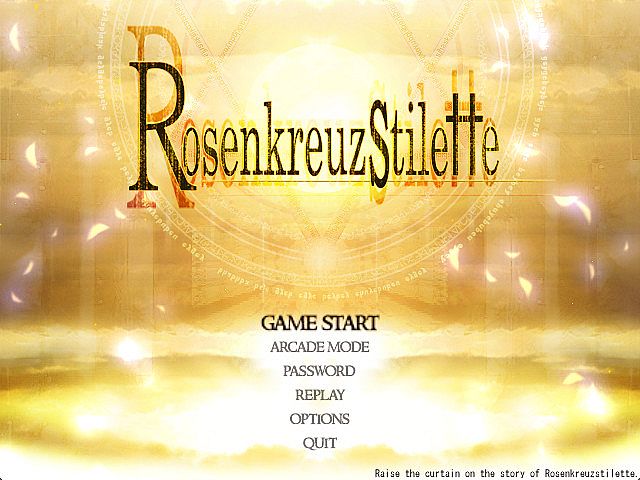
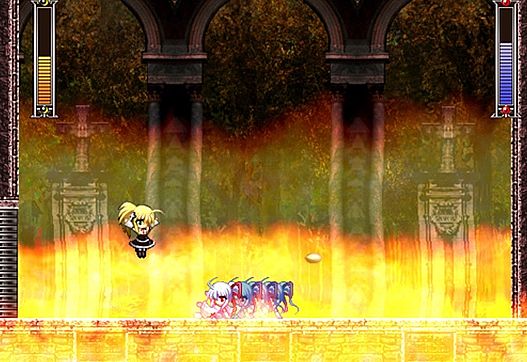
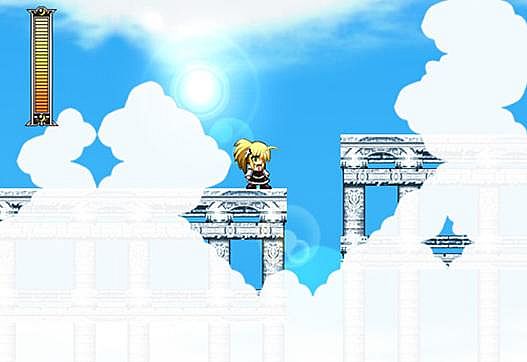
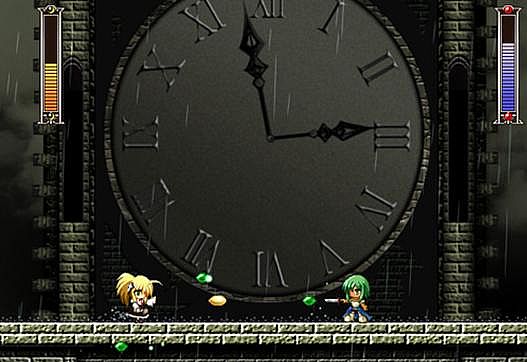
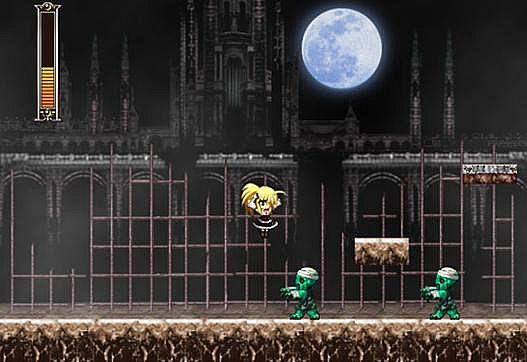
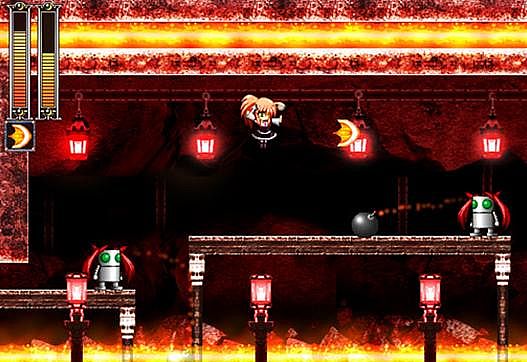
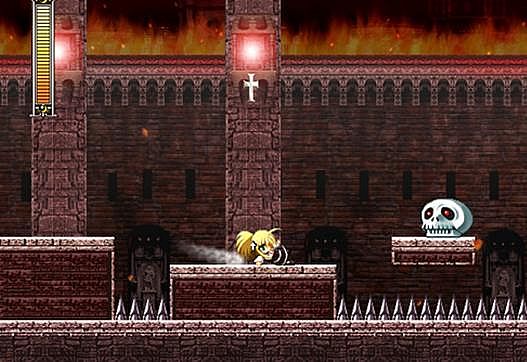
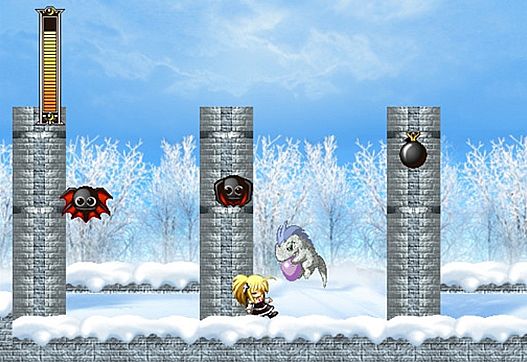
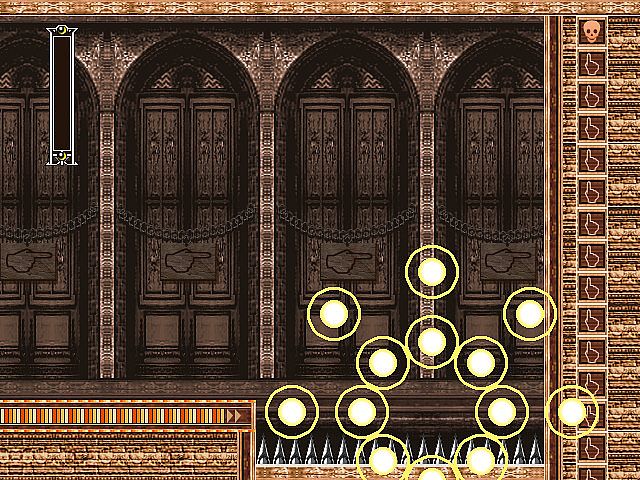
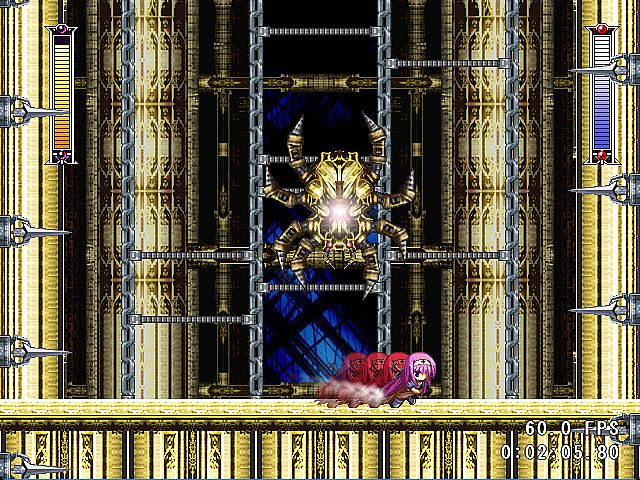
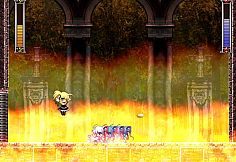
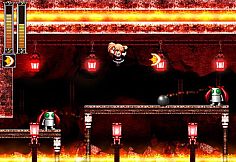
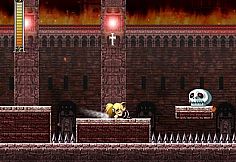
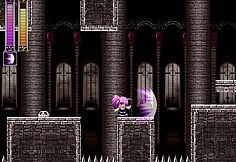
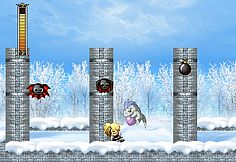
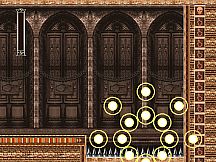
Rosenkreuzstilette is an action-platformer game in which you step into the shoes of Spiritia Rosenberg, a virtuous young woman caught on the wrong side of a revolution instigated by her closest friends. Each of the game's seventeen stages is filled with treacherous terrain and swarms of enemies ready to make quick work of our plucky young heroine. Guide Spiritia safely to the boss at the end of each stage and use all of the abilities at your disposal to knock some sense into them.
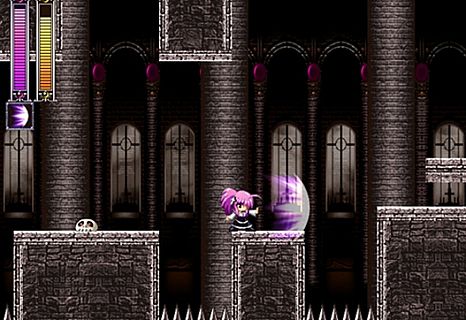
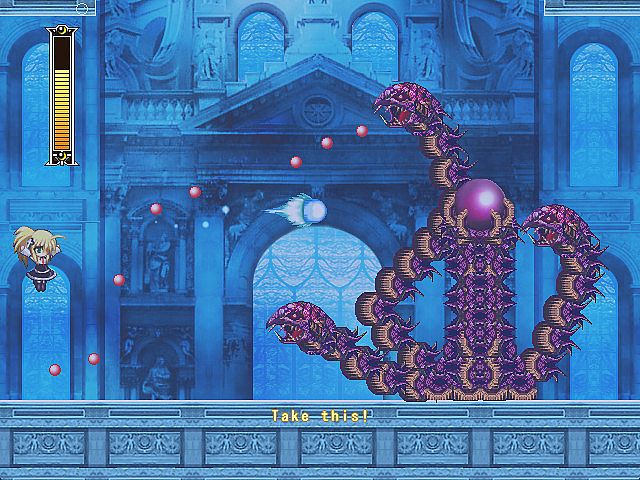
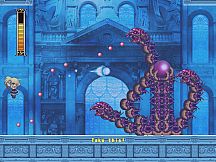
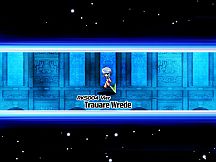
Upon defeating a boss for the first time, Spiritia may acquire a new magical ability or two. There are plenty of unique abilities scattered throughout the game, and some of them can make particularly troublesome areas much easier to navigate. Each boss is especially vulnerable to certain abilities, so learning to pinpoint and exploit these weaknesses is bound to make defeating them a lot less painful (for you, not them).
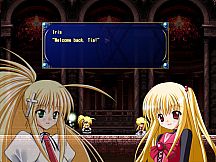
Having recently completed a six-month-long teaching assignment for the Holy Empire, Spiritia Rosenberg was anxious to return home to her friends and get some well-deserved rest.
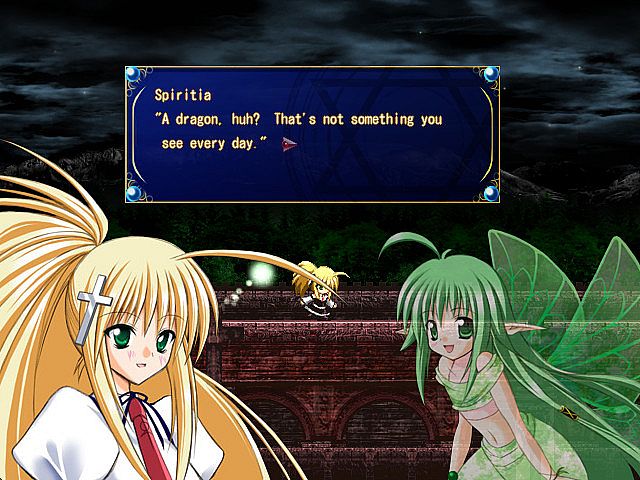
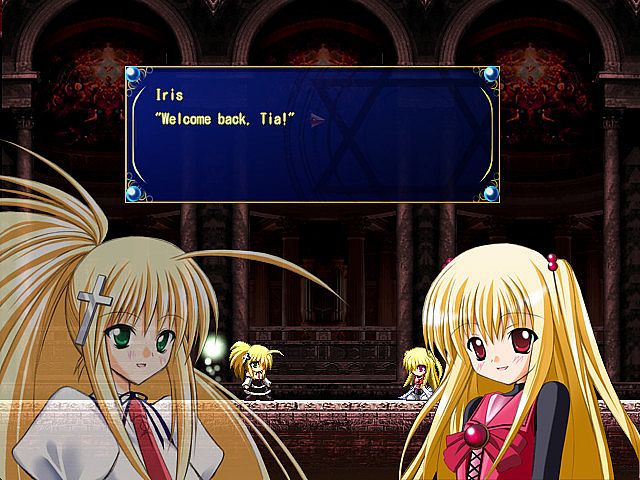
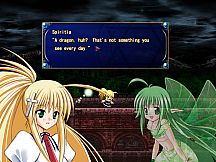
Unfortunately, her homecoming would not be the warm welcome she had expected. As Spiritia returned to the Imperial Training Grounds, a monstrous dragon appeared and whisked away her student Iris, the daughter of the esteemed Count Michael Zeppelin. Moments later, flames engulfed the training grounds and its surroundings, ruthlessly consuming everything in their wake. With no time to lose, Spiritia and her fairy companion Lilli rushed into the burning forest in pursuit.
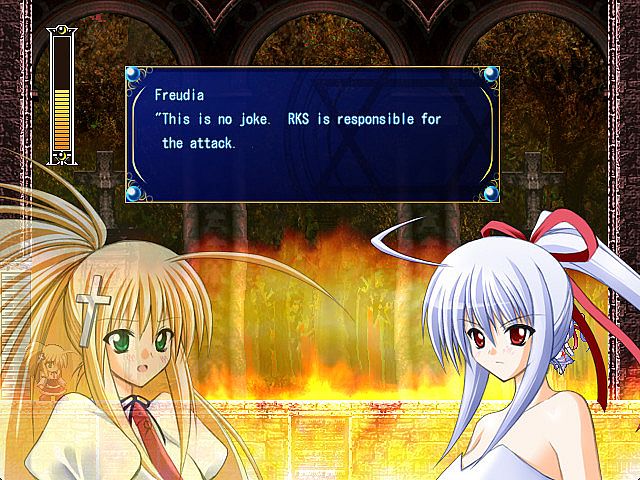
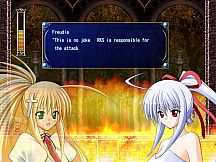
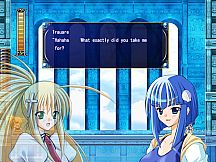
Making her way through the roaring flames, Spiritia was overjoyed to find her best friend, the cool and collected Freudia Neuwahl, already on the scene. However, her joy quickly turned to horror as she learned the identity of the arsonists; her own organization of magicians, Rosenkreuzstilette, with Freudia herself leading the assault.
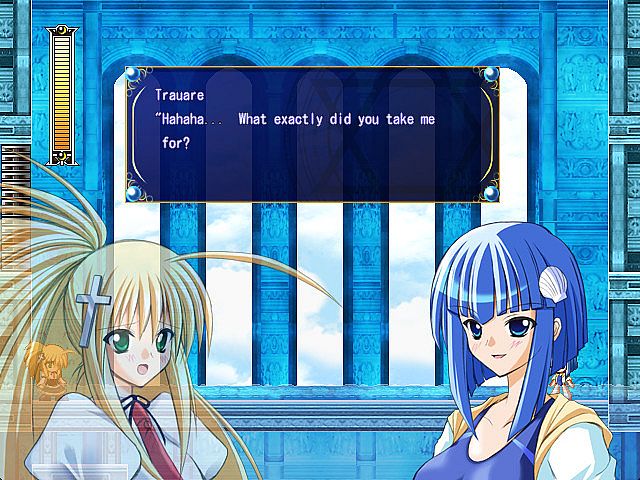
Freudia informed Spiritia of the unit's decision to rise against the injustices fostered by the Empire, inviting her to rejoin their comrades as they declared war on mankind. Not one to tolerate the suffering of innocents, Spiritia refused - and vowed to stop her comrades from making a senseless and deadly mistake.
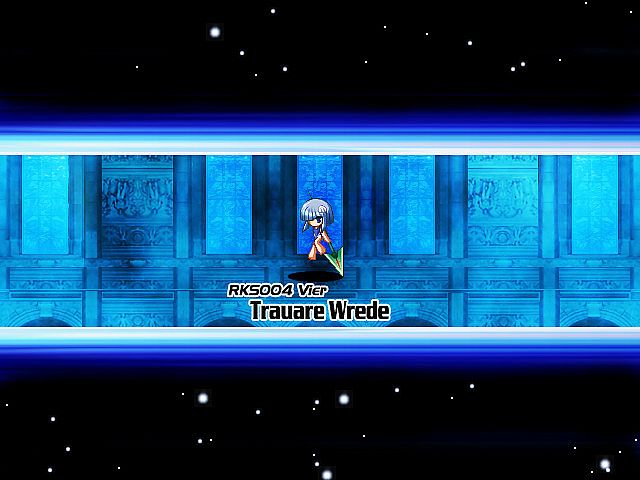
Join Spiritia in her quest to stop Rosenkreuzstilette, a company of rogue magicians led by Count Zeppelin himself. A squad composed entirely of Spiritia's dearest friends...
- Our Heroines
- The Blades of the Rose Cross (Rosenkreuzstilette)
A digital manual containing all of the information below (and more) can be found in the game's installation folder.
- Story Mode
The complete Rosenkreuzstilette experience, featuring in-engine cutscenes and dialogue. If this is your first time experiencing the world of Rosenkreuzstilette, this is where you'll want to begin. - Arcade Mode
For those who would rather skip the chatter and dive right into the action, this mode automatically skips dialogue so you don't need to mash the Confirm button. Press the Start button at any time to skip the current cutscene. - Bonus Mode
Once certain conditions have been met, a special bonus game will be unlocked, allowing you to take control of a certain character...
- 1. Vitality Gauge
Depletes as Spiritia takes damage from enemy attacks and environmental hazards. Spiritia dies if her vitality reaches zero. - 2. Mana Gauge
Depletes as Spiritia uses her magical abilities. - 3. Extra Lives
Spiritia loses a life every time her vitality is depleted or she comes into contact with a lethal obstacle. - 4. Cross Tanks
Spiritia's vitality is fully restored whenever she drinks the elixir stored in these canisters.
The following hotkeys allow you to configure game settings at any time. These settings can also be configured via the Options Menu.
- Escape : Return to the [erka:es] logo screen.
- Alt + F4 : Quit the game and return to Windows.
- Alt + Enter : Toggle whether the game occupies the entire screen or a resizable window.
- F1 : Show / hide the current framerate.
- F2 : Enable / disable subtitles for voiced dialogue.
- F3 : Toggle whether the game pauses or continues to run whenever the game window is out-of-focus (Windowed Mode only).
- F4 : Enable / disable the lock on the game window's resizable border (Windowed Mode only).
- F5 : Adjust the game window's size and magnification level (Windowed Mode only).
- F9 : Raise the volume of all music, voices, and sound effects to 100%.
- F10 : Lower the volume of all music, voices, and sound effects to 0%.
- F11 : Adjust the game display's refresh rate.
- Insert : Raise the volume of background music.
- Delete : Lower the volume of background music.
- Home : Raise the volume of sound effects.
- End : Lower the volume of sound effects.
- Page Up : Raise the volume of character voices.
- Page Down : Lower the volume of character voices.
Every time you defeat a boss or lose all of your Extra Lives, a password recording your current progress will be displayed. Be sure to write this password down in case you need to quit your game for any reason. If you're feeling lazy, press the F12 key to save a screenshot of your password to the game's "screenshot" subfolder.
Think of replays as video recordings of your game sessions that play within the game itself. If you are having trouble with a particular stage or boss, studying a replay can help you recognize different ways of approaching a situation and allow you to figure out enemy attack patterns. You can also use replays to share particularly impressive playthroughs with your friends or to point out the locations of the many secrets hidden throughout the world of Rosenkreuzstilette.
To save a replay, select “Save Replay & Quit” from the Password Screen that appears after a Game Over or completing a stage. Alternatively, you can press the Pause button and select “Save Replay & Quit” from the Pause Menu to save a replay at any time. Selecting this option will end the current game and display the Save Replay Menu. This menu will appear automatically after you have completed the final stage, allowing you to save a replay of the entire game. Select an empty slot and you will be prompted to enter a name of up to 8 characters long. Once you have entered your name, select “Save” and your replay will be saved for posterity.
Replay files are saved to the game's "replay" subfolder and are automatically named in sequential order ("rks001.rpy", "rks002.rpy", "rks003.rpy", and so on).