

Screenbits - Screen Recorder PC Key kaufen

Interessiert an Screenbits - Screen Recorder? Wir tracken Preise von vertrauenswĂĽrdigen Shops. FĂĽge Screenbits - Screen Recorder zu deiner Wunschliste hinzu und wir benachrichtigen dich, sobald Angebote verfĂĽgbar sind.

Veröffentlichung: 15 Feb. 2019
Steam:
Positive (258)
Official
Nicht verfĂĽgbar
Keyshops
Nicht verfĂĽgbar
Im offiziellen Store kaufen:
Nicht verfĂĽgbar
Im Keyshop kaufen:
Nicht verfĂĽgbar

Noch keine Angebote. Wir informieren dich, sobald neue Preise verfĂĽgbar sind.

Create Alert Create deal Alert

Ăśber Screenbits - Screen Recorder

Screenbits - Screen Recorder - Spielbeschreibung
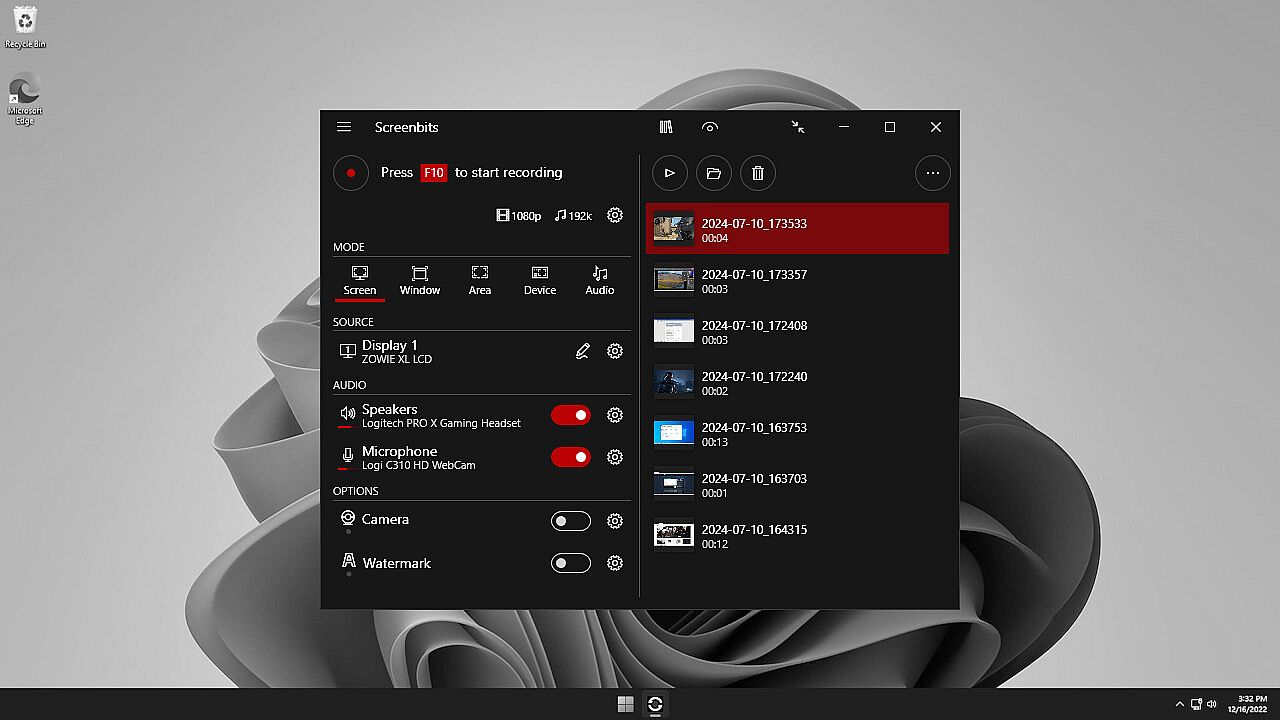
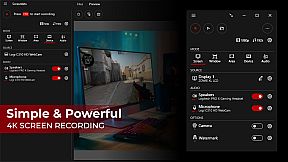
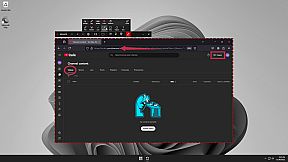
Screenbits - Screen Recorder bietet leistungsstarke Tools für die Videoproduktion, um Gameplay, Tutorials, Demos und YouTube-Inhalte auf dem PC aufzunehmen. Erfassen Sie Bildschirmaktivitäten, Systemaudio, Mikrofon-Eingänge und Kamerafeeds als komprimierte HD- oder 4K-MP4-Dateien mit bis zu 120 FPS. Wählen Sie Vollbild-, Fenster-, Bereichs- oder Geräte-Aufnahmemodi, fügen Sie Kamerainserts mit Chroma Key hinzu, zeichnen Sie Echtzeit-Annotationen oder schützen Sie Inhalte mit Watermarks. Globale Hotkeys starten Aufnahmen, Screenshots und Push-to-Talk, während Planung, Countdowns und ein Dateimanager den Workflow optimieren. Vorschau der Ausgaben während der Sessions und anpassbare Dateinamen via Templates. Video-Produzenten und Software-Trainer setzen auf die intuitive Oberfläche für effiziente, hochqualitative Aufnahmen.

Ultimate screen recorder software for game recording, video tutorials, product demos, YouTube videos and more. Screenbits allows you to capture screen content, system sound, microphone and camera into HD/4K quality video files. With a reasonable price, it has all the features you expect from a screen recording software provided in an easy to use interface.

  • Video Recording: Create high quality, compressed MP4 (H.264/AAC) multimedia files from captured video and audio.
  • Audio Recording: Create high quality, compressed MP4A (AAC) audio files from captured audio.
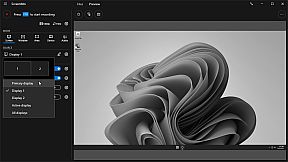
  • Screen Capture: Capture video from system display in full-screen mode.
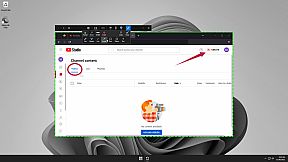
  • Window Capture: Capture video from a window.
  • Area Capture: Capture video from an area on the screen.
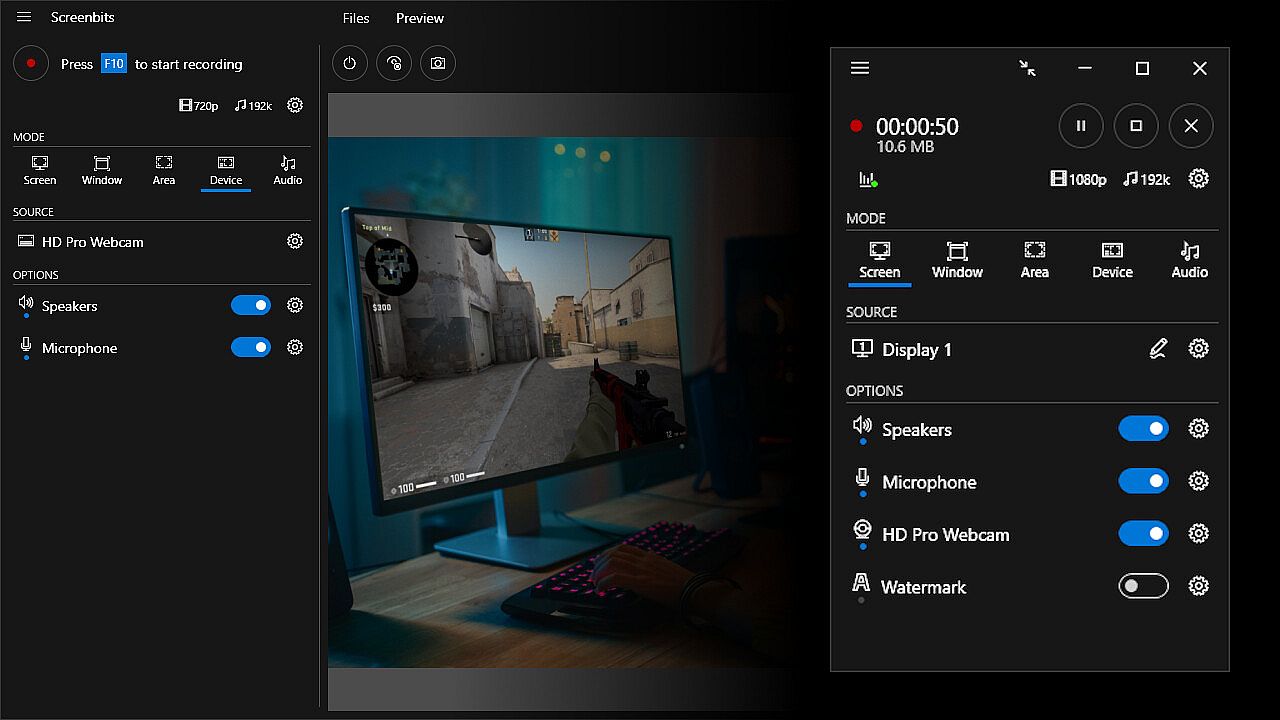
  • Device Capture: Capture video from camera individually.
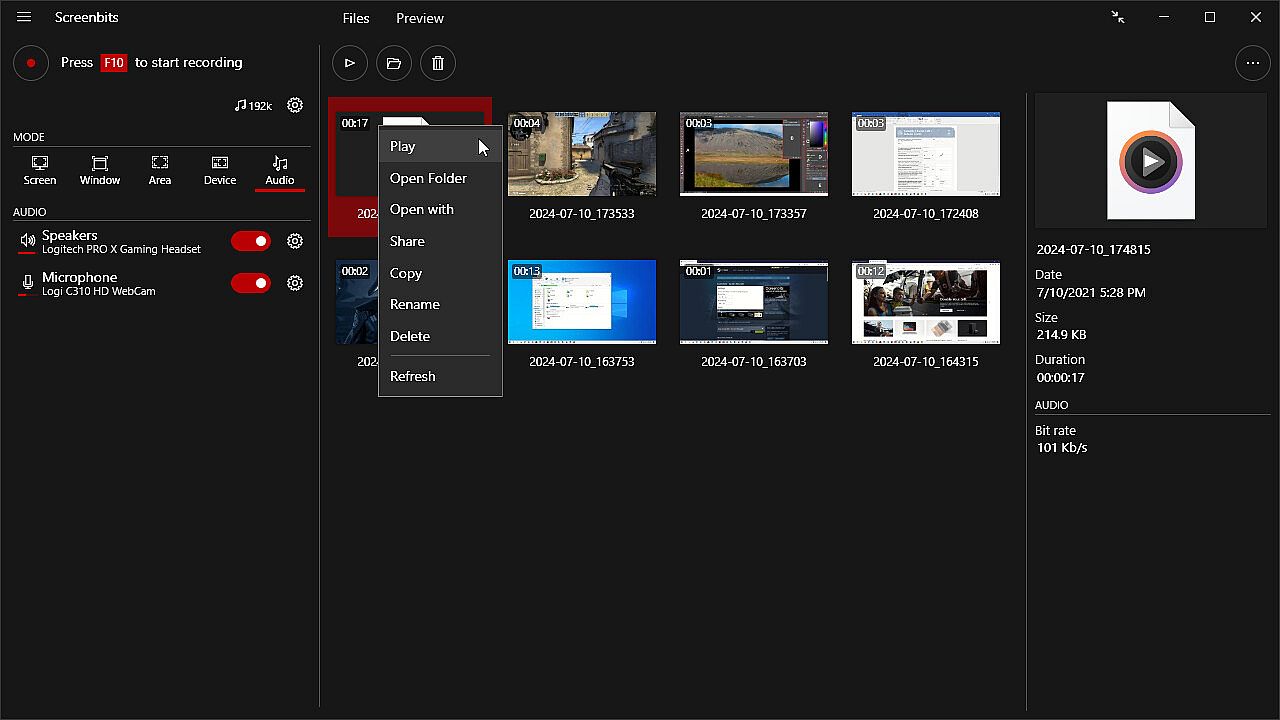
  • Audio Capture: Capture system sound and your voice from microphone.
  • Camera Overlay: Add camera image to the captured video from the screen.
  • Screenshot: Take screenshots from the screen and capture scene.
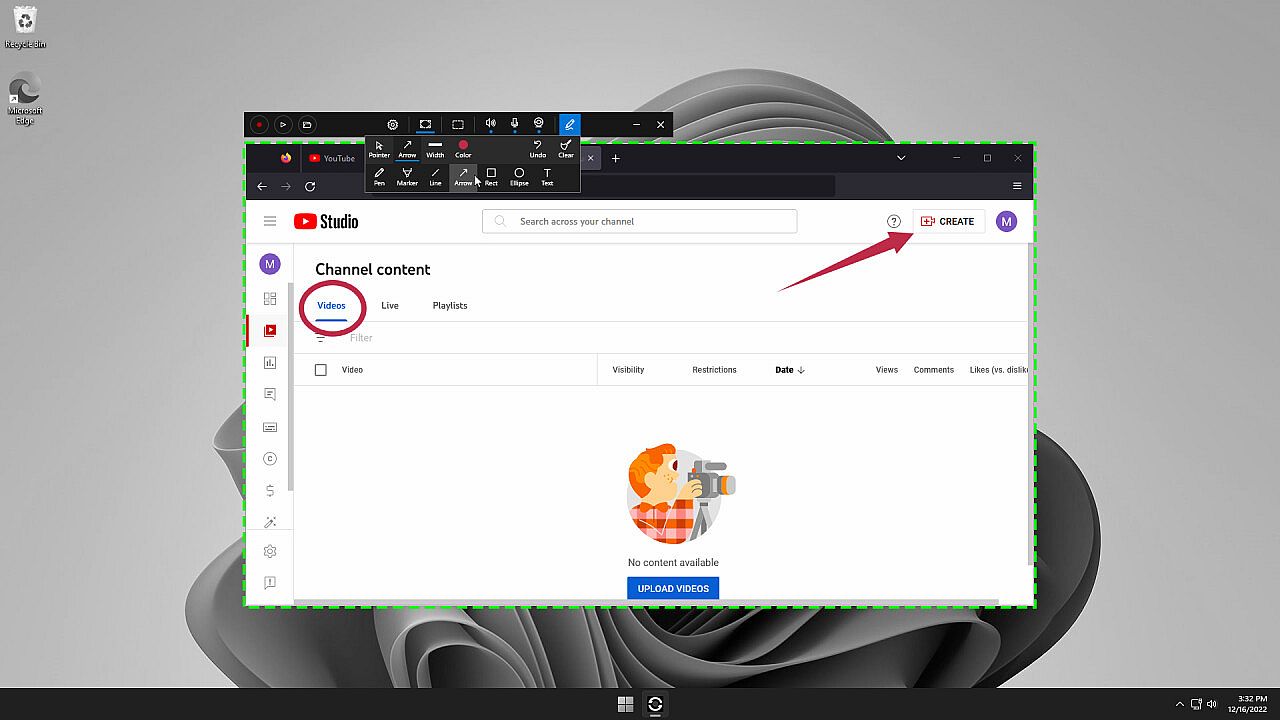
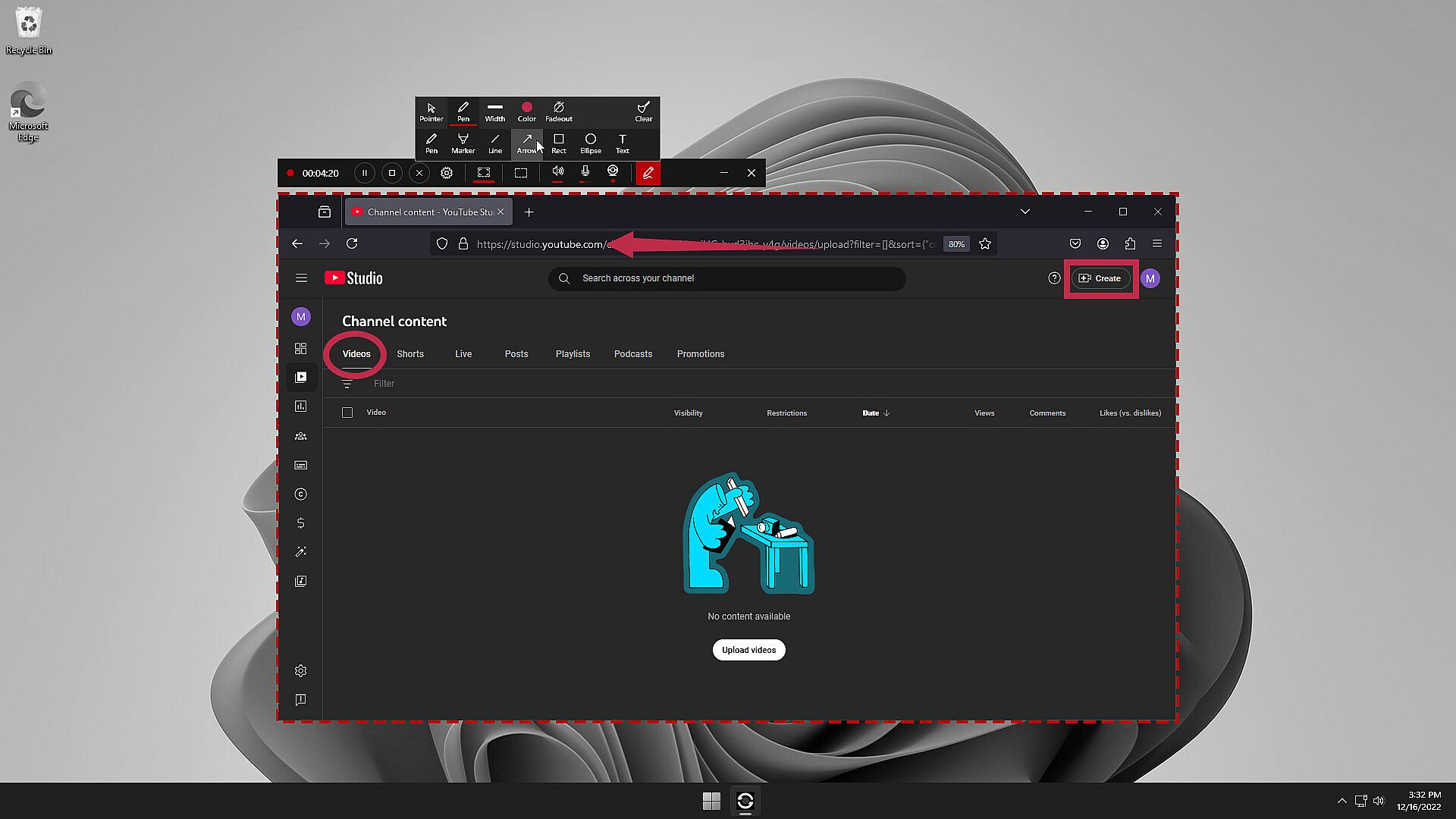
  • Draw on Screen: Write, draw and highlight anywhere on your screen.
  • Watermark: Protect your content by adding logo or a copyright notice.
  • Global Hotkeys: Start and stop recording and take screenshots by keyboard shortcuts.
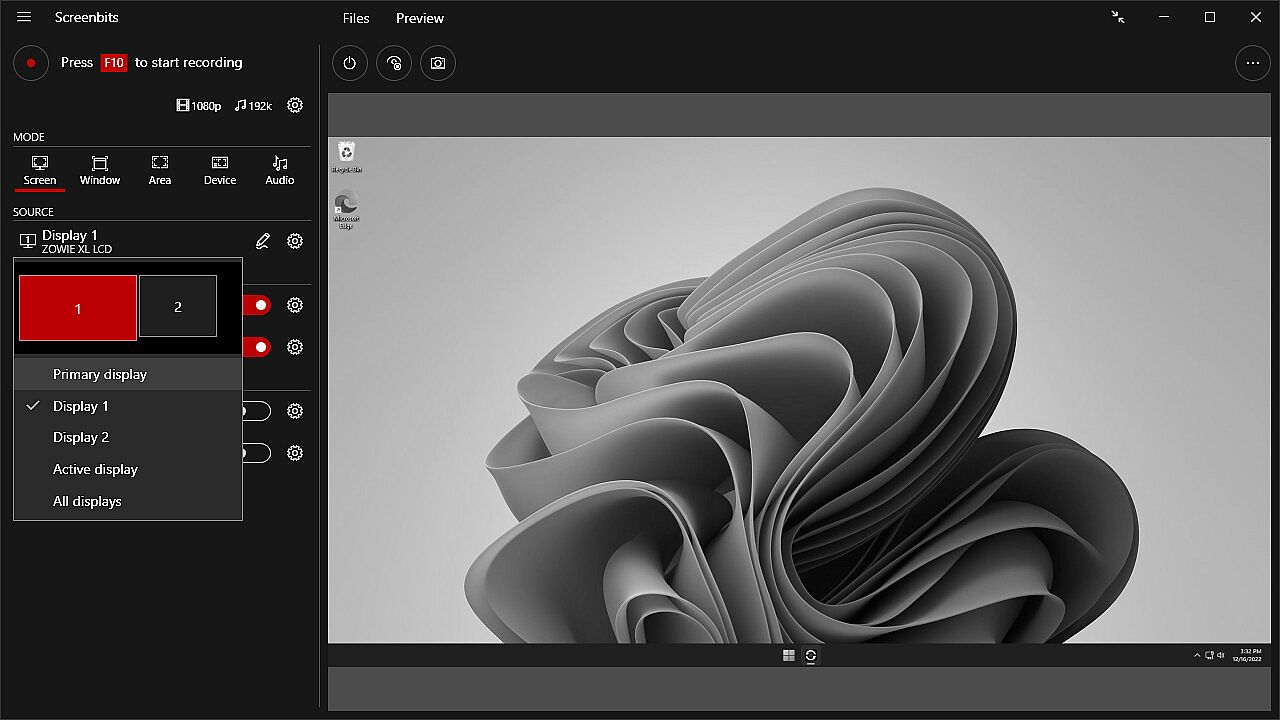
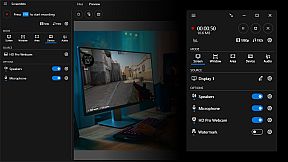
  • Preview: View the output before and during the recording.
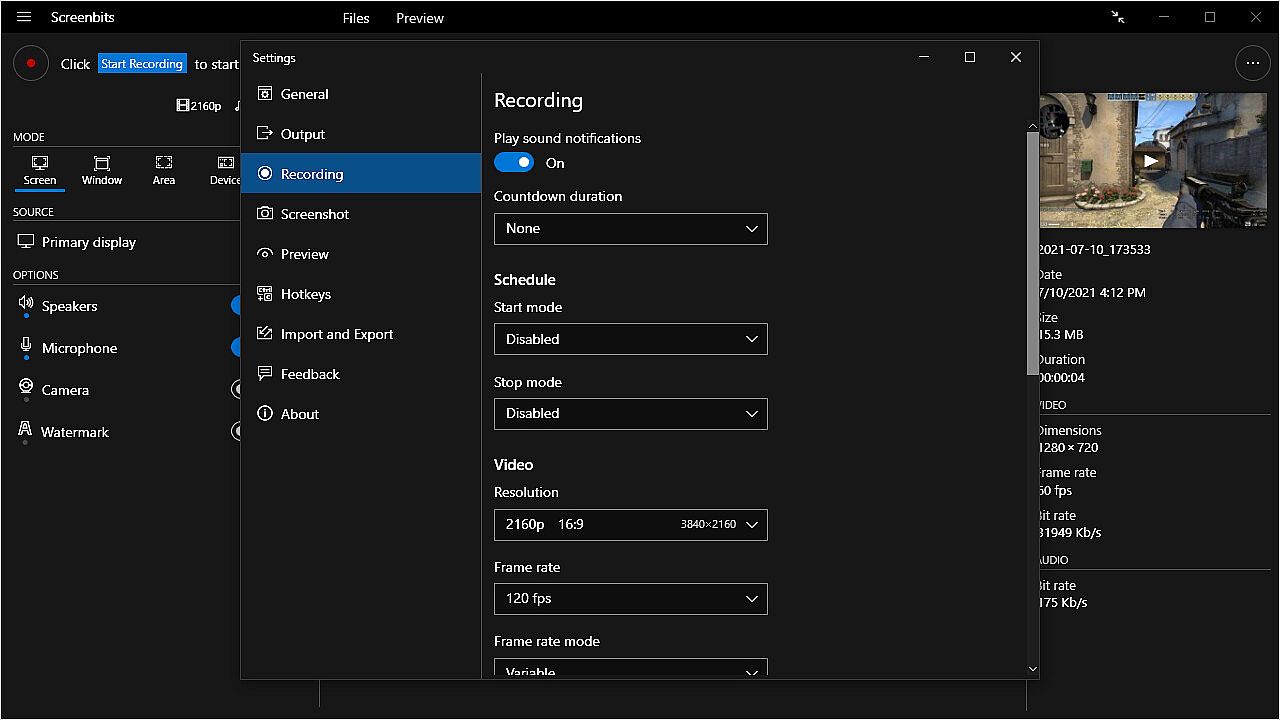
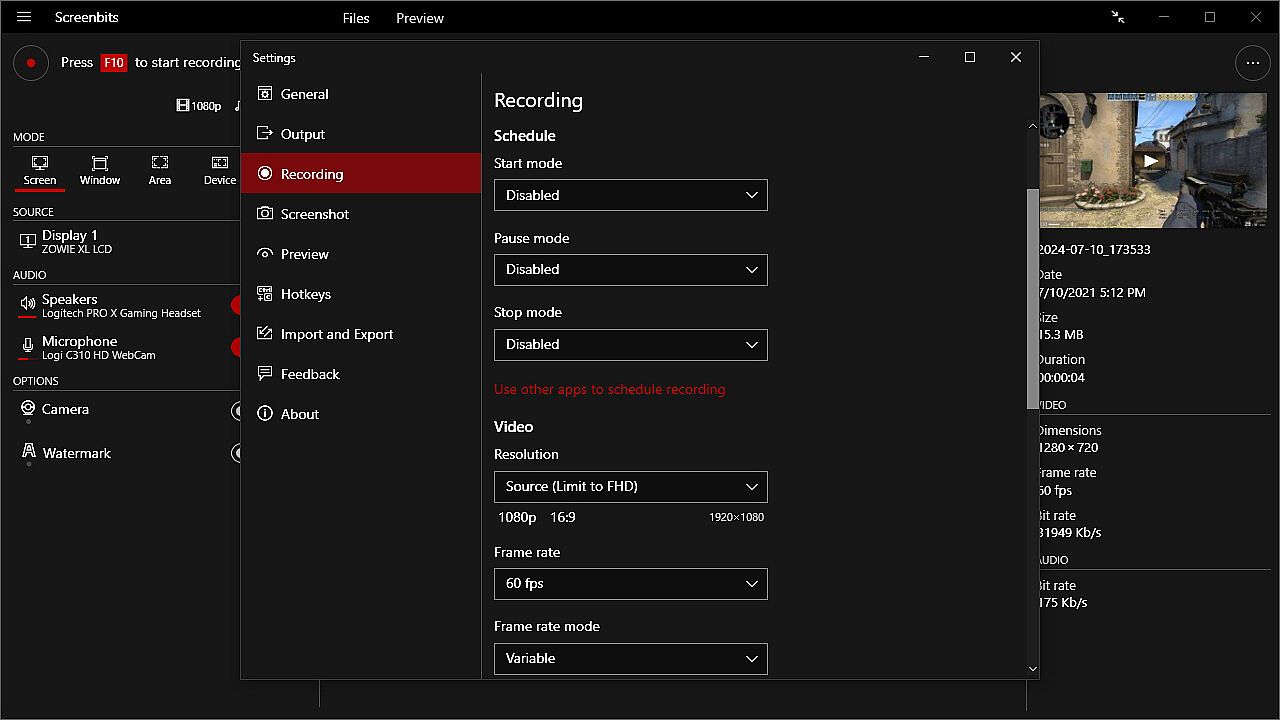
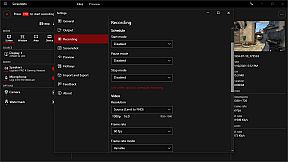
  • Schedule: Start and stop recording at a specific time, duration or size of the output file.
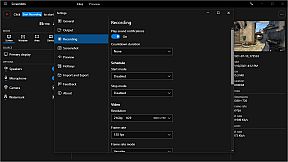
  • Countdown: Play countdown before recording starts.
  • Push-To-Talk: Use push-to-talk key to capture microphone only when you speak.
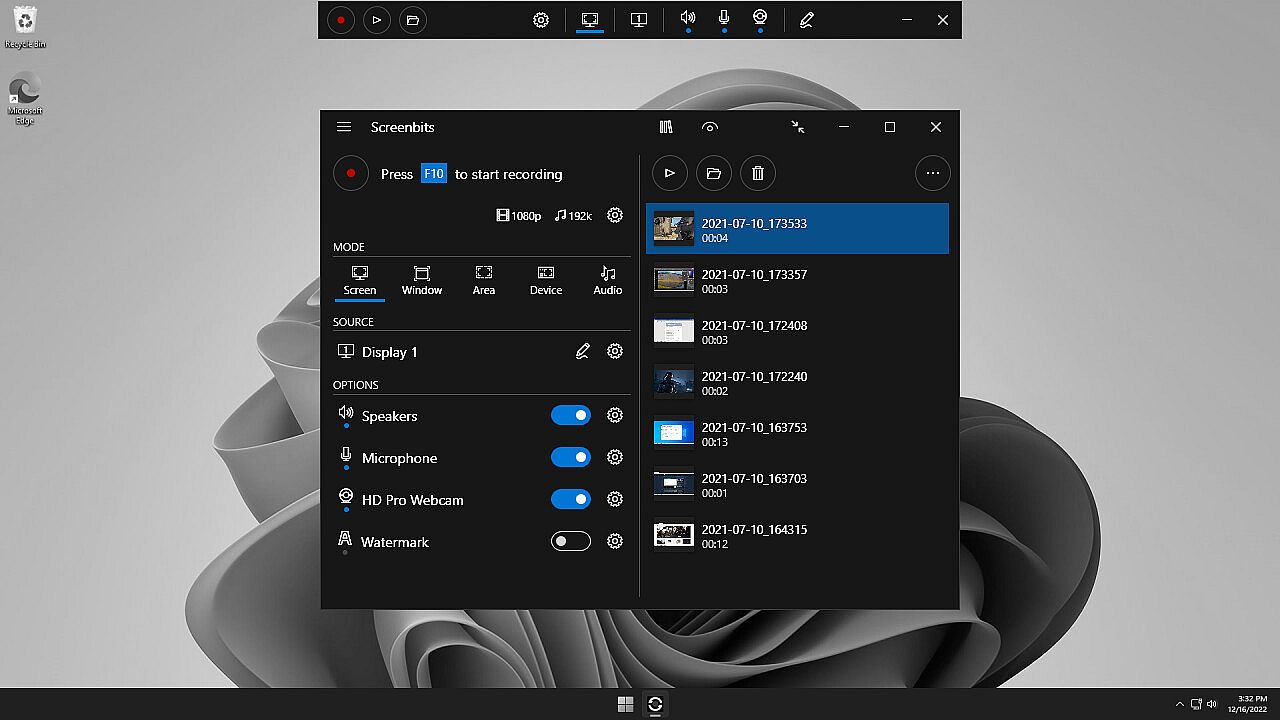
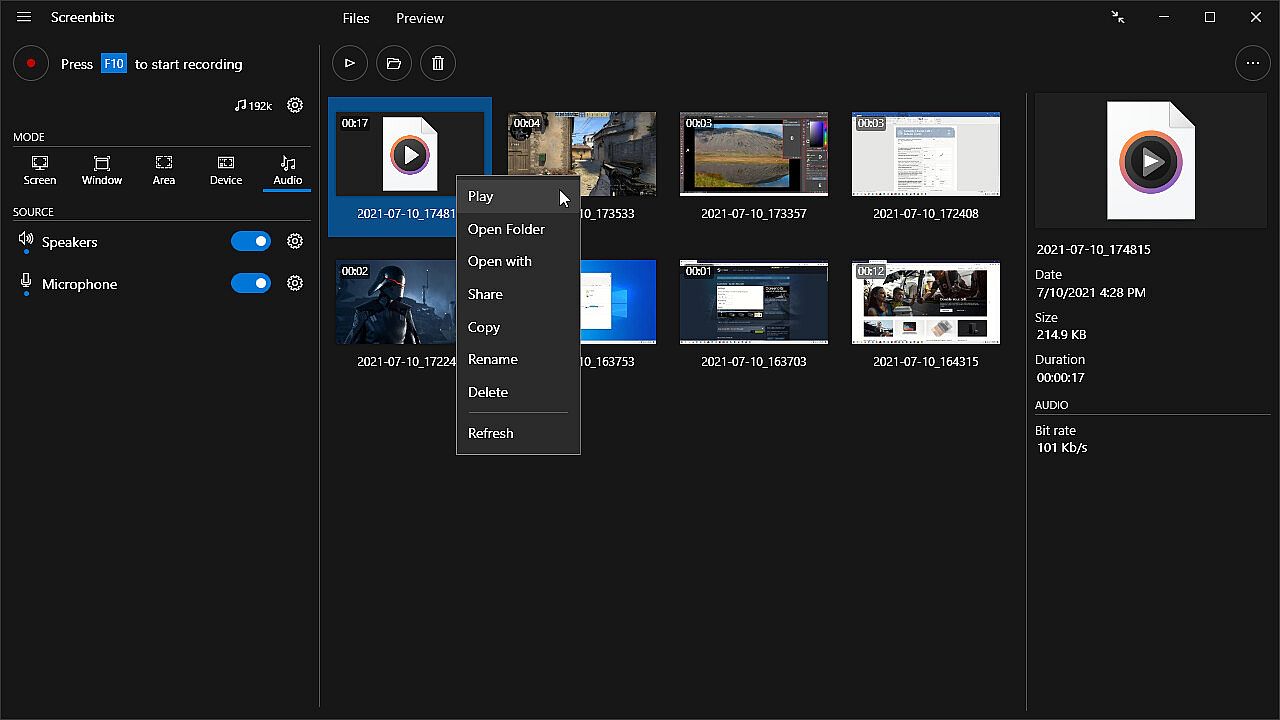
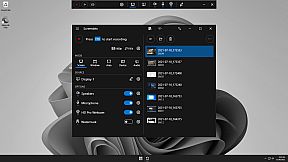
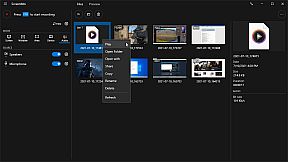
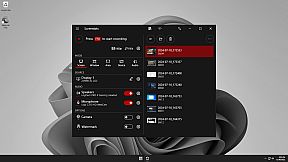
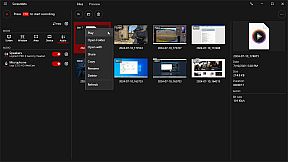
  • File Manager: View and manage recorded files directly from the application.
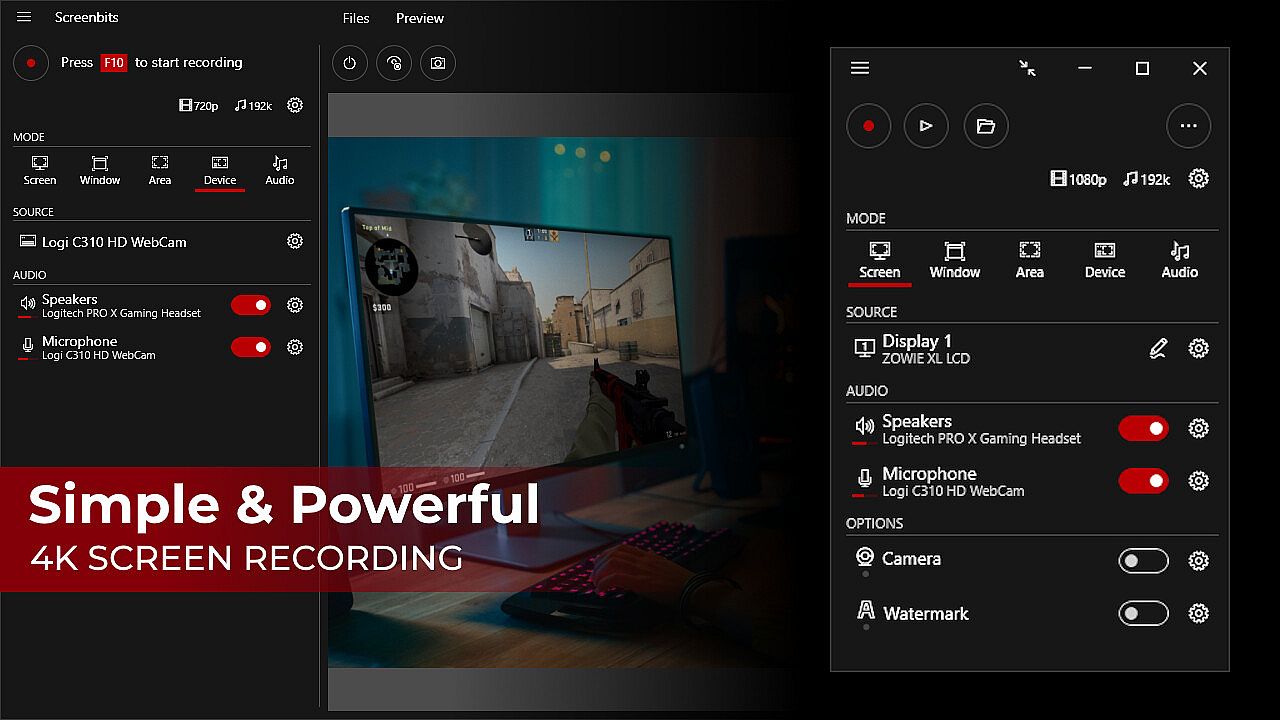
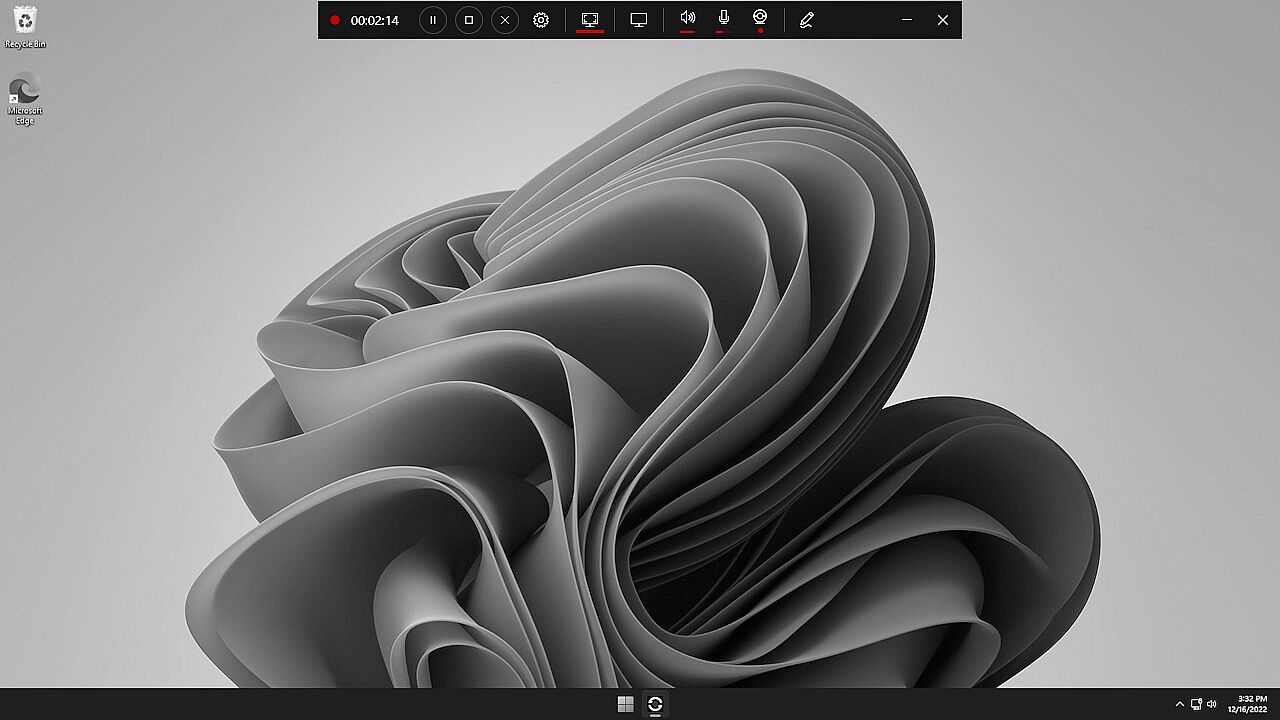
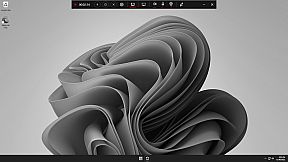
  • Compact View: Use a minimal user interface to interact with the app.
  • File Name Template: Define a custom template for file names.


Video Recording
• MP4 file format
• High quality (HD) recording up to 4K*
• High performance
• Up to 120* frames per second recording
• Adjustable output resolution and scaling
• Adjustable quality and frame rate
• Compressed (H.264) output

Audio Recording
• Ability to record input audio (microphone, headset, etc.)
• Ability to record system sound (speakers, headphones, etc.)
• MP4A file format
• High quality audio (AAC)
• Adjustable audio format (bit-rate, sample-rate and channels)

Screen Capture
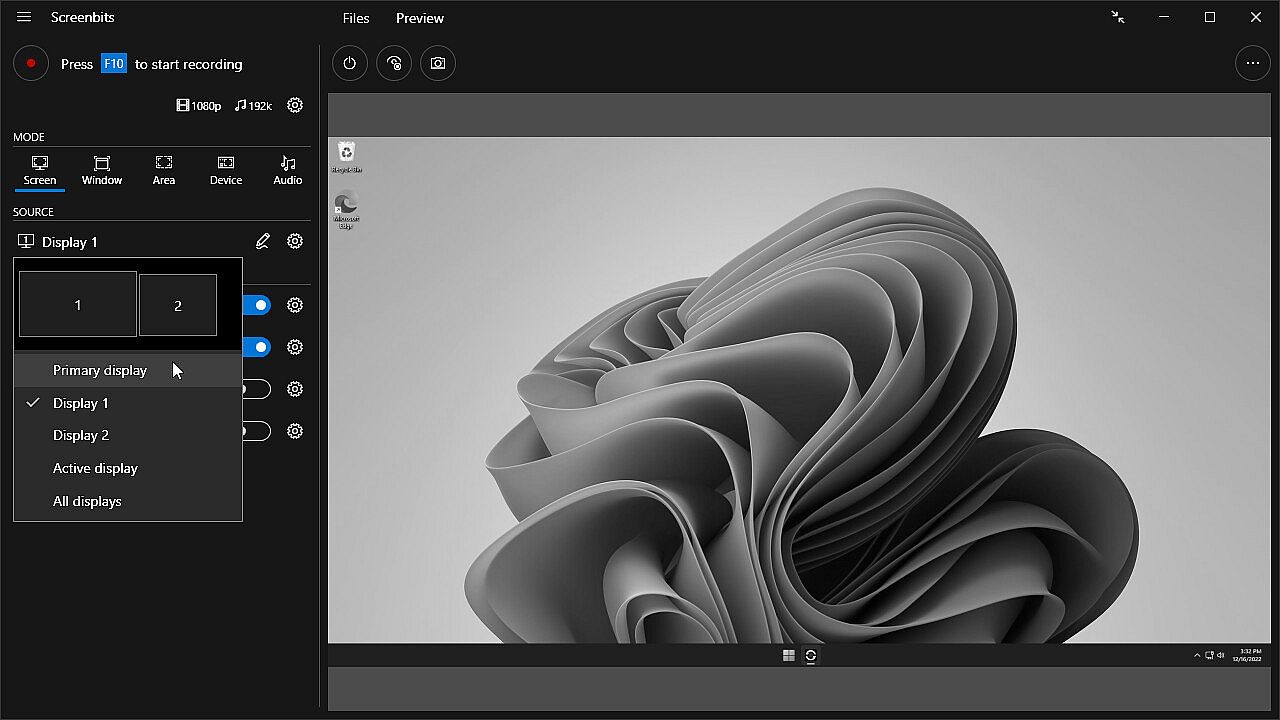
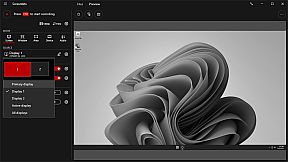
• Ability to capture a single display or all displays (multi-display support)
• Ability to capture mouse pointer
• Ability to exclude taskbar
• Ability to switch between screens during recording
• Ability to capture active screen
• Pointer highlighting and click effects

Window Capture
• Ability to select windows from list of open applications
• Ability to select windows on the screen

Area Capture
• Ability to capture rectangular area and around mouse pointer
• Ability to show movable frame around the capture area
• Advanced area selection tool
• Ability to add custom presets

Device Capture
• Ability to record camera or other video capture devices individually
• Ability to switch between device capture and screen capture modes during recording
• Adjustable format

Audio Capture
• Ability to capture and record audio individually into audio files
• Ability to use push-to-talk mode for capturing input audio

Camera Overlay
• Adjustable format, size and position
• Chroma key effect
• Custom graphics
• Outline

Screenshot
• Ability to take screenshots from a single display or all displays
• Ability to take screenshots from any area on the screen
• Ability to take screenshots from the capture scene
• PNG and JPEG file format

Draw on Screen
• Ability to use several tools such as pen, marker, arrow, rectangle and text
• Ability to interact with other apps while drawing
• Ability to turn drawing on and off by keyboard shortcuts

Watermark
• Watermark image (logo)
• Watermark text (custom font, color, outline and position)


* Recording performance depends on your hardware.

Oberfläche:
GermanEnglishSpanish - SpainFrenchItalianPortuguese - BrazilRussianSimplified Chinese
Audio:
GermanEnglishSpanish - SpainFrenchItalianPortuguese - BrazilRussianSimplified Chinese
Untertitel:
GermanEnglishSpanish - SpainFrenchItalianPortuguese - BrazilRussianSimplified Chinese

Altersfreigabe

Keine Angabe
Steam:
Positive (258)

Minimum:

  • Betriebssystem: Windows 10, 11
  • Prozessor: 1 gigahertz (GHz) or faster processor
  • Arbeitsspeicher: 1 GB RAM
  • DirectX: Version 11
  • Speicherplatz: 100 MB available space

Empfohlen:

  • Grafik: Direct3D 11.0 compatible with Pixel Shader 4.0 support
  • Zusätzliche Hinweise: AMD Radeon™ with AMD VCE or NVIDIA with NVENC support is recommended for recording gameplay.
Historisches Tief
Preisverlauf von offiziellen Shops
-
-
-
Preisverlauf von Keyshops
-
-
-

FAQ

8 Fragen

Bevor du nach einem günstigen Screenbits - Screen Recorder PC Key suchst, prüfe die wichtigsten Fakten. Entwickelt von CHEHRAZ. Veröffentlicht von CHEHRAZ. PC Release-Datum: 15 Feb. 2019. Genres: Utilities, Audio Production, Video Production, Web Publishing, Software Training.

Q

Wo kann ich einen gĂĽnstigen Screenbits - Screen Recorder Steam Key oder CD Key kaufen?

Derzeit gibt es keine aktiven Angebote fĂĽr Screenbits - Screen Recorder. Setze einen Preisalarm auf XD.deals und wir benachrichtigen dich, sobald ein Angebot verfĂĽgbar ist.

Wir haben derzeit keinen aktuellen Steam-Store-Preis für Screenbits - Screen Recorder. Das Spiel ist möglicherweise vorübergehend nicht verfügbar oder noch nicht bei Steam gelistet.

Unser Preistracker deckt sowohl offizielle Händler als auch Key-Marktplätze ab, sodass du Screenbits - Screen Recorder im Angebot auch außerhalb saisonaler Aktionen finden kannst. Wir erkennen derzeit 0 aktive Angebote von offiziellen Shops und Keyshops. Prüfe die Tabelle oben, vergleiche mit dem historischen Tief und setze einen Alarm, damit du den nächsten Preissturz nicht verpasst.

Laut unseren Daten ist Screenbits - Screen Recorder derzeit nicht auf GeForce NOW verfügbar. Du musst es lokal auf deinem PC ausführen. Stöbre durch Spiele, die auf GeForce NOW verfügbar sind.

Ja. Screenbits - Screen Recorder hat eine offizielle Steam-Shop-Seite, aber wir tracken derzeit keine Drittanbieter-Angebote mit Steam-DRM. Schau später nochmal vorbei oder setze einen Preisalarm.

Derzeit nicht. Valve kennzeichnet Screenbits - Screen Recorder als Unsupported auf dem Steam Deck. Behalte XD.deals im Blick - wir verfolgen Proton-Updates und Community-Fixes. Stöbere durch Spiele, die Steam Deck Verified oder Steam Deck Playable sind.

Screenbits - Screen Recorder scheint derzeit nicht im PC Game Pass, bei EA Play, Ubisoft+ oder einem anderen PC-Abonnement verfĂĽgbar zu sein. Deine einzige Option ist der Kauf - nutze XD.deals, um den besten Preis zu finden.

Nein - XD.deals ist kein Shop. Wir sind ein Preisvergleich, der die besten Screenbits - Screen Recorder-Deals bei offiziellen Shops und verifizierten Keyshops verfolgt. Klicke neben einem Angebot auf "Zum Shop" und du wirst zur Webseite des Händlers weitergeleitet, um deinen Kauf abzuschließen.

Zum besten Zeitpunkt kaufen? Setze einen Preisalarm auf XD.deals und werde benachrichtigt, wenn Screenbits - Screen Recorder sein nächstes historisches Tief erreicht.

Alarm erstellen
Tritt unserem Discord bei
Erhalte Hilfe von der Community und bleibe ĂĽber Angebote informiert
Preisalarme einrichten
Erhalte E-Mail-Benachrichtigungen wenn Preise fallen
Kostenloses Konto erstellen
Schalte Wunschlisten, Preisalarme und Steam-Sync frei










