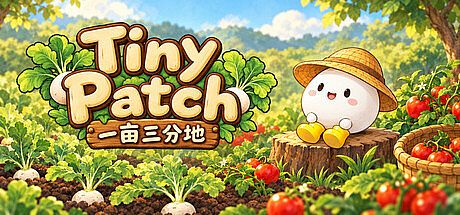


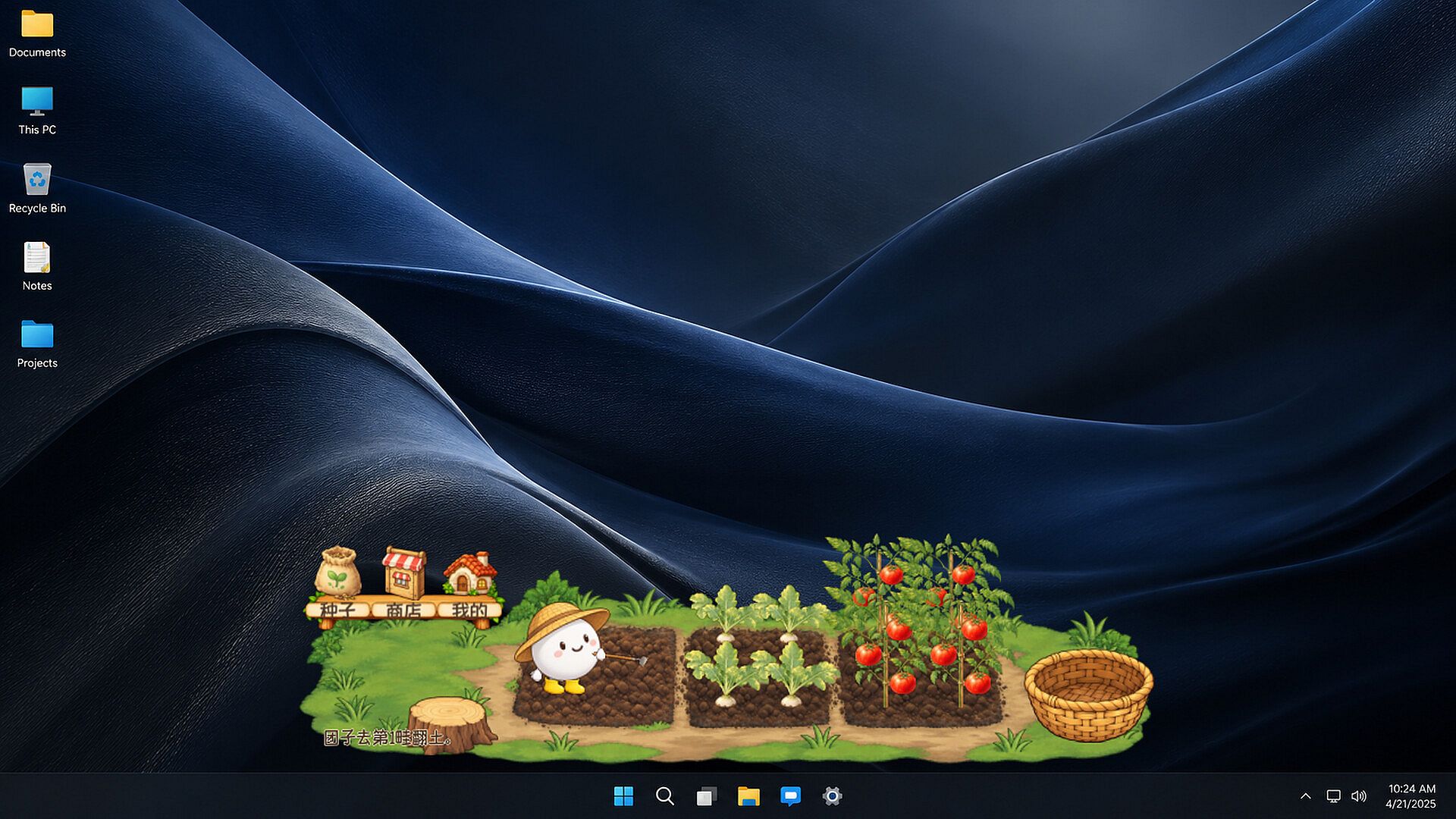
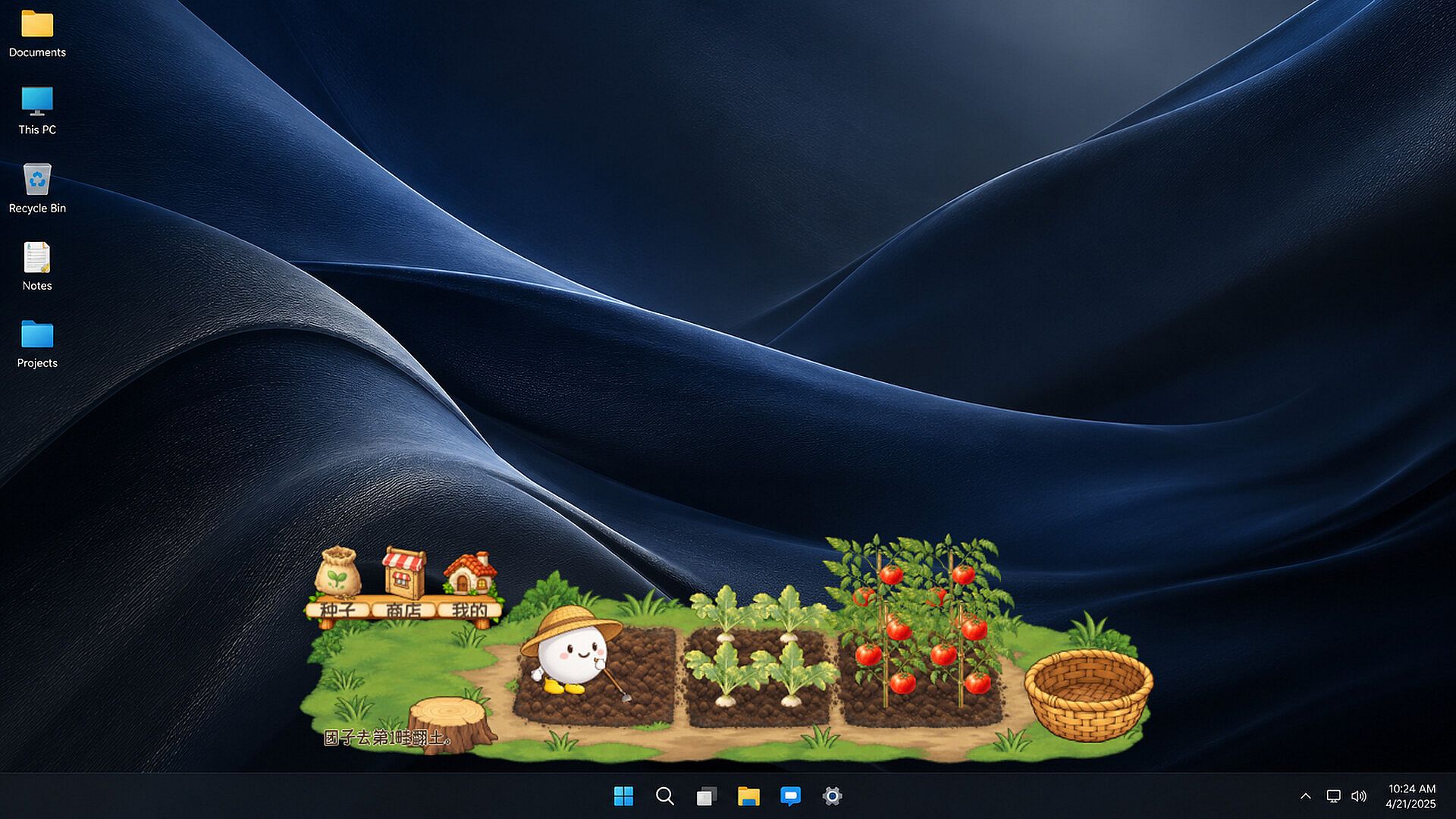
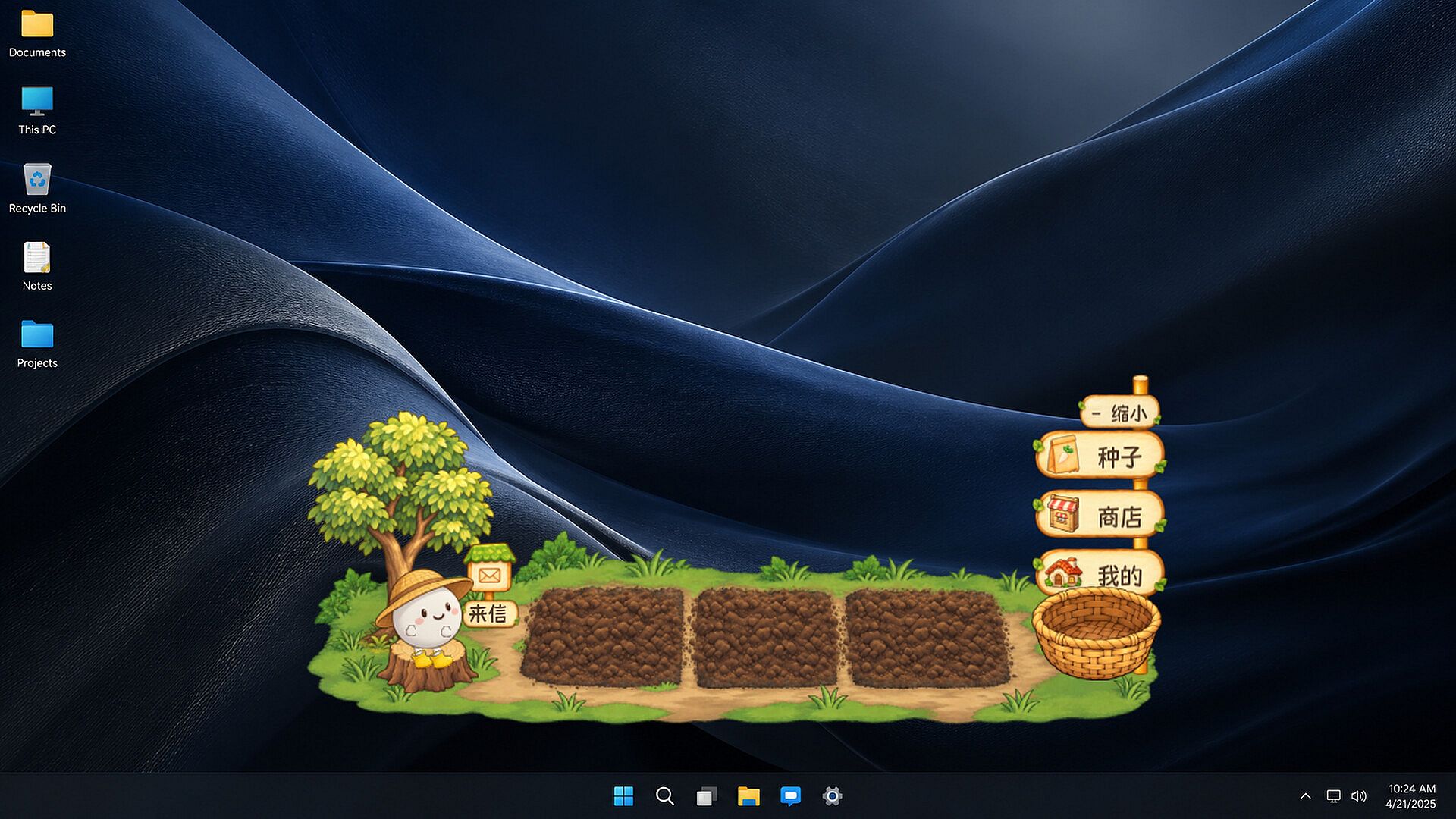
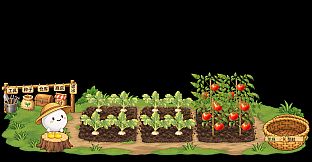
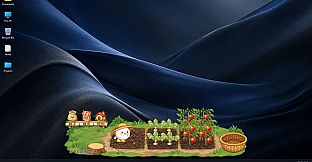
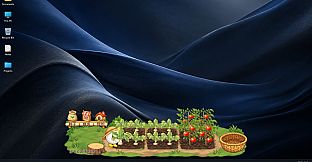
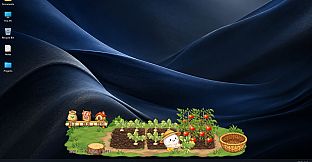

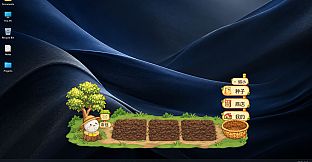
Tiny Patch is a casual simulation game built for quiet moments on a Windows desktop. Players tend a small transparent garden that sits beside other windows, letting the little round gardener in a straw hat handle daily chores while work or browsing continues on screen.
Gameplay
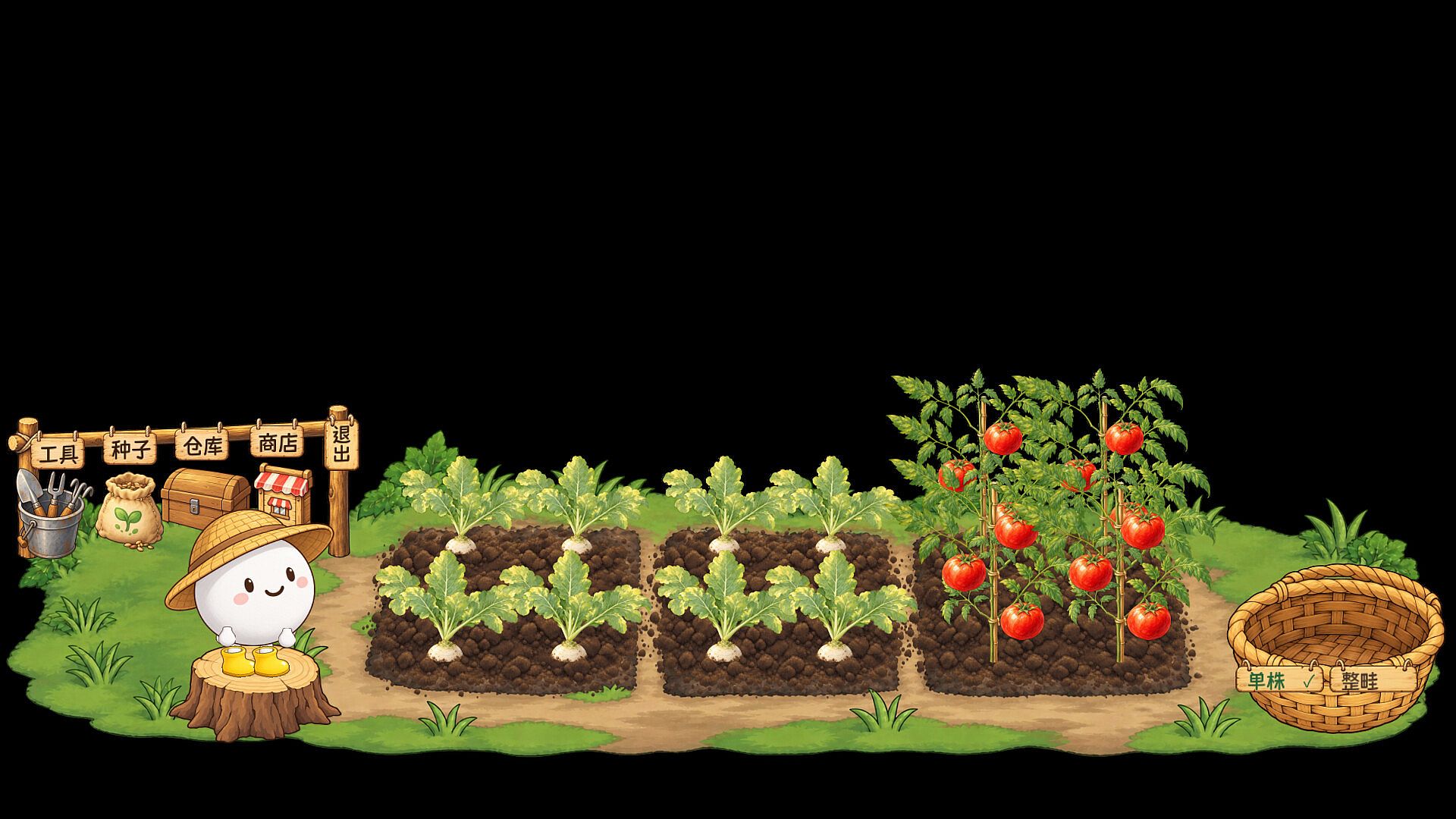
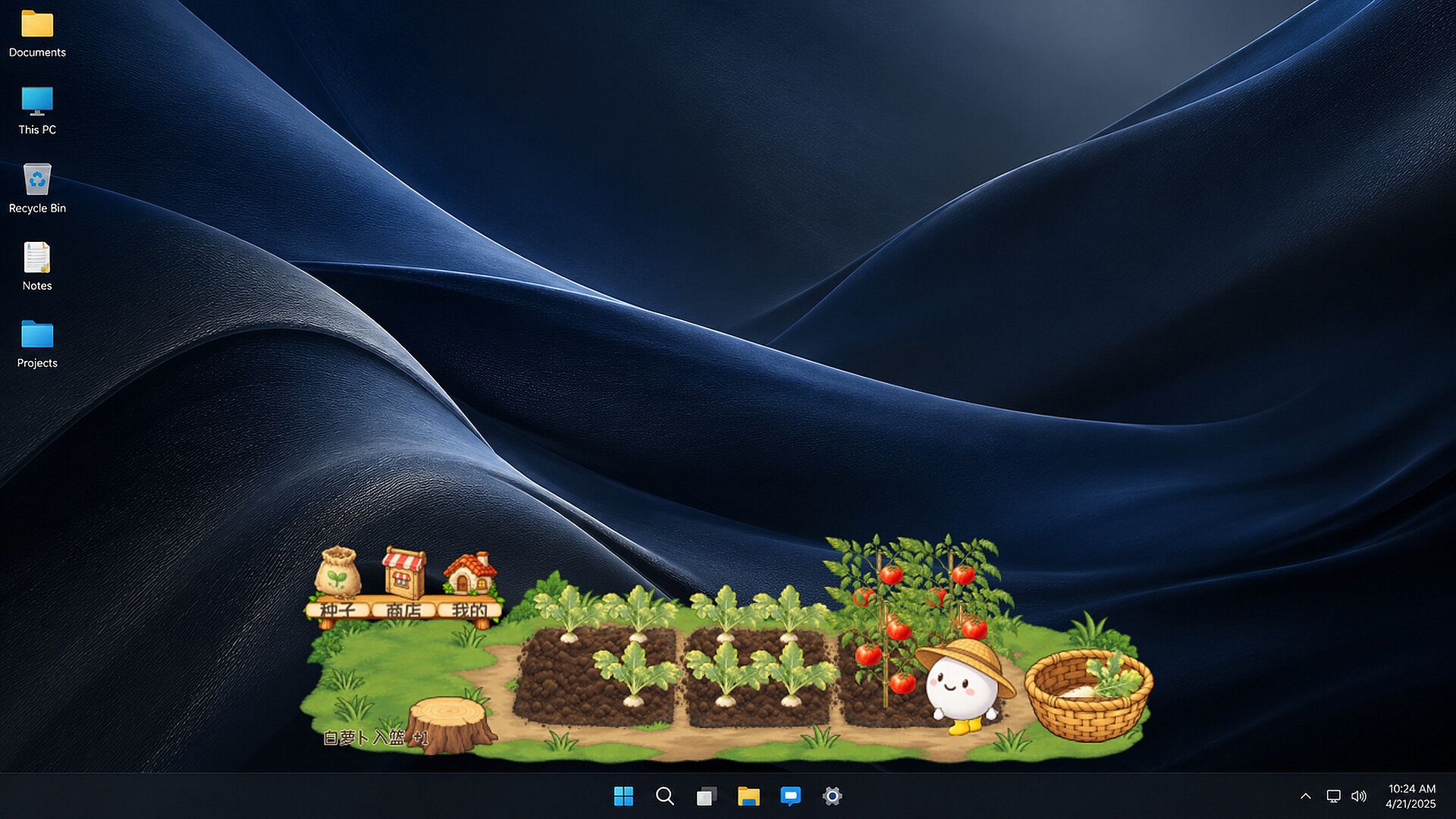
The core loop centers on three connected garden beds where radishes and tomatoes grow through visible stages. The gardener prepares soil, waters plants, sows seeds, and later carries ripe produce to a wicker basket. Tasks can be queued so the character works through them in sequence without constant input. Crops keep developing even when the game window is closed, so progress accumulates during breaks or overnight.
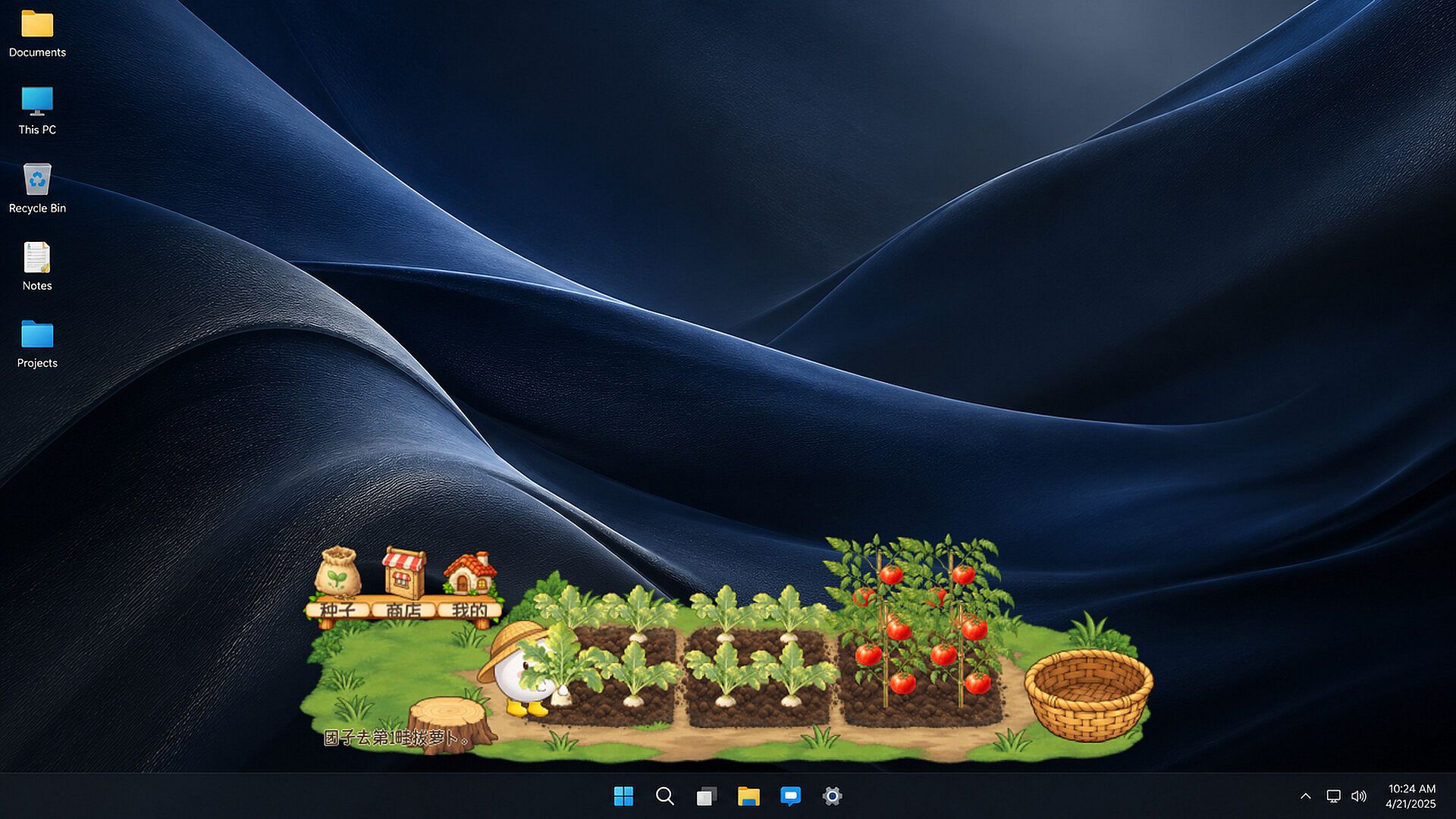
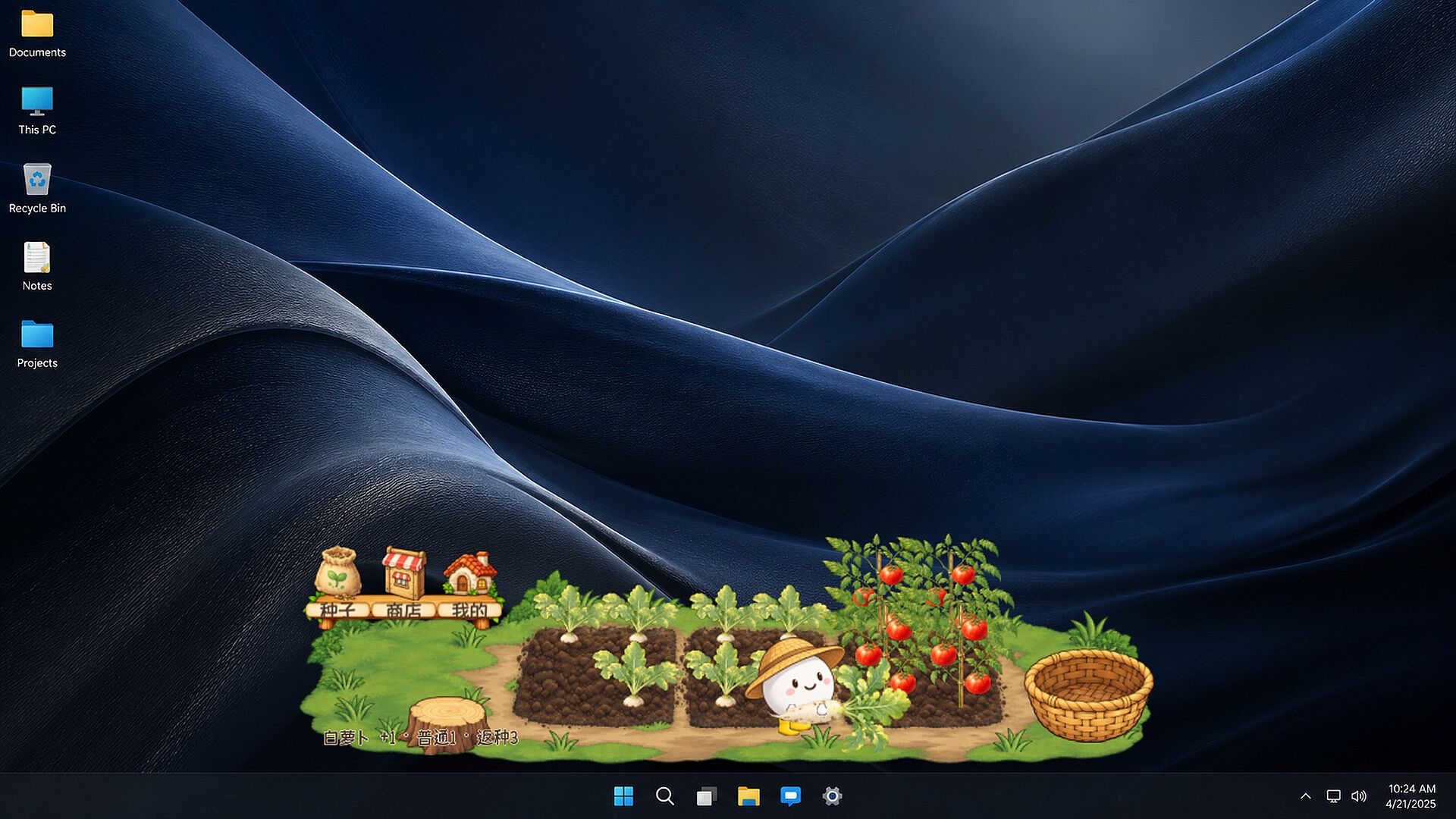
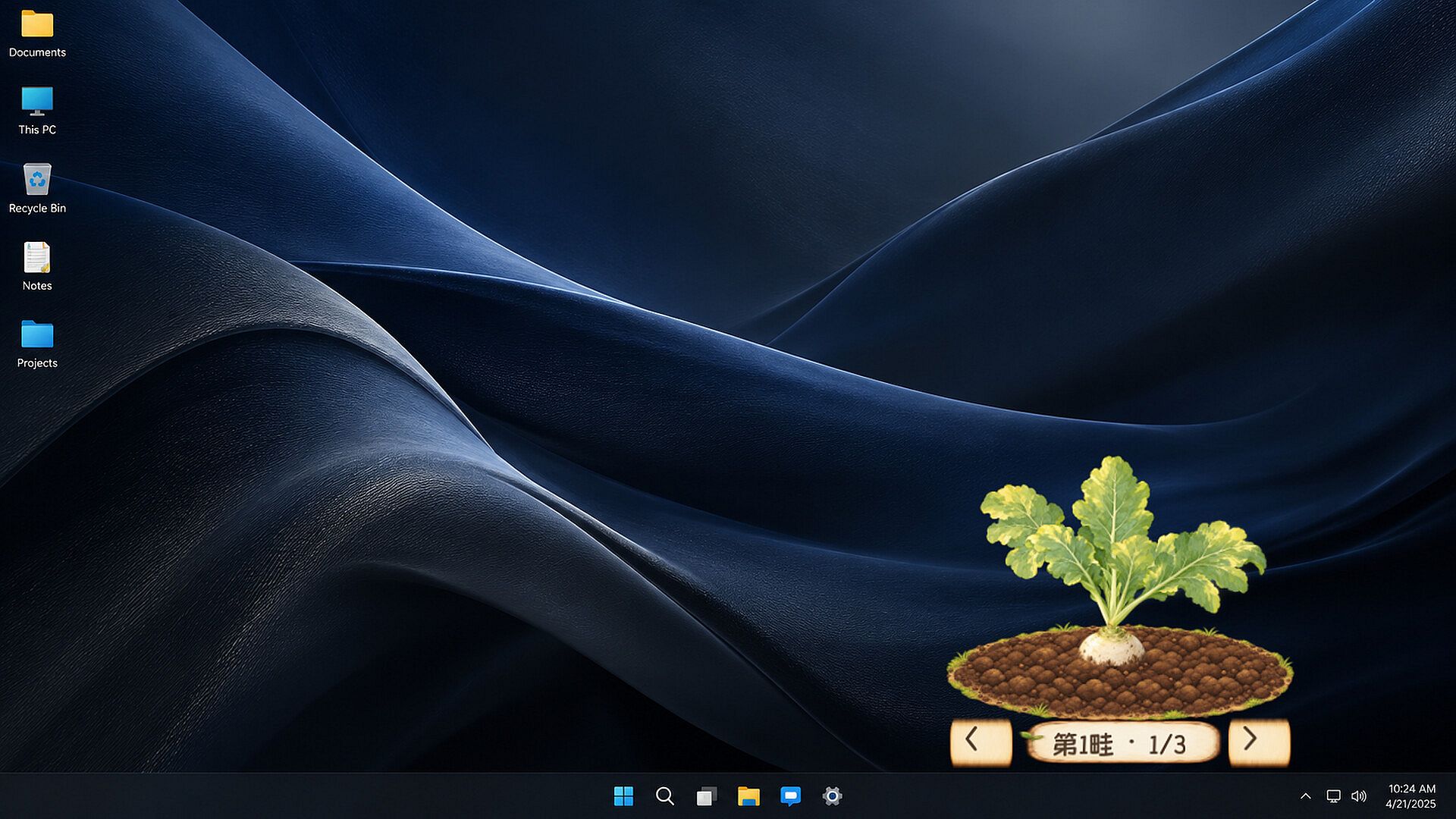
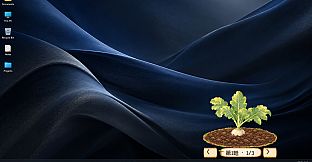
Harvesting offers tactile feedback. Individual plants can be selected, or an entire bed can be cleared at once. Pulling a radish shows the root resisting then releasing, after which the gardener transports it to storage. Tomatoes yield a second harvest from the same plant. Collected vegetables are sorted in a warehouse by crop type and quality level.
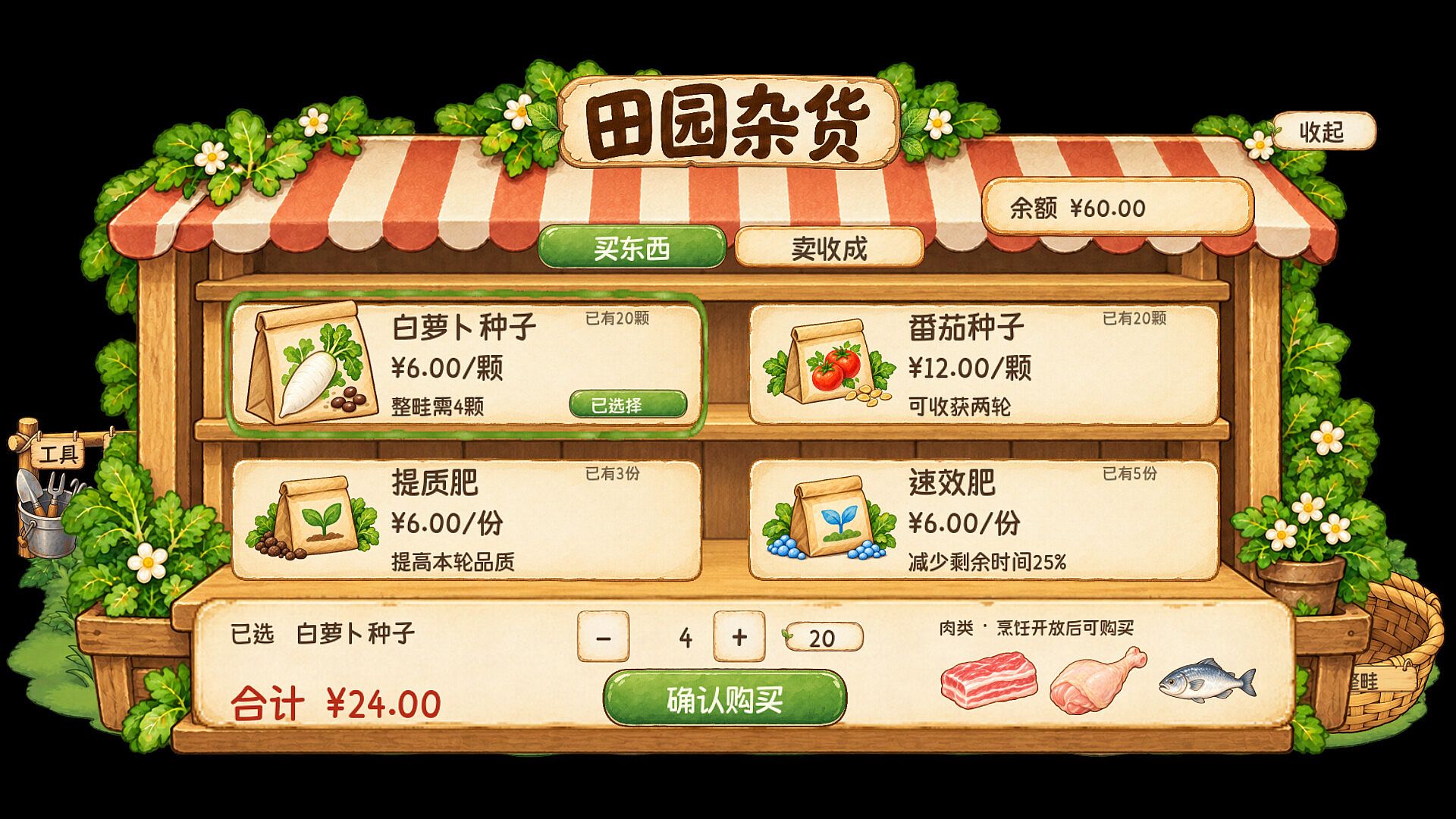
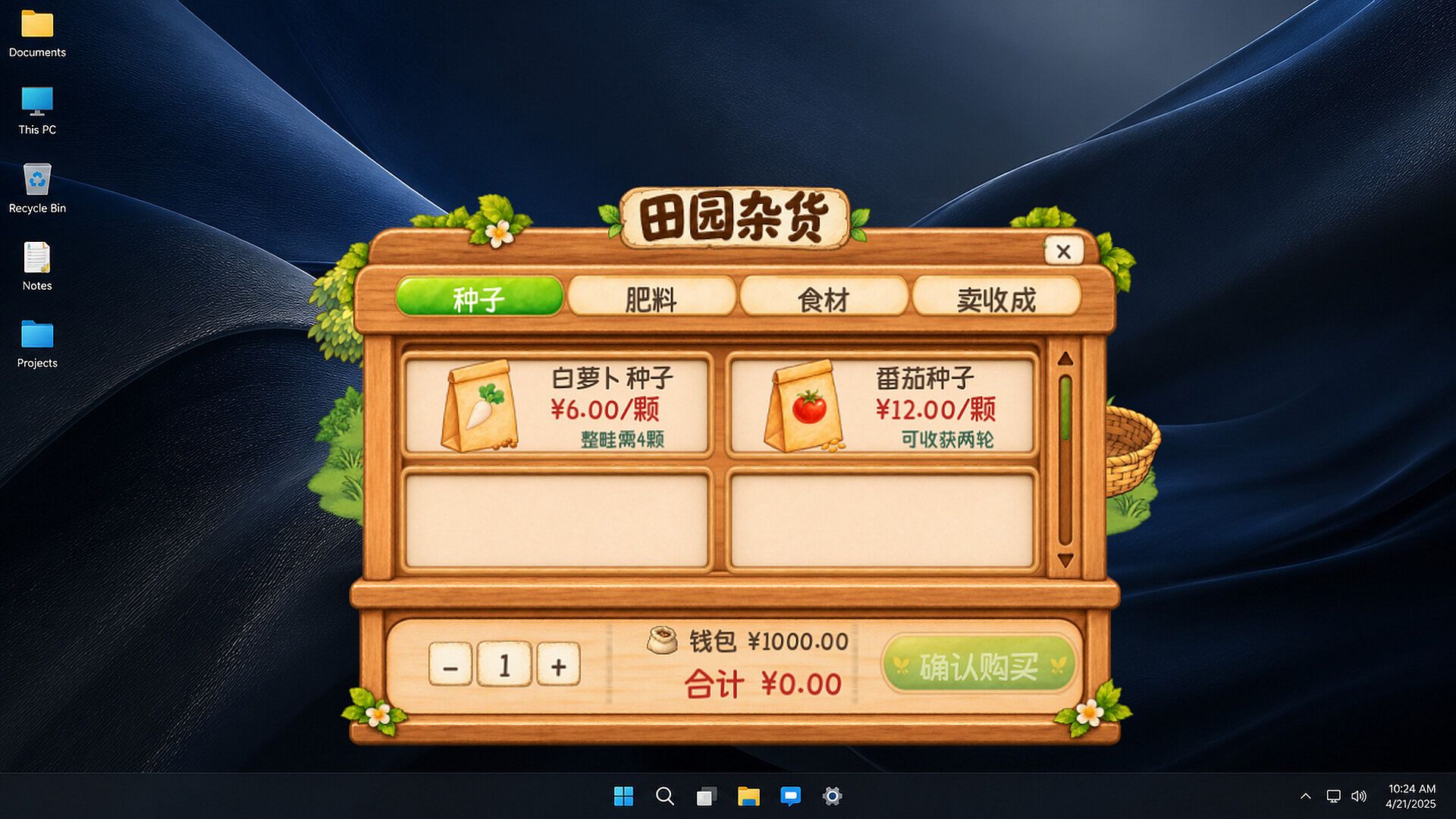
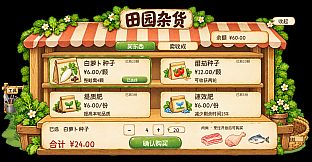
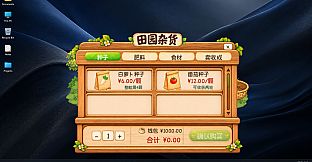
Currency earned from sales funds new seeds and fertilizer. Fertilizer choices affect either crop quality or remaining growth time, letting players adjust cycles to match their schedule. Local saves track progress automatically, and the window can be moved or resized freely to keep the garden visible without interfering with other programs.
Game Modes
Tiny Patch runs as a single-player experience with no separate multiplayer or competitive modes. The entire session revolves around managing the desktop garden at a relaxed pace. There are no timed challenges, leaderboards, or alternate scenarios beyond the ongoing cycle of planting, tending, harvesting, and restocking.
Visuals and Atmosphere
Warm illustrations and gentle leaf movements give the garden a lived-in feel. The gardener performs distinct animations for each action, from digging to carrying baskets. Sound effects can be adjusted or muted, keeping the experience unobtrusive during focused work. The transparent, borderless window blends into the desktop without requiring full-screen commitment.
Controls and Accessibility
Mouse controls handle all interactions on Windows. Clicking queues tasks, selects plants for harvest, or opens the in-game shop. No keyboard shortcuts are required, and the interface stays minimal so the garden remains a background companion rather than a demanding screen.
Is It Worth Playing?
Tiny Patch suits anyone looking for a low-pressure desktop activity that runs alongside daily tasks. Its single-player focus and persistent growth system reward short check-ins without demanding long sessions. The combination of simple task queuing, quality-based storage, and fertilizer choices adds light strategy to an otherwise calm loop. Players who enjoy casual simulation titles and want a small patch of countryside visible on screen will find it fits naturally into routines. Those seeking deeper systems or social features may prefer more complex gardening games instead.