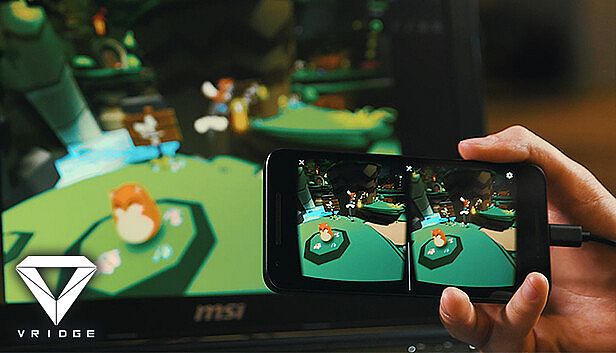
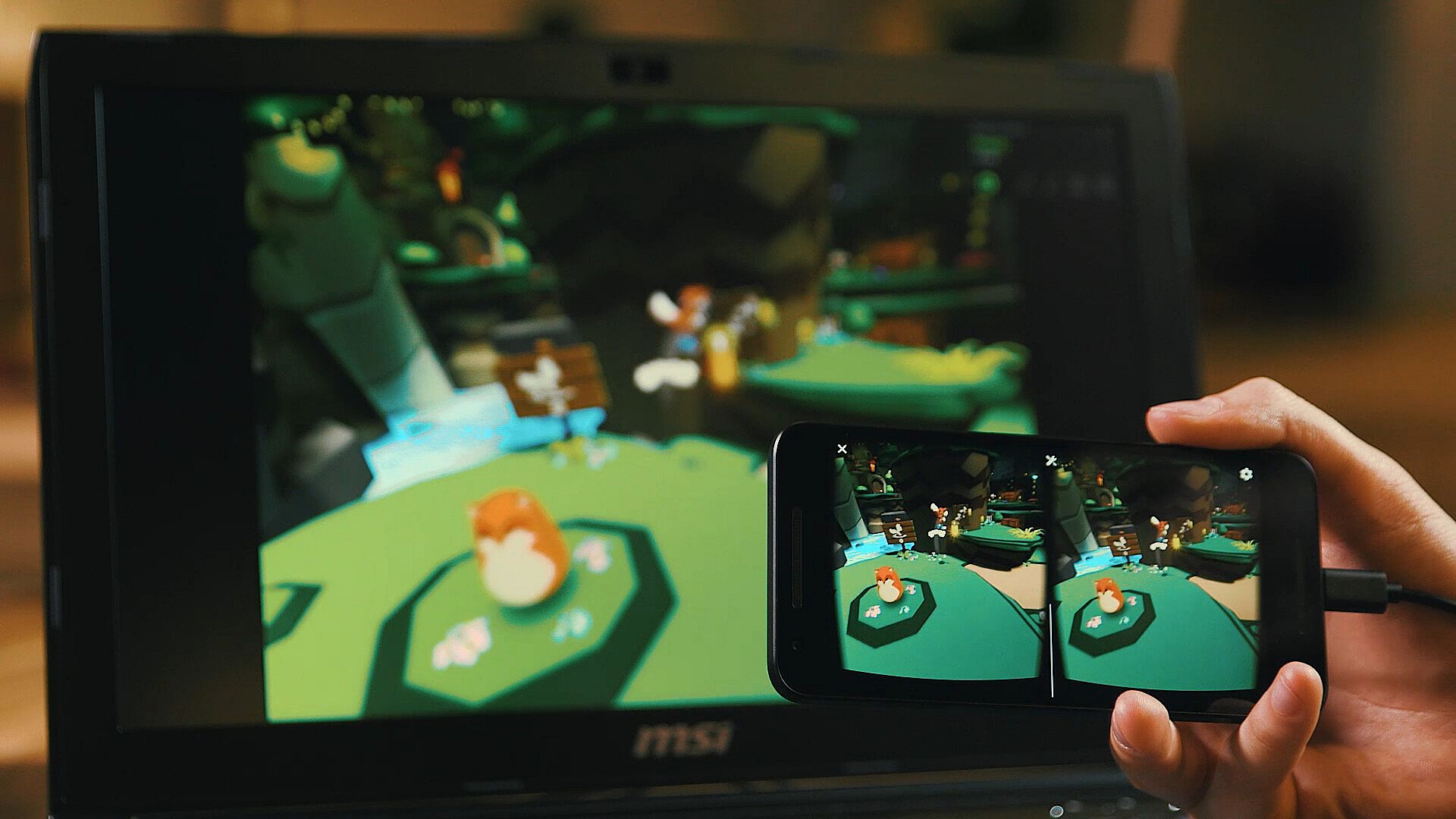
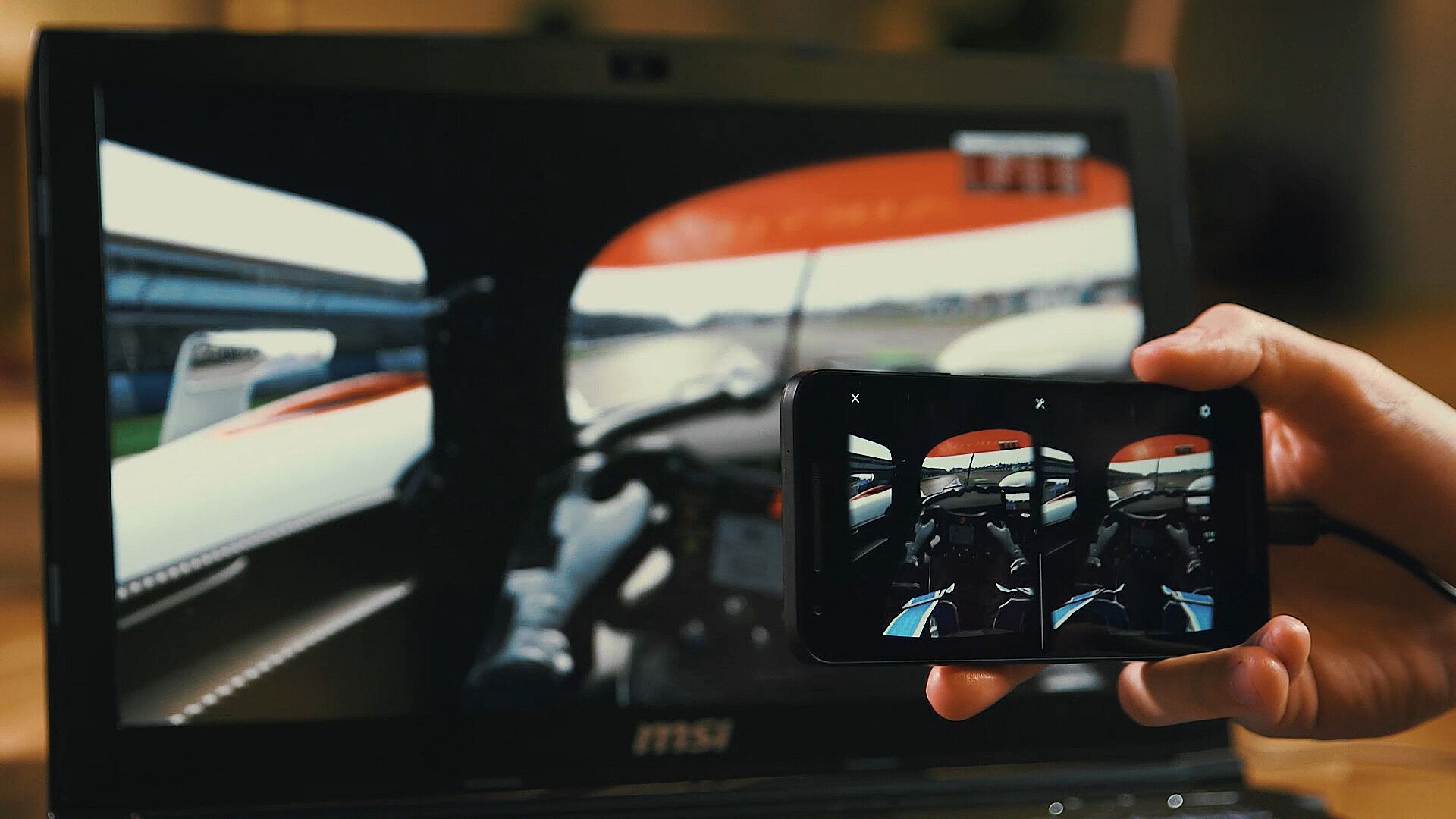
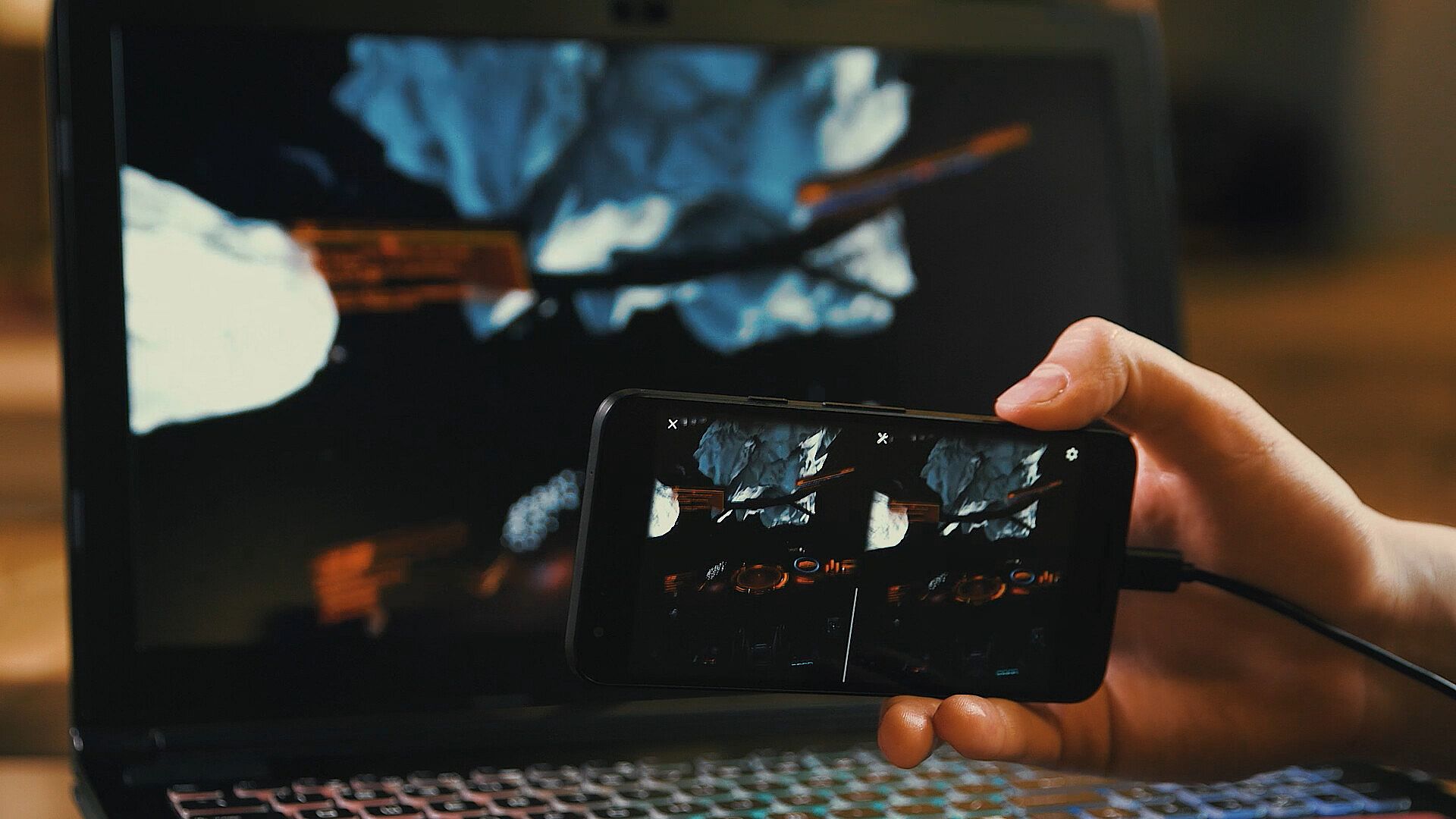
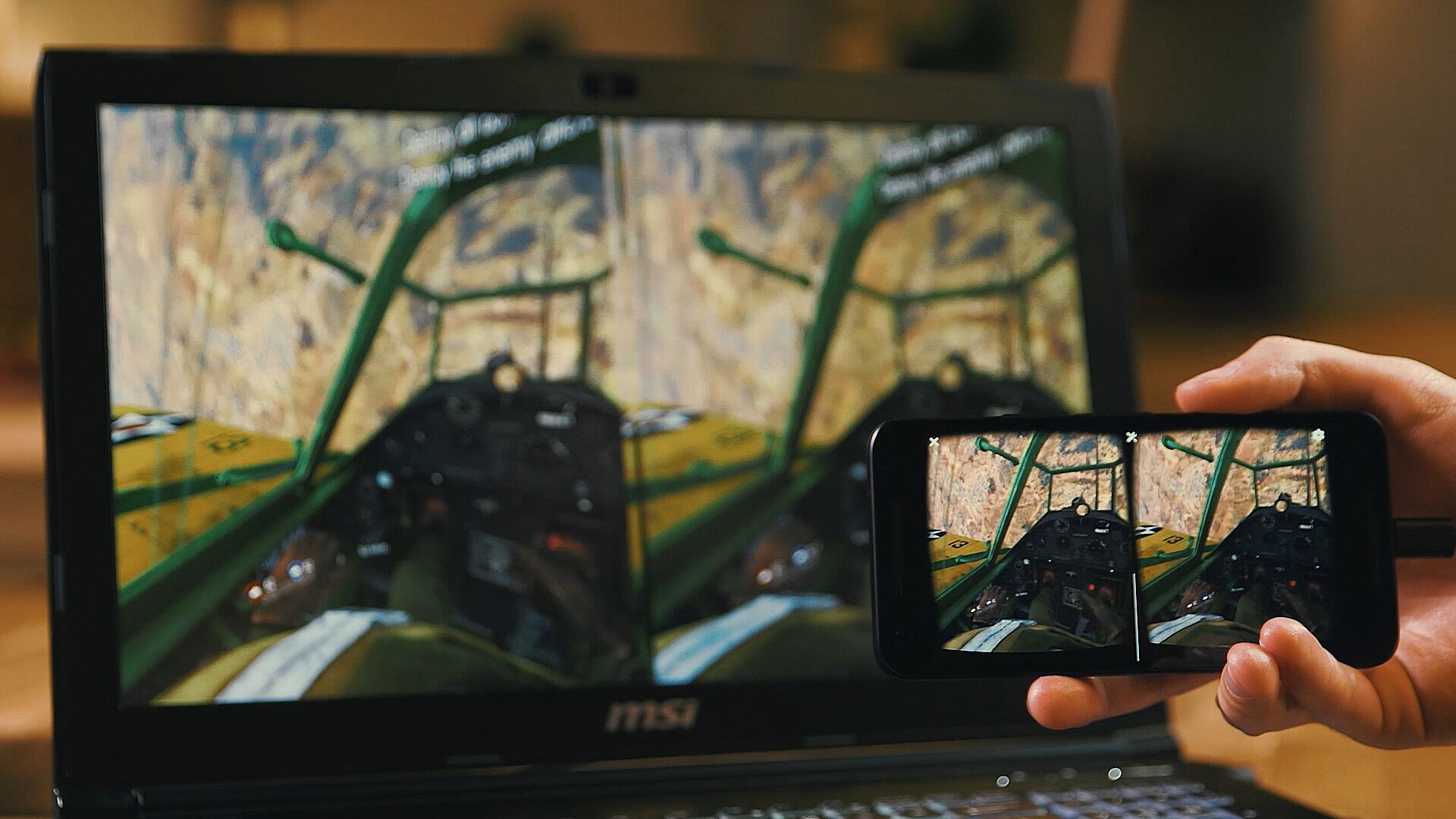
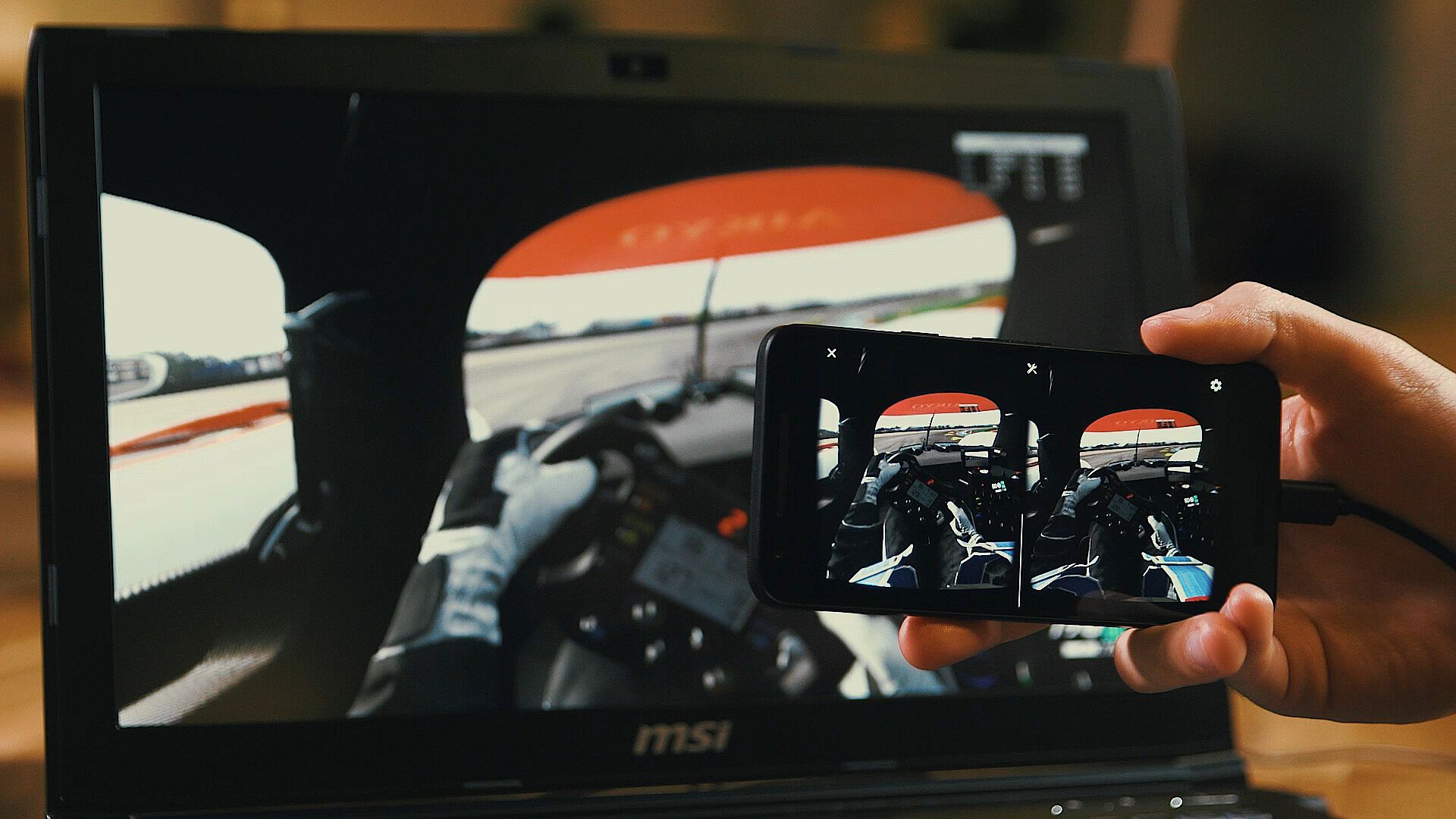
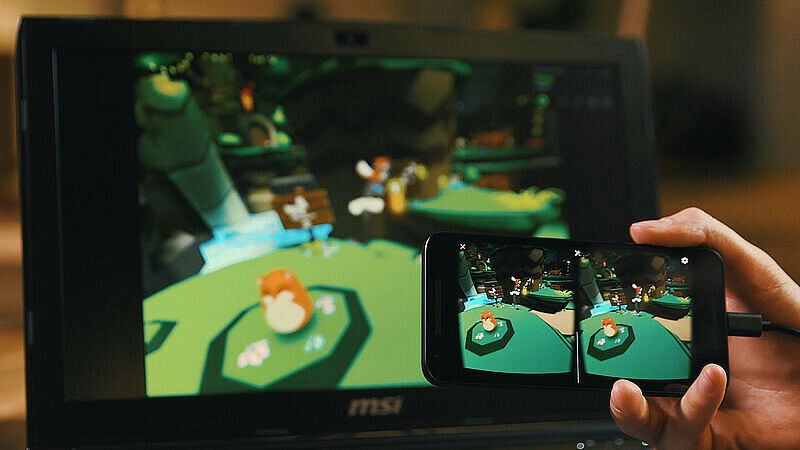
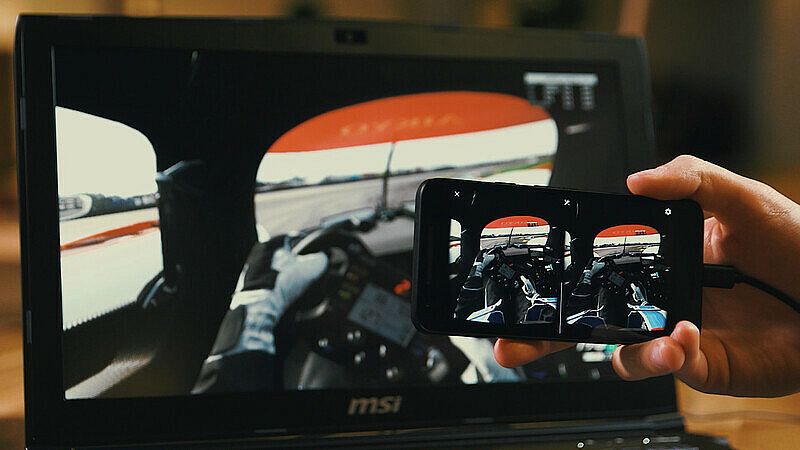
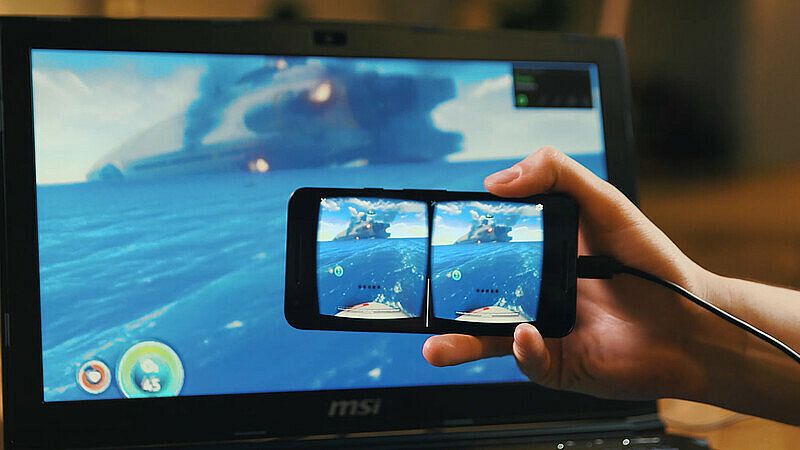
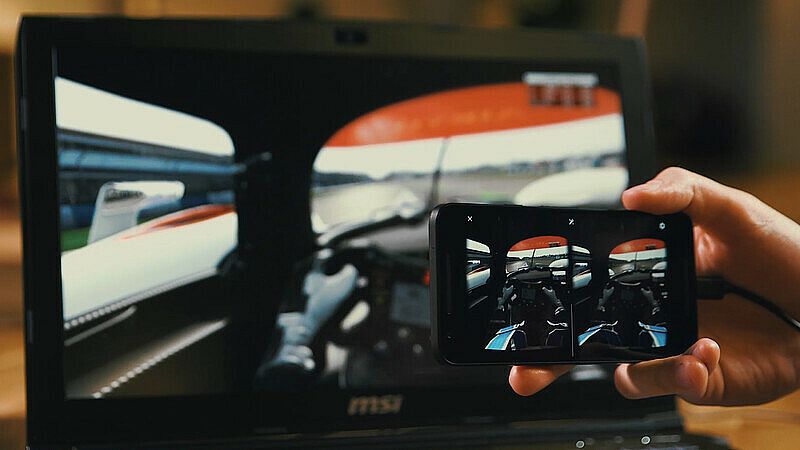
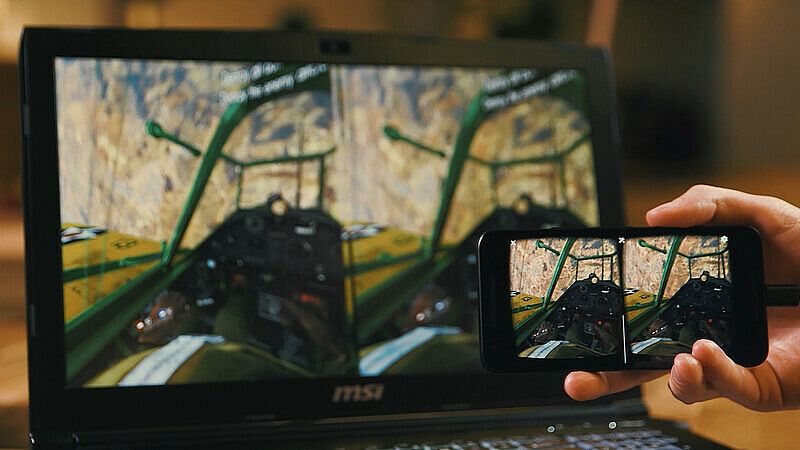
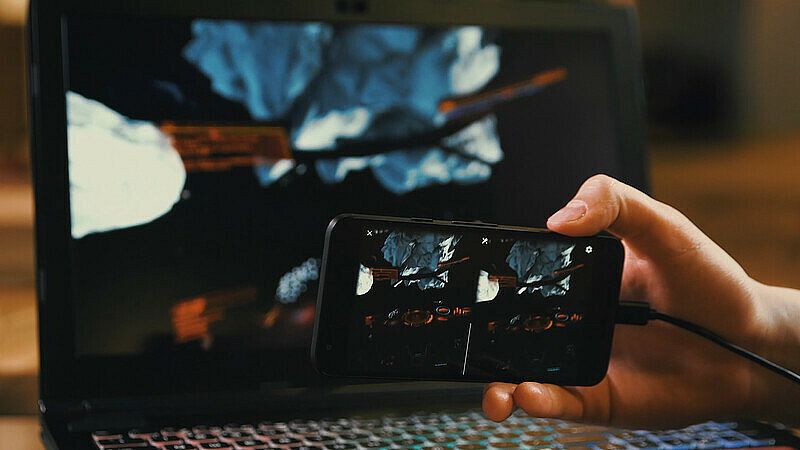
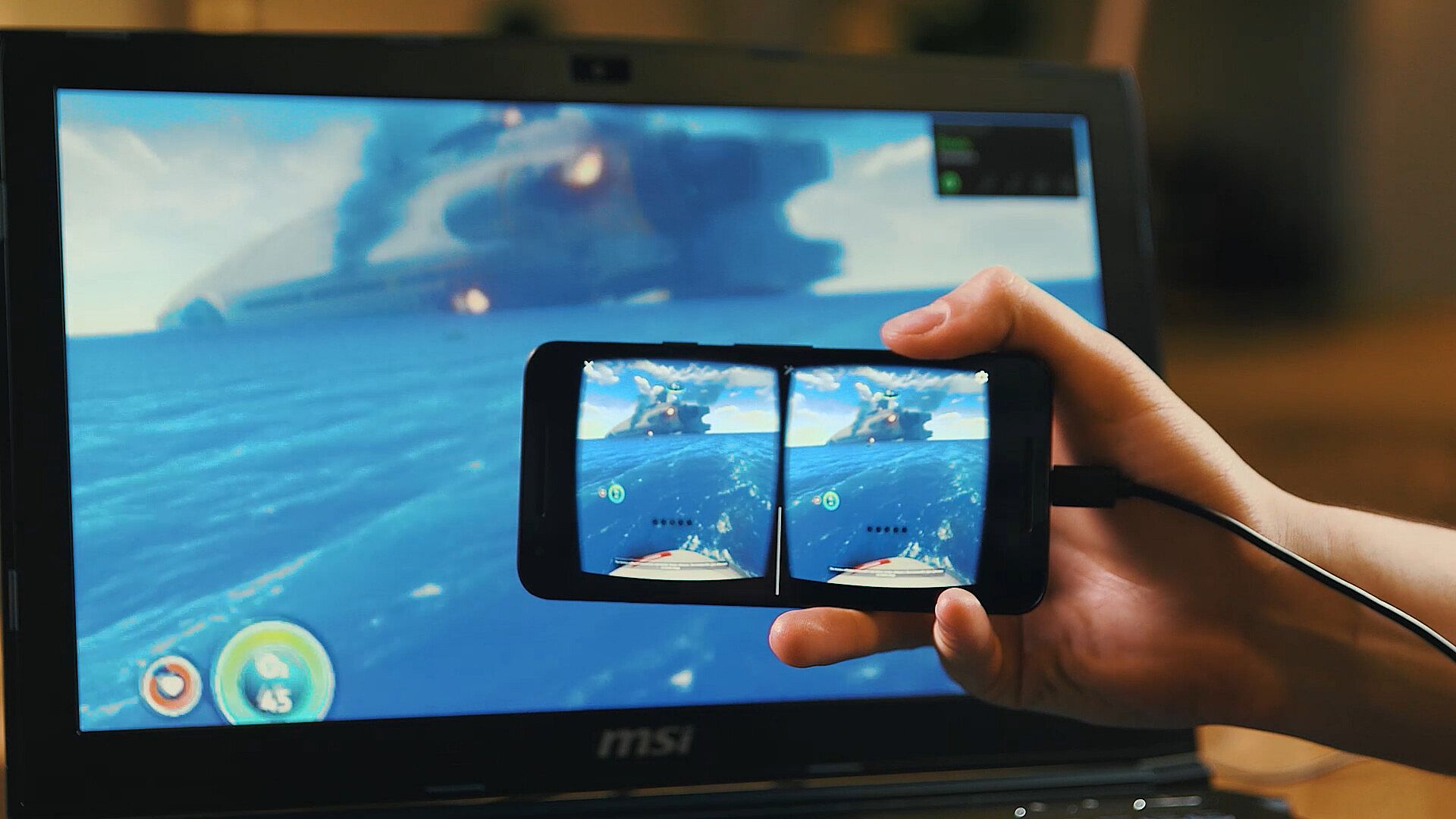
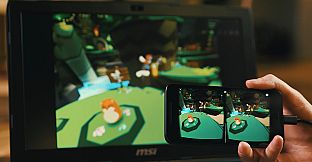
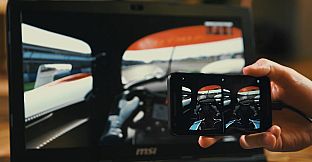
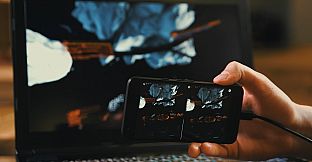
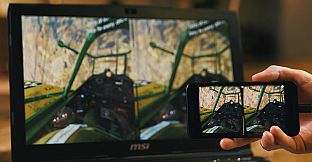
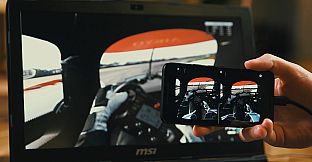
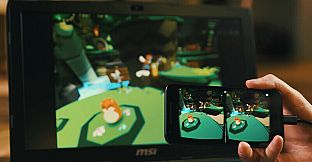
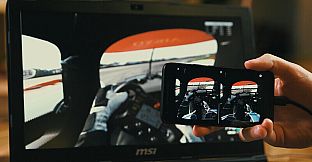
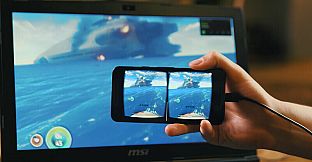
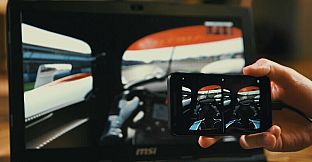
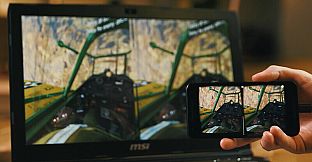
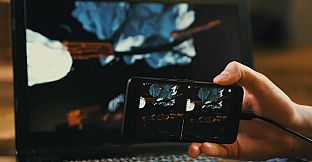
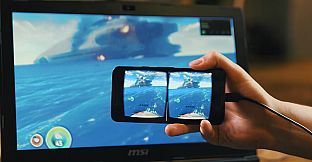
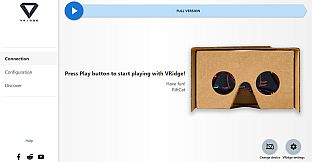
VRidge verbindet dein mobiles Gerät mit dem PC und verwandelt es in einen SteamVR-kompatiblen Headset. Es streamt SteamVR-Apps als hochperformantes Video inklusive vollständiger Head- und Controller-Tracking. Kombiniere es mit einem mobilen oder Cardboard-VR-Viewer für sofortigen Zugriff.
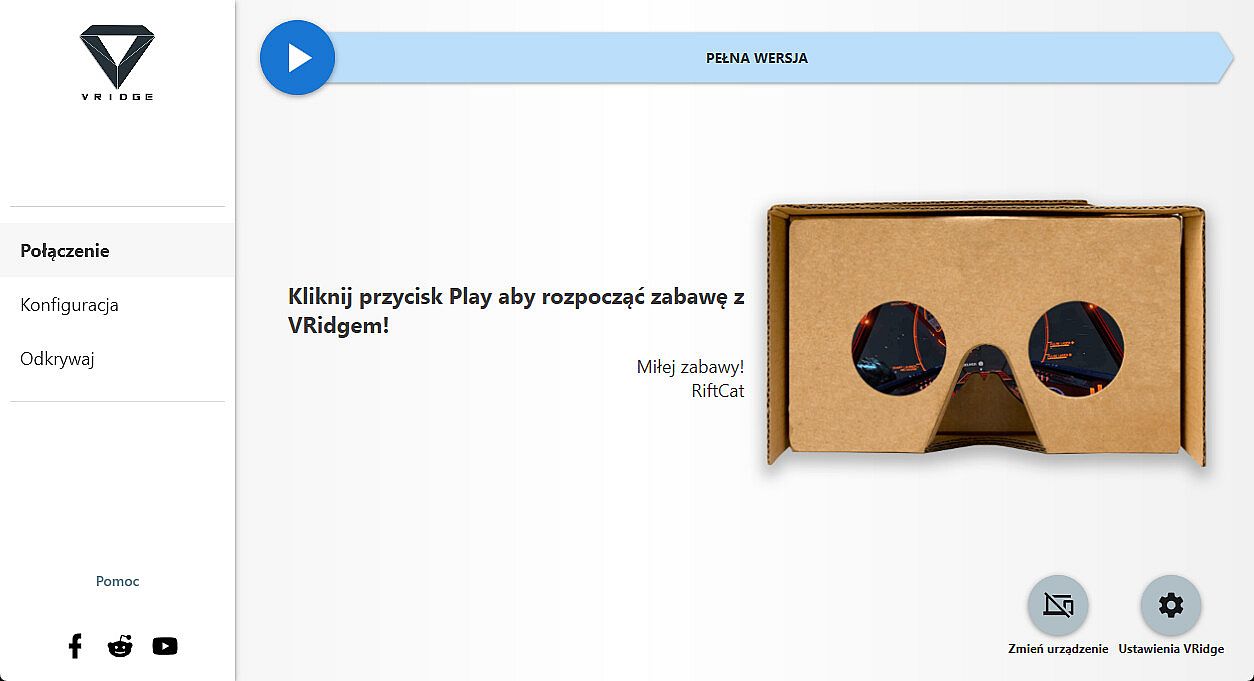
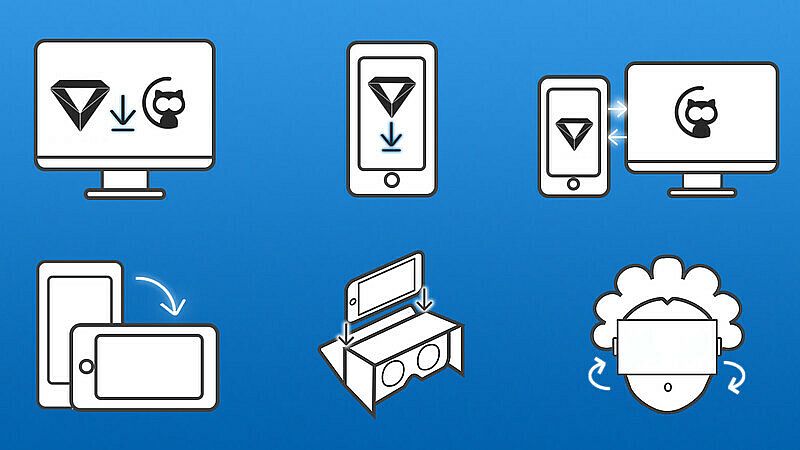
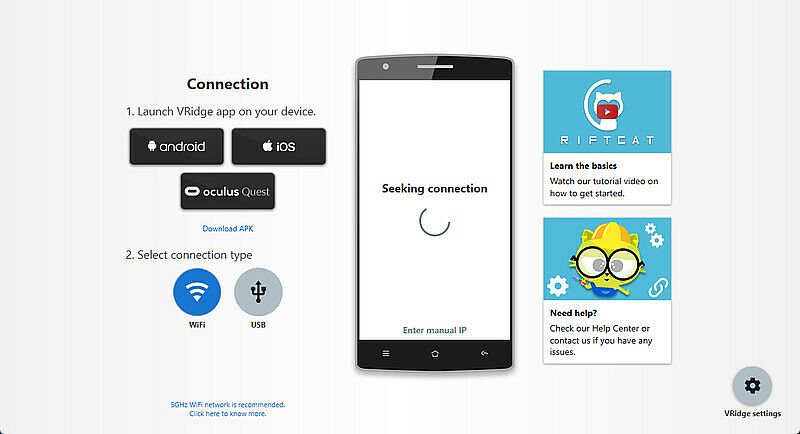
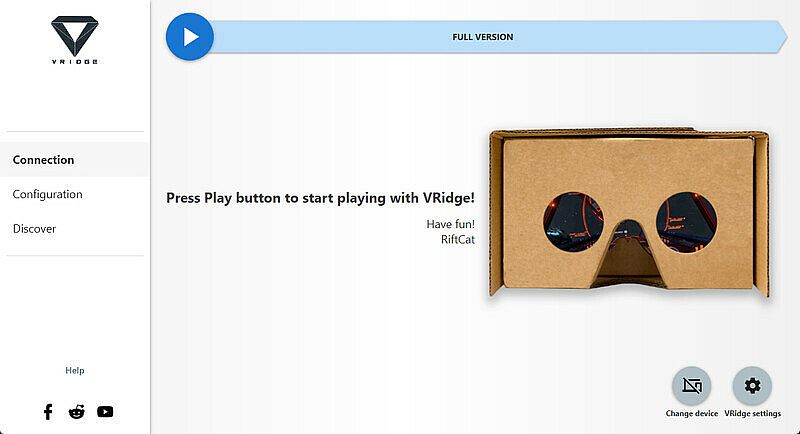
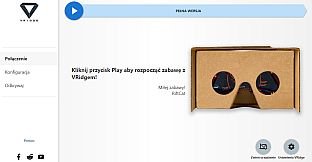
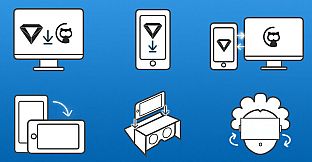
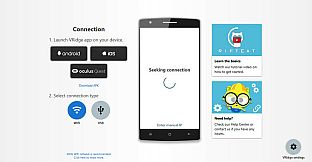
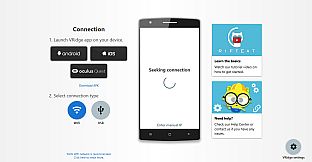
Installiere den RiftCat-Client auf deinem PC über Steam, lade VRidge auf dem mobilen Gerät in den Viewer und starte beide. Verbinde dich per WiFi mit den Anleitungen der App - los geht's. Teste die Einrichtung zuerst mit dem Demo, um reibungslose Performance zu prüfen. Solche VR-Tools eignen sich perfekt für PC-Nutzer, die mobiles VR ohne zusätzliche Hardware erleben wollen.
VRidge connects your mobile device to your PC, transforming it into a powerful SteamVR-compatible virtual reality headset. It will then stream SteamVR apps to your mobile device as a high-performance video with full head and controller tracking. All you need is a mobile or cardboard VR viewer to enjoy the experience!
Getting started
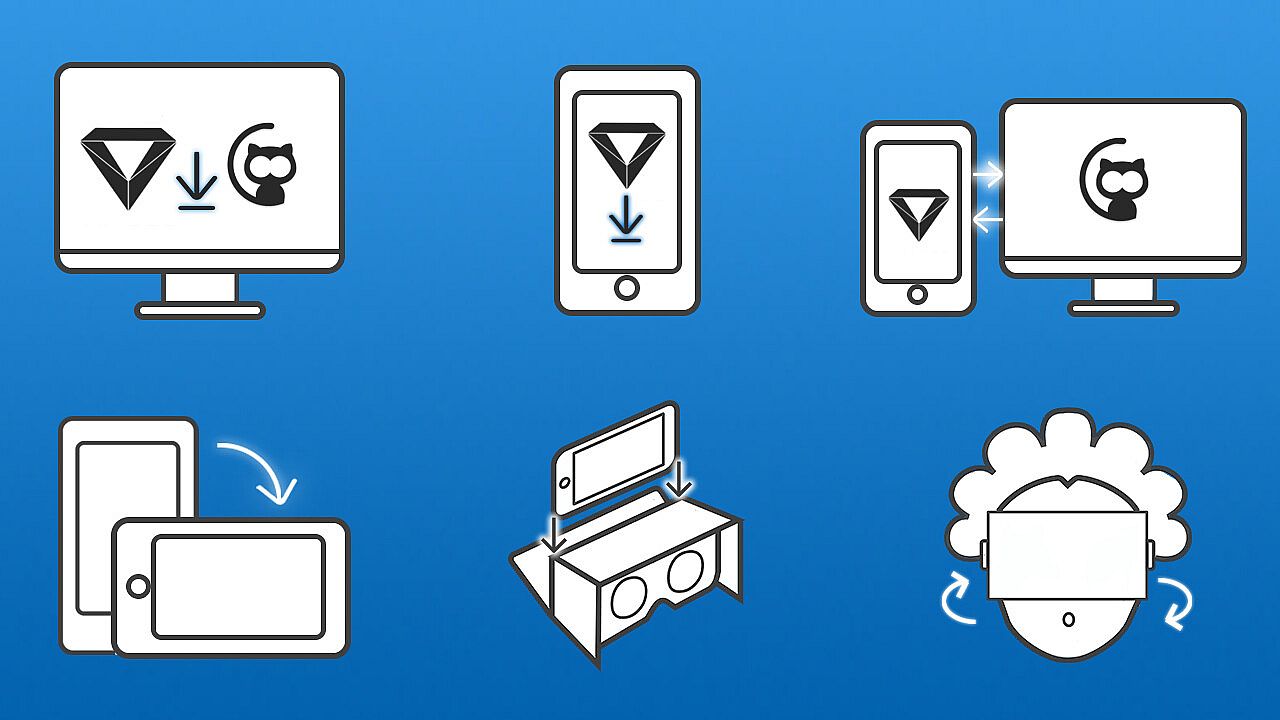
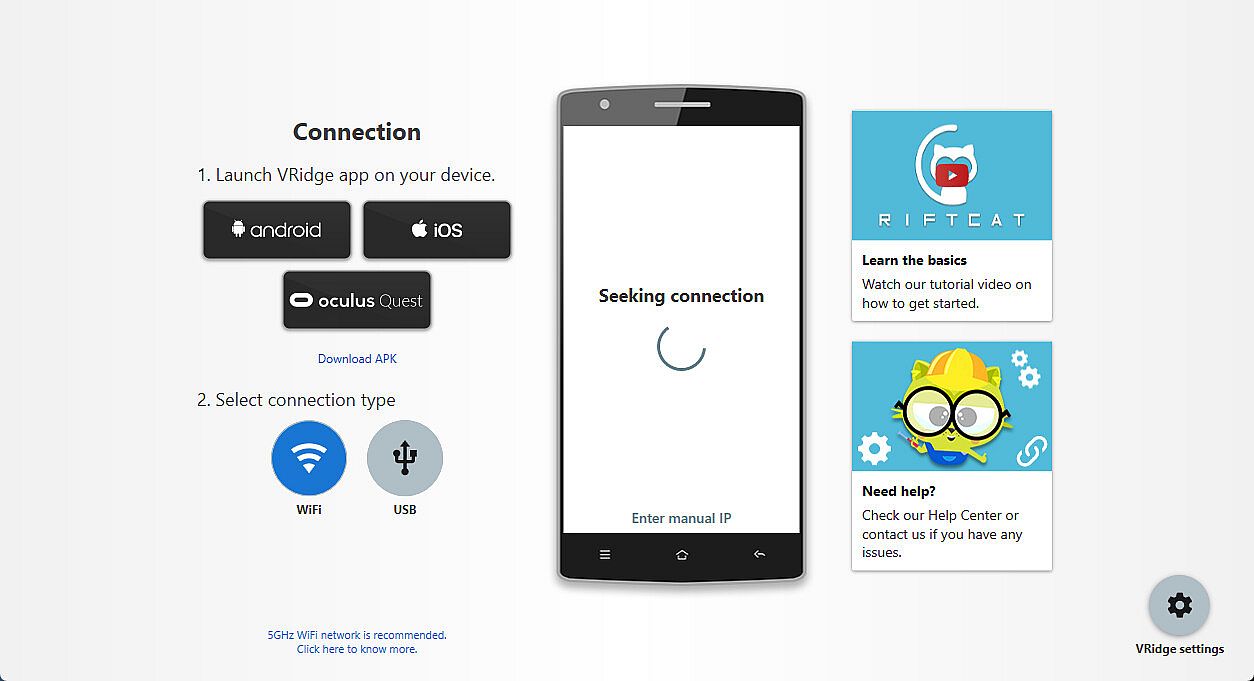
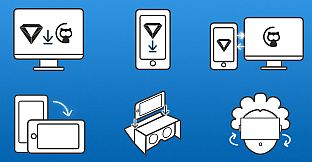
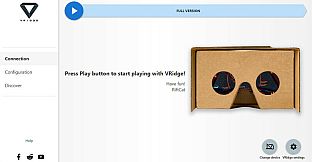
- Install RiftCat client application on your computer via Steam.
- Install VRidge on your mobile device and place it inside your mobile VR viewer.
- Launch both apps.
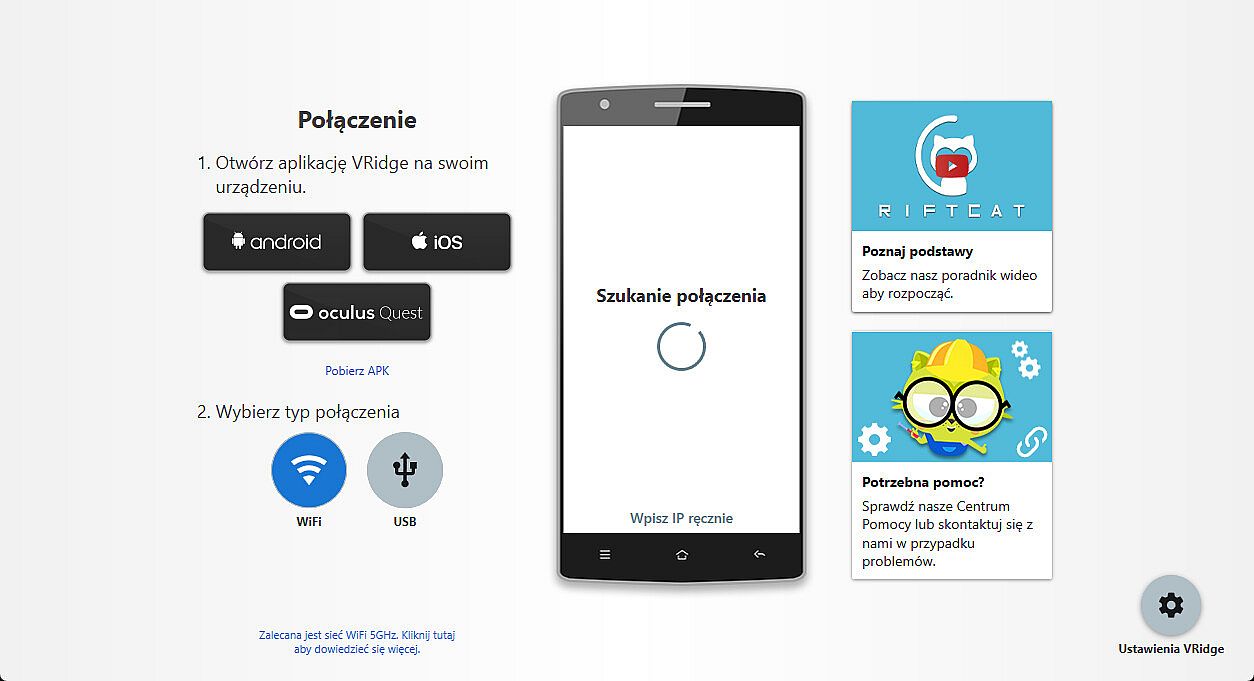
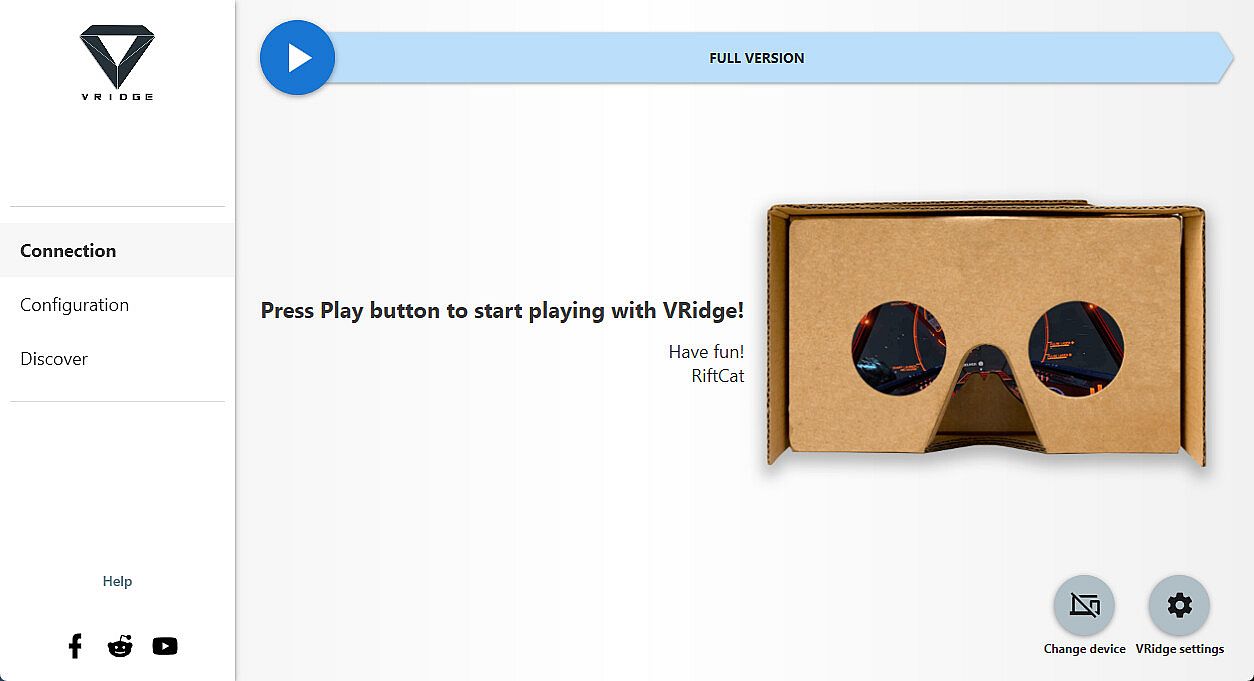
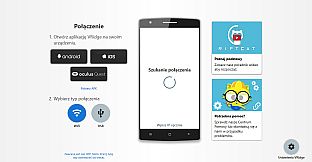
- Follow the built-in instructions in the RiftCat application to connect them via WiFi.
- Enjoy!
Test your setup first
Try out your
VRidge hardware setup with the
Demo version to ensure everything works correctly before making a purchase.