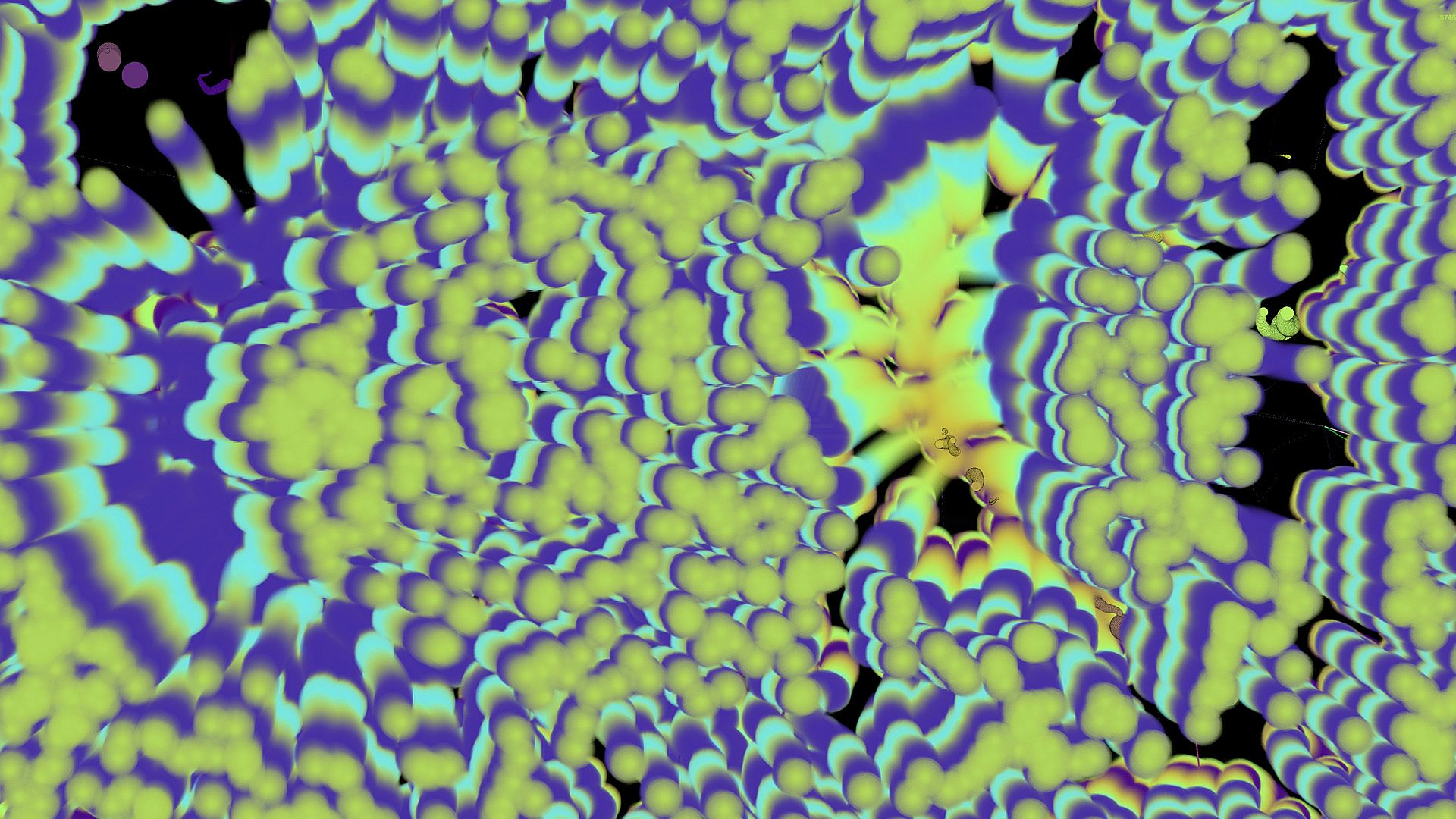
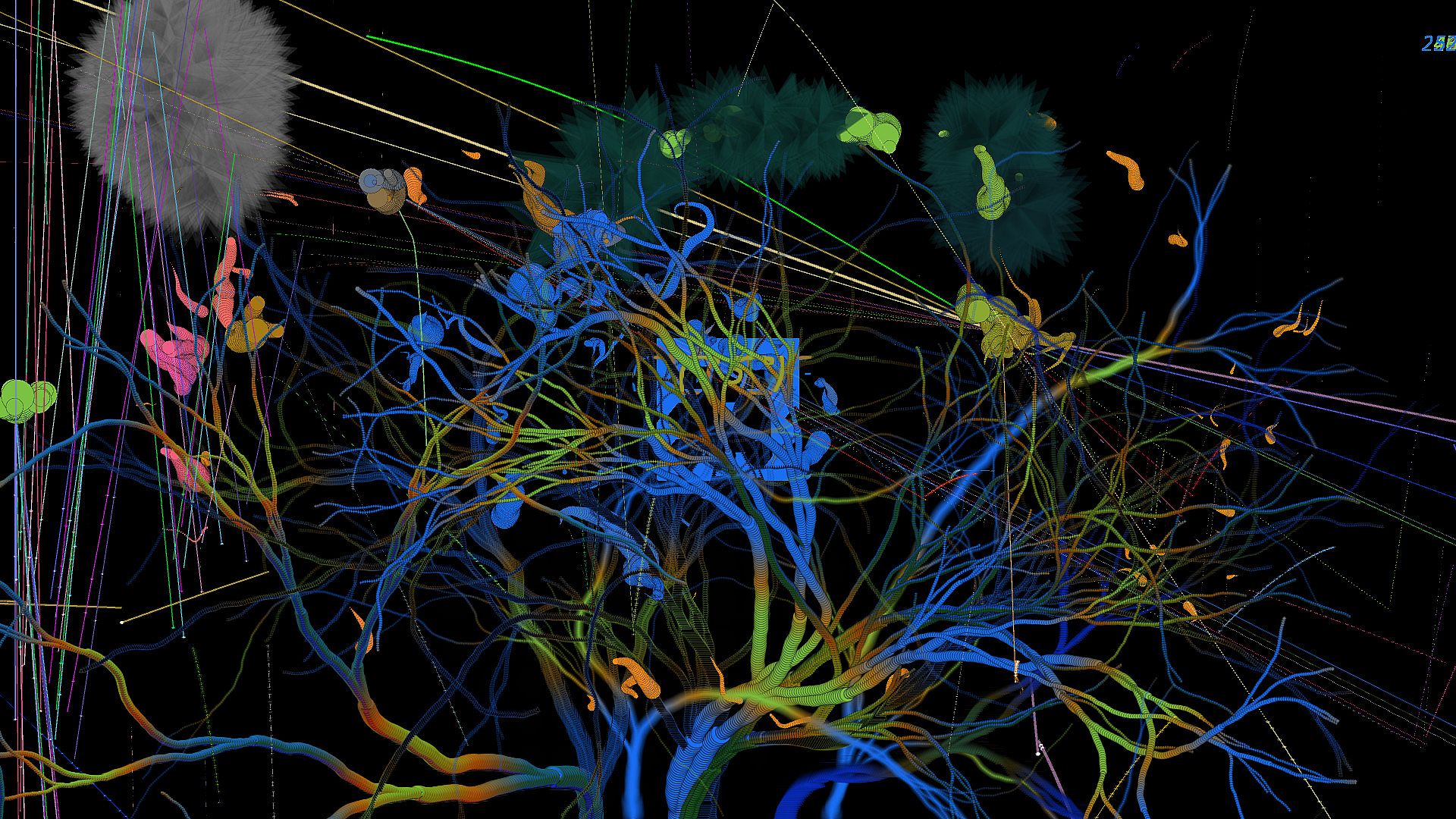
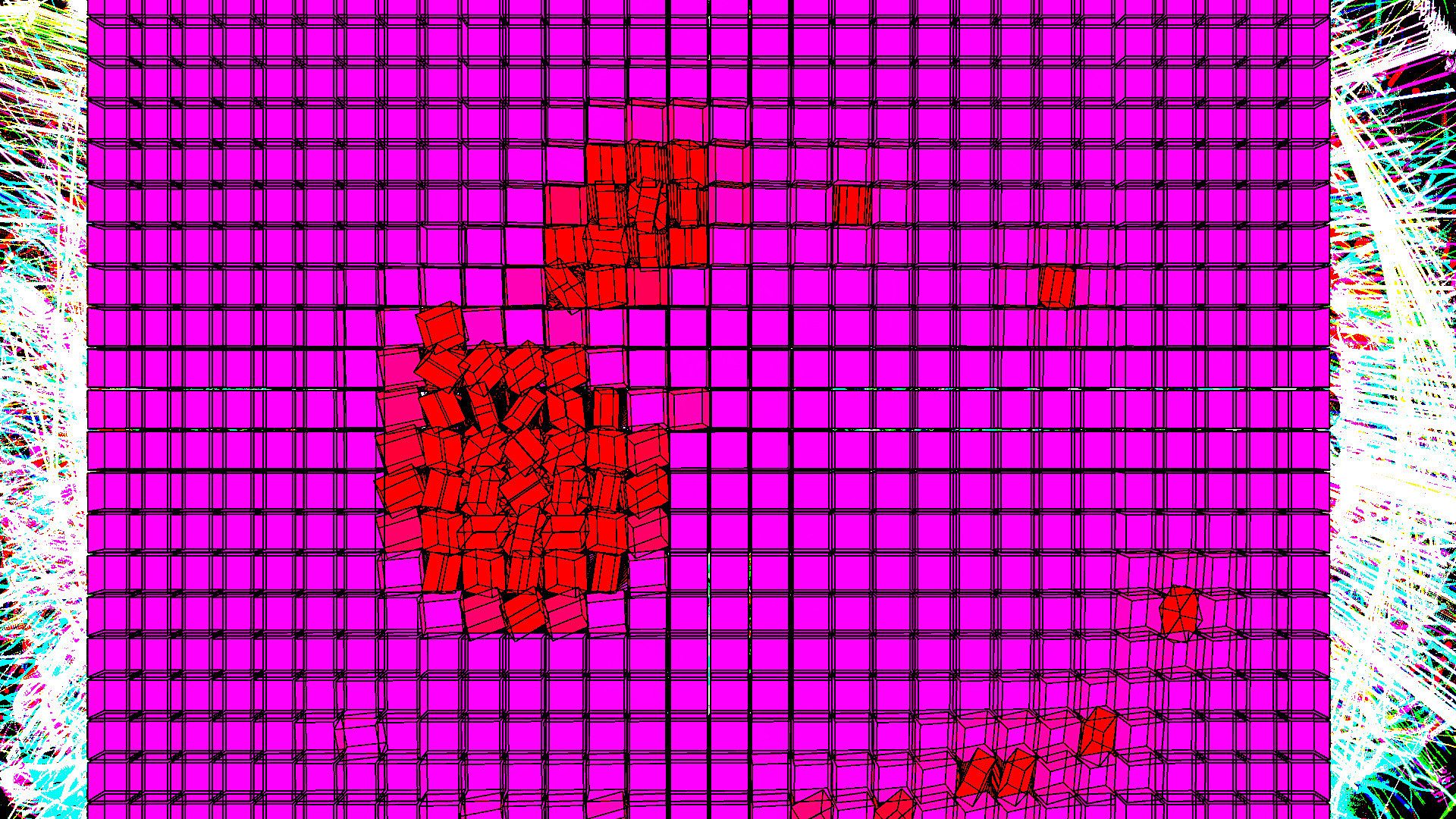
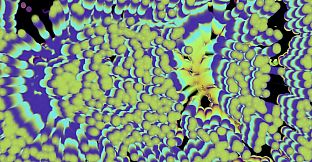
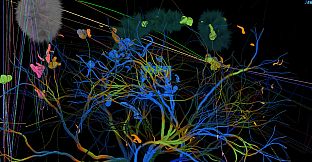
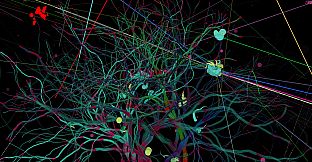
Start some music and launch Wavelength on PC to visualize audio in fresh ways. This public beta tool blends animation and modeling with audio production, letting users watch and listen as tracks come alive through simple screen menus. Follow on-screen options for customization or stick to the basics for quick sessions.
New users launch the app, play tunes, and surf waveforms effortlessly. The getting started guide points to YouTube videos for tips on utilities and design features. Music enthusiasts and creators find a straightforward way to explore sound visually.
Now in Public Beta!
Instructions for use:
- Start playing some music.
- Launch Wavelength♂️
- That’s all there is to it
Here's the Getting Started Guide:
Check out some Youtube videos to learn how to use it and other information:
With Wavelength, you can experience your music like you’ve never experienced it before. For all the endless customization options, just follow the menus on the screen, but for the newbies do this: Launch, Watch and Listen. Happy Surfing the Wavelength!