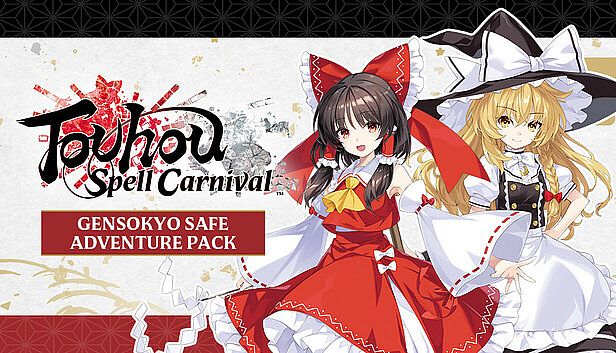
Touhou Spell Carnival - Gensokyo Safe Adventure Pack PC Key kaufen

Dieser Inhalt erfordert das Hauptspiel: Touhou Spell Carnival

Touhou Spell Carnival - Gensokyo Safe Adventure Pack ist kostenlos spielbar auf Steam! Auch erhältlich in 1 offiziellen Shops ab 0,00 €.

Veröffentlichung: 07 Mai 2025
Keyshops
Nicht verfügbar
Im offiziellen Store kaufen:
Free
Im Keyshop kaufen:
Preisverlauf anzeigen

Offizielle Shops (1)

DRM:
Steam
Steam
Steam
Touhou Spell Carnival - Gensokyo Safe Adventure Pack
Windows
vor 6W
DRM:
Steam
Steam
Free
Historical Low Deal
Historical low

Über Touhou Spell Carnival - Gensokyo Safe Adventure Pack

Touhou Spell Carnival - Gensokyo Safe Adventure Pack - Spielbeschreibung
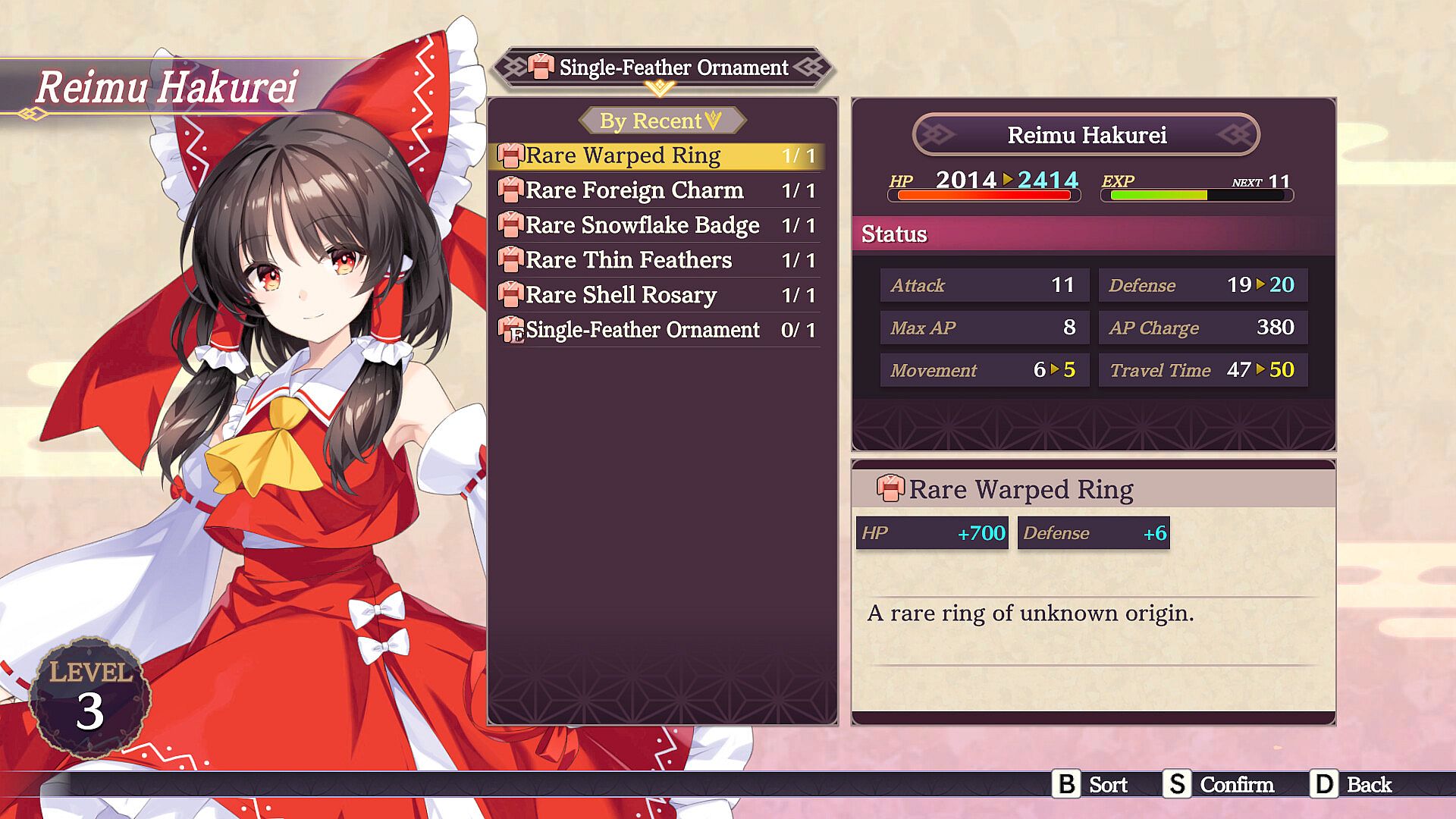
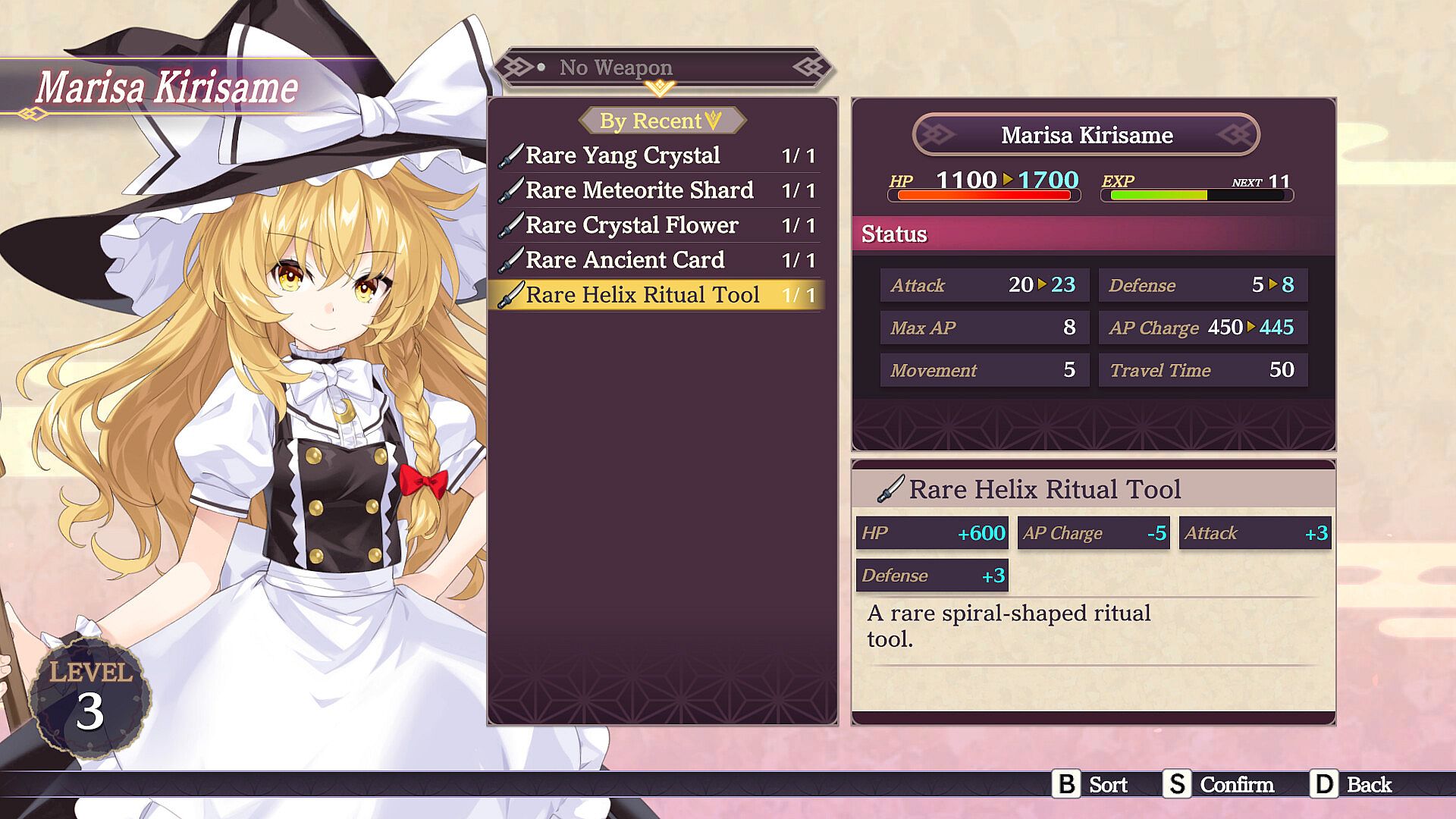
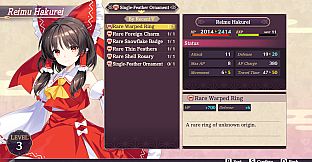
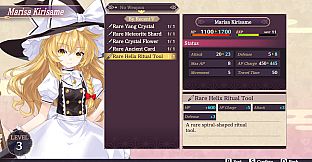
Kick off your Gensokyo journey with essential gear in this action strategy RPG. The game equips you and your Touhou characters with rare items like Yang Crystals, Meteorite Shards, and Crystal Flowers to build a strong fighting edge. Free-to-play access lets you gather 10 pieces of equipment alongside five Growth Elixirs for steady progress. Players tackle challenges through strategic item use in turn-based encounters on PC. Rare tools such as Helix Ritual Tools, Warped Rings, and Shell Rosaries enhance your squad's capabilities right from the start. This setup draws in fans of Touhou-style RPGs who enjoy gearing up for prolonged adventures.

Start your adventure in Gensokyo right with the Gensokyo Safe Adventure Pack - 10x equipment and 5x consumables that will give you and your Touhou gals the fighting edge! The Gensokyo Safe Adventure Pack is available for FREE within the first two weeks of the game's launch!

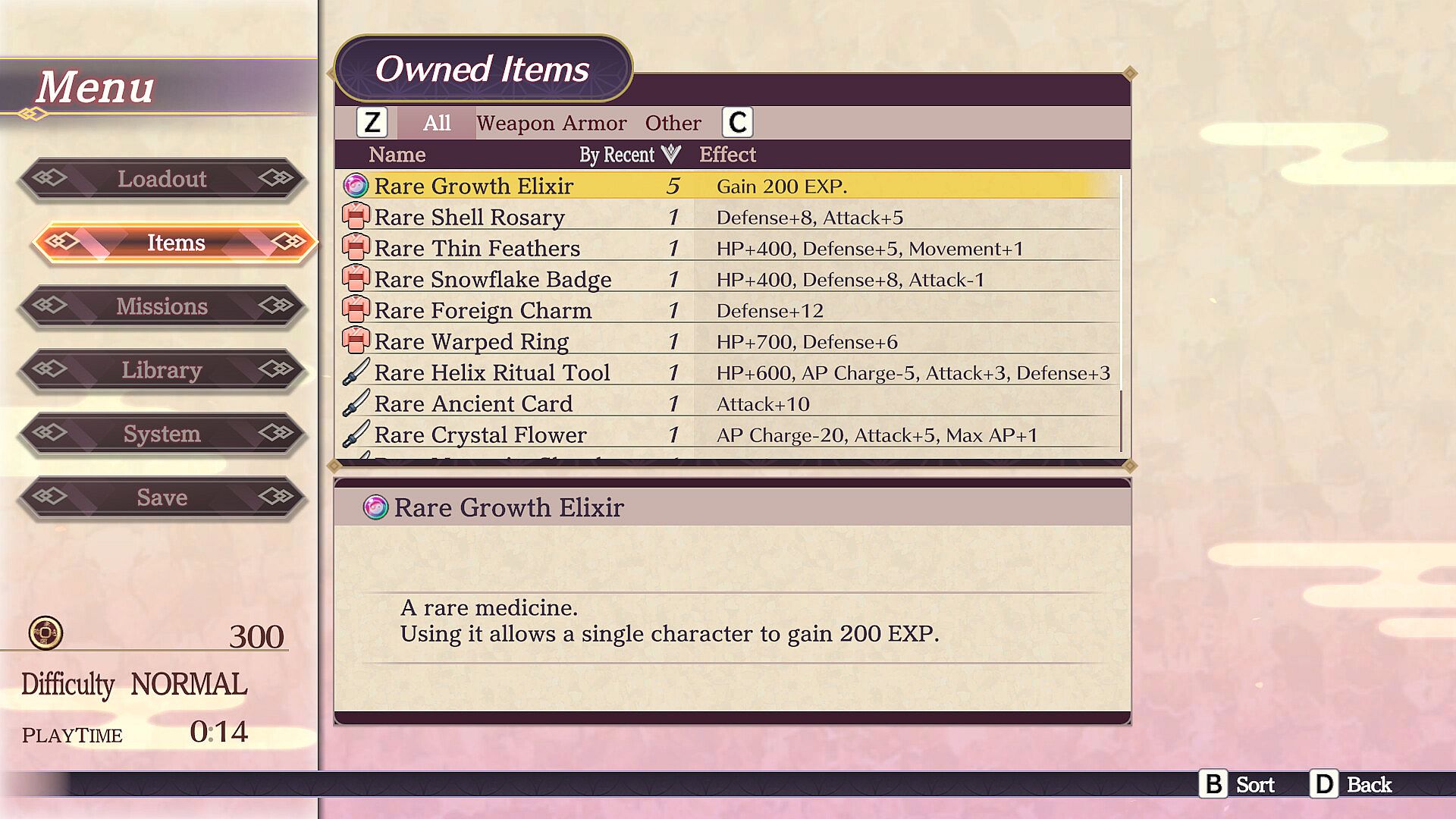
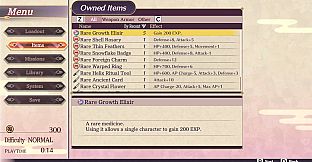
The Gensokyo Safe Adventure Pack includes:

・Rare Yang Crystal x 1

・Rare Meteorite Shard x 1

・Rare Crystal Flower x 1

・Rare Ancient Card x 1

・Rare Helix Ritual Tool x 1

・Rare Warped Ring x 1

・Rare Foreign Charm x 1

・Rare Snowflake Badge x 1

・Rare Thin Feathers x 1

・Rare Shell Rosary x 1

・Rare Growth Elixir x 5

Oberfläche:
EnglishSpanish - SpainJapaneseSimplified ChineseTraditional Chinese
Audio:
Japanese
Untertitel:
EnglishSpanish - SpainJapaneseSimplified ChineseTraditional Chinese

Minimum:

  • Betriebssystem: Windows 10 (64-bit)
  • Prozessor: Intel i5 2.3GHz or AMD A9 2.9GHz
  • Arbeitsspeicher: 4 GB RAM
  • Grafik: Dedicated GPU with 2GB of VRAM
  • DirectX: Version 11
  • Speicherplatz: 3 GB available space
  • Zusätzliche Hinweise: DirectSound (DirectX) compatible sound card

Empfohlen:

  • Betriebssystem: Windows 10 (64-bit) / Windows 11 (64-bit)
  • Prozessor: Intel CPU Core i7 3770 or above
  • Arbeitsspeicher: 8 GB RAM
  • Grafik: GeForce GTX 970 or AMD RX 560 2GB equivalent
  • DirectX: Version 11
  • Speicherplatz: 3 GB available space
  • Zusätzliche Hinweise: DirectSound (DirectX) compatible sound card
Historisches Tief
Preisverlauf von offiziellen Shops
-
-
-
Preisverlauf von Keyshops
-
-
-
Tritt unserem Discord bei
Erhalte Hilfe von der Community und bleibe über Angebote informiert
Preisalarme einrichten
Erhalte E-Mail-Benachrichtigungen wenn Preise fallen
Kostenloses Konto erstellen
Schalte Wunschlisten, Preisalarme und Steam-Sync frei

FAQ

8 Fragen

Bevor du nach einem günstigen Touhou Spell Carnival - Gensokyo Safe Adventure Pack PC Key suchst, prüfe die wichtigsten Fakten. Entwickelt von Idea Factory. Veröffentlicht von Idea Factory International, Inc.. PC Release-Datum: 07 Mai 2025. Genres: Action, Strategy, Free To Play, RPG. Kategorien: Family Sharing, Single-player, Downloadable Content.

Q

Wo kann ich einen günstigen Touhou Spell Carnival - Gensokyo Safe Adventure Pack Steam Key oder CD Key kaufen?

Touhou Spell Carnival - Gensokyo Safe Adventure Pack ist kostenlos spielbar! Lade es auf Steam herunter und spiele sofort los.

Touhou Spell Carnival - Gensokyo Safe Adventure Pack ist auf Steam komplett kostenlos. Kein Kauf nötig - einfach herunterladen und spielen. Wenn du nach Premium-DLC oder In-Game-Items suchst, prüfe die Angebotstabelle oben.

Unser Preistracker deckt sowohl offizielle Händler als auch Key-Marktplätze ab, sodass du Touhou Spell Carnival - Gensokyo Safe Adventure Pack im Angebot auch außerhalb saisonaler Aktionen finden kannst. Wir erkennen derzeit 1 aktives Angebot von offiziellen Shops und Keyshops. Prüfe die Tabelle oben, vergleiche mit dem historischen Tief und setze einen Alarm, damit du den nächsten Preissturz nicht verpasst.

Laut unseren Daten ist Touhou Spell Carnival - Gensokyo Safe Adventure Pack derzeit nicht auf GeForce NOW verfügbar. Du musst es lokal auf deinem PC ausführen. Stöbre durch Spiele, die auf GeForce NOW verfügbar sind.

Ja. Touhou Spell Carnival - Gensokyo Safe Adventure Pack hat eine offizielle Steam-Shop-Seite. Du kannst auch einen Touhou Spell Carnival - Gensokyo Safe Adventure Pack Steam Key von Drittanbietern kaufen. Unser Preisvergleich umfasst derzeit 1 Angebot mit Steam-DRM. Wähle eines davon, um sicherzustellen, dass dein Touhou Spell Carnival - Gensokyo Safe Adventure Pack Download über Valves Plattform läuft.

Derzeit nicht. Valve kennzeichnet Touhou Spell Carnival - Gensokyo Safe Adventure Pack als Unsupported auf dem Steam Deck. Behalte XD.deals im Blick - wir verfolgen Proton-Updates und Community-Fixes. Stöbere durch Spiele, die Steam Deck Verified oder Steam Deck Playable sind.

Touhou Spell Carnival - Gensokyo Safe Adventure Pack scheint derzeit nicht im PC Game Pass, bei EA Play, Ubisoft+ oder einem anderen PC-Abonnement verfügbar zu sein. Deine einzige Option ist der Kauf - nutze XD.deals, um den besten Preis zu finden.

Nein - XD.deals ist kein Shop. Wir sind ein Preisvergleich, der die besten Touhou Spell Carnival - Gensokyo Safe Adventure Pack-Deals bei offiziellen Shops und verifizierten Keyshops verfolgt. Klicke neben einem Angebot auf "Zum Shop" und du wirst zur Webseite des Händlers weitergeleitet, um deinen Kauf abzuschließen.

Beste Preise für Touhou Spell Carnival - Gensokyo Safe Adventure Pack

1 Steam Steam Official
0,00 €

Zum besten Zeitpunkt kaufen? Setze einen Preisalarm auf XD.deals und werde benachrichtigt, wenn Touhou Spell Carnival - Gensokyo Safe Adventure Pack sein nächstes historisches Tief erreicht.

Alarm erstellen