


January 2026 Update
From the original ( 3000 Tickets ) Increase to ( 30000 Tickets ) , And then From the original ( 300 Token ) Increase to ( 3000 Token )
April 2026 Update
Game Tutorials have also been added to each Game Stage!
------ ------ ------ ------ ------ ------
Here's a secret tip!
It's easier to obtain (Tickets) and (Tokens) in the game's (Stage 13, Stage 14)!
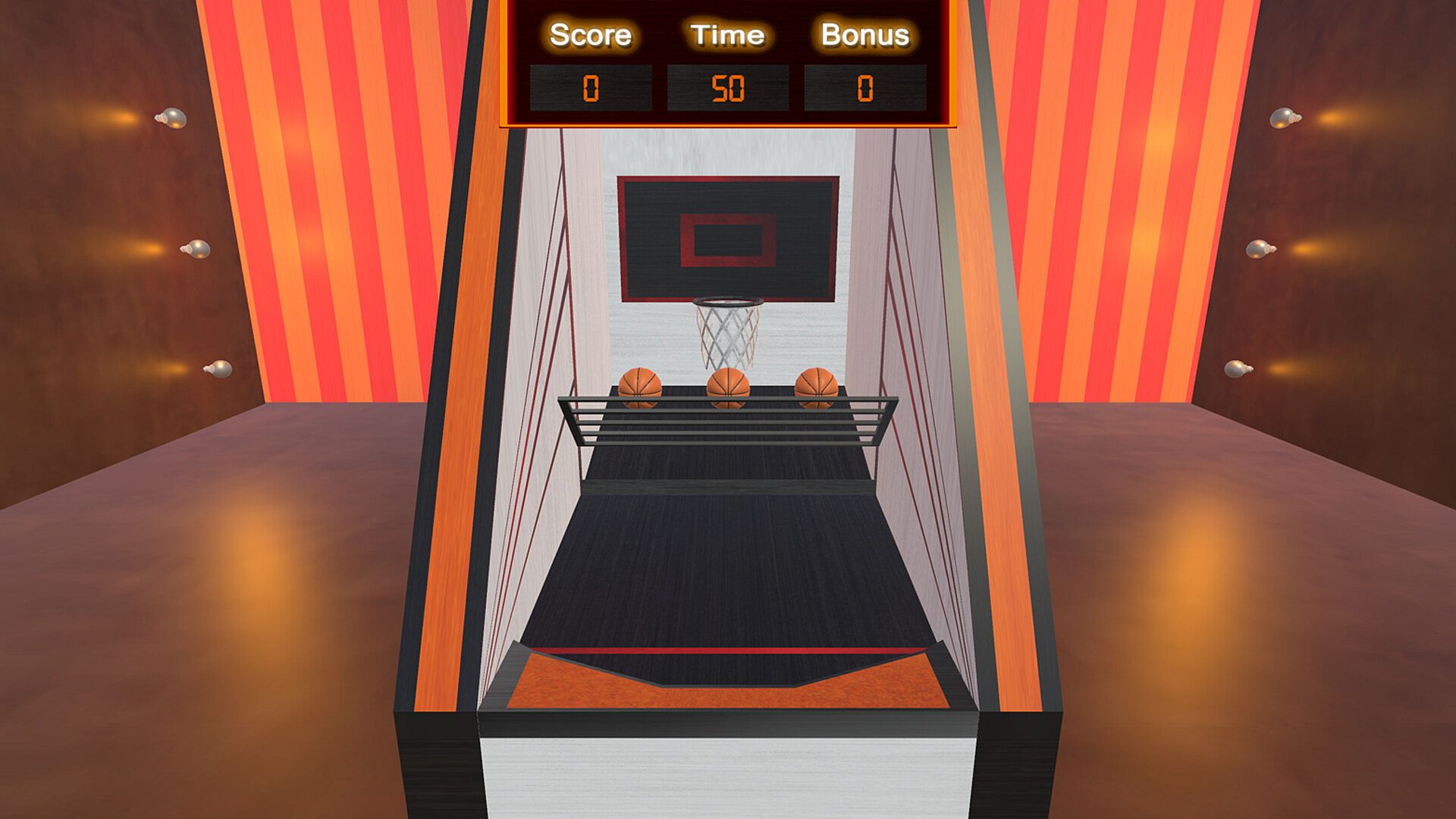
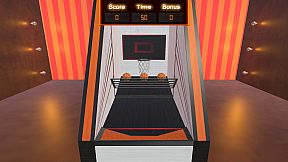
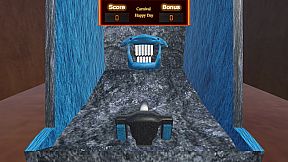
Furthermore, ( Stage 7, the basketball-throwing stage ), also allows you to quickly obtain (Tickets) and (Tokens)!
When shooting a basketball, the higher you hold the ball, the easier it will be to throw!
In ( Stage 7the stage for throwing basketballs ), to accelerate the throw, simply press the button that activates the arrow prompt!
Because arrow indicators can be activated in certain ( Stages )!
Use the Shift key to activate the arrow indicator.
Use the right mouse button to activate the arrow indicator.
Use the button on the upper left side of your game controller to activate the arrow indicator. This is equivalent to the L2 button on a PlayStation game controller or the LT button on an Xbox game controller.
------ ------ ------ ------ ------ ------
更新於2026年1月
從原來的 ( 3000 Ticket ) 增加到 ( 30000 Ticket ) , 也從原來的 ( 300 Token ) 增加到 ( 3000 Token )
更新於2026年4月
在每一個遊戲舞台也增加了遊戲教學!
------ ------ ------ ------ ------ ------
在這裡有一個秘技的提示!
就是在遊戲內的 ( Stage 13 , Stage 14 ) 會比較容易獲得 (Ticket) 與 (Token) !
此外 ( Stage 7 , 投擲籃球的 Stage ) 也可以快速獲得 (Ticket) 與 (Token) !
投擲籃球的時候, 把籃球舉高—些, 投擲起來就越容易!
在 ( Stage 7 , 投擲籃球的 Stage ) 的加速控制投擲, 就是按實開啓箭咀提示的按鈕!
因為 在某一些 ( Stage ) 可以開啓箭咀提示!
用 鍵盤 Shift 開啓箭咀提示
用 滑鼠 右鍵 開啓箭咀提示
用 遊戲控制器 左上後面的按鈕開啓箭咀提示 等於 PlayStation 遊戲控制器 的 L2 按鈕 或 等於 XBOX 遊戲控制器 的 LT 按鈕
------ ------ ------ ------ ------ ------
2026年1月更新
当初の(3000 Ticket)から(30000 Ticket)に増加 , そして、元の(300 Token)から(3000 Token)に増加します
2026年4月更新
各ゲームステージにゲームチュートリアルも追加されました!
------ ------ ------ ------ ------ ------
秘密のヒントを教えましょう!
ゲームの ( Stage 13、 Stage 14 ) では(チケット)と(トークン)が入手しやすくなります!
さらに、( Stage 7 , バスケットボールを投げるステージ )では、チケットとトークンを素早く入手することもできます!
バスケットボールをシュートするとき、ボールを高く持つほど、投げやすくなります。
( Stage 7 , バスケットボールを投げるステージ ) では、矢印プロンプトをアクティブにするボタンを押すだけで、投げる速度を速めることができます。
特定の ( Stage ) では矢印の先端が有効になるからです!
Shiftキーを押すと矢印インジケーターを起動できます。
マウスの右ボタンで矢印インジケーターを起動できます。
ゲームコントローラーの左上にあるボタンを押すと矢印インジケーターを起動できます。これは、PlayStationコントローラーのL2ボタン、またはXboxコントローラーのLTボタンに相当します。
------ ------ ------ ------ ------ ------
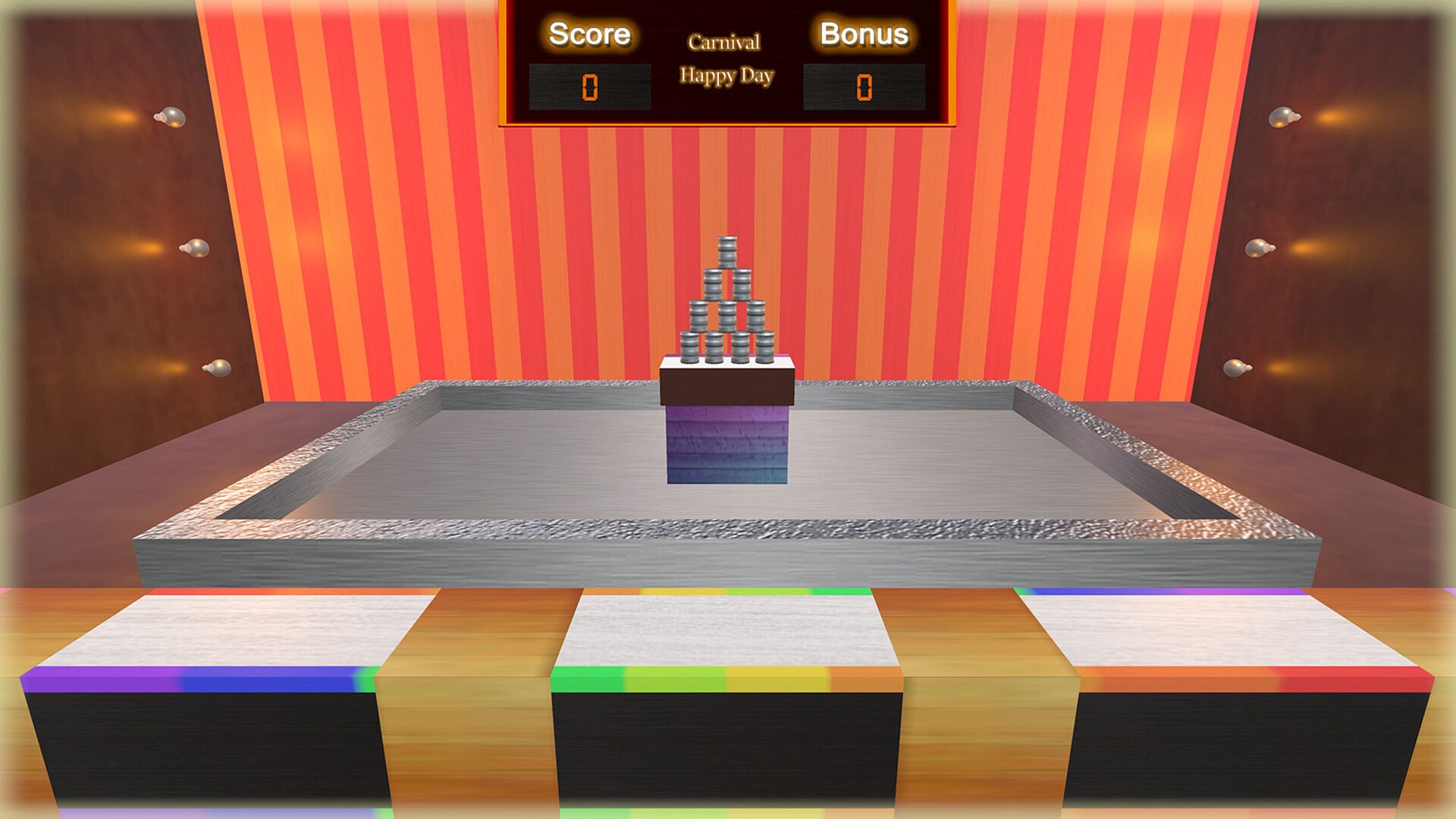
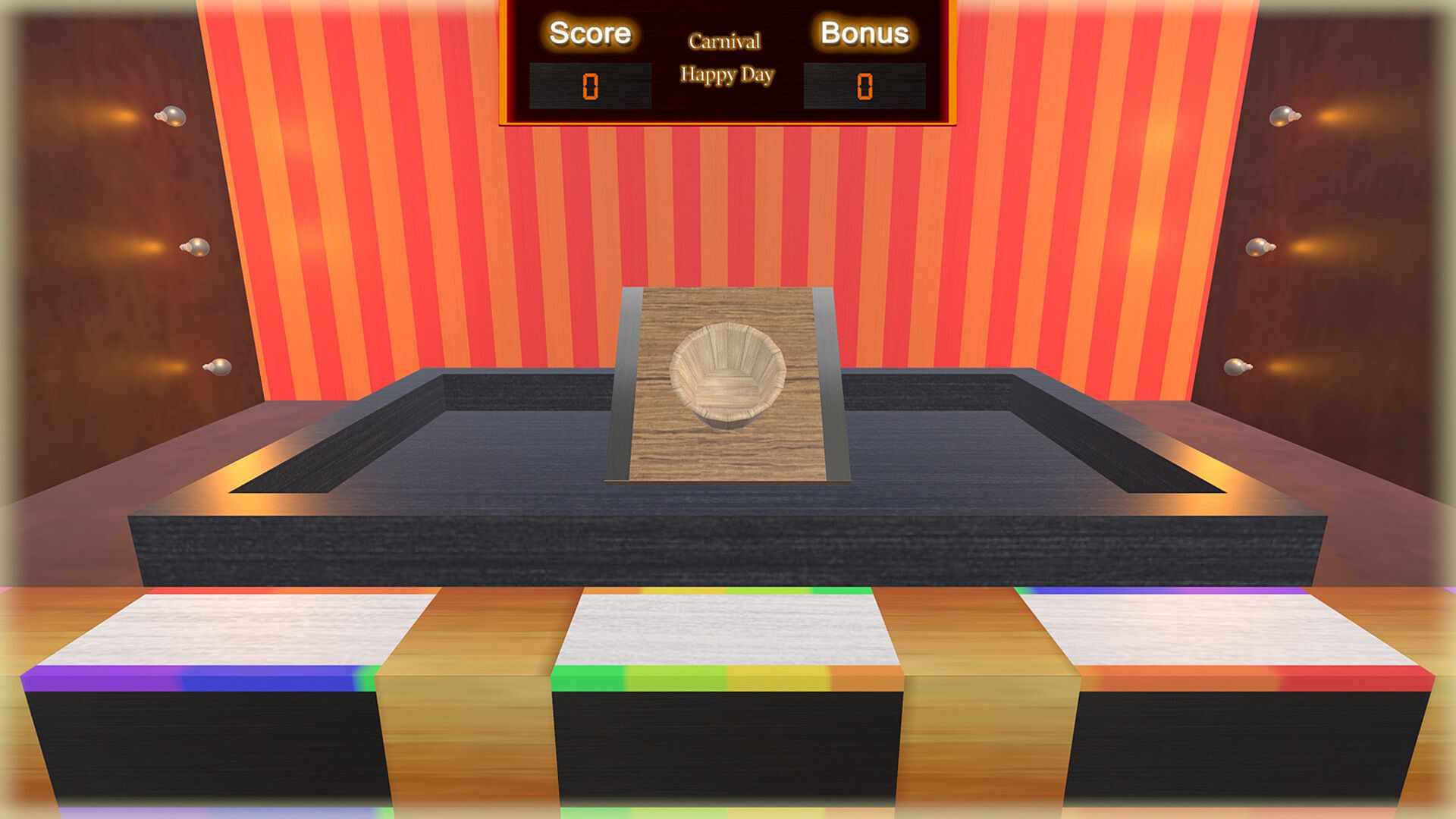
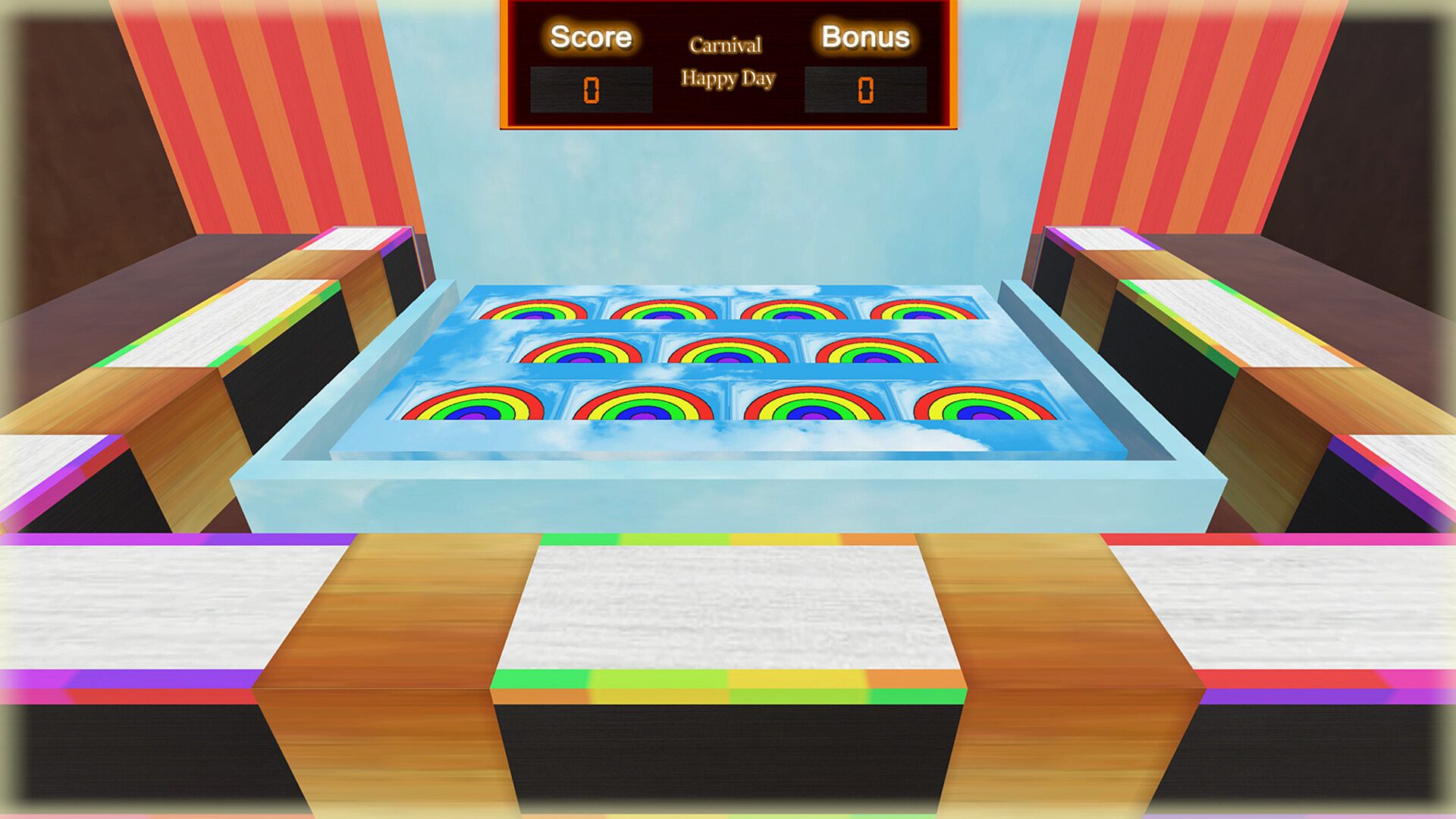
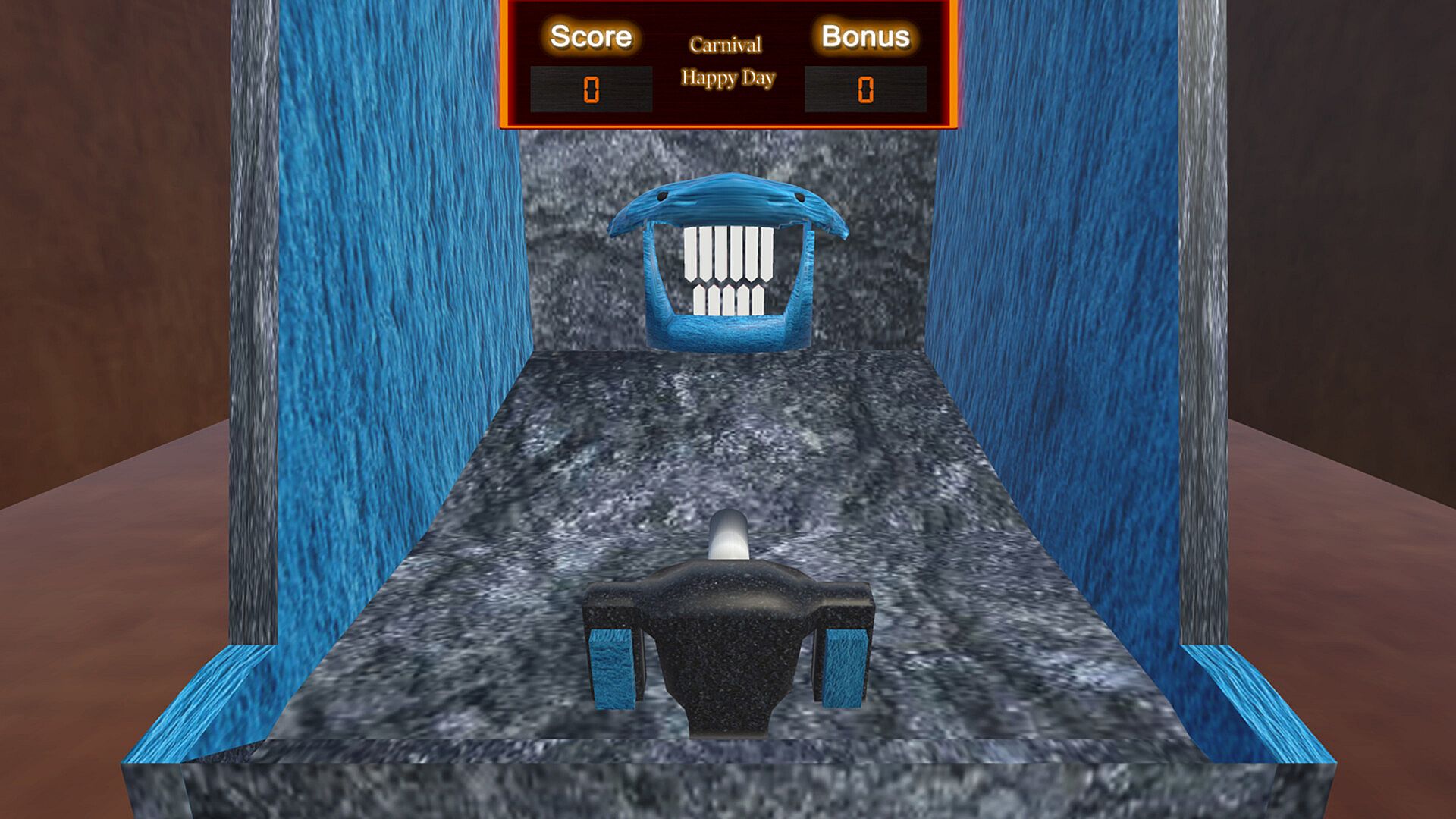
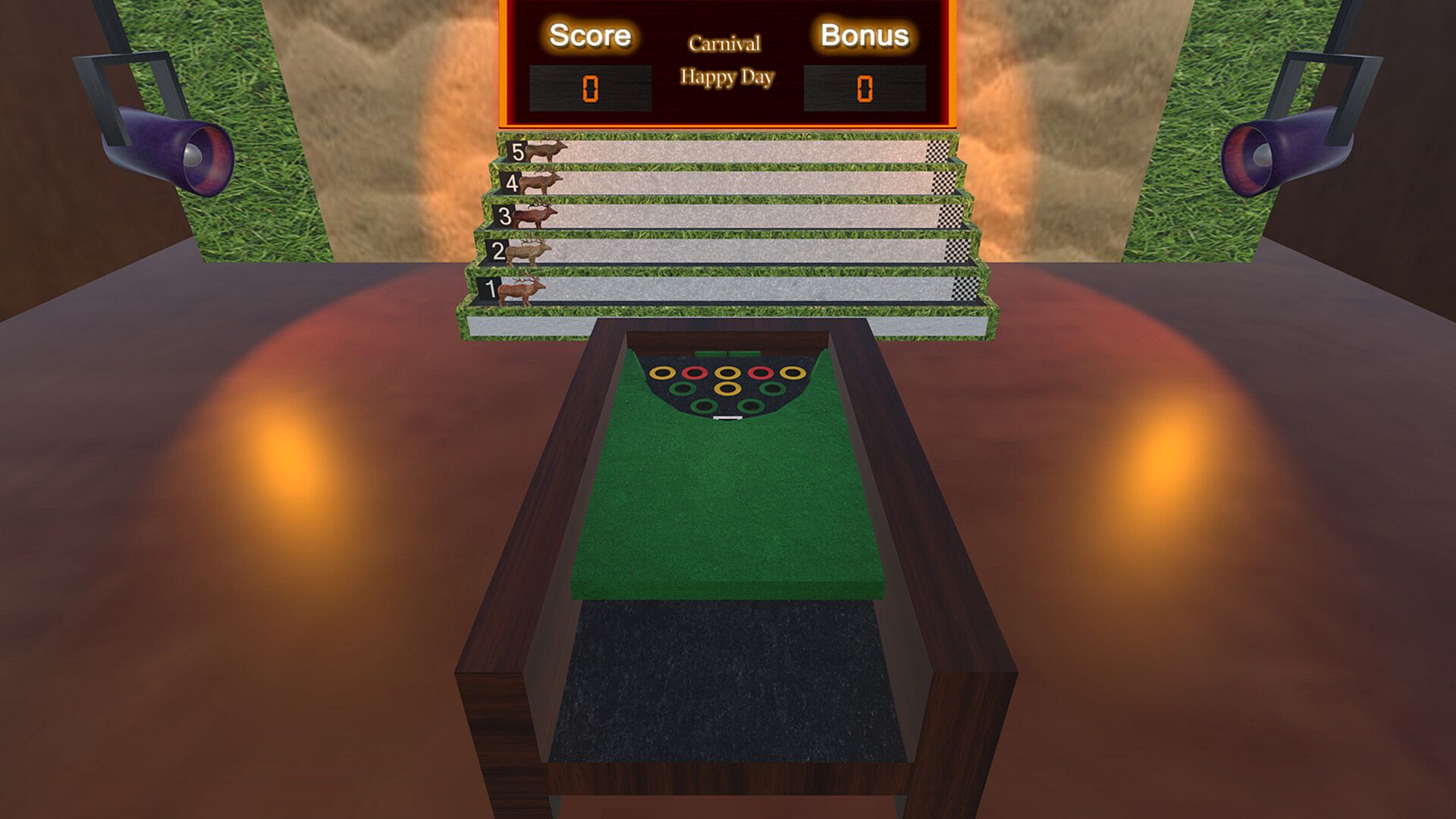
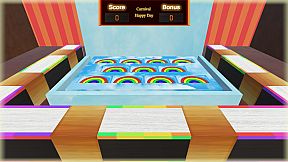
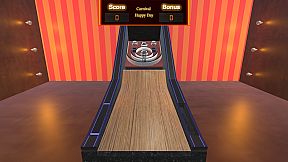
This is a casual and Joyous carnival game!
And the gameplay of this game already includes...... skills, luck, tension, excitement, surprise, leisure,
This game can promote human thinking and reaction!
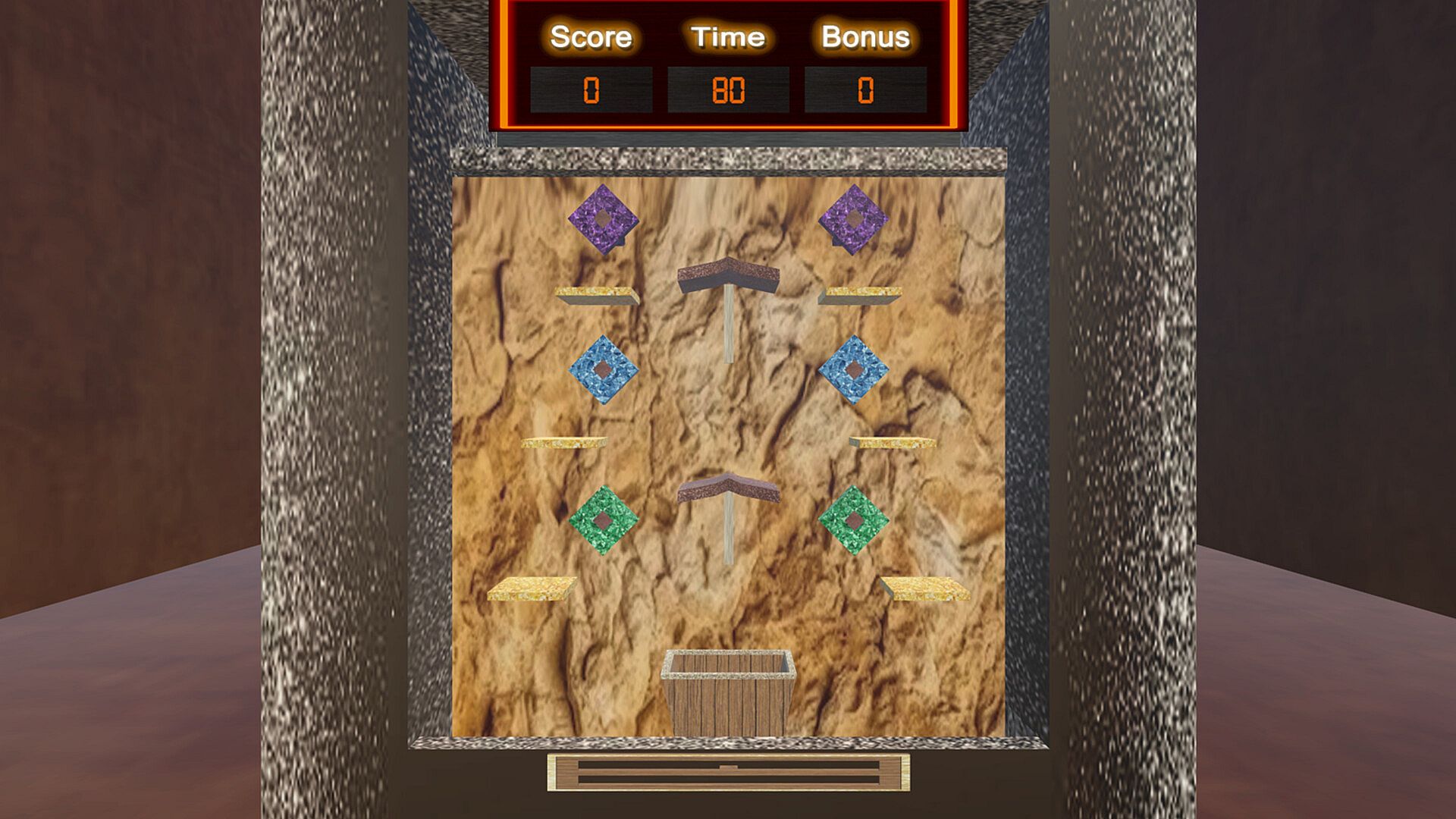
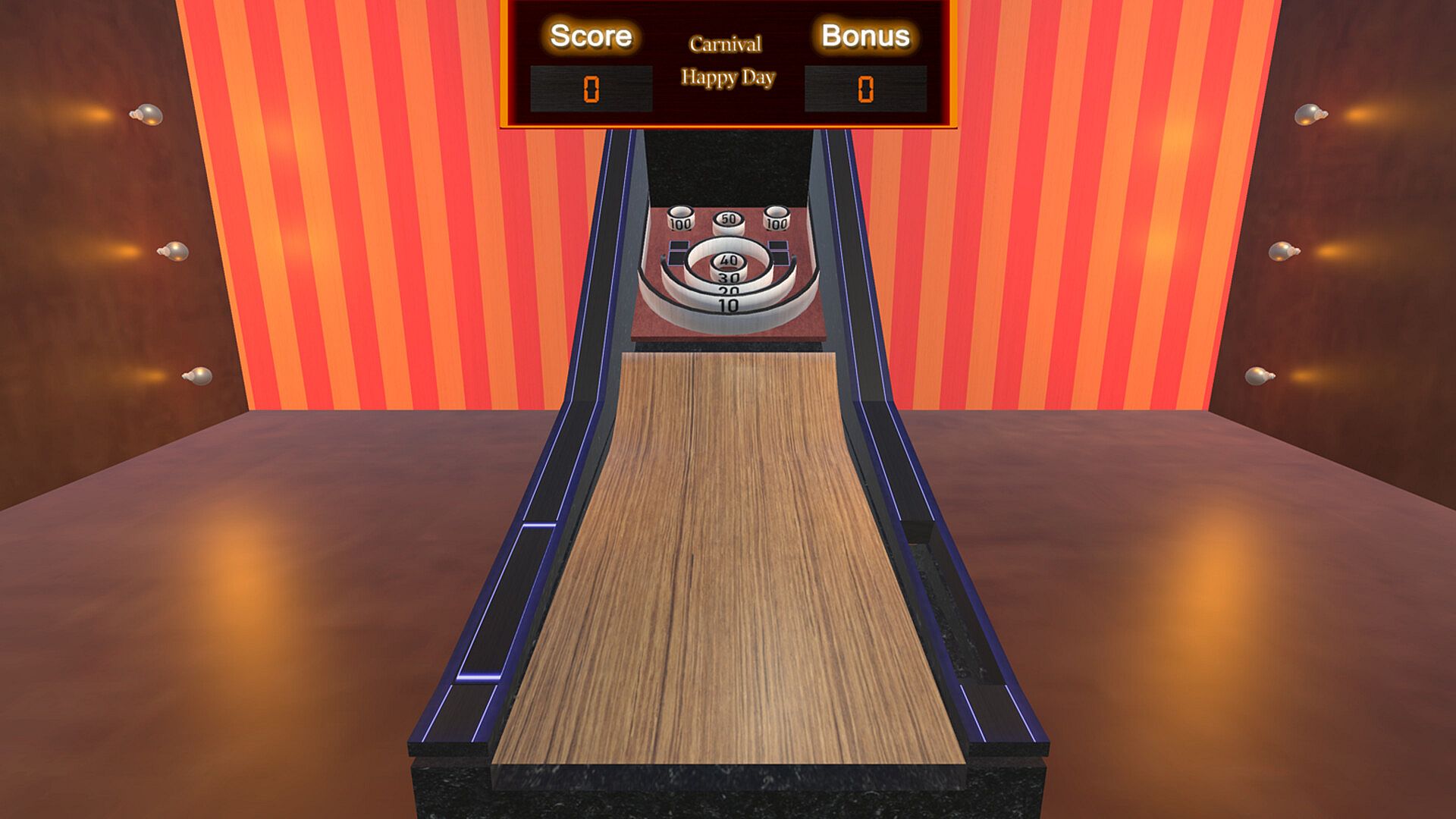
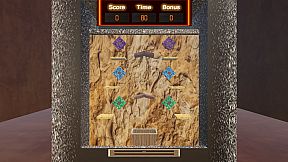
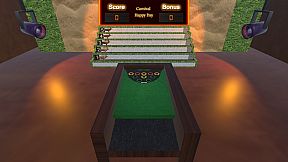
There are 18 different game stages in the game Each game stage is also different And there are 5 different ways to play in each game stage A total of 90 ways to play
In the game you can get Bonus
These bonuses will be automatically converted into tickets
Tickets can be exchanged for different gameplay in each game stage
Tickets can also be exchanged for Tokens
And the token can be exchanged for other game stages
How to play:
When you get the (Bonus)! That means you also get the (Ticket)!
After the game is over, you will find that (Ticket) has been automatically increased!
Or re-enter any (Game Stage)! You will find a (Ticket) number and star level options that can be exchanged!
These star levels represent different ways of playing in each (Game Stage)! You can redeem them with the number of (Tickets) you already have!
In addition, when you are in the (game selection interface)! You will see the number of (Tickets) you already have and the number of (Tokens) you already have!
Here you can press the (Token) button! You can instantly redeem more (Token) with the number of (Ticket) you already have!
And these (Tokens) can be instantly exchanged for any (Game Stage) in the (Game Selection Interface)!
Can control this game by:
can choose to play with the keyboard in the game.
can also choose to play with a computer mouse.
can also choose to play with a game controller.
( Note: Your Save files may be in your computer, in a path similar to the following! )
Computer\HKEY_CURRENT_USER\SOFTWARE\FantasyL\Carnival Happy Day
(To search for the path where files are stored, for example on Windows: Start => Run or use the magnifying glass search => type regedit => OK)
[ Also~ We're working on another horror game of a different kind! ]
[ Subscribe to this game's wishlist now! ]
[ When new games are released, you'll be automatically notified here on Steam! ]
---------- ---------- ---------- ---------- ---------- ---------- ---------- ---------- ----------
---------- ---------- ---------- ---------- ---------- ---------- ---------- ---------- ----------
這是一個休閒與歡樂的嘉年華遊戲
而且這個遊戲的玩法是已經包括了...... 技術, 運氣, 緊張, 刺激, 驚喜, 休閒, 的遊戲
這一個遊戲是可以 促進人類 思維 與及 反應 的遊戲!
遊戲內有18個不同的遊戲舞台
每個遊戲舞台也是不同的
而且在每一個遊戲舞台內會有5個不同的玩法
總共有90個玩法
在遊戲中你可以獲得Bonus
這些Bonus會自動轉為Ticket
Ticket可以在遊戲中換成每一個遊戲舞台內的不同玩法
Ticket也可以兌換Token
而且Token是可以兌換其它的遊戲舞台
遊戲玩法:
當你獲得 (Bonus) 的時候! 也就是同時獲得了 (Ticket) 的時候!
在遊戲完結之後你會發現 (Ticket) 會自動已經增加了!
或再次進入任何一個 (Game Stage) 之後! 你會發現有一個 (Ticket) 的數目及可以換購的星星級別選項!
這些星星級別, 是每一個 (Game Stage) 內裡的不同玩法! 你可以用已經擁有的 (Ticket) 數目進行換購!
另外當你在 (遊戲選擇介面) ! 會看到 已經有的 (Ticket) 數目 及指示到 已經有的 (Token) 數目!
在這裡你可以按下 (Token) 的按鈕! 可以用你已經的有 (Ticket) 的數目即時換領更多的 (Token) !
而且這些 (Token) 是可以即時換購在 (遊戲選擇介面) 中的任何 (Game Stage) !
可以控制這個遊戲的方法:
遊戲中可以選擇使用鍵盤進行遊戲。
也可以選擇用電腦滑鼠進行遊戲。
也可以選擇使用遊戲控制器進行遊戲。
( 注意: 你的儲存檔案! 可能會位於您的電腦中,類似以下的路徑內! )
電腦\HKEY_CURRENT_USER\SOFTWARE\FantasyL\Carnival Happy Day
(若要搜尋儲存檔案的路徑! 例如是在 Windows 的: 開始 => 執行 或 放大鏡的搜尋 => 輸入 regedit => 確定)
[ 另外~ 我們正在製作另一款不同類型的恐怖遊戲! ]
[ 請立即訂閱此遊戲的願望清單! ]
[ 如果有新遊戲發佈時,到了那個時候在這裡的 Steam 會自動通知您! ]
---------- ---------- ---------- ---------- ---------- ---------- ---------- ---------- ----------
---------- ---------- ---------- ---------- ---------- ---------- ---------- ---------- ----------
これはレジャーで楽しいカーニバルゲームです
そしてこのゲームのゲームプレイにはすでに...... スキル、運、緊張、興奮、驚き、余暇などが含まれています。
このゲームは人間の思考と反応を促進することができます!
ゲームには18の異なるゲームステージがあります
各ゲームステージは異なります
各ゲームステージには5つの異なるプレイ方法があります
全部で90通りの遊び方があります
ゲーム内でボーナスを獲得できます
これらのボーナスは自動的にチケットに変換されます
チケットは、各ゲームステージで様々なゲームプレイと交換できます
チケットはトークンと交換することもできます
トークンは他のゲームステージと交換できます
遊び方:
(ボーナス)を獲得すると!つまり、(チケット)も獲得できます!
ゲーム終了後、(チケット)が自動的に増加していることに気づくでしょう!
または、(ゲームステージ)に再入場してください!(チケット)の番号と、交換可能なスターレベルのオプションが表示されます!
これらのスターレベルは、各(ゲームステージ)でのプレイ方法の違いを表しています!既にお持ちの(チケット)の数を使って、スターレベルを交換できます!
さらに、(ゲーム選択インターフェース)にいるときに、既にお持ちの(チケット)の数と(トークン)の数が表示されます!
ここで(トークン)ボタンを押してください!既にお持ちの(チケット)の数を使って、すぐにさらに多くの(トークン)を交換できます!
そして、これらの(トークン)は、(ゲーム選択インターフェース)内のどの(ゲームステージ)とも即座に交換できます。
このゲームは以下の方法でコントロールできます:
このゲームにはキーボードでプレイするオプションがあります。
コンピューターのマウスを使ってゲームをプレイすることもできます。
ゲームコントローラーを使用してゲームをプレイするオプションもあります。
( 注意: ストレージ ファイルは、コンピューター内の次のようなパスに保存されている可能性があります。 )
コンピューター\HKEY_CURRENT_USER\SOFTWARE\FantasyL\Carnival Happy Day
(ファイルが保存されているパスを検索するには、たとえば Windows の場合: [スタート] => [実行] または虫眼鏡検索を使用 => [regedit] と入力 => [OK])
[ さらに~、また別の種類のホラーゲームも開発中です! ]
[ 今すぐこのゲームのウィッシュリストに登録しましょう! ]
[ 新作ゲームがリリースされると、Steamで自動的に通知されます! ]
---------- ---------- ---------- ---------- ---------- ---------- ---------- ---------- ----------
---------- ---------- ---------- ---------- ---------- ---------- ---------- ---------- ----------