

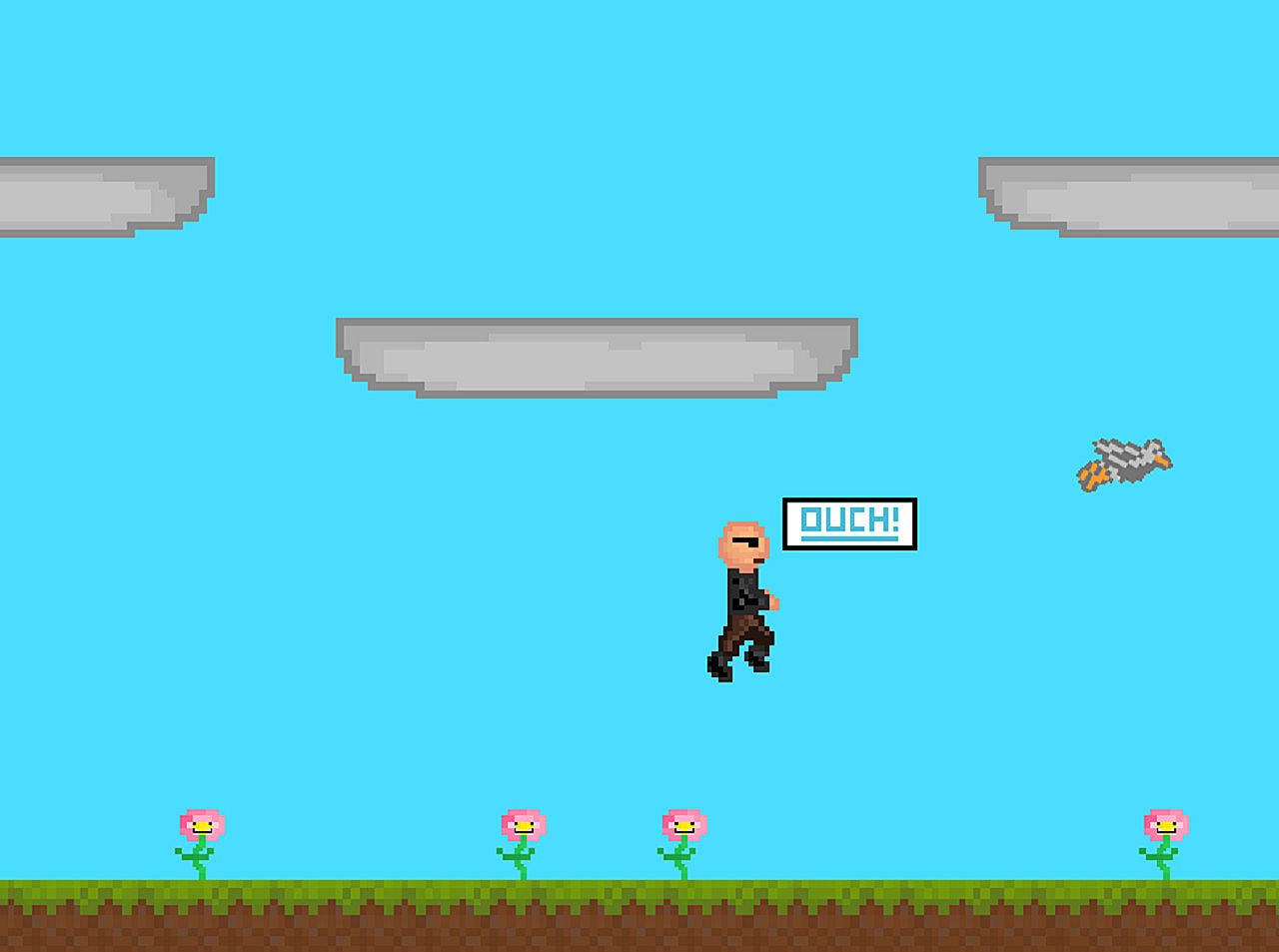
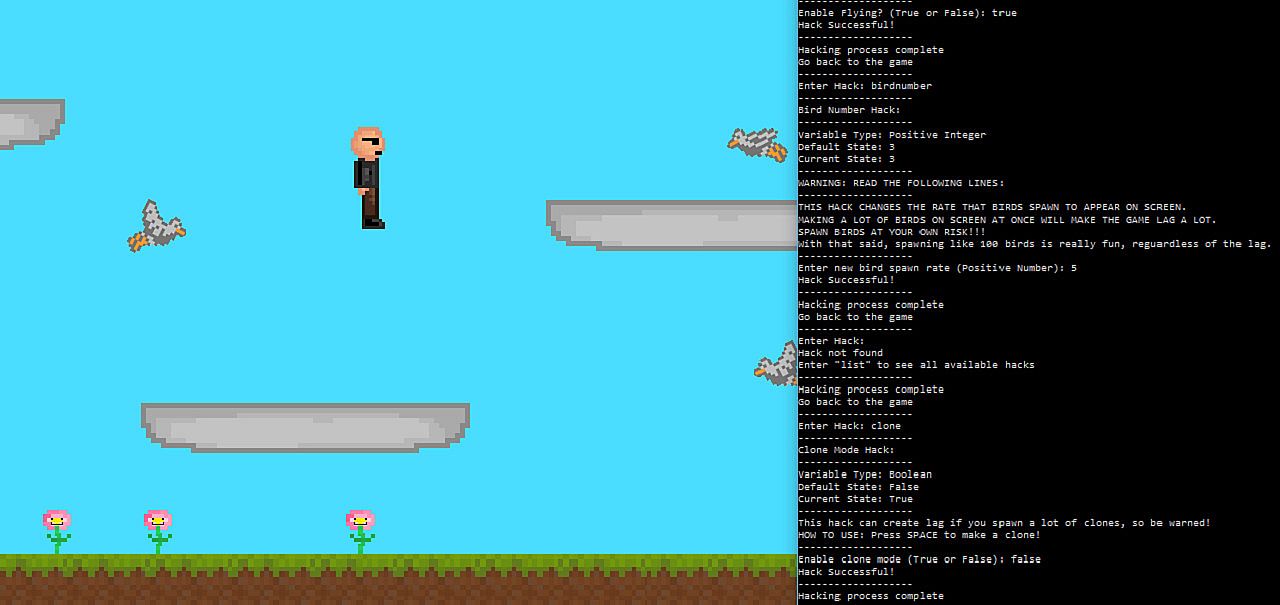
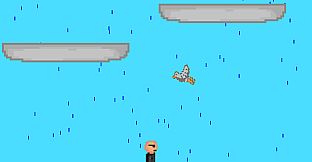
Hack die Regeln in diesem simplen Endless-Platformer mit horizontaler Bewegung. Drück „h", um das Spiel einzufrieren und zum Command-Prompt-Tab zu wechseln, dann gib Hacks wie „speed" oder „gravity" mit Integers, Strings oder Booleans ein, um Variablen und die Umgebung zu verändern. Experimentier durch Ausprobieren - nutze „list" für verfügbare Optionen, passe Vogelverhalten an, aktiviere Flugmodus oder Klone, ändere Wetter oder Farben und entdecke versteckte Effekte.
Kreative Spieler sammeln durch Hacks fünf Schlüsselteile, um das Ende freizuschalten. Dieses Free-to-Play-Indie-Casual-Game belohnt Neugier mit Tools für endlose Anpassungen, vom Maus-Steuerung bis zum Multiplayer an einer Tastatur. Trial-and-Error-Tüftler haben den größten Spaß.
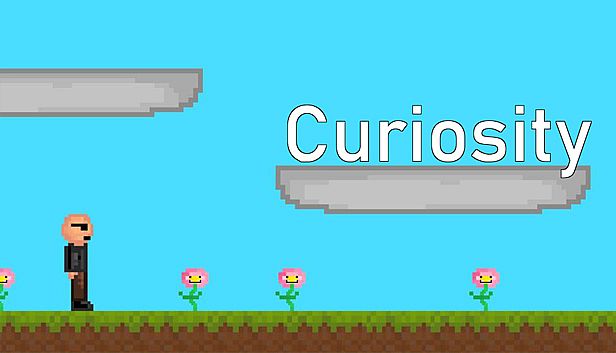
A simple world where the player is able to change things that are not supposed to be changed. Welcome to Curiosity, the game where you can hack. Try out different hacks, get creative, entertain yourself! And hey, maybe you'll find a secret or two along the way!
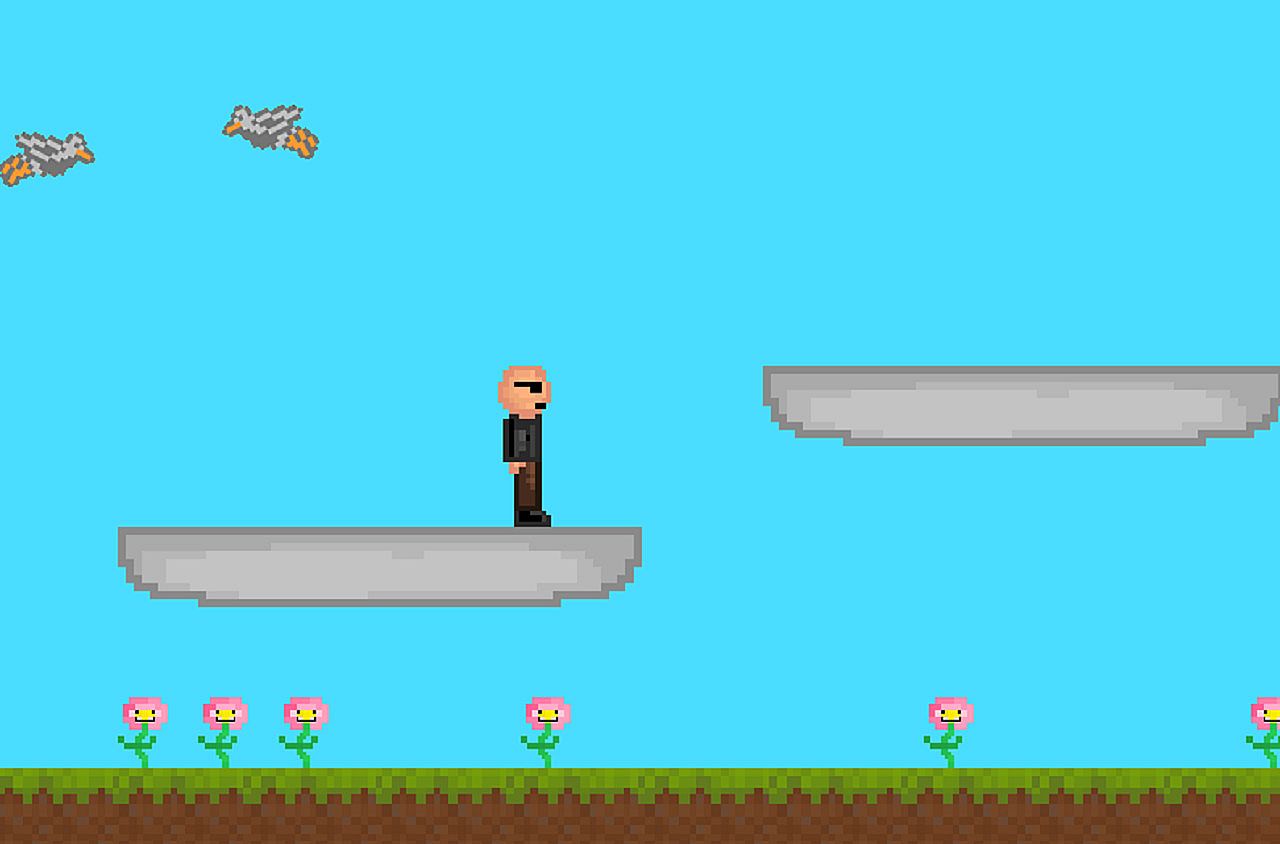
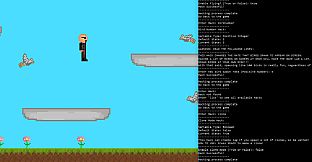
This is an infinite platformer with horizontal player movement. When the game is started, two tabs open: one with the platformer itself, and one that appears to be a command prompt. A narrator starts speaking, and quickly notes that the platformer seems to be dull and uninteresting. He then tutorials the player on how to "hack". "Hacking" gives the ability to change important variables in the code and to enable things that affect the environment.
As the narrator will explain, to "hack", the player must press the "h" key while the platformer tab is selected. The platformer will then freeze as it waits for input from the hacking tab (the one that looks like a command prompt). The player then must switch to the command prompt, type in a "hack", and press enter. They will then be prompted to enter an integer (numbers), string (words), or boolean (true/false) to complete the hack. After completing the hack, the player can go back to the platformer to see what changed.
Here's an example of what happens in the hacking tab with a player doubling their speed:
-------------------
Enter Hack: speed
-------------------
Speed Hack:
-------------------
Variable Type: Integer
Default State: 6
Current State: 6
-------------------
Enter new speed: 12
Hack Successful!
-------------------
Hacking process complete
Go back to the game
-------------------
The game encourages using trial and error to see what each hack does (and using the hack "list" to see which hacks exist), but here's what they do if you don't want to test them out for yourself:
"ascend" - Enter a boolean. When enabled, platforms rise into the sky whenever the player steps on them.
"birdNumber" - Enter an integer. Affects the maximum amount of birds the player can spawn.
"birdPoop" - Enter a boolean. When enabled, birds will occasionally drop bird poop.
"birdPoopRate" - Enter an integer. Affects the rate at which birds can drop poop ("birdPoop" must be enabled to see this change).
"birdSpeed" - Enter an integer. Affects the speed at which the birds fly.
"blackhole" - Enter a boolean. Enables a blackhole that sucks in all sprites and the player's mouse. The game warns you to have caution, since it will take control of your mouse while this hack is enabled.
"clearScreen" - Enter a boolean. When enabled, the command prompt is cleared.
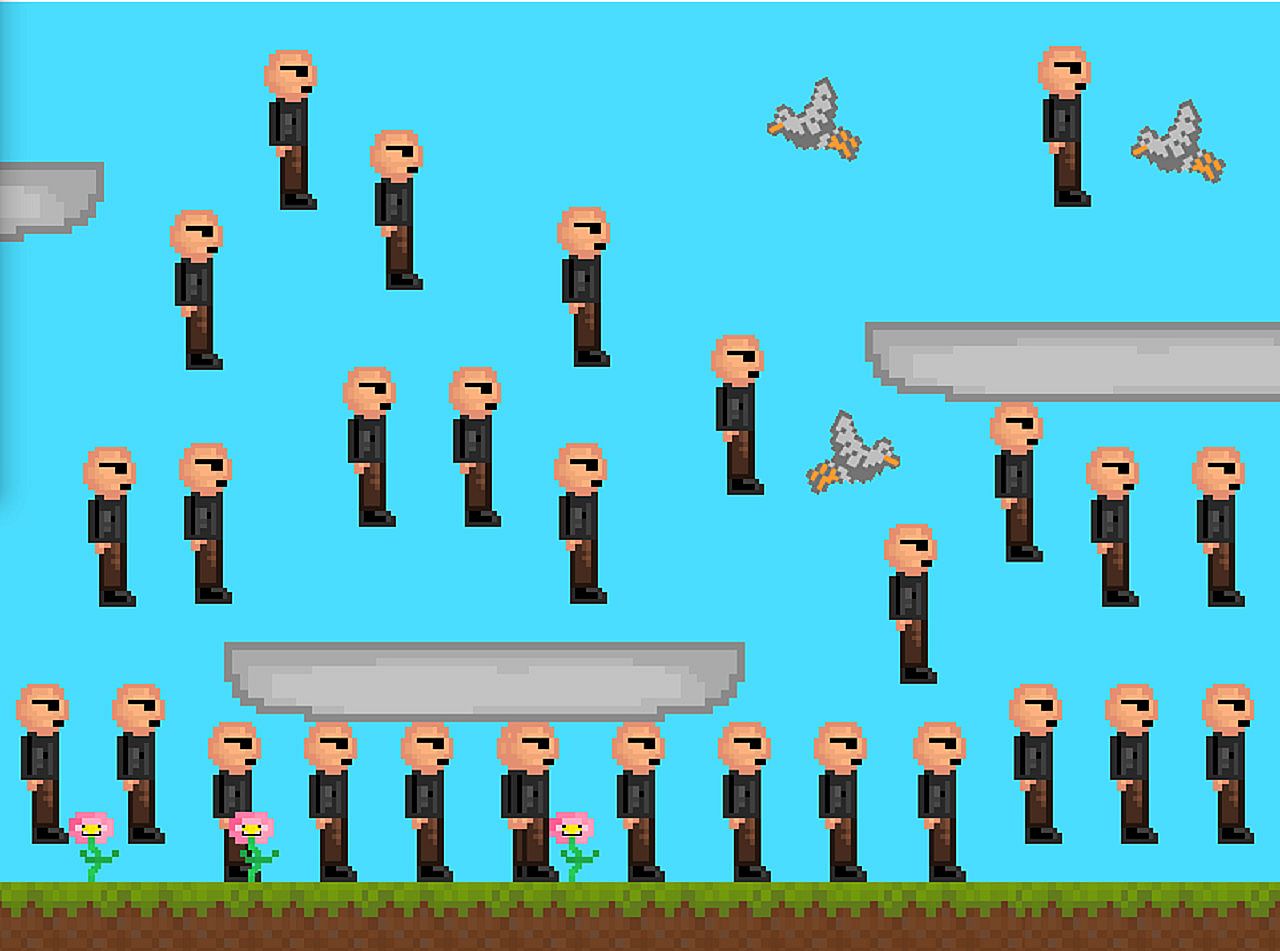
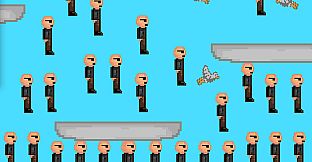
"clone" - Enter a boolean. When enabled, clones of the player can be created by pressing the space bar.
"color" - Enter three integers, as instructed. Affects the background color of the sky.
"deathTouch" - Enter a boolean. When enabled, the player destroys whatever they touch.
"fly" - Enter a boolean. When enabled, the player can fly.
"gravity" - Enter an integer. Affects the strength of the game's gravity.
"jump" - Enter an integer. Affects the player's jump height.
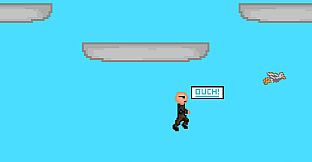
"language" - Enter a string as prompted. Changes the language of the words "Dull Platformer" at the top of the tab, and of the "Ouch" said by sprites when they crash their heads into platforms.
"list" - Shows this list of hacks. Does not show the hack "secret".
"morph" - Enter a string as prompted. Changes the player into other sprites in the game. Your hit-box and abilities are updated accordingly.
"mousePlay" - Enter a boolean. When enabled, the player becomes your mouse, and the game attempts to give your mouse collision detection. As with the hack "blackhole", the game cautions you that this hack will take control of your mouse.
"multiplayer" - Enter a boolean. When enabled, a second player can join by playing on the same keyboard as instructed.
"music" - Enter a string as prompted. Allows players to change the sounds of the game to a song, silence, or the tutorial again.
"secret" - Enter a boolean. When enabled, the birds and flowers get sunglasses.
"speed" - Enter an integer. Affects the speed of the player.
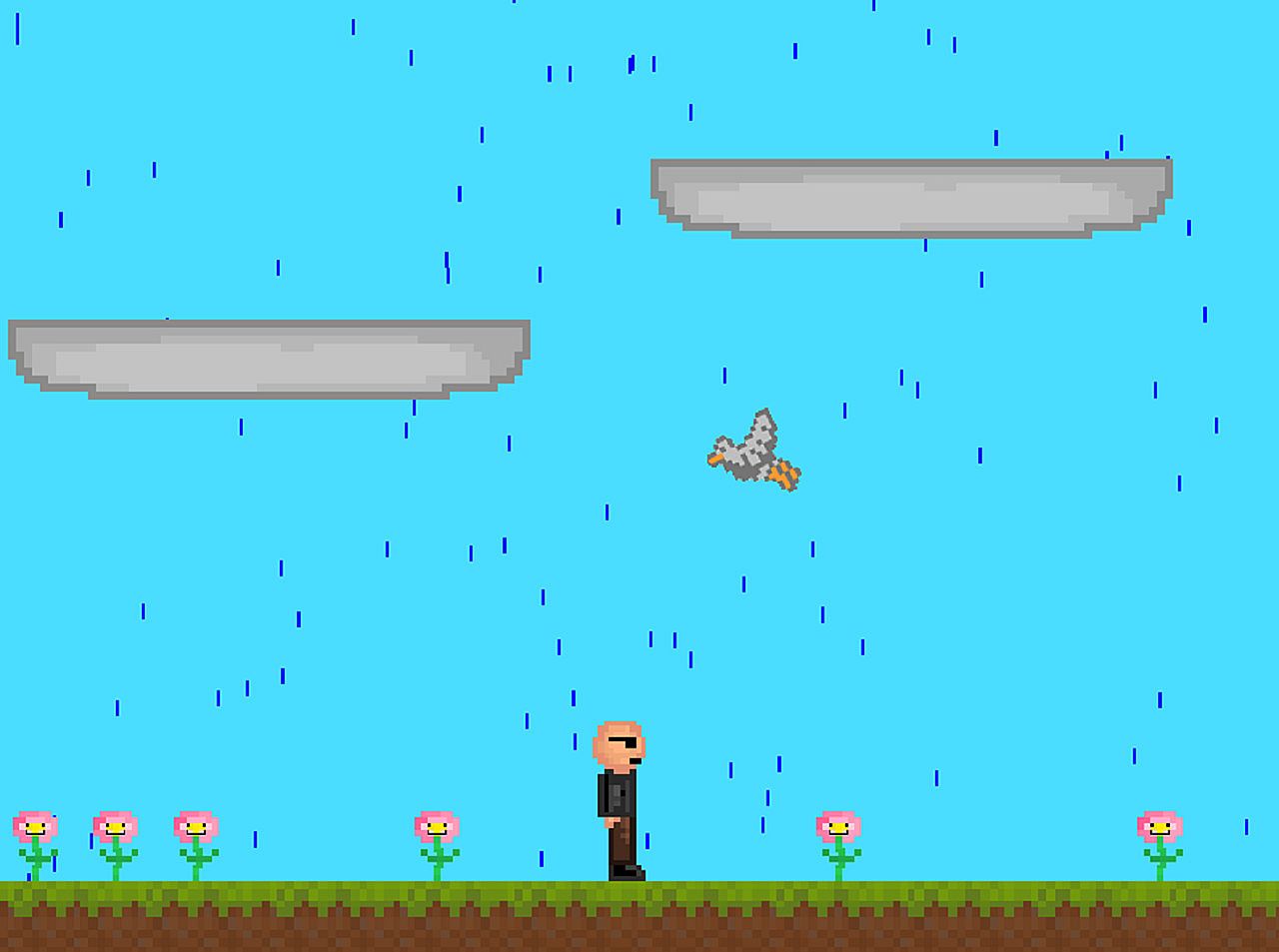
"weather" - Enter a string as prompted. Changes the weather of the platformer.
As players experiment with different hacks, 5 pieces of a key can be found. When the player finds all 5 pieces, the narrator comes back to speak to you and the ending is unlocked.