






DisplayFusion PC kaufen

Stand 7 Apr. 2026: Der günstigste DisplayFusion Key kostet 9,63 € bei Gameseal. XD.deals vergleicht Preise aus 5 Shops mit 6 Angeboten. Bei Keyshops liegt der niedrigste Preis bei 9,63 € (75% Rabatt), offizielle Shops starten bei 38,99 € (0% Rabatt). Daten von XD.deals.

Veröffentlichung: 29 März 2013
Steam:
Very Positive (1k)
Im offiziellen Store kaufen:
38,99 €
Im Keyshop kaufen:
-75%
9,63 €
Preisverlauf anzeigen

Offizielle Shops (1)

DRM:
Steam
Steam
Steam
DisplayFusion
Windows
vor 1W
DRM:
Steam
Steam
38,99 €

Keyshops (5)

DRM:
Steam
Steam
Gameseal
DisplayFusion (PC) Steam Gift - GLOBAL
Windows
vor 23h
DRM:
Steam
Gameseal
38,99 € 9,63 €
Historical Low Deal
Historical low
-75%
-13% with SEAL13XDDcopy
Kinguin
DisplayFusion Steam CD Key
Windows
vor 1W
DRM:
Steam
Kinguin
38,99 € 27,50 €
-29%
-8% with XD8DEALScopy
Eneba
DisplayFusion Steam Key GLOBAL
Windows
vor 1d
DRM:
Steam
Eneba
38,99 € 28,68 €
-26%
-10% with XDD10copy
-10% with XDD10copy
GAMIVO
DisplayFusion Global
Windows
vor 17h
DRM:
Steam
GAMIVO
43,79 €
-9% with XDDealscopy
GAMIVO
DisplayFusion Global
Windows
vor 1d
DRM:
Steam
GAMIVO
65,00 €
-9% with XDDealscopy

Ăśber DisplayFusion

DisplayFusion - Spielbeschreibung
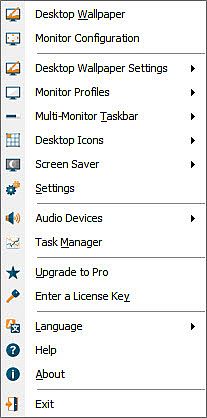
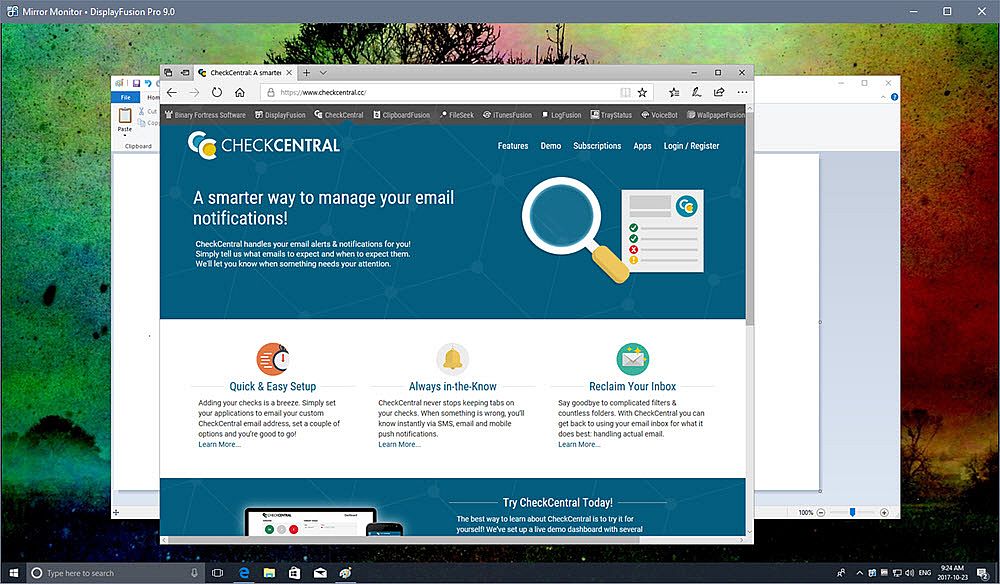
DisplayFusion erleichtert den Umgang mit Multi-Monitor-Setups auf dem PC durch Funktionen wie Taskbars auf jedem Bildschirm, Buttons in der Titelleiste und anpassbare Hotkeys. Teilen Sie Monitore in virtuelle Bereiche auf, um unabhängige Taskbars, Wallpapers und Bildschirmschoner zu nutzen - auch in Kombination mit AMD Eyefinity oder nVidia Surround. Verwalten Sie Konfigurationen über Profile, die Auflösung, Farbtiefe und Ausrichtung anpassen, und verknüpfen Sie Wallpapers für fließende Wechsel. Power-User steuern Fenster mit Effekten wie dem Ausblenden ungenutzter Monitore, Skripten in C# oder anderen Sprachen sowie Triggern für Ereignisse wie Fensterfokus oder System-Leerlauf. Von Smartphone oder Tablet aus verschieben Sie Fenster, schalten Monitore um oder starten Skripte per Fingertipp. Fensterpositionsprofile und Multi-Monitor-Taskbars mit Vorschauen sorgen für Ordnung bei Setups mit mehreren Displays.

DisplayFusion will make your multi-monitor life much easier! With powerful features like Multi-Monitor Taskbars, TitleBar Buttons and fully customizable HotKeys, DisplayFusion will make managing your multiple monitors easy. These features even work when AMD Eyefinity or nVidia Surround are enabled on your system!

Lifetime License
This DisplayFusion license is a lifetime license, you won’t pay anything for any future updates or new major versions. Pay once, and enjoy DisplayFusion forever!

Trial License
A 30-day trial of DisplayFusion Pro is available on the download page of our official website: . When you purchase the Steam version of DisplayFusion Pro, it will automatically replace the existing DisplayFusion Pro trial the first time you launch it from within Steam.
Key Features
Monitor Splitting (works with Surround and Eyefinity!)
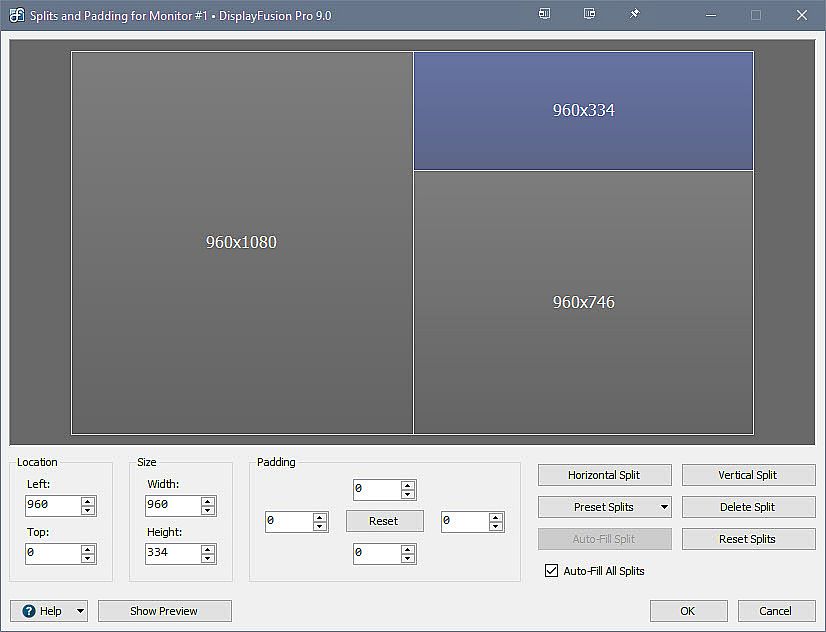
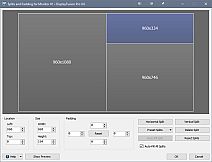
Split your monitors into multiple virtual monitors so that you can have separate Taskbars, Wallpapers, Trigger rules, Functions, and Screen Savers for each split. Non-full screen applications will maximize to the size of each split, and Functions like "Move to Next Monitor" will treat each split as a separate monitor. Compensate for ATI and nVidia Bezel Compensation in DisplayFusion to prevent your windows from disappearing behind your bezels.
 
Monitor Configuration and Profiles
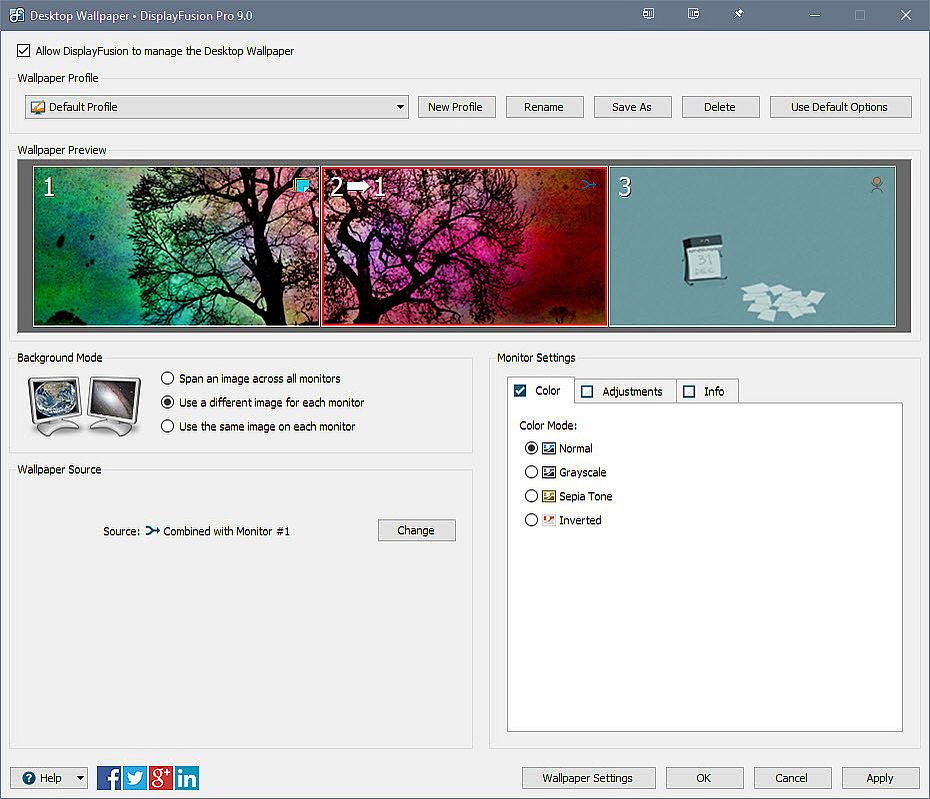
Use DisplayFusion to set your Monitor Configuration. Configure the resolution, colour depth, refresh rate and orientation. You can even save your configurations as Monitor Profiles that you can load later using a key combination or TitleBar Button. Link a Wallpaper Profile with your Monitor Profile to load your desktop wallpaper automatically based on the monitors you have connected.
 
Multi-Monitor Wallpaper
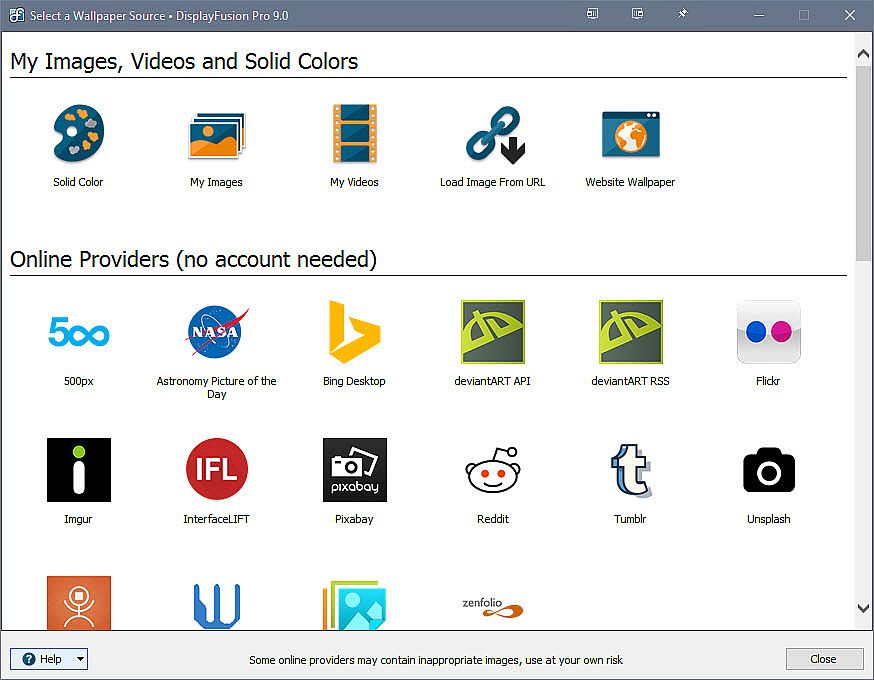
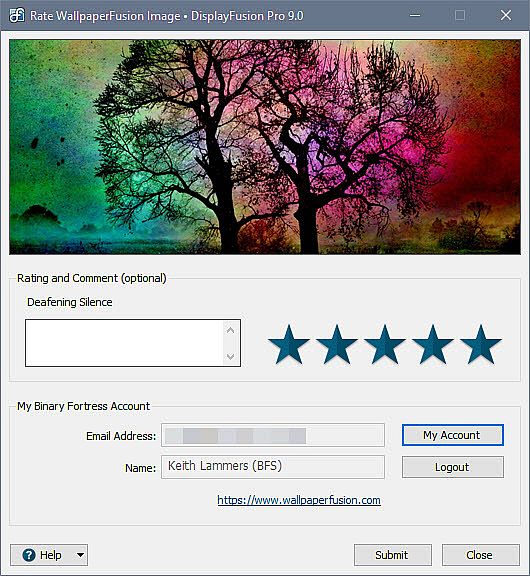
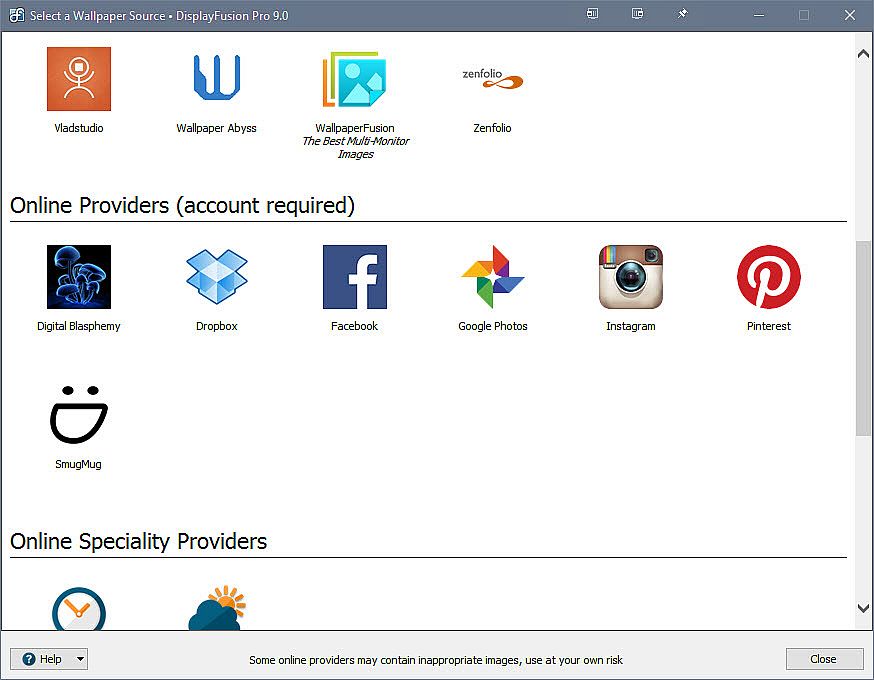
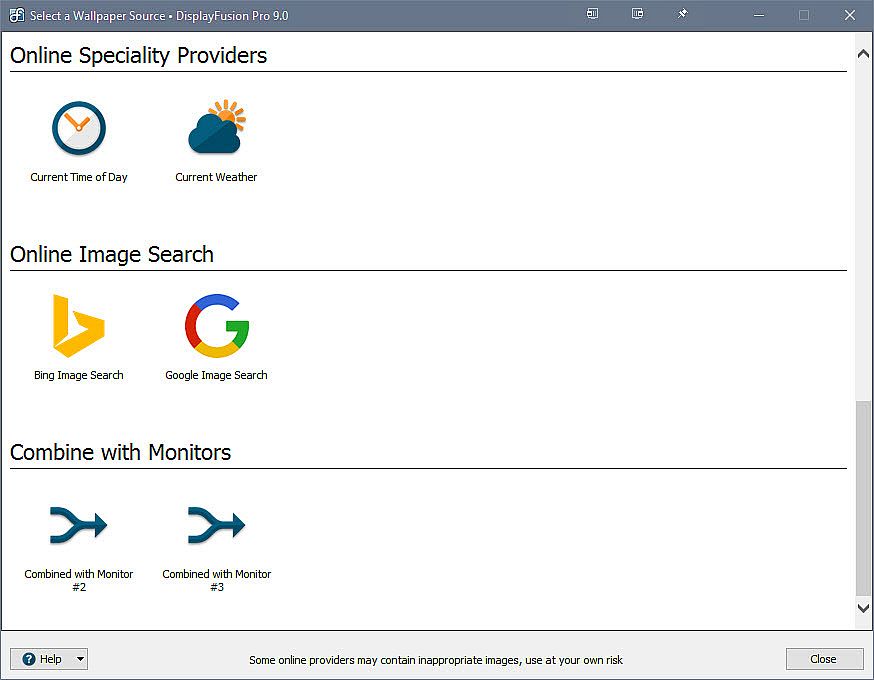
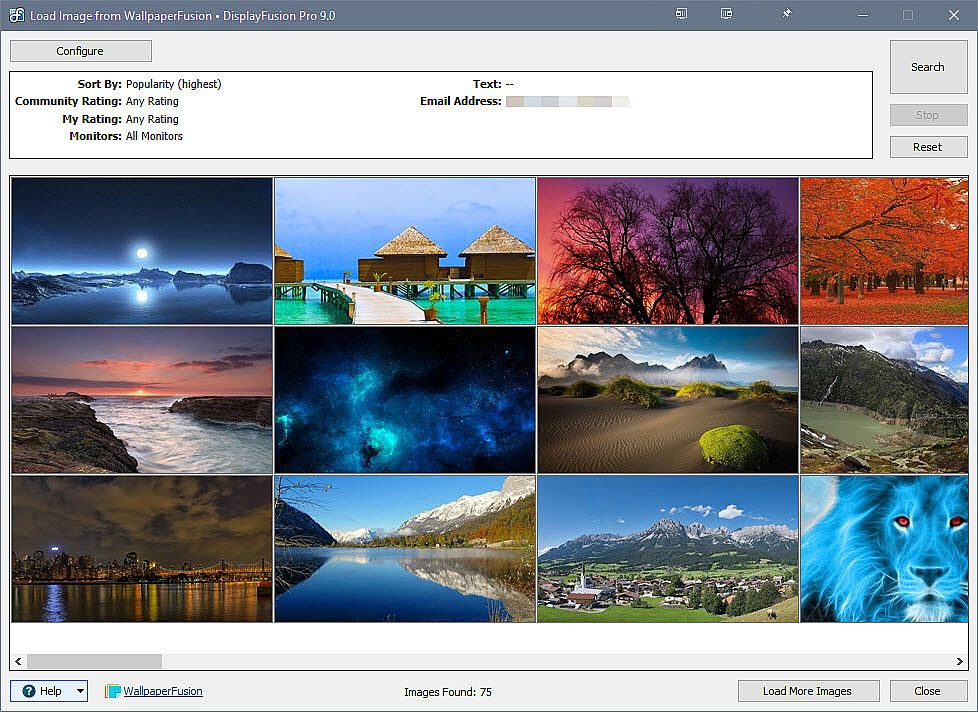
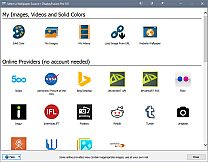
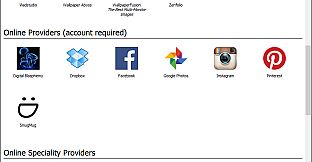
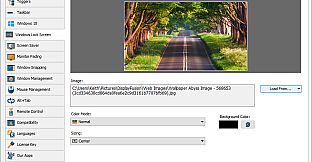
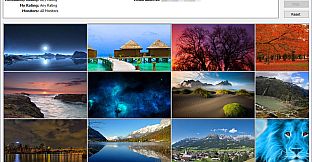
Customize your desktop with Multi-Monitor Wallpapers from WallpaperFusion, Flickr, InterfaceLIFT, Vladstudio and more. Tile, stretch, scale, crop, position and tint your images exactly how you want.
 
Multi-Monitor Taskbars
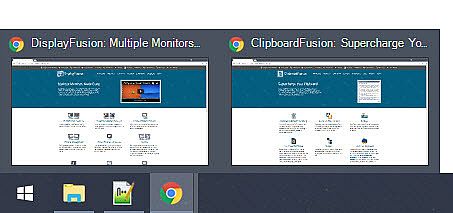
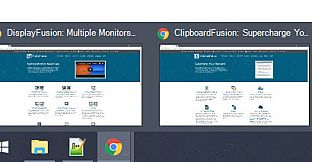
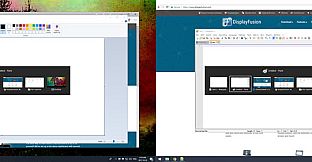
Keep your windows easily organized by adding a taskbar to each of your monitors. The taskbar on each monitor can be configured to show all windows, or only the windows that are located on that monitor. Use button grouping, auto-hide, window previews, shortcuts (pinned applications) and much more to help you work more easily with your application windows. Each taskbar can have its own custom set of shortcuts. Taskbar elements on the DisplayFusion Taskbars can also be customized to your liking, including the position of the Start button, Taskbar buttons, and clock/system tray.
 
Customizable Functions and TitleBar Buttons
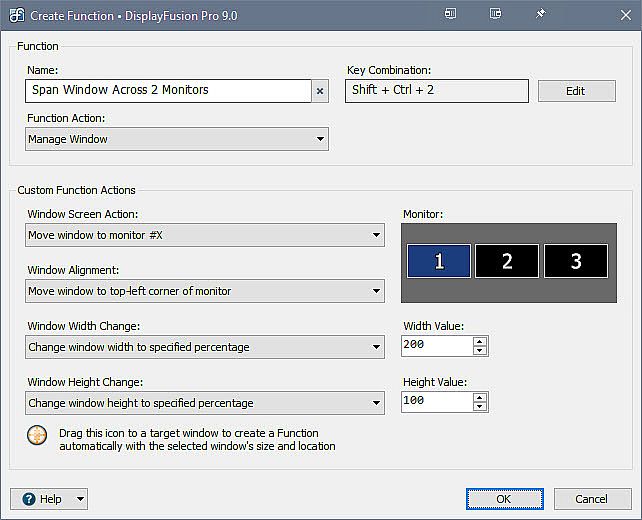
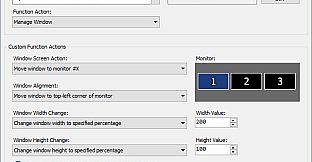
DisplayFusion comes bundled with over 30 pre-configured Functions, or you can create your own powerful custom Functions. Create Functions to load Wallpaper or Monitor Profiles, move windows around, change window opacity, toggle DisplayFusion features and much more. Any Function, including custom Functions that you've created, can be assigned to a TitleBar Button for easier access with the mouse, or to a keyboard shortcut for keyboard power users. Functions can also be assigned to the Jump List menus on the DisplayFusion Multi-Monitor Taskbars, allowing them to be run even on applications that are minimized.

Monitor Fading
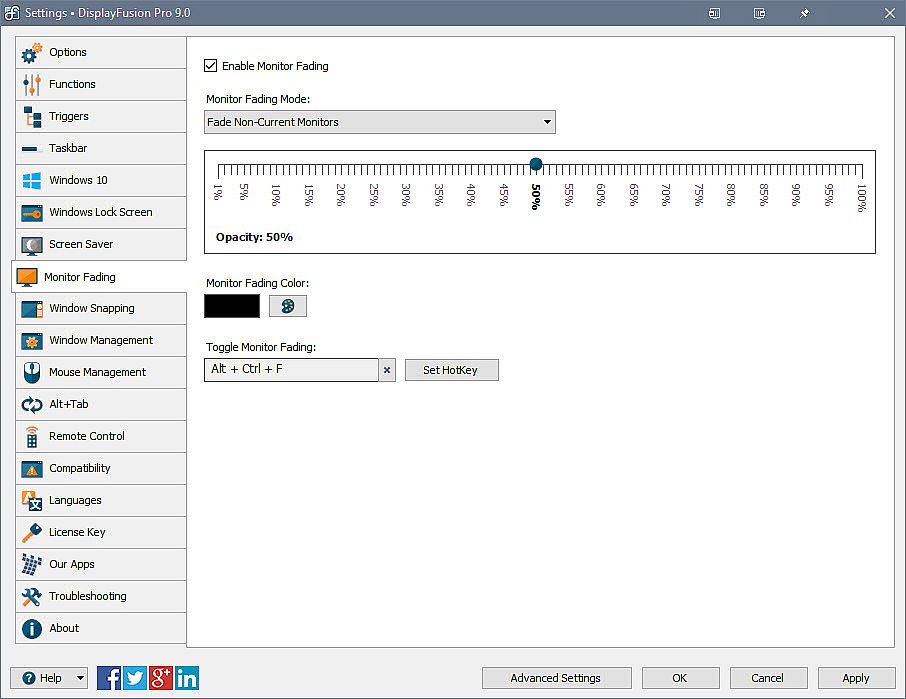
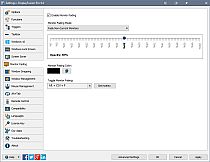
Focus on the task at hand, by automatically dimming unused monitors and application windows.

Scripted Functions
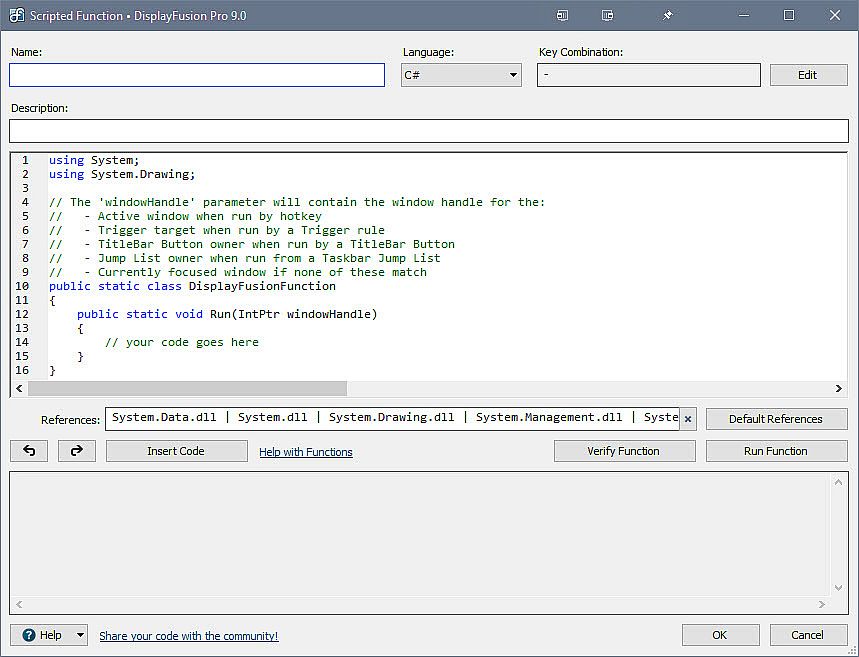
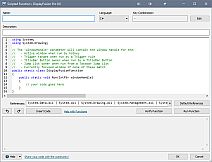
Need more options? Use DisplayFusion's Scripted Functions (Macros) to script anything you can imagine. Use C# or inside DisplayFusion to create your own custom scripts. From simple window movement scripts to anything more complex.

Triggers
The Triggers feature allows you to listen for events, like window creation, window focus, desktop unlock, system idle and more. Then you can run preset commands or custom scripts to manipulate that window, or anything else you can imagine.

Window Position Profiles
Easily save and load your window size and positions using DisplayFusion's Window Position Profile feature. Loading a previously saved Window Position Profile is an easy way to quickly organize your windows into preset arrangements.

Remote Control
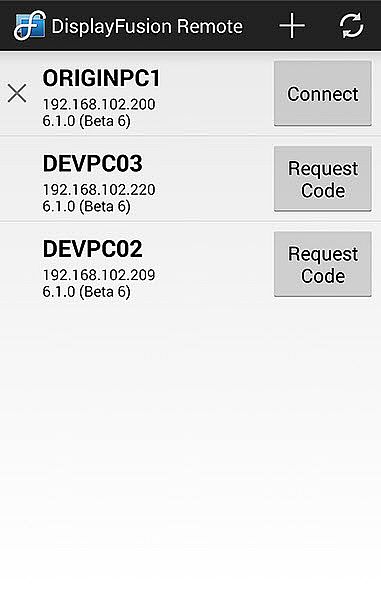
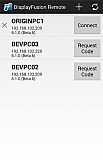
Remotely control DisplayFusion from your phone or tablet! Change your wallpaper, move windows around, enable/disable monitors and hundreds of other abilities, all from your phone or tablet. Includes support for scripted functions, new in DisplayFusion 7. You can script a complete set of actions, save it as a scripted function and run it from your phone or tablet with one-click. It’s easy to setup and even easier to use!
 
Other Key Features
  • Windows 10 and Windows 11 Tweaks
  • Window Snapping
  • Window Management
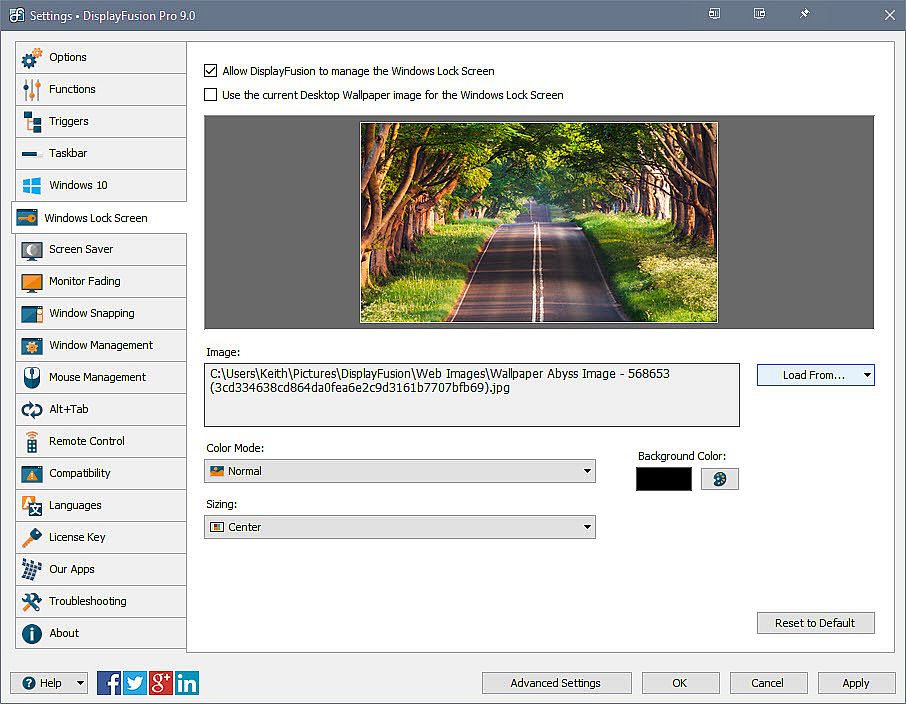
  • Change your Windows Logon Background
  • Multi-Monitor Screen Savers
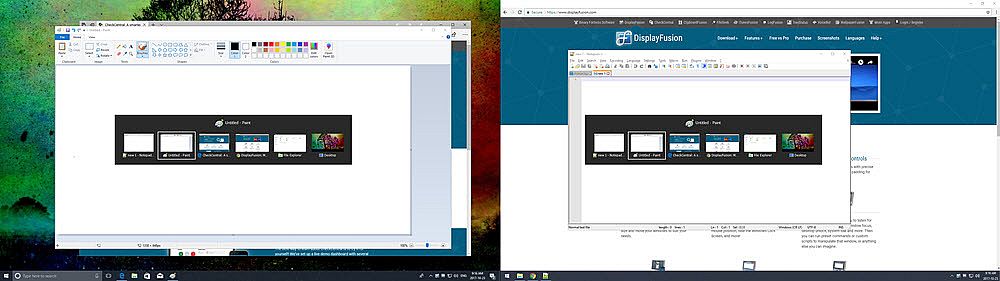
  • Alt+Tab Replacement
  • Save and restore your desktop icon layout
  • Supports as many monitors as you can hookup to your computer
  • Available in over 40 languages
  • See All Features:
Oberfläche:
ArabicBulgarianCzechDanishGermanGreekEnglishSpanish - SpainFinnishFrenchHungarianItalianJapaneseKoreanDutchNorwegianPolishPortuguese - PortugalPortuguese - BrazilRomanianRussianSwedishThaiTurkishUkrainianSimplified ChineseTraditional Chinese
Audio:
ArabicBulgarianCzechDanishGermanGreekEnglishSpanish - SpainFinnishFrenchHungarianItalianJapaneseKoreanDutchNorwegianPolishPortuguese - PortugalPortuguese - BrazilRomanianRussianSwedishThaiTurkishUkrainianSimplified ChineseTraditional Chinese
Untertitel:
ArabicBulgarianCzechDanishGermanGreekEnglishSpanish - SpainFinnishFrenchHungarianItalianJapaneseKoreanDutchNorwegianPolishPortuguese - PortugalPortuguese - BrazilRomanianRussianSwedishThaiTurkishUkrainianSimplified ChineseTraditional Chinese

Altersfreigabe

Keine Angabe
Steam:
Very Positive (1k)
Historisches Tief
Preisverlauf von offiziellen Shops
-
-
-
Preisverlauf von Keyshops
-
-
-

FAQ

8 Fragen

Bevor du nach einem günstigen DisplayFusion Key suchst, prüfe die wichtigsten Fakten. Entwickelt von Binary Fortress Software. Veröffentlicht von Binary Fortress Software. PC Release-Datum: 29 März 2013. Genres: Utilities.

Q

Wo kann ich einen gĂĽnstigen DisplayFusion Steam Key kaufen?

Mit unserem Preisvergleich und verifizierten Rabattcodes kannst du einen DisplayFusion Key schon ab 9,63 € kaufen. Dieses Angebot ist bei Gameseal verfügbar und gehört zu den günstigsten auf dem Markt. Alle auf XD.deals gelisteten Keys werden digital geliefert und können nach der Zahlung sofort heruntergeladen werden. Die Preise enthalten bereits Bearbeitungsgebühren und eingelöste Promo-Codes, sodass du immer den niedrigsten DisplayFusion Preis auf PC siehst. Sieh dir den DisplayFusion Preisverlauf an, um zum besten Zeitpunkt zu kaufen.

Laut unserem letzten Update (wir aktualisieren Steam-Preise mehrmals täglich) beträgt der DisplayFusion Steam-Preis 38,99 €. Du kannst zusätzlich ca. 6% sparen, indem du mit einer vergünstigten Steam-Geschenkkarte zahlst.

Unser Preistracker deckt sowohl offizielle Händler als auch Key-Marktplätze ab, sodass du DisplayFusion im Angebot auch außerhalb saisonaler Aktionen finden kannst. Wir erkennen derzeit 6 aktive Angebote von offiziellen Shops und Keyshops. Prüfe die Tabelle oben, vergleiche mit dem historischen Tief und setze einen Alarm, damit du den nächsten Preissturz nicht verpasst.

Laut unseren Daten ist DisplayFusion derzeit nicht auf GeForce NOW verfügbar. Du musst es lokal auf deinem PC ausführen. Stöbre durch Spiele, die auf GeForce NOW verfügbar sind.

Ja. DisplayFusion hat eine offizielle Steam-Shop-Seite. Du kannst auch einen DisplayFusion Steam Key von Drittanbietern kaufen. Unser Preisvergleich umfasst derzeit 6 Angebote mit Steam-DRM. Wähle eines davon, um sicherzustellen, dass dein DisplayFusion Download über Valves Plattform läuft.

Derzeit nicht. Valve kennzeichnet DisplayFusion als Unsupported auf dem Steam Deck. Behalte XD.deals im Blick - wir verfolgen Proton-Updates und Community-Fixes. Stöbere durch Spiele, die Steam Deck Verified oder Steam Deck Playable sind.

DisplayFusion scheint derzeit nicht im PC Game Pass, bei EA Play, Ubisoft+ oder einem anderen PC-Abonnement verfĂĽgbar zu sein. Deine einzige Option ist der Kauf - nutze XD.deals, um den besten Preis zu finden.

Nein - XD.deals ist kein Shop. Wir sind ein Preisvergleich, der die besten DisplayFusion-Deals bei offiziellen Shops und verifizierten Keyshops verfolgt. Klicke neben einem Angebot auf "Zum Shop" und du wirst zur Webseite des Händlers weitergeleitet, um deinen Kauf abzuschließen.

Beste Preise fĂĽr DisplayFusion

1 Gameseal Gameseal Keyshop
-75% 9,63 €
2 Kinguin Kinguin Keyshop
-29% 27,50 €
3 Eneba Eneba Keyshop
-26% 28,68 €
4 Steam Steam Official
38,99 €
5 GAMIVO GAMIVO Keyshop
43,79 €

Zum besten Zeitpunkt kaufen? Setze einen Preisalarm auf XD.deals und werde benachrichtigt, wenn DisplayFusion sein nächstes historisches Tief erreicht.

Alarm erstellen
Tritt unserem Discord bei
Erhalte Hilfe von der Community und bleibe ĂĽber Angebote informiert
Preisalarme einrichten
Erhalte E-Mail-Benachrichtigungen wenn Preise fallen
Kostenloses Konto erstellen
Schalte Wunschlisten, Preisalarme und Steam-Sync frei