
Drakula PC kaufen

Wo kannst du den günstigsten Drakula Steam-Key für {6} kaufen? Vergleiche Preise aus 1 Shops und finde unter 1 Angeboten auf XD Deals die beste Option. Aktuell liegt der niedrigste Drakula {6} Preis im Keyshop bei 7,99 € (0% Rabatt).

Veröffentlichung: 23 Okt. 2024
Steam:
Overwhelmingly Positive (10)
Keyshops
Nicht verfügbar
Im offiziellen Store kaufen:
7,99 €
Im Keyshop kaufen:
Preisverlauf anzeigen

Offizielle Shops (1)

DRM:
Steam
Steam
Steam
Drakula
Windows
+3
vor 1W
DRM:
Steam
Steam
7,99 €

Über Drakula

Drakula - Spielbeschreibung
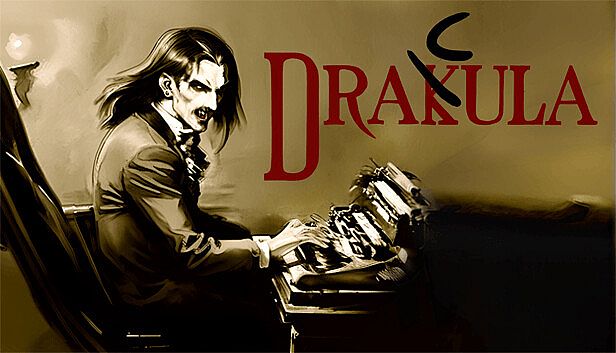
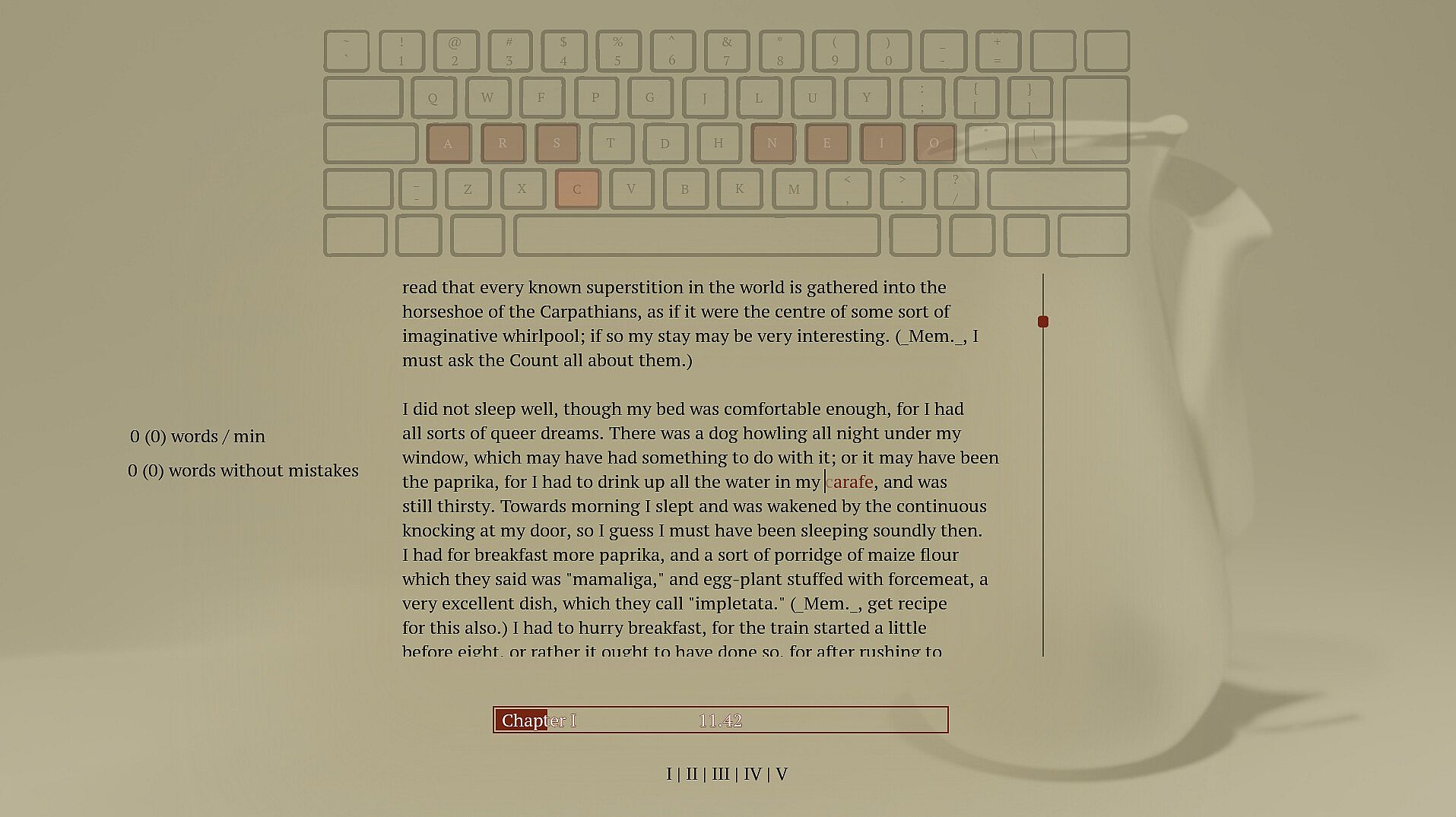
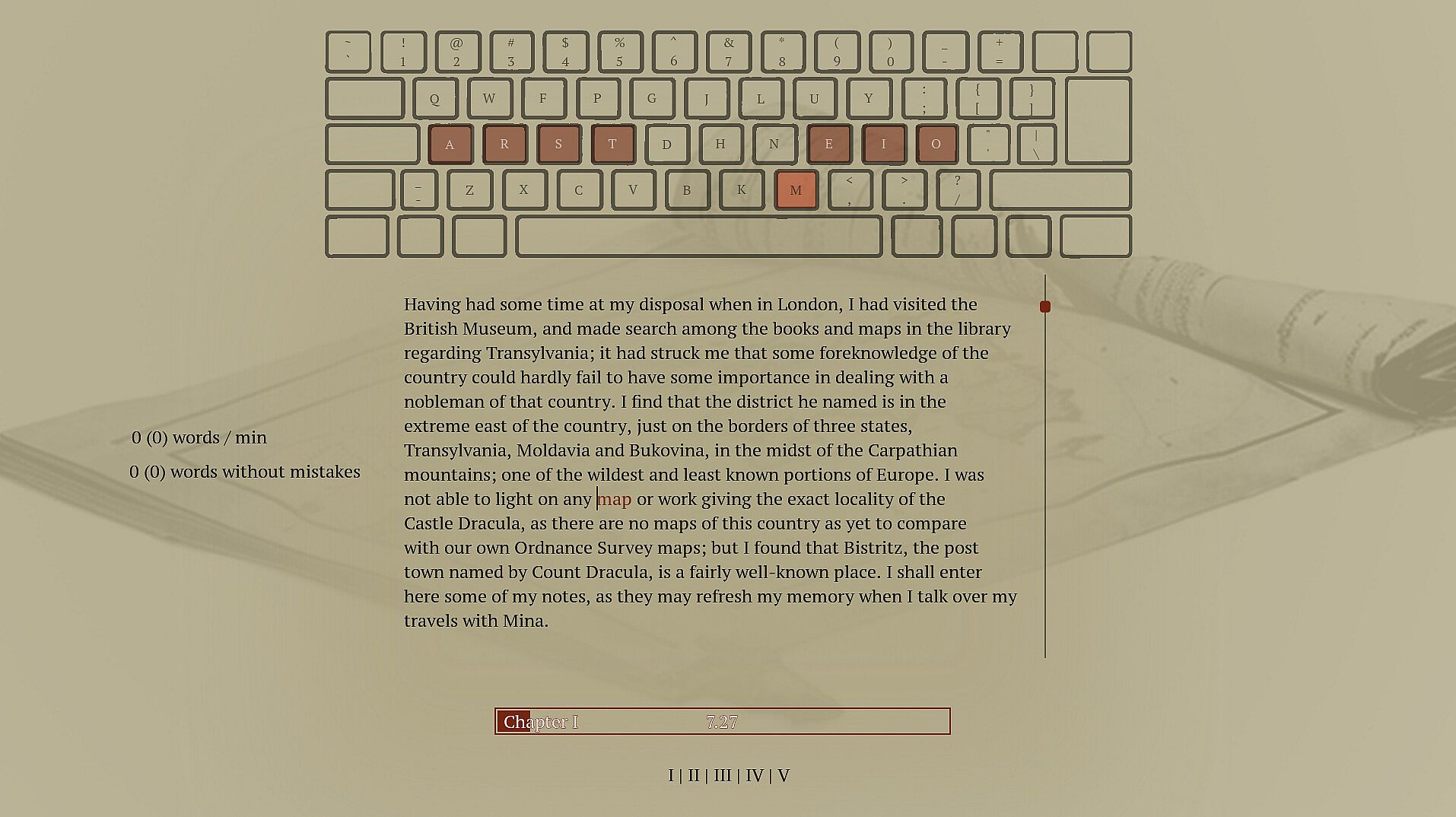
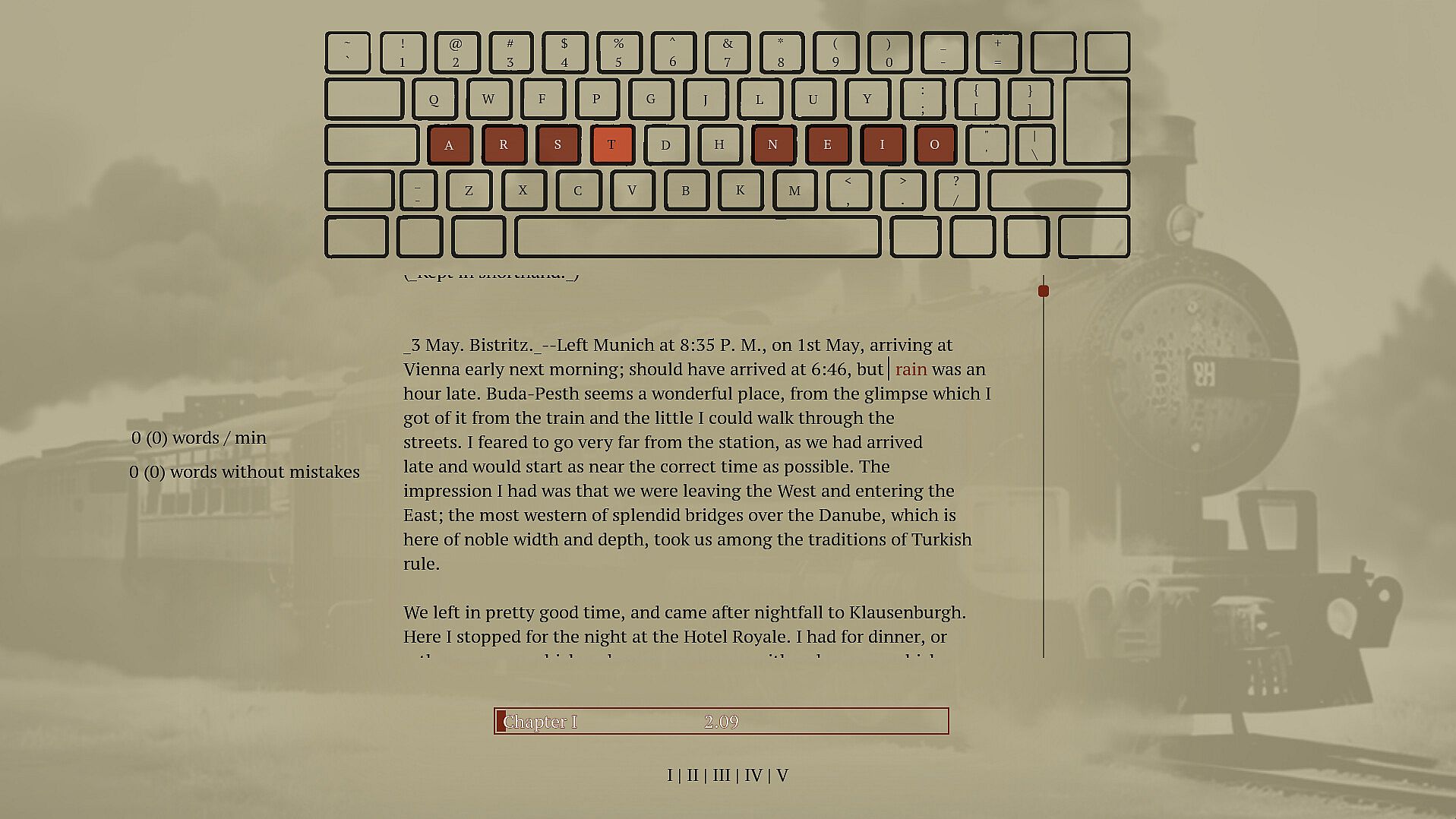
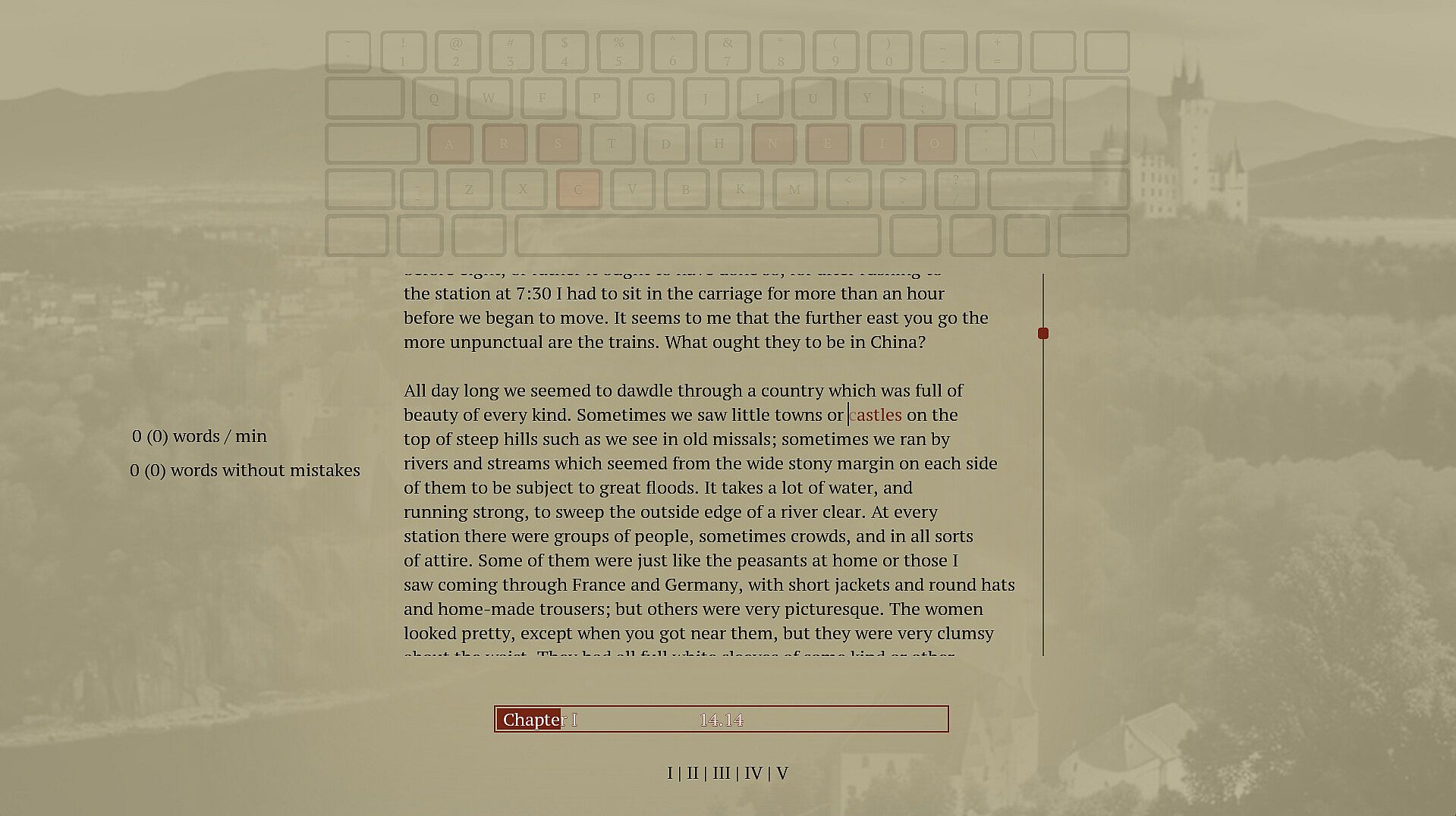
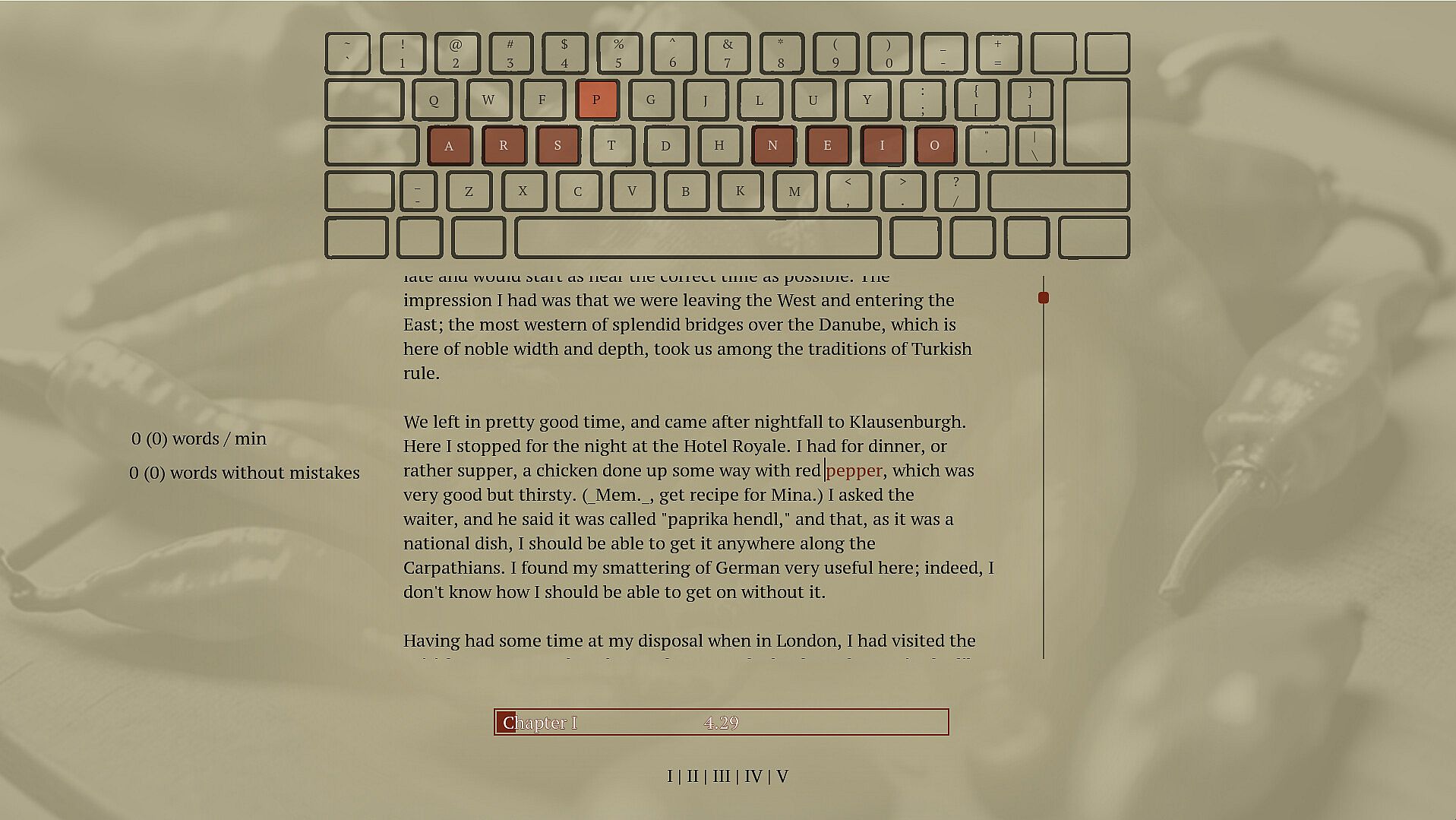
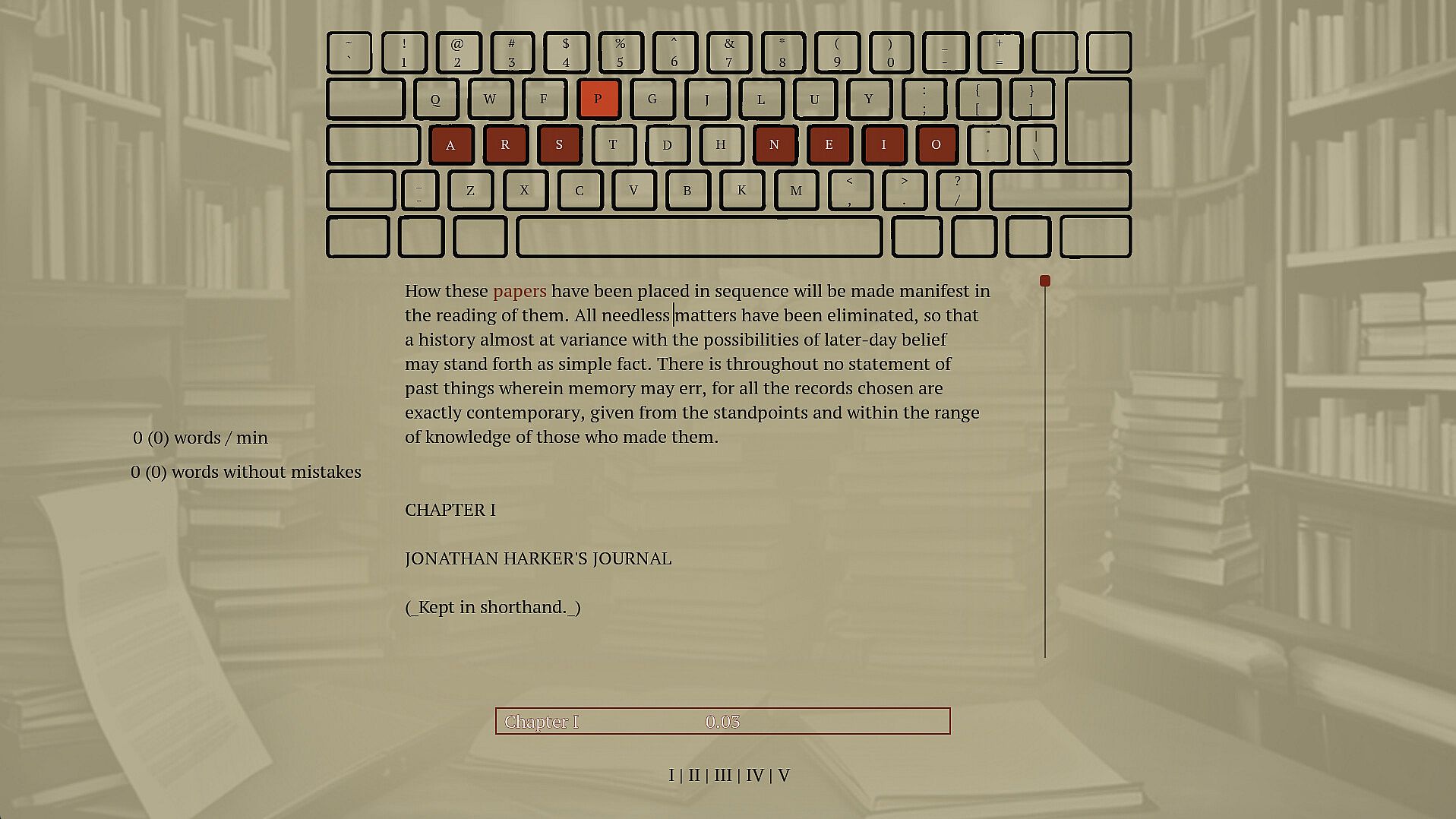
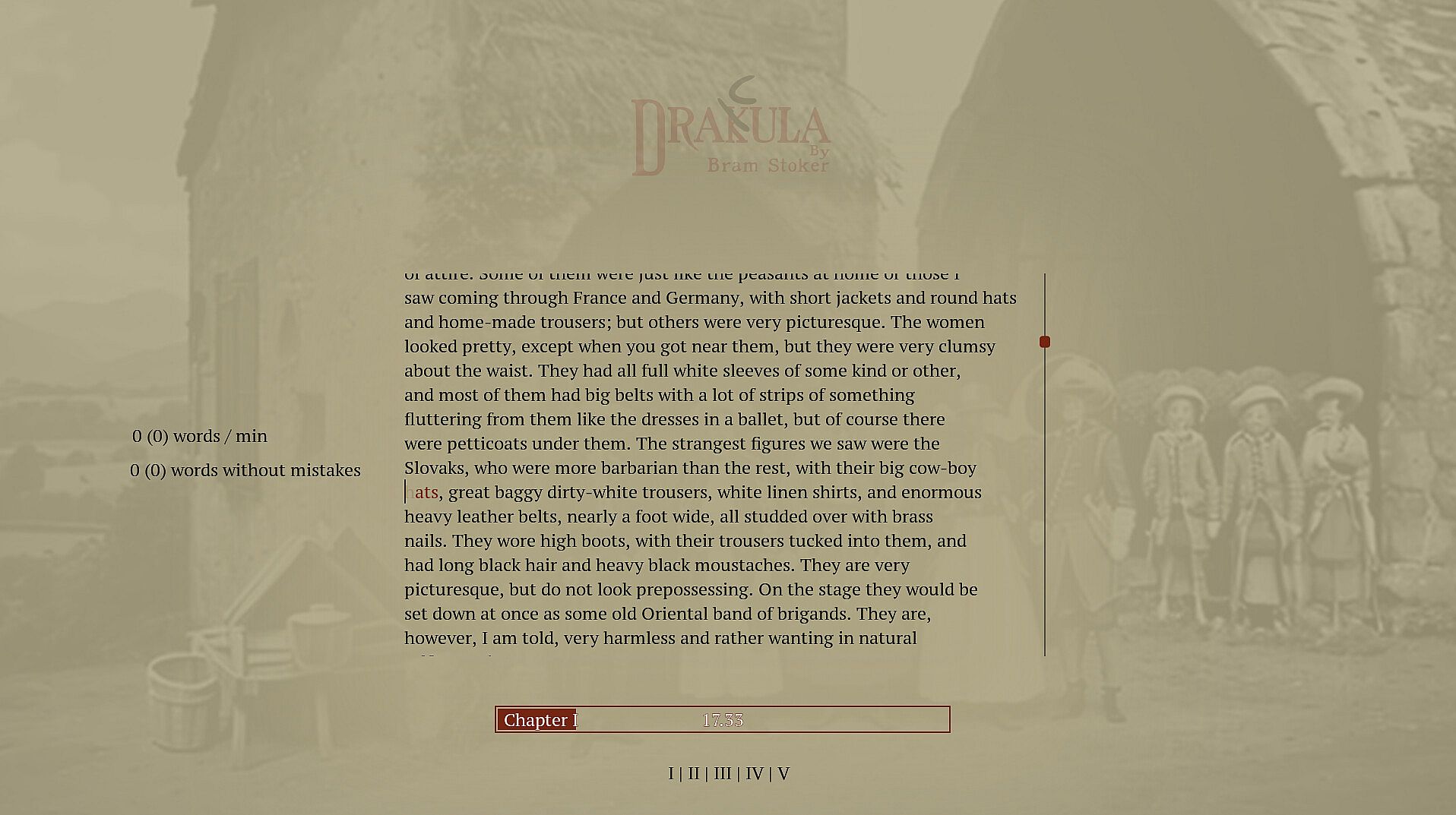
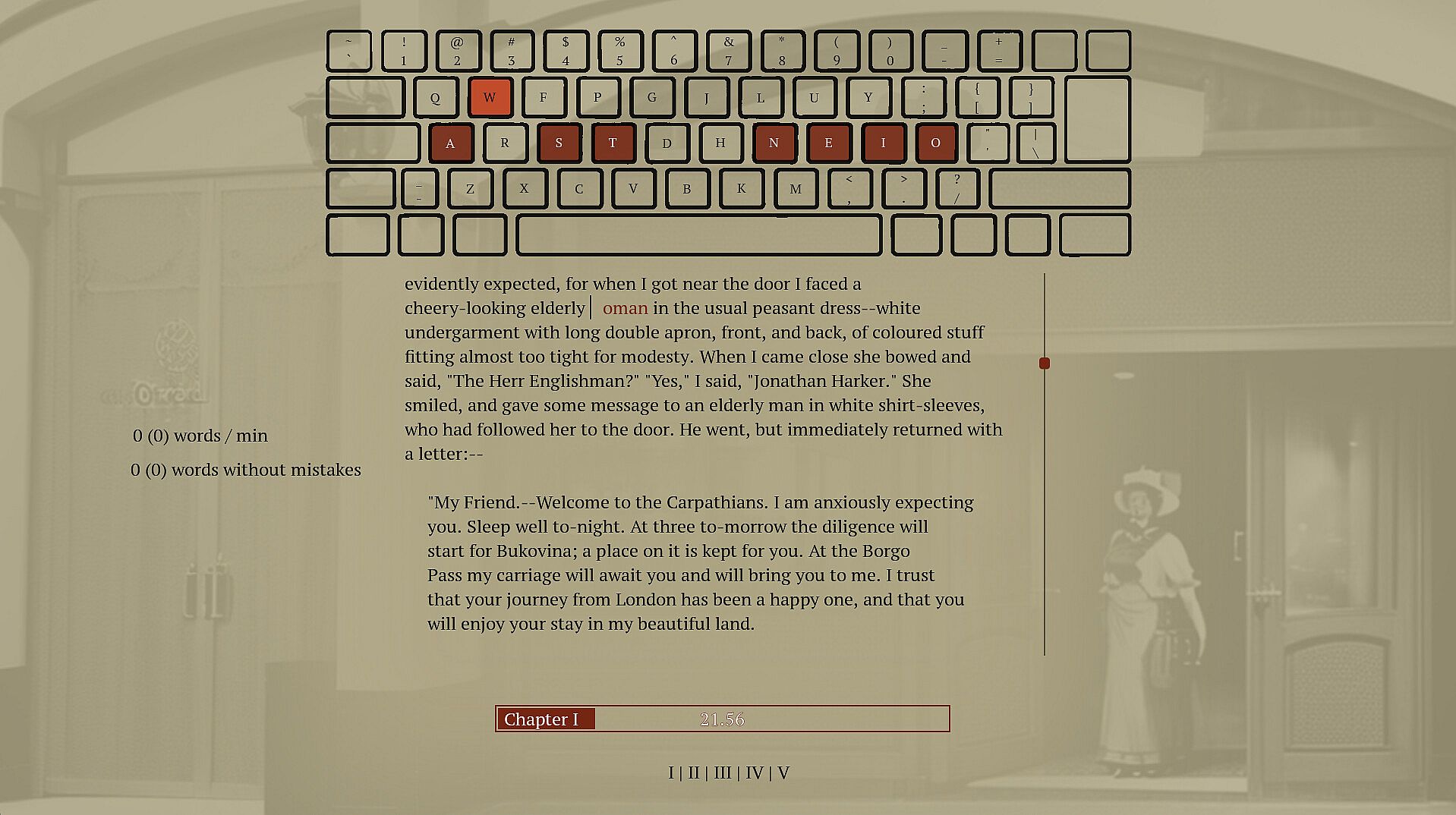
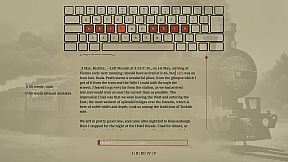
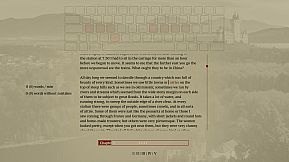
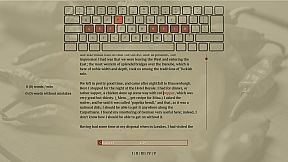
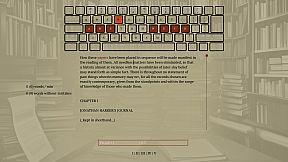
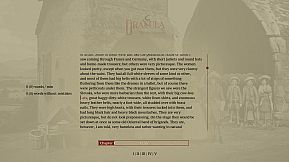
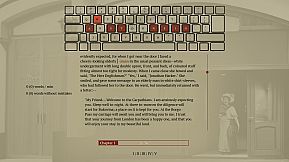
Type words from Dracula's full novel to master spelling and touch typing in this indie adventure. The game enforces correct spelling by halting progress on errors, prompting you to retype until accurate, while delivering the classic vampire story word by word. Practice builds muscle memory through repetition and pattern recognition across 160,000 words and 11,000 unique ones. Switch between standard, Dvorak, or Colemak layouts, or craft your own for reduced finger strain. This calm PC experience suits anyone seeking relaxed typing drills without time pressure. Beginners in touch typing or alternative layouts gain steady improvement alongside a rewarding read.

This is a typing game where you immerse yourself in Dracula's story while improving your typing and spelling. Enjoy a calm experience with different keyboard layouts. Type accurately to unlock the entire book and relax with a unique typing adventure.

Spell words correctly

Spelling is an important skill, and I have struggled to find a practical and fun way to practice.

Sure, the best thing would be to write a book of my own, but if you haven't tried, it's pretty hard to write something original. Also, I prefer to write words I know how to, which isn't helping my vocabulary. To improve my spelling skills, I've found repetition, repetition, and fast feedback to help. Typing and retyping a word you struggle with helps you learn it. Typing many different words lets you see patterns and recognize words built up of common sub-words. But typing a word 100 times is bad if you don't spell it correctly. I have caught myself doing that whenever I have to write a word I don't know how to spell; I make a guess and then use my computer spell check to fix it. Doing this allows me to write text fast. However, I am training the muscle memory in my fingers to type the incorrect guess, and even though I get to see the correct spelling afterward, it is not as powerful as typing the correct word out. You want someone to stand over your shoulder looking at you when you type, and whenever you misspell a word, they crack the whip and tell you, "That's wrong! Stop! Write it again like this...". So that is what this game does; it tells you when you have typed a word wrong and doesn't let you continue until you have spelled the word correctly.

Write Dracula

When in school, I was trained on writing sentences like this: "The ball is blue," "The businessman went to the bank," and "Trains run on rails." It was great practice but boring when the sentence had no context or story. That's why I selected a novel from the top of my "to read" list. If I don't learn anything from this, I will at least get to read a good book. If you haven't heard about Dracula, it's a classic novel about a vampire; it's still regarded as one of the best horror stories ever.

Touch typing

Touch typing is a method of typing on a keyboard without looking at the keys. This technique involves using all ten fingers efficiently, with each finger assigned to specific keys. If you are not touch typing, you should, if you care at all about typing speed. It's not too hard to learn; you have to know which finger to use on each key, and then spend some time practicing. Expect a drop in speed at the beginning; the best place to start might not be when taking notes in an important meeting. Start practicing while doing something that isn't time sensitive, like when reading a book.

Alternative keyboard layouts

If you do some research into ways to improve typing you will soon hear about alternative layouts. The keyboard layout you most likely use today is optimized to avoid jamming in early typewriters by spacing out commonly used letters. If you are not using a mechanical typewriter from before the First World War, this is no longer a problem, and the only reason to use this layout is that it has become a standard, and everyone else is using it. There are alternatives. Dvorak and Colemak are the most popular, and they are both optimized to reduce finger movement. Switching layout can increase typing speed and reduce the chance of typing injuries like carpet tunnel syndrome. Learning a new layout takes time, though, and just switching the computer layout without some practice beforehand will make it hard to get anything done for the next weeks if you have practiced a bit beforehand. There is no need to buy a new keyboard to use a new layout if you anyway are practicing touch and not looking down at the print on the keys.

Features
  • Spelling training

  • touch typing training

  • Dvorak and Colemak support

  • create custom layouts

  • Full Novel

  • 160.000 words

  • 11.000 unique words

Oberfläche:
English

Altersfreigabe

Keine Angabe
Steam:
Overwhelmingly Positive (10)

Minimum:

  • Betriebssystem: 11
  • Prozessor: -
  • Arbeitsspeicher: 512 MB RAM
  • Grafik: -
  • DirectX: Version 12
  • Speicherplatz: 200 MB available space
  • Zusätzliche Hinweise: Broadband Internet connection; na; This is the slows pc the game has been tested on so far, most likely run well on slower computers

Empfohlen:

  • Betriebssystem: 11
  • Prozessor: i9-9900k
  • Arbeitsspeicher: 32 GB RAM
  • Grafik: 2080 gtx
  • DirectX: Version 12
  • Speicherplatz: 75 MB available space
  • Zusätzliche Hinweise: Broadband Internet connection; na

Minimum:

  • Betriebssystem: -
  • Prozessor: -
  • Arbeitsspeicher: 512 MB RAM
  • Grafik: -
  • Speicherplatz: 200 MB available space
  • Zusätzliche Hinweise: -; -

Empfohlen:

  • Betriebssystem: -
  • Prozessor: -
  • Arbeitsspeicher: 512 MB RAM
  • Grafik: -
  • Speicherplatz: 200 MB available space
  • Zusätzliche Hinweise: -; -

Minimum:

  • Betriebssystem: -
  • Prozessor: -
  • Arbeitsspeicher: 512 MB RAM
  • Grafik: -
  • Speicherplatz: 200 MB available space
  • Zusätzliche Hinweise: -; -

Empfohlen:

  • Betriebssystem: -
  • Prozessor: -
  • Arbeitsspeicher: 512 MB RAM
  • Grafik: -
  • Speicherplatz: 200 MB available space
  • Zusätzliche Hinweise: -; -
Historisches Tief
Preisverlauf von offiziellen Shops
-
-
-
Preisverlauf von Keyshops
-
-
-

FAQ

8 Fragen

Bevor du nach einem günstigen Drakula Key suchst, prüfe die wichtigsten Fakten. Entwickelt von Blue Smoke Electronics. Veröffentlicht von Blue Smoke Electronics. PC Release-Datum: 23 Okt. 2024. Genres: Indie, Adventure. Kategorien: Family Sharing, Single-player.

Q

Wo kann ich einen günstigen Drakula Steam Key kaufen?

Mit unserem Preisvergleich und verifizierten Rabattcodes kannst du einen Drakula Key schon ab 7,99 € kaufen. Dieses Angebot ist bei Steam verfügbar und gehört zu den günstigsten auf dem Markt. Alle auf XD.deals gelisteten Keys werden digital geliefert und können nach der Zahlung sofort heruntergeladen werden. Die Preise enthalten bereits Bearbeitungsgebühren und eingelöste Promo-Codes, sodass du immer den niedrigsten Drakula Preis auf PC siehst. Sieh dir den Drakula Preisverlauf an, um zum besten Zeitpunkt zu kaufen.

Laut unserem letzten Update (wir aktualisieren Steam-Preise mehrmals täglich) beträgt der Drakula Steam-Preis 7,99 €. Du kannst zusätzlich ca. 6% sparen, indem du mit einer vergünstigten Steam-Geschenkkarte zahlst.

Unser Preistracker deckt sowohl offizielle Händler als auch Key-Marktplätze ab, sodass du Drakula im Angebot auch außerhalb saisonaler Aktionen finden kannst. Wir erkennen derzeit 1 aktives Angebot von offiziellen Shops und Keyshops. Prüfe die Tabelle oben, vergleiche mit dem historischen Tief und setze einen Alarm, damit du den nächsten Preissturz nicht verpasst.

Laut unseren Daten ist Drakula derzeit nicht auf GeForce NOW verfügbar. Du musst es lokal auf deinem PC ausführen. Stöbre durch Spiele, die auf GeForce NOW verfügbar sind.

Ja. Drakula hat eine offizielle Steam-Shop-Seite. Du kannst auch einen Drakula Steam Key von Drittanbietern kaufen. Unser Preisvergleich umfasst derzeit 1 Angebot mit Steam-DRM. Wähle eines davon, um sicherzustellen, dass dein Drakula Download über Valves Plattform läuft.

Ja. Drakula ist Steam Deck Verified - es startet ohne Anpassungen, zeigt korrekte Controller-Symbole und läuft stabil. Drakula funktioniert perfekt auf dem Steam Deck.

Drakula scheint derzeit nicht im PC Game Pass, bei EA Play, Ubisoft+ oder einem anderen PC-Abonnement verfügbar zu sein. Deine einzige Option ist der Kauf - nutze XD.deals, um den besten Preis zu finden.

Nein - XD.deals ist kein Shop. Wir sind ein Preisvergleich, der die besten Drakula-Deals bei offiziellen Shops und verifizierten Keyshops verfolgt. Klicke neben einem Angebot auf "Zum Shop" und du wirst zur Webseite des Händlers weitergeleitet, um deinen Kauf abzuschließen.

Beste Preise für Drakula

1 Steam Steam Official
7,99 €

Zum besten Zeitpunkt kaufen? Setze einen Preisalarm auf XD.deals und werde benachrichtigt, wenn Drakula sein nächstes historisches Tief erreicht.

Alarm erstellen
Tritt unserem Discord bei
Erhalte Hilfe von der Community und bleibe über Angebote informiert
Preisalarme einrichten
Erhalte E-Mail-Benachrichtigungen wenn Preise fallen
Kostenloses Konto erstellen
Schalte Wunschlisten, Preisalarme und Steam-Sync frei