

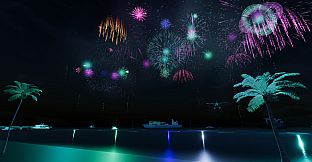
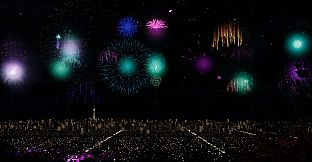
Festival Fireworks Simulator is a casual simulation game available on PC that lets players enjoy and create fireworks displays in a relaxed, atmospheric setting. The title blends simple interaction with creative tools, making it suitable for anyone who appreciates quiet evenings watching the night sky light up or wants to design personal shows without complex controls or competition.
Gameplay
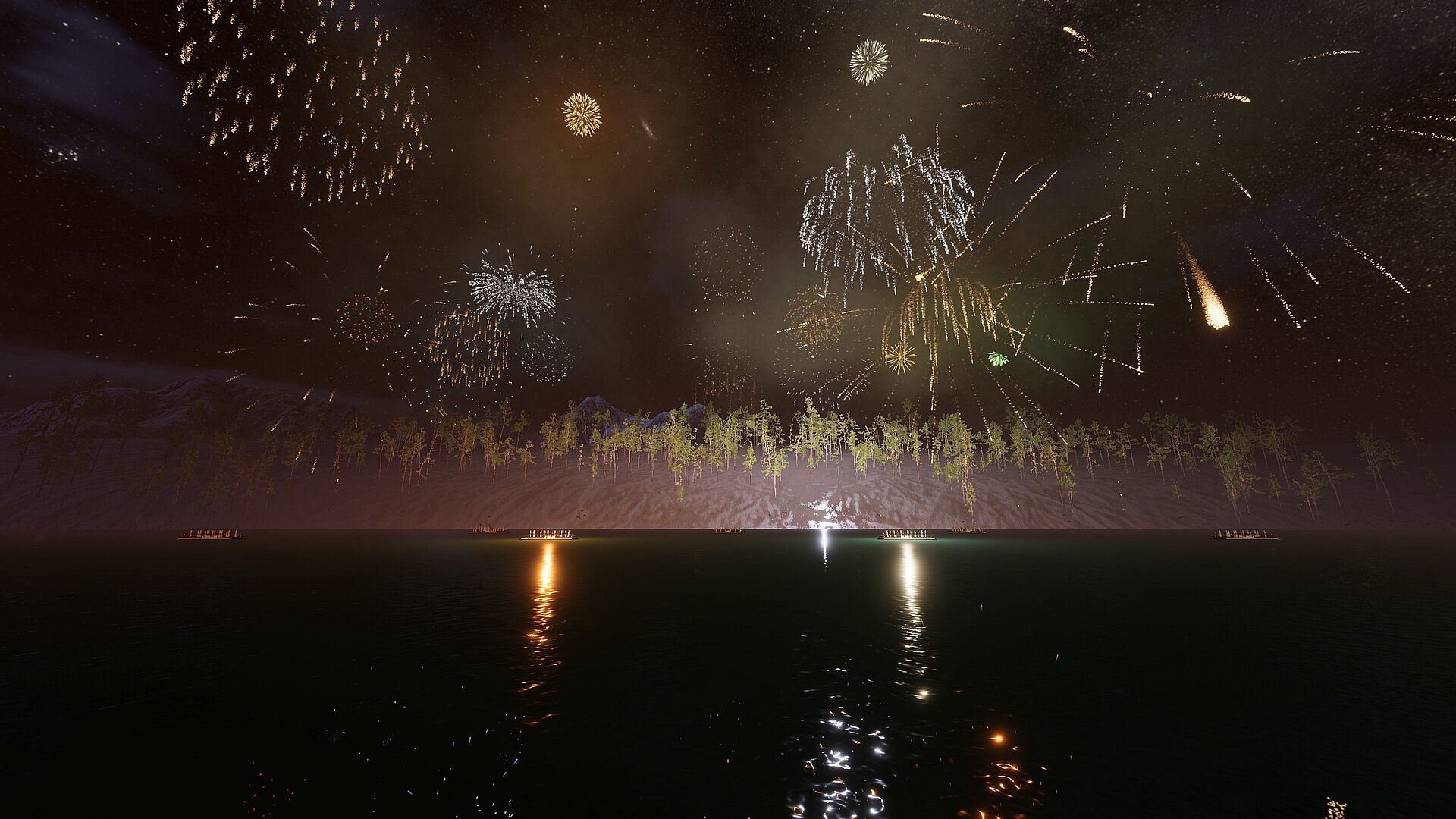
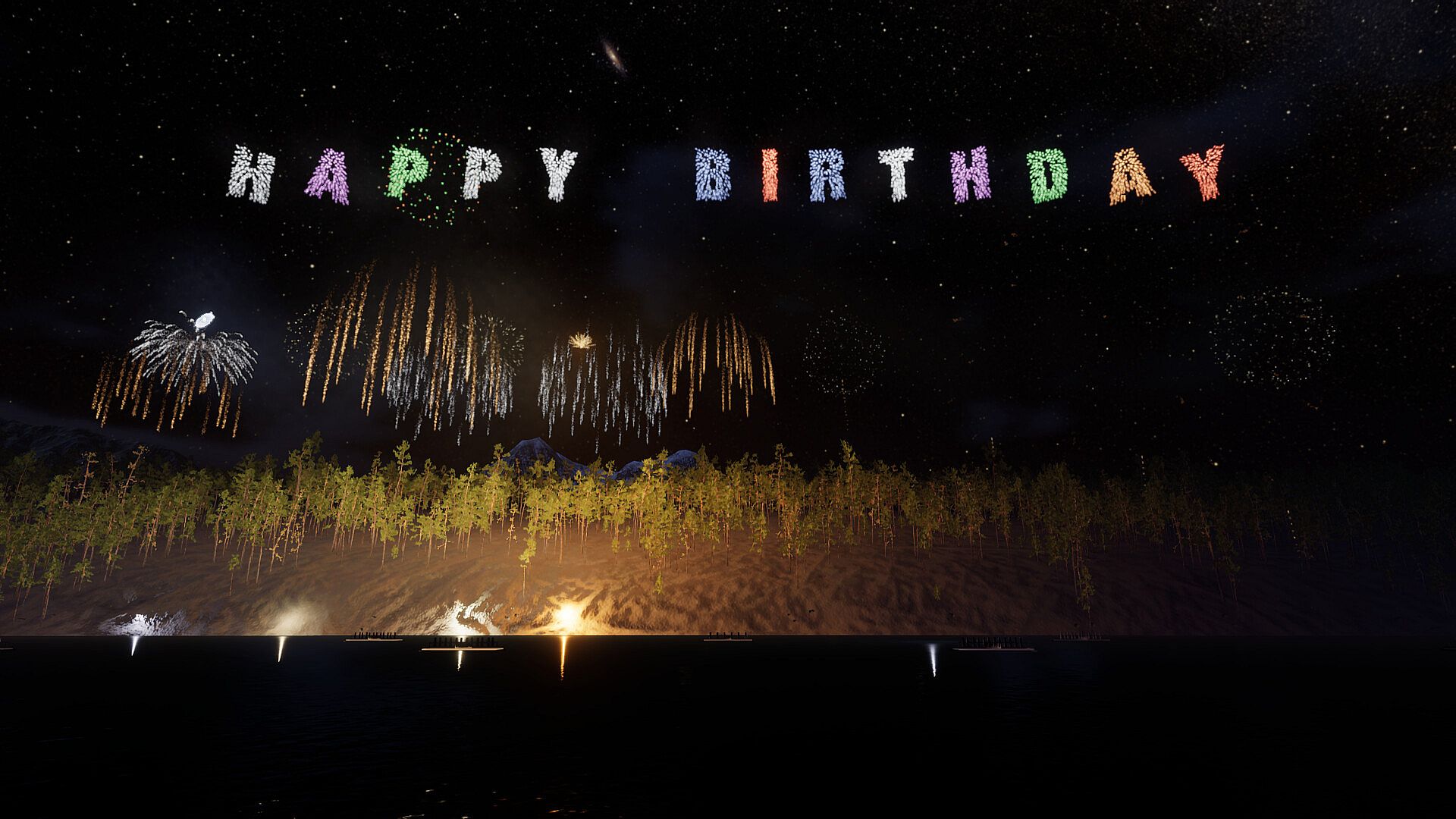
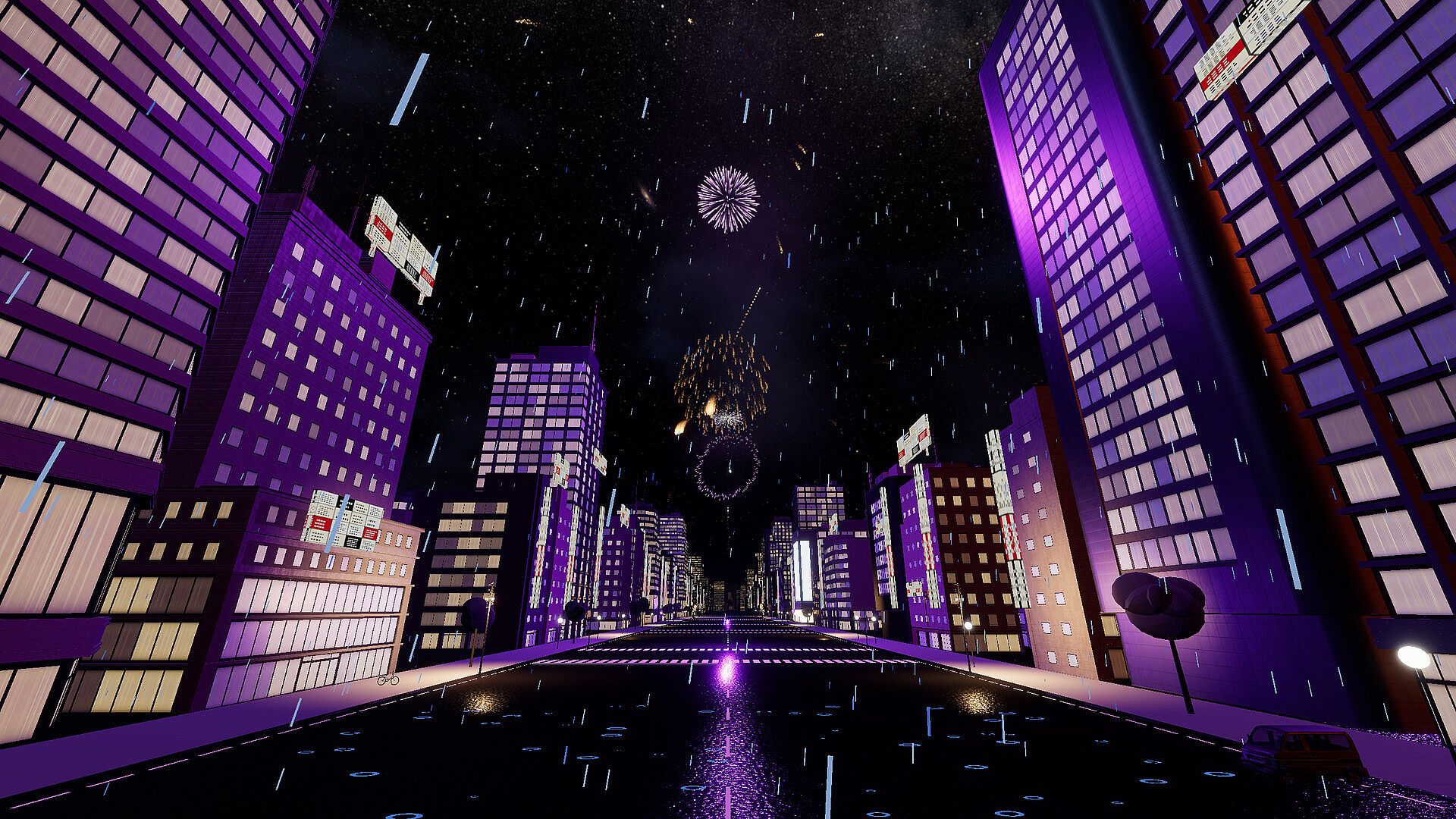
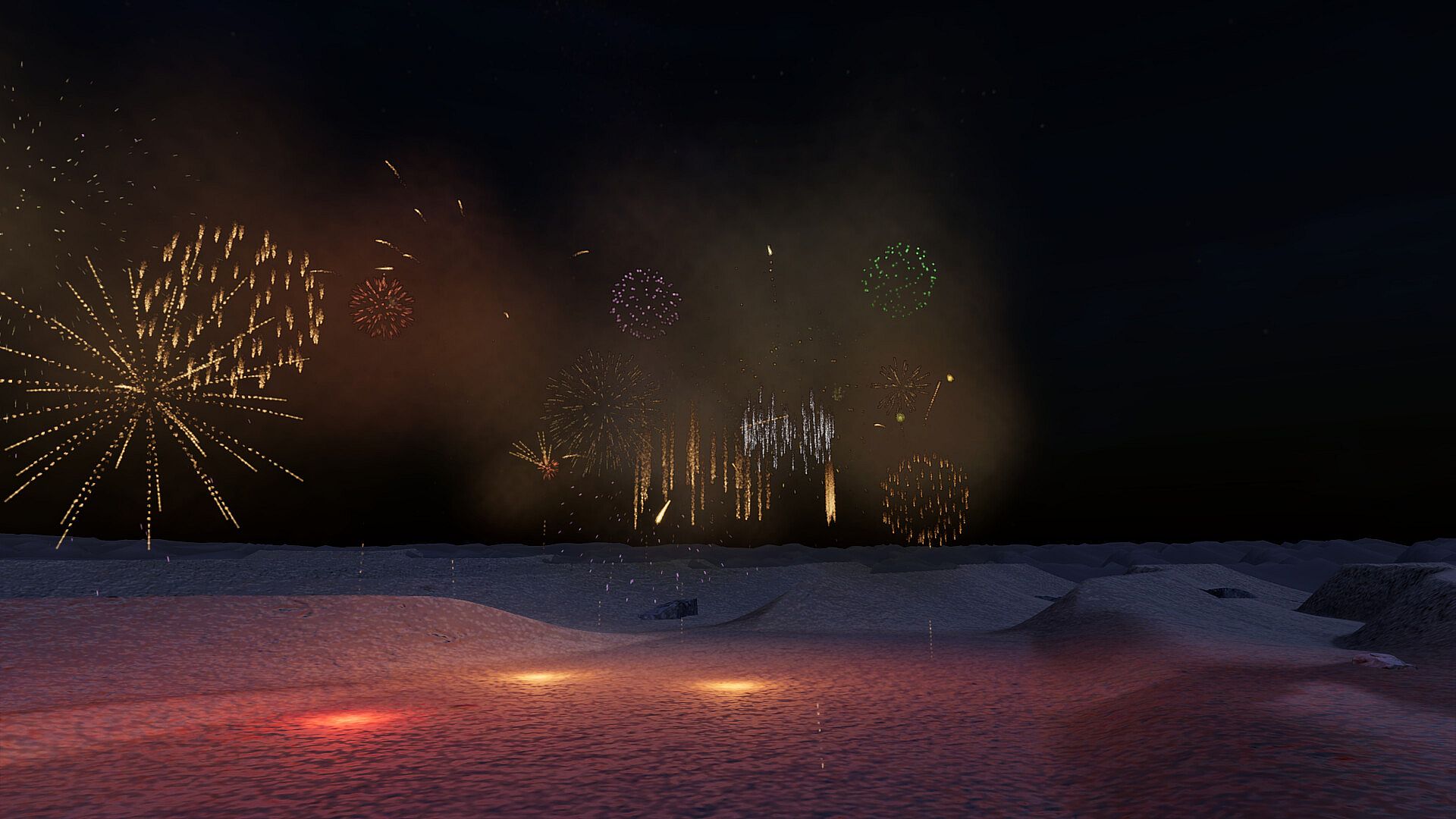
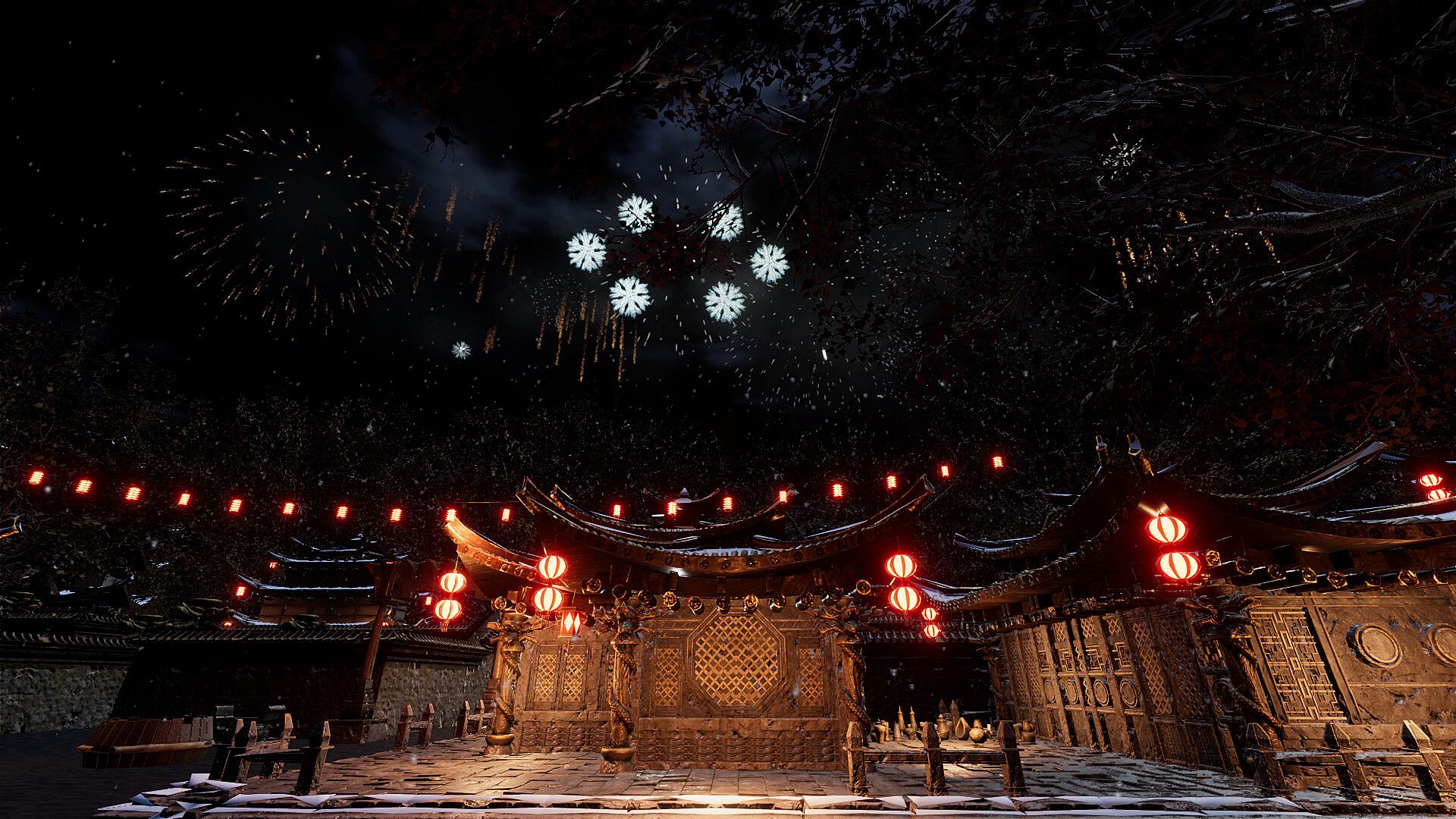
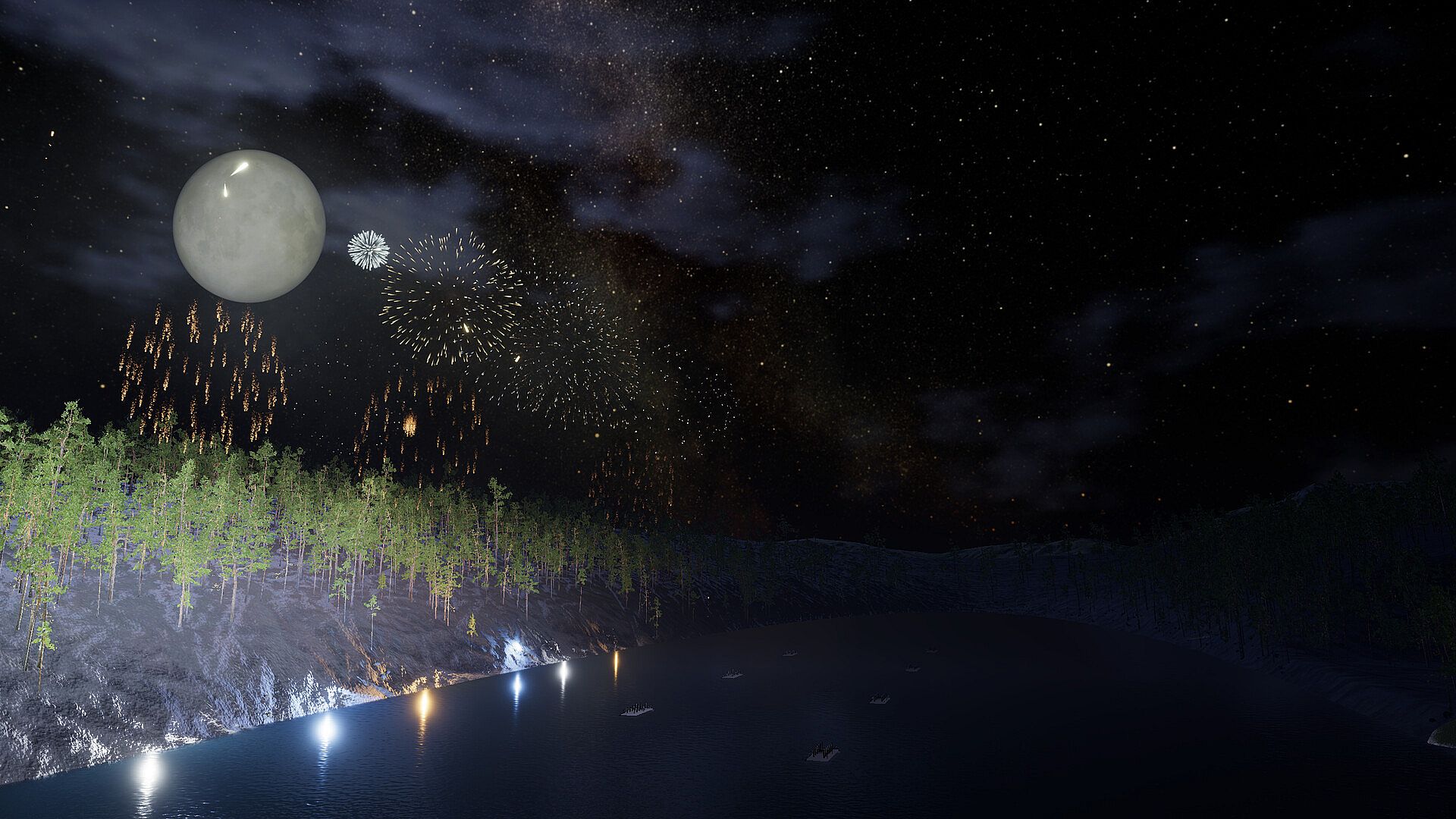
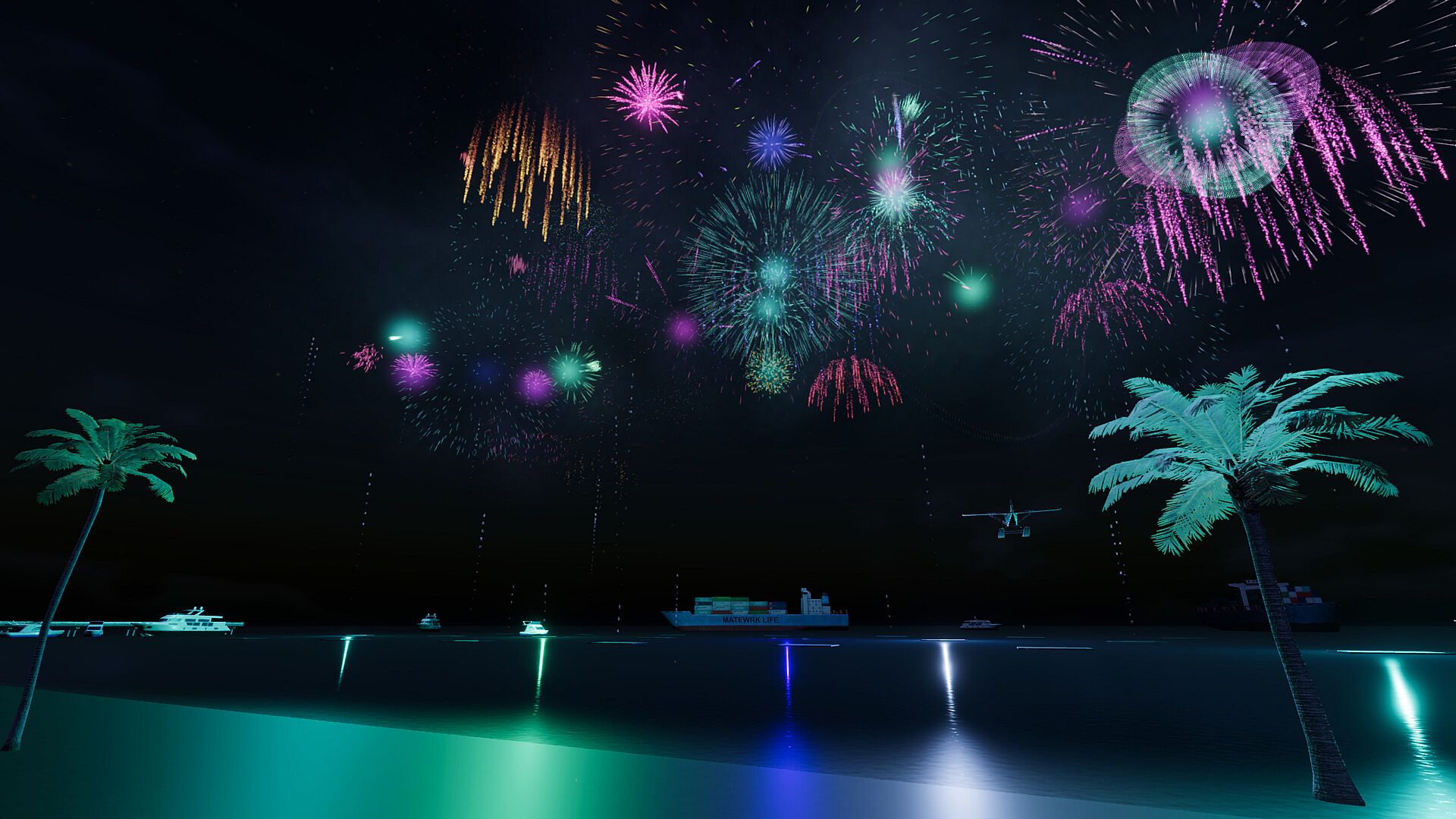
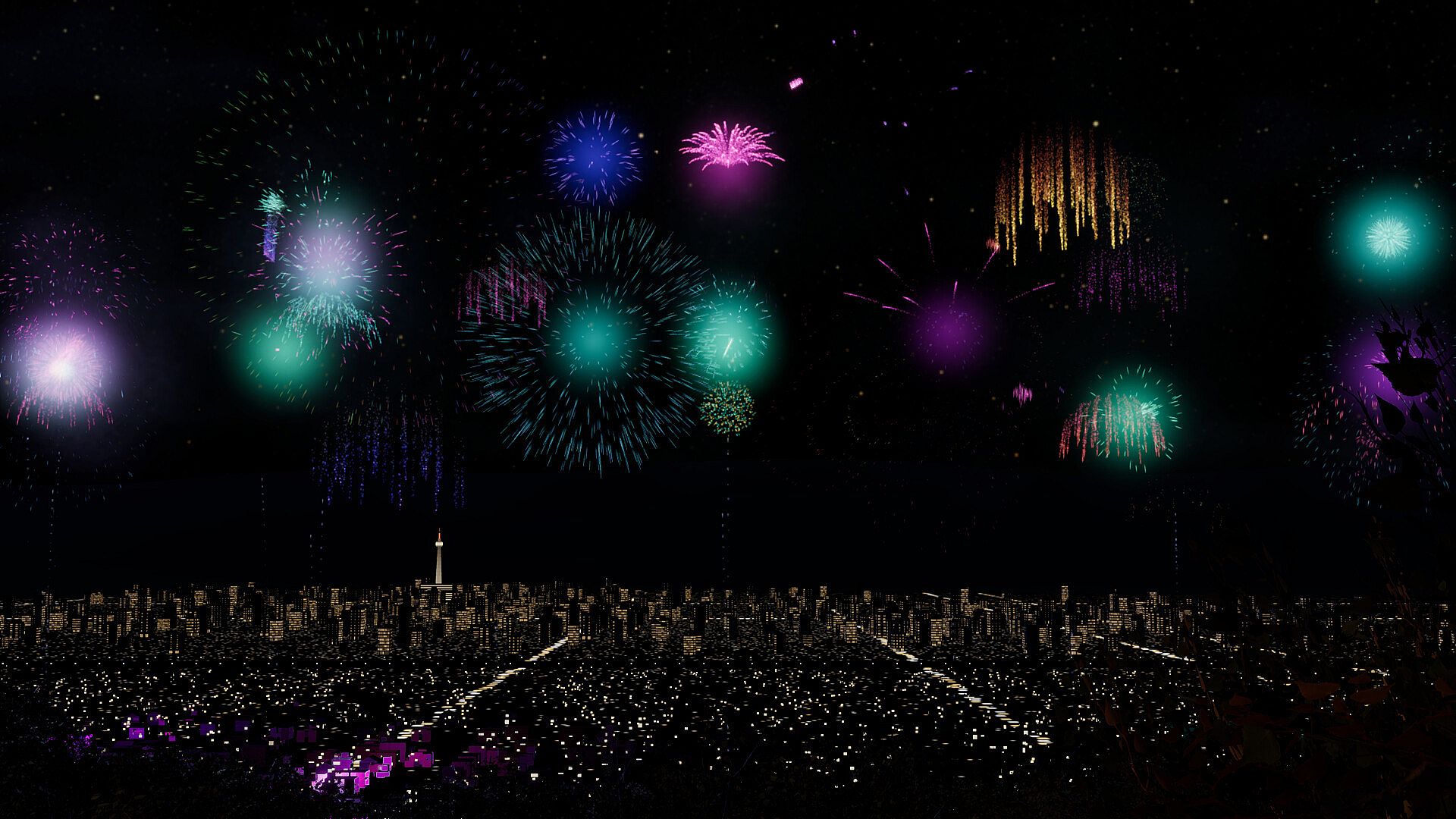
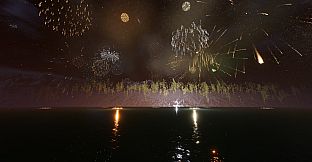
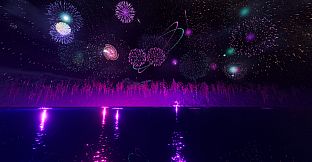
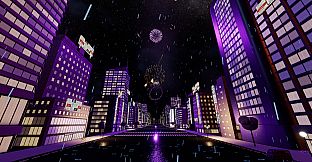
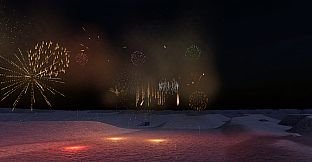
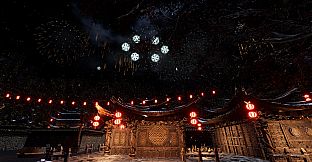
Players begin by selecting from several base scenes that include a quiet lake, a Tokyo street, desert dunes, a hillside overlooking Kyoto, a lantern-lit temple fair, or a palm-lined beach. Each location sets a distinct mood for the fireworks, with options to switch between them freely once unlocked. The core loop revolves around watching an automatic display that runs on the computer's local clock, with larger shows starting on the hour and the biggest one at midnight. Clicking anywhere in the night sky triggers an immediate burst at that spot, while pressing space calls a finale that builds in intensity the longer it plays. The flash of each explosion appears first, followed by the sound of the boom, with the delay increasing based on distance from the viewer.
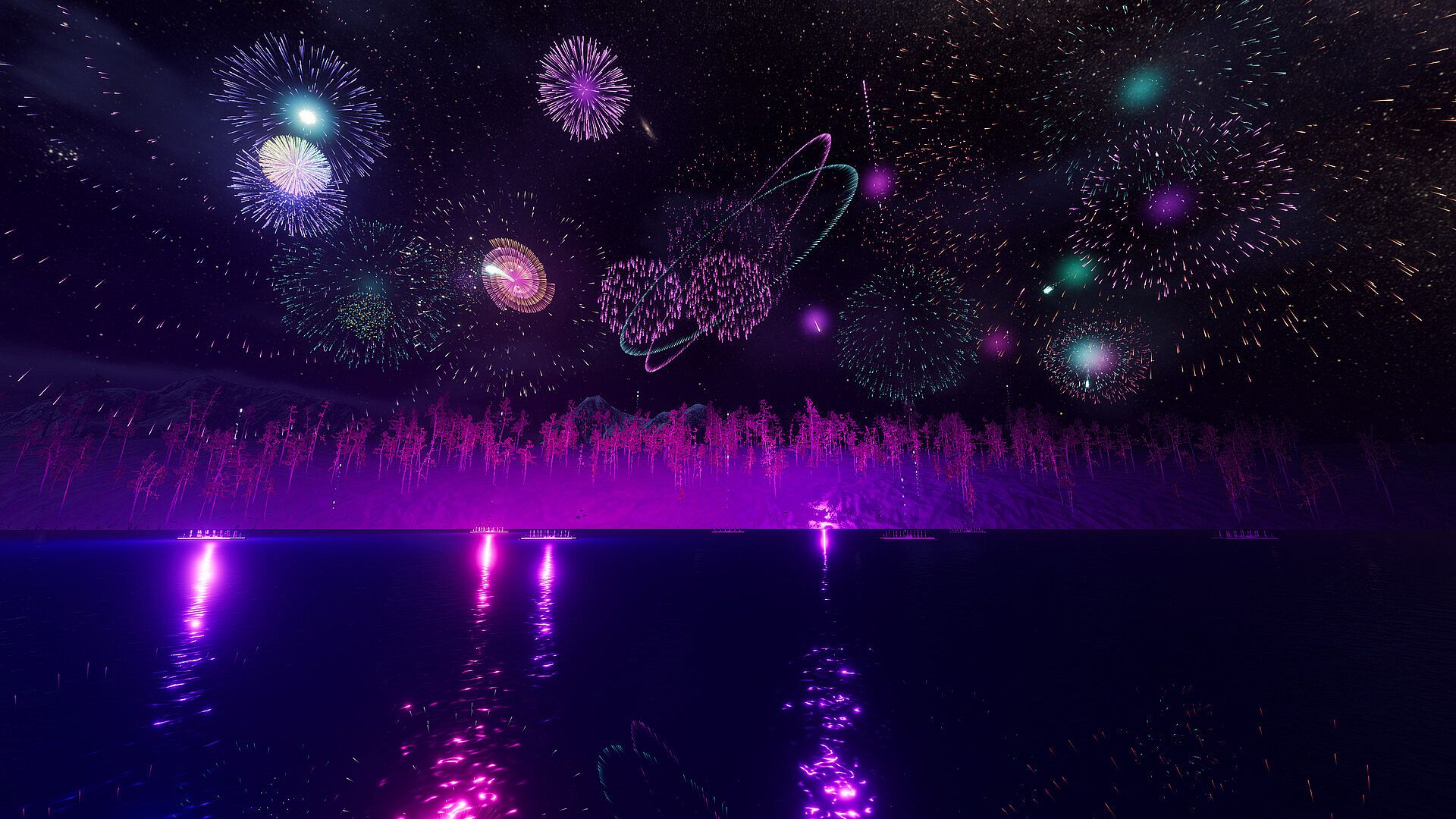
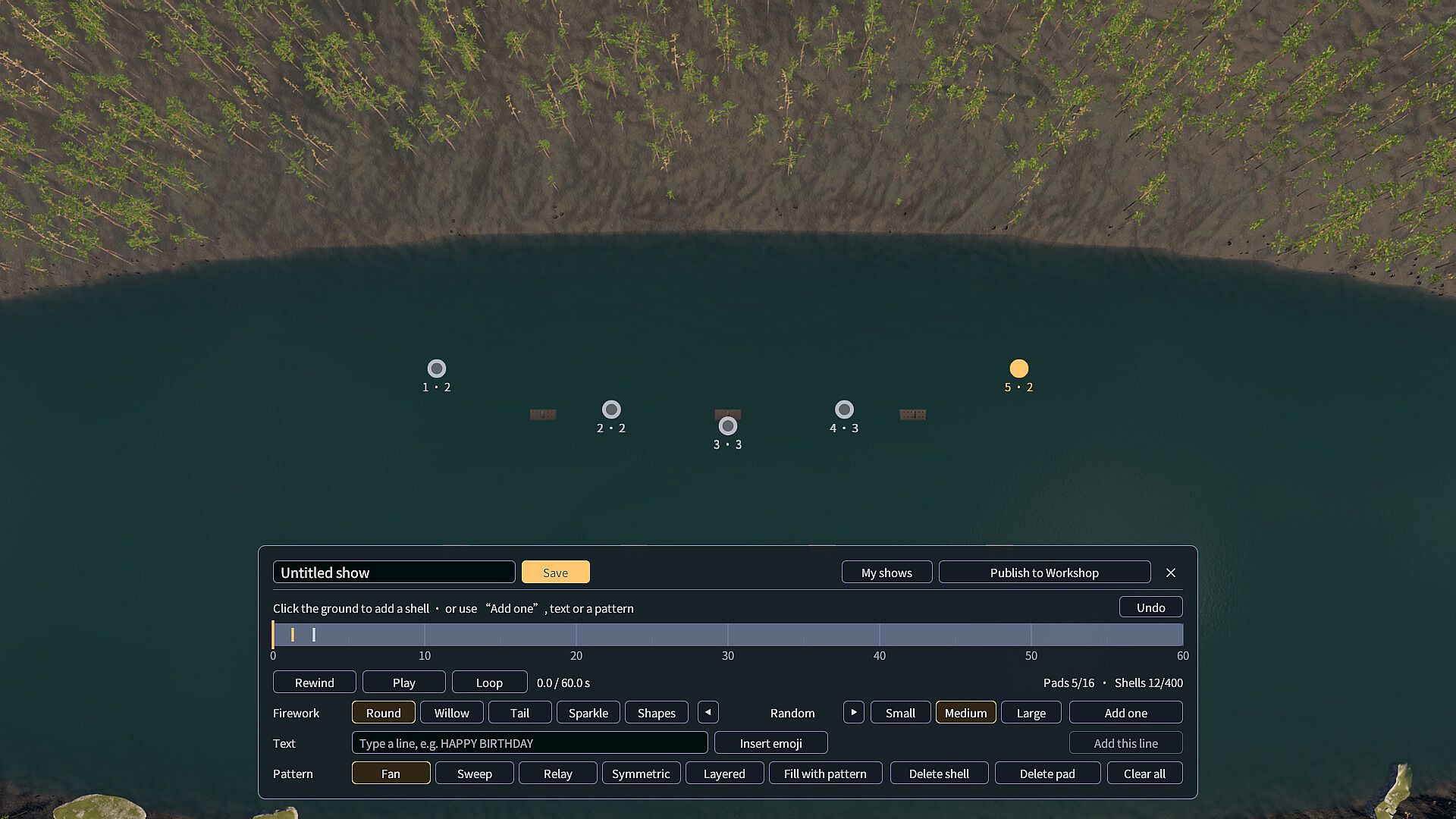
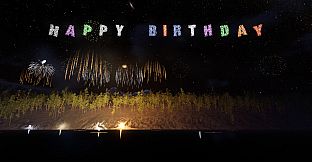
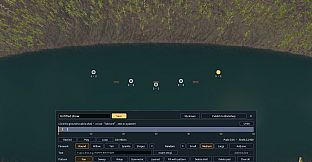
Additional layers come from writing wishes that turn names, dates, birthday greetings, or short messages into fireworks using letters, numbers, Chinese characters, and around a hundred emoji such as hearts, cakes, and lanterns. These appear as scripted sequences in the sky. For deeper engagement, players place launch pads, select shell types and sizes, then fill a timeline with patterns like fans and sweeps. Playback allows timing adjustments before saving the show for later use. Dozens of fireworks varieties appear throughout, including peonies, willows, palms, crackle, and saturn rings, each with distinct visual and audio qualities that respond to the chosen environment.
Game Modes
The game supports several overlapping ways to engage with the fireworks. Automatic mode runs a continuous tour that changes scenes on its own while playing the scheduled hourly displays. Interactive clicking lets players add bursts on demand during any show. Wish mode converts text input directly into aerial messages timed to the display. Full creation mode provides launch pad placement, shell selection, timeline editing, and pattern tools for building custom sequences from scratch. Special holiday events activate on dates like New Year's Eve, which includes a countdown and the new year's number, along with Lunar New Year, Christmas, Valentine's Day, Halloween, and others that introduce themed wishes and emoji. Entering a birthday in the settings triggers a personal celebration on that date each year.
Companion mode reduces volume for background listening, while desktop mode on Windows and macOS places the show behind desktop icons and runs silently. Photo mode freezes bursts, allows camera movement, and saves images. Four camera views remain available outside photo mode, including one that flies through the fireworks. Hiding the interface with a key press creates a clean viewing experience that can be toggled back at any time.
Special Nights and Locations
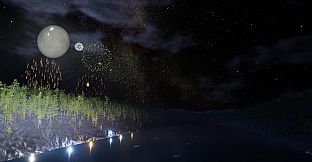
Beyond the standard scenes, players discover special nights tied to weather and time of day. These include moonlight over the lake, rain and snow in Tokyo, falling leaves above Kyoto, sky lanterns rising over the temple, and similar variations on the other locations. Once found during play, each special night enters a personal collection for repeated selection. The automatic tour cycles through scenes and these variants, while manual selection lets players return to favorites or time visits for particular calendar events.
Is It Worth Playing?
Festival Fireworks Simulator appeals most to players seeking a low-pressure experience focused on visual relaxation and light creativity rather than goals or challenges. Its calendar-linked events and wish features add personal touches that encourage repeated short sessions, while the creation tools support longer sessions for those who enjoy building sequences. Desktop and companion modes extend its usefulness as background ambiance during other activities. The variety of scenes and fireworks types provides enough visual interest to sustain engagement over multiple evenings without requiring constant input. Those who value atmospheric presentation and simple customization will find consistent enjoyment, especially around holidays or personal dates when themed elements appear automatically.