

Llama 97 OS is an indie casual simulation game set on PC that recreates a retro virtual desktop environment from the 90s era. Players interact with a modular interface filled with productivity tools and social elements designed to create a relaxed atmosphere of shared presence without intense competition or action sequences.
Gameplay
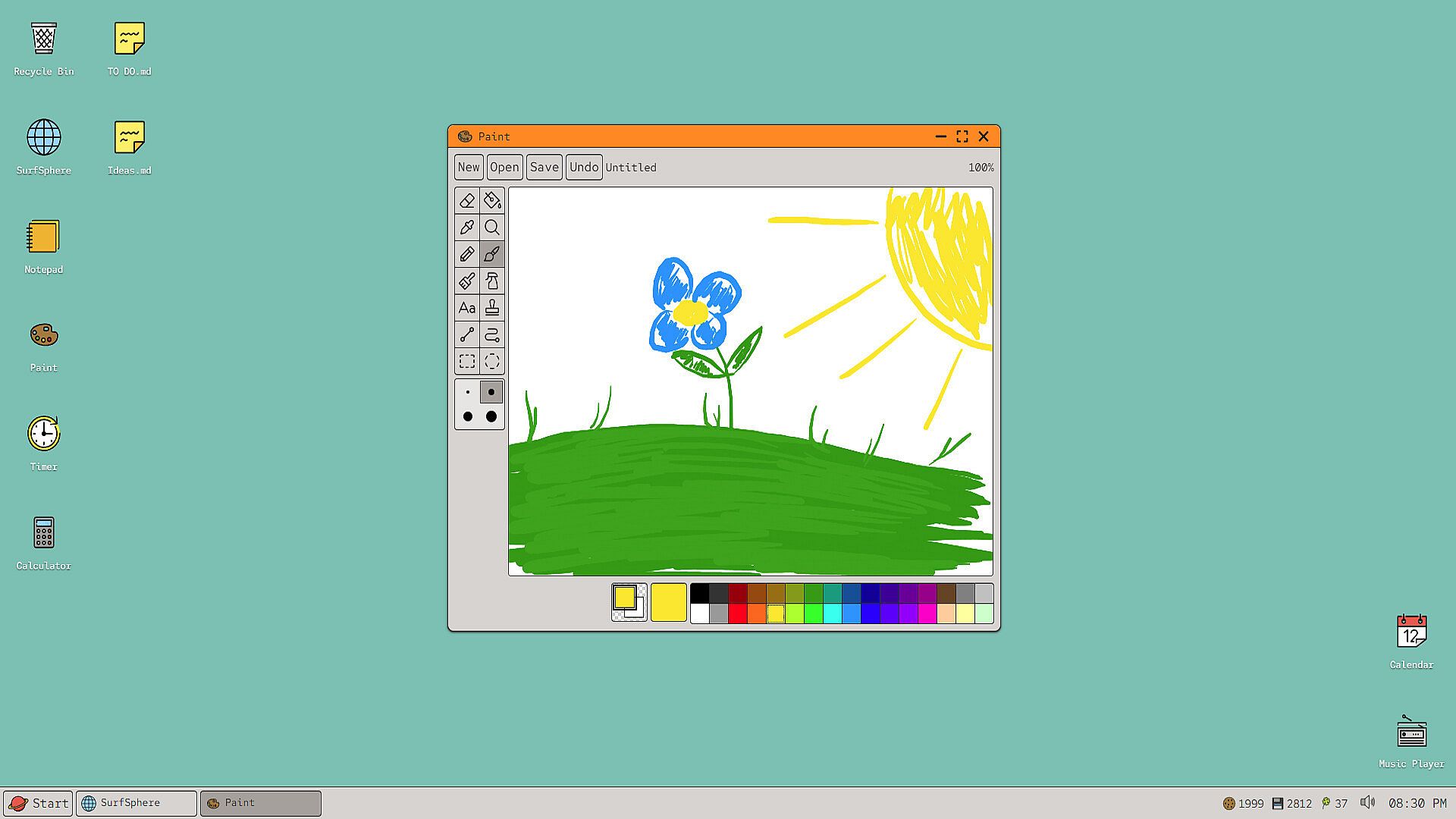
The core loop centers on customizing and using a lightweight desktop built with SolidJS for smooth performance even alongside other applications. A drag and drop icon grid allows rearrangement of shortcuts and widgets on the main screen. Users select a real folder on their system to populate a documents file system that mirrors actual files without heavy overhead.
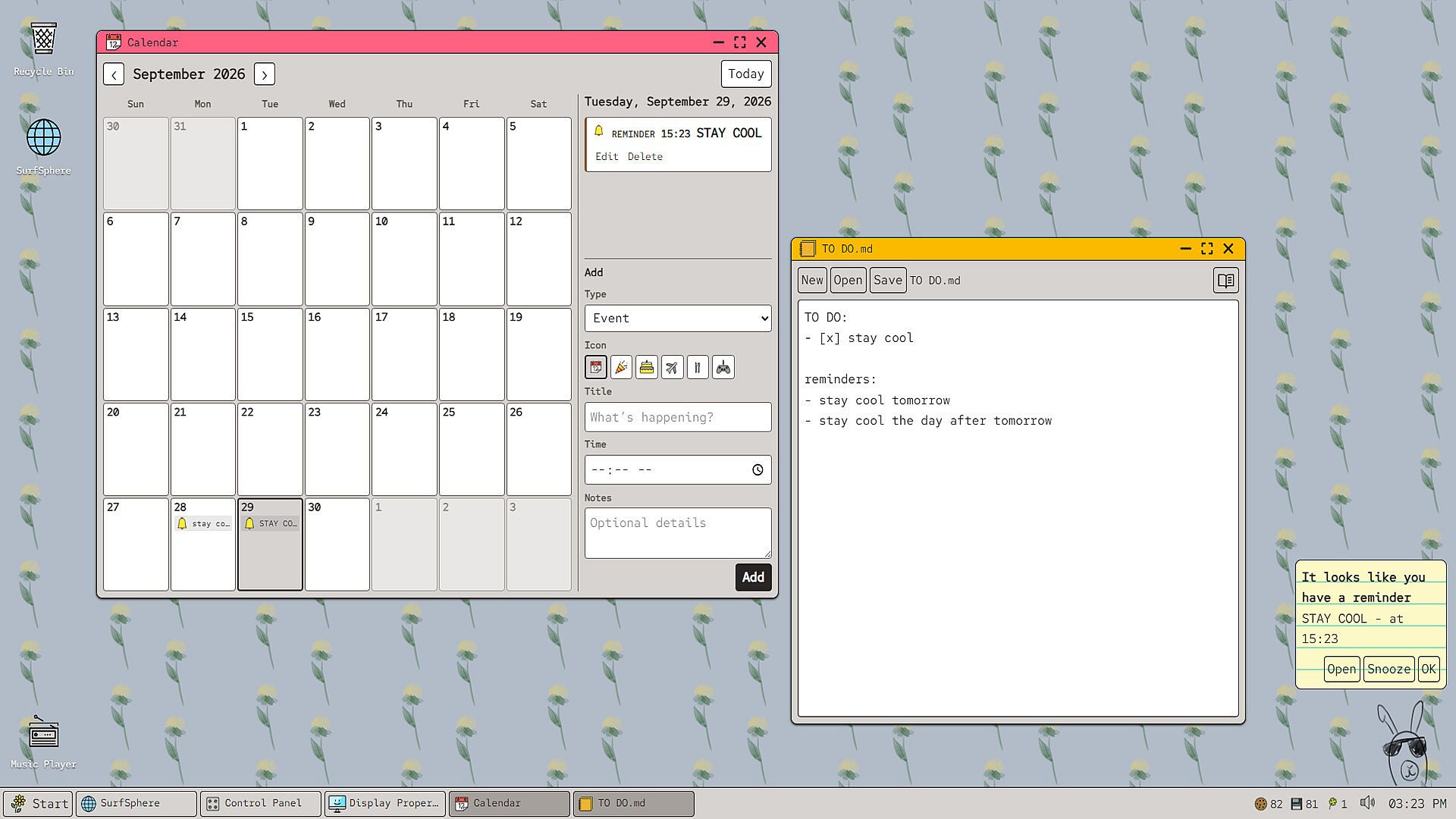
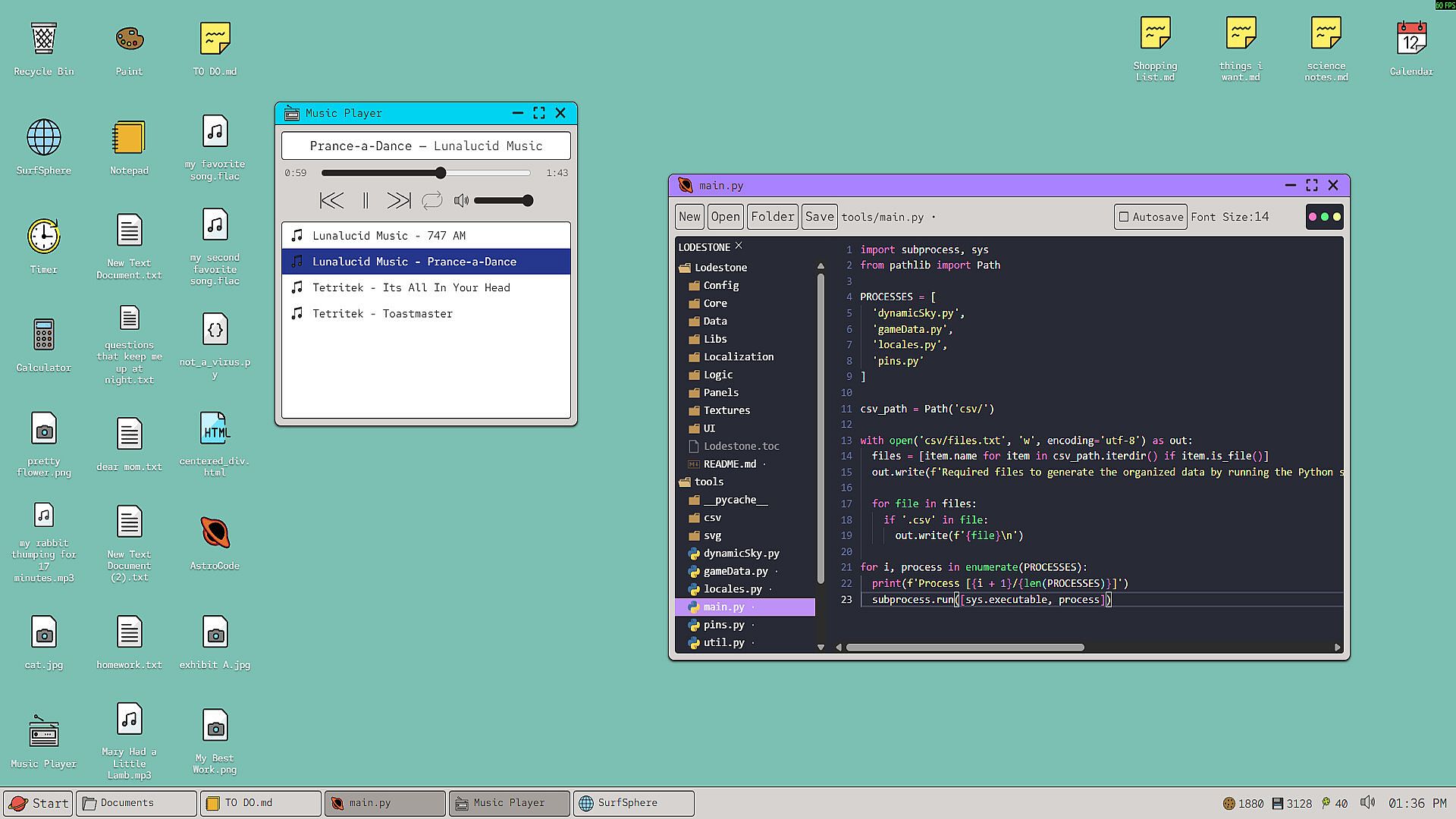
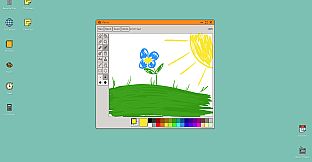
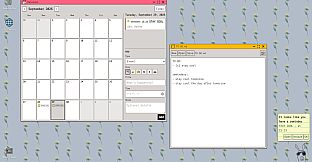
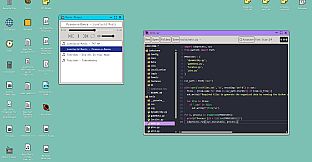
Productivity features include a markdown-supported notepad that autosaves changes, an AstroCode IDE for writing and testing code snippets in a nested window, a calendar with reminders, a basic calculator, and a timer. Entertainment options feature a paint program modeled after classic drawing tools with added capabilities and a music player that handles both workshop downloads and local audio files.
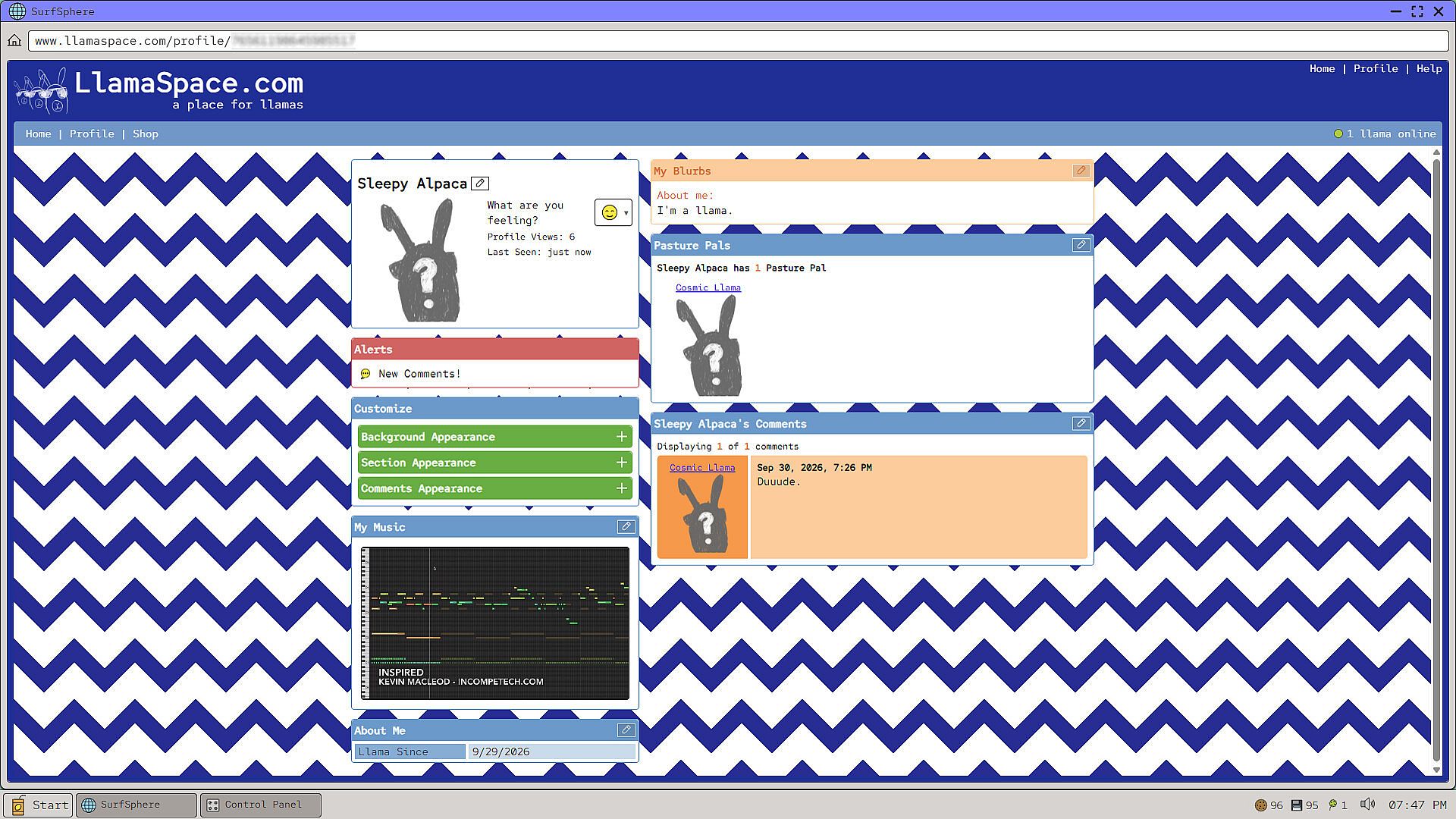
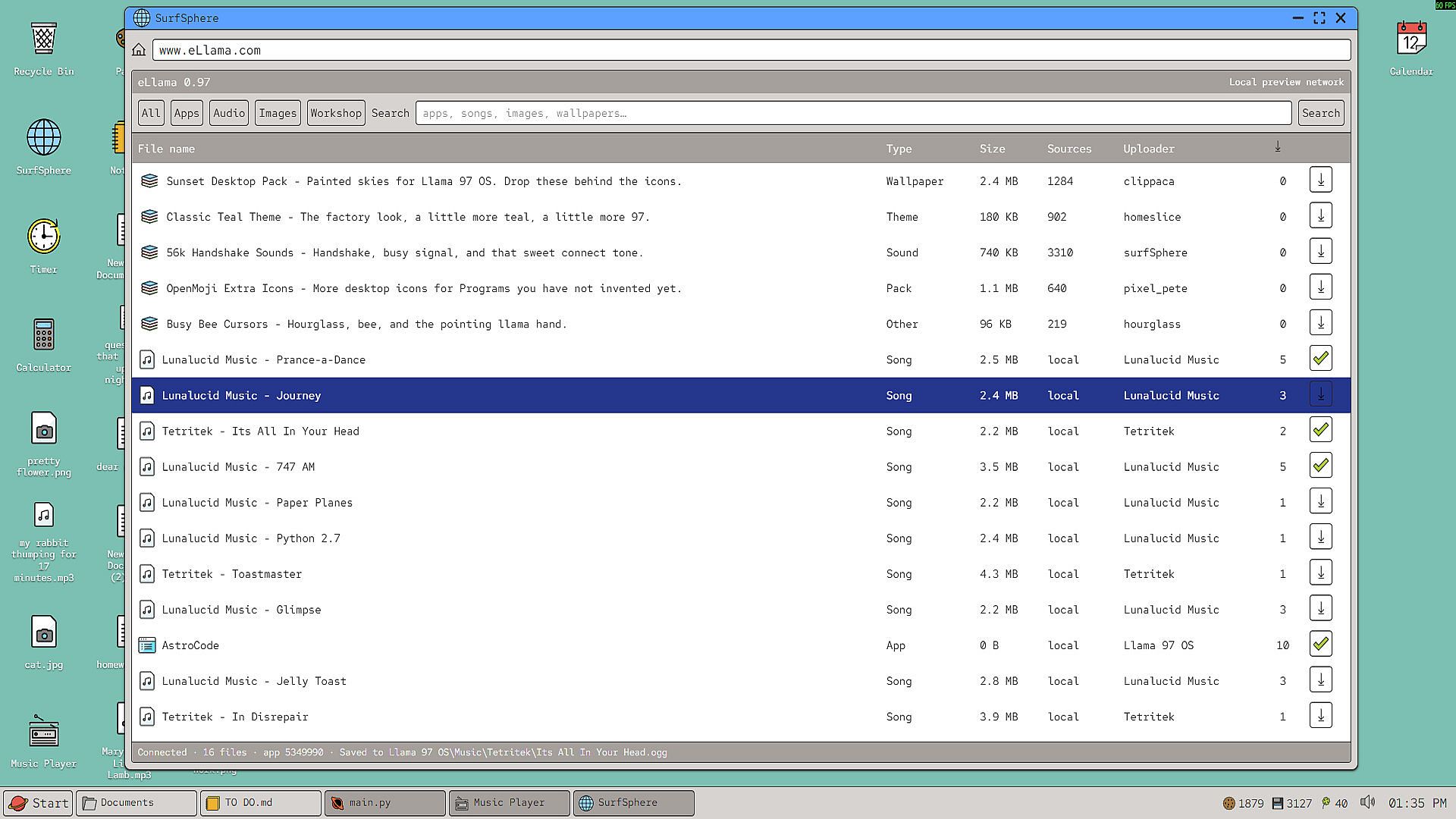
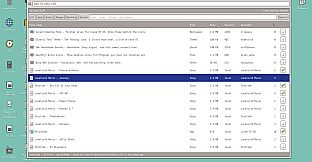
Networking integrates through a browser simulation called SurfSphere for web-like browsing within the environment, eLlama for accessing and installing user-created workshop items to expand the program roster, and LlamaSpace for profile customization, avatar creation with a llama theme, and friend list management including top 8 selections.
Game Modes
Activity revolves around personal desktop management and creative customization rather than distinct competitive or narrative modes. Solo sessions focus on organizing files, editing documents or code, scheduling tasks, and experimenting with paint or music playback. Social elements allow profile decoration and avatar sharing that evoke a sense of parallel presence with others through the LlamaSpace network.
Workshop integration serves as an expansion layer where downloaded items add new desktop programs and content, blending individual creation with community contributions in a single persistent environment.
Technical Approach and Updates
The simulation avoids traditional game engines to minimize resource use, ensuring it runs alongside other PC software without noticeable slowdown. Modular design supports ongoing refinements to the interface, tools, and networking features as the title remains in early access with continued development.
File system access ties directly to user-selected folders for authentic document handling, while social tools emphasize light interaction like avatar design and selective friend prioritization over complex multiplayer systems.
Is It Worth Playing?
This experience suits players seeking a calm simulation of desktop productivity mixed with retro aesthetics and subtle social touches. The lightweight construction and focus on practical tools like the markdown notepad, code editor, and music player make it appealing for relaxed sessions or background use. Early access status means regular improvements to the interface and features, supporting long-term engagement for those who enjoy customization and community content sharing through workshop items. It delivers value for users interested in simulation genres that prioritize atmosphere and utility over high-stakes gameplay.