Movavi Slideshow Maker 8 PC Key kaufen

Wo kaufst du Movavi Slideshow Maker 8 am günstigsten? Stand 21 Aug. 2026 ist der günstigste Preis 9,50 € bei Gameseal, aus 3 Angeboten in 3 Shops. Die Spanne reicht bis 14,89 €, der Abstand zwischen erstem und letztem Eintrag kann also schon bei wenigen Verkäufern groß sein. Den Key aktivierst du in Steam oder einem anderen Client, und ein Blick in den Preisverlauf lohnt sich vorher. Auf dem PC kaufst du einen Key, den du in Steam oder einem anderen Client aktivierst, und hier ist der Markt am breitesten, denn über ein Viertel der Spiele hat ein Keyshop-Angebot.

Veröffentlichung: 09 Nov. 2020
Steam:
Overwhelmingly Negative (4)
Official
Nicht verfügbar
Im offiziellen Store kaufen:
Nicht verfügbar
Im Keyshop kaufen:
-84%
9,50 €
Preisverlauf anzeigen

Keyshops (3)

DRM:
Steam
Steam
Gameseal
Movavi Slideshow Maker 8 Key - GLOBAL
Windows
+1
vor 2W
Gameseal
62,95 € ~9,50 €
-84%
-17% with SEAL17XDDcopy
Movavi Slideshow Maker 8 Steam Key (PC) GLOBAL
5.0
Windows
+1
vor 4d
DRM:
Steam
Eneba
62,95 € ~10,49 €
-83%
-10% with XDD10copy
-10% with XDD10copy
GAMIVO
Movavi Slideshow Maker 8 Global (Steam)
Windows
+1
vor 2W
DRM:
Steam
GAMIVO
62,95 € ~14,89 €
-76%
-9% with XDDealscopy

Über Movavi Slideshow Maker 8

Movavi Slideshow Maker 8 - Spielbeschreibung
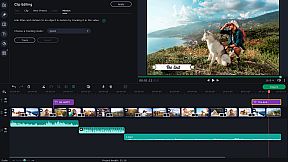
Movavi Slideshow Maker 8 offers the quickest path to craft polished slideshows from holiday photos, gaming clips, or work visuals on PC. Import footage, apply upgraded Pan & Zoom presets, and link transitions with built-in audio sounds. Tweak clips by cropping, rotating, boosting colors, normalizing audio, and syncing slides to music rhythm, all lag-free with Fast Track HD for HD files. Use the Slideshow Wizard to auto-build presentations from themes and files, then refine with motion tracking, object tracking, Chroma Key backgrounds, slow-motion effects, and sound visualizers. Adjust audio speed without tone shifts, track vertical videos for tablets, and export to AVI, MOV, or MP4 with quality controls. Ideal for beginners and creators seeking fast photo editing and video production tools.

Movavi Slideshow Maker
is the fastest and easiest way to make a stunning slideshow for any purpose: a birthday gift, a compilation of your best gaming moments, a work presentation, and more.


New features:

  • Fast Track HD
  • Upgraded Pan & Zoom tool


  • Audio enhancement tools and effects
  • Sound visualization
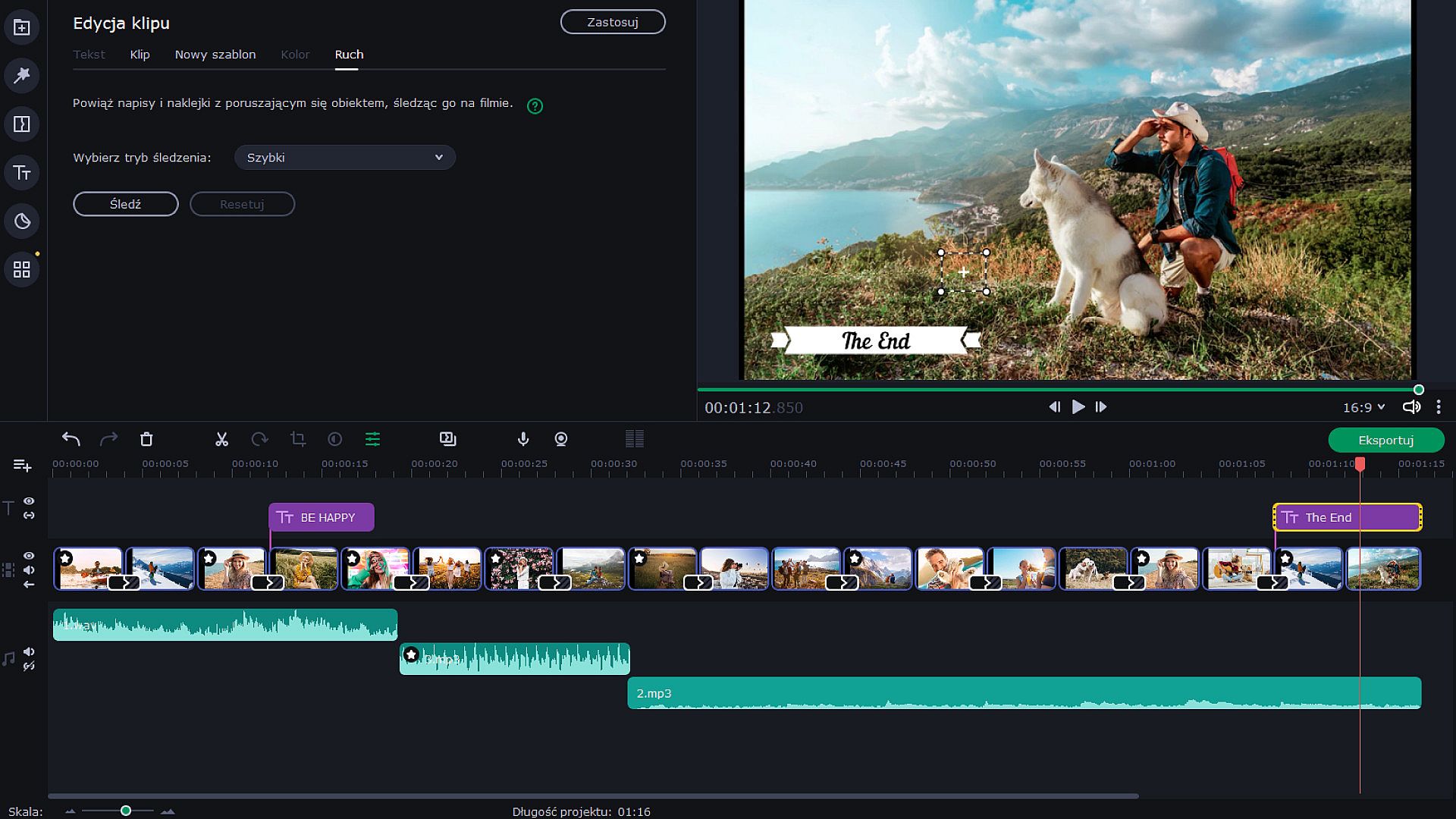
  • Motion tracking
  • Transitions with built-in audio


  • Change audio speed without changing the tone
  • Vertical screen adaptation
  • Object tracking
  • Export video quality controls
Let Your Creativity Flow
Upload any footage you have: holiday pictures, funny videos, or even game screenshots. Move, split and cut slides, and join them together with spectacular transitions — especially, transitions with built-in sounds. Make as many adjustments as you need: crop and rotate pictures, boost colors, normalize sound in clips, and more. Add the music of your choice and have the slides advance following the rhythm of that music. You can also add a voice-over and record images from your webcam or an external device. The program can now also detect vertical videos and will ask you to change aspect ratios after you upload your file. It is also possible to watch videos on tablets and laptops. Thanks to the Fast Track HD technology, you can now work with HD movies with no lags.


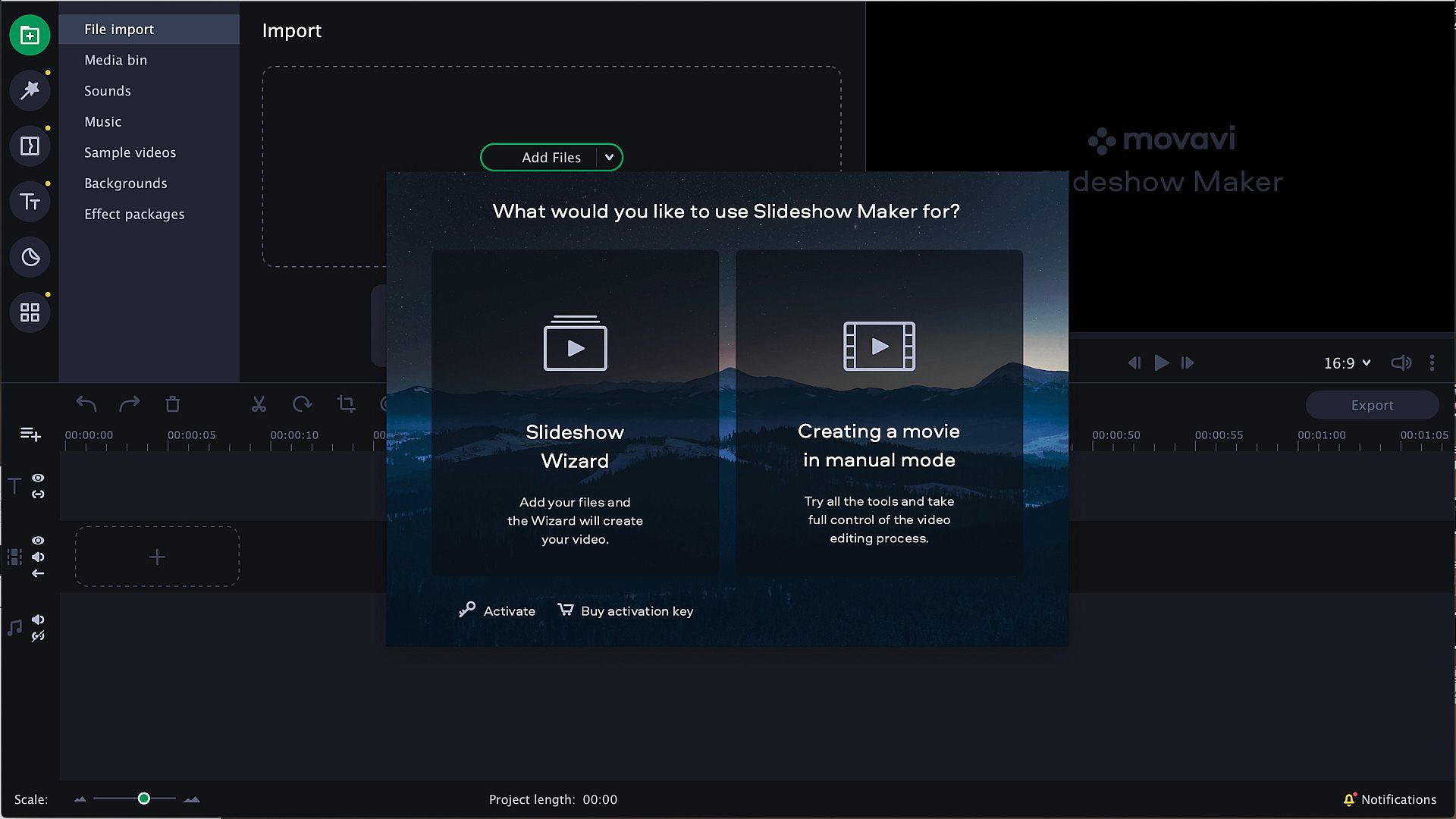
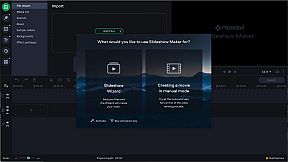
Start with the Slideshow Wizard
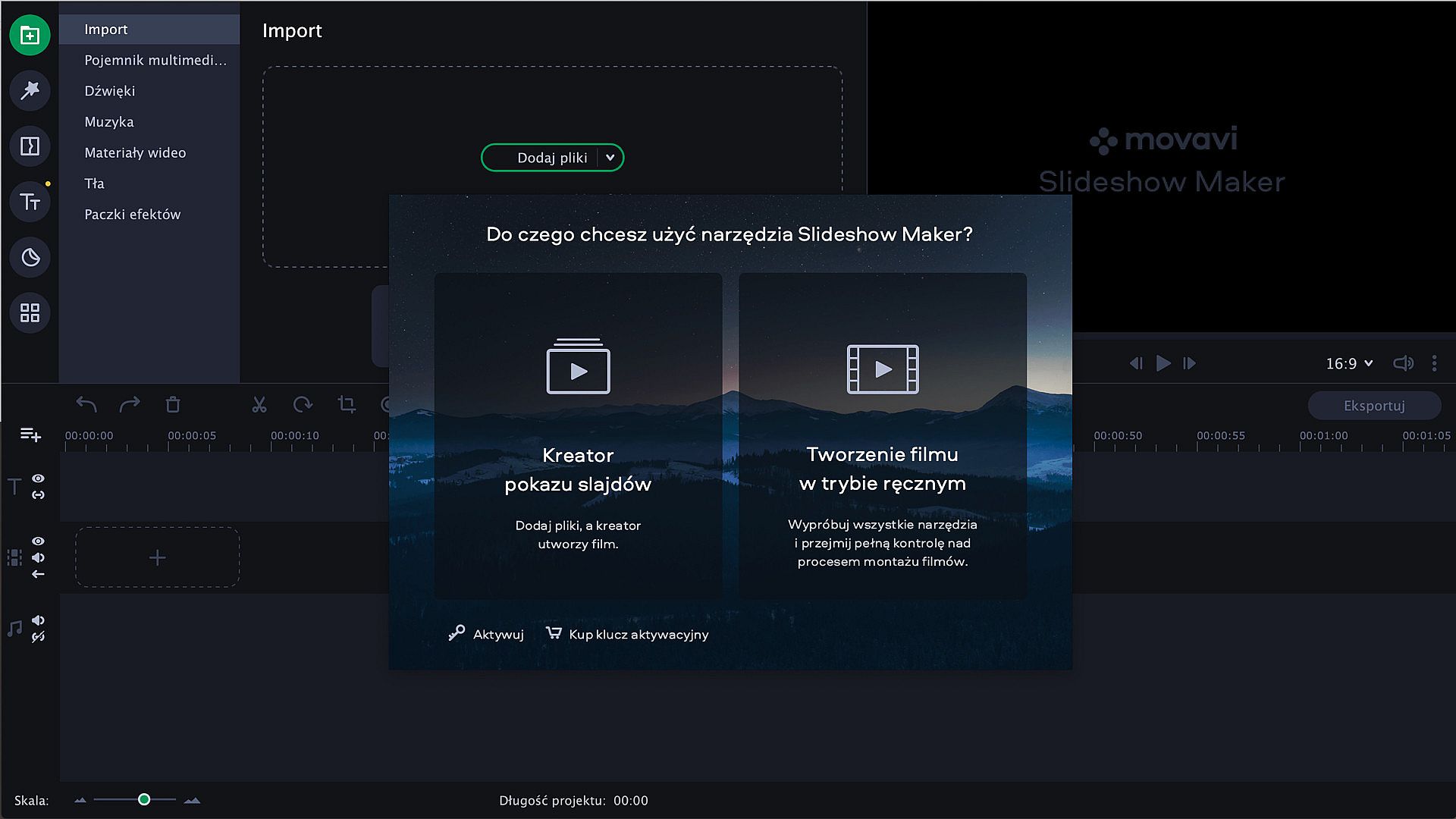
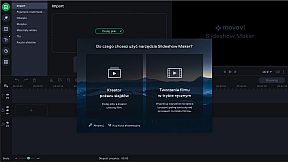
Try the Slideshow Wizard if you’re just starting to use the program. It’s an automated approach that helps you create videos in no time. All you need to do is import your files and choose a theme. The program will create a presentation in the blink of an eye. You can also set the target video length and change the titles. Already have a favorite transition style? Create a custom theme and use it whenever you want.


Give It the Perfect Look
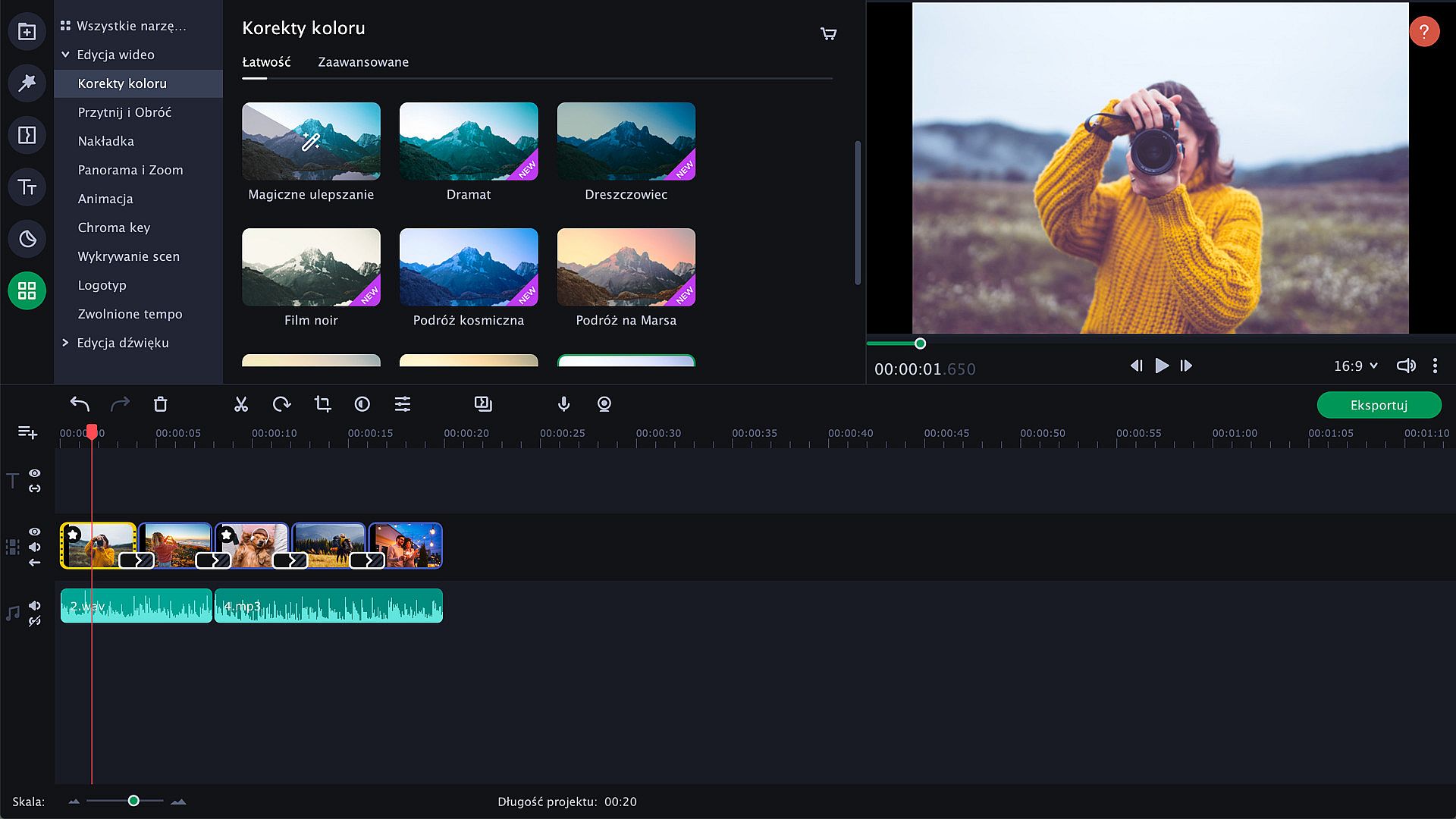
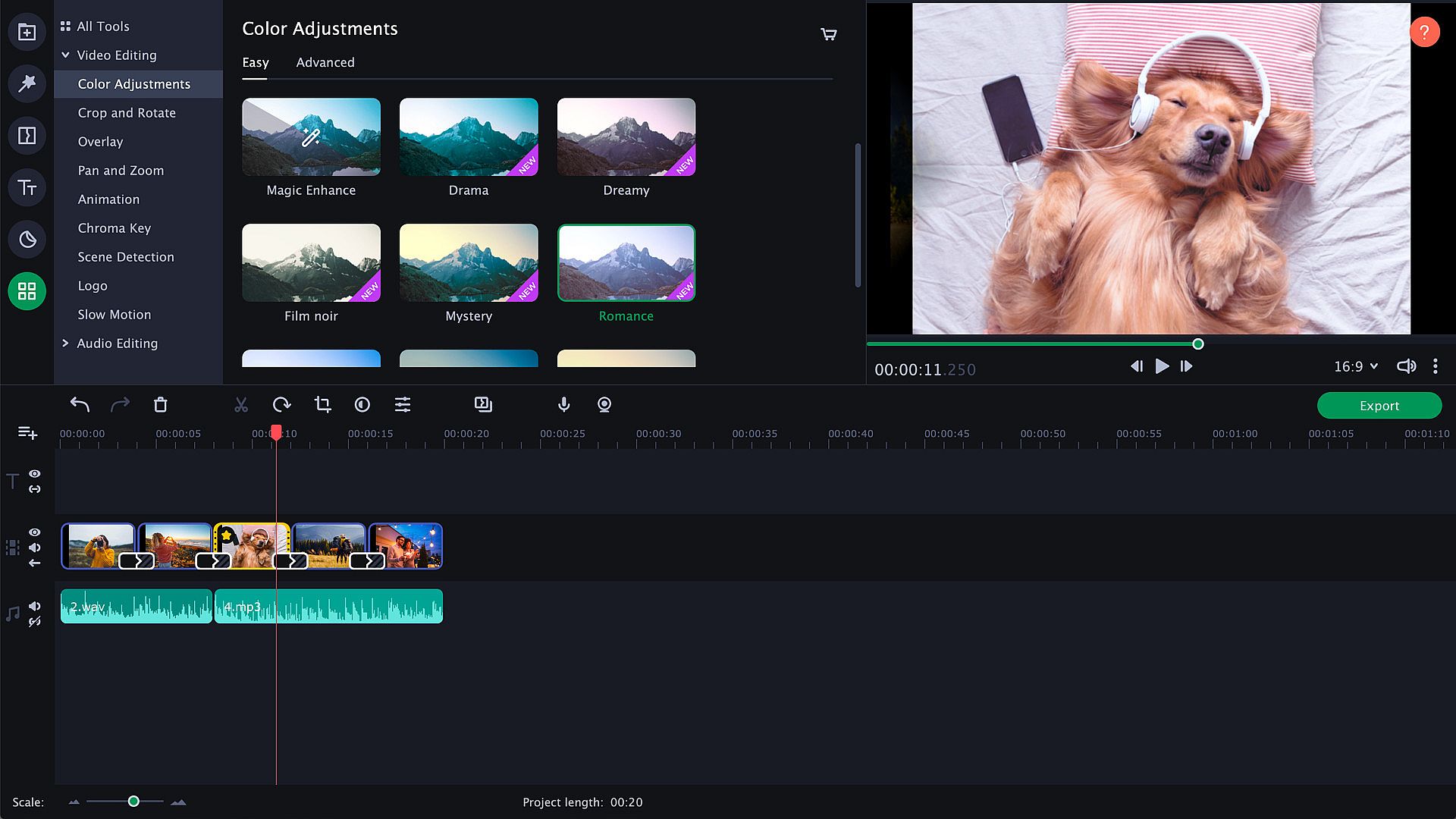
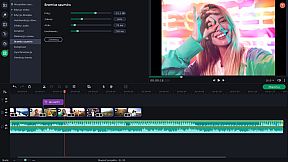
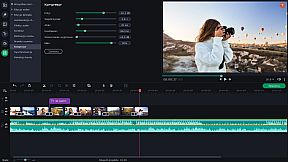
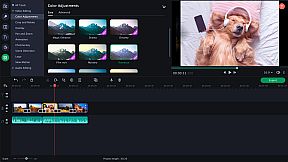
Try zooming in and out of pictures, use the fade-to-black effect, or make your slides roll over. Thanks to the upgraded Pan & Zoom tool, you can now use several presets one by one. Use filters to sharpen details, reduce camera shake, and make your images brighter and more colorful. Use the Transition Wizard to join all clips at once and smooth out the flow of your presentation. You can make it even more dynamic by adding transitions to both main and supplementaryl tracks! Another cool feature is object tracking: now you can choose scenes featuring your favorite characters and work with them only.


Audio enhancement
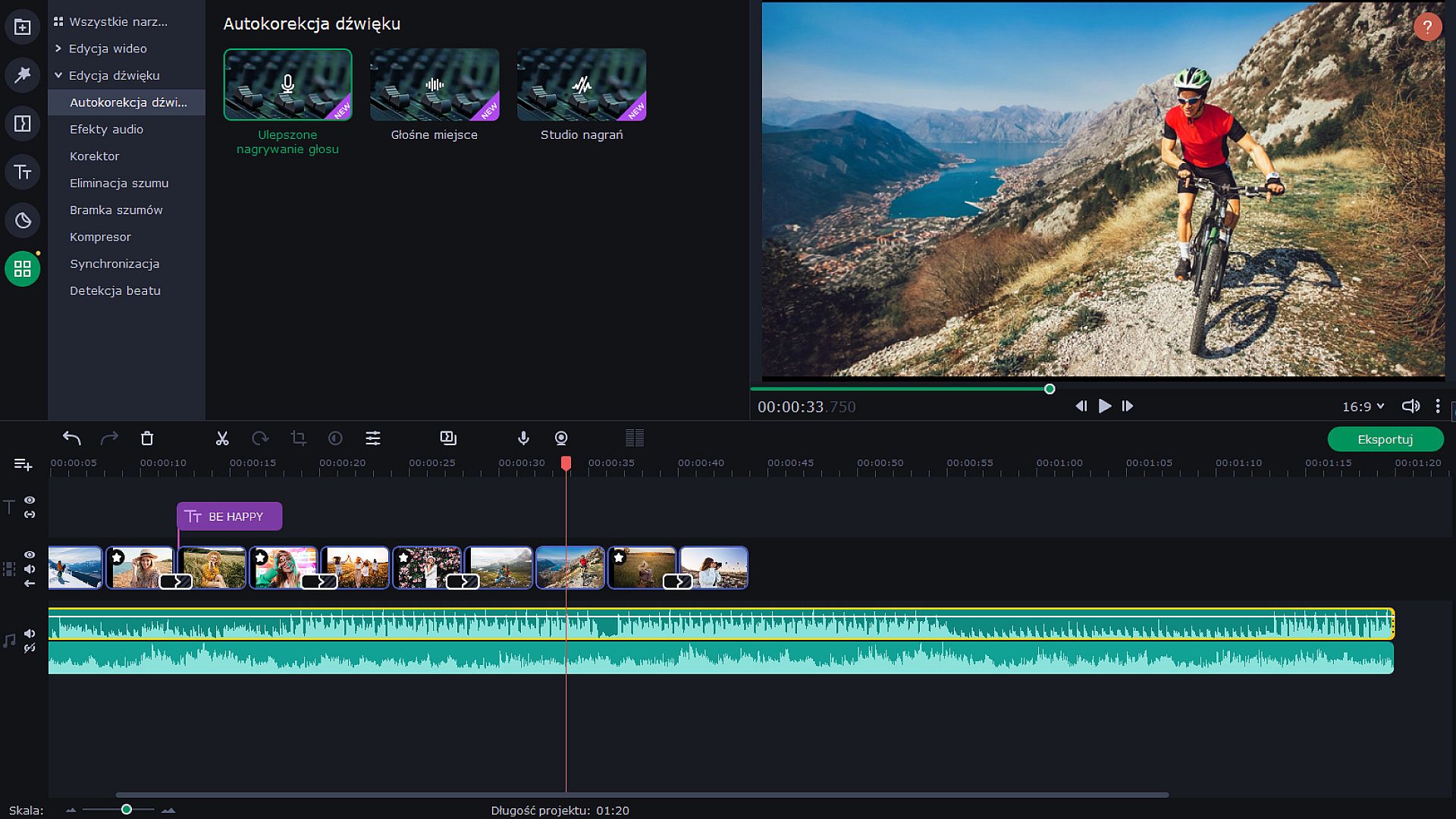
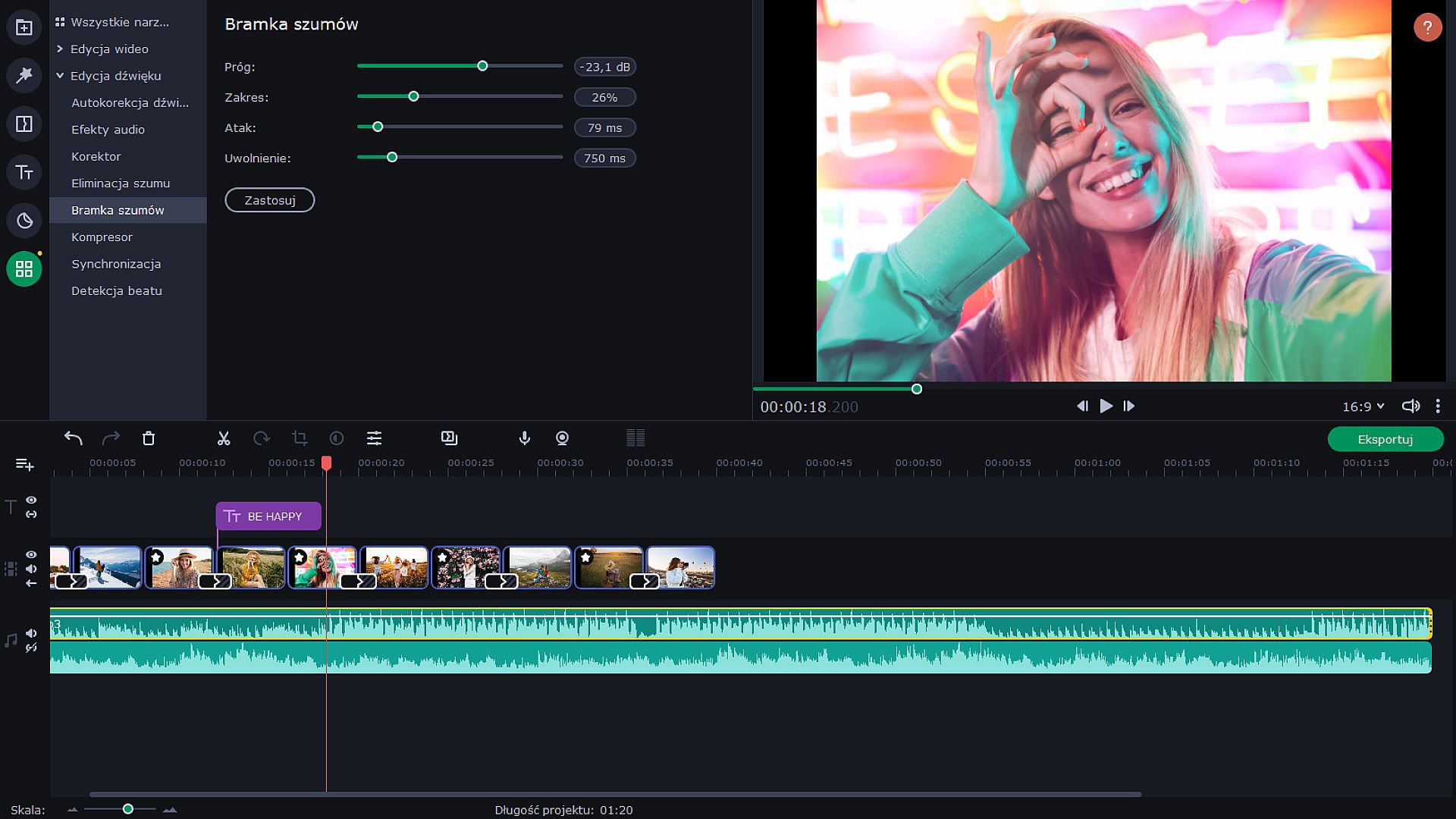
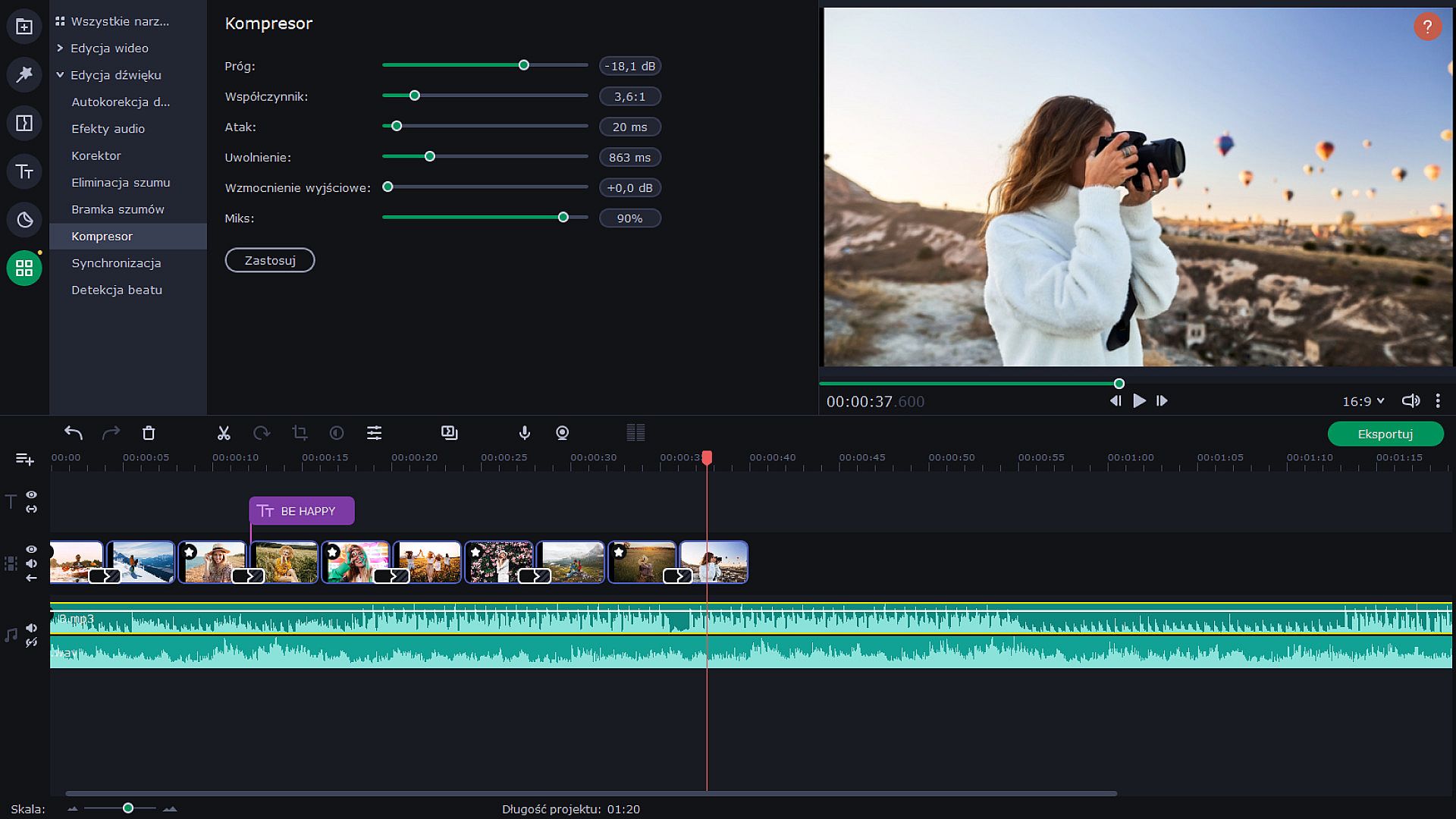
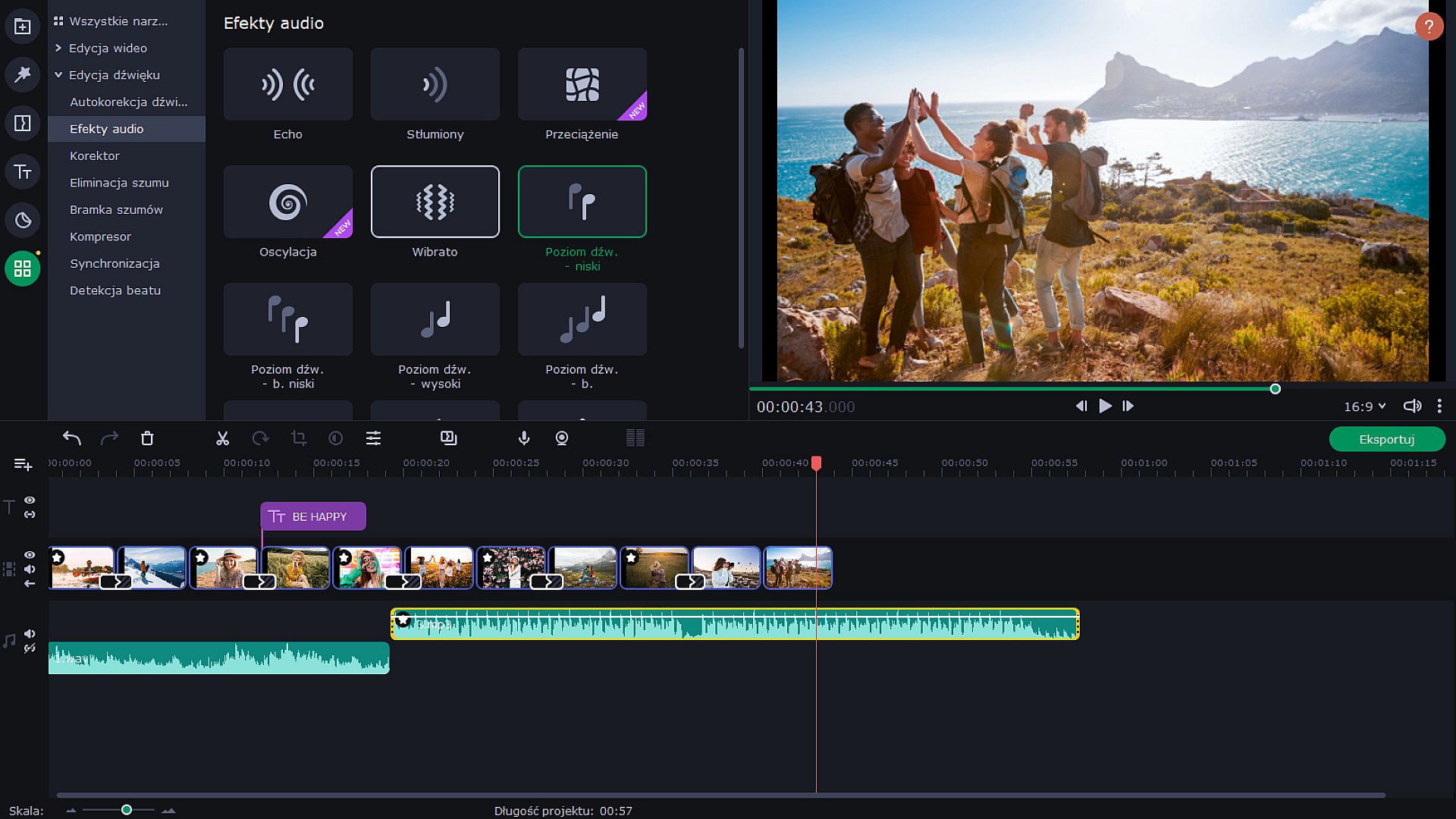
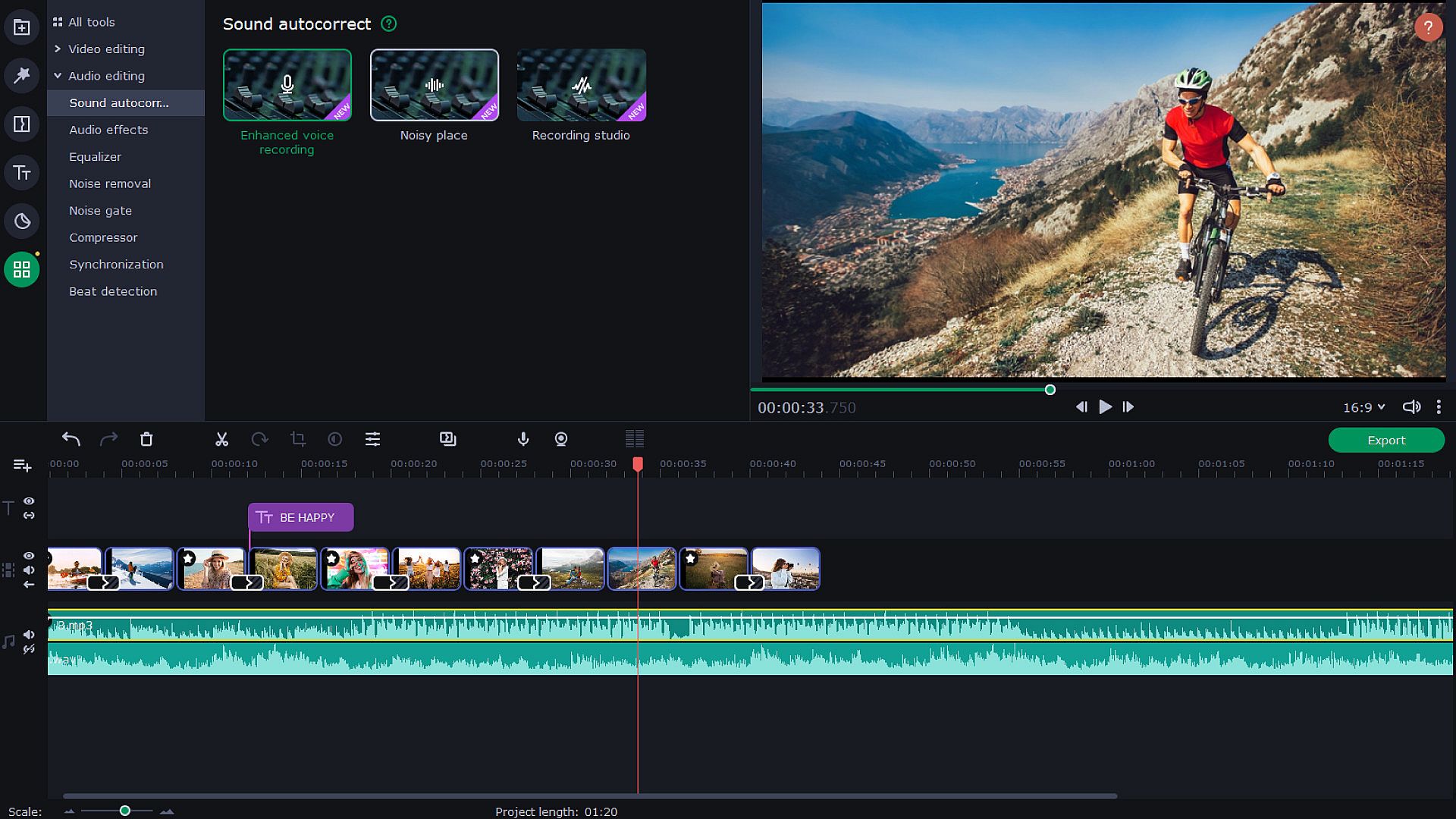
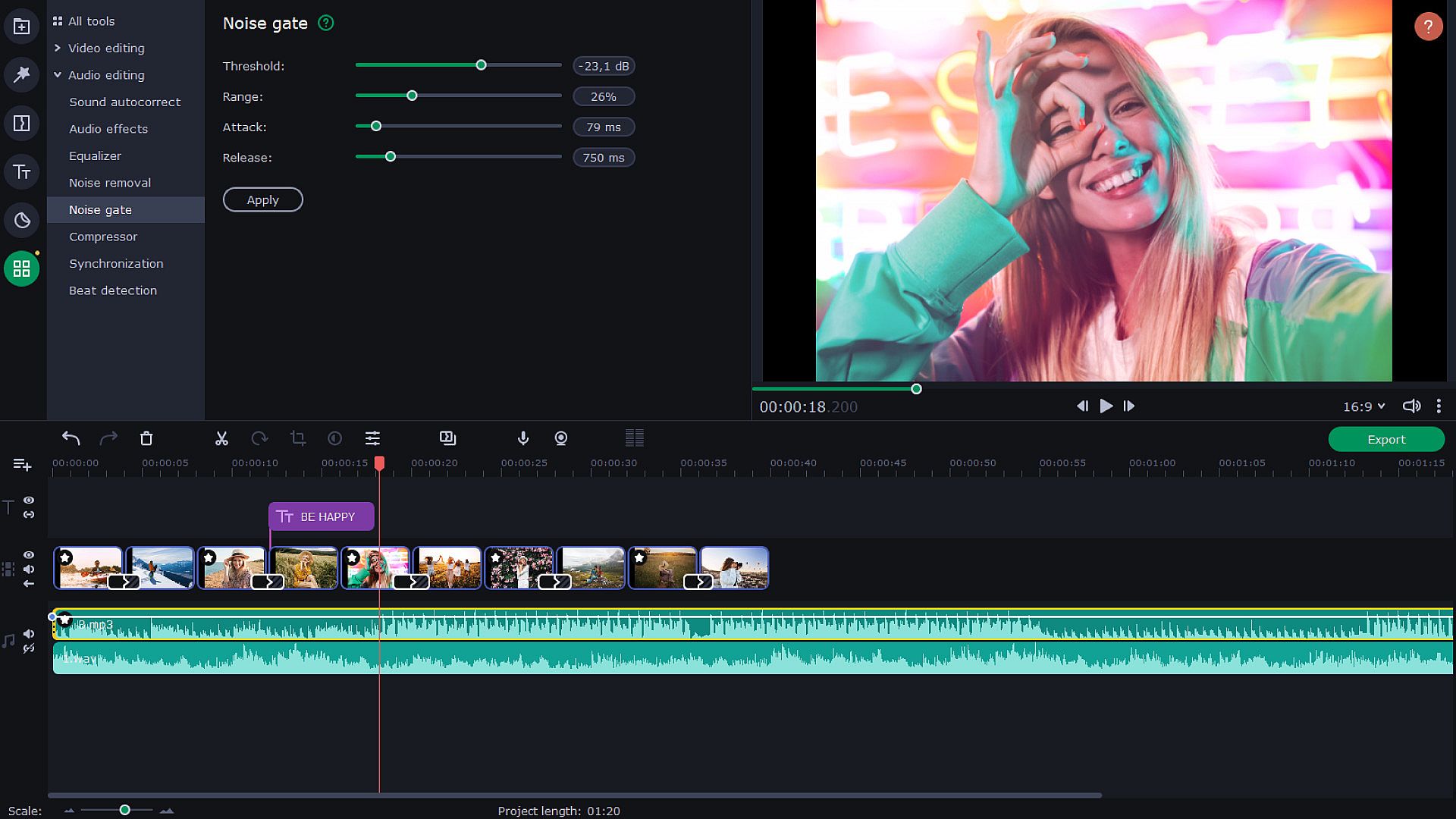
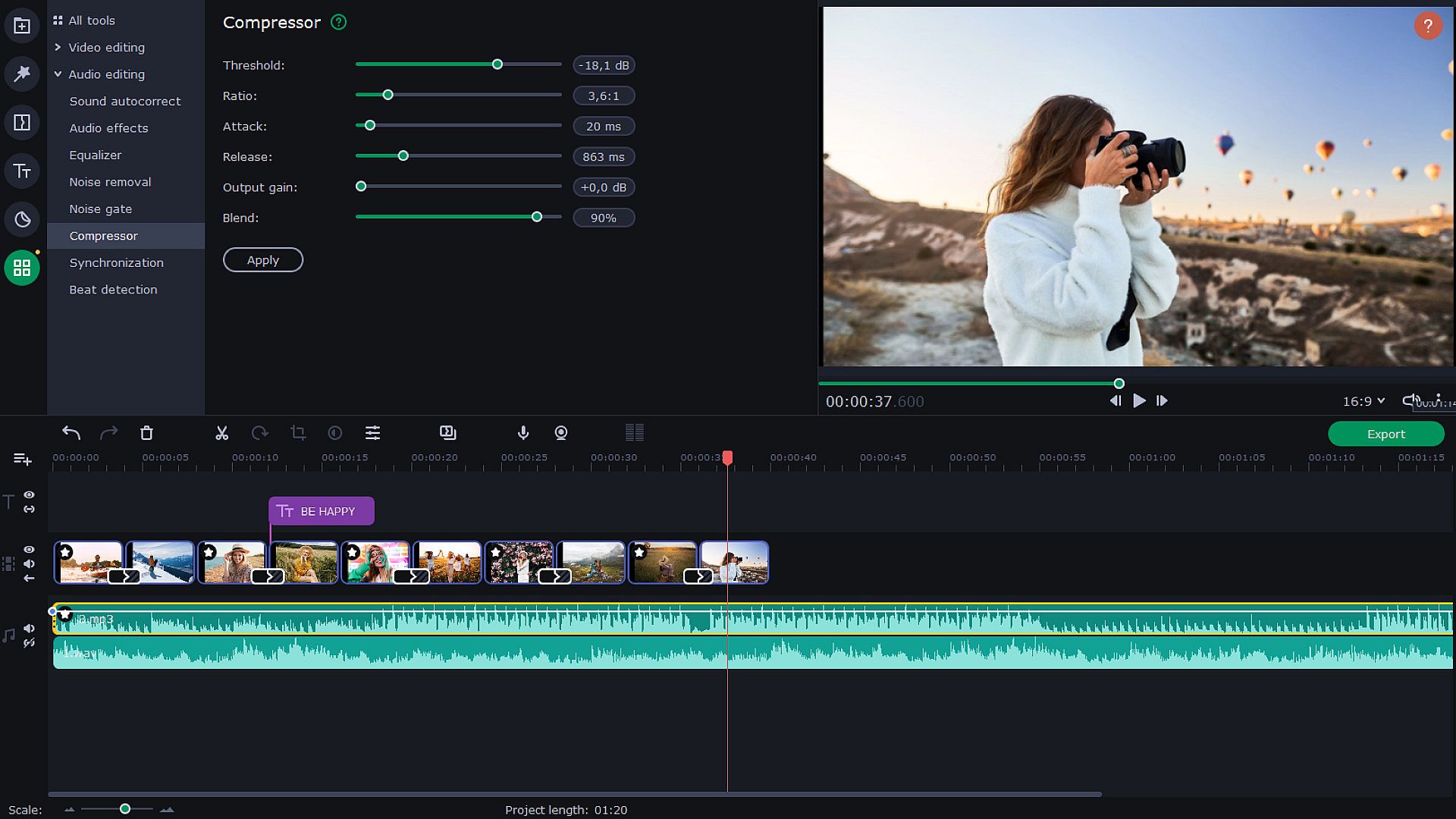
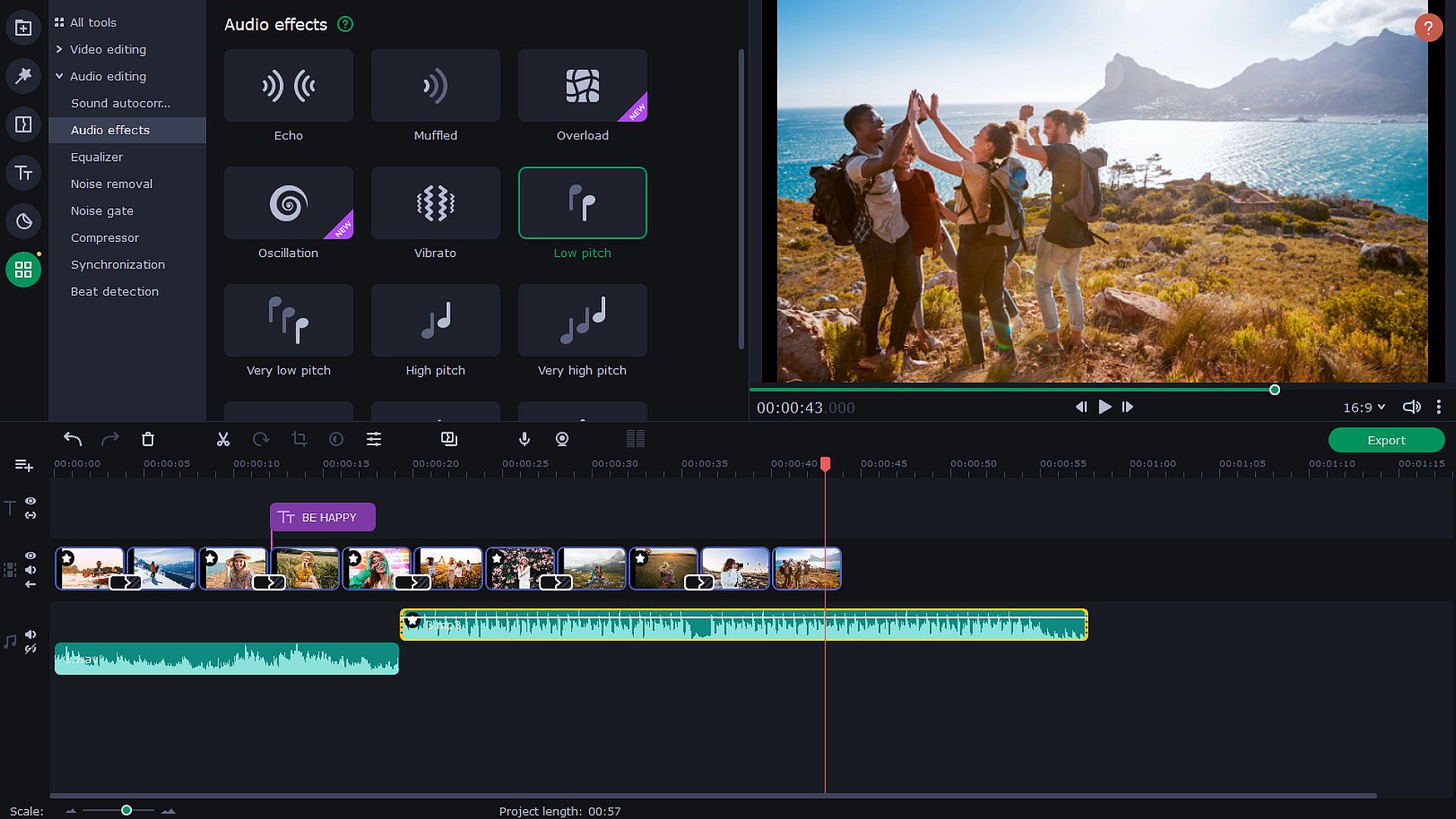
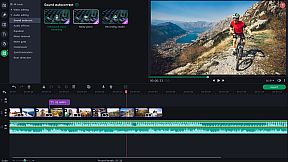
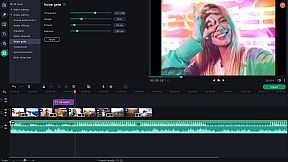
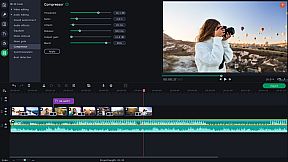
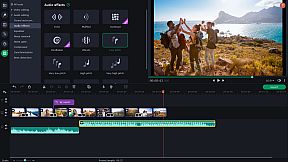
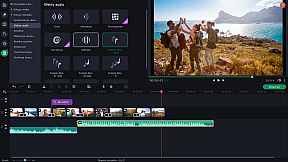
Use new audio tools to optimize videos with poor audio quality. Choose the decibel level and get rid of any noises lower than that. Lower the difference between loud and soft noises. With audio effects, you can distort music and voice. But you can also save the original sound — for example, change audio speed without changing the tone. Sound visualizer will help you to eliminate noise jumps during the montage.


Try Hollywood-Style Directing
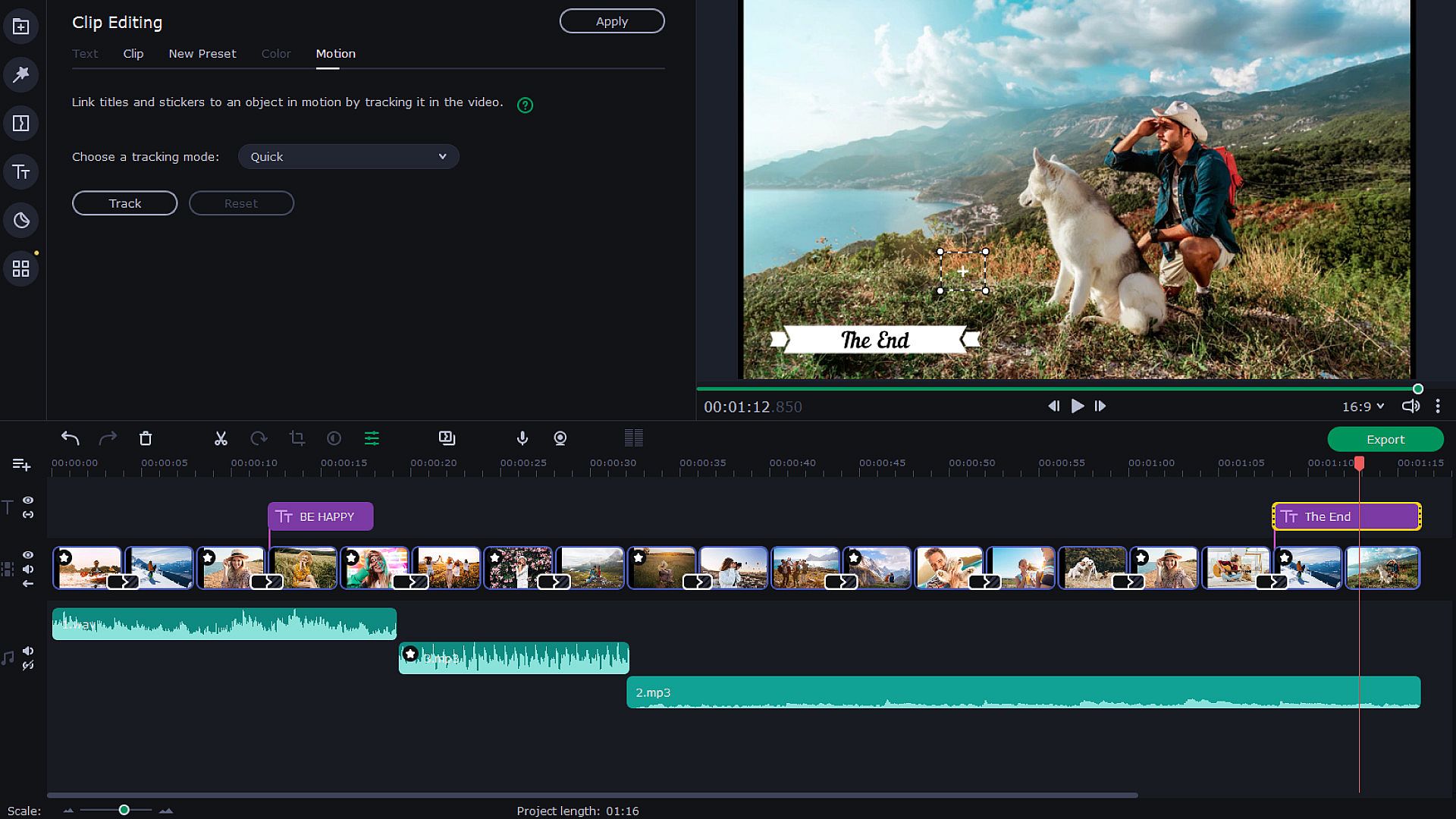
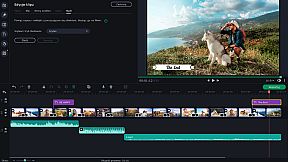
Add a Hollywood touch to your visuals and throw in some special effects. Use Chroma Key to change the background and place your characters in completely different surroundings. Add dynamic elements with the Pan & Zoom tool. Slow-motion will create suspense and have your viewers on the edge of their seats. If you want to cut out scenes with a particular character, try the Scene Detection. Thanks to the Motion Tracking tool, you can now link titles to any moving objects.


Save and Show!
After the presentation is complete, save it in a popular format like AVI, MOV, or MP4, or use a device-specific conversion profile. . Use video quality controls on the export. You can also easily share your video with friends and instantly upload it to YouTube right from within the program.



Oberfläche:
GermanEnglishSpanish - SpainFrenchItalianJapaneseKoreanDutchPolishPortuguese - BrazilRussianTurkishSimplified ChineseTraditional Chinese

Altersfreigabe

Keine Angabe
Steam:
Overwhelmingly Negative (4)

Minimum:

  • Prozessor: Intel®, AMD®, or compatible dual-core processor, 1.5 GHz
  • Arbeitsspeicher: 2 GB RAM
  • Grafik: NVIDIA® GeForce® series 8, Intel® HD Graphics 2000, AMD Radeon™ R600 or higher graphics card with up-to-date drivers
  • Speicherplatz: 500 MB available space

Minimum:

  • Betriebssystem: Mac OS X® 10.13 or higher
  • Prozessor: 64-bit Intel® processor
  • Arbeitsspeicher: 2 GB RAM
  • Speicherplatz: 400 MB available space
  • Zusätzliche Hinweise: Broadband Internet connection
Historisches Tief
Preisverlauf von offiziellen Shops
19,18 €
Steam
vor 1 Jahren
Preisverlauf von Keyshops
3,66 €
Gameseal
vor 4 Monaten

FAQ

9 Fragen

Bevor du nach einem günstigen Movavi Slideshow Maker 8 PC Key suchst, prüfe die wichtigsten Fakten. Entwickelt von Movavi Software. Veröffentlicht von Movavi Software. PC Release-Datum: 09 Nov. 2020. Genres: Animation & Modeling, Utilities, Audio Production, Video Production, Design & Illustration, Education, Photo Editing, Software Training.
Q

Wo kann ich einen günstigen Movavi Slideshow Maker 8 Steam Key oder CD Key kaufen?

Mit unserem Preisvergleich und verifizierten Rabattcodes kannst du einen Movavi Slideshow Maker 8 Key schon ab 9,50 € kaufen. Dieses Angebot ist bei Gameseal verfügbar und gehört zu den günstigsten auf dem Markt. Alle auf XD.deals gelisteten Keys werden digital geliefert und können nach der Zahlung sofort heruntergeladen werden. Die Preise enthalten bereits Bearbeitungsgebühren und eingelöste Promo-Codes, sodass du immer den niedrigsten Movavi Slideshow Maker 8 Preis auf PC siehst. Sieh dir den Movavi Slideshow Maker 8 Preisverlauf an, um zum besten Zeitpunkt zu kaufen.

Wir haben derzeit keinen aktuellen Steam-Store-Preis für Movavi Slideshow Maker 8. Das Spiel ist möglicherweise vorübergehend nicht verfügbar oder noch nicht bei Steam gelistet.

Unser Preistracker deckt sowohl offizielle Händler als auch Key-Marktplätze ab, sodass du Movavi Slideshow Maker 8 im Angebot auch außerhalb saisonaler Aktionen finden kannst. Wir erkennen derzeit 3 aktive Angebote von offiziellen Shops und Keyshops. Prüfe die Tabelle oben, vergleiche mit dem historischen Tief und setze einen Alarm, damit du den nächsten Preissturz nicht verpasst.

Laut unseren Daten ist Movavi Slideshow Maker 8 derzeit nicht auf GeForce NOW verfügbar. Du musst es lokal auf deinem PC ausführen. Stöbre durch Spiele, die auf GeForce NOW verfügbar sind.

Das günstigste Angebot kam am häufigsten von Gameseal: 42 von 76 Tagen mit Daten. Die Spanne zwischen den Angeboten war groß: von 3,66 € bis 75,82 €. Die Hälfte aller Messungen lag zwischen 5,80 € und 27,50 €. Insgesamt haben wir Angebote aus 5 Shops erfasst, in der letzten Messung waren es 1.

Ja. Movavi Slideshow Maker 8 hat eine offizielle Steam-Shop-Seite. Du kannst auch einen Movavi Slideshow Maker 8 Steam Key von Drittanbietern kaufen. Unser Preisvergleich umfasst derzeit 2 Angebote mit Steam-DRM. Wähle eines davon, um sicherzustellen, dass dein Movavi Slideshow Maker 8 Download über Valves Plattform läuft.

Derzeit nicht. Valve kennzeichnet Movavi Slideshow Maker 8 als Unsupported auf dem Steam Deck. Behalte XD.deals im Blick - wir verfolgen Proton-Updates und Community-Fixes. Stöbere durch Spiele, die Steam Deck Verified oder Steam Deck Playable sind.

Nach unseren Daten ist Movavi Slideshow Maker 8 derzeit weder im PC Game Pass noch bei EA Play oder Ubisoft+ verfügbar. Die Kataloge dieser Dienste ergänzen wir laufend, prüfe den Status vor einer Entscheidung also auch an der Quelle. Wenn du kaufst, hilft XD.deals beim Finden des niedrigsten Preises.

Nein - XD.deals ist kein Shop. Wir sind ein Preisvergleich, der die besten Movavi Slideshow Maker 8-Deals bei offiziellen Shops und verifizierten Keyshops verfolgt. Klicke neben einem Angebot auf "Zum Shop" und du wirst zur Webseite des Händlers weitergeleitet, um deinen Kauf abzuschließen.

Beste Preise für Movavi Slideshow Maker 8

1 Gameseal Gameseal Keyshop
-84% 9,50 €
2 Eneba Eneba Keyshop
-83% 10,49 €
3 GAMIVO GAMIVO Keyshop
-76% 14,89 €

Zum besten Zeitpunkt kaufen? Setze einen Preisalarm auf XD.deals und werde benachrichtigt, wenn Movavi Slideshow Maker 8 sein nächstes historisches Tief erreicht.

Alarm erstellen
Tritt unserem Discord bei
Erhalte Hilfe von der Community und bleibe über Angebote informiert
Preisalarme einrichten
Erhalte E-Mail-Benachrichtigungen wenn Preise fallen
Kostenloses Konto erstellen
Schalte Wunschlisten, Preisalarme und Steam-Sync frei