


Multiworlds PC kaufen

Multiworlds erscheint bald! Füge es zu deiner Wunschliste hinzu und wir benachrichtigen dich, sobald es verfügbar ist.

Veröffentlichung: Coming Soon
Official
Nicht verfügbar
Keyshops
Nicht verfügbar
Im offiziellen Store kaufen:
Nicht verfügbar
Im Keyshop kaufen:
Nicht verfügbar

Noch keine Angebote. Wir informieren dich, sobald neue Preise verfügbar sind.

Create Alert Create deal Alert

Über Multiworlds

Multiworlds - Spielbeschreibung

You made one mistake, of touching the untouchable A magical artifact that was buried deep in the depths.

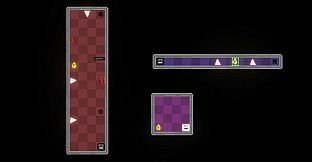
The world tore into multiple worlds, in each timeline, running parallel, but with minor differences. Now strive to fix the world, merging them back into one.

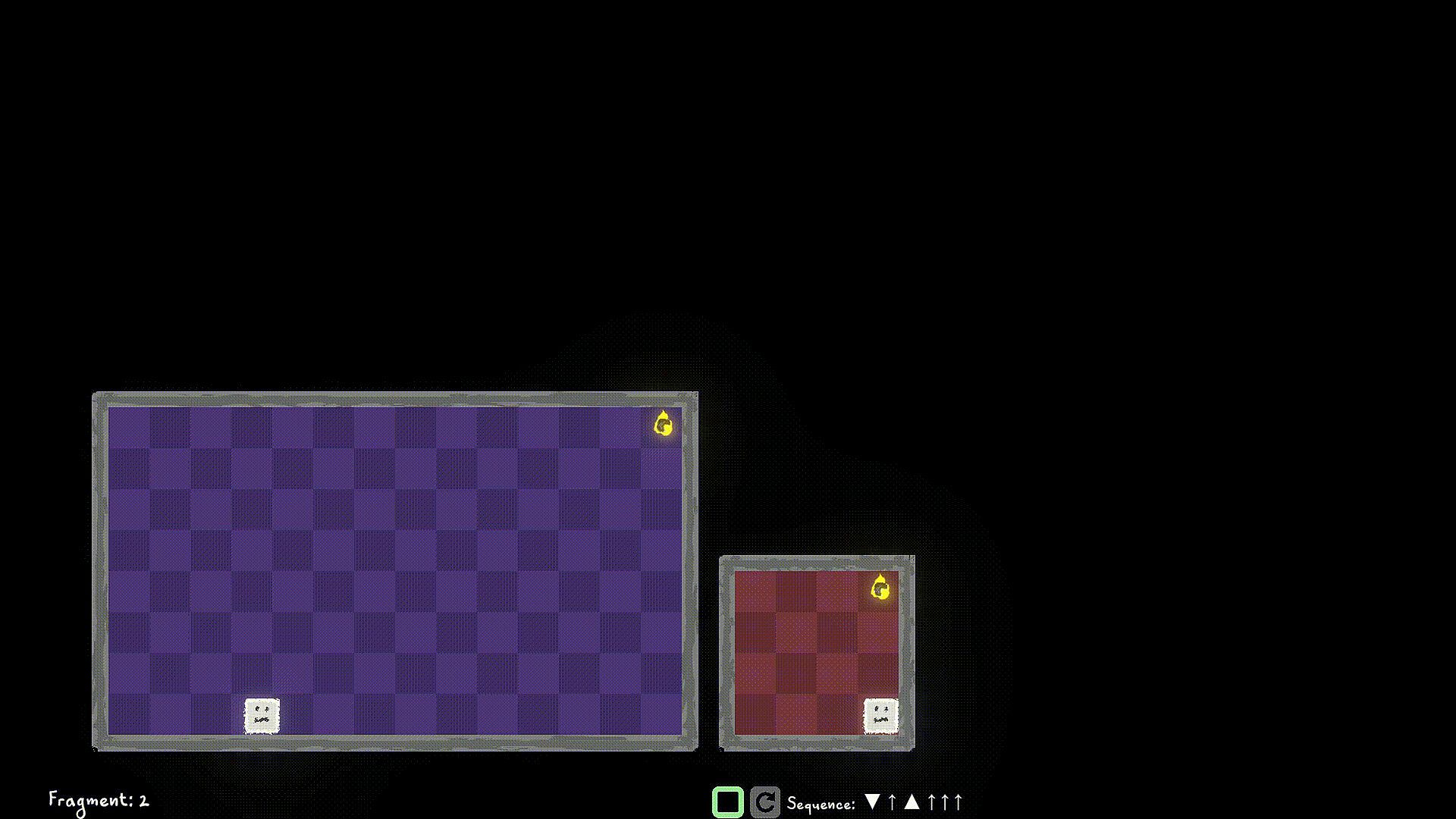
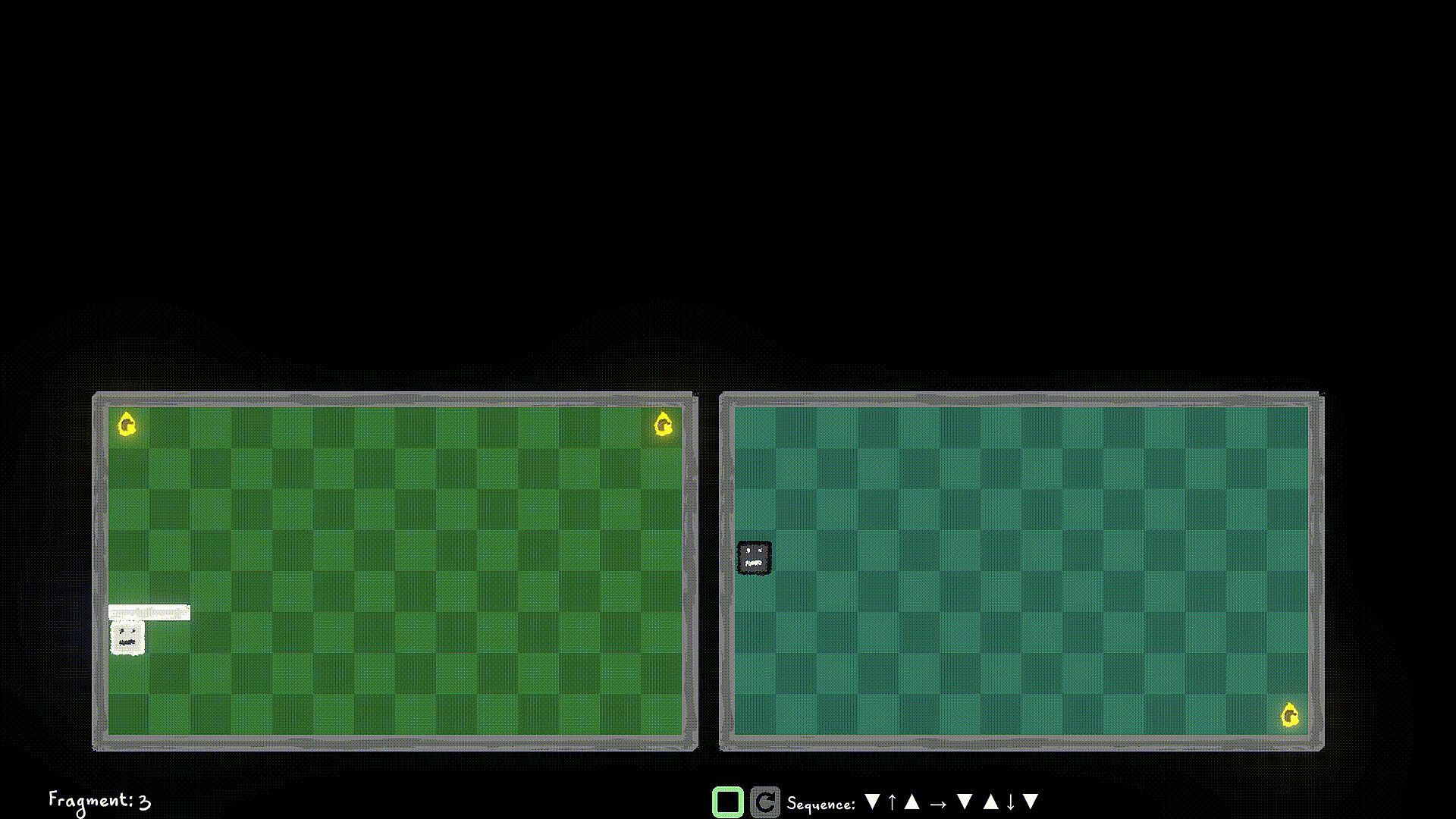
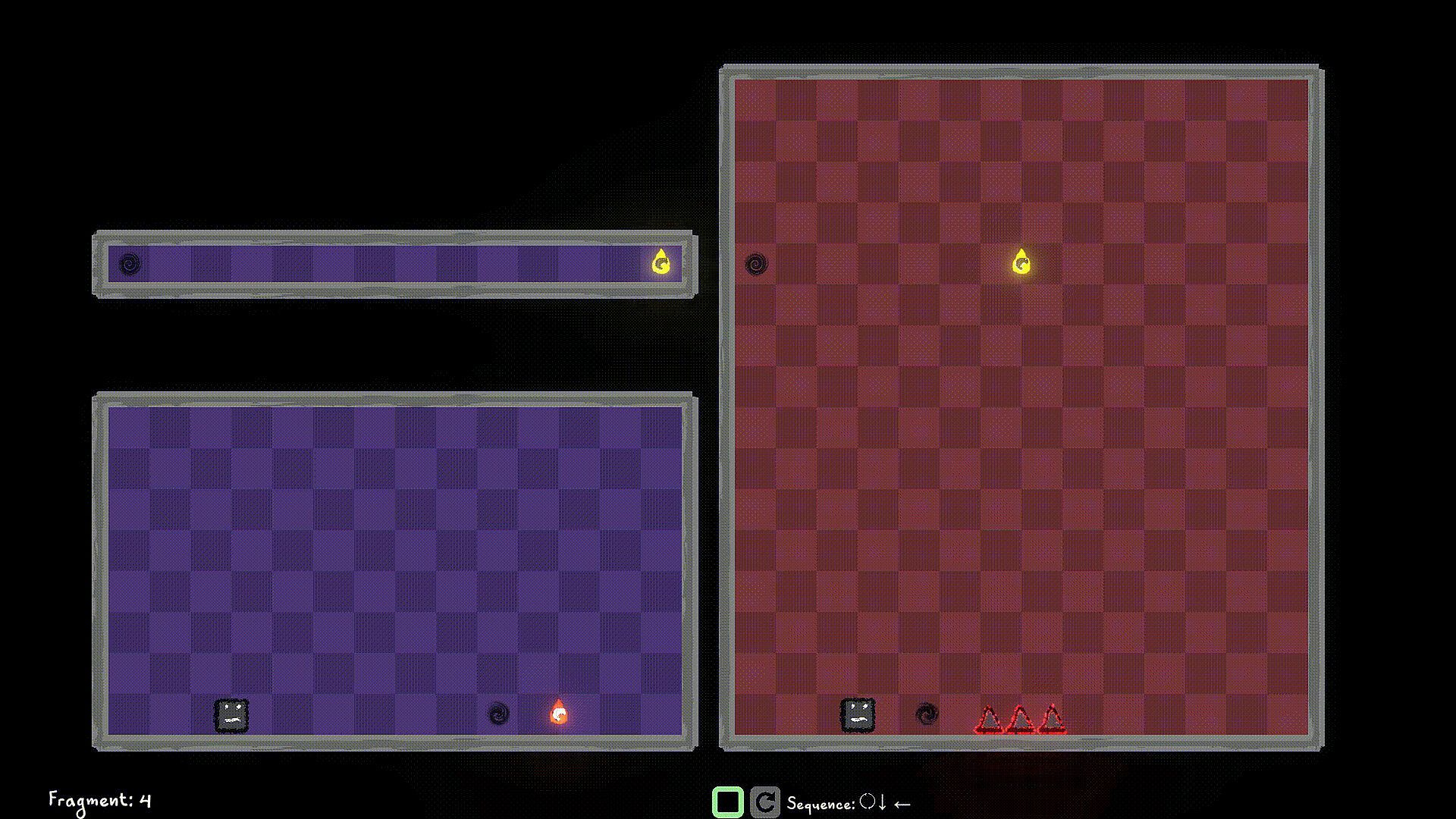
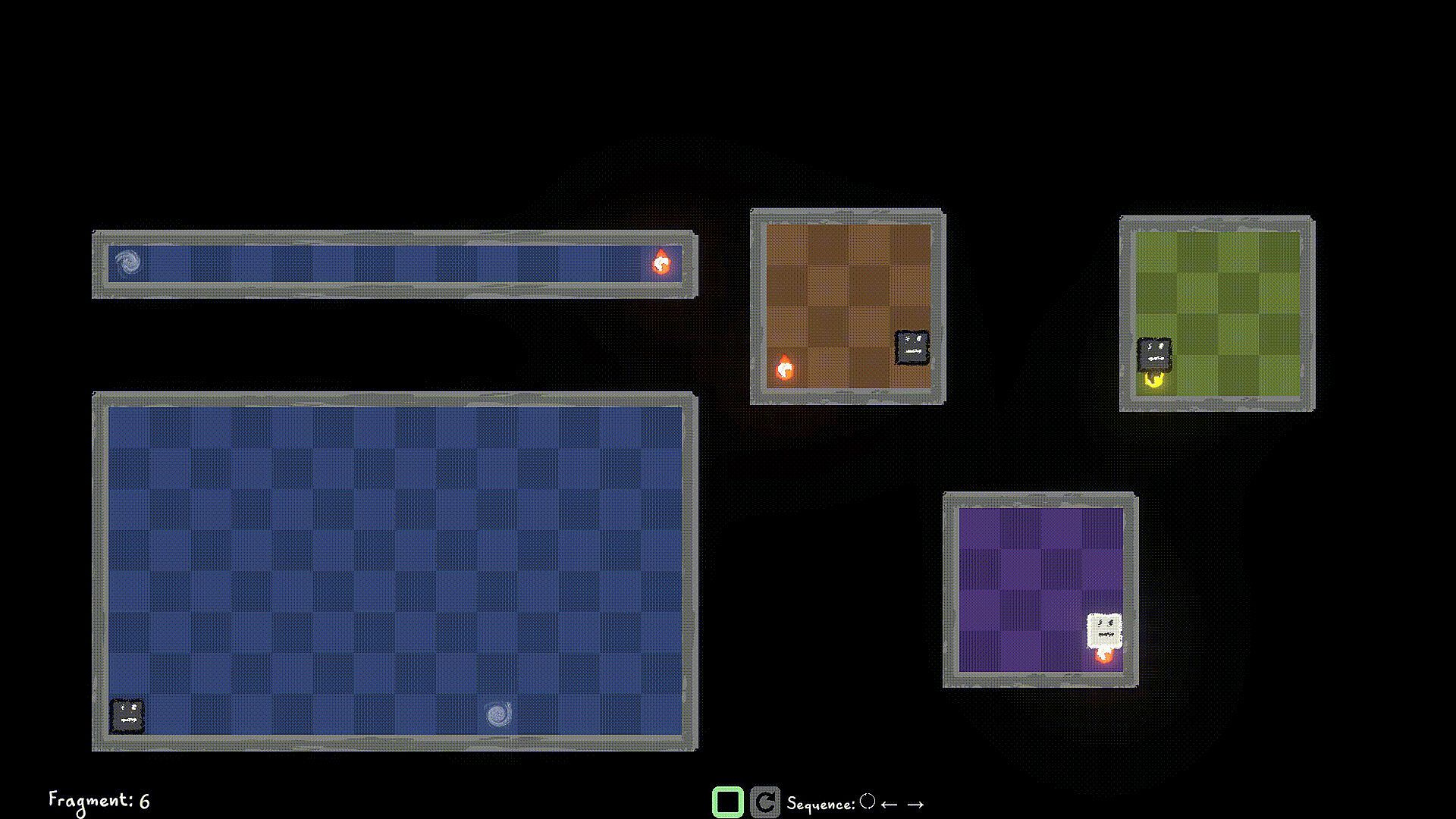
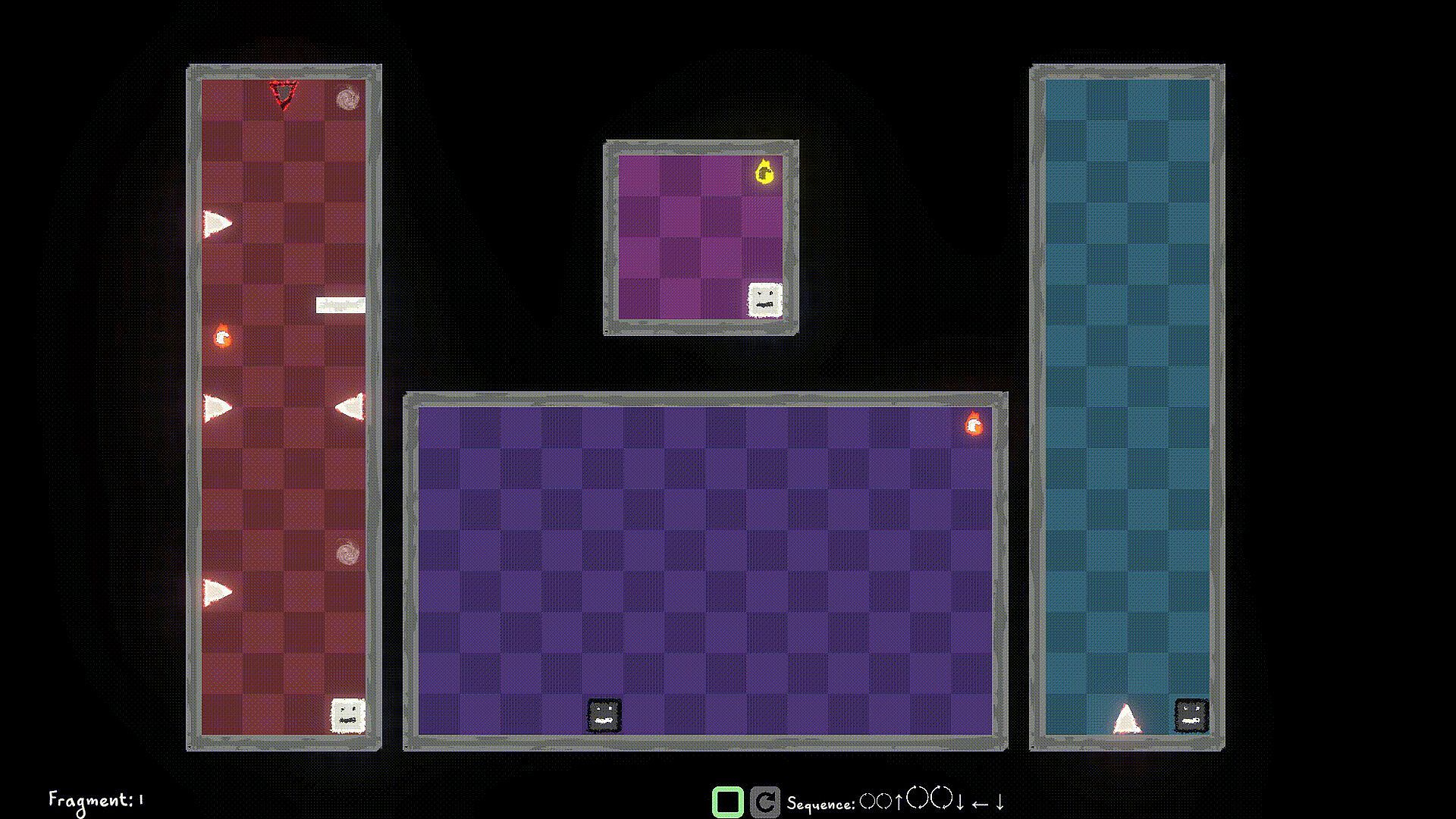
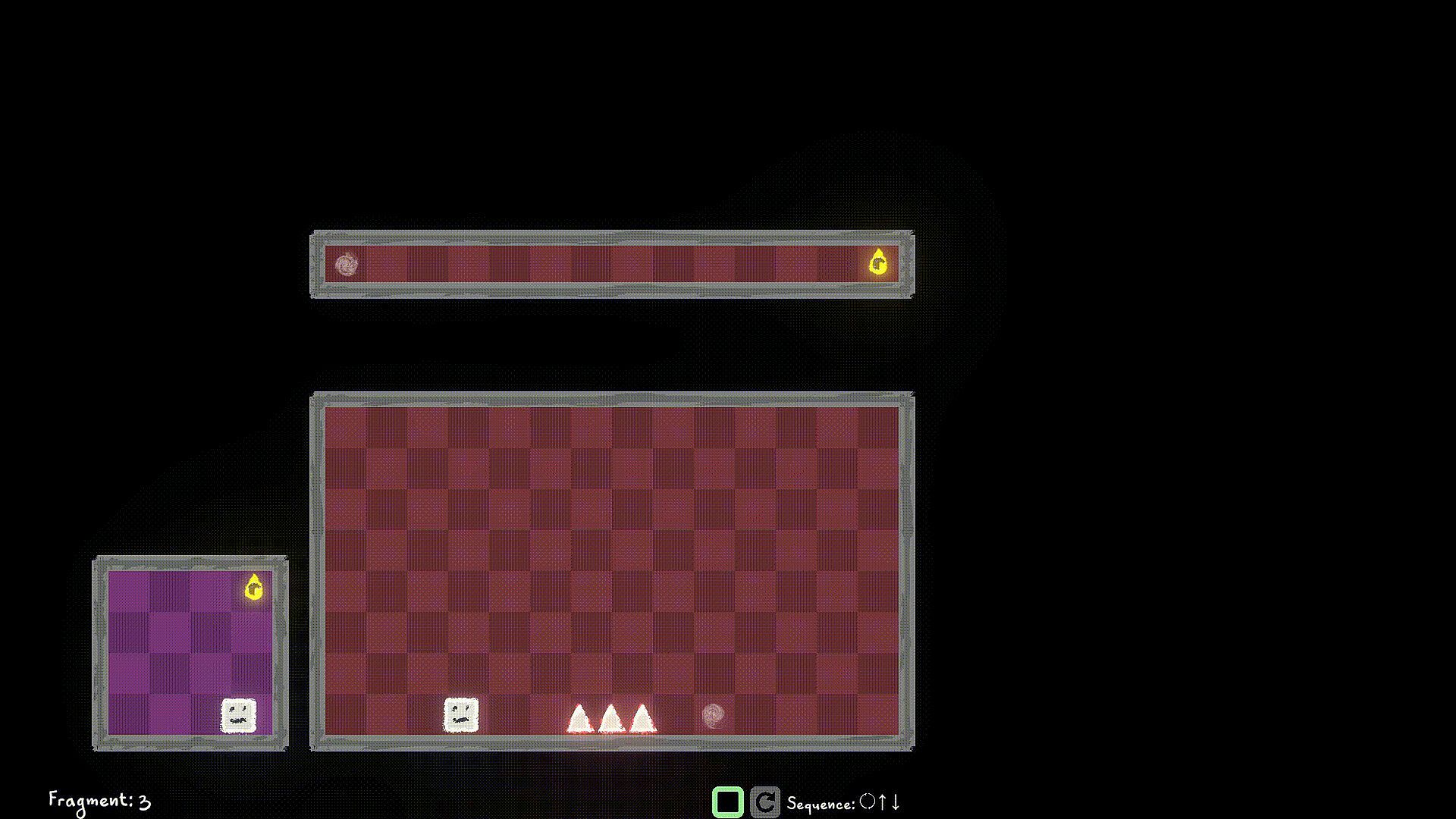
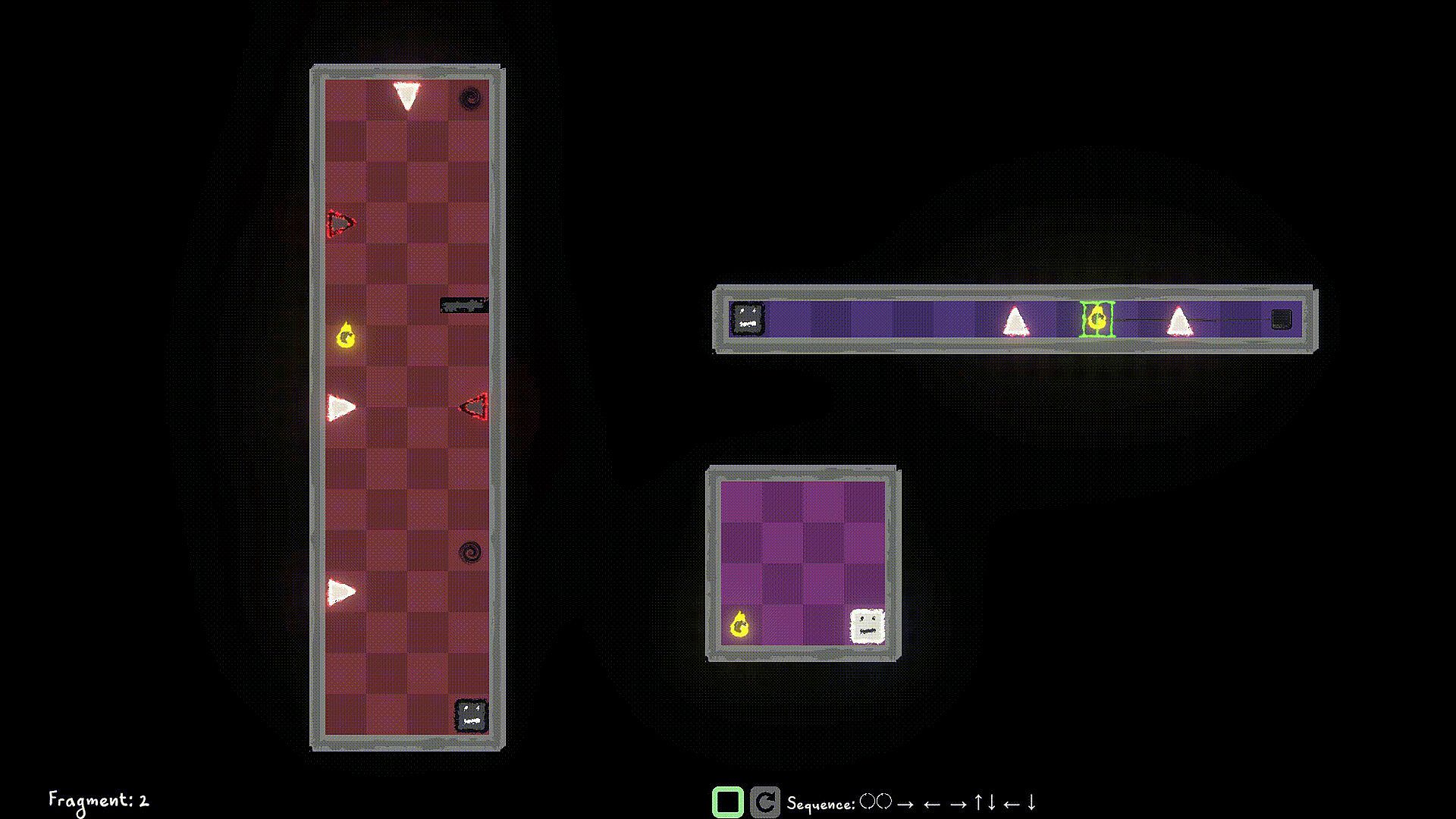
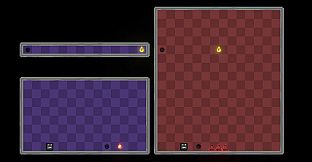
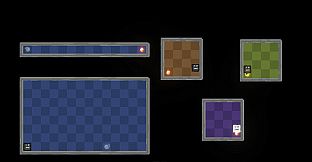
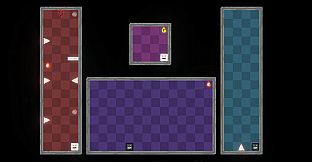
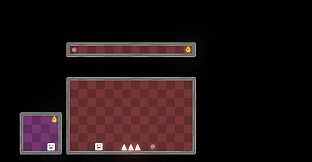
Control the player in multiple worlds, all working parallel. Collect World Pieces of the original world which are scattered around the parallel worlds, and help put back the original world.

Jump into different Dimensions of each world to avoid obstacles blocking your path. Collect the world pieces to protect your original world.

Game Mechanics:

Use W/A/S/D to move the player left/right/up/down and Q/E to move the player to Light Dimension and Dark Dimension. You can interact with items like walls/spikes/collectibles of the same Dimension as a Player Remnant. Use F to Flip the the current Dimension that the Player Remnant is in. If you're in the Dark Dimension, jump into the Light Dimension, If you're in the Light Dimension, jump into the Dark Dimension. Hit the world edge (wall), and the player stops walking.

You start a level by queuing up actions using the W/A/S/D/Q/E/F buttons, and then hit the Simulate button to simulate the sequence. If you have collected all the World Pieces in the level, you will have stitched the fragment in the timeline, and you move on to the next fragment. Else? Fragment Reset. So strategize well, before you start the simulation. You can stop the simulation manually as well, but you still lose those points ;)

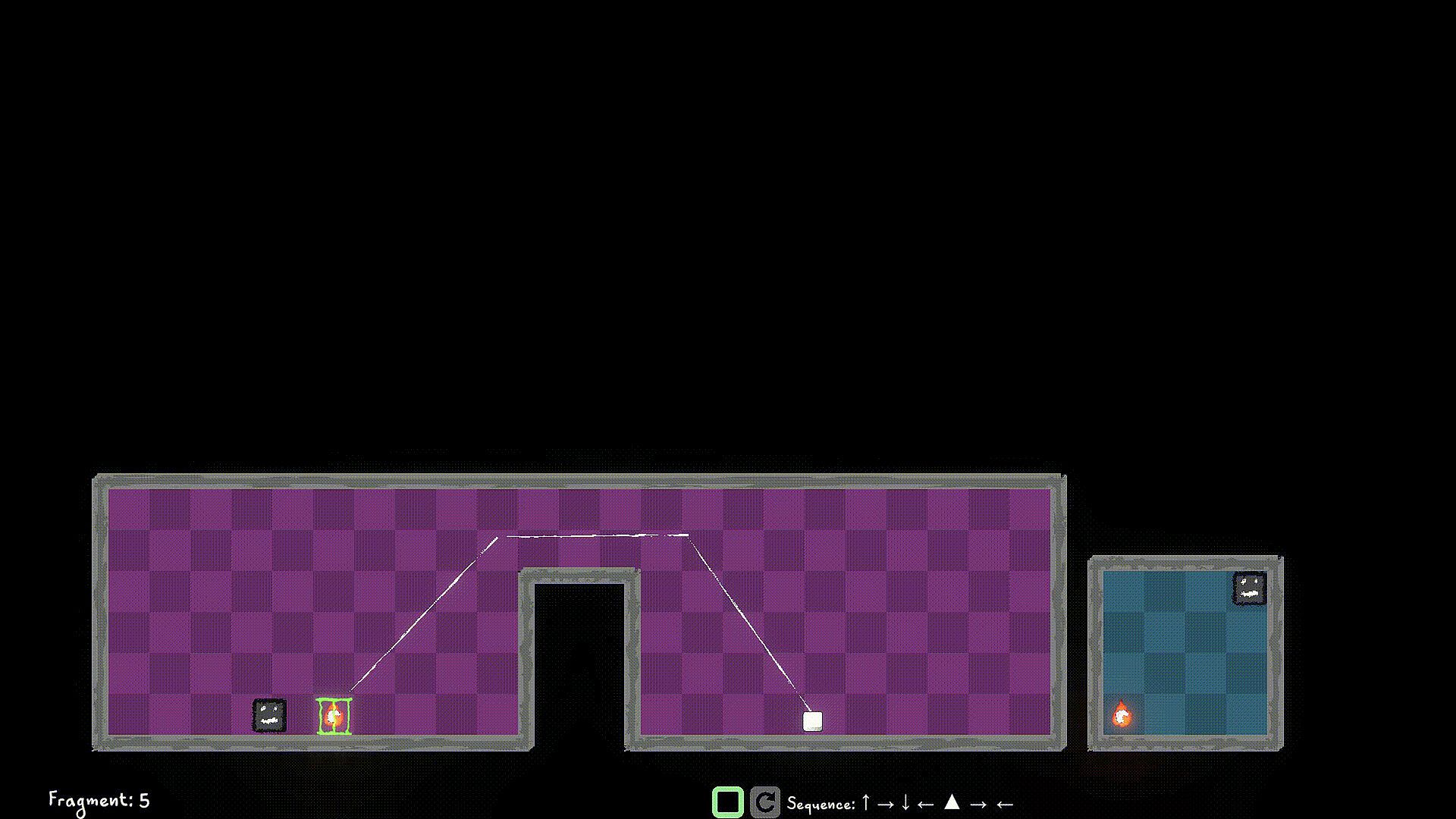
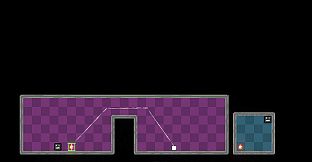
Look out for portals, you can use them strategically to jump through, and your walk continues. You can only use portals that are in the same Dimension as the player.

Use switches in the same Dimension to unlock/toggle the locks for certain World Pieces, or Obstacles.


Oberfläche:
English

Altersfreigabe

Keine Angabe

Minimum:

  • Betriebssystem: Windows 10
  • Prozessor: Dual-core 2.0 GHz
  • Arbeitsspeicher: 2 GB RAM
  • Grafik: Intel HD 4000 / NVIDIA GeForce 600 series or equivalent
  • Speicherplatz: 500 MB available space

Empfohlen:

  • Betriebssystem: Windows 11
  • Prozessor: Intel i5 or better (or AMD equivalent)
  • Arbeitsspeicher: 2 GB RAM
  • Grafik: NVIDIA GeForce 600 series or equivalent
  • Speicherplatz: 1 GB available space

Minimum:

  • Betriebssystem: macOS 10.13 High Sierra or later
  • Prozessor: Apple M1 or Intel Core M
  • Arbeitsspeicher: 2 GB RAM
  • Grafik: Metal-compatible GPU
  • Speicherplatz: 1 GB available space

Empfohlen:

Minimum:

  • Betriebssystem: Ubuntu 20.04 LTS or compatible distro
  • Prozessor: Dual-core 2.0 GHz
  • Arbeitsspeicher: 2 GB RAM
  • Grafik: OpenGL 3.2+ compatible GPU
  • Speicherplatz: 1 GB available space

Empfohlen:

  • Betriebssystem: Ubuntu 20.04 LTS or compatible distro
  • Prozessor: Intel i5 or better (or AMD equivalent)
  • Grafik: OpenGL 3.2+ compatible GPU
Historisches Tief
Preisverlauf von offiziellen Shops
-
-
-
Preisverlauf von Keyshops
-
-
-

FAQ

8 Fragen

Bevor du nach einem günstigen Multiworlds Key suchst, prüfe die wichtigsten Fakten. Entwickelt von FMF Games. Veröffentlicht von FMF Games. Genres: Strategy, Indie, Casual, Simulation, Early Access. Kategorien: Family Sharing, Single-player, Playable without Timed Input.

Q

Wo kann ich einen günstigen Multiworlds Steam Key kaufen?

Multiworlds ist kostenlos spielbar! Lade es auf Steam herunter und spiele sofort los.

Multiworlds ist auf Steam komplett kostenlos. Kein Kauf nötig - einfach herunterladen und spielen. Wenn du nach Premium-DLC oder In-Game-Items suchst, prüfe die Angebotstabelle oben.

Unser Preistracker deckt sowohl offizielle Händler als auch Key-Marktplätze ab, sodass du Multiworlds im Angebot auch außerhalb saisonaler Aktionen finden kannst. Wir erkennen derzeit 0 aktive Angebote von offiziellen Shops und Keyshops. Prüfe die Tabelle oben, vergleiche mit dem historischen Tief und setze einen Alarm, damit du den nächsten Preissturz nicht verpasst.

Laut unseren Daten ist Multiworlds derzeit nicht auf GeForce NOW verfügbar. Du musst es lokal auf deinem PC ausführen. Stöbre durch Spiele, die auf GeForce NOW verfügbar sind.

Ja. Multiworlds hat eine offizielle Steam-Shop-Seite, aber wir tracken derzeit keine Drittanbieter-Angebote mit Steam-DRM. Schau später nochmal vorbei oder setze einen Preisalarm.

Derzeit nicht. Valve kennzeichnet Multiworlds als Unsupported auf dem Steam Deck. Behalte XD.deals im Blick - wir verfolgen Proton-Updates und Community-Fixes. Stöbere durch Spiele, die Steam Deck Verified oder Steam Deck Playable sind.

Multiworlds scheint derzeit nicht im PC Game Pass, bei EA Play, Ubisoft+ oder einem anderen PC-Abonnement verfügbar zu sein. Deine einzige Option ist der Kauf - nutze XD.deals, um den besten Preis zu finden.

Nein - XD.deals ist kein Shop. Wir sind ein Preisvergleich, der die besten Multiworlds-Deals bei offiziellen Shops und verifizierten Keyshops verfolgt. Klicke neben einem Angebot auf "Zum Shop" und du wirst zur Webseite des Händlers weitergeleitet, um deinen Kauf abzuschließen.

Zum besten Zeitpunkt kaufen? Setze einen Preisalarm auf XD.deals und werde benachrichtigt, wenn Multiworlds sein nächstes historisches Tief erreicht.

Alarm erstellen
Tritt unserem Discord bei
Erhalte Hilfe von der Community und bleibe über Angebote informiert
Preisalarme einrichten
Erhalte E-Mail-Benachrichtigungen wenn Preise fallen
Kostenloses Konto erstellen
Schalte Wunschlisten, Preisalarme und Steam-Sync frei









