


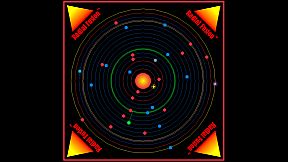
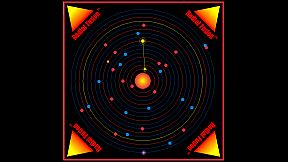
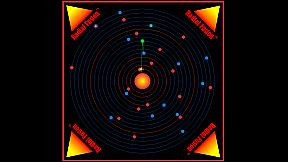
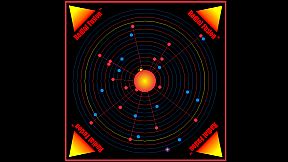
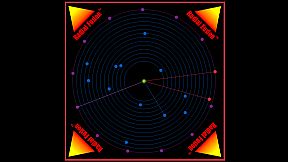
2D Retro Style Orbital Space Arcade Shooter Game
Defend the solar system from total destruction due to uncontrolled Radial Fusion that is triggered by enemy mines and weapons.
Game Screen Scaling:
The screen size can be scaled by using the <Page Up> and <Page Down> keys.
Game Levels 1-6:
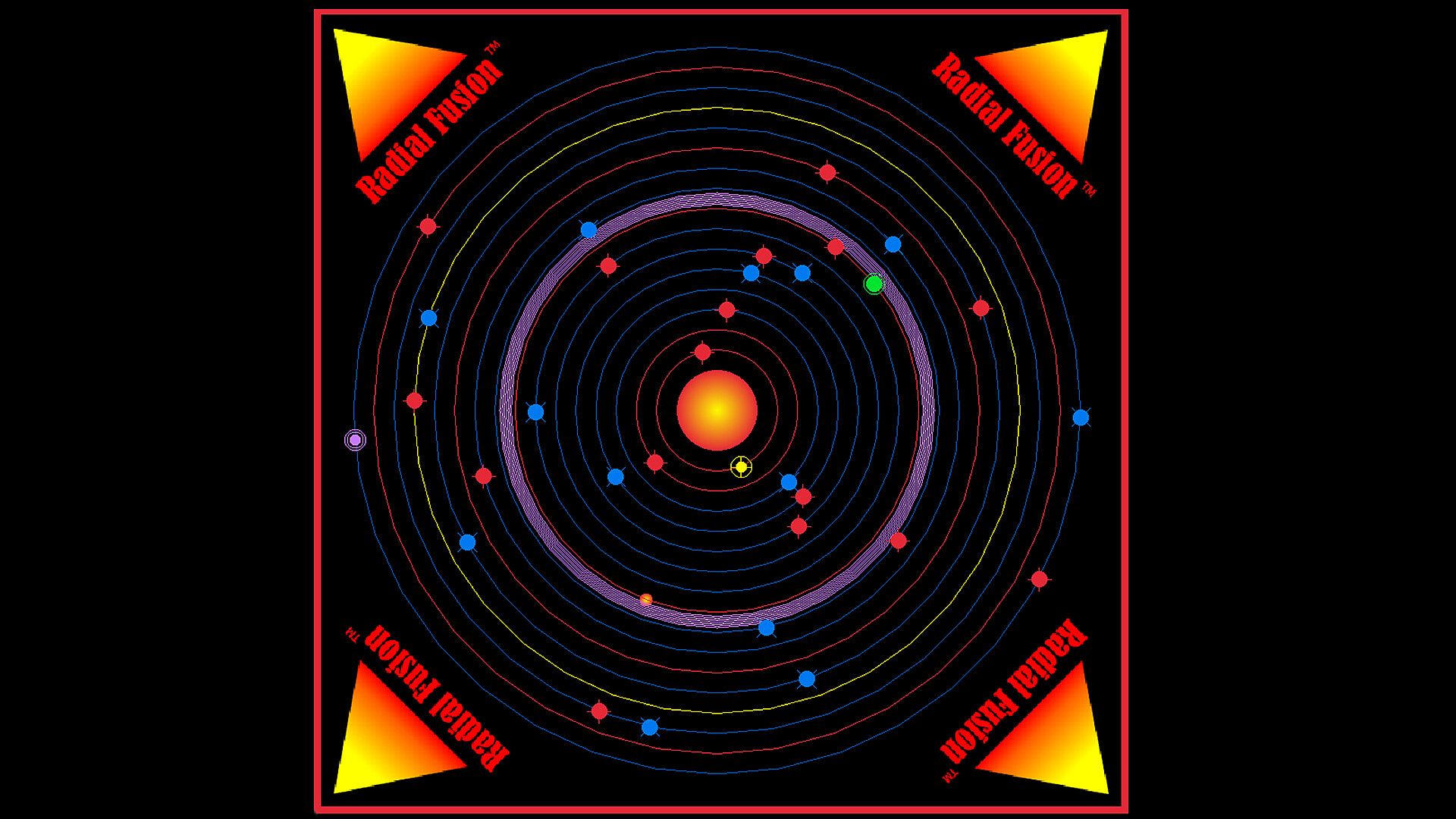
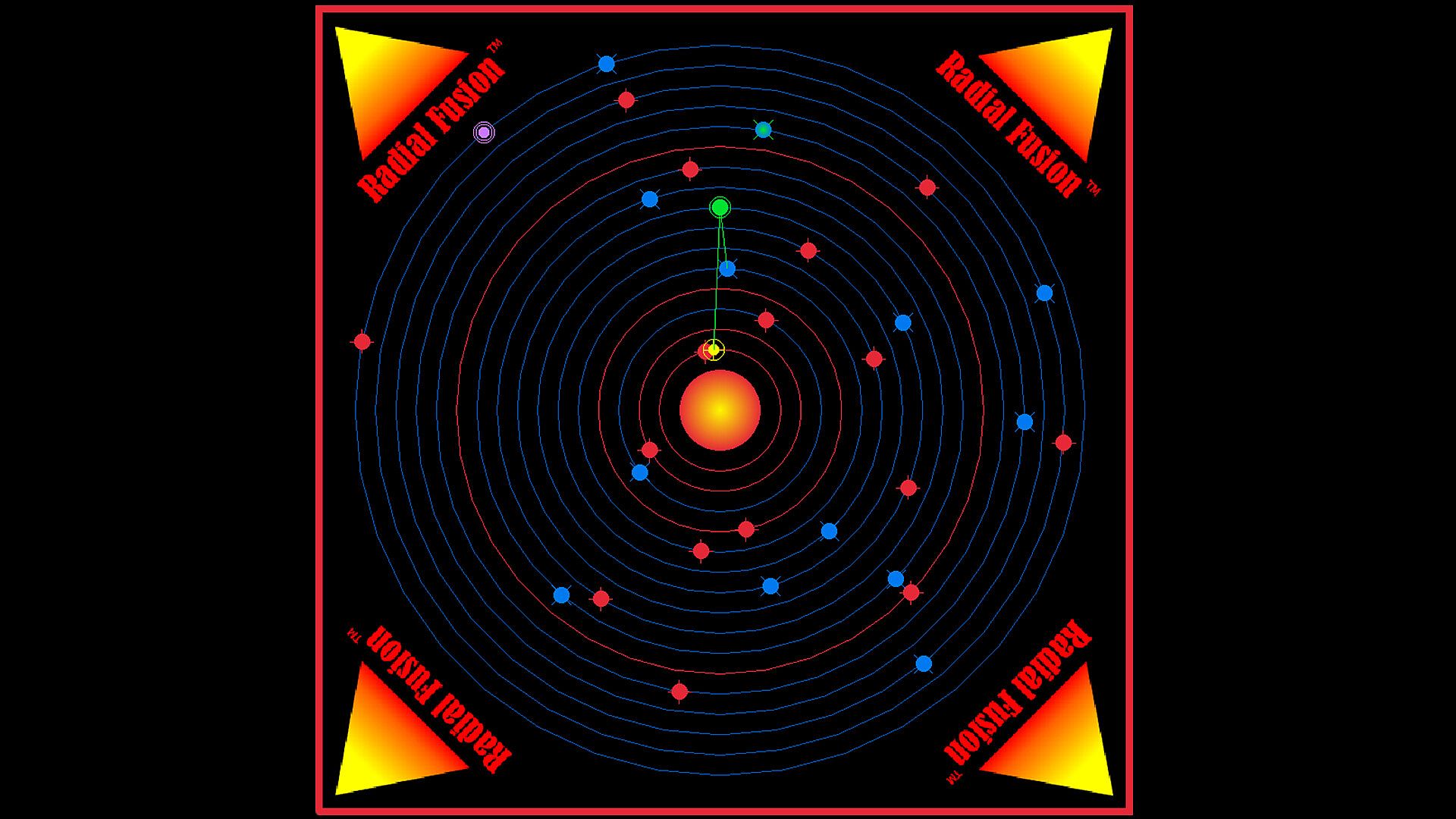
The game is won by destroying all Descending Enemy Fusion Weapons (Blue). The game is lost when uncontrolled Radial Fusion is triggered by either Stable Orbital Enemy Mines (Red) or Descending Enemy Fusion Weapons (Blue). There are 6 levels of increasing difficulty. The bonus level is enabled after passing level 3. Player initials, high score, total Player Ships damaged and game time are all saved at the end of a level.
Bonus Level:
Play until the Player Ship is destroyed. Use the Player Ship beam weapons to discharge the Low and High Orbit Enemy ships before they fire their weapon. Firing on a noncharging enemy ship will result in a feedback beam pulse that will reduce your score. The enemy weapons will charge faster and faster over time as the bonus round continues. Player initials, high score, Enemy Low and High Orbit Charge Speed (CSL) and CSH) for the bonus round is saved.
Game Level 1-6 Characters:
Descending Enemy Fusion Weapons (Blue)
These weapons descend towards the star.
They will detonate if they reach the star and trigger runaway Radial Fusion.
Avoid collisions with the Player Ship or ship damage will occur.
To fire the Player Ship beam weapon consistently, keep the Player Ship radially aligned with the star and each Descending Enemy Fusion Weapon by tapping the Player Ship speed up <D> and slow down <A> keys and holding or tapping the <Left Arrow> and <Right Arrow> keys.
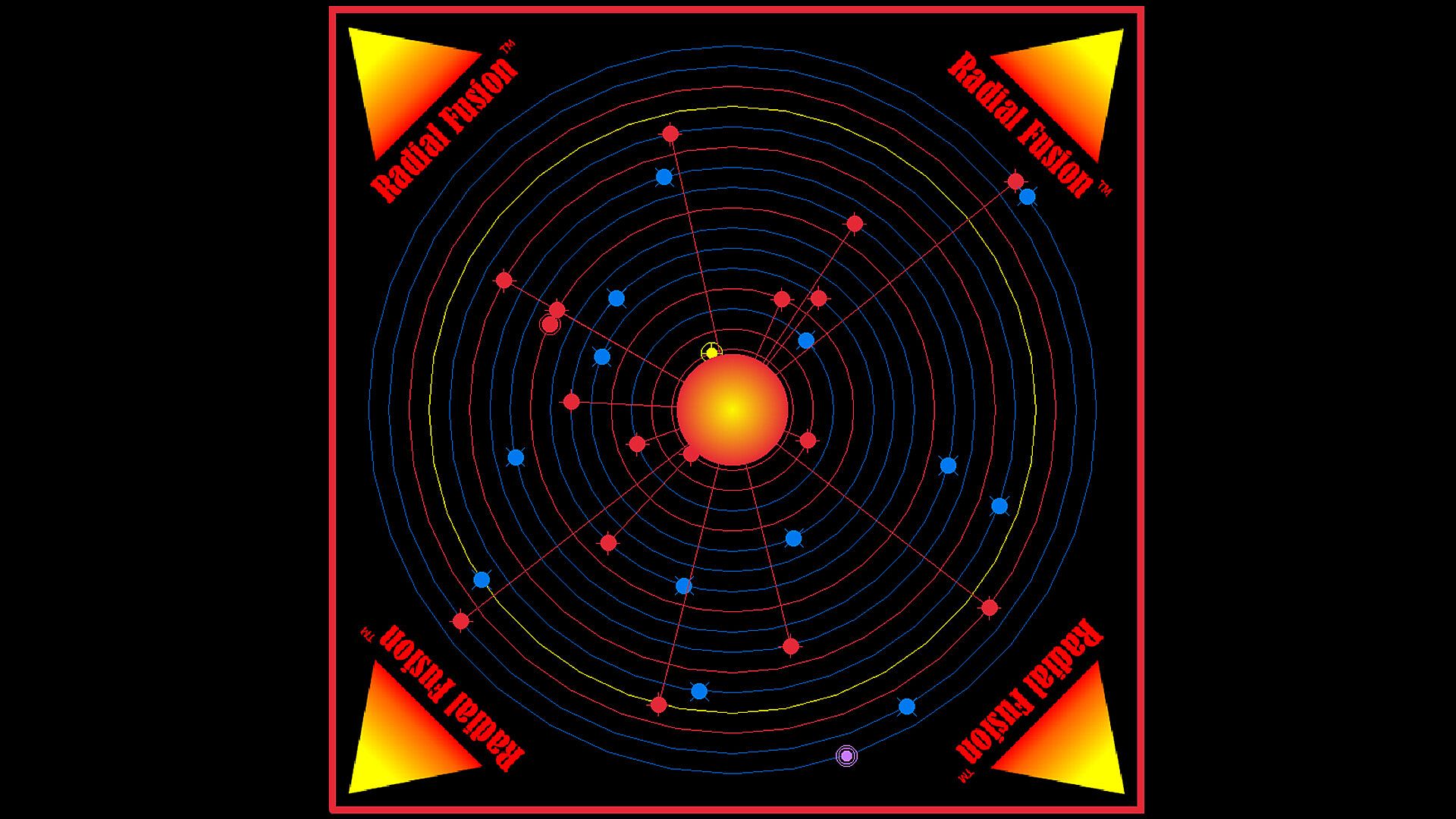
Stable Orbital Enemy Mines (Red) - Level 2 and Above
If you stay too long in one orbit the mine will fire an orbital plasma weapon.
Use the Player Ship defense weapon <W> to destroy it or change the Player Ship orbit.
Avoid Player Ship collision, or the mines will all fire lasers into the star and trigger runaway Radial Fusion.
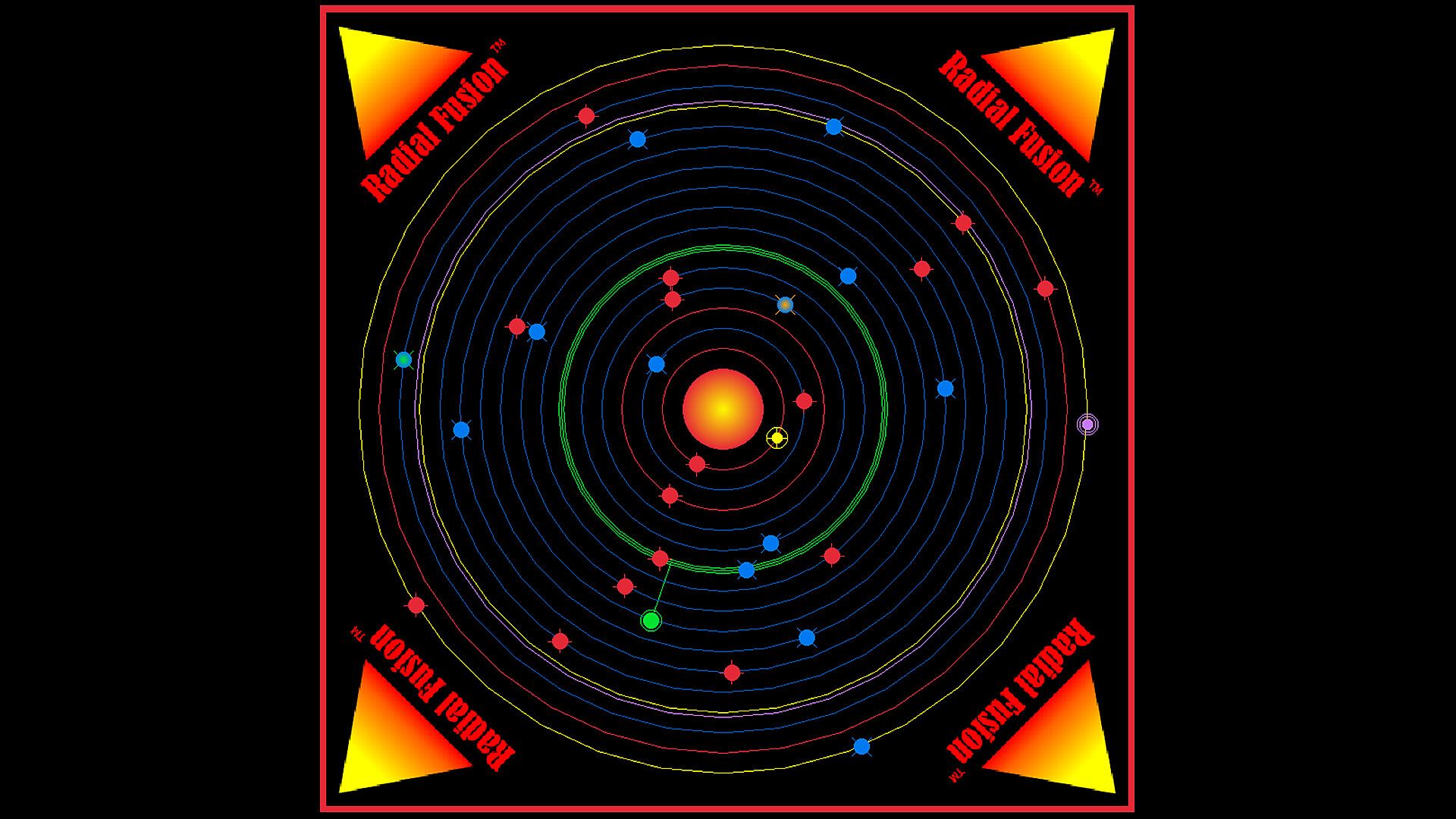
Charged Yellow Orbit - Level 3 and Above
If you move to a Yellow Orbit your ship will be damaged but will clear the orbit.
To discharge and clear a Yellow Orbit, fire the Player Ship orbital Beam <W> prior to entering that orbit.
Charged Red Orbit - Level 4 and Above
If an orbit changes to Red, and you move to that orbit, your Player Ship beam weapon used to fire on Descending Enemy Fusion Weapons will be disabled.
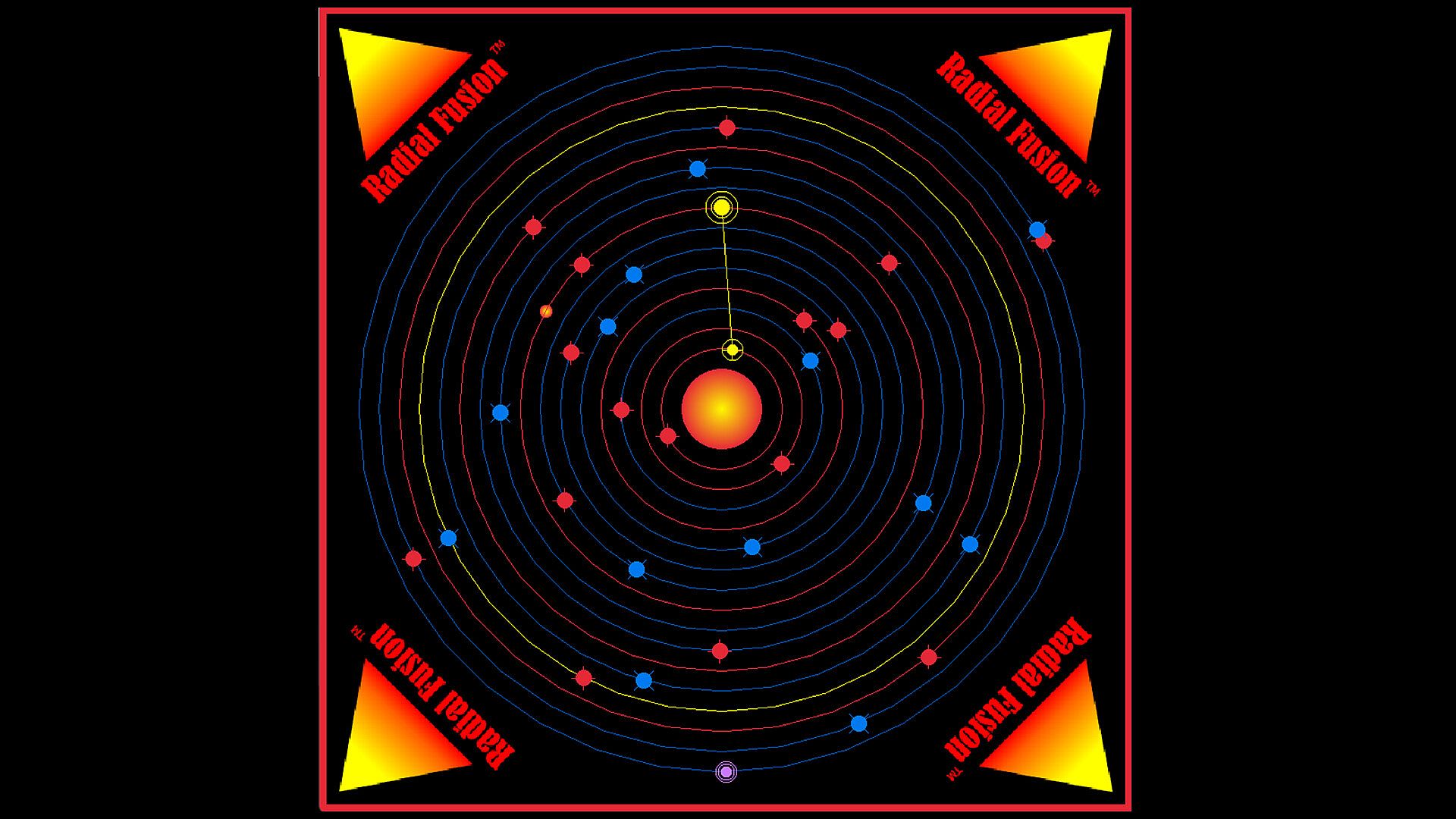
Low Orbit Enemy Ship (Yellow) - Level 5 and Above
Has a laser that will fire on the Player Ship if radially aligned with the Player Ship and star.
Protect Player Ship with its shield <S>.
High Orbit Enemy Ship (Purple) - Level 6
Has a descending orbital weapon that will head toward the star and damage the Player Ship on contact.
Protect Player Ship with its shield <S>.
Player Ship (Green)
Use the beam weapon <SPACEBAR> to fire on the Descending Enemy Fusion Weapons (Blue), Low Orbit Enemy Ship (Yellow), High Orbit Enemy Ship (Purple).
The Player Ship must be closely radially aligned with the star and the enemy ships for the beam weapon to target and to fire.
Use the <D> and <A> keys to speed up and slow down respectively.
Tap or hold the <Left Arrow> and <Right Arrow> keys to stay aligned with a specific enemy.
Tap the <Up Arrow> or (Down Arrow> keys to move up or down an orbit respectively.
Firing on a Stable Orbital Enemy Mine (Red) will result in the mine firing back and subtracting points from the game.
The number of new Player Ships is infinite. Press <S> if Player Ship is completely red and disabled to reactivate the Player Ship. Pressing <S> will also activate a temporary additional shield at Level 5 and 6 to protect against High and Low Orbit Enemy ships.
If a Player Ship turns blue, the beam weapon needs to be recharged with the <C> key. The <SPACEBAR> must be released while charging the Player Ship.
Game Levels 1-6 Player Ship Keyboard Controls/Functions:
Bonus Level Characters:
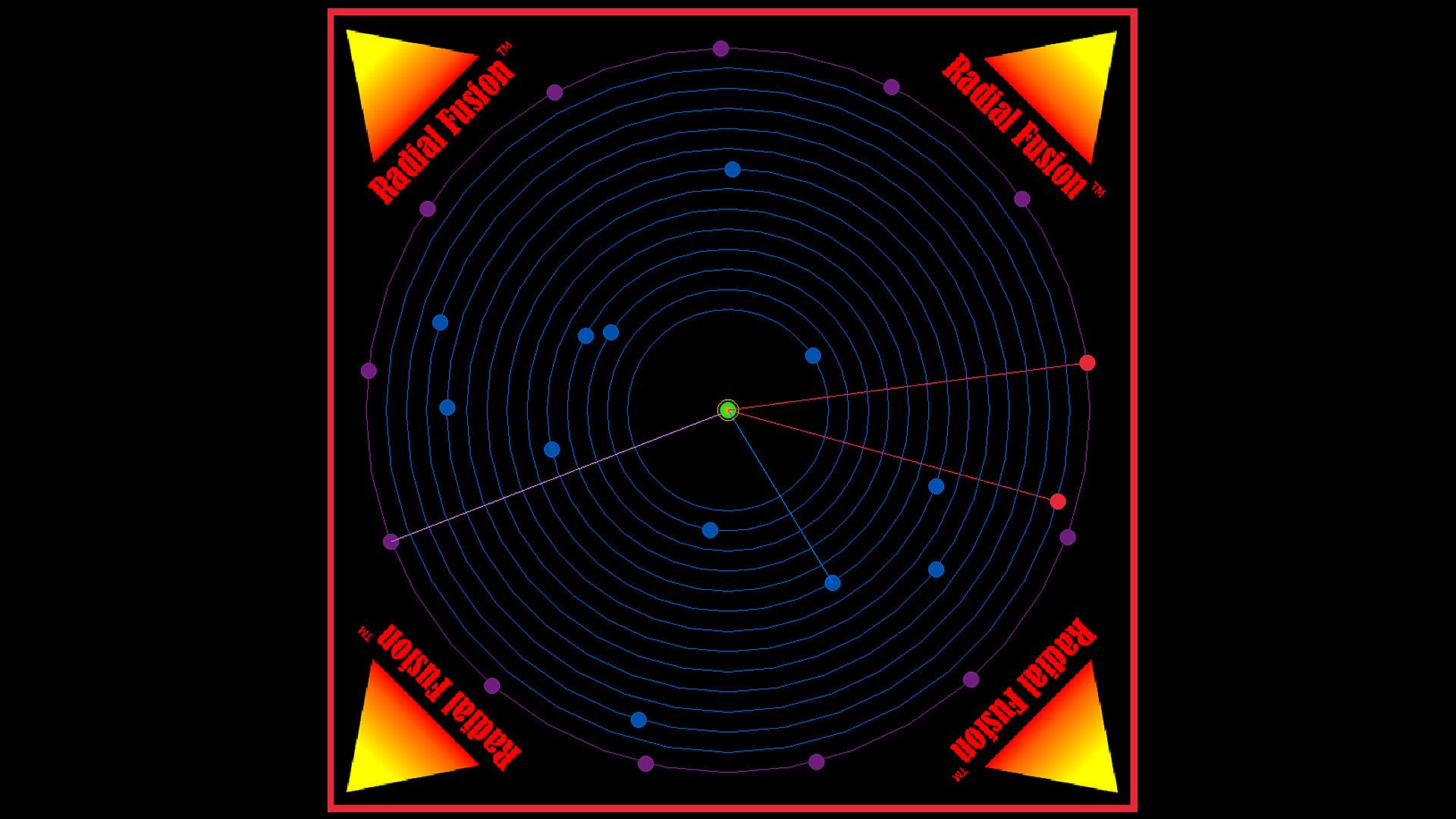
Low Orbit Enemy Ship (Blue)
One enemy ship at a time will begin charging its weapon.
Once fully charged it will fire its weapon.
Low Orbit Target Beam (Blue)
Use the <UP> and <DOWN> arrow keys to move the Player Ship target beam to the current charging enemy ship.
Then fire the proper Player Ship beam weapon <SPACEBAR> for that enemy ship.
High Orbit Enemy Ship (Purple)
One enemy ship at a time will begin charging its weapon.
Once fully charged it will fire its weapon.
High Orbit Target Beam (Purple)
Use the <LEFT> and <RIGHT> arrow keys to move the Player Ship target beam to the current charging enemy ship.
Then fire the proper Player Ship beam weapon <W> for that enemy ship.
Player Ship (GREEN)
Use two different targeting beams and two beam weapons to discharge the enemy weapons.
Player Ship Keyboard Controls/Functions: