




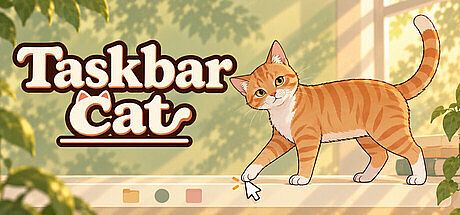


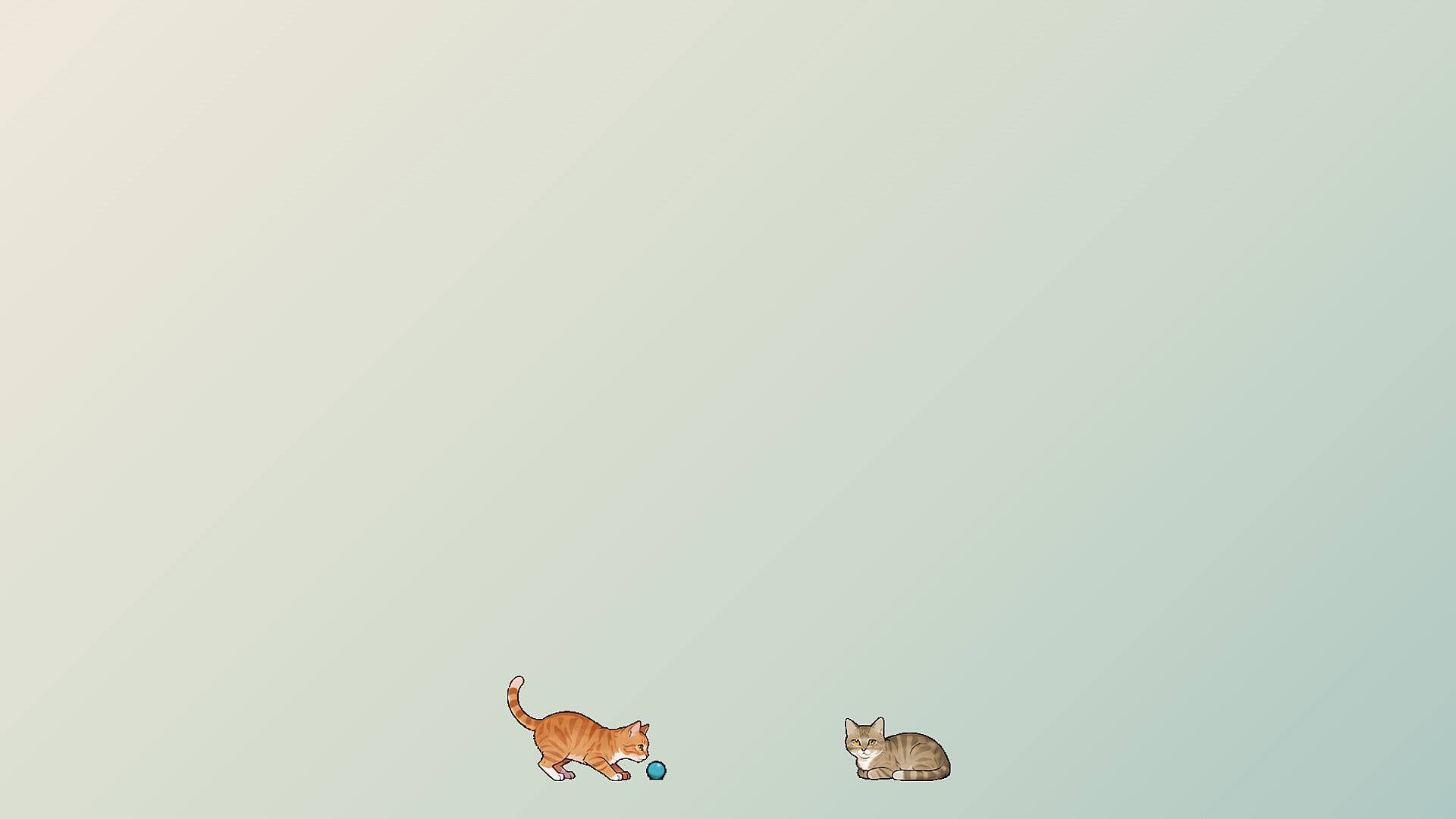
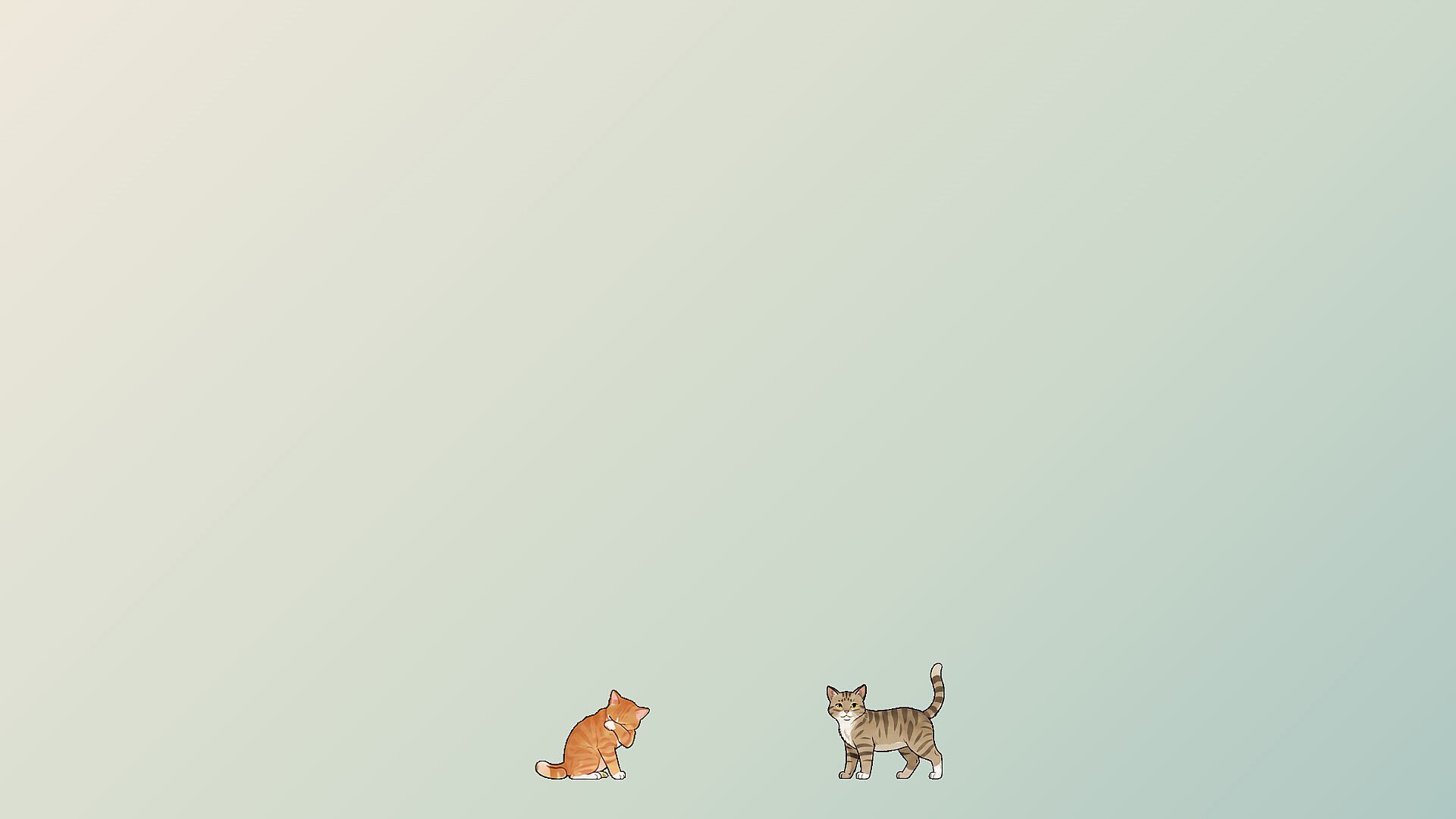

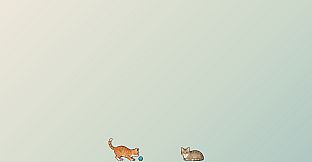
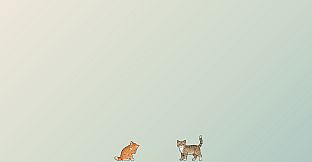
Taskbar Cat is a casual simulation game that places a family of pixel-art cats directly on your Windows taskbar and desktop. As an indie title focused on relaxation, it lets players adopt and care for companions that move, rest, and react in the background while you work or browse. The experience emphasizes gentle interaction and observation rather than goals or competition.
Gameplay
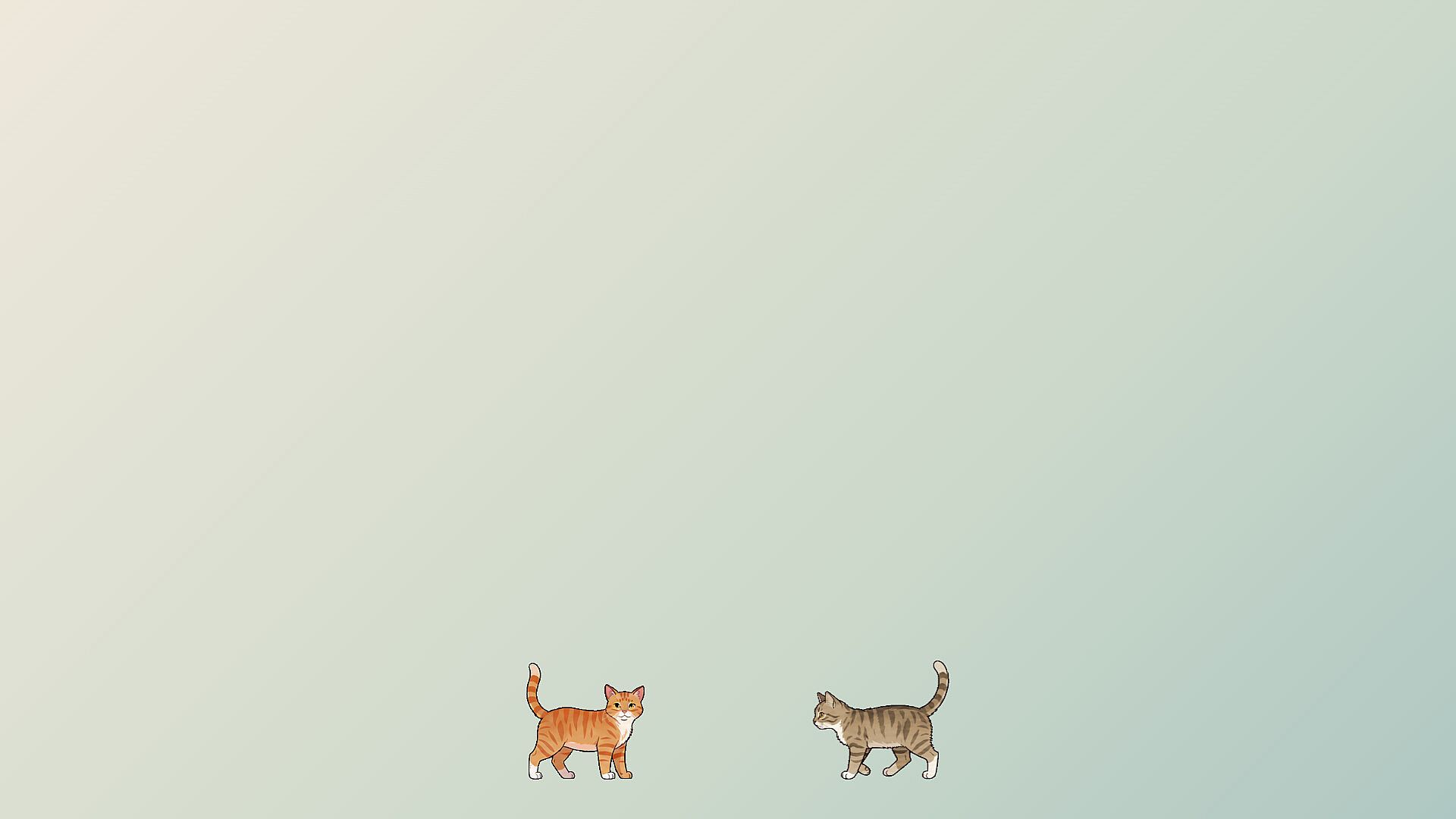
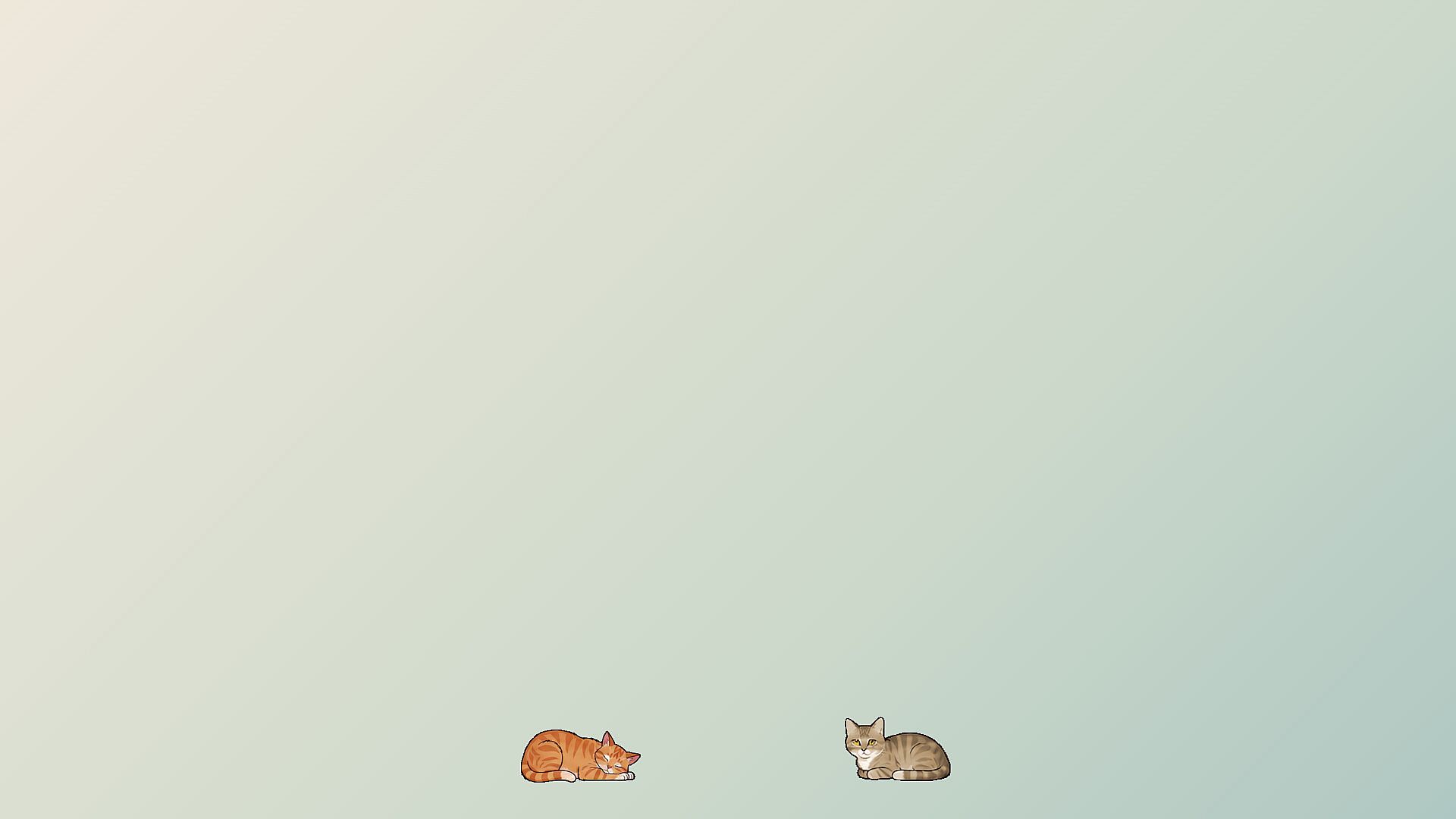
Core play centers on adopting cats with unique coats, eye colors, personalities, and habits. Each companion follows its own routines, including walking along the taskbar, napping, grooming, stretching, and occasional bursts of energy. Players interact by moving the pointer to pet cats, picking them up to reposition them, or encouraging play with a shared toy ball that can be rolled or tossed. Cursor movements near a cat may prompt pouncing or pawing responses, while right-click options or hotkeys provide quick access to menus.
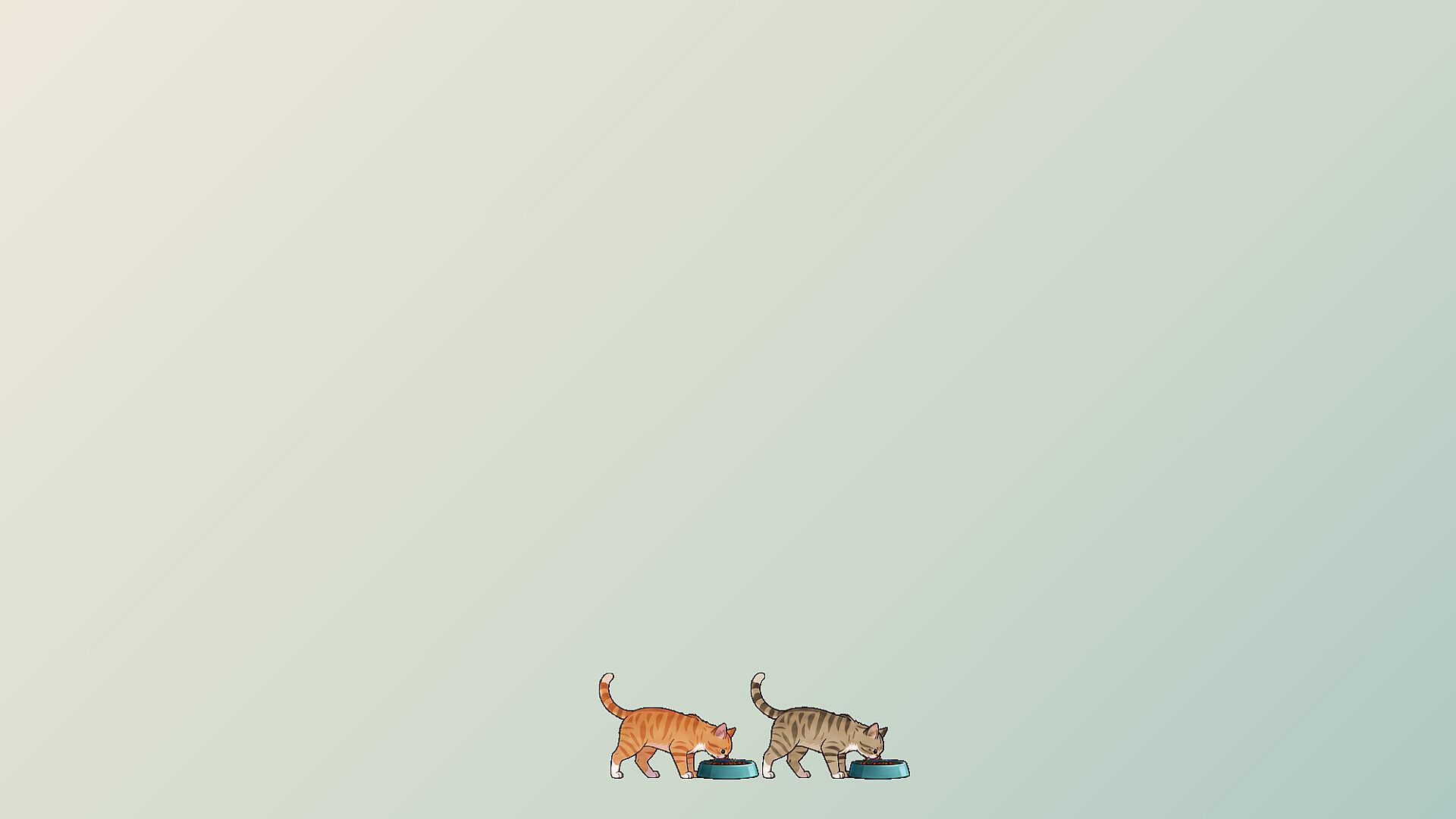
Care routines involve serving meals, refilling bowls, offering treats, and cleaning litter boxes. Between these moments, cats settle into independent behaviors that reflect their individual traits. Multiple cats can share the desktop, with options to name them, view profiles detailing habits and preferences, and manage which windows or apps they visit through forget and block controls. Automatic local saving preserves the cat family and settings across sessions. Visibility toggles via Ctrl+Shift+C and layering adjustments ensure the companions stay out of the way during focused tasks.
Game Modes
The title runs as a continuous single-player desktop companion without separate named modes or competitive structures. Interaction flows naturally through pointer-based petting, pickup, and play prompts alongside passive observation of the cats' daily patterns. Customization comes from choosing which companions join the desktop, adjusting their size and speed where available, and setting preferences for monitor placement or fullscreen behavior. The setup supports relaxed background presence during work or study, with cats responding to user input while maintaining their own schedules.
Key Features
Animated sequences cover naps, grooming sessions, stretches, playful antics, and vocalizations that add life to the taskbar. Cats explore reachable window edges and surfaces, climbing or perching in ways that respond to window movement. Resource use stays light, with click-through functionality outside direct cat contact and automatic adjustments for fullscreen applications. Profiles track growing preferences, such as favorite windows, allowing players to shape long-term routines without active management.
- Adopt cats with distinct appearances and behaviors
- Direct interactions via petting, pickup, and toy play
- Care system including feeding and cleanup
- Window-climbing and multi-monitor support
- Local saving and visibility controls
Is It Worth Playing?
Taskbar Cat suits players seeking a low-pressure way to add personality to their desktop. Its focus on cozy routines and light interaction makes it a fit for anyone who enjoys virtual pet elements or background companions during daily computer use. Recent updates have refined stability, added unique cat profiles, and expanded window interactions, keeping the experience polished. With limited but positive early feedback highlighting its charm and resource efficiency, the game delivers consistent value for those drawn to casual simulation and relaxation on PC. It remains available as a straightforward single-player title without ongoing seasonal content or multiplayer elements.











