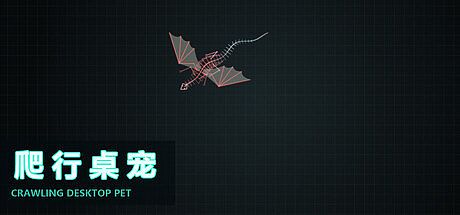


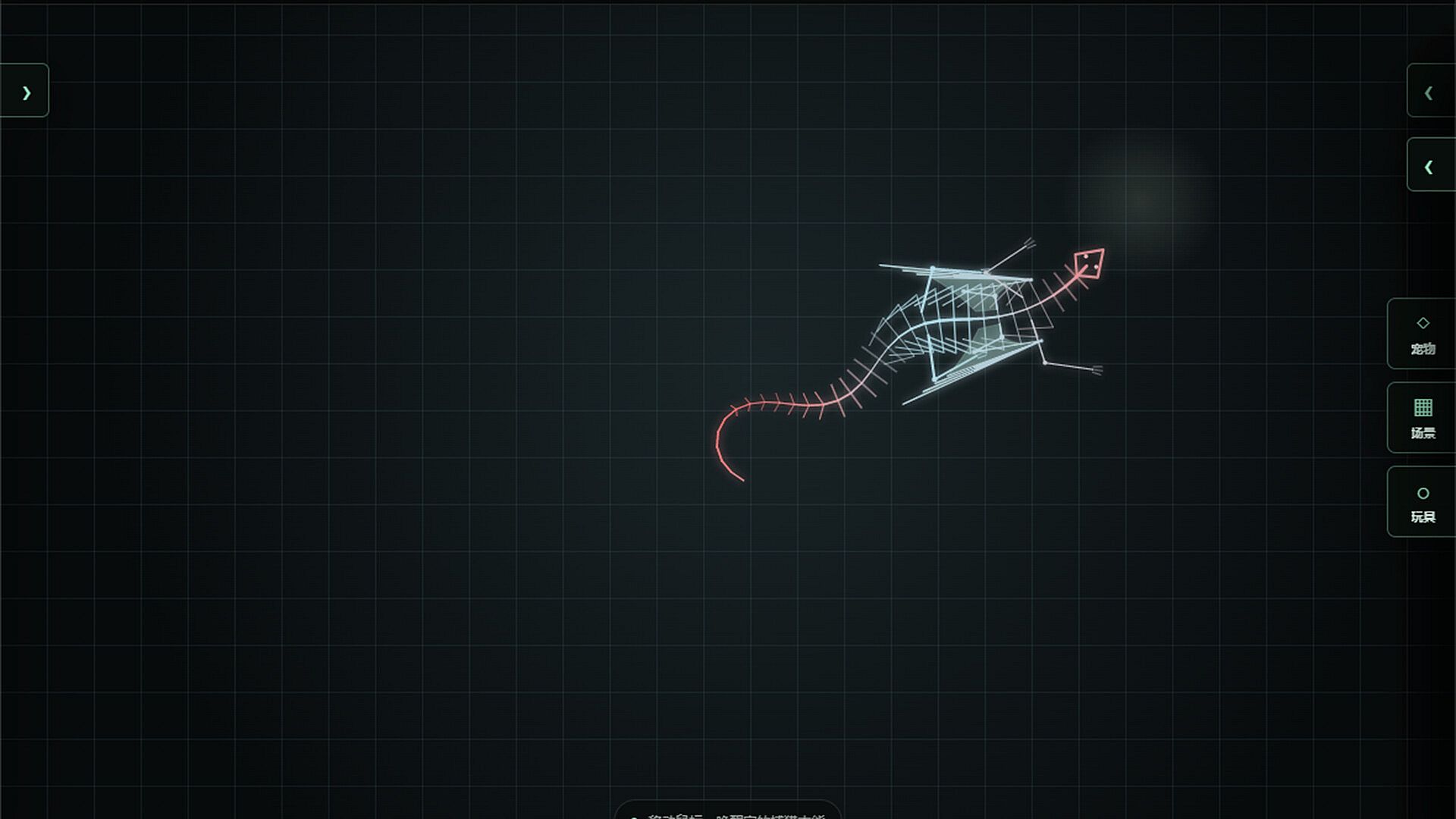
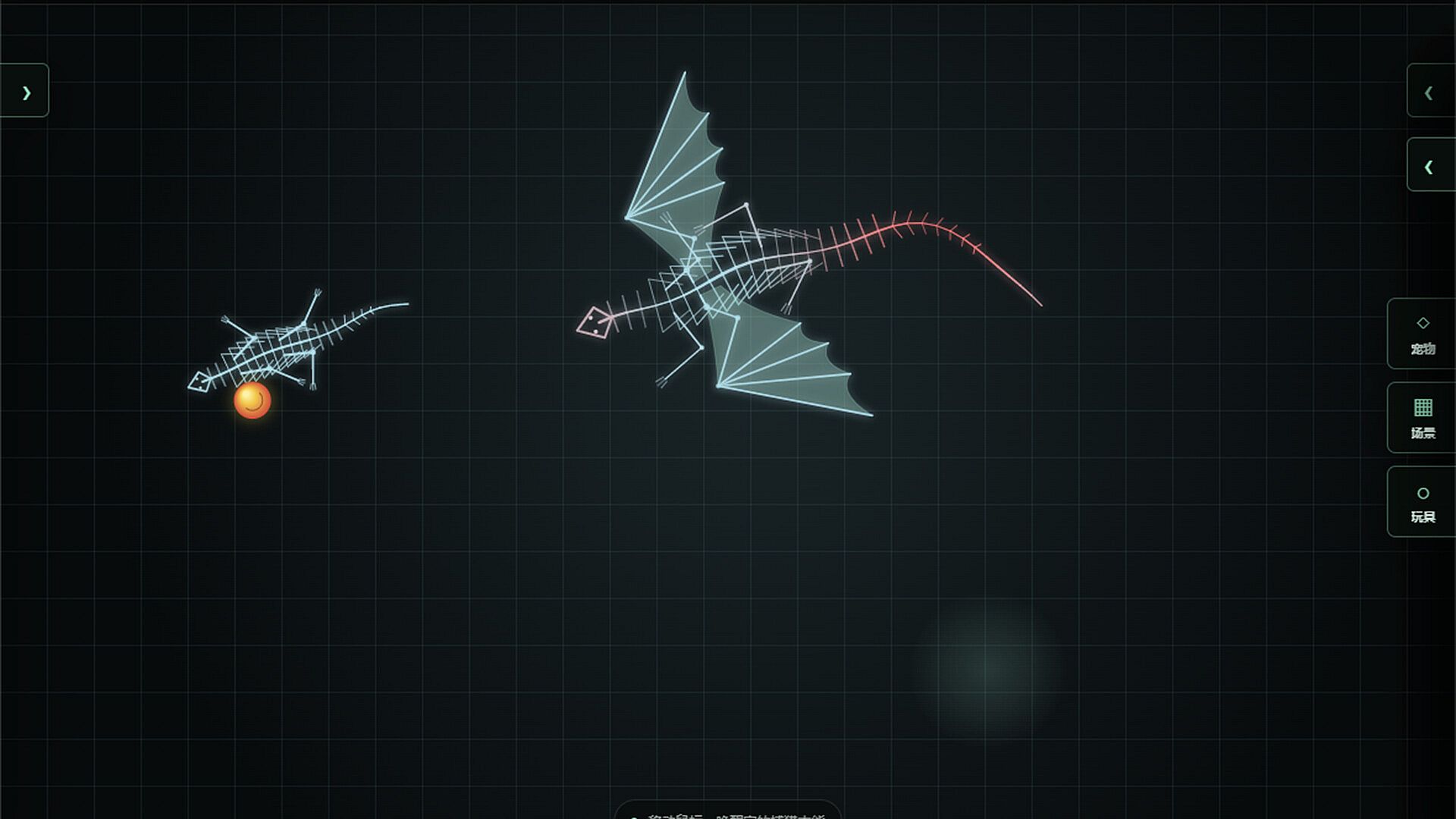
Crawling Desktop Pet is an indie casual game for PC that lets players design and place a luminous wireframe creature directly onto the Windows desktop. The experience centers on building a unique companion through detailed structural adjustments and then watching it occupy screen space in a non-intrusive way. This approach suits users who want a persistent visual element alongside normal computer use without requiring constant attention or separate game sessions.
Gameplay
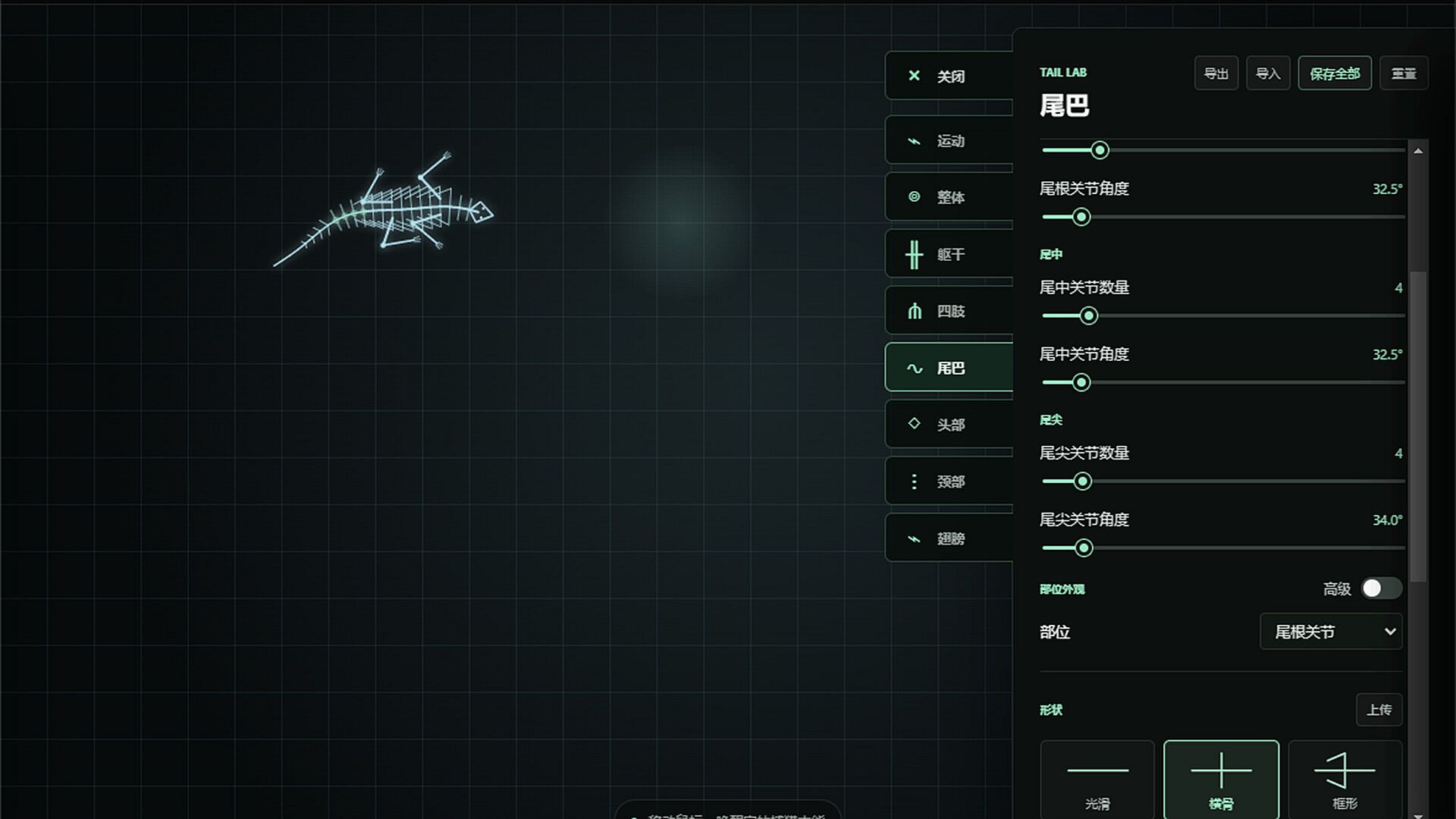
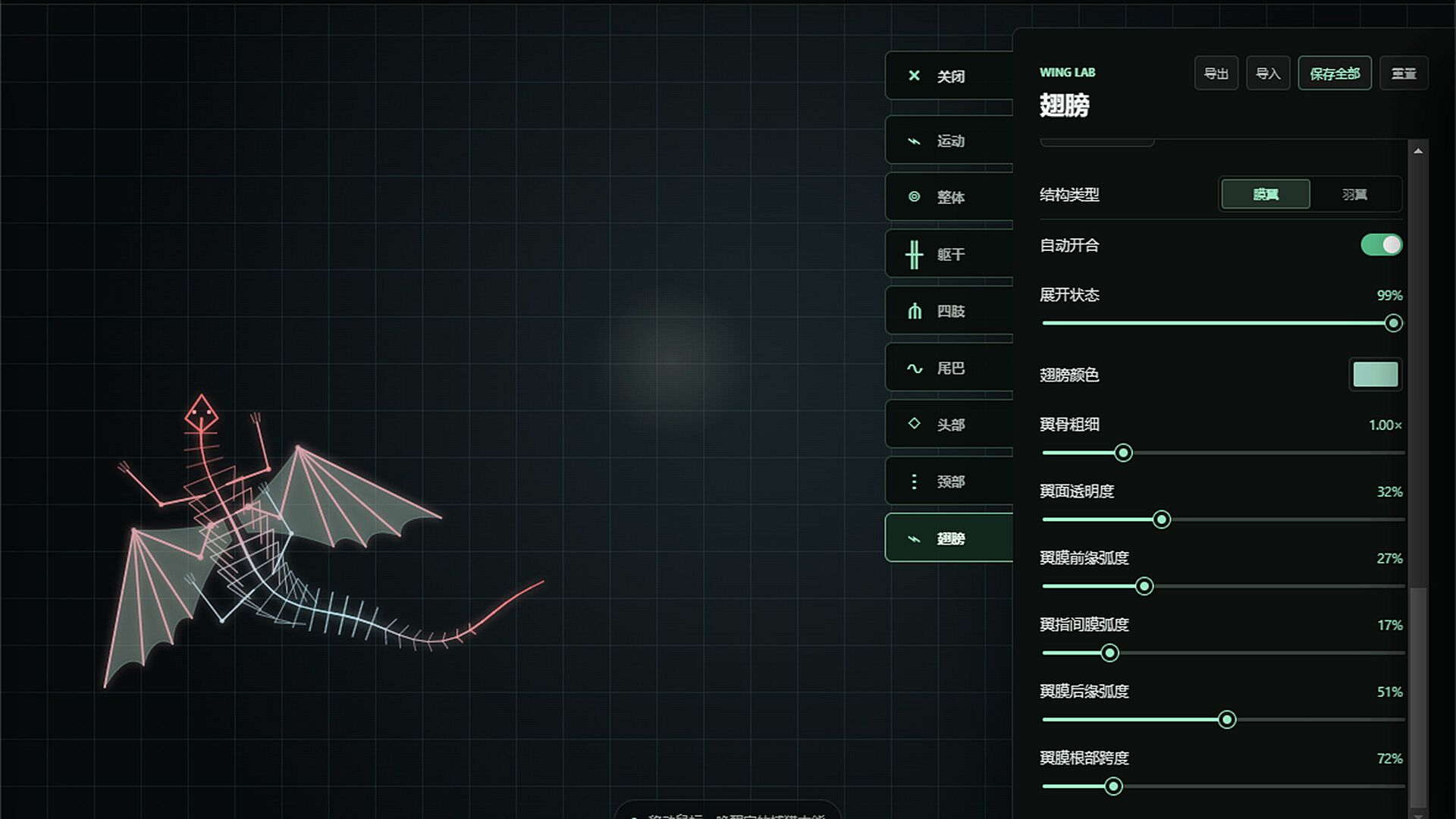
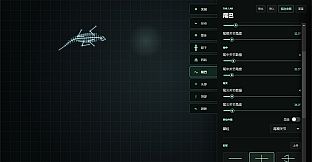
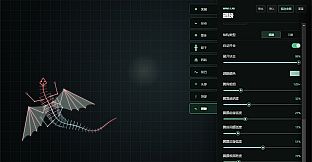
The core loop revolves around shaping the creature in an editor before deploying it as a transparent overlay. Players adjust the overall structure along with specific sections including the torso, limbs, tail, head, neck, and wings. Proportions receive fine control through sliders and parameters that alter length, thickness, and positioning of each part. Once satisfied, designs can be saved locally or imported from external configurations to reuse or share variations.
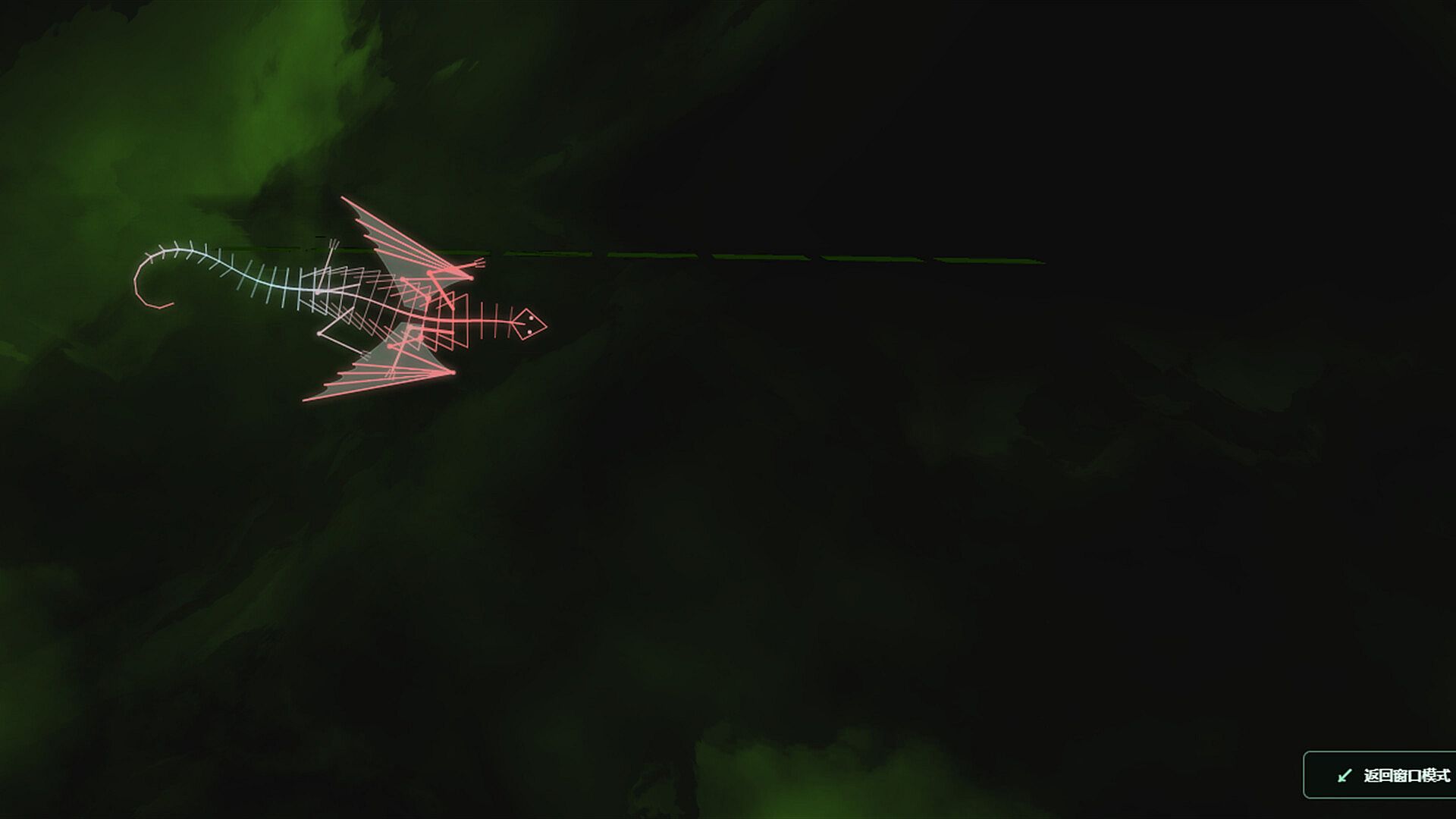
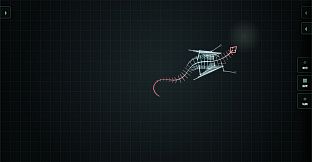
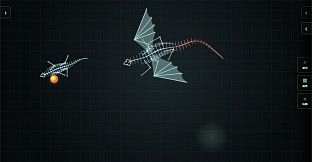
Switching occurs seamlessly between the full editing interface and the transparent desktop mode. In desktop mode the creature remains visible on top of other windows while mouse passthrough prevents it from blocking clicks or interfering with work, browsing, or media playback. A keyboard shortcut toggles this passthrough on or off for quick adjustments during use. The luminous wireframe aesthetic keeps the creature distinct yet lightweight, allowing it to crawl or rest without demanding system resources or visual clutter.
Game Modes
Two primary modes define the experience. The editor mode provides a dedicated workspace for building and refining the creature with all customization tools active. This focused environment supports iterative changes to body sections and immediate previews of the results. The transparent desktop mode activates the finished pet as an always-present overlay that operates independently of the editor window.
Within desktop mode the emphasis shifts to passive presence. The creature occupies screen space while the user continues normal tasks, with mouse passthrough ensuring uninterrupted workflow. Players can return to the editor at any time to modify the design or load a different configuration without closing the desktop instance.
Customization Options
Customization extends beyond basic shapes to include detailed manipulation of individual body parts. Each section offers independent controls that affect how the creature appears and moves once placed on the desktop. Saving and exporting options allow collections of designs to build over time, encouraging repeated sessions focused on refinement rather than one-time creation.
The wireframe style supports clear visibility of all adjusted elements even when the pet sits against varied desktop backgrounds. This visual approach keeps the focus on the structural creativity rather than complex textures or animations, aligning with the casual pace of the title.
Is It Worth Playing?
Crawling Desktop Pet appeals to players interested in lightweight creative tools and desktop companions. The combination of structural editing and seamless mode switching delivers a straightforward loop that fits into existing routines without requiring dedicated playtime. Those who enjoy tinkering with proportions and saving multiple variations will find repeated value in the editor, while the desktop overlay provides ongoing visual interest during other activities.
The game targets users seeking a passive, customizable presence rather than active gameplay systems or progression. Its indie casual nature means it remains simple and focused, making it suitable for short customization sessions or long-term background use. Availability on PC ensures compatibility with standard Windows setups where desktop overlays function reliably.