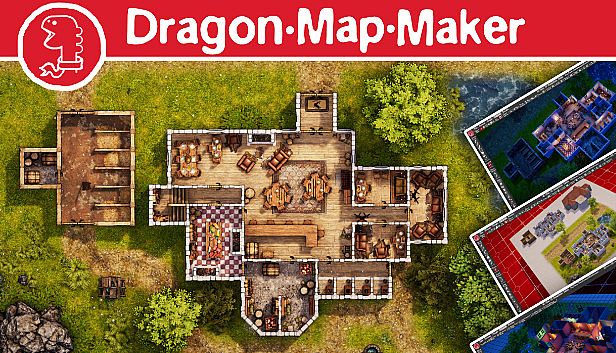


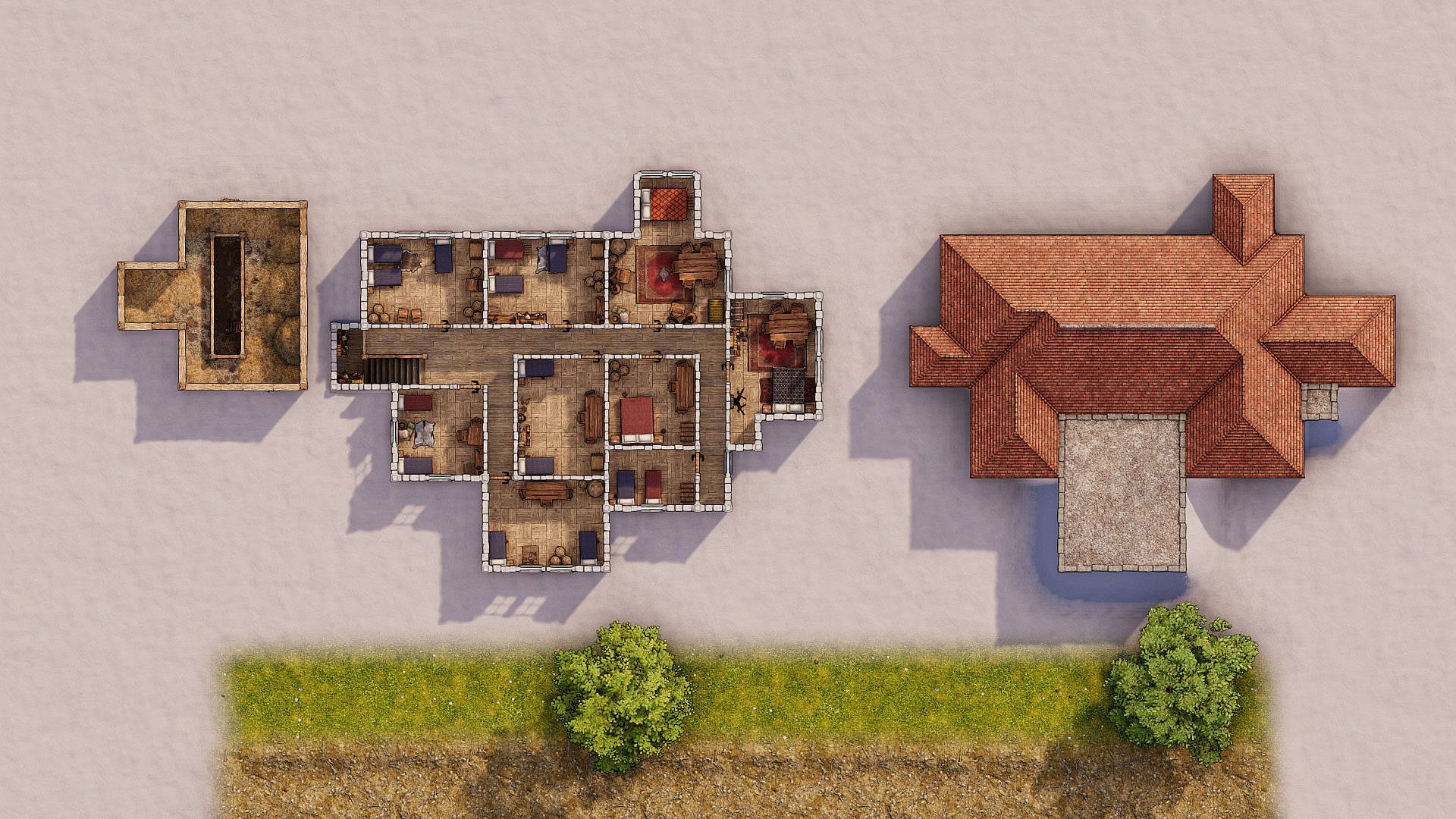
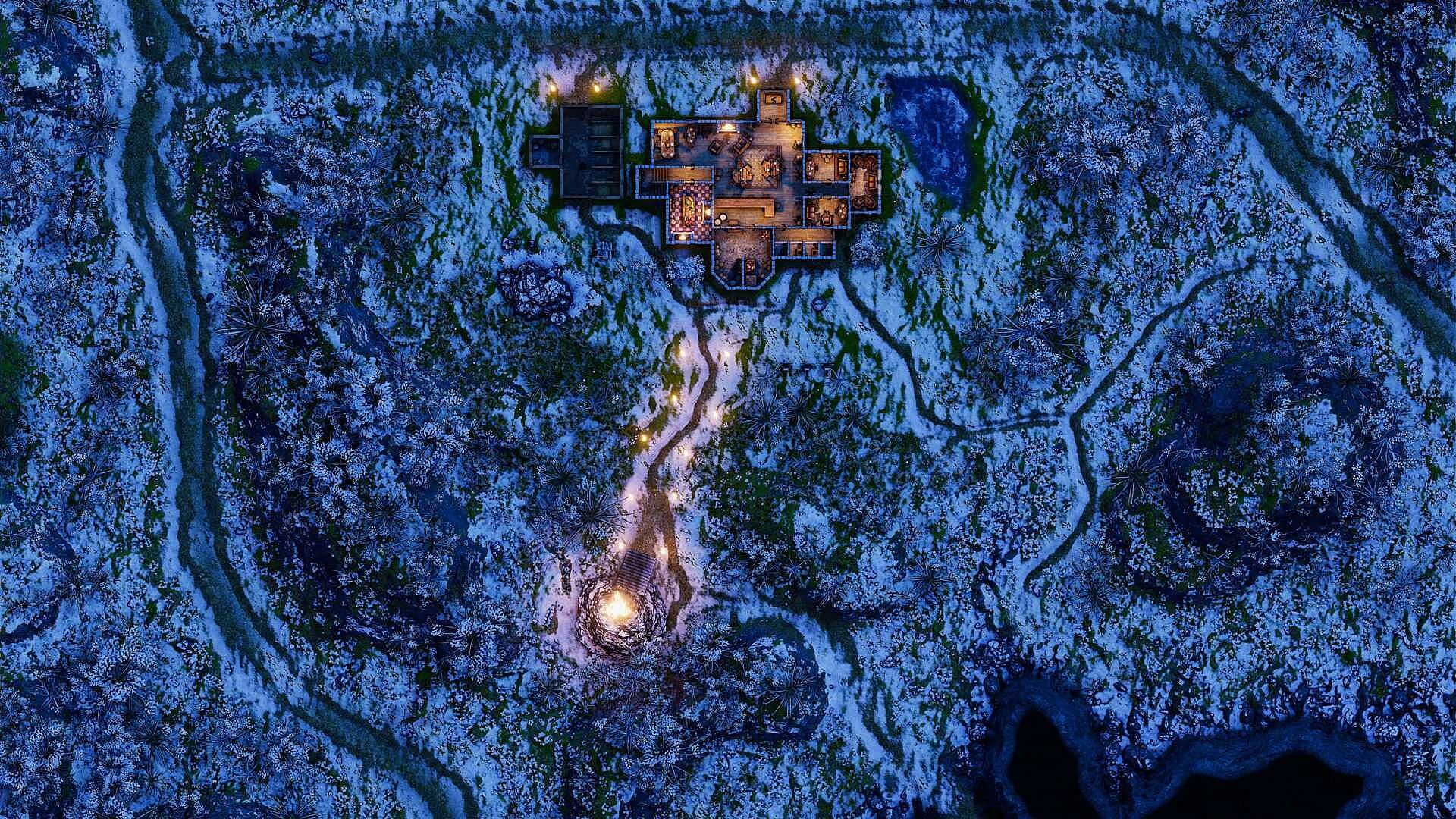
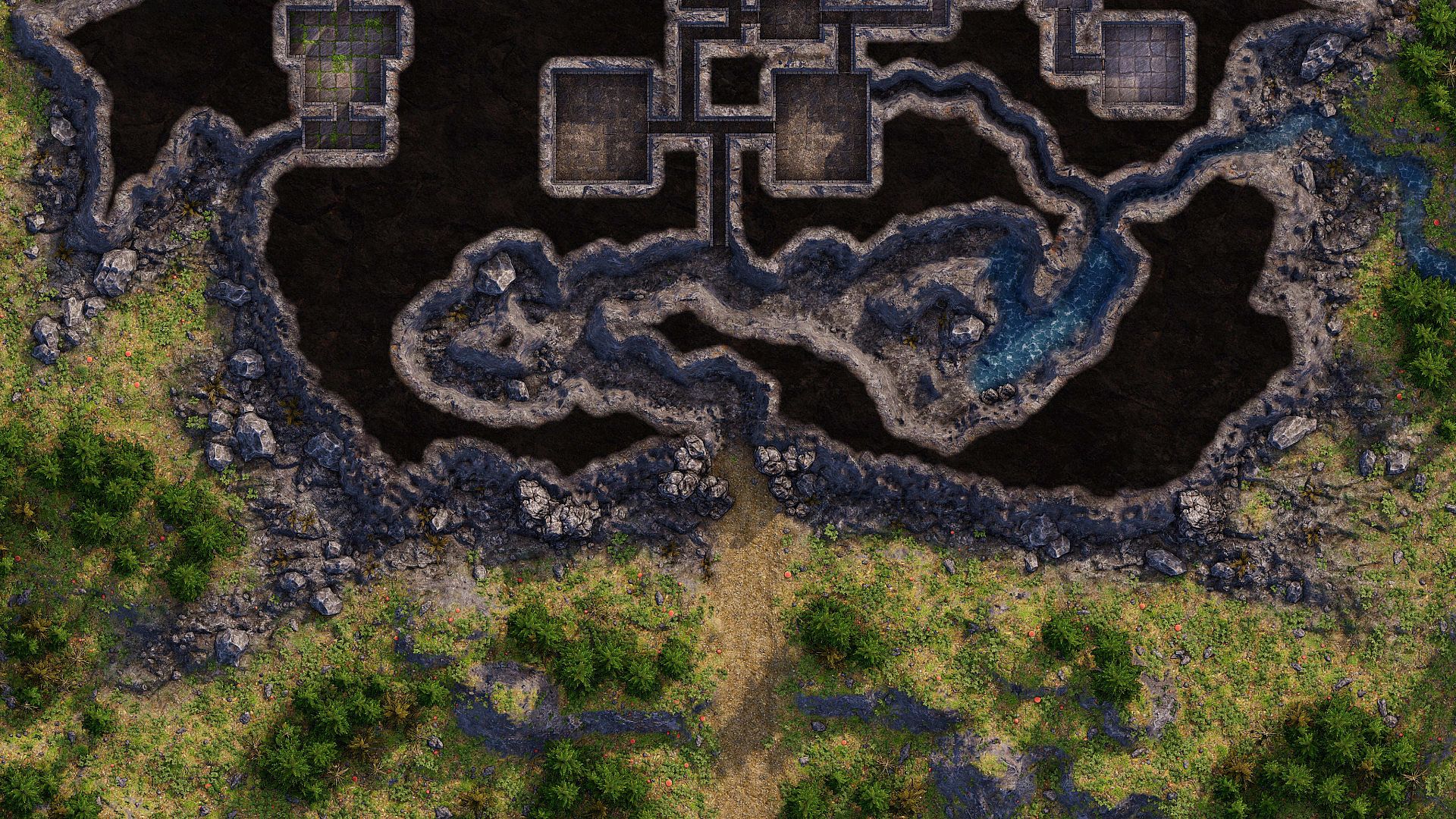
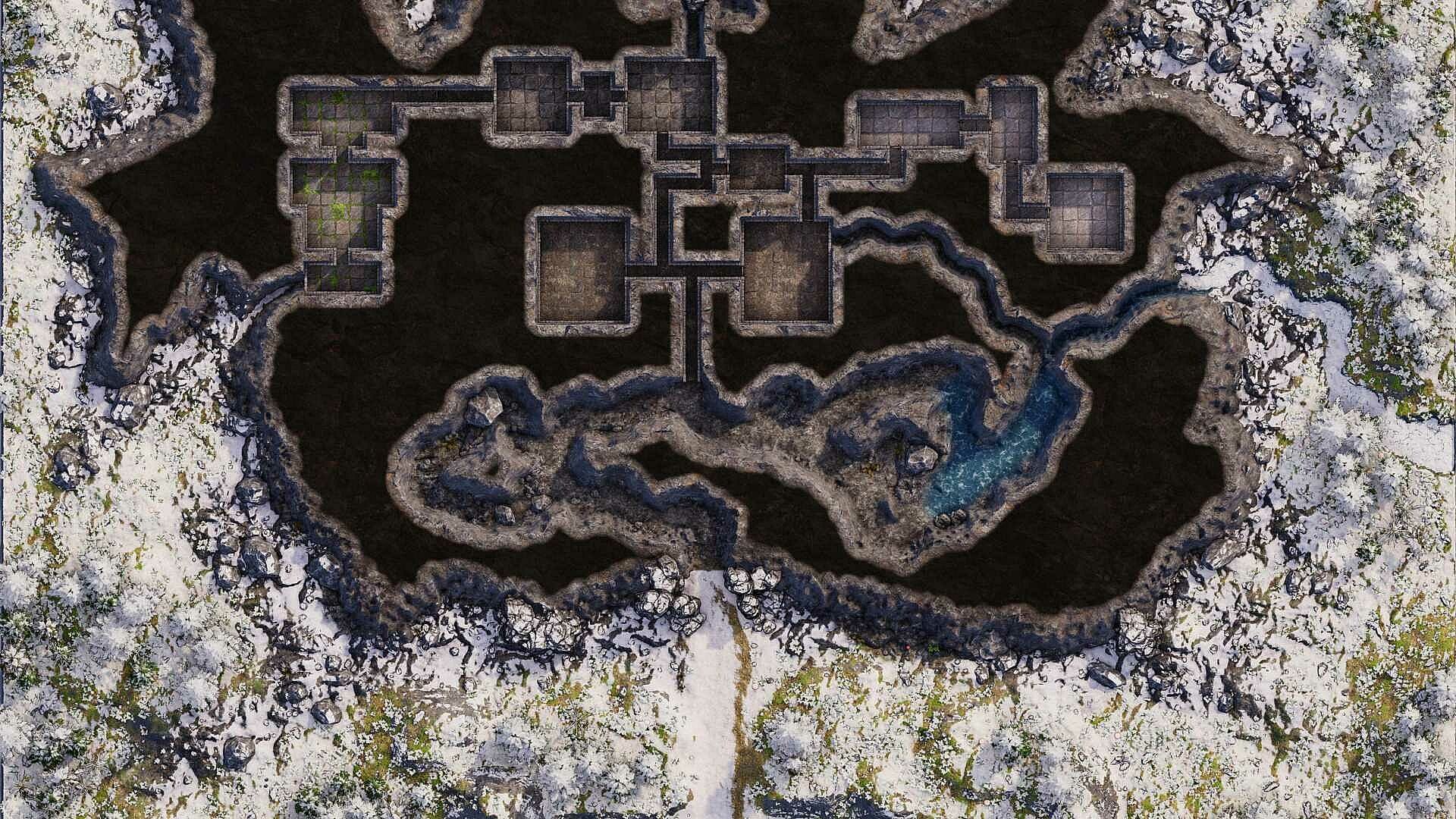
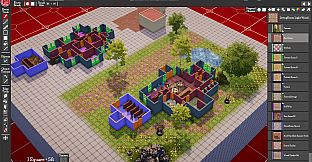
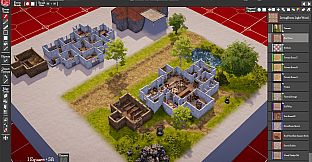
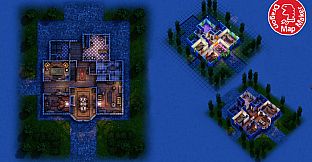
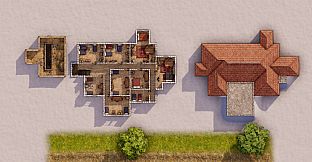
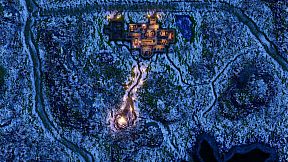
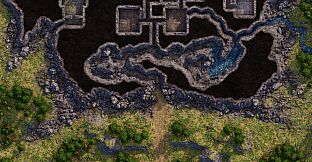
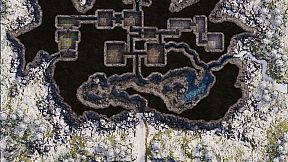
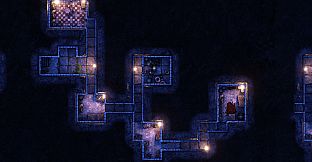
Dragon Map Maker is a new App in Early Access for creating grid-based battle maps for Tabletop Roleplaying games such as Dungeons and Dragons, Path Finder, Call of Cthulhu etc.
It makes maps you can use on Virtual Tabletops like Roll20, FoundryVTT, FantasyGrounds and MapTools or you can print them yourself to use at your table. (Note: it’s not a Virtual Table Top).
This is the Indie Commercial License version of Dragon Map Maker. Check the EULA section 3.3 for further details.
Main Features
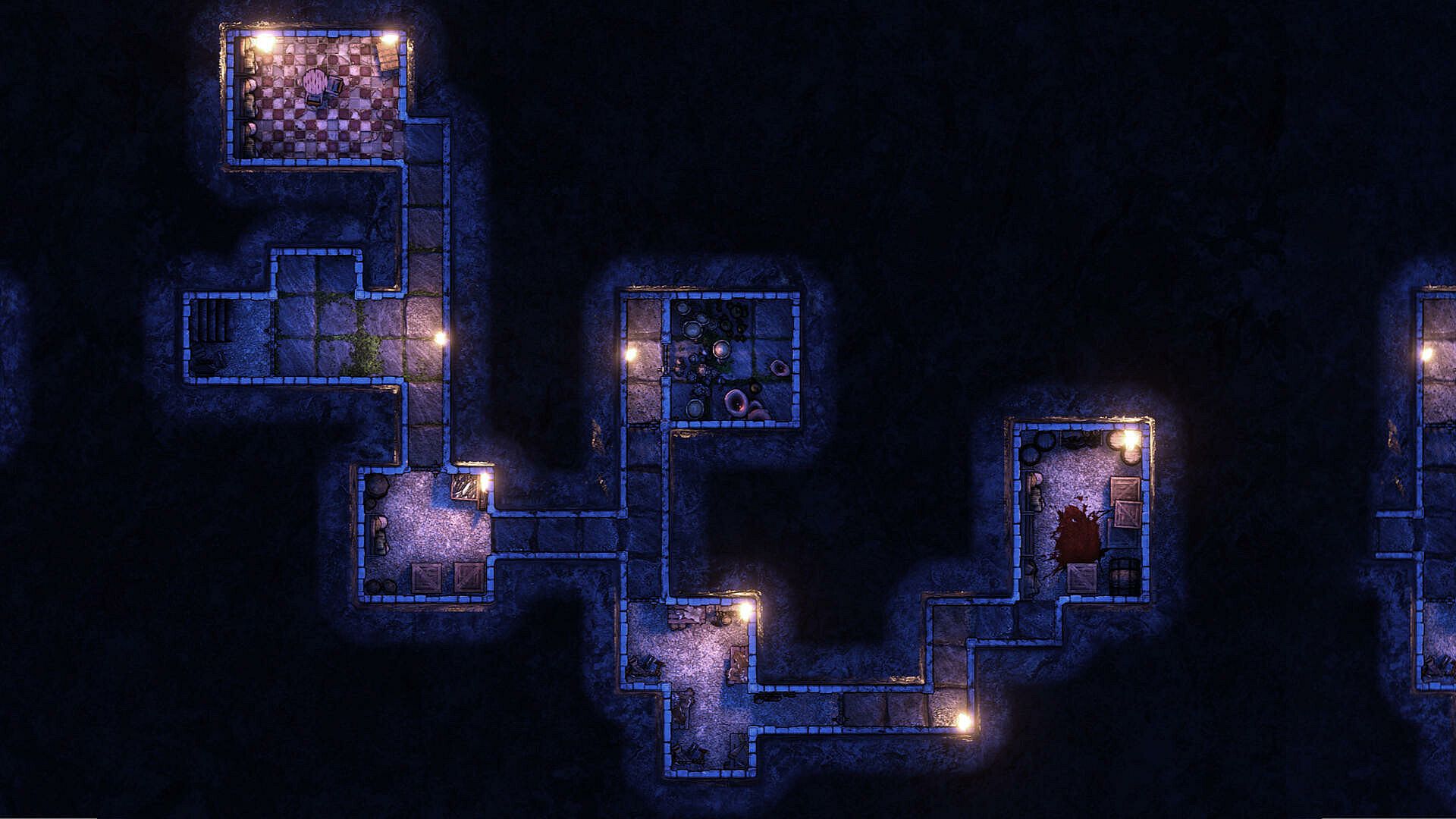
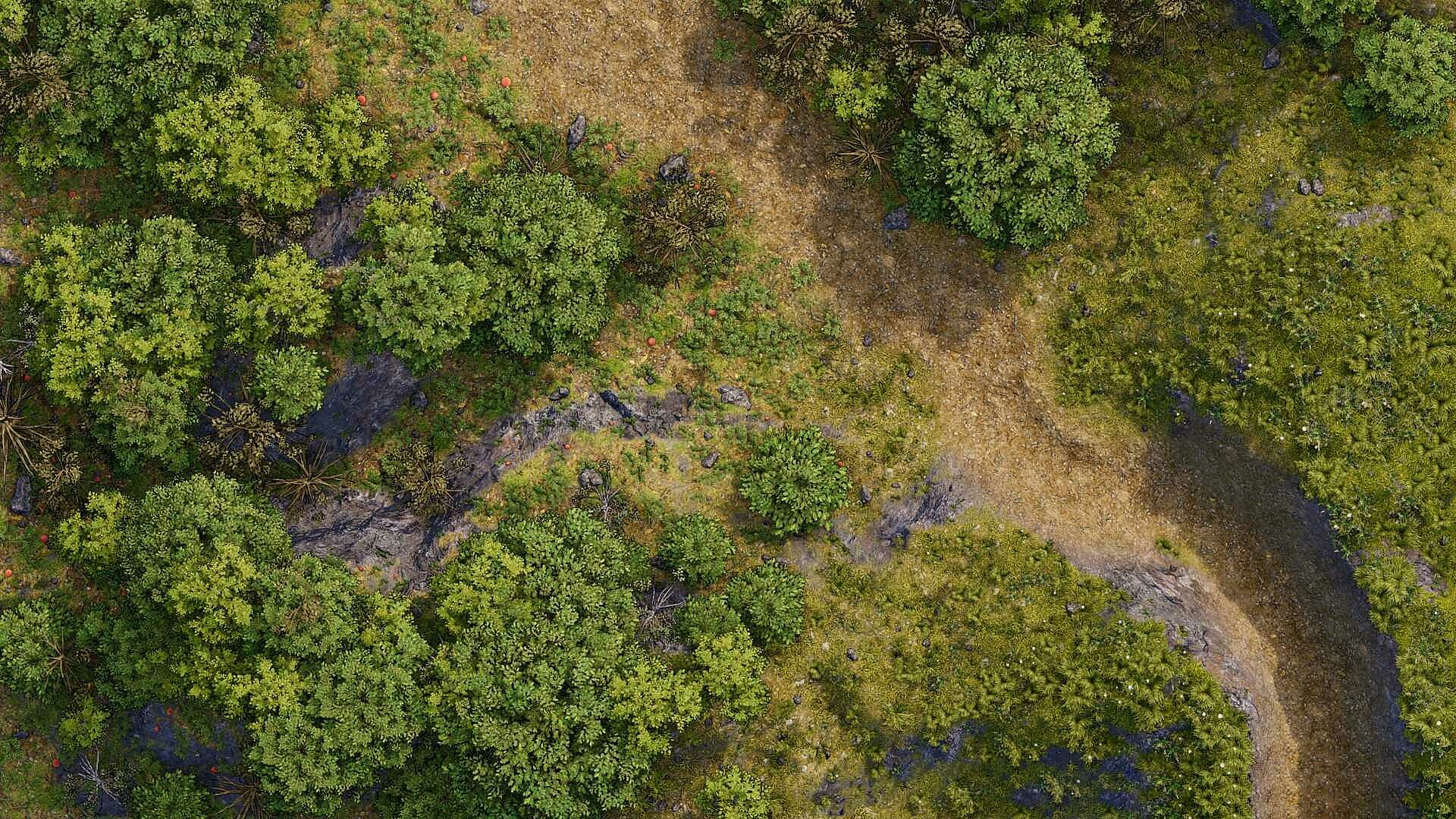
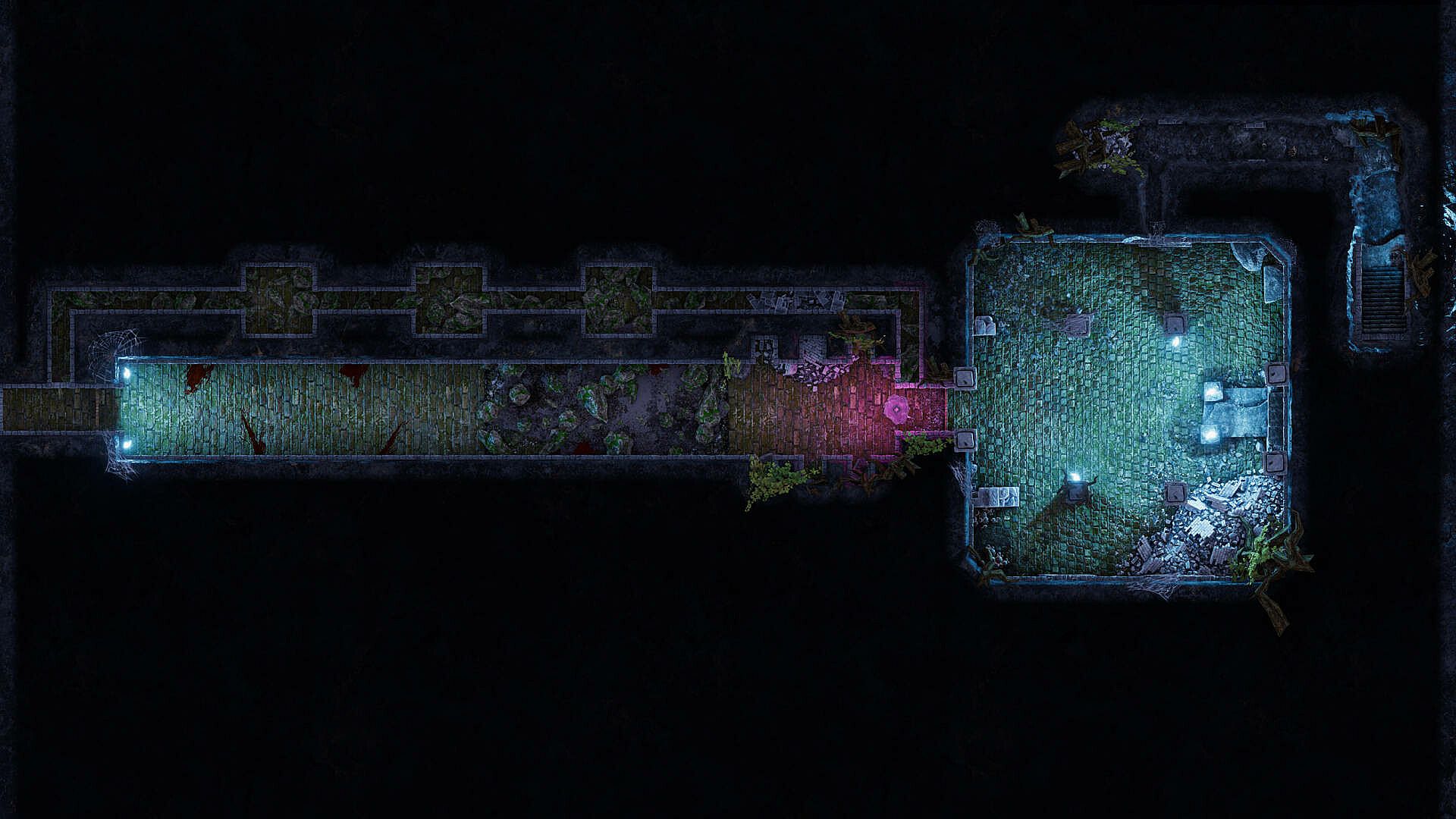
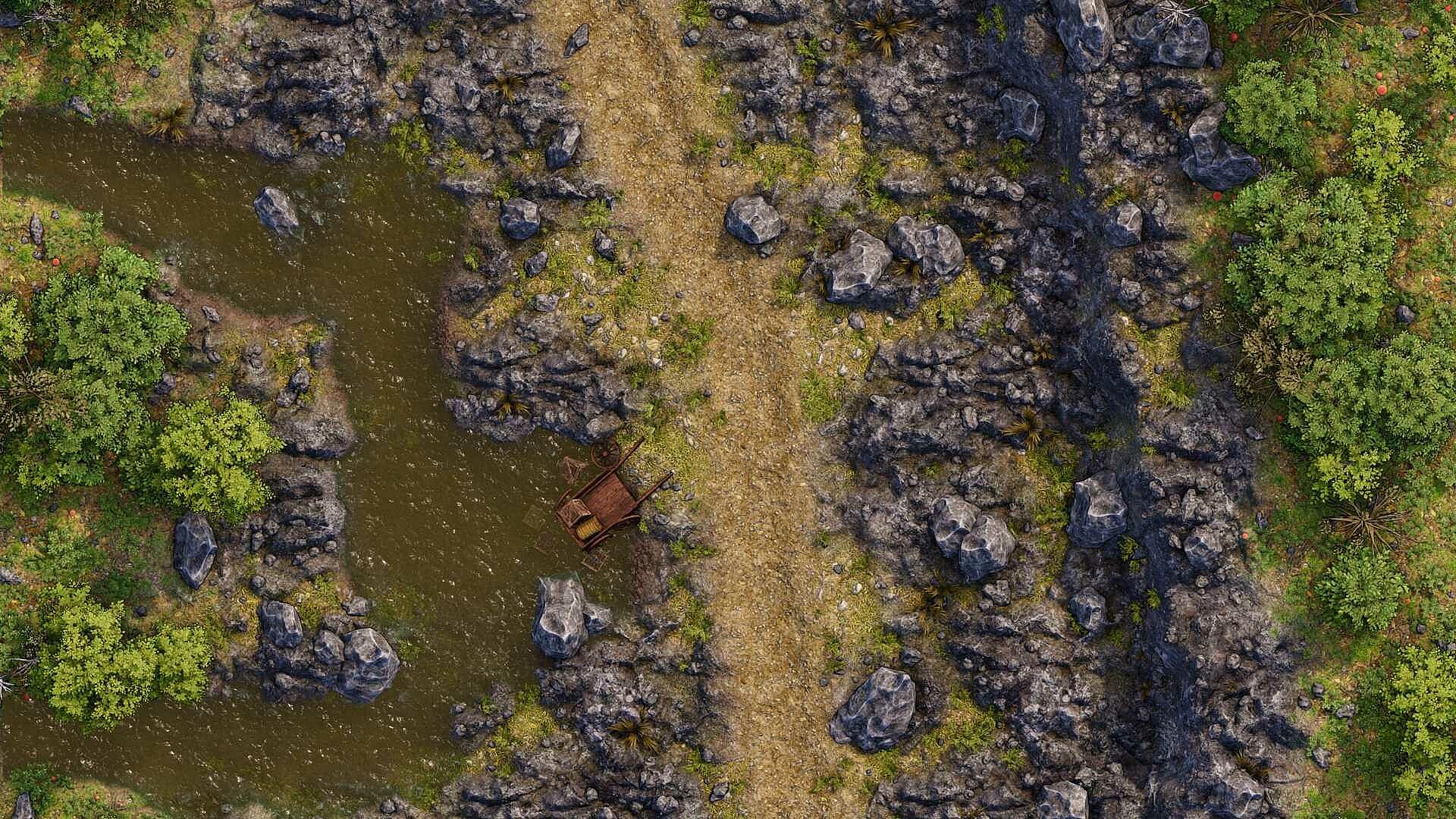
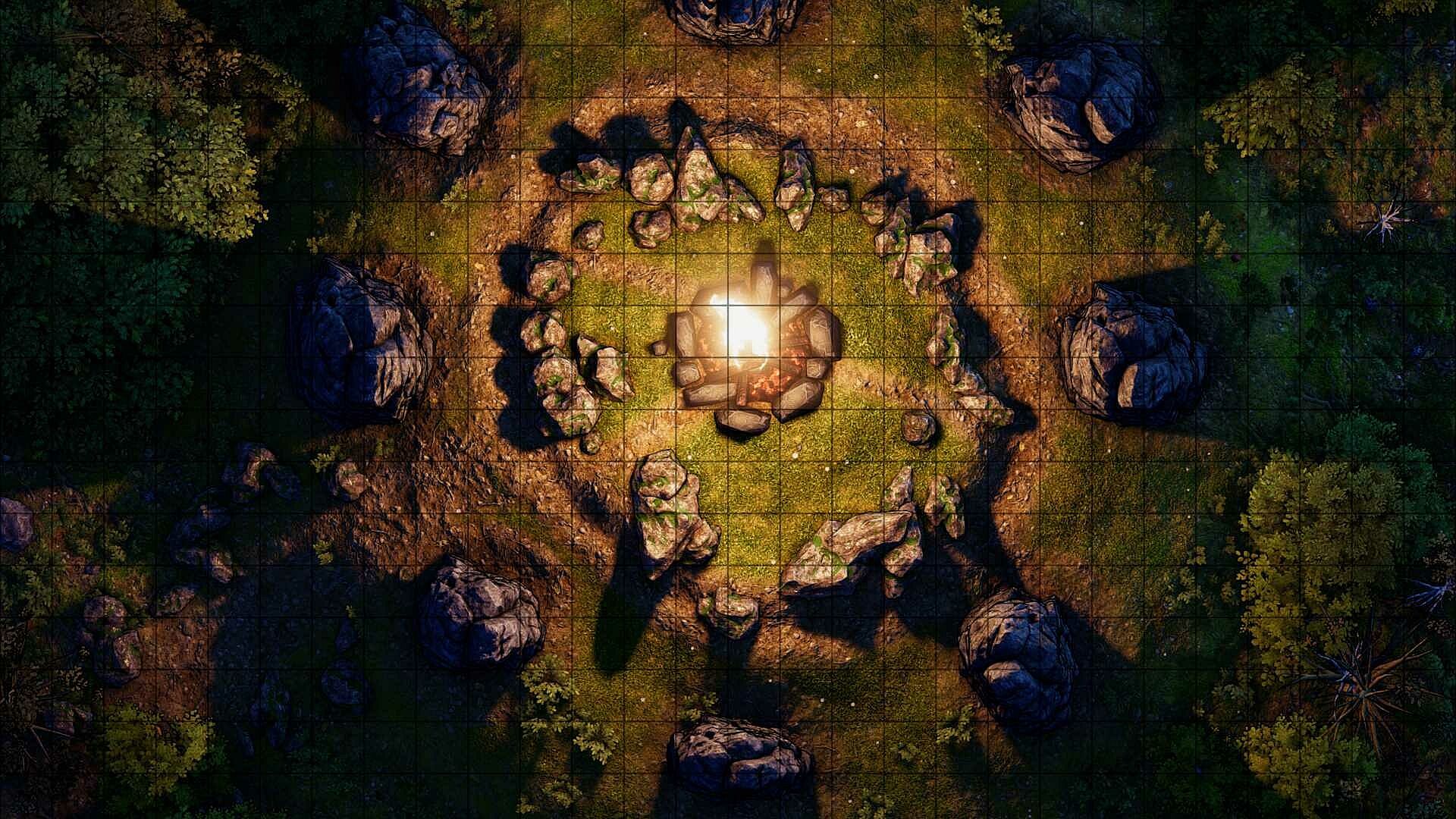
- Dragon Map Maker has been specifically designed to create great-looking top-down rendered maps. While it's always nice to show flashy 3d shots of an app in use the most important thing is what the final maps look like! So check out the screenshots section.
- Make 10x10 to 100x100 5ft square battle maps
- Virtual Table Top map export using the .uvtt file format (FoundryVTT, Fantasy Grounds Unity, Roll20 and any other Virtual Table Top that supports the Universal VTT file format)
- Two modes for optimum performance, Layout and Beauty mode.
- Paint organic natural biomes using the terrain layer masks (swamp, mud, sand, rocky, forest floor, trees etc)
- Paint special Biomes such as “snow cover” and “Underground” (see the caves and snow in the screenshots section)
- Paint height using the simple map grid that helps to easily integrate rooms and terrain onto the same map.
- Dragon Map Maker is designed to be easy to learn and use.
- Check the promo video for examples of many of these features in use!
**** Find FAQ at the bottom of the page ****
There are some simple elements that come together to make up a DMM map:
Grid and Beauty views:
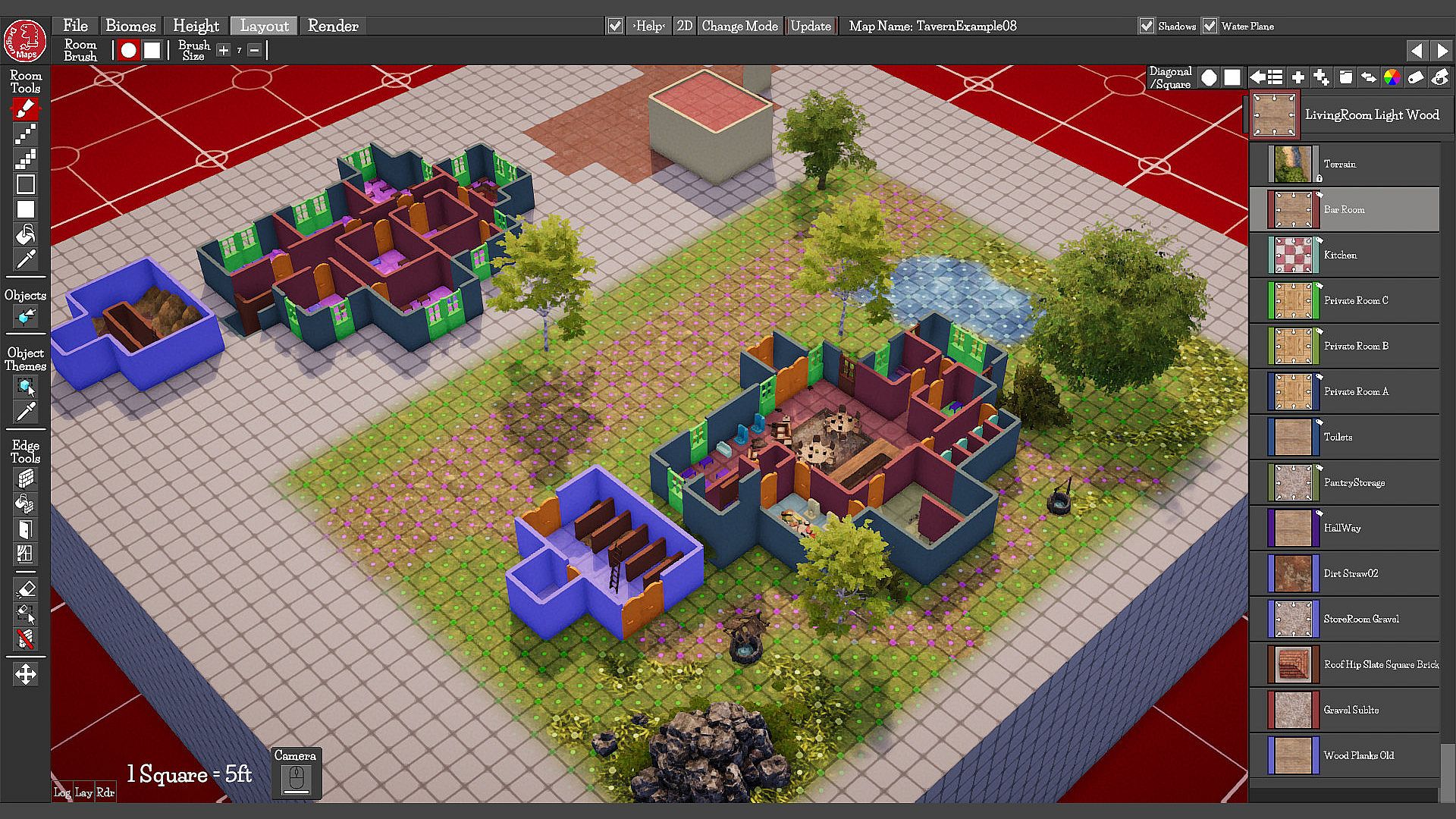
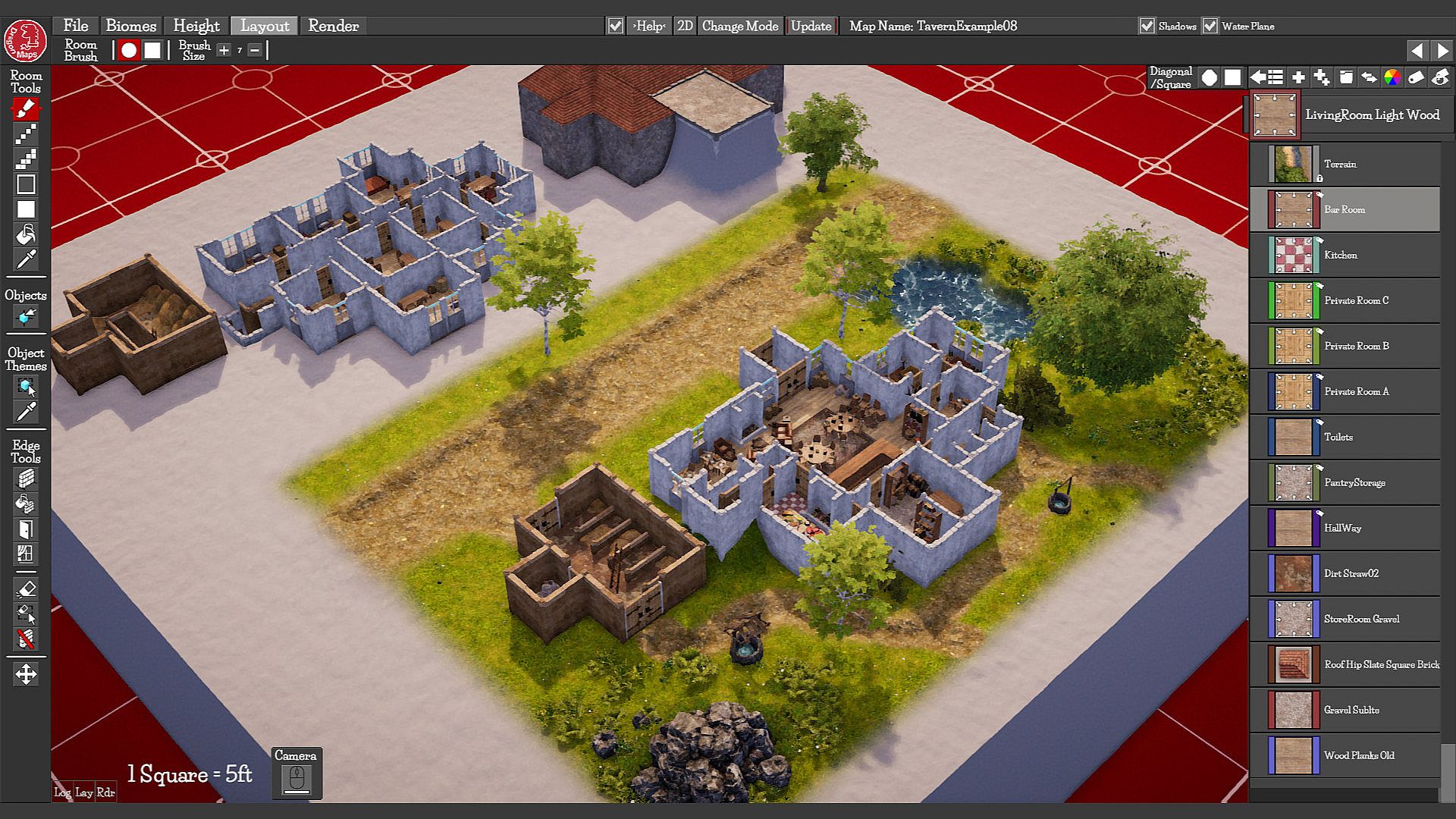
You have two main view modes you can toggle between. Grid View is designed to be fast and responsive. Showing the bare minimum so the basics of the map can be read and changed quickly and easily. Beauty View is there to show the user how the map will look when it's rendered with everything spawned and visible.
Rooms:
Rooms are what they sound like, Rooms! A house or dungeon is made up of rooms. You can create any number of rooms and simply paint those onto the grid squares. When you create a Room a corresponding button is created in the button list on the right side of the screen. You then assign different Room Themes to your Rooms.
Room Themes (Room based object spawning):
You have a large selection of Room Themes to choose from. With more being added as development continues.
- Floor themes are empty floors of different types. (Wooden Planks, Bricks, Stone, Tiles etc)
- Edge Themes are like Floor Themes but with added objects decorating the edges of the Room. Like “Farmhouse Kitchen” or “Tomb” for example.
- Roof Themes are used to add Roofing to a Room (note: Roof themes used to add roofing as a theme to a room, you'll need to add a room to represent what's under the roof in another part of the map. Multi map layers for render stuff like roofs separately is a planned feature for the future).
- Pits and Sewer themes create pits and troughs
Theme Marker Tool (Clever object spawning only where you need it):
As well as applying themes to your rooms, you can also add what’s called a Theme Marker to grid squares. This tells DMM you want to add an object of that Theme to the square. DMM is aware of the surrounding squares and will place objects accordingly. It'll even combine Theme Markers to place larger objects if possible.
It's an extremely fast and efficient way of adding content to the map exactly where you want it!
Three different sized tables are placed using one Table Theme in seconds, exactly where you want them! It even sits the 1x2 table against the wall!
Object Tool (Hand placed objects):
Use it to place an Object Theme anywhere on the map. These can be thought of as containers for similar objects. Select an Object Theme and click on the map to place the object. You can Move, Rotate, Scale, Duplicate and Randomise these objects. Use the arrow keys to cycle through similar objects in the Theme, either on the mouse pointer preview or the objects you have selected with the select tool.
This shows the Grey Stone Rubble Object Theme. It contains a large number of similar rubble objects that you can place when you have this theme added.
Grid Edges:
These are simply the edge of a grid square. Draw an Edge Theme onto the map in Grid view using the simple Edge Drawing Tools (Walls, Doors, Windows) or use the Wall Fill tool to click on a Room to add Walls in one click. (Automated spawning tools like the Theme Marker Tool and the Room Tool react to what's near them, including these edge types). Also control the direction and height of the walls with the same tools.
You can also add directional edge themes that have spikes or castle crenulations included.
Biomes:
Biomes can be painted onto the grey “Terrain Room” in “Biomes Mode". You can have up to 12 different Biome layers at a time on a single map. These make up the organic Terrain part of your map. A Biome is a set of textures, objects and rules that combine together to create a biome you might see in the natural world or a fantasy one. Forest Floor, Mud, Grass, Desert, Oak Trees, Swamp etc
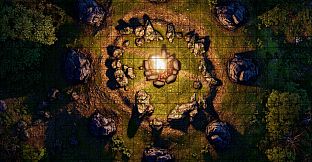
A small sample of the Biomes available.
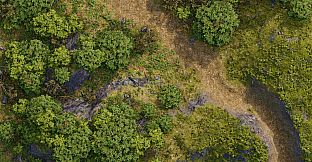
A mix of Forest Floor, Path and Oak Trees Biomes
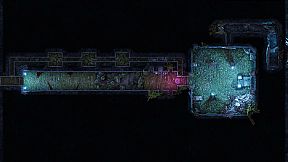
A Mix of Underground, Fir Trees, Water, Grey Rock, Path and Forest Floor Biomes.
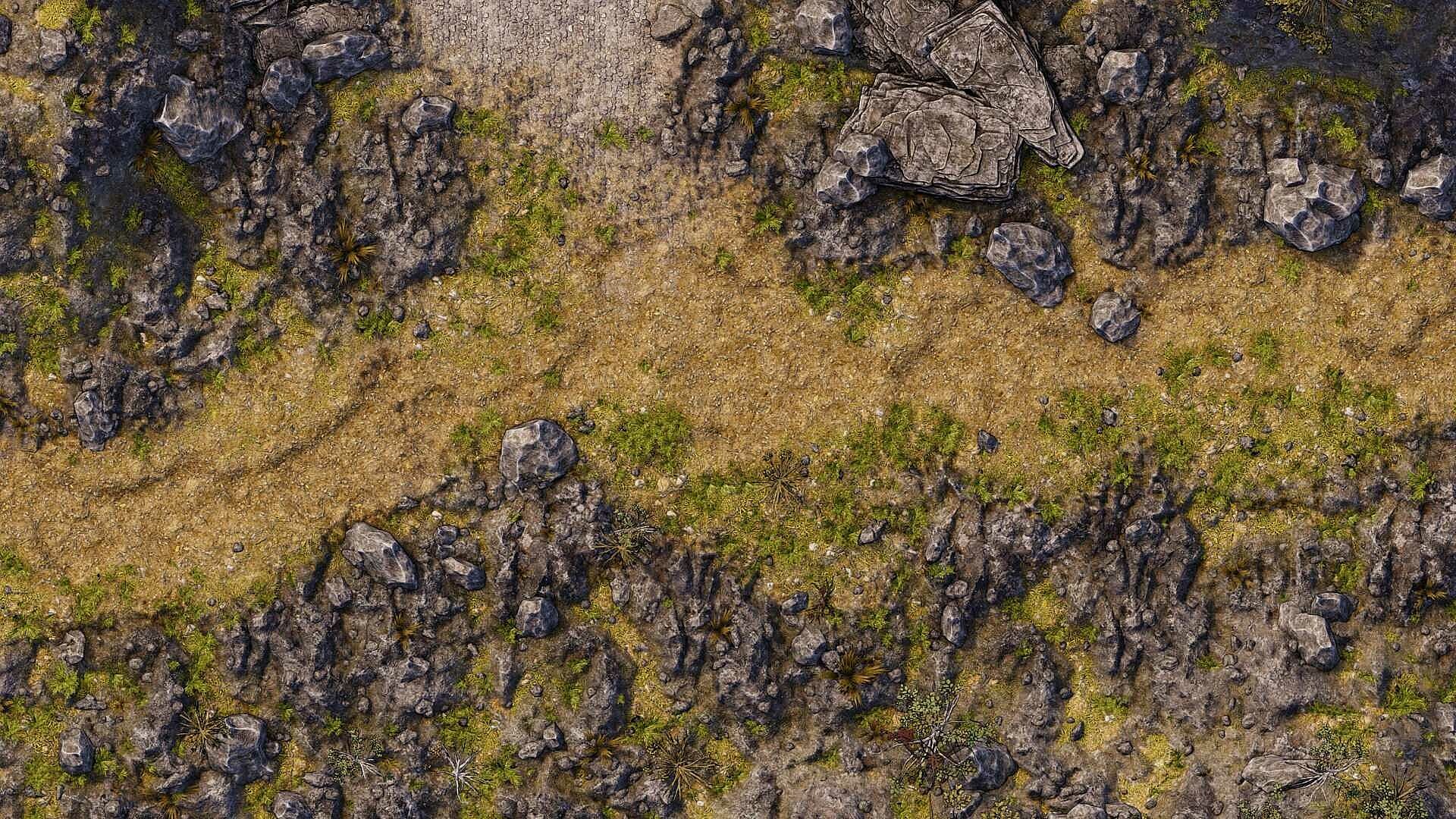
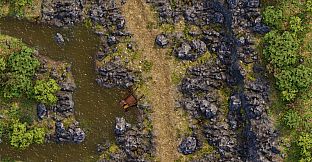
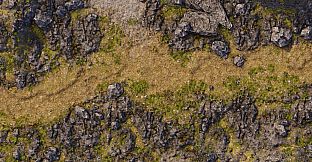
A mix of Path, Grey Rock, Scrub, Dead Trees and Road Biomes. (With a quick sprinkle of rock objects)
Paint Height:
You can paint height onto your map in Height Mode. You have easy to use painting tools that can apply height onto the map squares, it's really fast and fun. Adding height adds a lot to a map! Some Biomes even react to the height on a map!
The orange rocky part of this image is actually the Sand and Long Grass Biomes set in transparent slope mode so when the Terrain Angle gets steeper you can see through to what Biomes have been painted underneath, which in this case is an orange sandstone Biome.
The Finished Product:
3D looks cool and all, but the real test is what the maps look like when they're rendered out to an image and what they're like to play on.
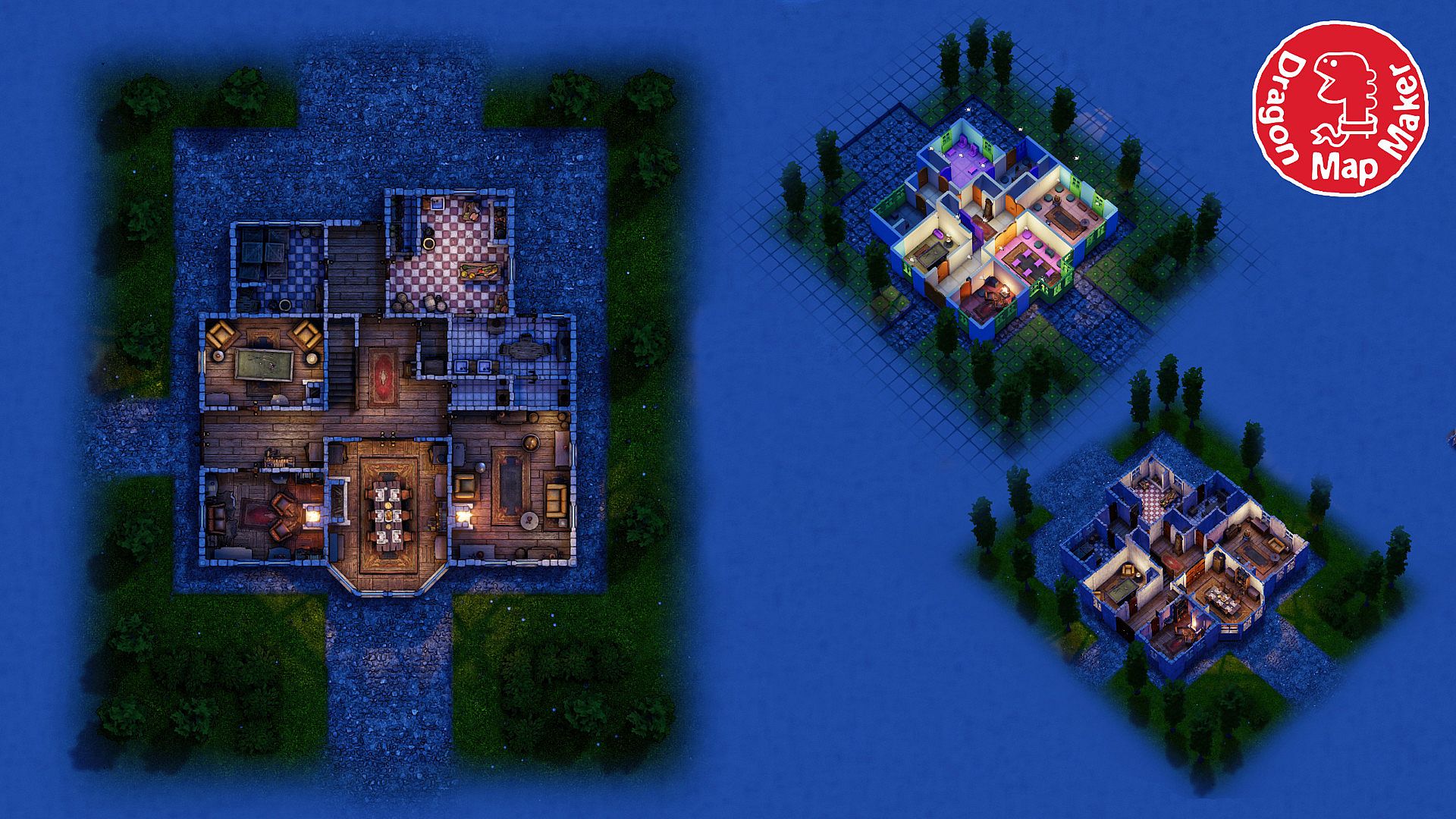
When you're happy with your map you choose a resolution and hit the render button. This will save out your map to an image file. Dragon Map Maker is designed to create 2D maps for printing and using at your table or to be used in Virtual Table tops like FoundryVTT, Roll20, FantasyGrounds etc
The final style is designed for maximum readability while still looking detailed and lush. But if you want to tweak something about the rendered look you can with the map render sliders.
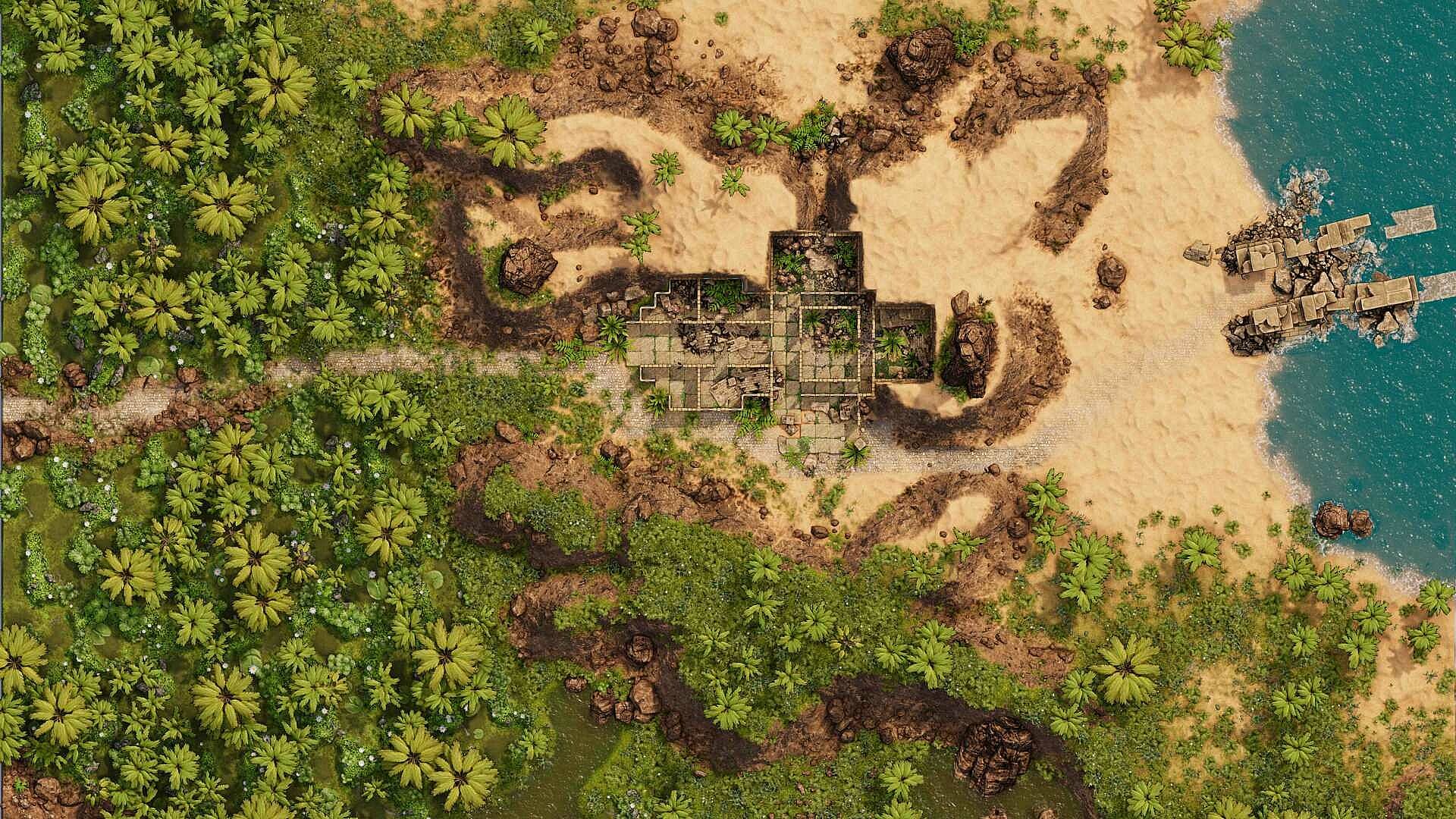
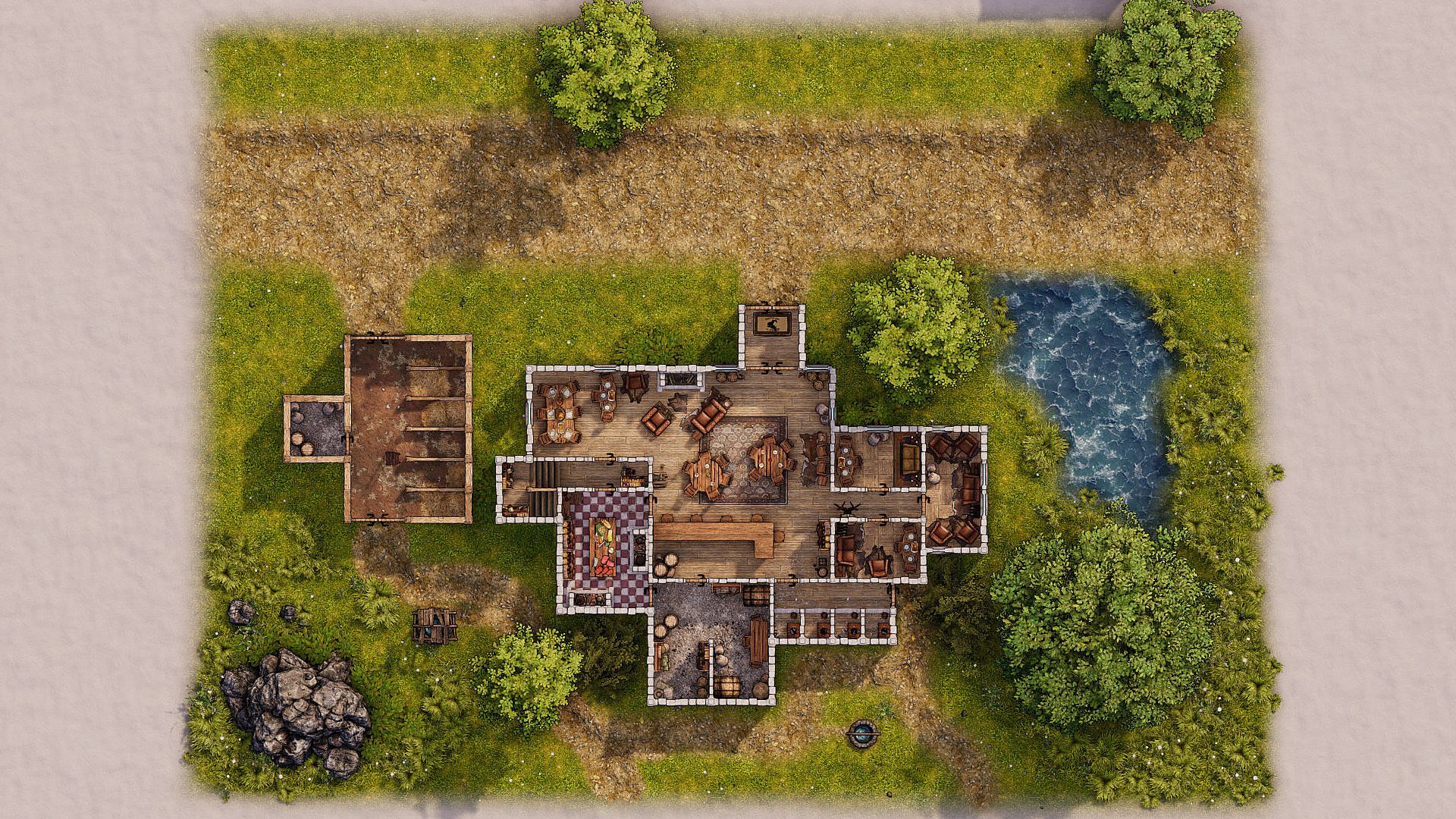
Here are some examples to check out, rendered directly from Dragon Map Maker. (Find full resolution versions in the Screenshot section above)
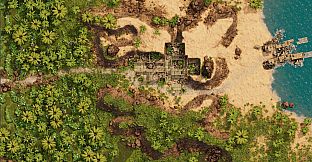
This is an example of a desert/jungle map. It includes water with depth and shore line foam, "slope" biomes that go transparent on a slope and show whats underneath them, in this case its orange sandy rock.
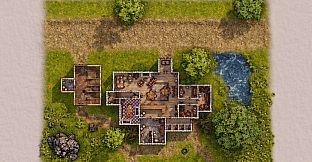
Another large map with a Tavern, Forest, Paths and Cave. Showing a range of Biomes used. Underground Rock for the Cave walls, Paths, Short Grass, Long Grass, OakBirch Forest, Scrub land and Rough water.
FAQ:
Will Dragon Map Maker be supported for Mac OS or Linux?- Dragon Map Maker is initially just for PC (sorry).
- At the moment Room shapes are based on a 5ft square grid. Currently, Terrain facing Room edges can be set to have diagonal walls. However, Interior diagonal walls and circular walls are not currently available. This is something I’ll be working on in the future.
- No.
- No.
- No.
- No just fantasy for now, these will most likely come with a DLC pack.
- Currently no. This is quite a new style of map supported by only one VTT system (FoundryVTT). It is very cool though and it's one feature I'm looking at in the future.
- The terrain system is flexible enough that I believe it would be possible with the right assets. Assets for this type of map are on my list of things to add.