


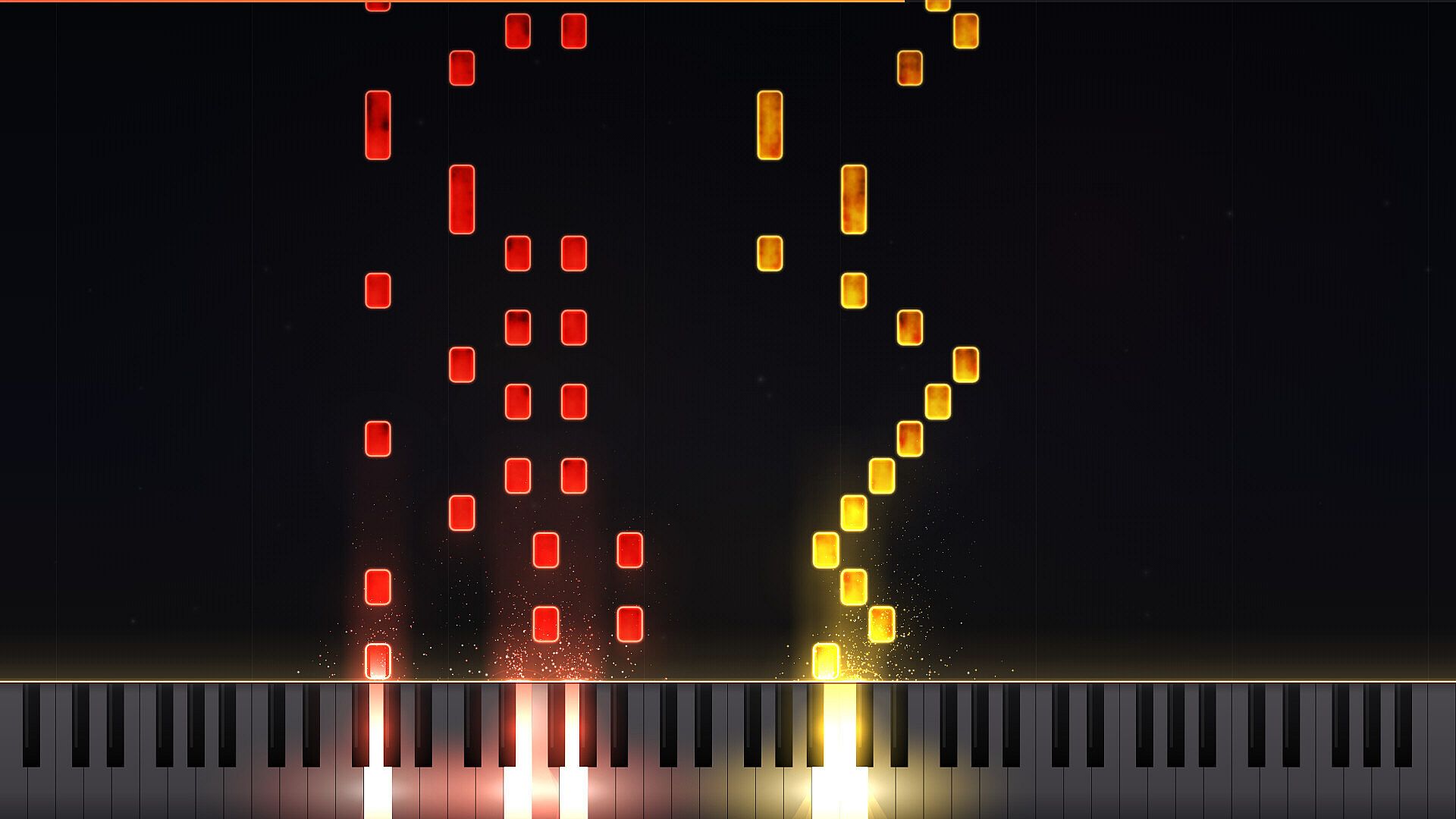
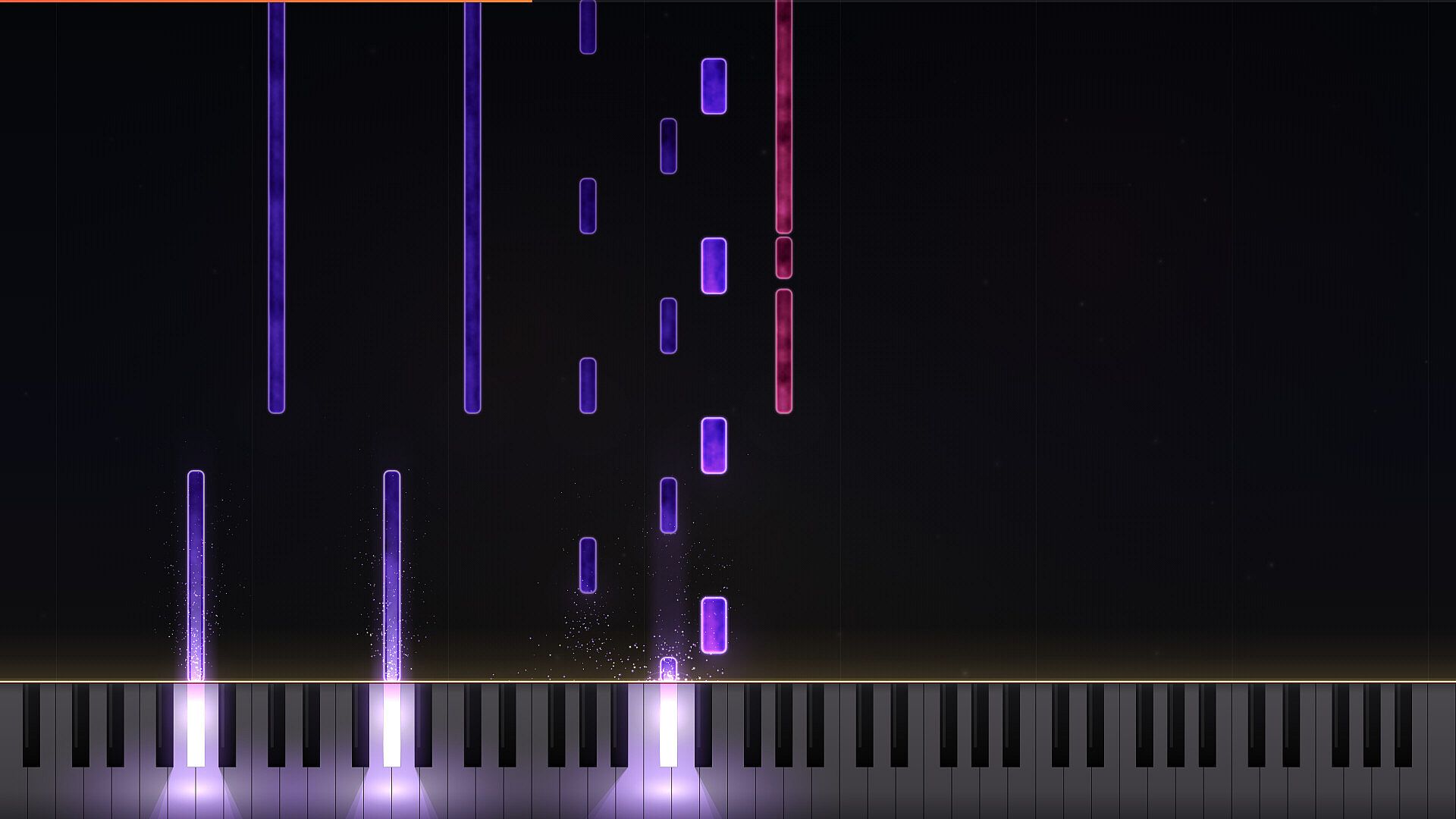

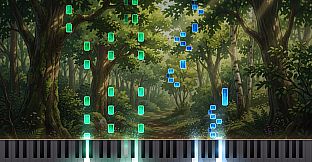
LuMIDI ist ein Indie-Rhythmusspiel für den PC, das MIDI-Dateien in interaktive Noten-Charts verwandelt. Spieler laden eigene Stücke oder wählen aus klassischen Kompositionen und treffen die fallenden Noten mit passenden Tasten, während ein Flügelklang im Hintergrund erklingt. Das Spiel ist auf den Anschluss eines MIDI-Keyboards ausgelegt, lässt sich aber auch mit einer normalen Tastatur nutzen.
Gameplay
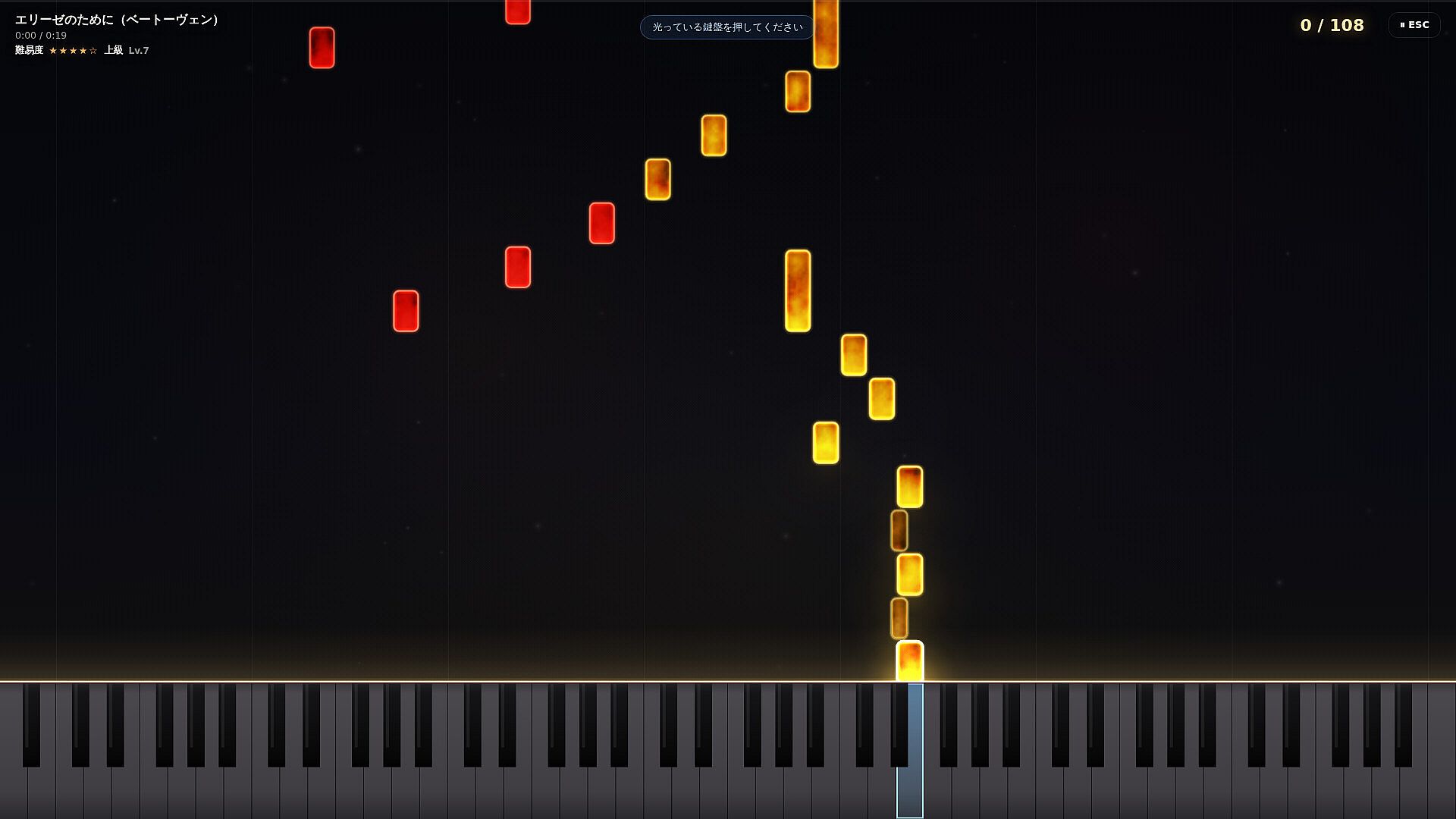
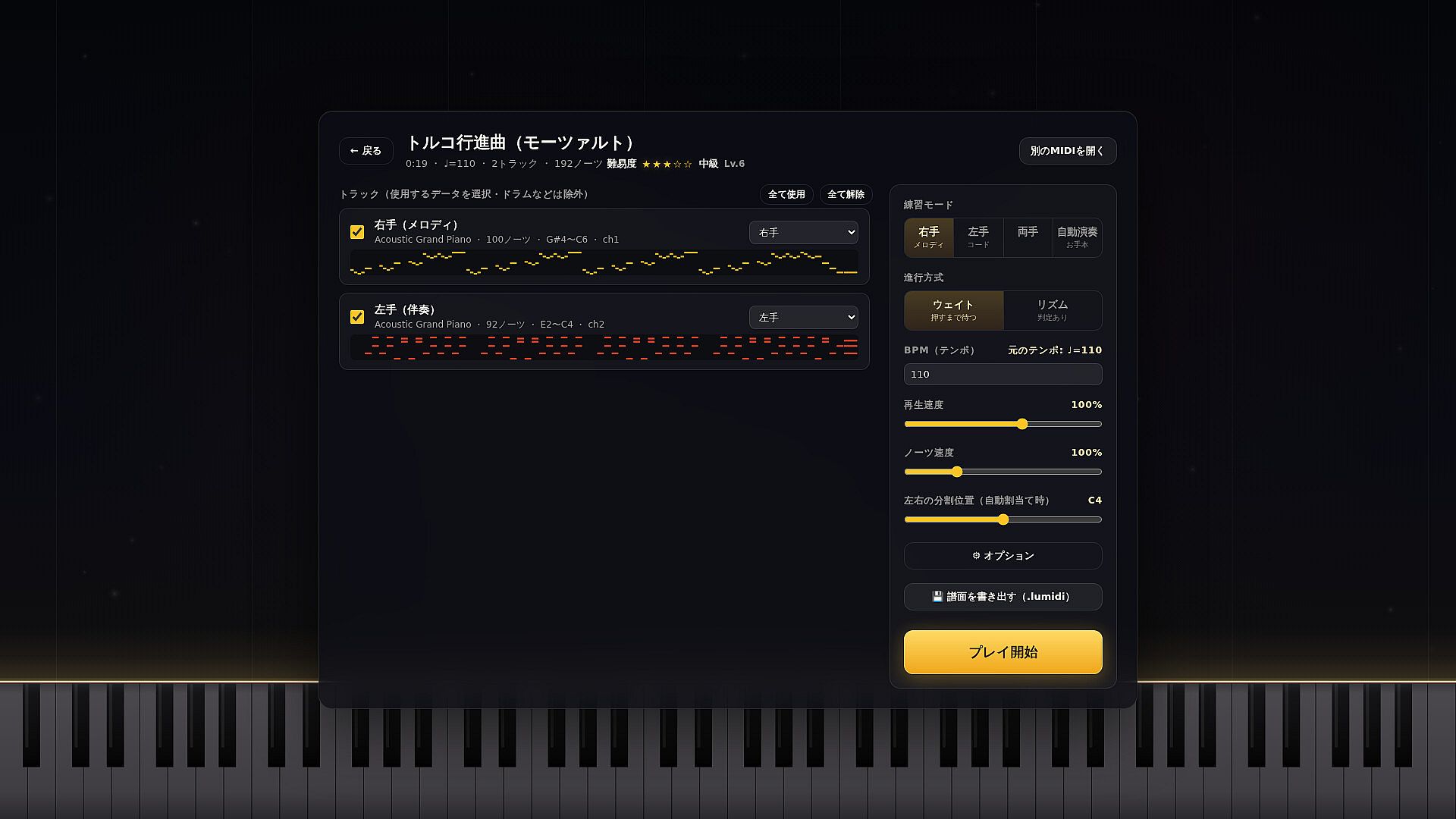
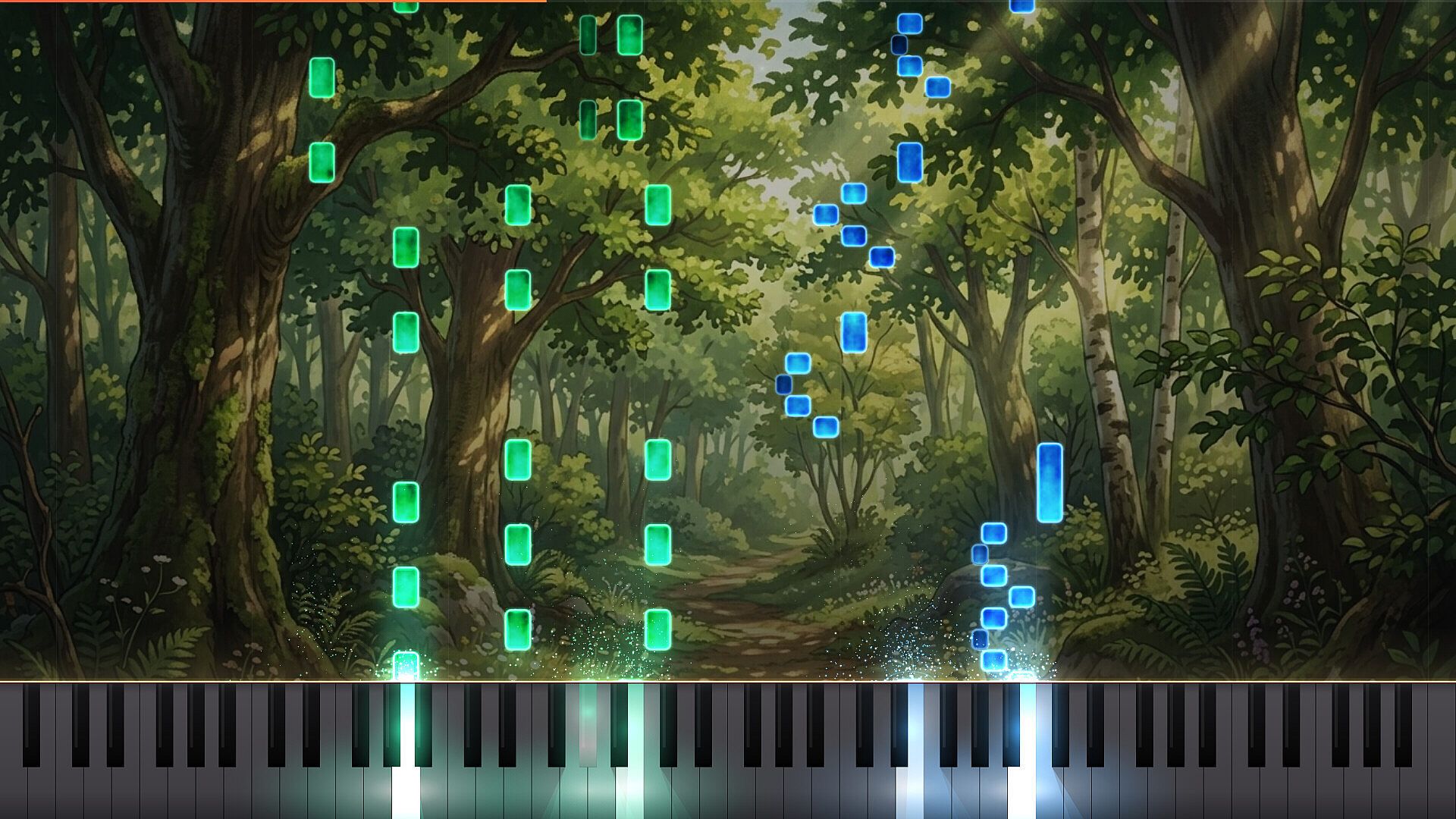
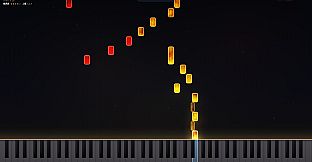
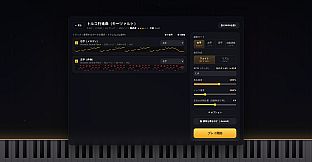
Die Runde startet mit dem Drag-and-Drop einer MIDI-Datei. Nutzer wählen einzelne Spuren aus, legen fest, welche Hand welche Stimme übernimmt, und passen Tempo sowie Notengeschwindigkeit an das eigene Können an. Die Noten fallen auf leuchtende Tasten, und bei korrektem Timing erscheinen visuelle Effekte sowie die passenden Klänge aus der Salamander-Grand-Piano-Sample-Library.
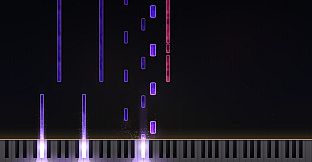
Visuelle Rückmeldungen markieren richtige Anschläge, und Einstellungen lassen sich während des Spiels ändern. Hintergrundbilder und Notenfarben können angepasst werden, um die Augen zu schonen oder den eigenen Vorlieben zu entsprechen; diese Optionen werden pro Chart gespeichert. Das System fördert wiederholtes Üben mit Fokus auf Präzision und musikalischem Fluss.
Game-Modi
Vier Übungsmodi ermöglichen es, einzelne Abschnitte gezielt zu trainieren. Ein Modus spielt nur die linke Hand vor, während das Spiel die rechte übernimmt - und umgekehrt. Der Auto-Play-Modus liefert eine vollständige Referenzversion, mit der sich Timing und Ablauf verinnerlichen lassen.
Im Wait-Modus pausiert das Chart, bis die richtige Taste gedrückt wird, sodass der Fokus auf der Treffsicherheit liegt. Der Rhythmus-Modus läuft ohne Unterbrechung und erfasst Combos sowie Genauigkeit für eine detaillierte Bewertung. Alle Modi lassen sich flexibel kombinieren, ohne die Oberfläche zu verlassen.
Weitere Tools und Anpassungen
Über den Steam Workshop können eigene Charts aus MIDI-Dateien hochgeladen werden. Abonnierte Inhalte laden automatisch und erscheinen neben den integrierten Stücken. 35 klassische Werke - darunter Für Elise, Türkischer Marsch und Kanon in D - sind bereits enthalten und bieten sofortigen Einstieg.
Zusätzliche Einstellungen betreffen die Helligkeit der Tastenbeleuchtung und visuelle Presets pro Chart. Die gleichen Optionen unterstützen auch die Erstellung von Auto-Play-Aufnahmen für Video-Plattformen. Alle Einstellungen bleiben über übersichtliche Menüs erreichbar und werden sitzungsübergreifend gespeichert.
Lohnt sich das Spiel?
LuMIDI richtet sich an Musiker, die mit eigenen MIDI-Dateien und rhythmusspieltypischem Feedback gezielt Klavier üben möchten. Hand-Isolation, pausierendes Timing und Referenzaufnahmen helfen, typische Hürden beim Erlernen klassischer Stücke zu überwinden. Besonders MIDI-Keyboard-Besitzer profitieren von der authentischen Eingabe.
Da das Spiel noch nicht erschienen ist und keine Spielerbewertungen vorliegen, lässt sich der Nutzen anhand der beschriebenen Funktionen einschätzen. Wer ein Übungswerkzeug mit Score-Chasing und Community-Content sucht, findet hier passende Systeme. Der Singleplayer-Fokus liegt auf persönlicher Weiterentwicklung statt auf kompetitivem Mehrspielermodus.