




Cyber Bead Studio is a free-to-play casual simulation game on PC that lets players build bead art designs one piece at a time in a quiet, offline environment. The experience focuses on the steady process of selecting patterns or starting from scratch, choosing colors, and positioning individual beads on a pegboard to form complete works.
Gameplay
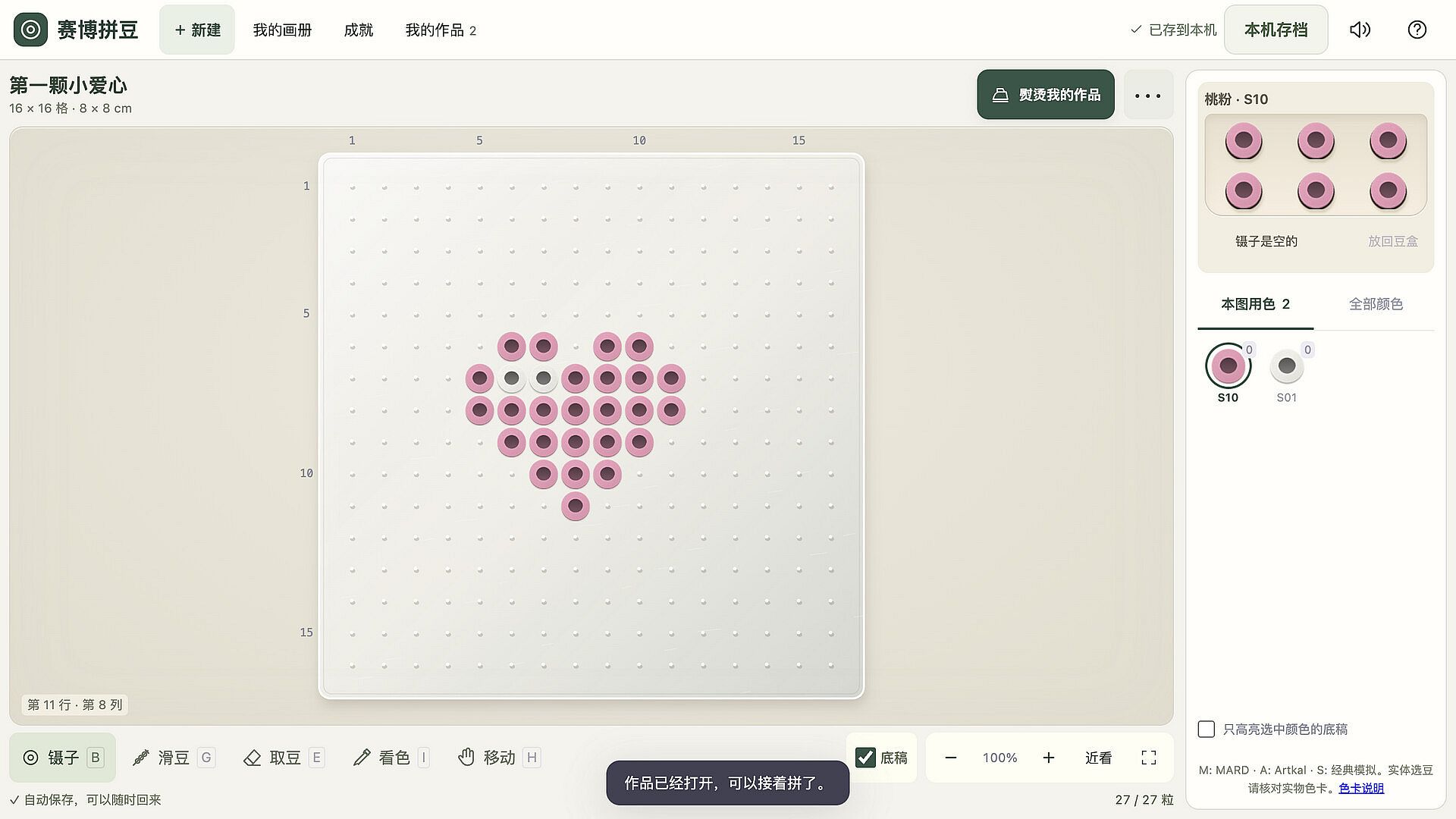
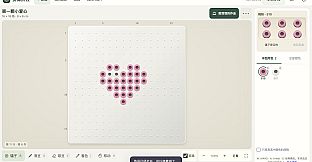
Players begin by picking a ready pattern or opening a blank board. Beads come from a tray in one of 442 reference colors drawn from MARD, Artkal, and a classic simulated palette. Placement happens either bead by bead with tweezers or by threading a needle and sliding multiple beads along rows and columns. The process mirrors real fuse bead crafting, with options to remove pieces as needed during assembly.
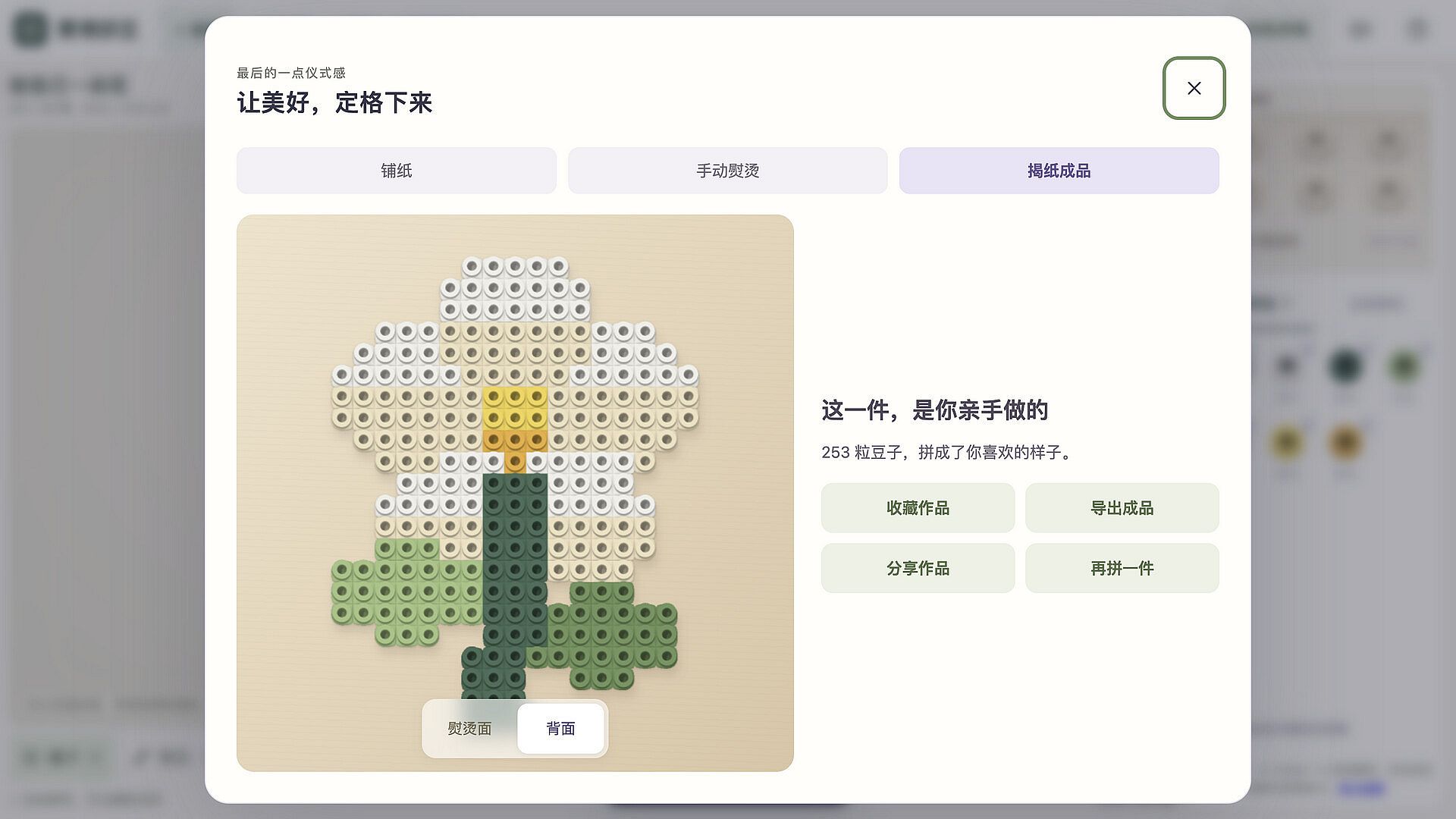
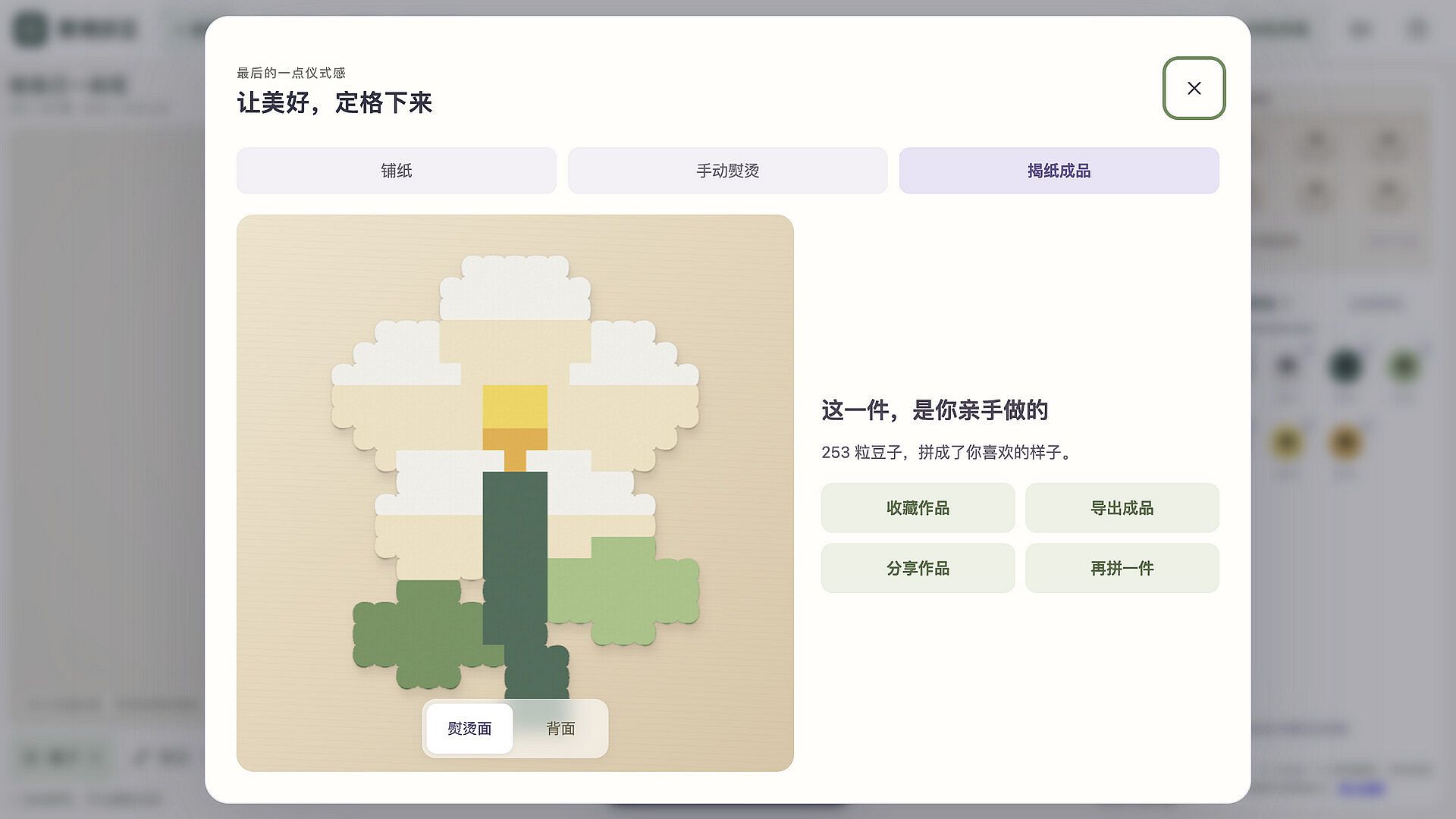
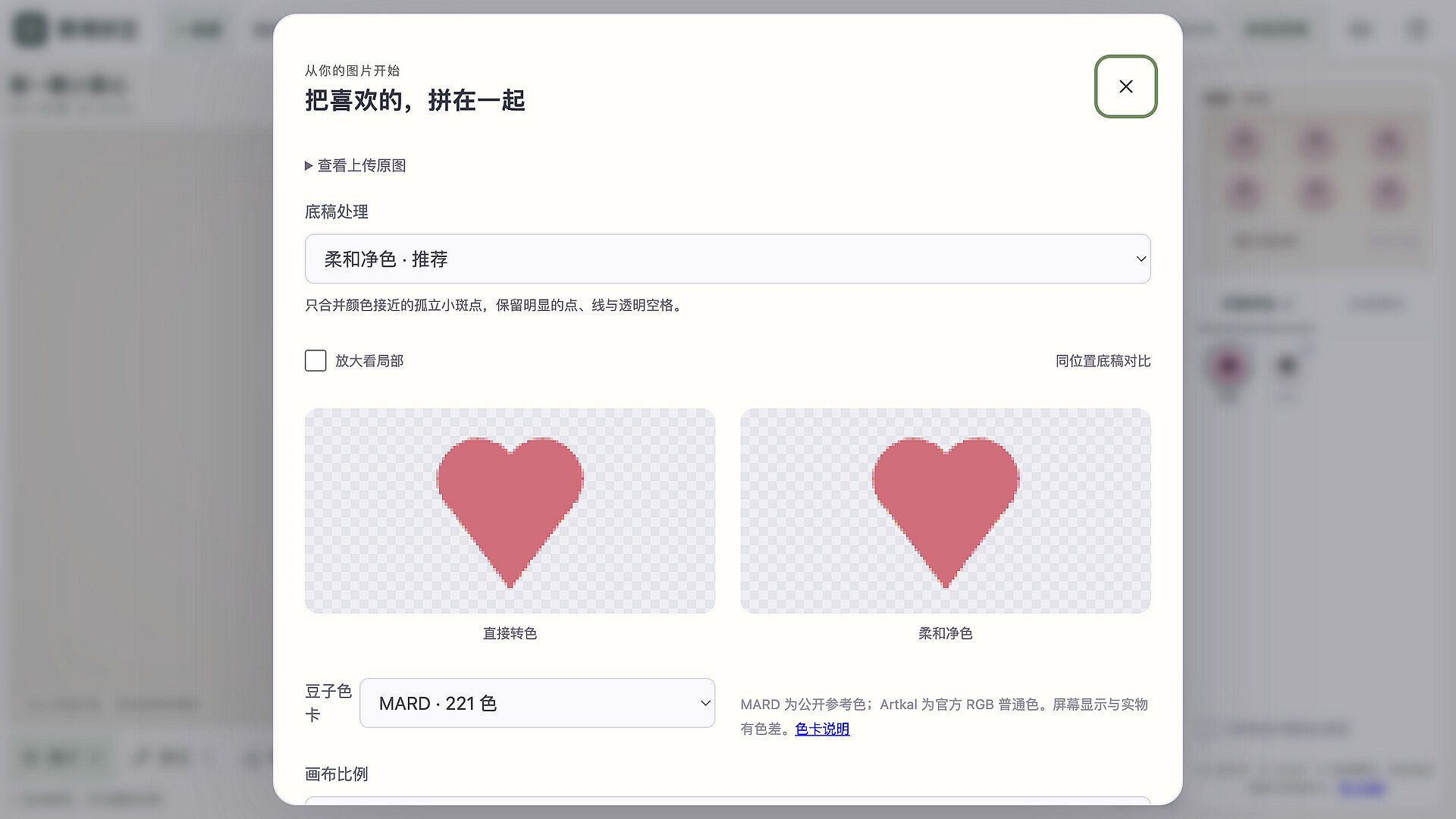
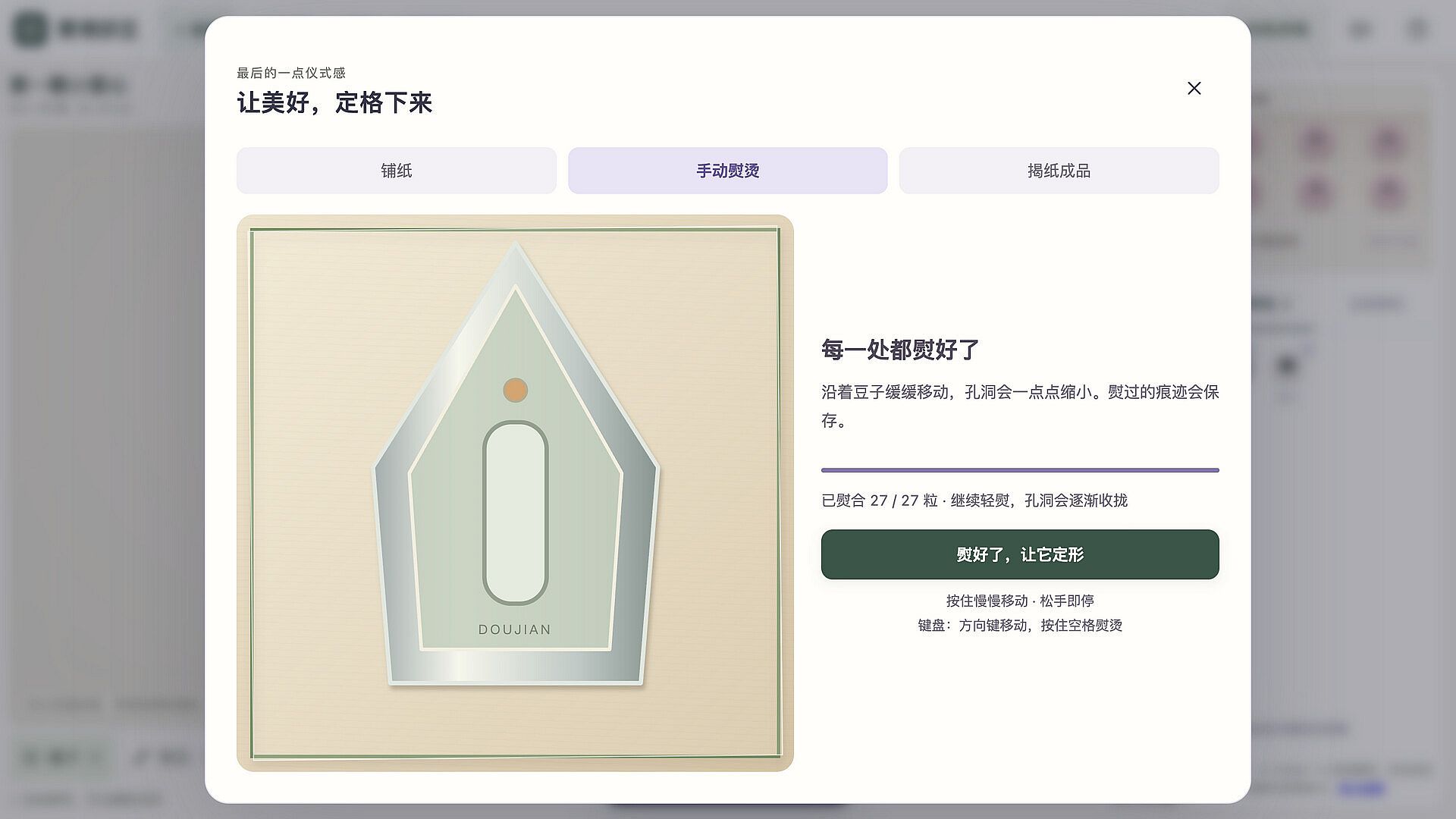
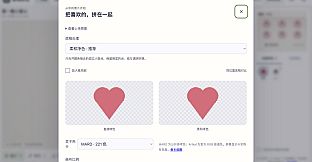
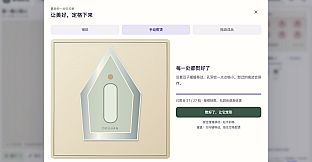
Once the design sits complete, ironing paper covers the board. Players move a virtual iron by hand across the surface, watching bead holes and seams fuse together. After cooling, the paper peels away to reveal the finished piece from both sides. Image conversion tools turn PNG, JPG, or WebP files into workable patterns directly on the local machine, keeping all processing private and without any network requirement.
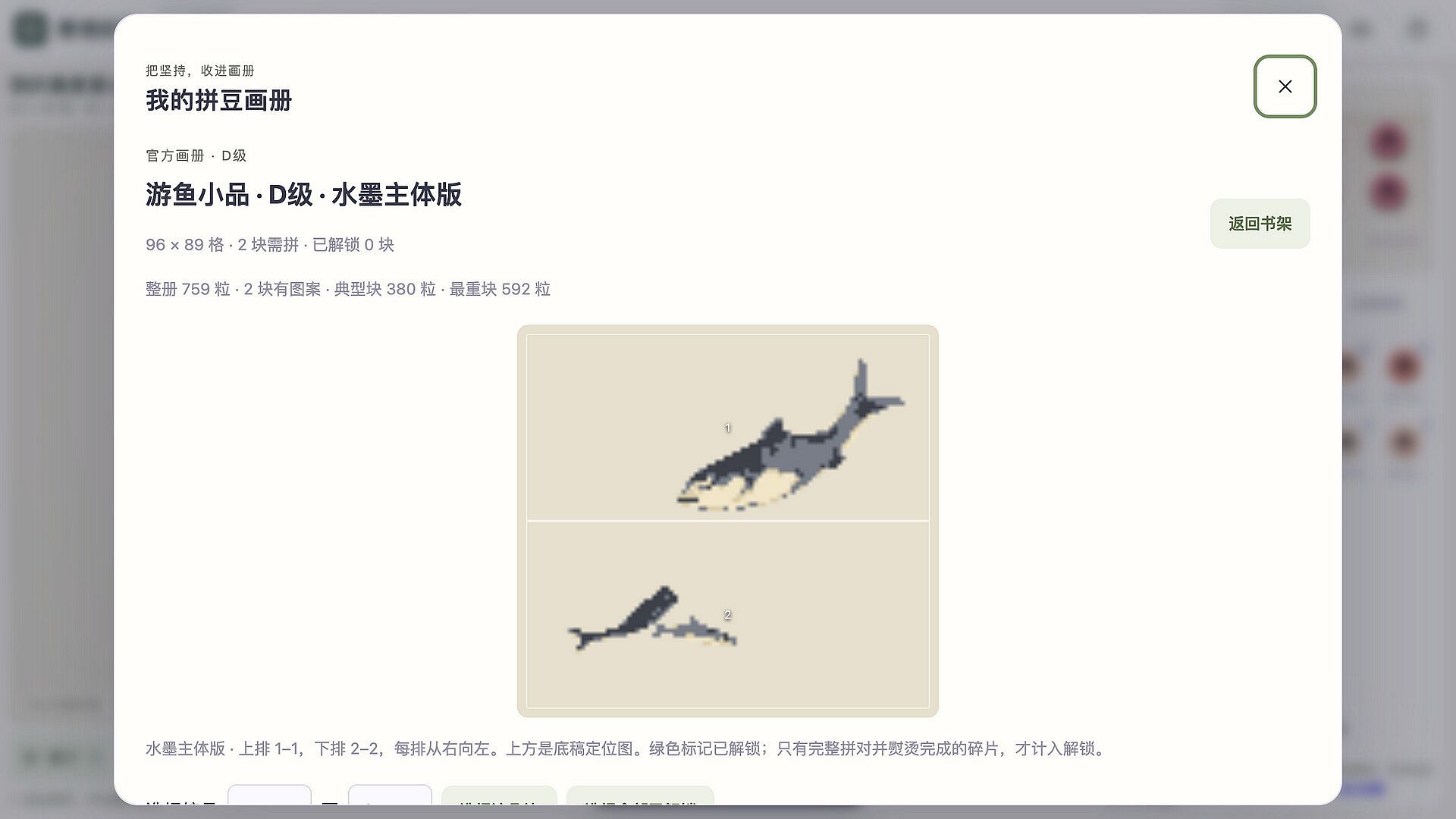
Progress carries forward through classic painting albums divided into sections. Saving happens automatically at any point, and completed sections unlock in-game album achievements. Larger images and detailed albums demand more system memory and time, so the game encourages saving work and returning later.
Game Modes
The core loop centers on guided pattern following or freeform creation on blank boards. Tutorial elements introduce the basics through small heart designs before opening full creative freedom. Album sections provide structured challenges that build toward achievement rewards, while custom image imports support personal projects of any subject.
Physical reference tools allow comparison against manufacturer color cards for those planning real-world crafts. Export options generate backups, transparent PNG images, color-coded charts, millimeter-scale patterns, and bead-count CSV files for continued use outside the application.
Creative Tools and Customization
Color selection draws from extensive palettes that match common physical bead brands. Players can test designs against real color cards before committing materials. The offline workbench keeps every project and album stored locally, with export functions that preserve progress and generate printable or shareable files.
Interface controls rely on mouse and keyboard input in Simplified Chinese. No account login or internet connection is needed at any stage, and the absence of advertising or purchases keeps the focus entirely on the crafting session itself.
Is It Worth Playing?
This title suits players who enjoy slow, methodical creative tasks and digital versions of traditional crafts. The single-player, offline format removes distractions and supports uninterrupted sessions on any schedule. Local saving and export features add practical value for those who want to translate digital designs into physical projects.
Because the game runs without ads or in-app purchases and remains fully functional offline, it delivers consistent access for anyone interested in bead art simulation. Those seeking a relaxed, repeatable activity that rewards patience and attention to detail will find the available tools and progression systems align directly with that preference.