
ソードコレクター PC kaufen

ソードコレクター ist kostenlos spielbar auf Steam! Auch erhältlich in 1 offiziellen Shops ab 0,00 €.

Veröffentlichung: 17 Aug. 2023
Steam:
Positive (10)
Keyshops
Nicht verfügbar
Im offiziellen Store kaufen:
Free
Im Keyshop kaufen:
Preisverlauf anzeigen

Offizielle Shops (1)

DRM:
Steam
Steam
Steam
ソードコレクター
Windows
+1
vor 4W
DRM:
Steam
Steam
Free
Historical Low Deal
Historical low

Über ソードコレクター

ソードコレクター - Spielbeschreibung
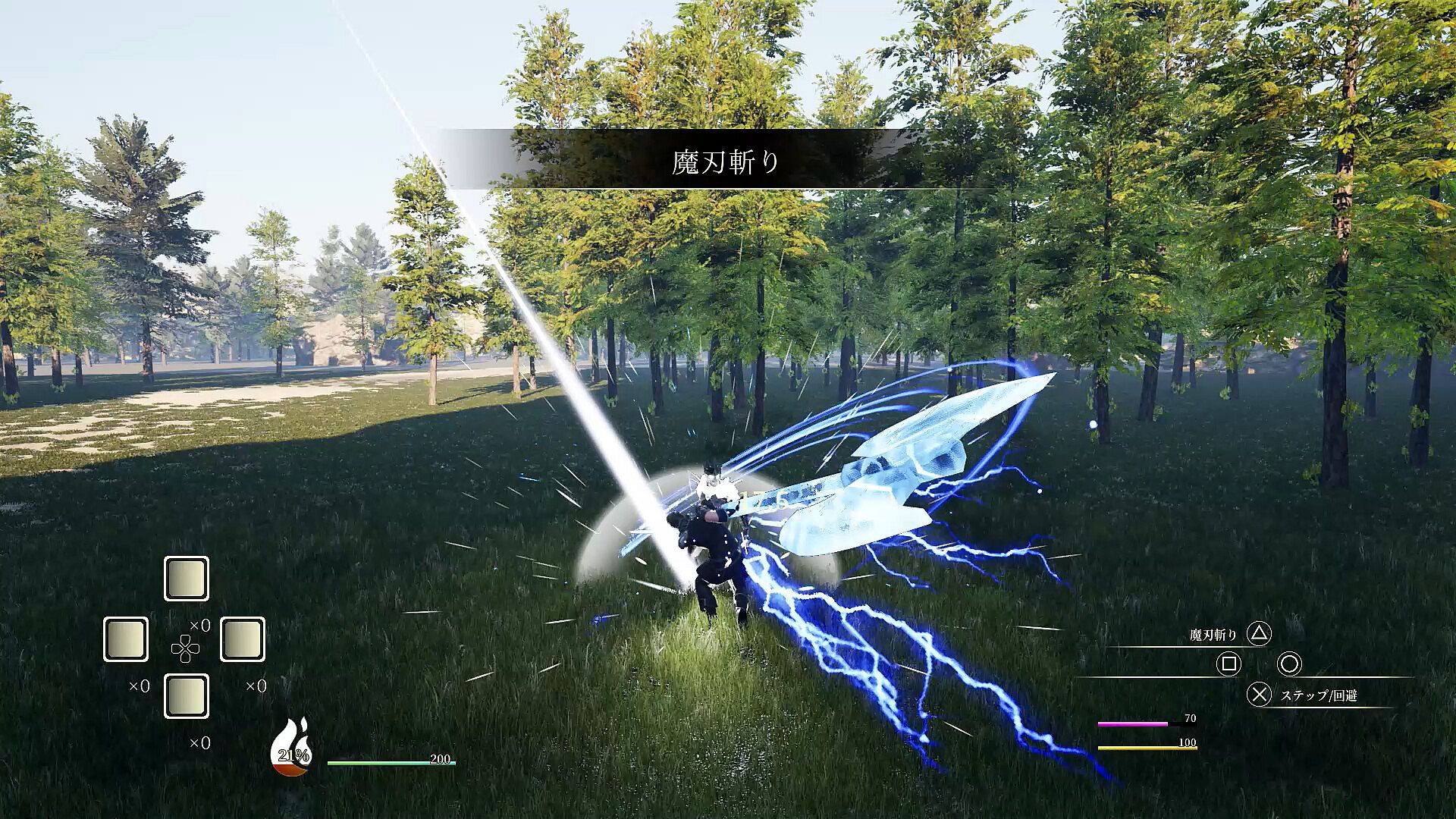
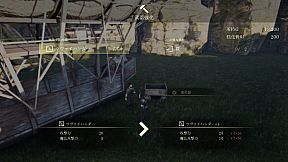
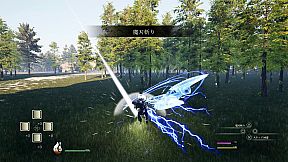
Claim powerful swords by defeating bosses that embody them to steal their abilities. Level up, master arts, and battle unyielding foes clad in super armor. Persistent strikes lead to armor breaks, opening windows for devastating combos that interrupt attacks. Manage HP, SP, MP, and stamina gauges during intense swordplay on PC. Chain up to five normal attacks, cancel into arts that summon boss attacks, or evade with steps and guards. Awaken at full SP for super armor, endless stamina, and secret moves-perfect for aggressive action RPG players who thrive on precise, relentless combat.

Give me the memory.
Give me that sword--

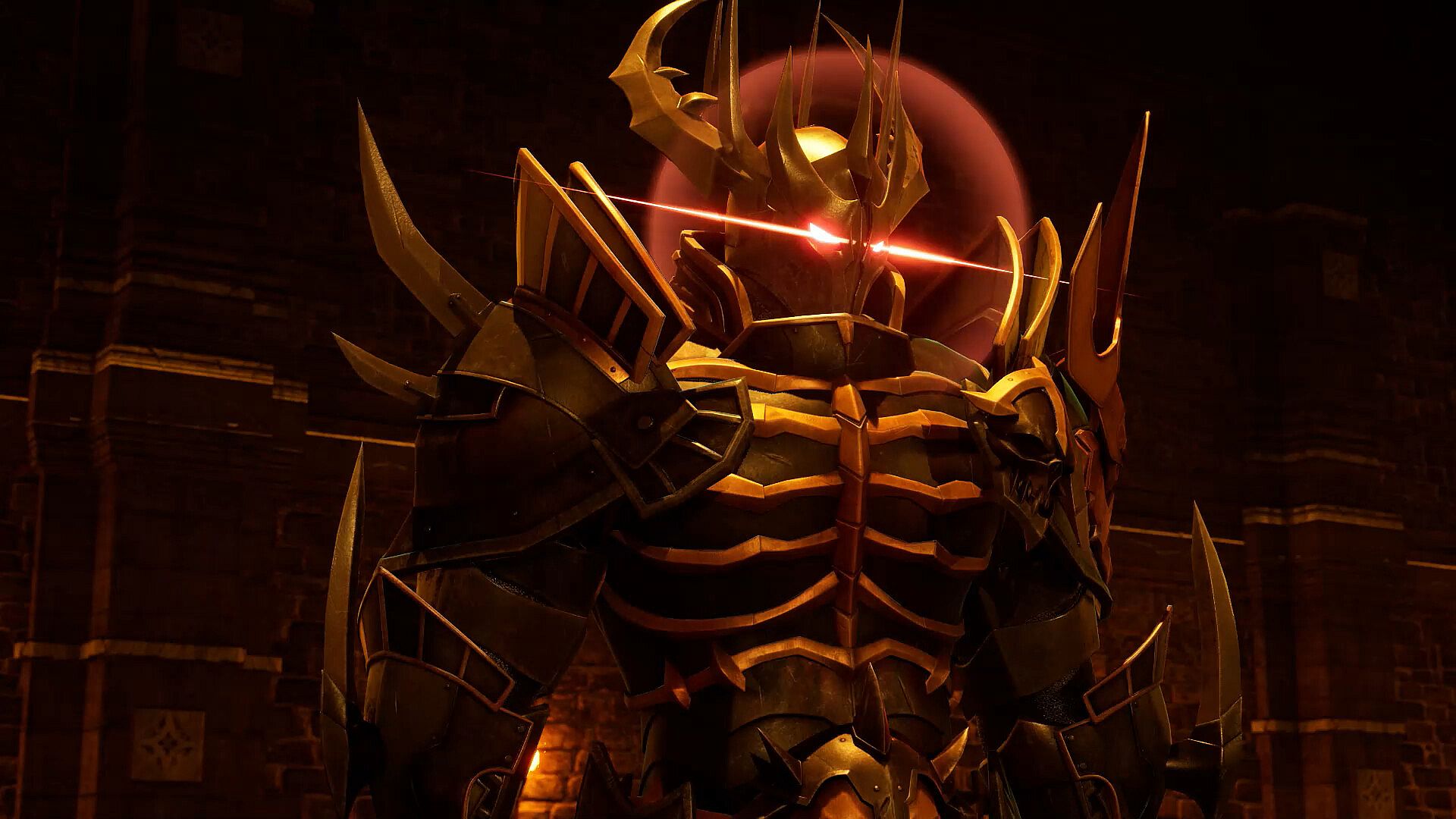
The powerful sword embodies the boss in order to maximize its own power. Beat him and take his abilities.


Level up, learn the arts, and challenge the bosses.
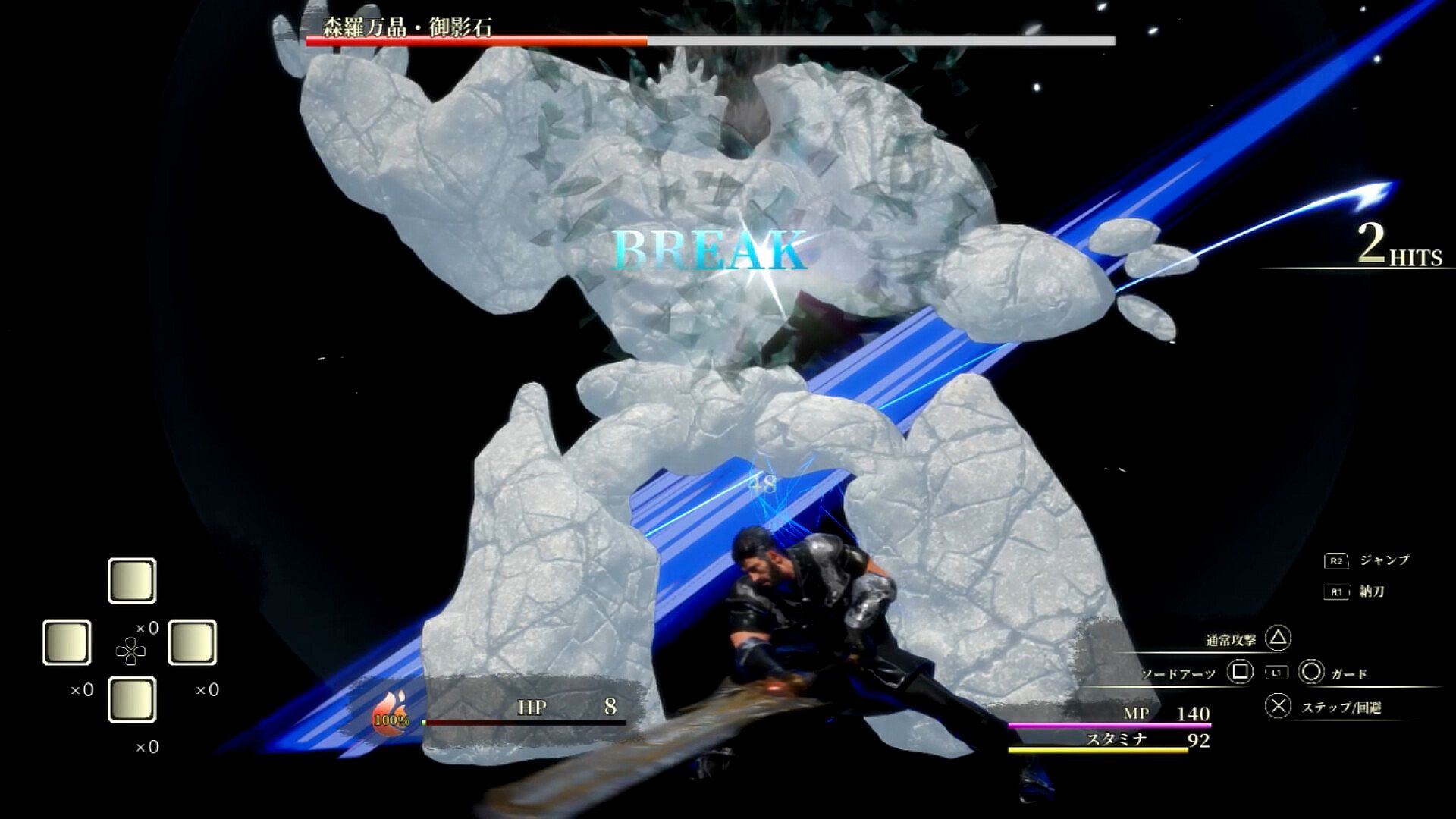
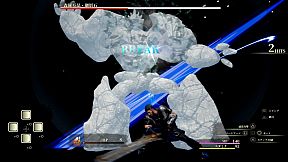
Bosses are basically clad in super armor and will not stagger, but if you keep hitting them, they can armor break.
If the boss is in armor break, you can hit him with combos until his attack is interrupted. Aim aggressively!

Controls

Common controls
Option button: Open menu

While delivering a sword
Press X to avoid ・・・・・
✕ button・・・・・ speak, open treasure chests, etc.
Press △ button ・・・・・ to attack normally. Shift to sword drawing state.
R1 button・・・・・ to switch to sword drawing state.
R2 button ・・・・・ jumps.
Press and hold L1 button + 0 or □ or △ ・・・ Arts. Shift to sword drawing state.
Use the cross key ・・・・・ set item.

While drawing the sword
Press X. Step to ・・・・・
Press X twice for emergency evasion
Press X to guard ・・・・・
△ button ・・・・・ Normal attack
□ button ・・・・・ Sword Arts
R1 button・・・・・ Sword state
R2 button・・・・・ jumps
R3 button・・・・・ awakening
L1 button long press + 0 or □ or △ - Arts
Use the cross key ・・・・・ to use the set item. Shift to natto state.


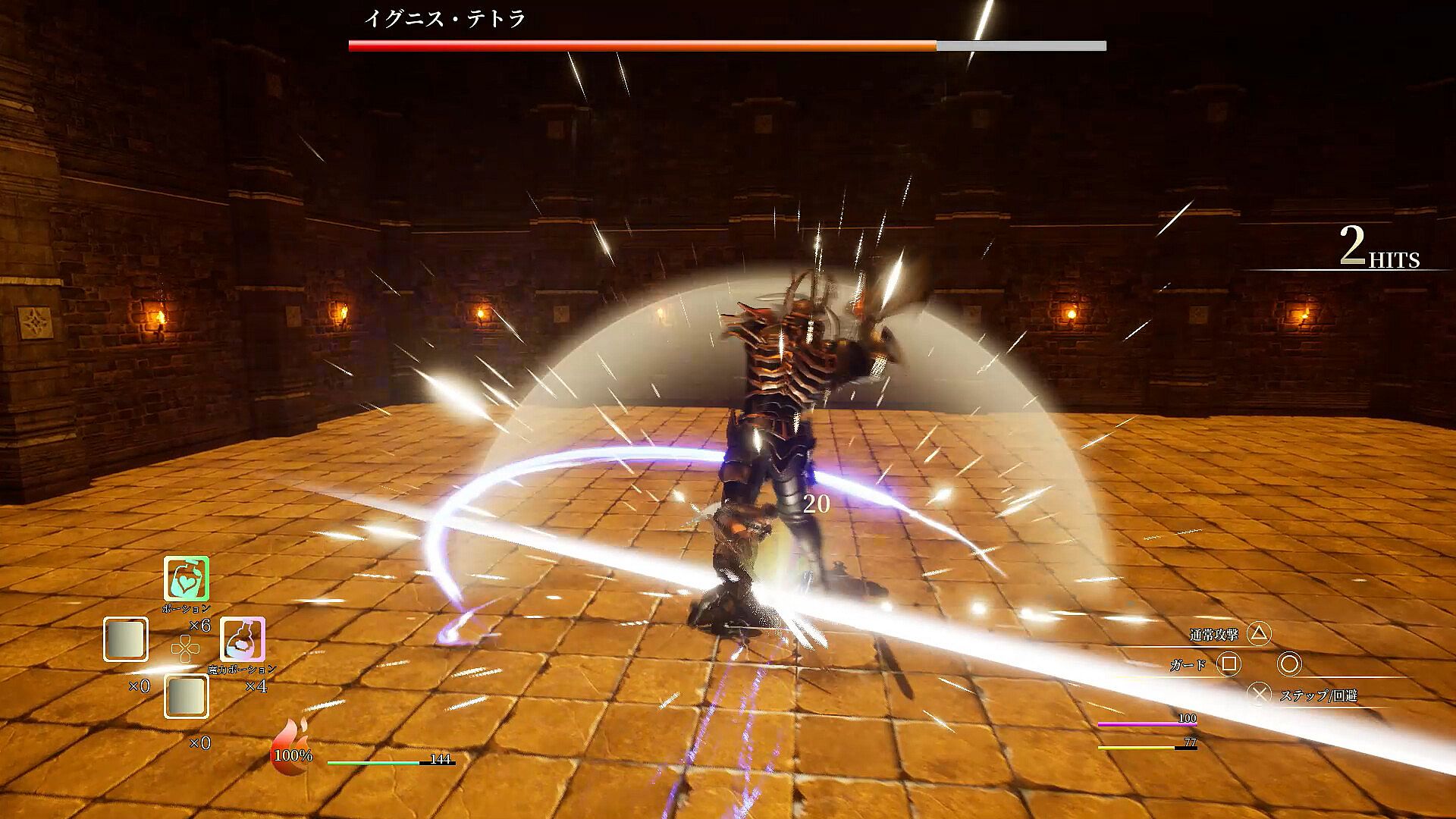
There are four gauges: HP gauge, SP gauge, MP gauge, and Stamina gauge.

HP gauge
The green gauge in the center of the screen.
When it reaches 0, the game is over, so use recovery items to prevent it from reaching 0.

SP Gauge
This gauge looks like a fireball next to the HP gauge.
Pressing the □ button during a sword draw will use 33% of the SP gauge to use Sword Arts.
Sword Arts summons a boss to attack. Since they can be activated independently of your actions, you can use them to connect combos or to break the deadlock in a pinch. Its performance changes depending on the sword you have equipped.

You can also awaken it by pressing the R3 button at 100%.
While awakened, you will always be in Super Armor and your Stamina and MP will not decrease. In addition, the number of normal attacks will increase to 6, and by pressing the △ button, you can perform a secret secret move. Just keep on hitting him!

Stamina Gauge
It is the yellow gauge in the lower right corner.
It is consumed when a normal attack, step, emergency evasion, or guard succeeds.
It automatically recovers when you are not taking any of the above four actions.
If you want to continue attacking, use Arts to recover during that time.

MP Gauge
This is the pink gauge in the lower right corner.
It is consumed when using Arts.
Normal attacks alone consume a large amount of stamina, so mix your attacks with arts.
Hit the target with a normal attack. MP can be recovered by using items.

Normal attacks consume stamina and can be performed up to five times in a row.
You can cancel from a normal attack to an art to attack.
You can cancel from normal attack and arts to step, and from step to normal attack and arts.

Oberfläche:
Japanese

Altersfreigabe

Keine Angabe
Steam:
Positive (10)

Minimum:

  • Betriebssystem: windows10(64bit)
  • Prozessor: Core i7-10700
  • Arbeitsspeicher: 16 GB RAM
  • Grafik: nvidia geforce gtx1660
  • DirectX: Version 12
  • Speicherplatz: 4.7 GB available space

Empfohlen:

  • Betriebssystem: windows10(64bit)
  • Prozessor: Core i7-10700
  • Arbeitsspeicher: 16 GB RAM
  • Grafik: nvidia geforce gtx1660
  • DirectX: Version 12
  • Speicherplatz: 4.7 GB available space
Historisches Tief
Preisverlauf von offiziellen Shops
-
-
-
Preisverlauf von Keyshops
-
-
-

FAQ

8 Fragen

Bevor du nach einem günstigen ソードコレクター Key suchst, prüfe die wichtigsten Fakten. Entwickelt von theあらん. Veröffentlicht von theあらん. PC Release-Datum: 17 Aug. 2023. Genres: Action, RPG. Kategorien: Single-player, Partial Controller Support.

Q

Wo kann ich einen günstigen ソードコレクター Steam Key kaufen?

ソードコレクター ist kostenlos spielbar! Lade es auf Steam herunter und spiele sofort los.

ソードコレクター ist auf Steam komplett kostenlos. Kein Kauf nötig - einfach herunterladen und spielen. Wenn du nach Premium-DLC oder In-Game-Items suchst, prüfe die Angebotstabelle oben.

Unser Preistracker deckt sowohl offizielle Händler als auch Key-Marktplätze ab, sodass du ソードコレクター im Angebot auch außerhalb saisonaler Aktionen finden kannst. Wir erkennen derzeit 1 aktives Angebot von offiziellen Shops und Keyshops. Prüfe die Tabelle oben, vergleiche mit dem historischen Tief und setze einen Alarm, damit du den nächsten Preissturz nicht verpasst.

Laut unseren Daten ist ソードコレクター derzeit nicht auf GeForce NOW verfügbar. Du musst es lokal auf deinem PC ausführen. Stöbre durch Spiele, die auf GeForce NOW verfügbar sind.

Ja. ソードコレクター hat eine offizielle Steam-Shop-Seite. Du kannst auch einen ソードコレクター Steam Key von Drittanbietern kaufen. Unser Preisvergleich umfasst derzeit 1 Angebot mit Steam-DRM. Wähle eines davon, um sicherzustellen, dass dein ソードコレクター Download über Valves Plattform läuft.

Ja, mit kleinen Anpassungen. ソードコレクター ist Steam Deck Playable - es funktioniert nach kleinen Einstellungen wie der Wahl einer Proton-Version oder der Nutzung des Touchscreens für kleine Launcher-Texte. Du kannst ソードコレクター auf dem Steam Deck spielen.

ソードコレクター scheint derzeit nicht im PC Game Pass, bei EA Play, Ubisoft+ oder einem anderen PC-Abonnement verfügbar zu sein. Deine einzige Option ist der Kauf - nutze XD.deals, um den besten Preis zu finden.

Nein - XD.deals ist kein Shop. Wir sind ein Preisvergleich, der die besten ソードコレクター-Deals bei offiziellen Shops und verifizierten Keyshops verfolgt. Klicke neben einem Angebot auf "Zum Shop" und du wirst zur Webseite des Händlers weitergeleitet, um deinen Kauf abzuschließen.

Beste Preise für ソードコレクター

1 Steam Steam Official
0,00 €

Zum besten Zeitpunkt kaufen? Setze einen Preisalarm auf XD.deals und werde benachrichtigt, wenn ソードコレクター sein nächstes historisches Tief erreicht.

Alarm erstellen
Tritt unserem Discord bei
Erhalte Hilfe von der Community und bleibe über Angebote informiert
Preisalarme einrichten
Erhalte E-Mail-Benachrichtigungen wenn Preise fallen
Kostenloses Konto erstellen
Schalte Wunschlisten, Preisalarme und Steam-Sync frei