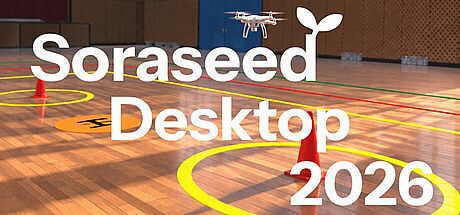



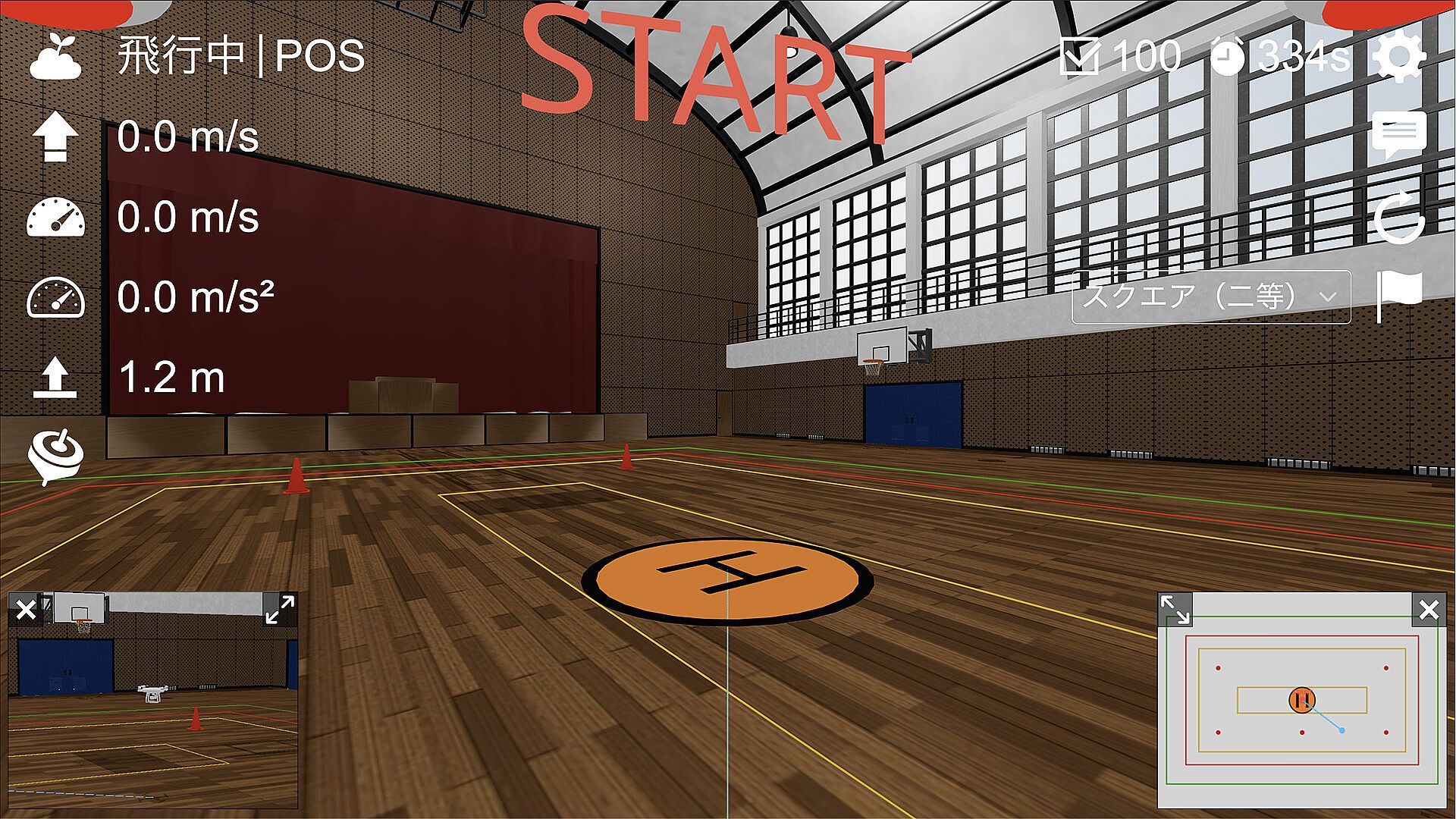
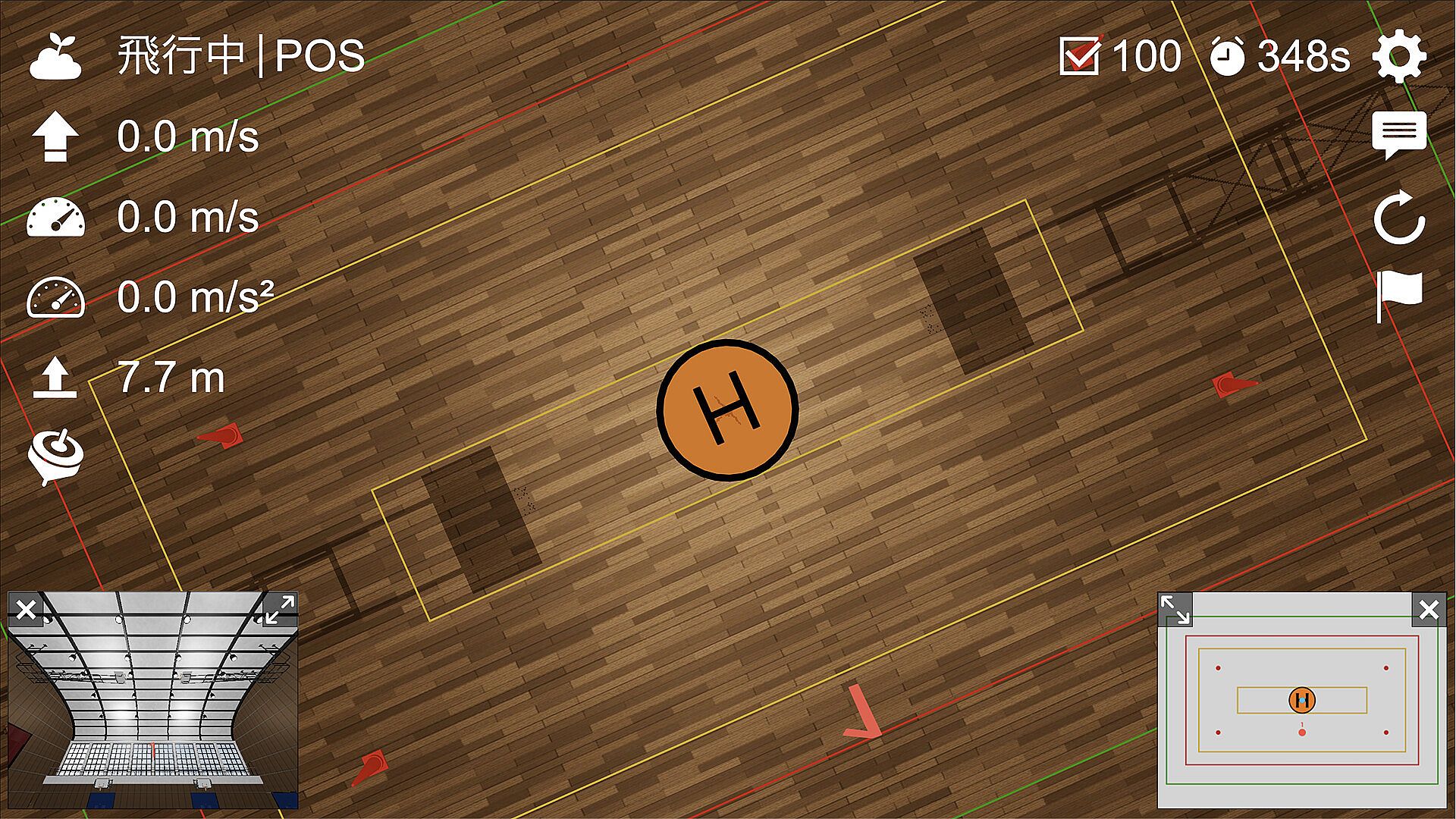
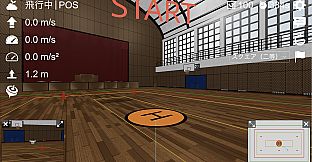
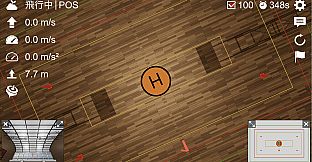
Soraseed Desktop 2026 is a simulation game focused on drone flight practice for PC users. It provides tools for free flight sessions alongside structured exercises drawn from real-world drone certification standards in Japan. The experience centers on building practical skills through repetition in controlled virtual environments rather than competitive racing or open-world exploration.
Gameplay
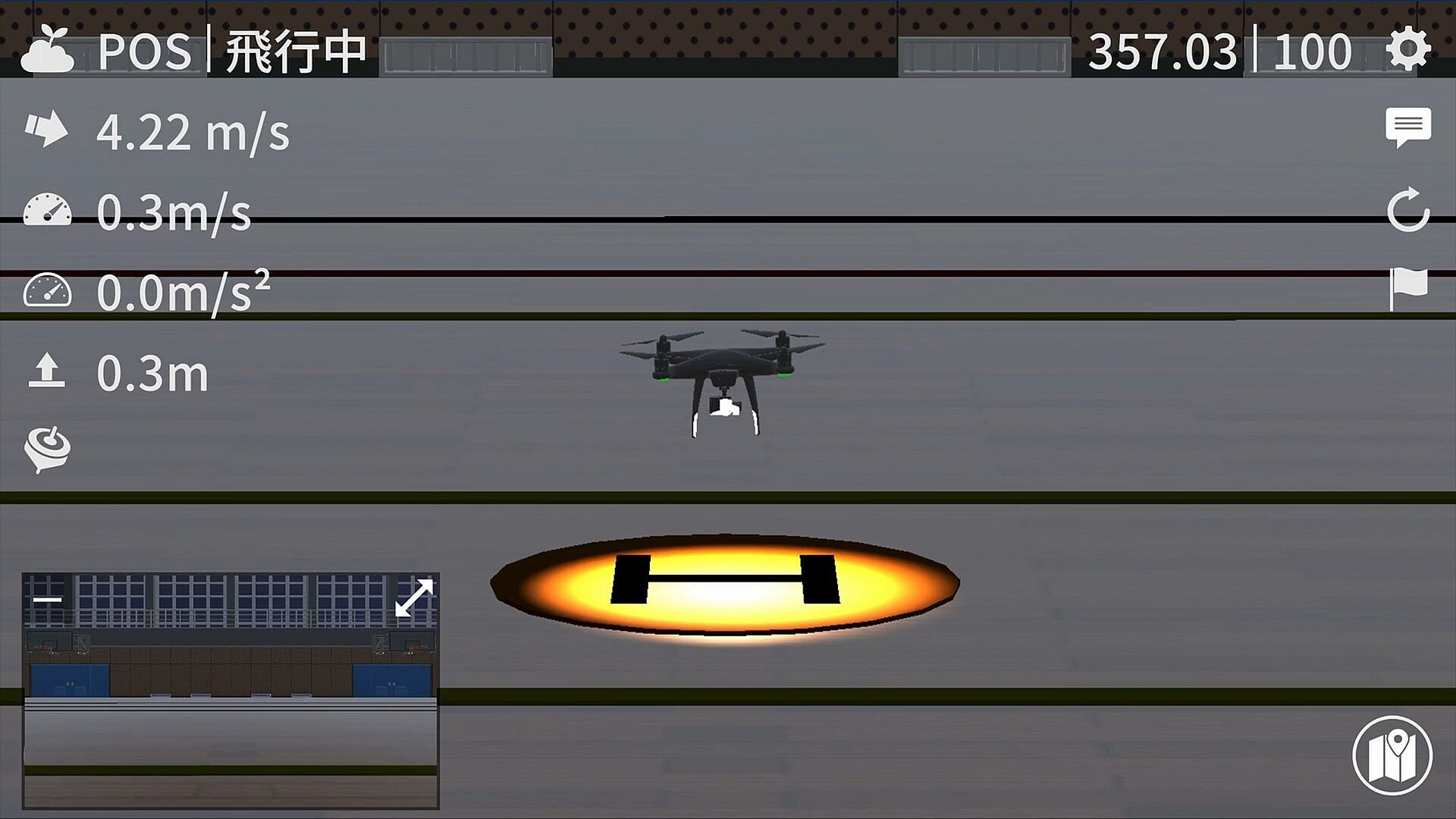
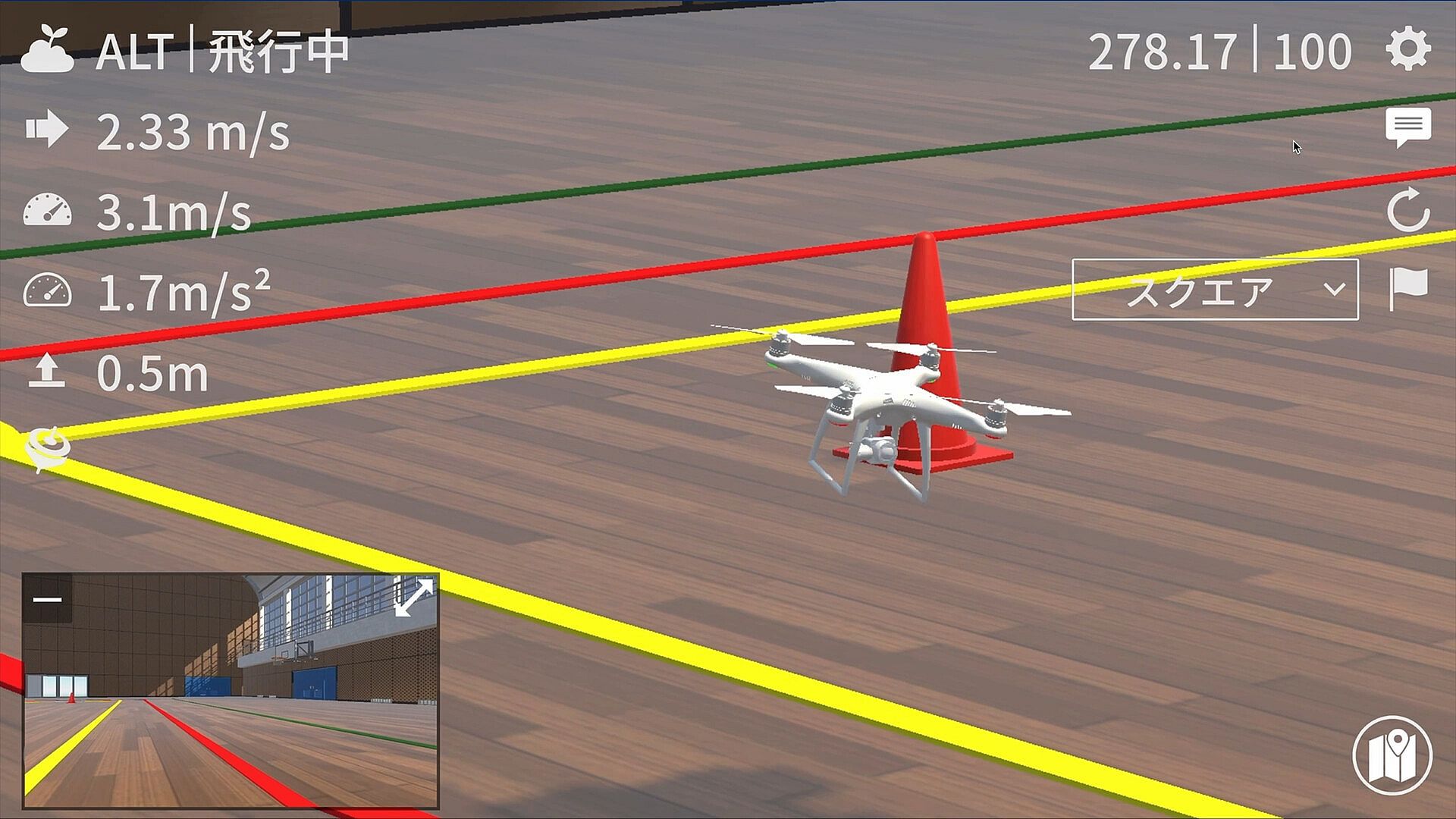
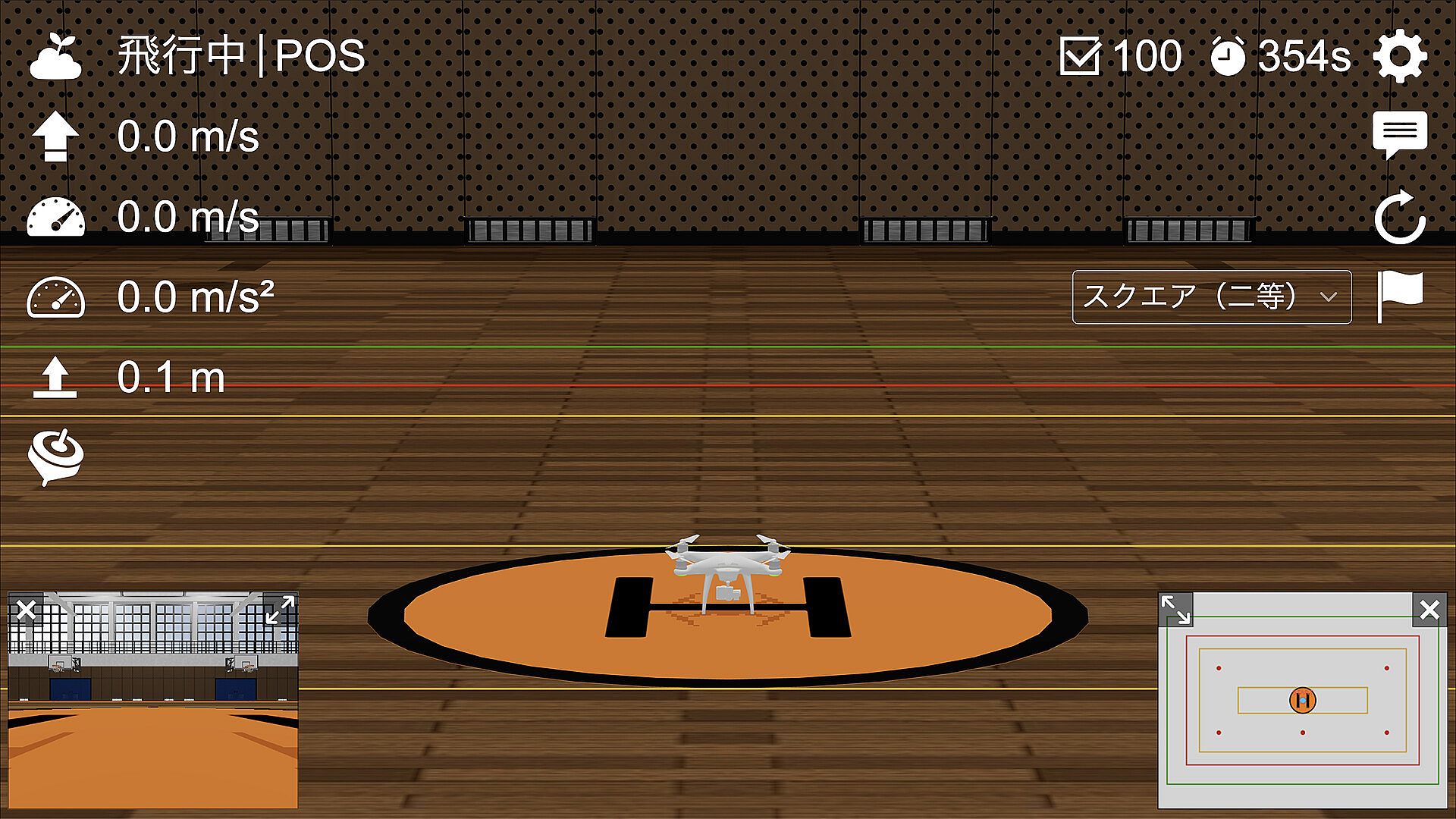
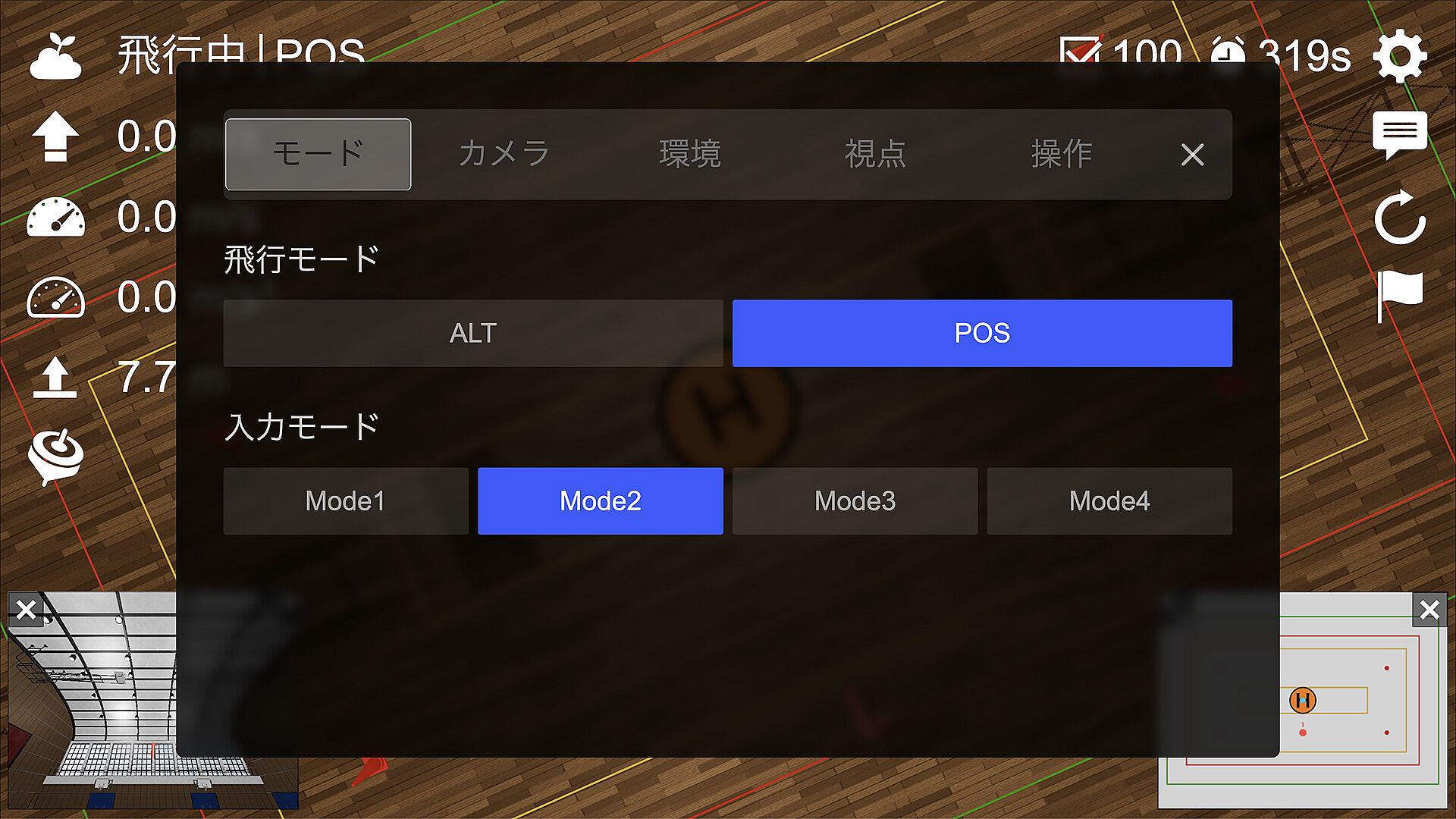
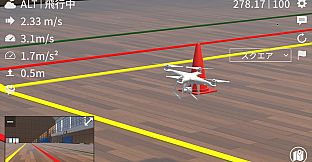
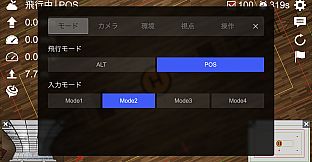
The core loop involves launching a virtual drone and executing precise maneuvers while managing flight parameters. Players select between an operator viewpoint that mimics standing on the ground or an FPV perspective from the aircraft itself. POS and ALT flight modes alter how the drone responds to inputs, allowing practice of different handling styles. Environmental variables include toggling night conditions for reduced visibility and wind effects that introduce realistic drift and corrections.
Free flight serves as the foundation for experimentation, where users can explore basic controls and build familiarity before advancing to scored exercises. The simulation emphasizes steady, deliberate piloting over high-speed maneuvers. Self-leveling assists in the FPV view help maintain orientation without turning the experience into an acrobatic racer. Performance depends on hardware capabilities, with rendering adjusted for various screen resolutions and settings.
Game Modes
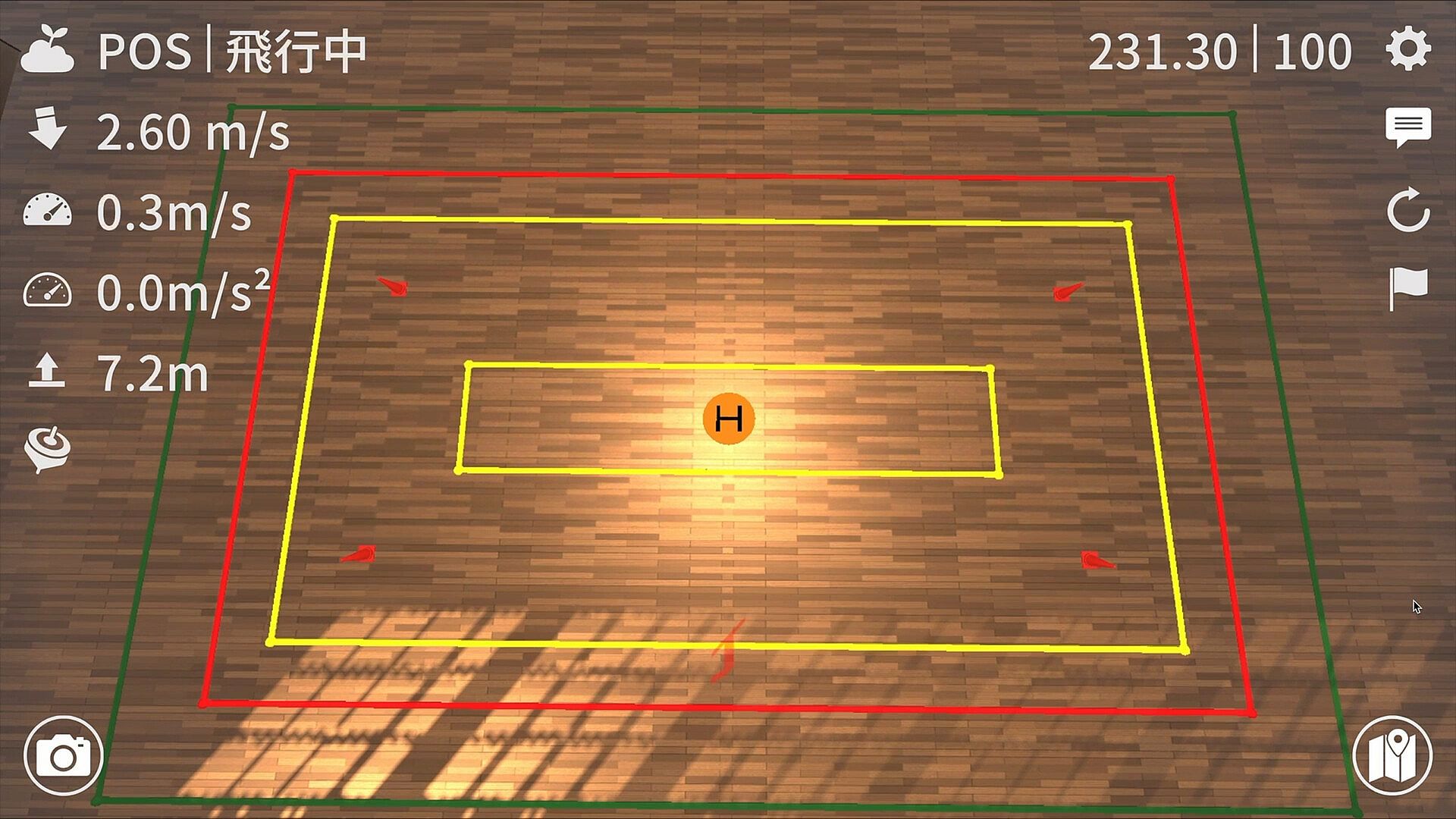
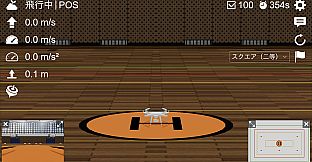
Structured exercises form the main practice component. Square flight requires tracing rectangular patterns with consistent altitude and positioning. Figure-eight flight demands smooth transitions between loops while maintaining control. Beyond-visual-line-of-sight flight tests navigation without direct sight of the drone. First-Class pirouette flight adds rotational elements for advanced handling. A simulated practical examination mode replicates test conditions for comprehensive review.
Second-Class square flight includes built-in scoring that tracks performance metrics during repeated attempts. This feedback loop encourages refinement of technique through multiple runs. All modes support viewpoint switching and condition adjustments to vary difficulty without altering the underlying mechanics.
Controls and Customization
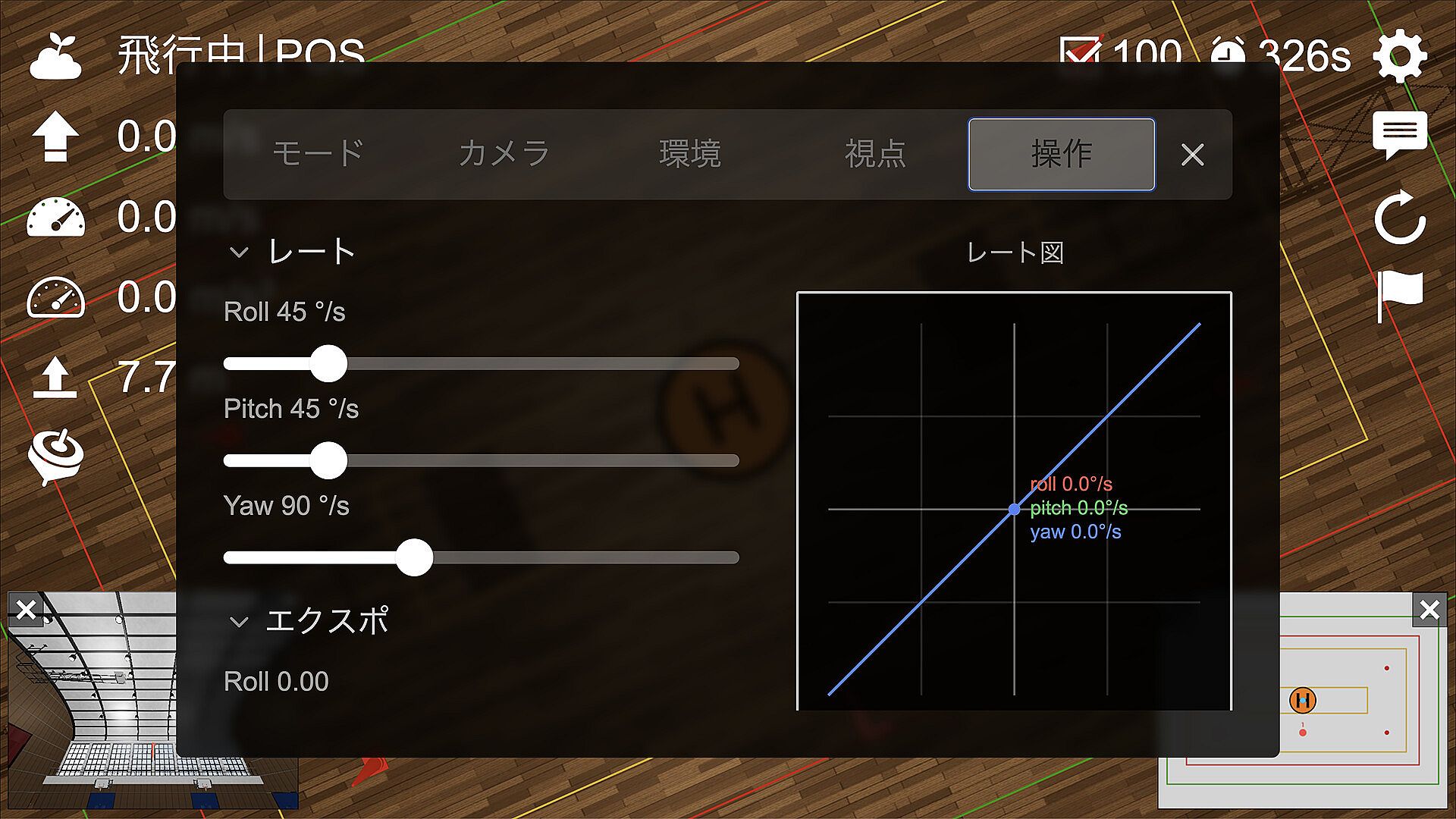
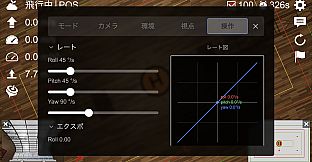
Input options accommodate different preferences through keyboard support or compatible gamepads. Players can switch among Modes 1 through 4, reassign axes and buttons, invert directions, and fine-tune sensitivity levels. Menus and settings rely on mouse and keyboard input, while flight itself works with either method. This flexibility helps match the simulator to individual hardware setups or personal comfort.
Demo and Updates
A free demo provides access to free flight, Second-Class square flight with scoring, and control configuration tools. This allows evaluation of the core systems before committing to the full version. Soraseed Desktop 2026 operates as a one-time purchase with updates limited to minor improvements and bug fixes. No major feature expansions are planned beyond the initial release.
Is It Worth Playing?
This title suits individuals seeking targeted drone operation practice in a desktop environment. The single-player focus and emphasis on repeatable exercises make it appropriate for skill-building sessions without external dependencies. Availability of a demo reduces risk for those unsure about the simulation style. As a standalone product with no ongoing seasonal content or multiplayer elements, it delivers consistent access to its training tools once purchased. Players interested in Japanese drone practical test formats or general flight familiarization will find the structured approach directly relevant to their goals.