

TappyCat ist ein Indie-Casual-Game für den PC, das eine Pixel-Art-Katze direkt auf dem Desktop platziert - als Begleiter bei Arbeit und Lernen. Im Mittelpunkt stehen produktive Tools, die von leichten Animationen begleitet werden: Die Katze reagiert in Echtzeit auf Eingaben und unterstützt strukturierte Konzentrationsphasen sowie Fortschrittsverfolgung.
Gameplay
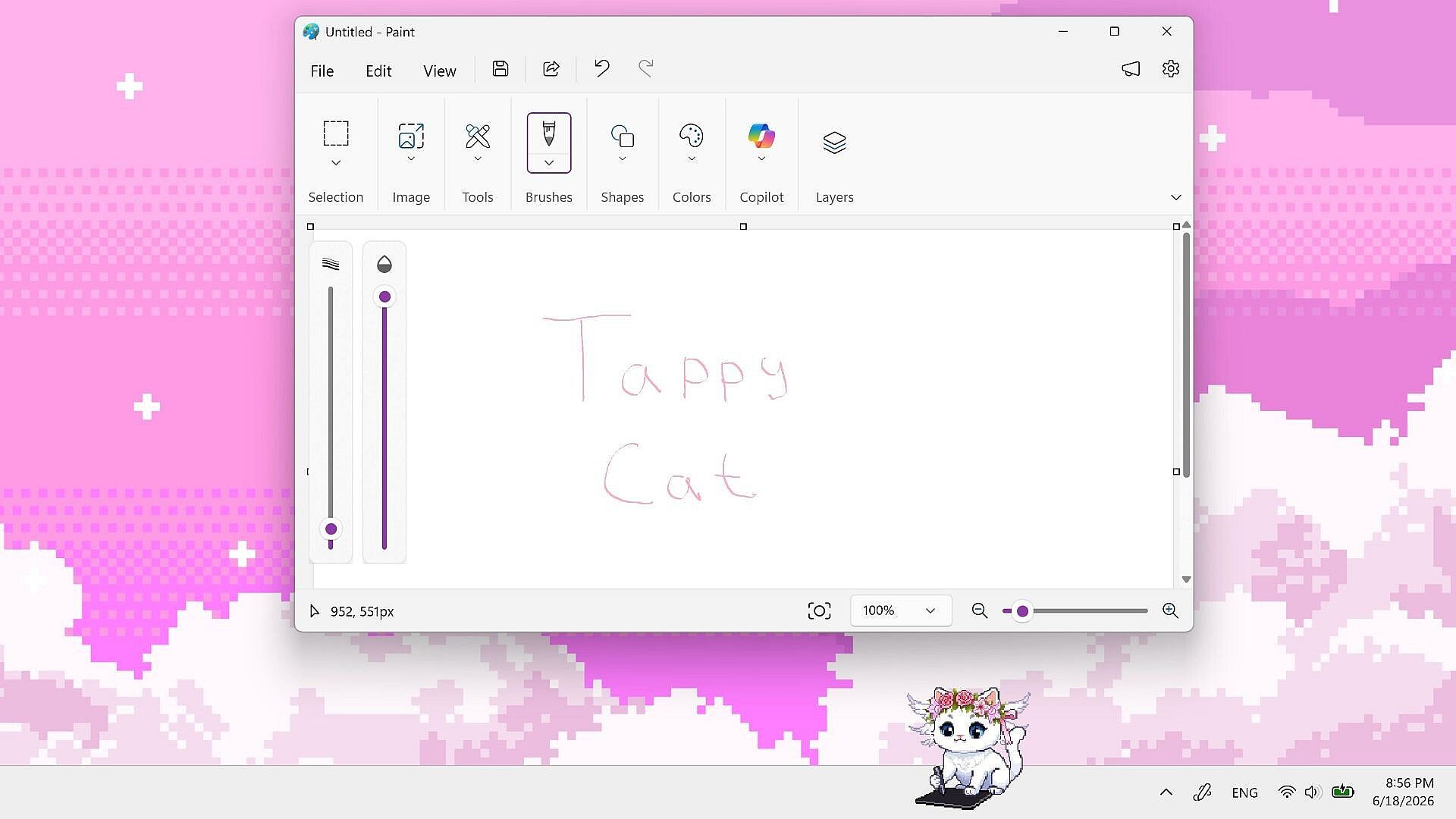
Im Zentrum steht der Alltag der Katze auf dem Bildschirm. In Ruhephasen blinzelt sie und wedelt mit dem Schwanz. Sobald der Nutzer tippt oder klickt, klopft die Katze mit den Pfoten im Takt mit. Wird auf dem Bildschirm gezeichnet, holt sie ein Tablet hervor und zeichnet mit. Diese Reaktionen schaffen eine ständige visuelle Präsenz, die sich nahtlos in die normale Computerarbeit einfügt - ohne zusätzliche Fenster oder Vollbildmodus.
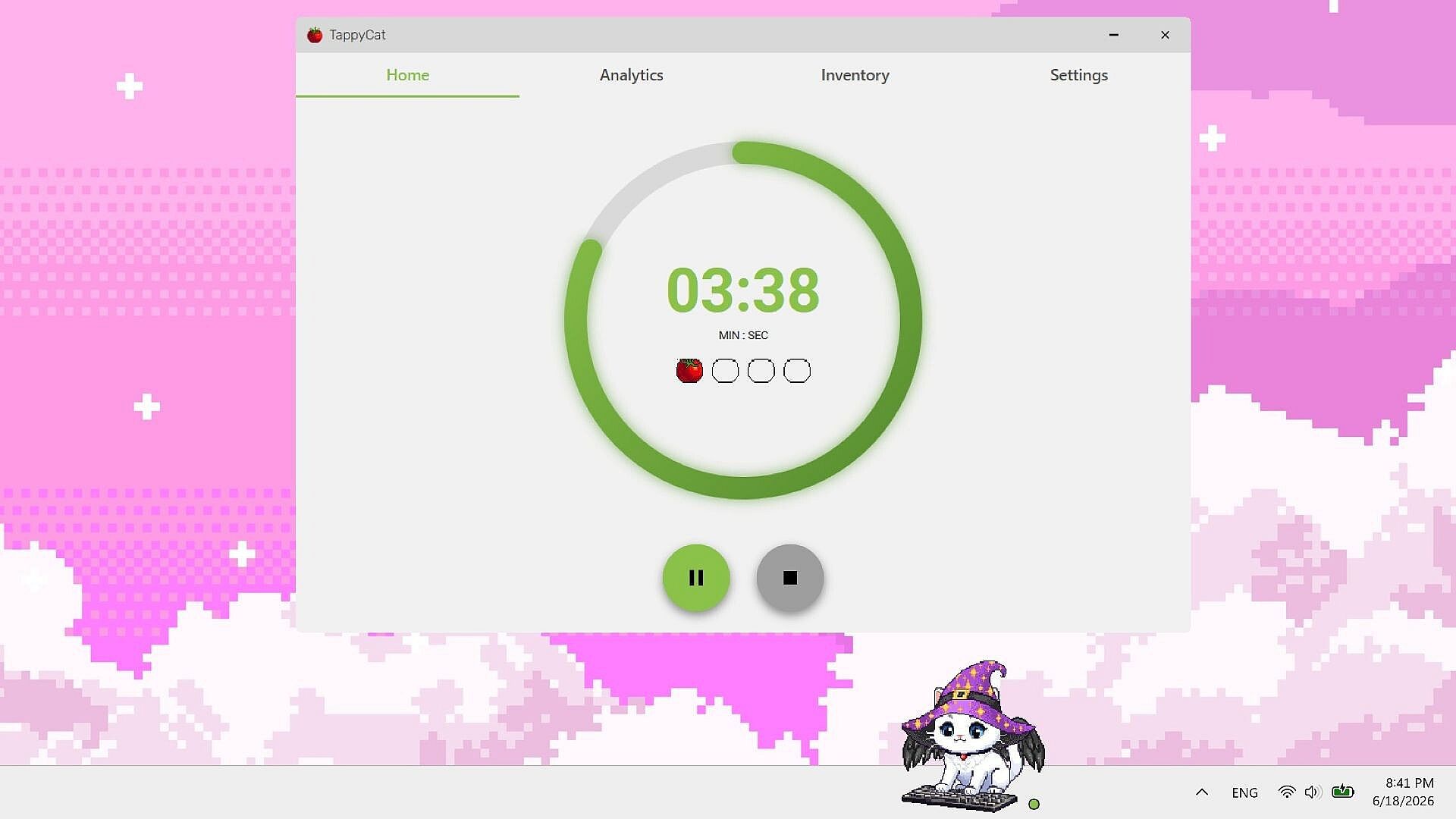
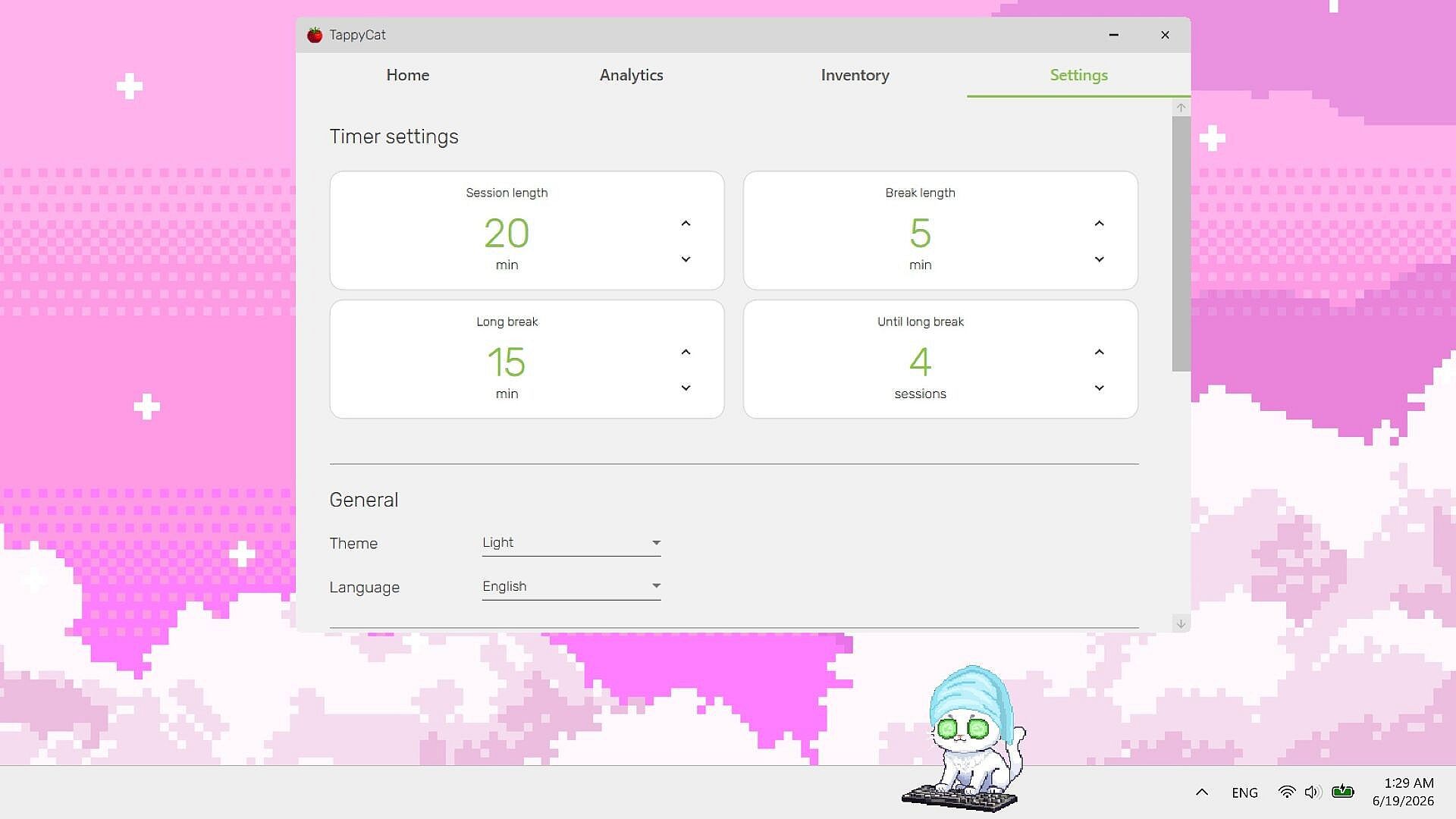
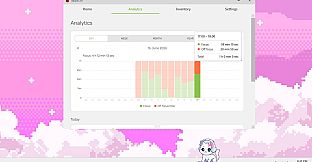
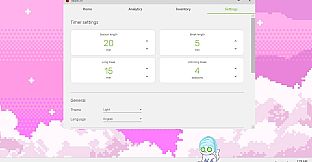
Ein integrierter Pomodoro-Timer bildet das Grundgerüst der Sitzungen. Intervalle und Pausen lassen sich flexibel anpassen, sodass sie zum eigenen Workflow passen. Der Timer arbeitet mit einer intelligenten Tracking-Funktion zusammen, die die Konzentrationszeit auf ausgewählten Anwendungen und Websites erfasst. Nur freigegebene Programme fließen in die Auswertung ein, sodass Nutzer genau steuern können, was als produktive Zeit zählt.
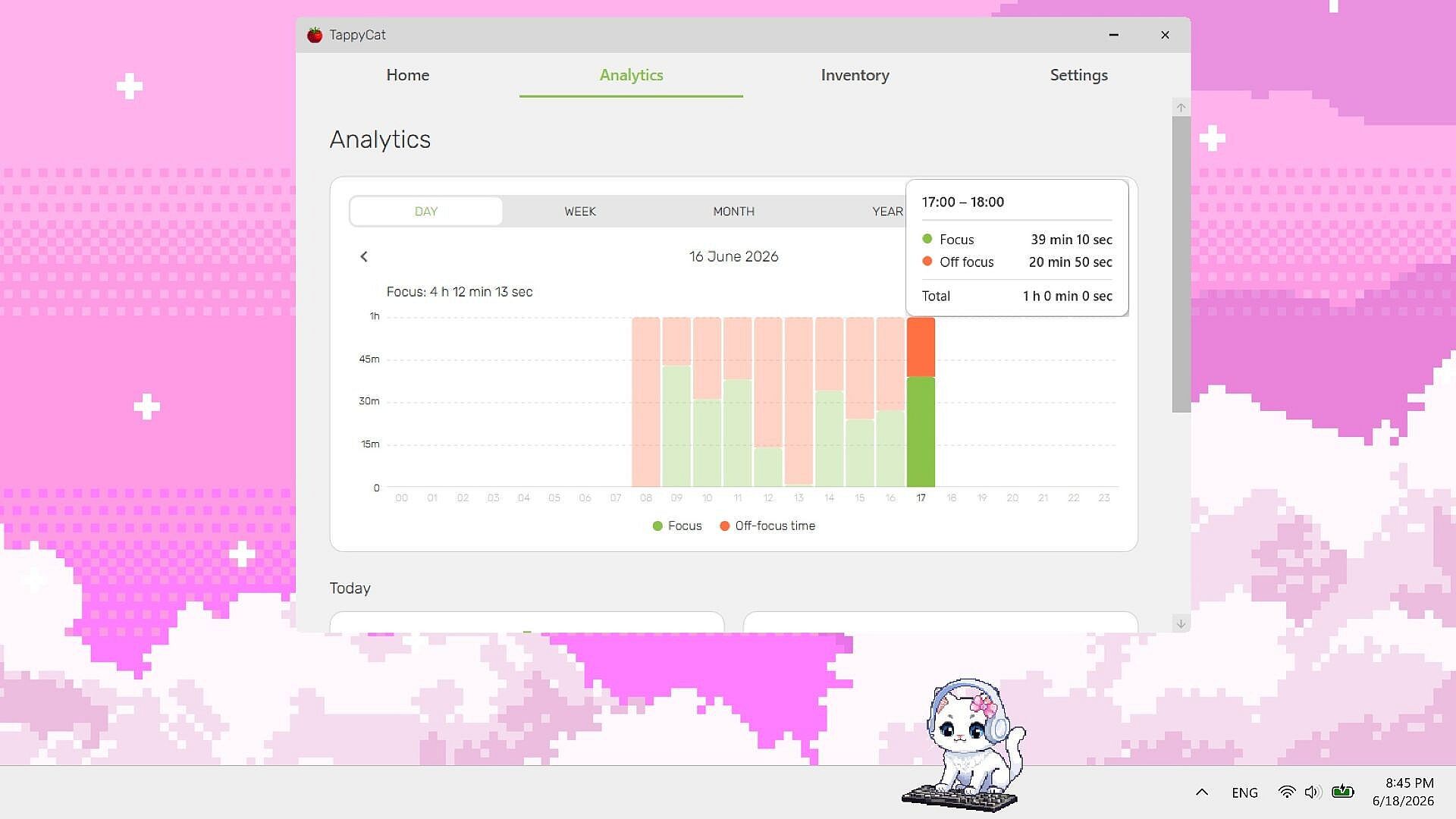
Analyse-Tools fassen die gesammelten Daten in Berichten zusammen, die exportiert werden können. So bleibt der Fortschritt jederzeit übersichtlich, und die gewohnte Bildschirmzeit wird messbar - während die Katze als ständiger Begleiter auf dem Desktop bleibt.
Spielmodi
TappyCat ist ein reines Singleplayer-Erlebnis, das sich ganz auf die eigene Produktivität konzentriert. Weder Wettbewerb noch Multiplayer sind vorgesehen. Sitzungen basieren auf frei einstellbaren Konzentrationsintervallen, die durch Timer und Tracking unterstützt werden; die Animationen der Katze geben dabei kontinuierlich visuelles Feedback.
Das Konzept setzt auf ruhige, anhaltende Nutzung statt auf abwechslungsreiche Herausforderungen. Nutzer legen selbst fest, wie Timer und App-Tracking konfiguriert sind, und werten die Ergebnisse im Analyse-Bereich aus. Das passt besonders gut zu langen Arbeitsphasen am Schreibtisch, bei denen es um gleichbleibende Leistung statt um das Abschließen einzelner Level geht.
Anpassungsmöglichkeiten
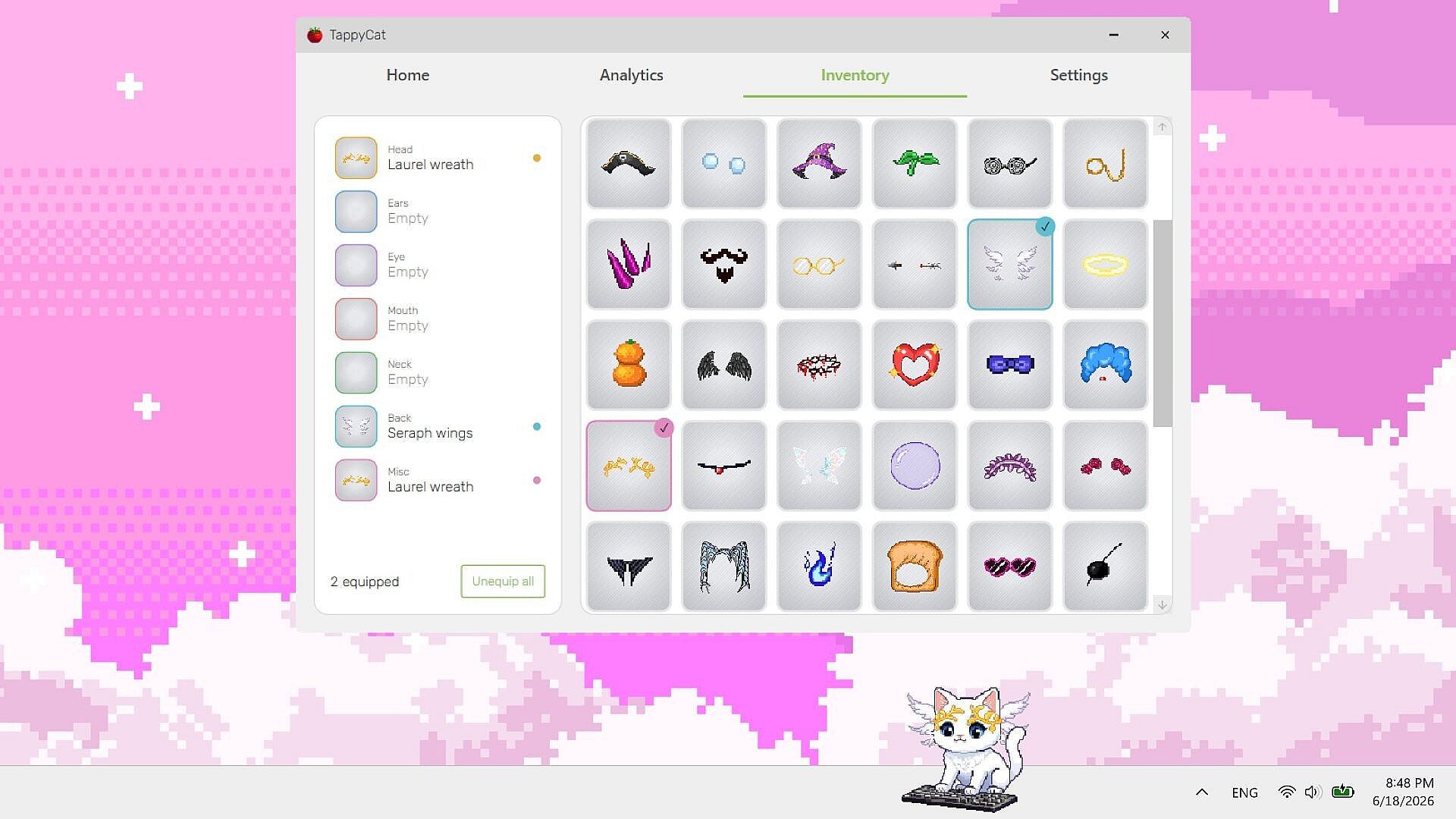
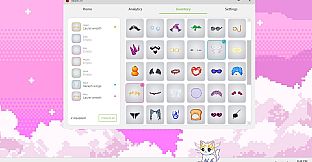
Über einhundert Accessoires ermöglichen vielfältige Kombinationen für die Katze. Die Gegenstände decken unterschiedliche Stile und Kategorien ab, sodass das Aussehen jederzeit geändert werden kann. Wechsel lassen sich schnell durchführen, ohne laufende Timer oder das Tracking zu unterbrechen.
Die optischen Anpassungen bleiben während aller Produktivitätsfunktionen aktiv. Die Katze behält ihre Reaktionen und Timer-Unterstützung bei, unabhängig von ausgerüsteten Accessoires - der Fokus liegt weiterhin auf der Arbeit, während der Desktop-Begleiter individuell gestaltet werden kann.
Performance und Systemanforderungen
Die Anwendung läuft ressourcenschonend und bleibt auch bei langen Sitzungen leichtgewichtig. Sie unterstützt Windows und lässt sich problemlos neben anderen Programmen betreiben, ohne spürbare Verlangsamungen. Dadurch eignet sie sich für Nutzer, die gleichzeitig mehrere Tools offen halten.
Steam-Erfolge bieten zusätzliche Meilensteine, die an die regelmäßige Nutzung von Timer und Tracking gekoppelt sind. Das Singleplayer-Setup unterstützt zudem die Familienspieleteilgabe für weitere Accounts.
Lohnt sich das Spiel?
TappyCat richtet sich an alle, die einen Desktop-Begleiter suchen, der leichte Animationen mit praktischen Produktivitätstools verbindet. Die reagierende Katze bringt spielerische Elemente in den Alltag am Computer, während Pomodoro-Timer, selektives App-Tracking und exportierbare Analysen eine strukturierte Unterstützung für Konzentration und Nachverfolgung bieten.
Die Accessoires sorgen für dauerhafte Abwechslung, ohne die Kernfunktionen zu beeinflussen. Der geringe Ressourcenbedarf ermöglicht den Einsatz auf bescheidener Hardware und fügt sich problemlos in bestehende Arbeitsabläufe ein. Als Singleplayer-Casual-Titel spricht TappyCat vor allem Nutzer an, die Wert auf eine anpassbare, stetige Unterstützung legen - statt auf Action oder narrative Tiefe. Das Funktionsangebot passt ideal zu allen, die messbare Arbeitszeiten mit einem dauerhaft reagierenden virtuellen Haustier auf dem Bildschirm kombinieren möchten.