
XETTER 2020 PC kaufen

XETTER 2020 ist kostenlos spielbar auf Steam! Auch erhältlich in 1 offiziellen Shops ab 0,00 €.

Veröffentlichung: 07 Aug. 2025
Keyshops
Nicht verfügbar
Im offiziellen Store kaufen:
Free
Im Keyshop kaufen:
Preisverlauf anzeigen

Offizielle Shops (1)

DRM:
Steam
Steam
Steam
XETTER 2020
Windows
+1
vor 4W
DRM:
Steam
Steam
Free
Historical Low Deal
Historical low

Über XETTER 2020

XETTER 2020 - Spielbeschreibung

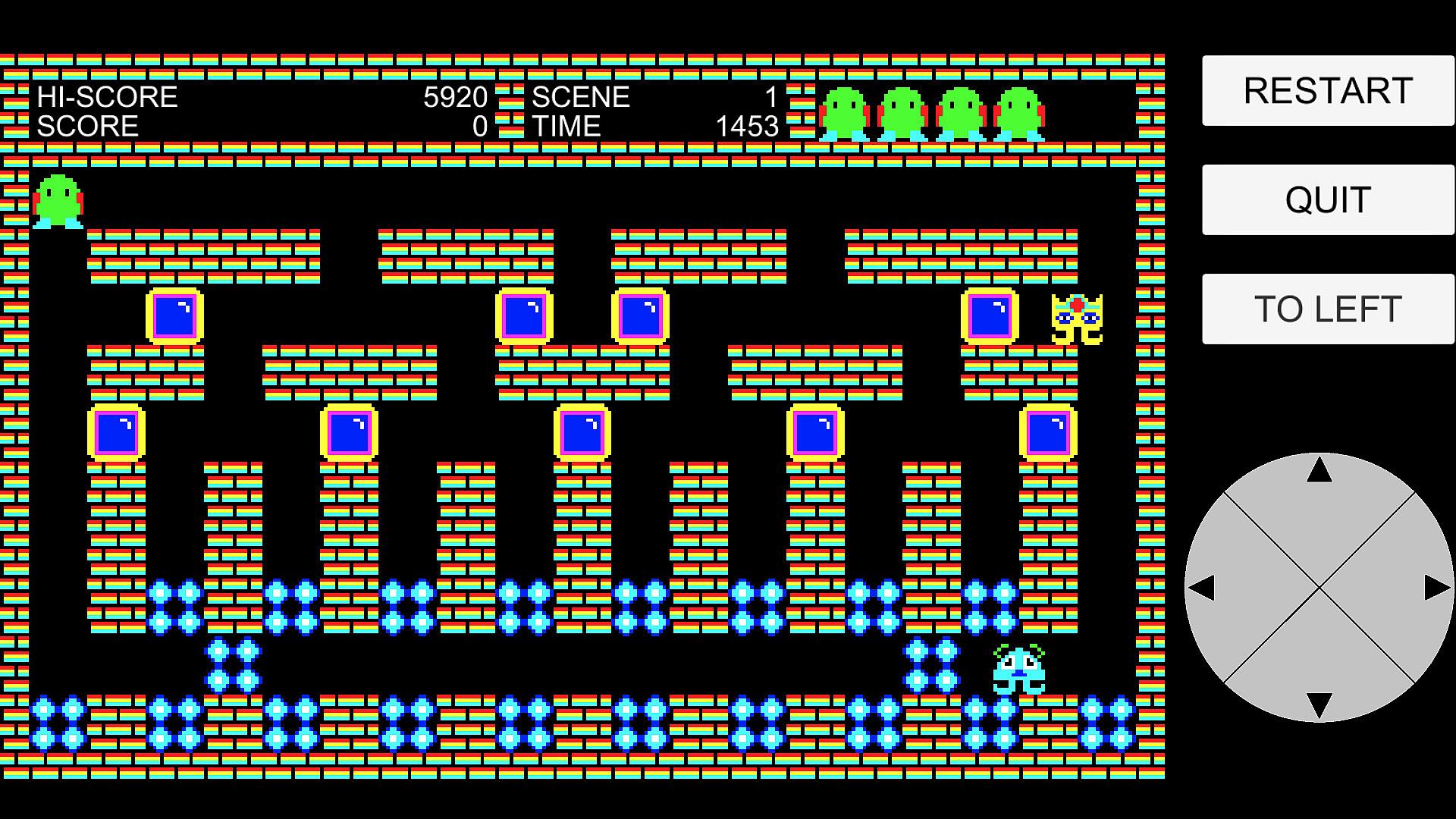
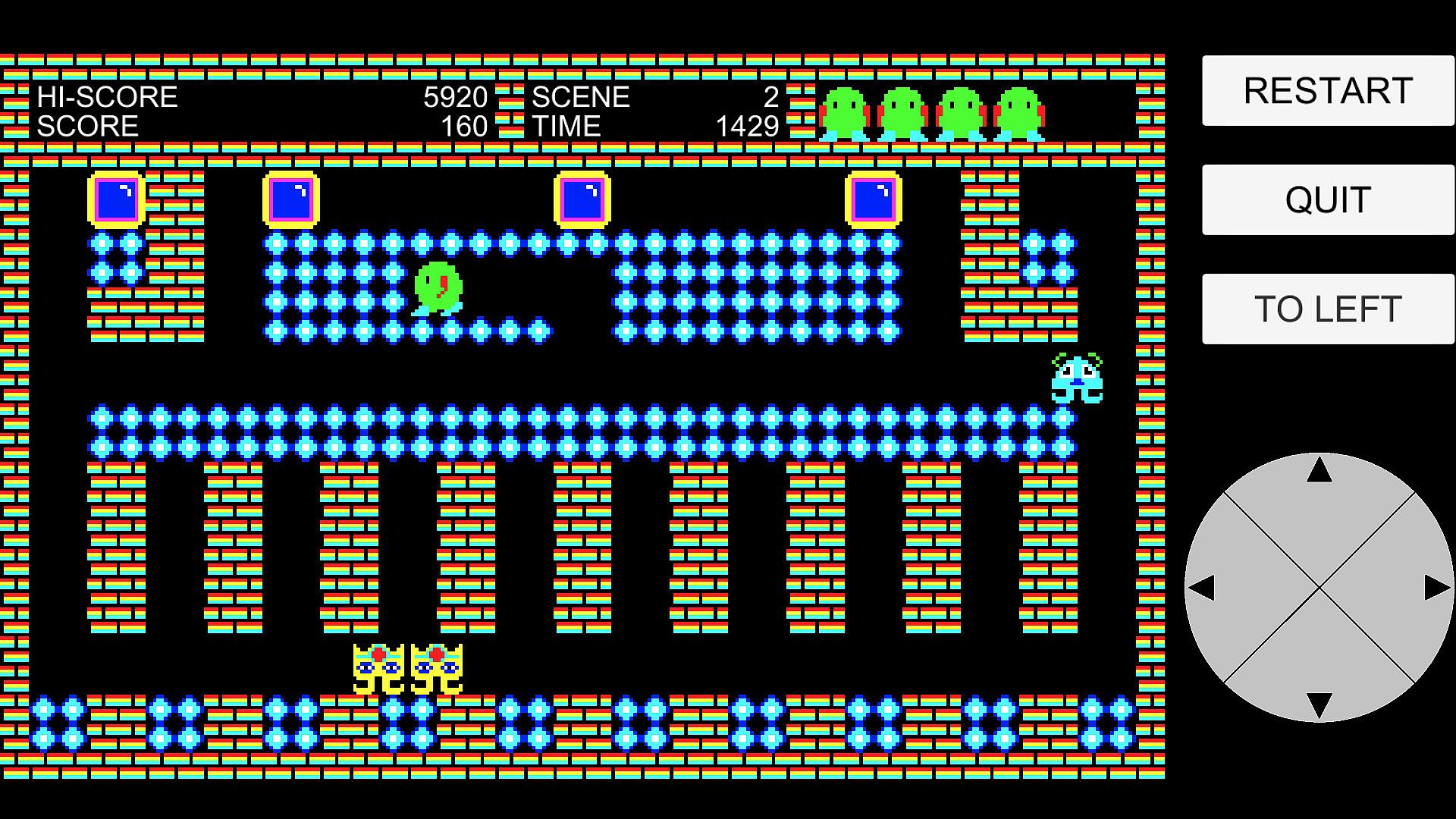
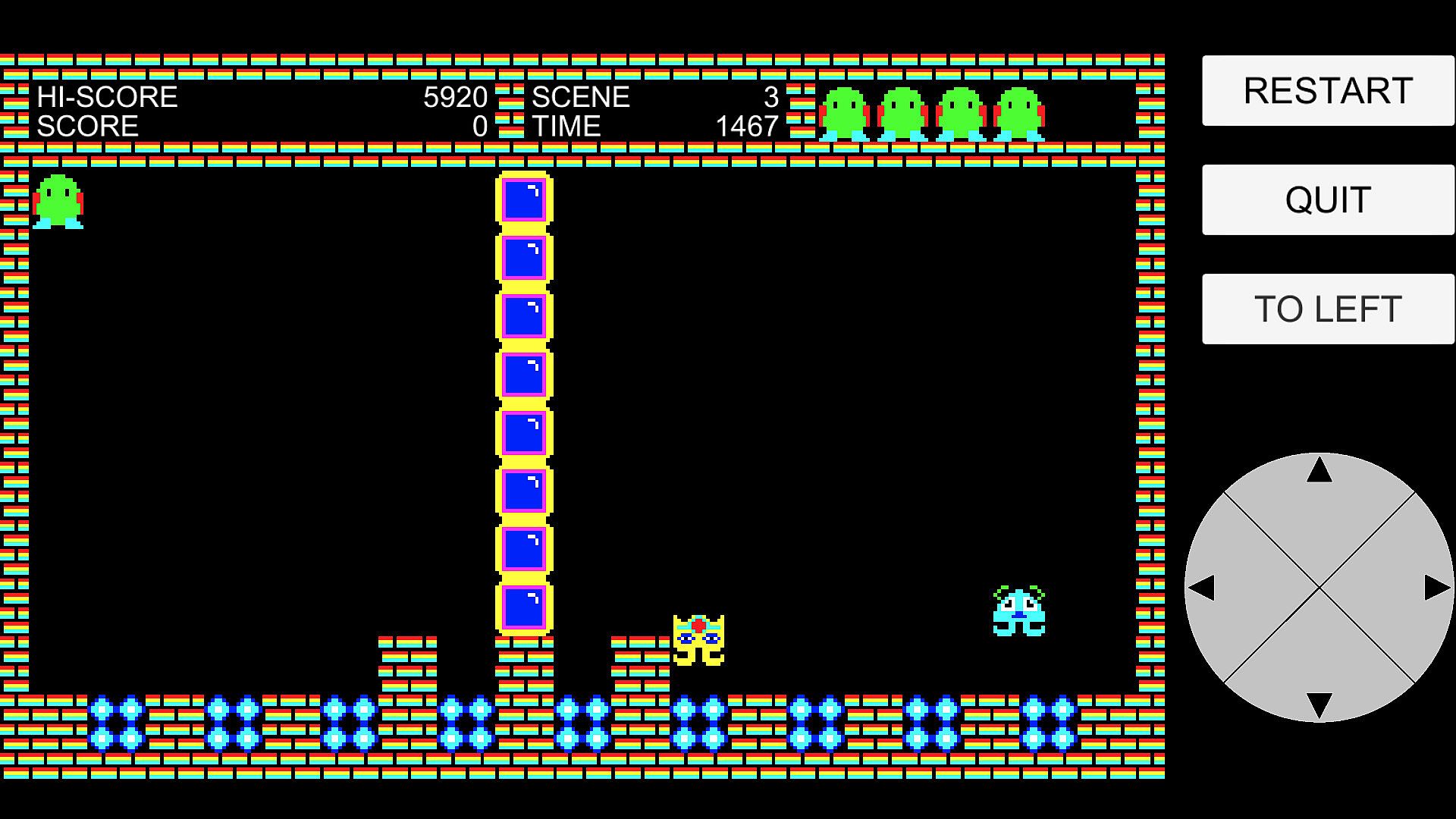
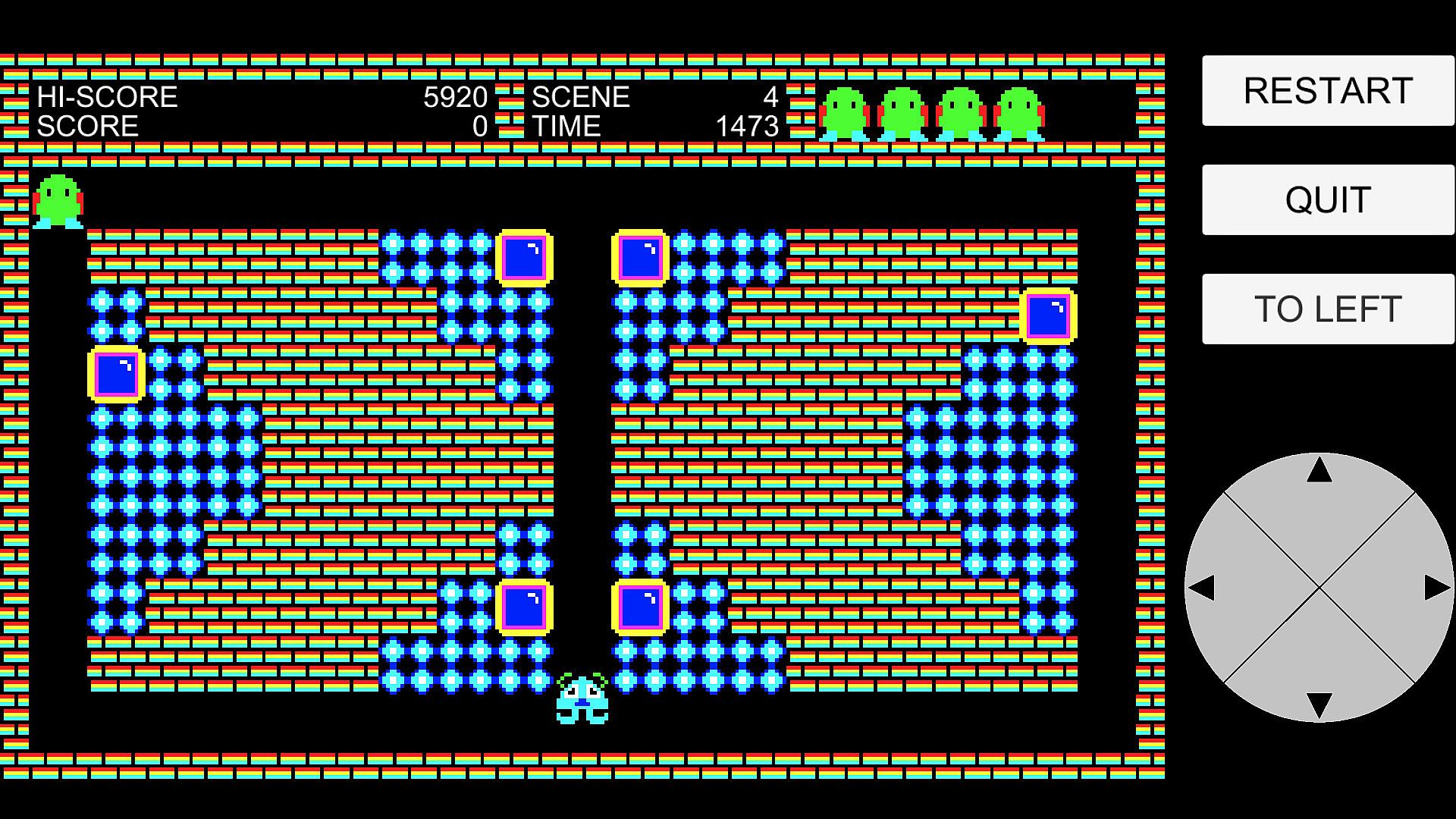
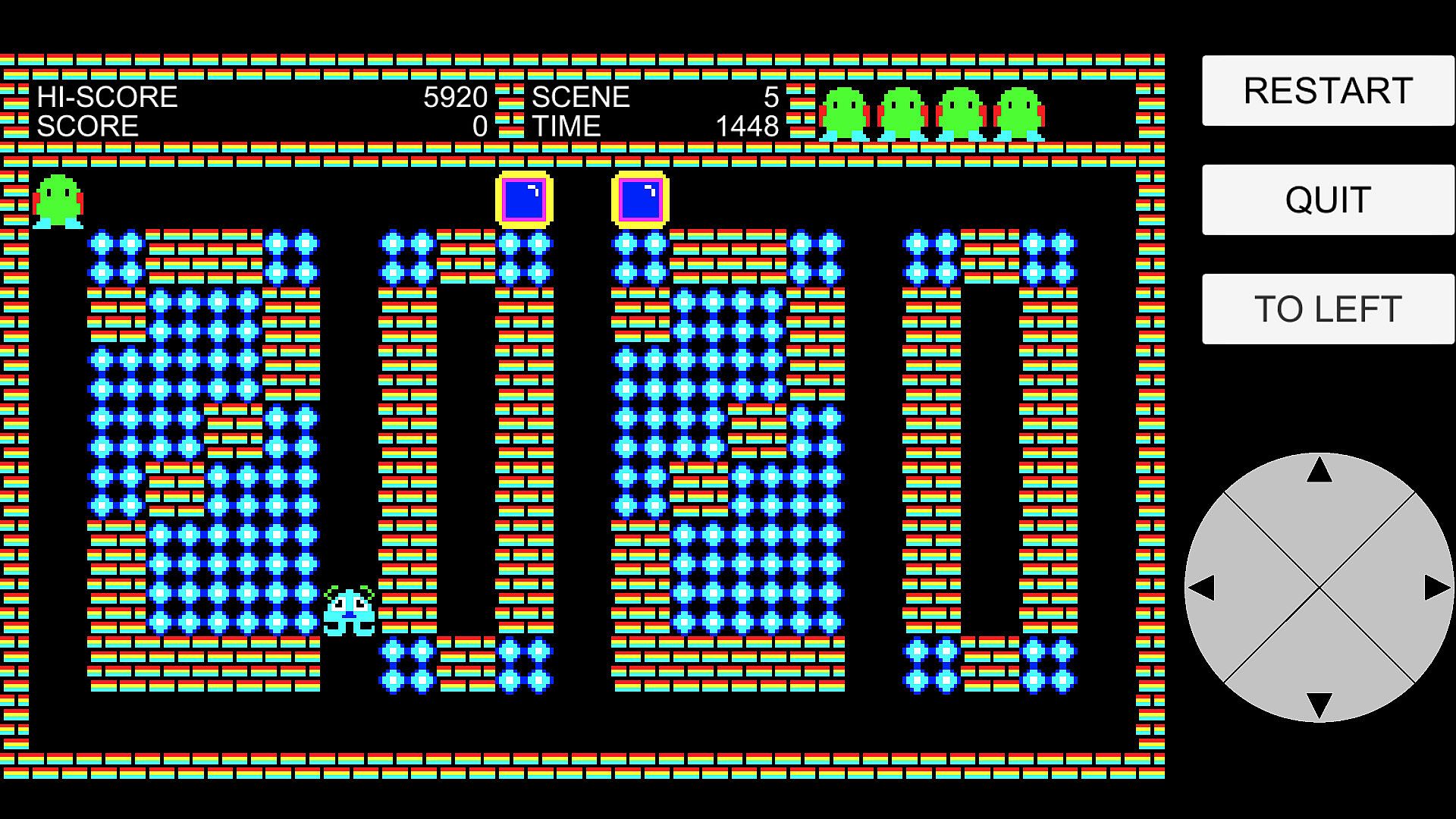
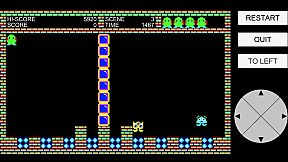
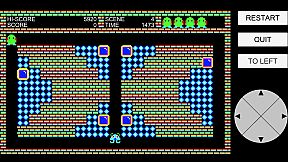
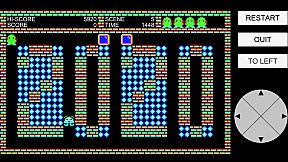
In this action-puzzle game, your goal is to clear each scene by collecting all the dots. There are 30 unique scenes to conquer.

You control the main character using either a keyboard, controller, or on-screen joystick. Navigate the stage, avoid enemies, and use blocks strategically to survive.

Two types of enemies chase you relentlessly. If they catch you, you lose a life. However, you're not defenseless—by pushing blocks and dropping them from above, you can crush enemies. Be careful though: if you're crushed by a block yourself, you'll also lose a life.

Each scene has a time limit. If time runs out, you lose a life. Lose all your lives, and it’s game over.

You can restart the current scene at the cost of one life using the [RESTART] button, or return to the title screen using the [QUIT] button.

Once you clear a scene, it becomes available for selection from the title screen. Use the [UP] and [DOWN] buttons to choose a previously cleared scene, and use [TO LEFT] or [TO RIGHT] to move the position of the on-screen buttons for comfort.

Can you clear all 30 scenes and master every challenge?

Additional Controller and Keyboard Functions

  • In the game screen, the [RESTART] button can also be triggered by pressing the controller's [START] button or the keyboard's [Delete] key.

  • In the game screen, the [QUIT] button can also be triggered by pressing the controller's [BACK] button or the keyboard's [Esc] key.

  • In the title screen, the [UP] and [DOWN] buttons can also be triggered by using the controller's D-pad or analog stick (up/down/left/right) or L/R buttons, or by using the keyboard's arrow keys.

  • In the title screen, the [START] button can also be triggered by pressing the controller's [START] button or the keyboard's Space or Enter key.

  • In the game screen, the [TO LEFT] and [TO RIGHT] buttons can also be triggered by pressing the controller's L/R buttons or the keyboard's L/R keys.


Oberfläche:
English

Altersfreigabe

Keine Angabe

Minimum:

  • Betriebssystem: Windows 10 or Windows 11
  • Prozessor: Intel Core i3-2100 or equivalent
  • Arbeitsspeicher: 4 GB RAM
  • Grafik: DirectX 11 compatible graphics card
  • DirectX: Version 11
  • Speicherplatz: 500 MB available space
  • Zusätzliche Hinweise: No internet connection required

Empfohlen:

  • Betriebssystem: Windows 10 or Windows 11
  • Prozessor: Intel Core i5-7400 or equivalent
  • Arbeitsspeicher: 8 GB RAM
  • Grafik: Dedicated GPU with DirectX 11 support (e.g., NVIDIA GeForce GTX 950 or better)
  • DirectX: Version 11
  • Speicherplatz: 1 GB available space
  • Zusätzliche Hinweise: No internet connection required

Minimum:

  • Betriebssystem: macOS 10.11 (El Capitan) or later (64-bit, Intel or Apple Silicon)
  • Prozessor: Intel or Apple Silicon (M1 or later)
  • Arbeitsspeicher: 4 GB RAM
  • Speicherplatz: 500 MB available space
  • Zusätzliche Hinweise: No internet connection required

Empfohlen:

  • Betriebssystem: macOS 10.15 (Catalina) or later
  • Prozessor: Quad-Core Intel or Apple Silicon (M1/M2/M3)
  • Arbeitsspeicher: 8 GB RAM
  • Grafik: Metal-compatible GPU
  • Speicherplatz: 1 GB available space
  • Zusätzliche Hinweise: No internet connection required

Minimum:

  • Betriebssystem: SteamOS + Linux (Ubuntu 20.04 LTS or later recommended)
  • Prozessor: 2.0 GHz or faster
  • Arbeitsspeicher: 2 GB RAM
  • Grafik: OpenGL 3.2 / Vulkan capable graphics card
  • Speicherplatz: 500 MB available space
  • Zusätzliche Hinweise: No internet connection required

Empfohlen:

  • Betriebssystem: SteamOS + Linux (Ubuntu 20.04 LTS or later recommended)
  • Prozessor: 2.0 GHz or faster
  • Arbeitsspeicher: 2 GB RAM
  • Grafik: OpenGL 3.2 / Vulkan capable graphics card
  • Speicherplatz: 500 MB available space
  • Zusätzliche Hinweise: No internet connection required
Historisches Tief
Preisverlauf von offiziellen Shops
-
-
-
Preisverlauf von Keyshops
-
-
-

FAQ

8 Fragen

Bevor du nach einem günstigen XETTER 2020 Key suchst, prüfe die wichtigsten Fakten. Entwickelt von Ken'ichi Kuromusha. Veröffentlicht von Ken'ichi Kuromusha. PC Release-Datum: 07 Aug. 2025. Genres: Free To Play.

Q

Wo kann ich einen günstigen XETTER 2020 Steam Key kaufen?

XETTER 2020 ist kostenlos spielbar! Lade es auf Steam herunter und spiele sofort los.

XETTER 2020 ist auf Steam komplett kostenlos. Kein Kauf nötig - einfach herunterladen und spielen. Wenn du nach Premium-DLC oder In-Game-Items suchst, prüfe die Angebotstabelle oben.

Unser Preistracker deckt sowohl offizielle Händler als auch Key-Marktplätze ab, sodass du XETTER 2020 im Angebot auch außerhalb saisonaler Aktionen finden kannst. Wir erkennen derzeit 1 aktives Angebot von offiziellen Shops und Keyshops. Prüfe die Tabelle oben, vergleiche mit dem historischen Tief und setze einen Alarm, damit du den nächsten Preissturz nicht verpasst.

Laut unseren Daten ist XETTER 2020 derzeit nicht auf GeForce NOW verfügbar. Du musst es lokal auf deinem PC ausführen. Stöbre durch Spiele, die auf GeForce NOW verfügbar sind.

Ja. XETTER 2020 hat eine offizielle Steam-Shop-Seite. Du kannst auch einen XETTER 2020 Steam Key von Drittanbietern kaufen. Unser Preisvergleich umfasst derzeit 1 Angebot mit Steam-DRM. Wähle eines davon, um sicherzustellen, dass dein XETTER 2020 Download über Valves Plattform läuft.

Derzeit nicht. Valve kennzeichnet XETTER 2020 als Unsupported auf dem Steam Deck. Behalte XD.deals im Blick - wir verfolgen Proton-Updates und Community-Fixes. Stöbere durch Spiele, die Steam Deck Verified oder Steam Deck Playable sind.

XETTER 2020 scheint derzeit nicht im PC Game Pass, bei EA Play, Ubisoft+ oder einem anderen PC-Abonnement verfügbar zu sein. Deine einzige Option ist der Kauf - nutze XD.deals, um den besten Preis zu finden.

Nein - XD.deals ist kein Shop. Wir sind ein Preisvergleich, der die besten XETTER 2020-Deals bei offiziellen Shops und verifizierten Keyshops verfolgt. Klicke neben einem Angebot auf "Zum Shop" und du wirst zur Webseite des Händlers weitergeleitet, um deinen Kauf abzuschließen.

Beste Preise für XETTER 2020

1 Steam Steam Official
0,00 €

Zum besten Zeitpunkt kaufen? Setze einen Preisalarm auf XD.deals und werde benachrichtigt, wenn XETTER 2020 sein nächstes historisches Tief erreicht.

Alarm erstellen
Tritt unserem Discord bei
Erhalte Hilfe von der Community und bleibe über Angebote informiert
Preisalarme einrichten
Erhalte E-Mail-Benachrichtigungen wenn Preise fallen
Kostenloses Konto erstellen
Schalte Wunschlisten, Preisalarme und Steam-Sync frei