
OZ Chord Player PC kaufen

Wo kannst du den günstigsten OZ Chord Player Steam-Key für {6} kaufen? Vergleiche Preise aus 1 Shops und finde unter 1 Angeboten auf XD Deals die beste Option. Aktuell liegt der niedrigste OZ Chord Player {6} Preis im Keyshop bei 3,98 € (30% Rabatt).

Veröffentlichung: 02 Mai 2022
Steam:
Overwhelmingly Negative (7)
Keyshops
Nicht verfügbar
Im offiziellen Store kaufen:
-30%
3,98 €
Im Keyshop kaufen:
Preisverlauf anzeigen

Offizielle Shops (1)

DRM:
Steam
Steam
Steam
OZ Chord Player
Windows
vor 2W
DRM:
Steam
Endet in 5 Tagen
Steam
5,69 € 3,98 €
Endet in 5 Tagen
Historical Low Deal
Historical low
-30%

Über OZ Chord Player

OZ Chord Player - Spielbeschreibung
Play chords instantly with a simple button press on a single-screen layout, perfect for computer music composition. A piano keyboard highlights the notes in each chord, while note-based searches and diatonic filters help match harmonies to your melody line. Switch between piano, guitar, strings, and brass sounds, apply arpeggios or inversions, and arrange progressions on a timeline with custom tempo and time signatures. Save setups, export MIDI files, and resize the interface for your PC monitor, with key bindings and 13-language support plus an on-screen guide. This casual audio production utility suits beginners trying composition, those learning chord sounds, or anyone struggling to pair chords with melodies without an instrument.

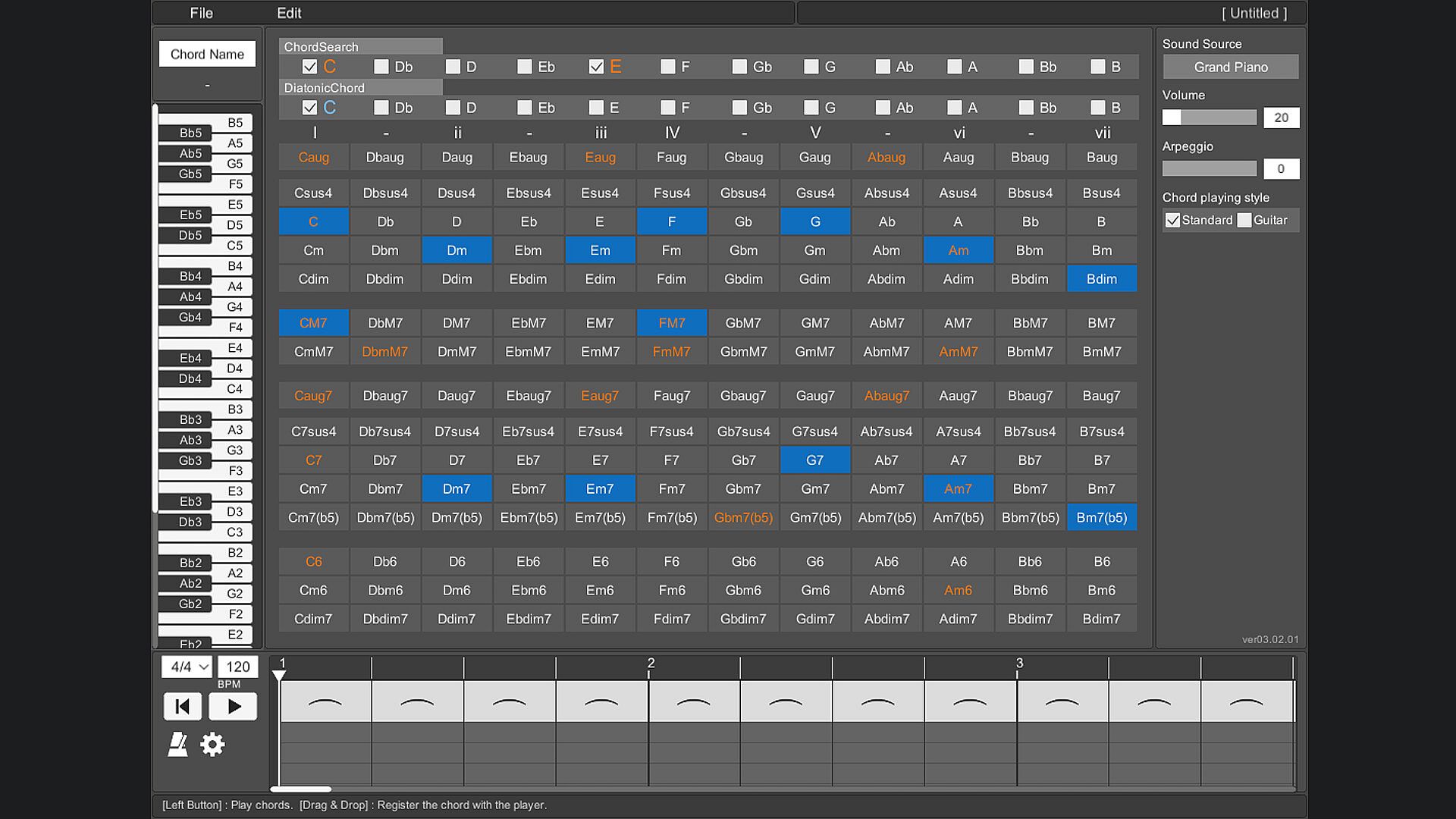
OZ Chord Player is a very simple tool for playing chords.
When composing with Computer Music, you can easily find and try chords that match your melody.
You can easily check the sound of chords with OZ Chord Player even if you don't have an instrument.
Main target
Mainly useful for composing Computer Music.
  • Those who want to try composing.
  • Those who want to know the sounds that make up a chord.
  • Those who are not good at finding chords that match their own melody.
  • Those who want to easily check the chord progression without an instrument.
Features
Screen layout
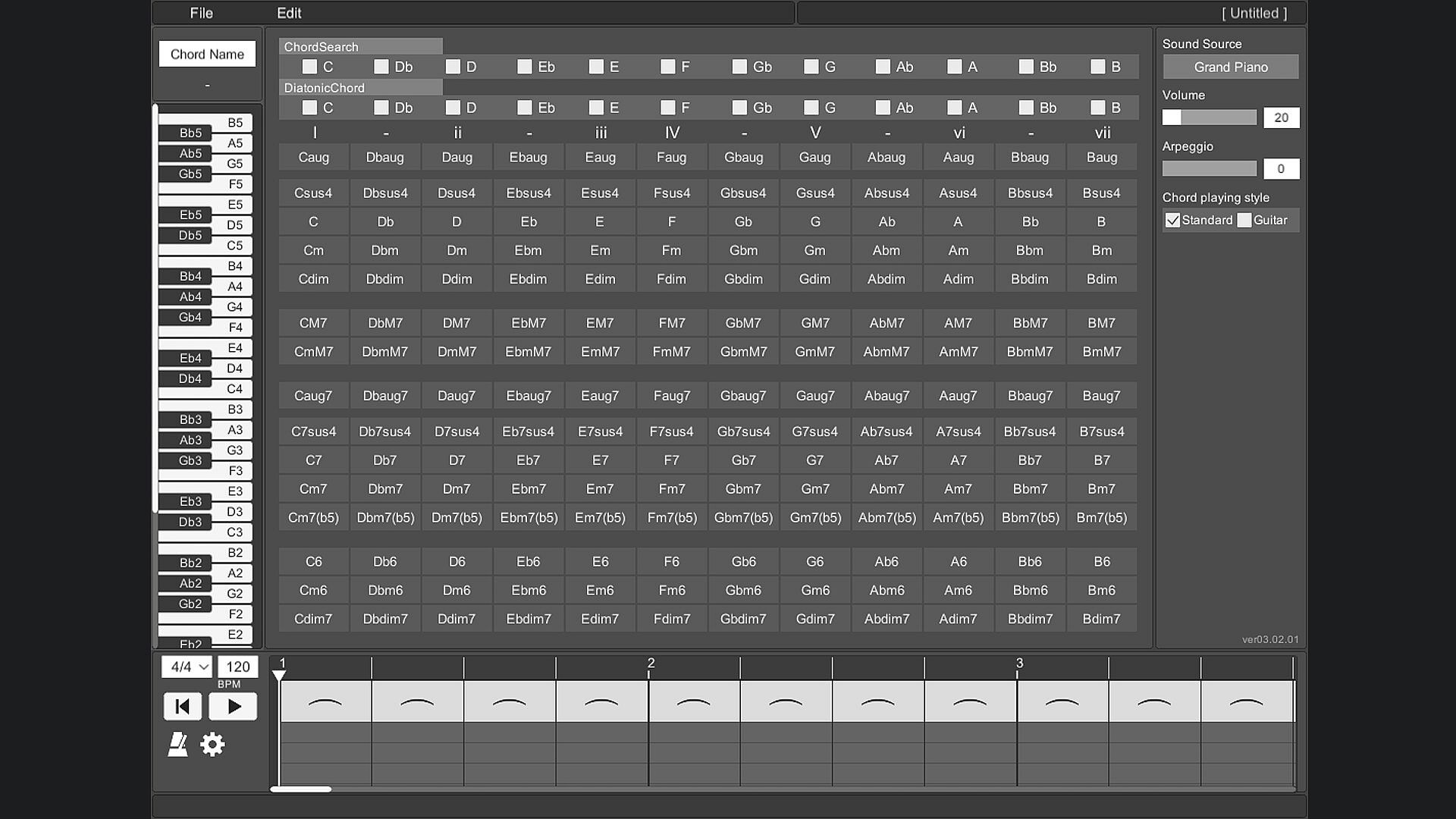
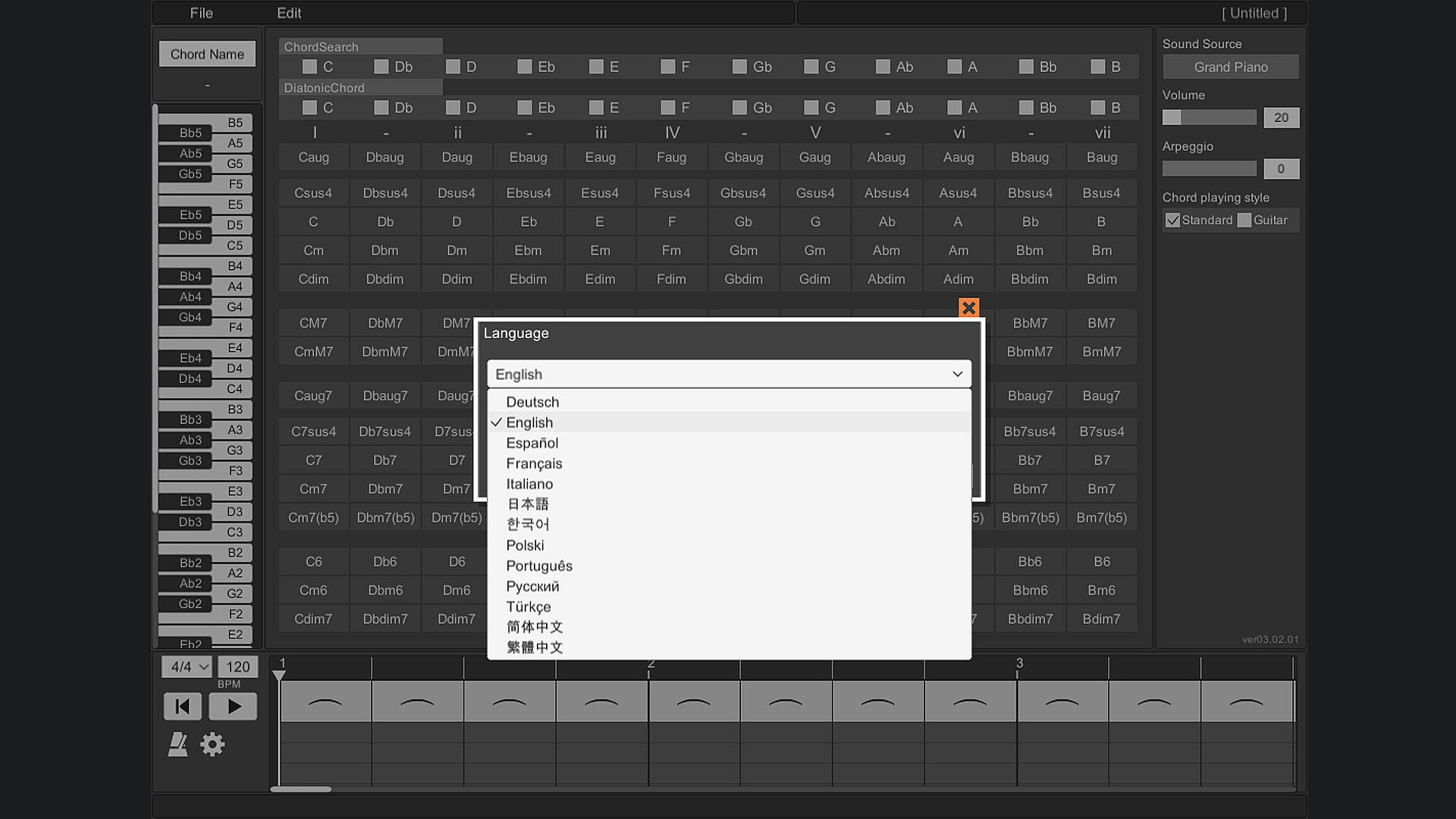
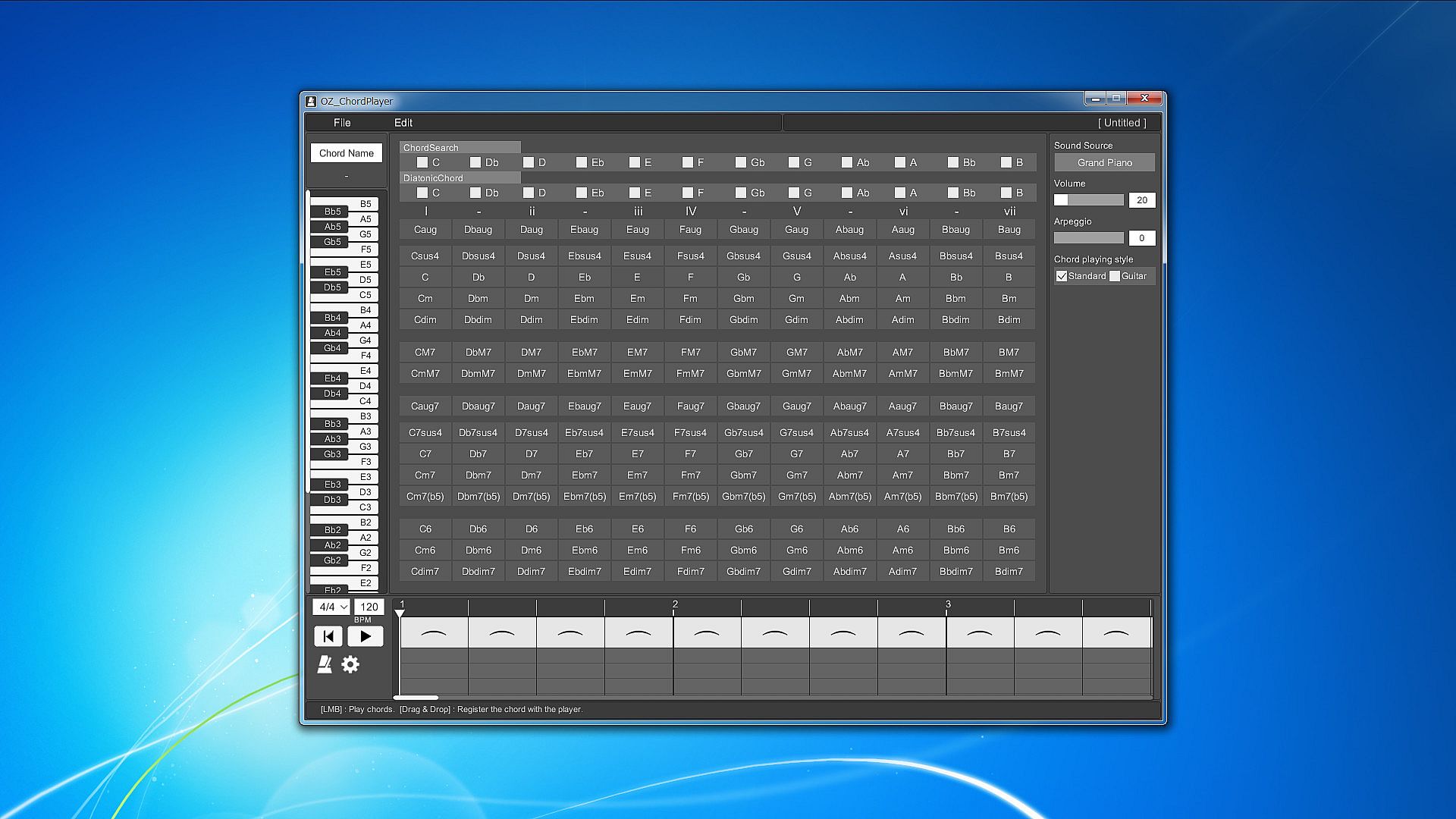
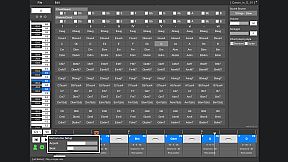
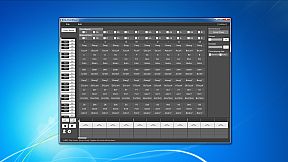
All the prepared chords are displayed on one screen.
To play the chord, just press the button on the chord in front of you.
This allows you to hear the sound of various chords without disturbing your inspiration.

Piano keyboard
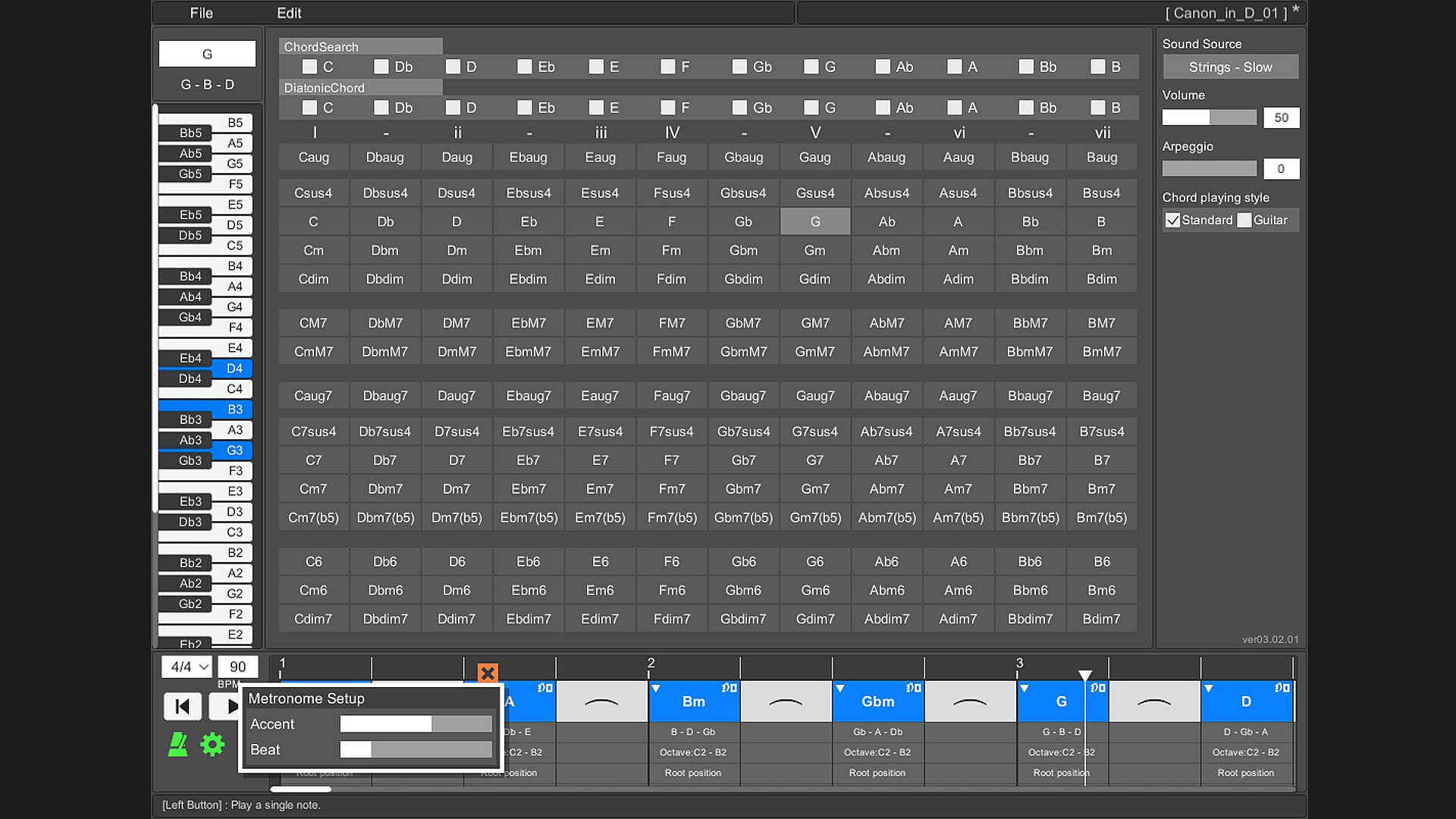
When you play a chord, you can check which note is playing on the piano keyboard.
This allows you to reflect the constituent notes of the chord in your own composition.

Chord search
By selecting a switch with a note name such as "C" or "D", all chords using that note will be focused.
You can also search by combining multiple switches.
By selecting the note name you are playing on the melody line, you can easily find the chord that matches that note.

Diatonic chord search
Focus on the major scale diatonic chord.
You can easily find the best chord for the scale of your song.

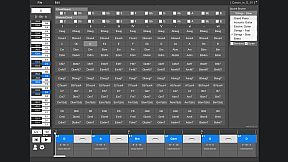
Sound source
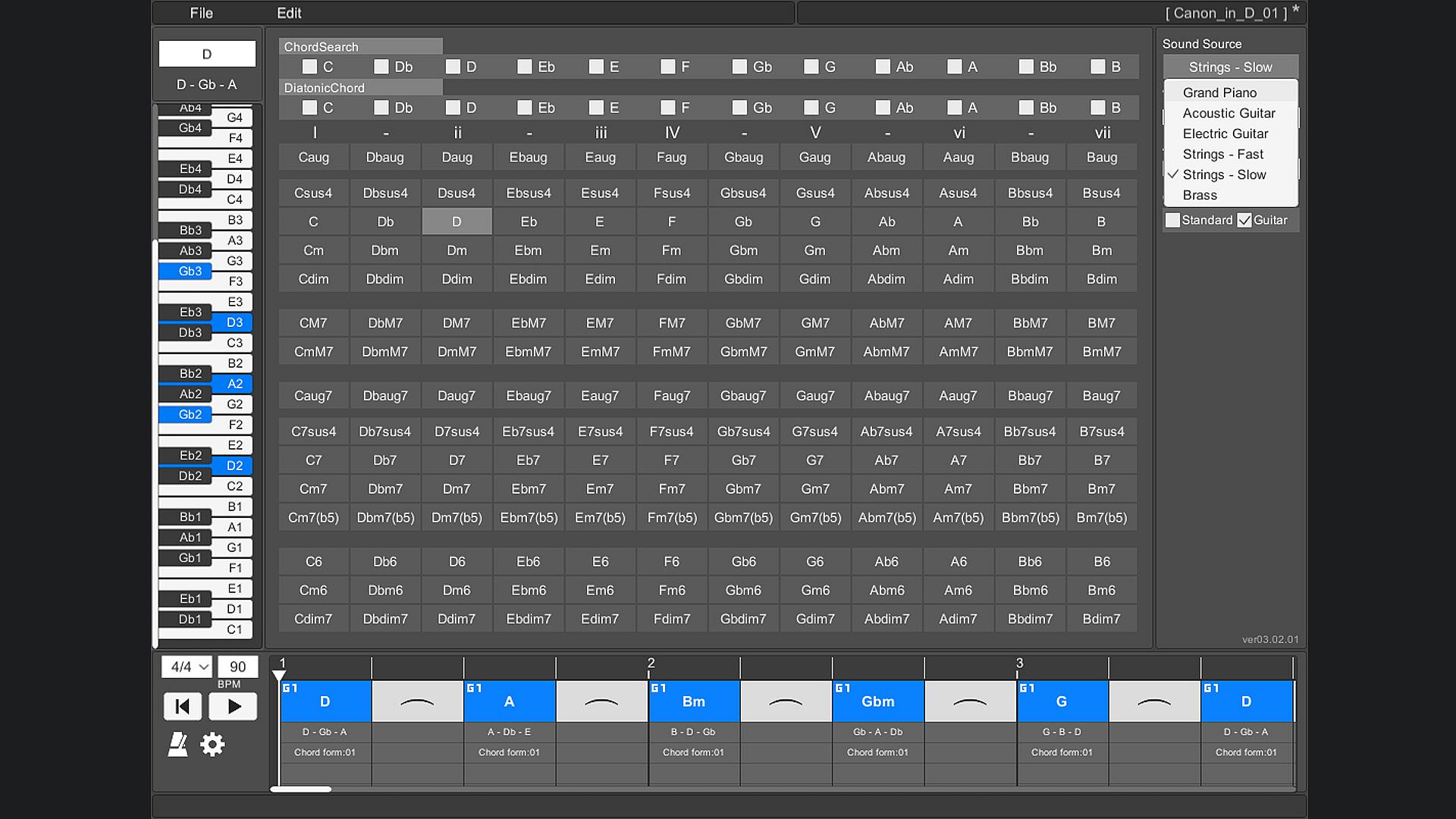
The instruments that can be used are "piano", "acoustic guitar", "electric guitar", "stringed instrument - fast", "stringed instrument - slow", and "brass instrument".

Arpeggio
You can stagger the individual notes of the chords. Ideal for slow tempo songs, mainly on piano and guitar.

Chord playing style
There are two types of chord styles to play, "standard" and "guitar", and you can switch between them.
In "Standard", 3 types of chords with different octaves are prepared for each chord.
In "Guitar", 3 to 5 types of chords with different ways of playing guitar chords are prepared for each chord.

Chord inversion
For example, one chord [Dm] can be played by switching the notes like [D3 - F3 - A3], [F3 - A3 - D4], [A3 - D4 - F4].
In popular music, they are written as [Dm/F] and [Dm/A].
(Only normal chords are supported. Guitar chords are not supported.)

Play chords
You can play by arranging multiple chords side by side on the timeline. This makes it easy to check the chord progression. When playing, you can set the tempo and time signature (2/4 to 5/4 time signature).

Save/Load
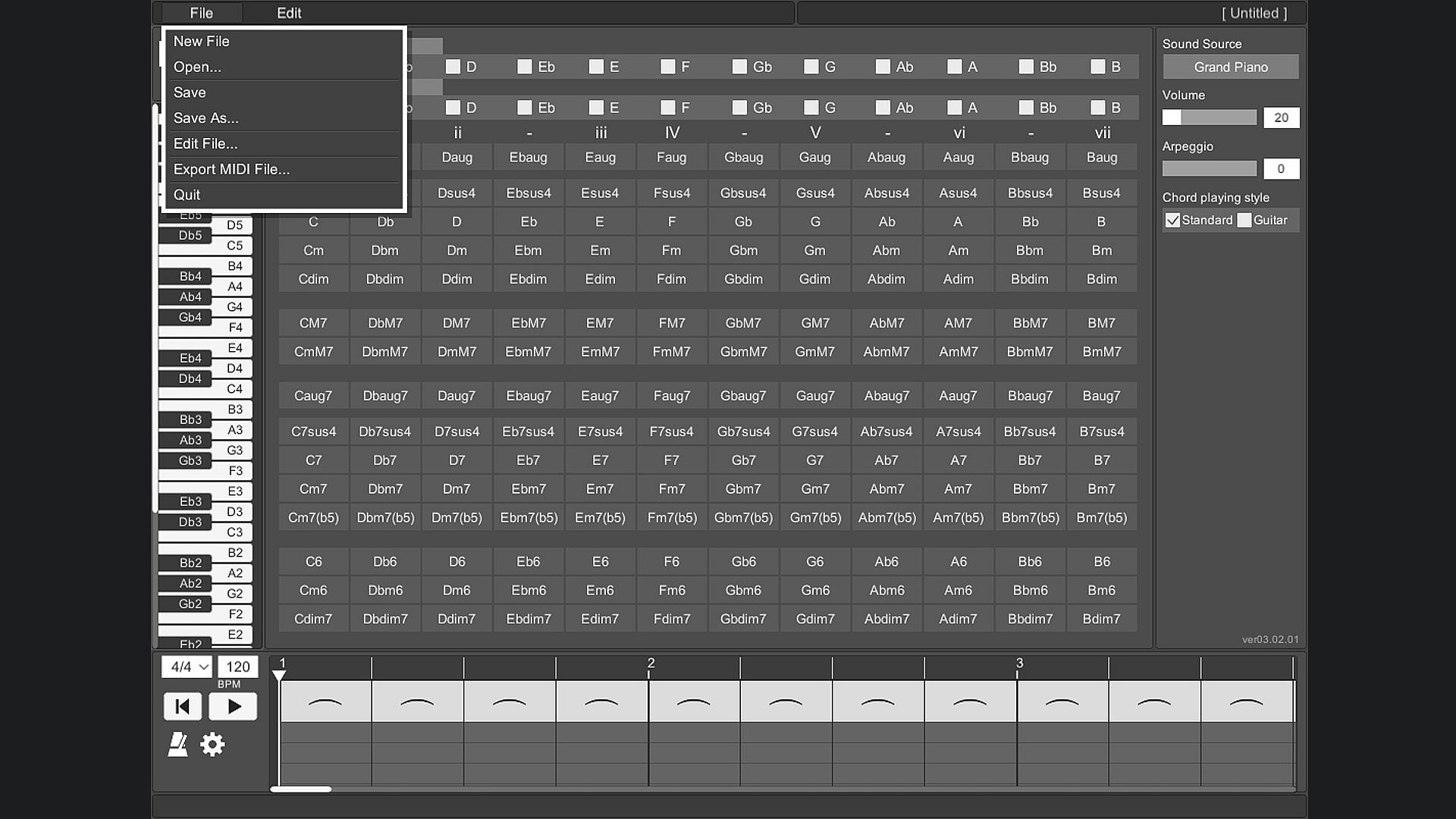
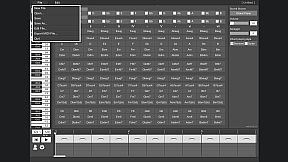
Chords placed side by side on the timeline can be saved.

Export MIDI File
The chords placed side by side on the timeline can be exported as a MIDI file.
(Volume settings and arpeggios are not reflected.)

User's Guide
The operation method is displayed at the bottom of the tool screen and you will not be confused about the operation. The operation method is displayed by moving the mouse cursor to the part you want to know.

Change screen size
You can change the screen size of OZ Chord Player.
The minimum resolution that can be set is 848 * 600.
The maximum resolution that can be set is limited so that it does not exceed the resolution of the monitor you are using.
The default screen resolution is 1130 * 800.
If the resolution is smaller than the default setting, the image will be slightly degraded.

Key Bindings
Key binding is possible.

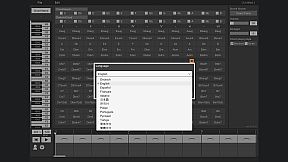
Language support
It supports 13 languages.
(Chord notation is C, D, E, F, G, A, B.)

Oberfläche:
GermanEnglishSpanish - SpainFrenchItalianJapaneseKoreanPolishPortuguese - BrazilRussianTurkishSimplified ChineseTraditional Chinese

Altersfreigabe

Keine Angabe
Steam:
Overwhelmingly Negative (7)

Minimum:

  • Prozessor: Intel or AMD CPU over 1.0 GHz
  • Arbeitsspeicher: 930 MB RAM
  • Speicherplatz: 240 MB available space

Empfohlen:

Historisches Tief
Preisverlauf von offiziellen Shops
-
-
-
Preisverlauf von Keyshops
-
-
-

FAQ

8 Fragen

Bevor du nach einem günstigen OZ Chord Player Key suchst, prüfe die wichtigsten Fakten. Entwickelt von ChuckDoo. Veröffentlicht von ChuckDoo. PC Release-Datum: 02 Mai 2022. Genres: Casual, Utilities, Audio Production, Education, Software Training.

Q

Wo kann ich einen günstigen OZ Chord Player Steam Key kaufen?

Mit unserem Preisvergleich und verifizierten Rabattcodes kannst du einen OZ Chord Player Key schon ab 3,98 € kaufen. Dieses Angebot ist bei Steam verfügbar und gehört zu den günstigsten auf dem Markt. Alle auf XD.deals gelisteten Keys werden digital geliefert und können nach der Zahlung sofort heruntergeladen werden. Die Preise enthalten bereits Bearbeitungsgebühren und eingelöste Promo-Codes, sodass du immer den niedrigsten OZ Chord Player Preis auf PC siehst. Sieh dir den OZ Chord Player Preisverlauf an, um zum besten Zeitpunkt zu kaufen.

Laut unserem letzten Update (wir aktualisieren Steam-Preise mehrmals täglich) beträgt der OZ Chord Player Steam-Preis 3,98 €. Du kannst zusätzlich ca. 6% sparen, indem du mit einer vergünstigten Steam-Geschenkkarte zahlst.

Unser Preistracker deckt sowohl offizielle Händler als auch Key-Marktplätze ab, sodass du OZ Chord Player im Angebot auch außerhalb saisonaler Aktionen finden kannst. Wir erkennen derzeit 1 aktives Angebot von offiziellen Shops und Keyshops. Prüfe die Tabelle oben, vergleiche mit dem historischen Tief und setze einen Alarm, damit du den nächsten Preissturz nicht verpasst.

Laut unseren Daten ist OZ Chord Player derzeit nicht auf GeForce NOW verfügbar. Du musst es lokal auf deinem PC ausführen. Stöbre durch Spiele, die auf GeForce NOW verfügbar sind.

Ja. OZ Chord Player hat eine offizielle Steam-Shop-Seite. Du kannst auch einen OZ Chord Player Steam Key von Drittanbietern kaufen. Unser Preisvergleich umfasst derzeit 1 Angebot mit Steam-DRM. Wähle eines davon, um sicherzustellen, dass dein OZ Chord Player Download über Valves Plattform läuft.

Derzeit nicht. Valve kennzeichnet OZ Chord Player als Unsupported auf dem Steam Deck. Behalte XD.deals im Blick - wir verfolgen Proton-Updates und Community-Fixes. Stöbere durch Spiele, die Steam Deck Verified oder Steam Deck Playable sind.

OZ Chord Player scheint derzeit nicht im PC Game Pass, bei EA Play, Ubisoft+ oder einem anderen PC-Abonnement verfügbar zu sein. Deine einzige Option ist der Kauf - nutze XD.deals, um den besten Preis zu finden.

Nein - XD.deals ist kein Shop. Wir sind ein Preisvergleich, der die besten OZ Chord Player-Deals bei offiziellen Shops und verifizierten Keyshops verfolgt. Klicke neben einem Angebot auf "Zum Shop" und du wirst zur Webseite des Händlers weitergeleitet, um deinen Kauf abzuschließen.

Beste Preise für OZ Chord Player

1 Steam Steam Official
-30% 3,98 €

Zum besten Zeitpunkt kaufen? Setze einen Preisalarm auf XD.deals und werde benachrichtigt, wenn OZ Chord Player sein nächstes historisches Tief erreicht.

Alarm erstellen
Tritt unserem Discord bei
Erhalte Hilfe von der Community und bleibe über Angebote informiert
Preisalarme einrichten
Erhalte E-Mail-Benachrichtigungen wenn Preise fallen
Kostenloses Konto erstellen
Schalte Wunschlisten, Preisalarme und Steam-Sync frei