





McOsu PC kaufen

McOsu ist kostenlos spielbar auf Steam! Auch erhältlich in 1 offiziellen Shops ab 0,00 €.

Veröffentlichung: 20 März 2017
Metacritic:
tbd tbd
Steam:
Very Positive (6k)
Keyshops
Nicht verfĂĽgbar
Im offiziellen Store kaufen:
Free
Im Keyshop kaufen:
Preisverlauf anzeigen

Offizielle Shops (1)

DRM:
Steam
Steam
Steam
McOsu
Windows
+1
vor 4W
DRM:
Steam
Steam
Free
Historical Low Deal
Historical low

Ăśber McOsu

McOsu - Spielbeschreibung
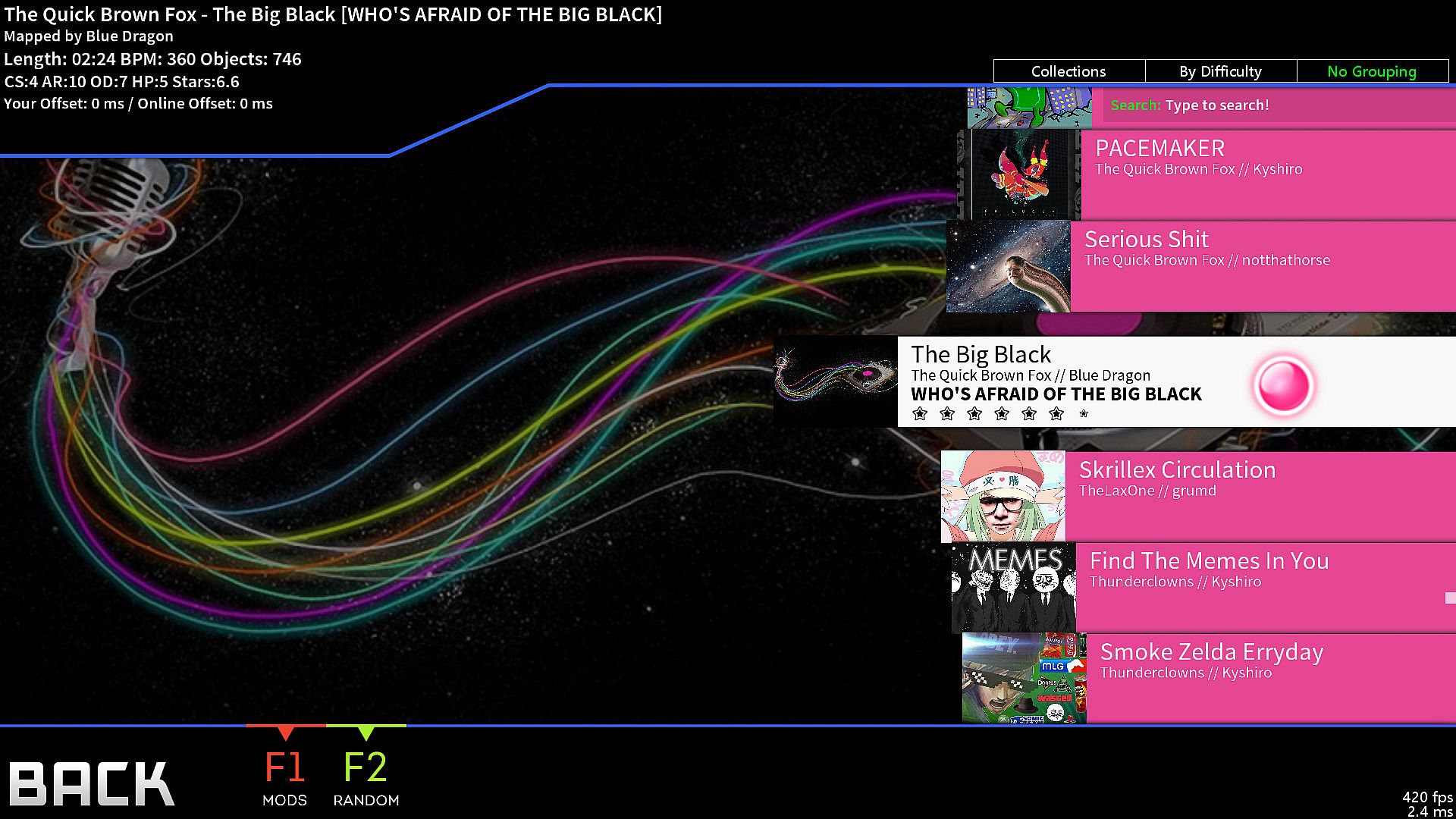
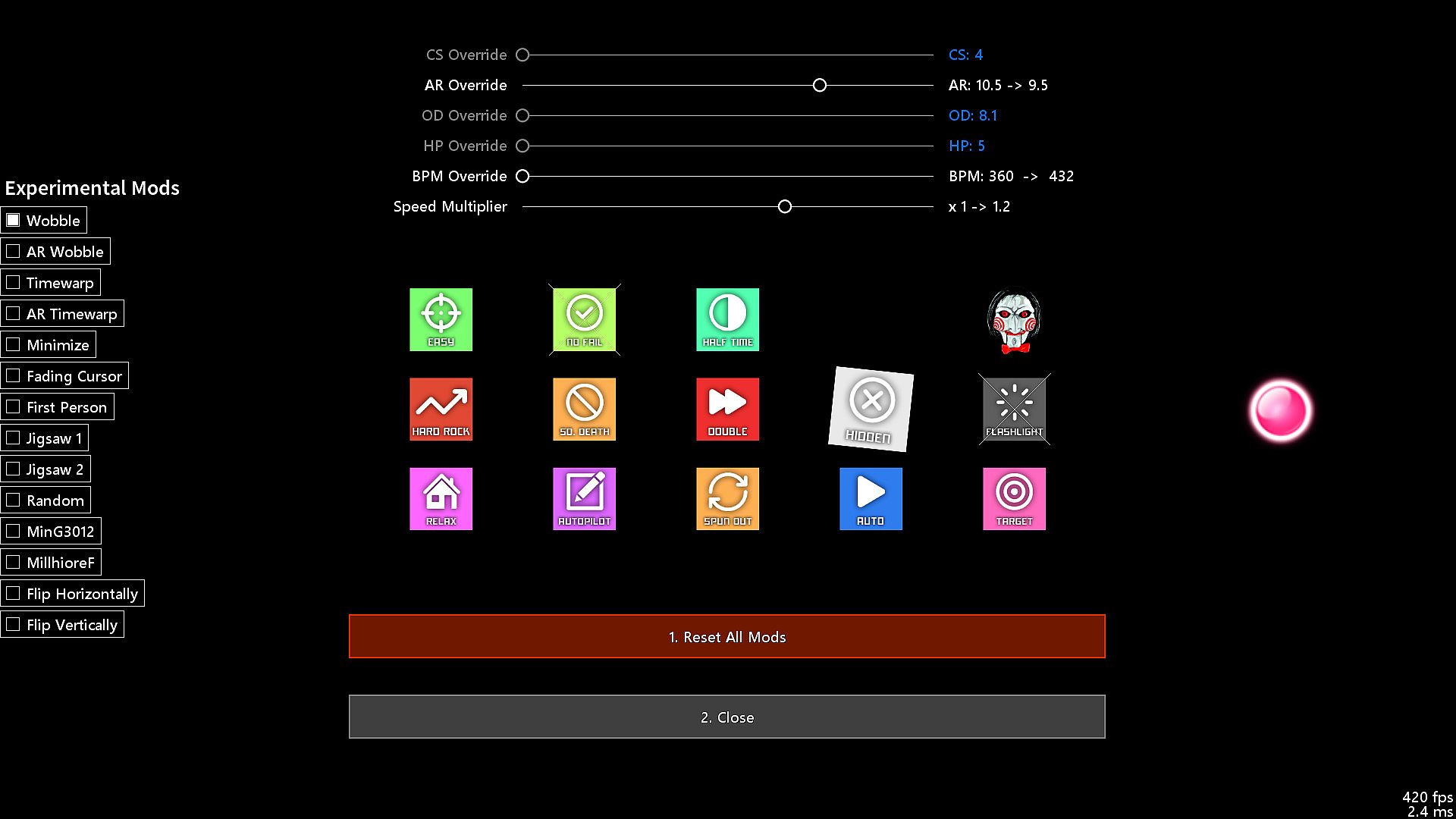
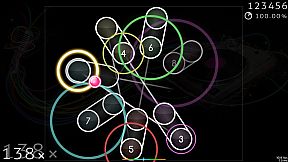
McOsu bietet einen kostenlosen Open-Source-Client für circle-clicking Rhythmus-Gameplay auf osu!(standard) Beatmaps. Es optimiert Trainings-Sessions durch Beatmap-Overrides wie Approach Rate, Circle Size, Overall Difficulty und HP Drain sowie einen Speed/BPM-Slider für präzises Scrubbing. Spieler passen Optionen während des Spiels mit F1 oder CTRL+O an, testen Mods wie wobble, jigsaw oder Playfield-Flipping und verfolgen live pp-Stats über integrierte Counter. Dieses Indie-PC-Tool ist ideal für osu!-Veteranen, die erweiterte Anpassungen wollen - inklusive VR- und First-Person-3D-Modi, unendlicher Offline-Profile mit pp-Ranking sowie Steam-Workshop-Integration. Neulinge sollten zum offiziellen Spiel greifen für Tutorials und Multiplayer.

McOsu is developed separately from and has no direct affiliation with osu! or ppy Pty Ltd.

McOsu is NOT osu!

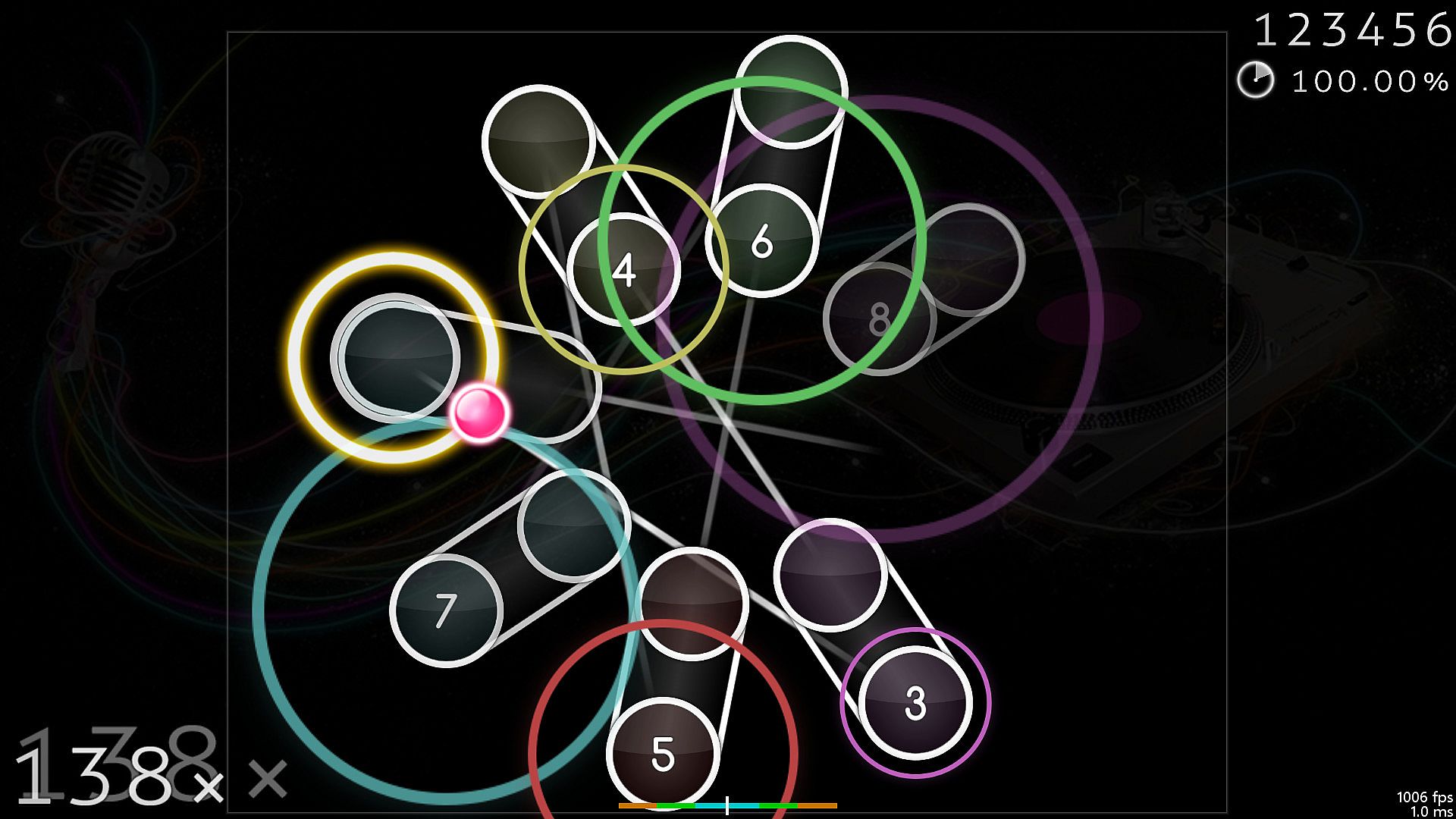
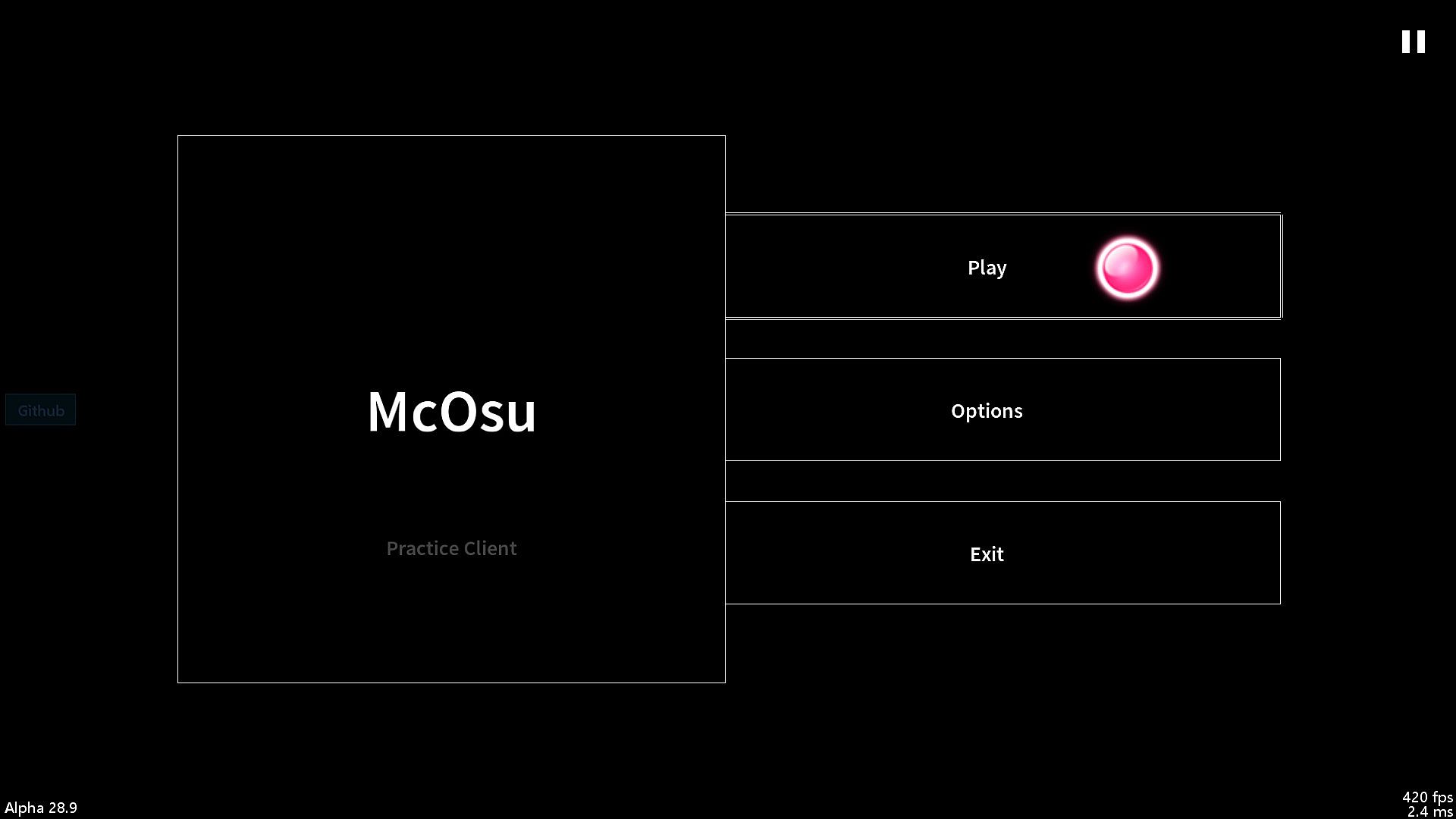
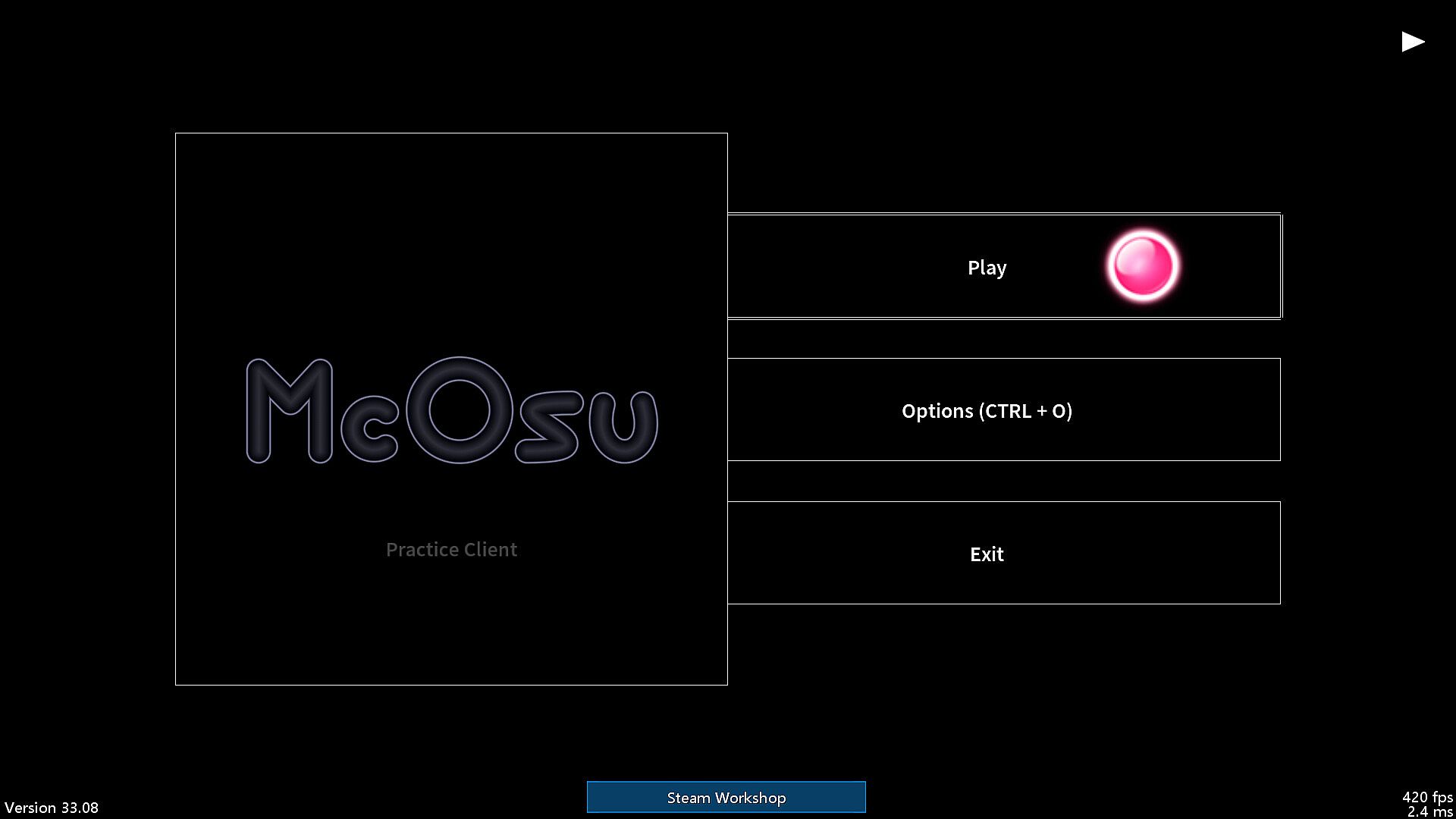
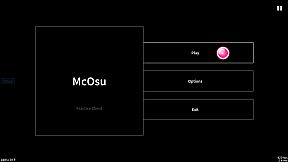
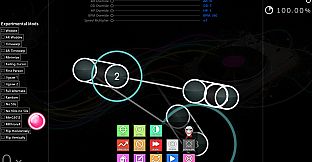
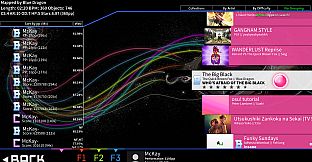
A free open-source circle-clicking rhythm game client for osu!(standard) beatmaps, with the main focus on making practicing easier and customizing gameplay.

It is primarily a practice client for getting better at the "official" game by having tools at your disposal that osu!(stable) does not provide for some reason, it's not supposed to be a perfect copy of osu! though it does get close enough where necessary.

If you have never played osu! before, then I do not recommend using this client (except for VR players + FPoSu players of course), because there are no gameplay tutorials to be found here (just google "osu!" and play the official game which is a lot more polished and has online rankings including multiplayer support etc.).

McOsu only supports osu!(standard) beatmaps, while diffs for other gamemodes like mania/taiko/ctb/etc. are simply invisible.

Features:
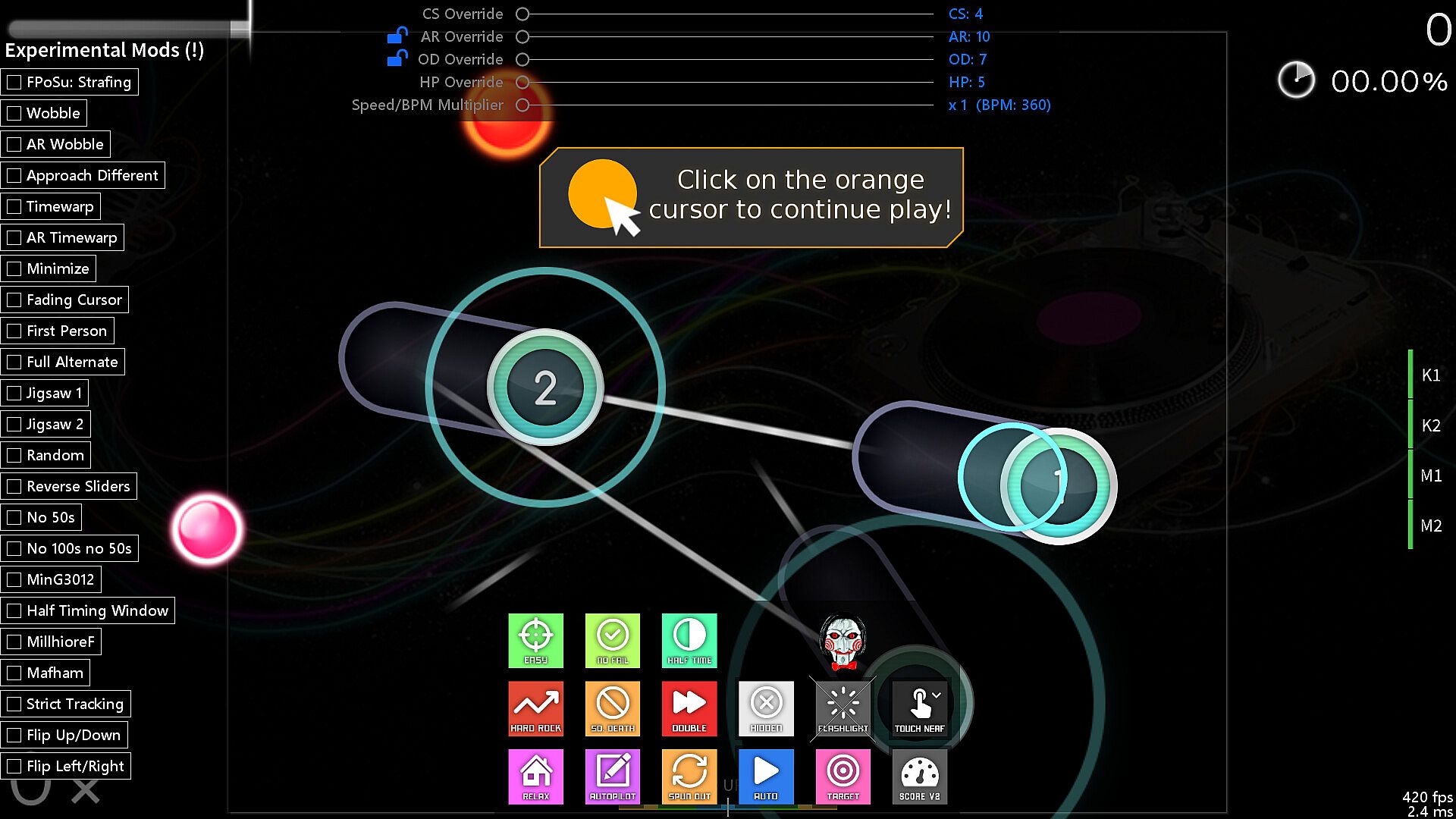
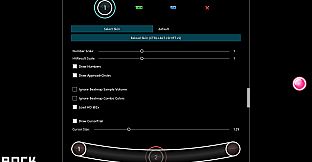
  • Unlimited Customizability (Options, Console Commands via SHIFT + F1)

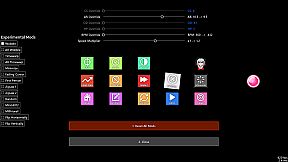
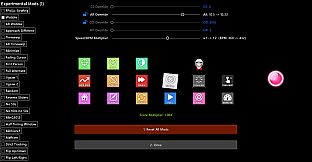
  • Beatmap Overrides (Approach Rate, Circle Size, Overall Difficulty, HP Drain)

  • Speed/BPM Slider

  • Scrubbing and Quicksave/load (SHIFT and F6/F7, rebindable, jump to any point in time of a beatmap)

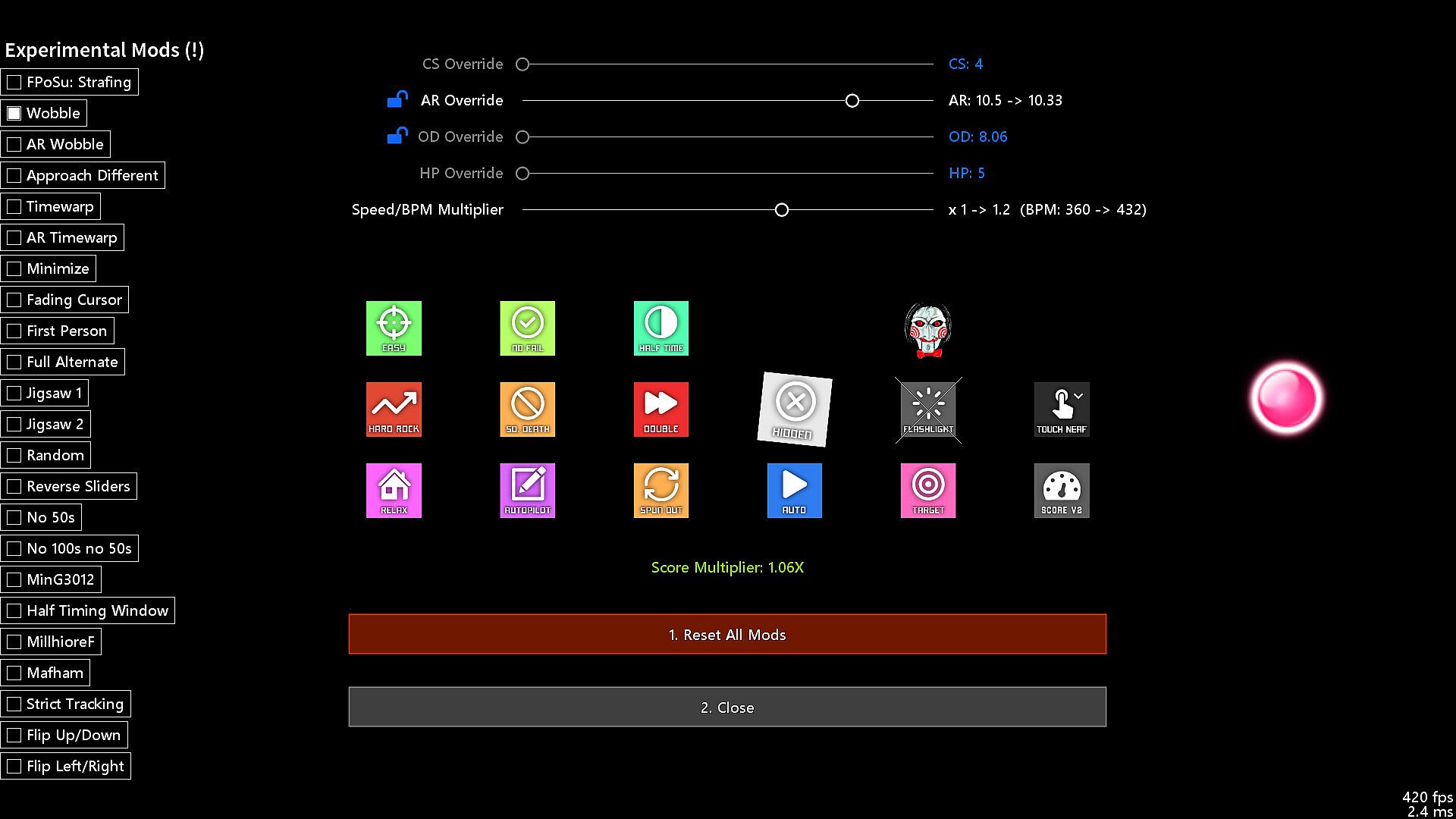
  • Experimental Mods (Wobble, Jigsaw, First Person, Playfield Flipping, Reverse Sliders, etc.)

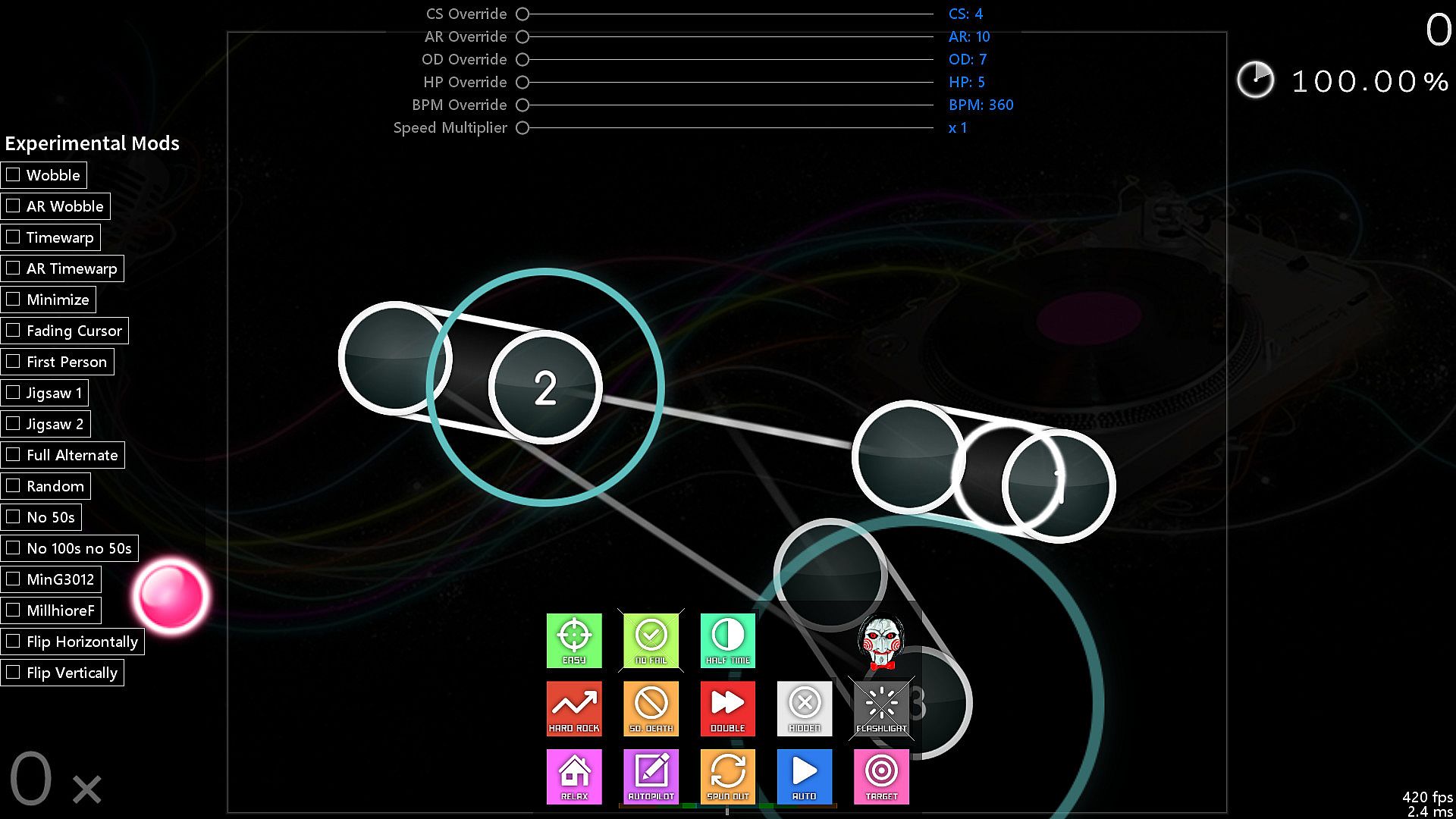
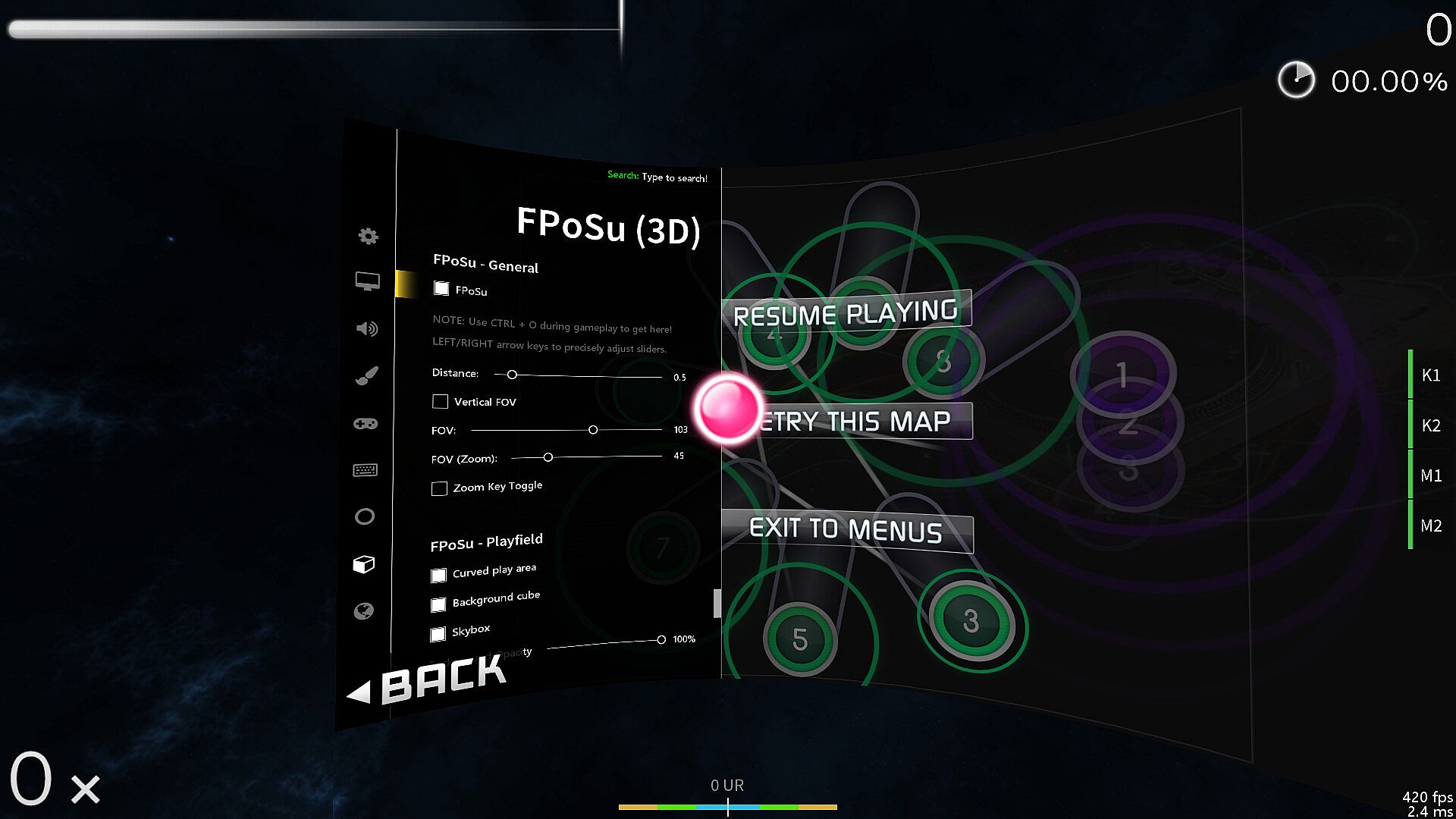
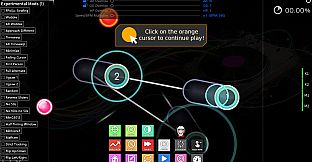
  • Change mods and options while playing (F1 and CTRL + O)

  • Built-in pp counter (live stats overlay + ranking screen)

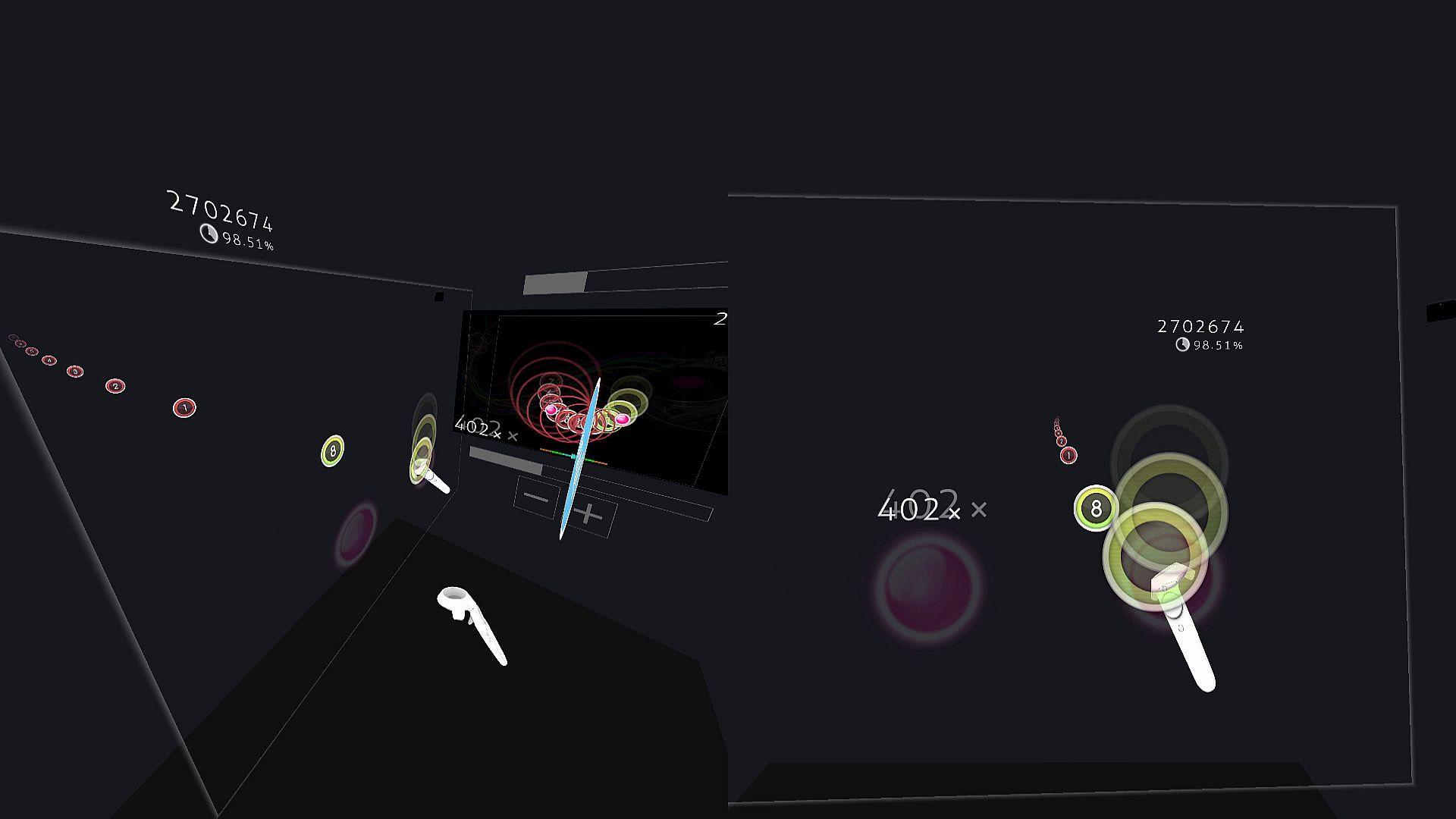
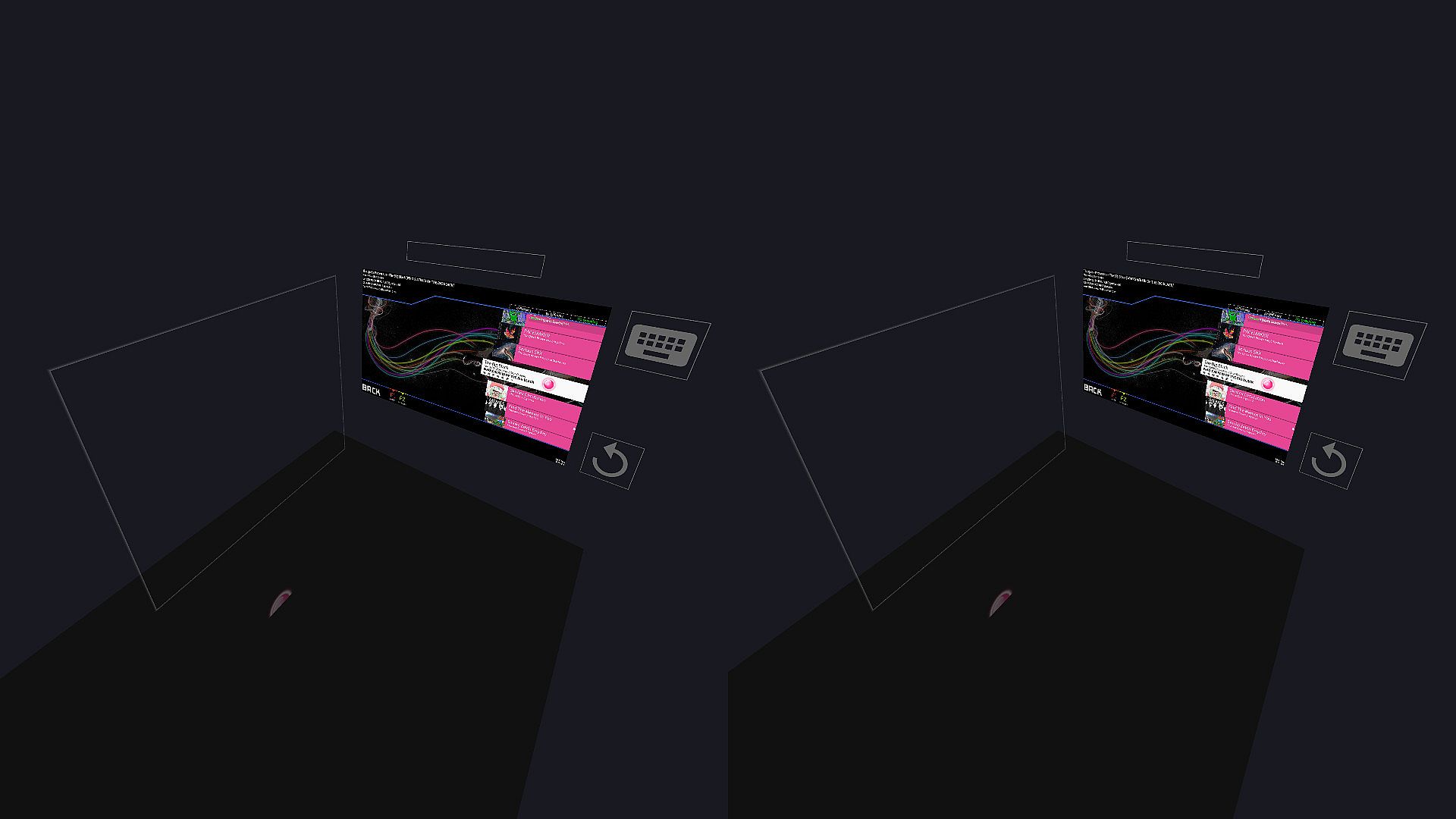
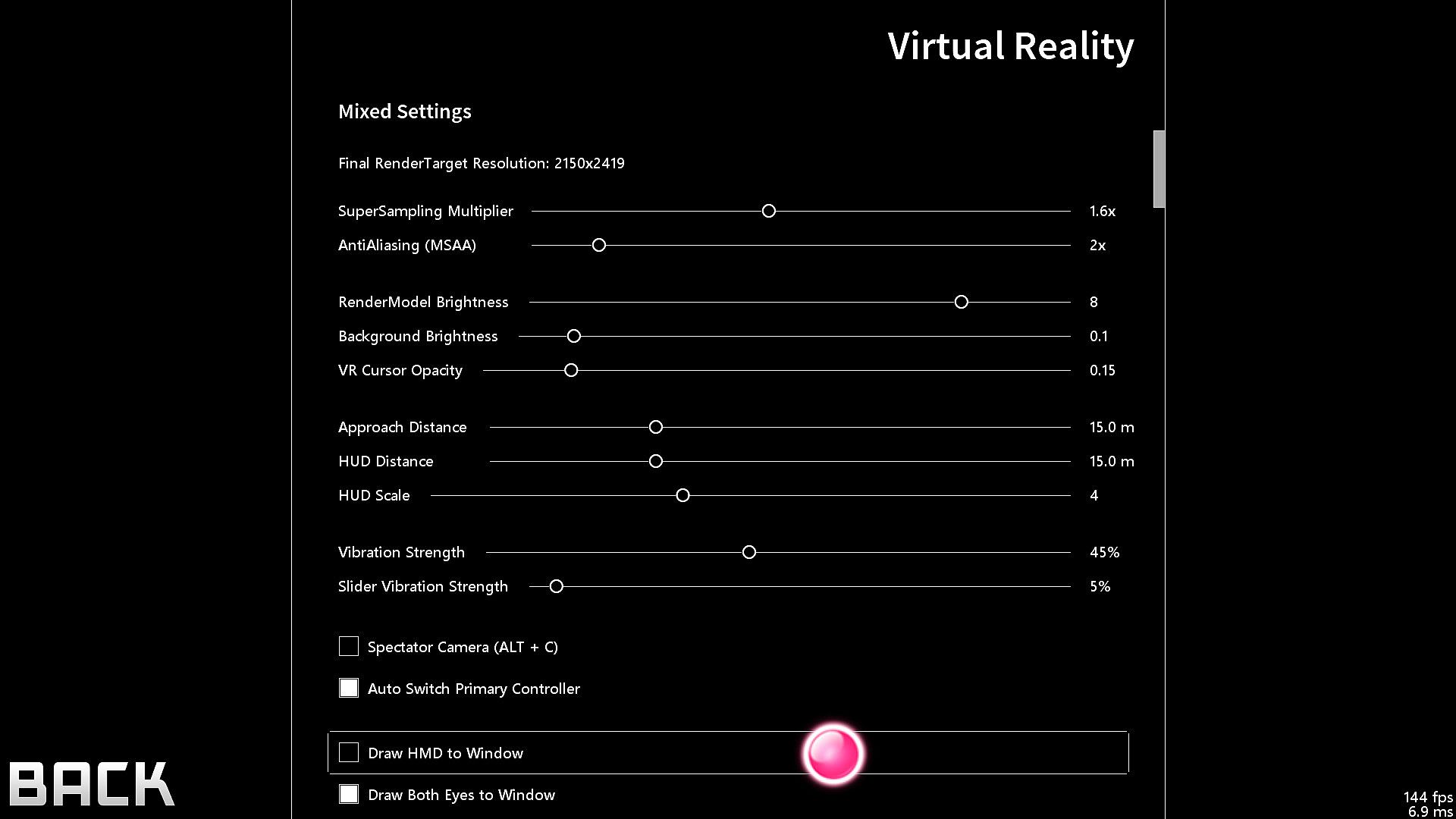
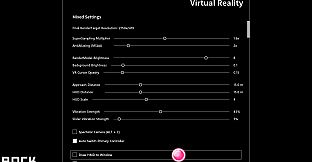
  • VR gamemode

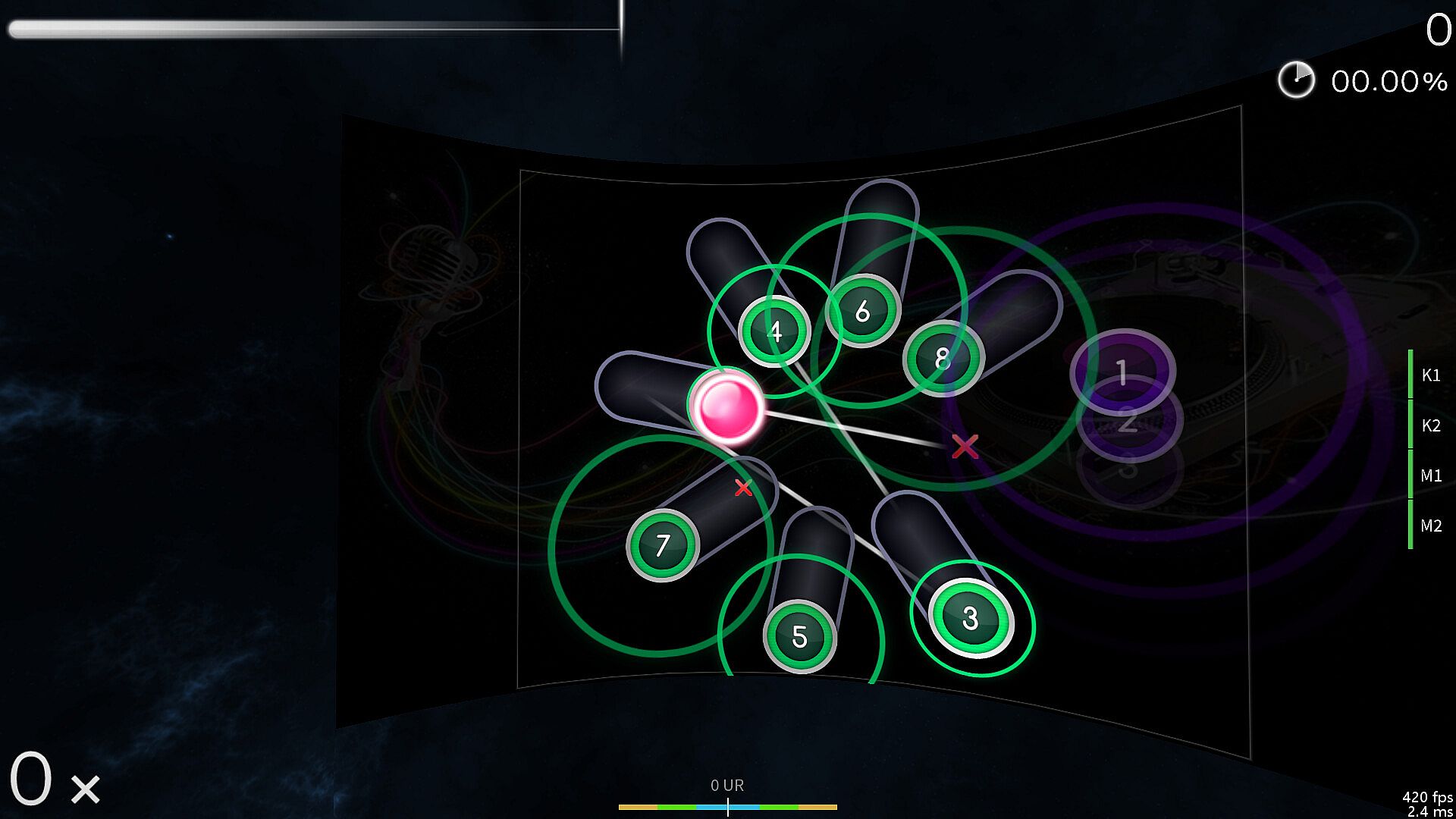
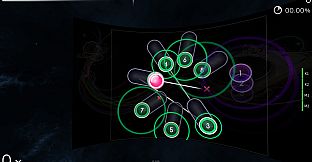
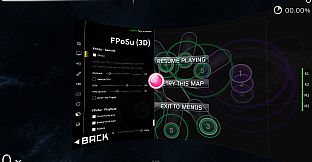
  • First-Person 3D gamemode (FPoSu)

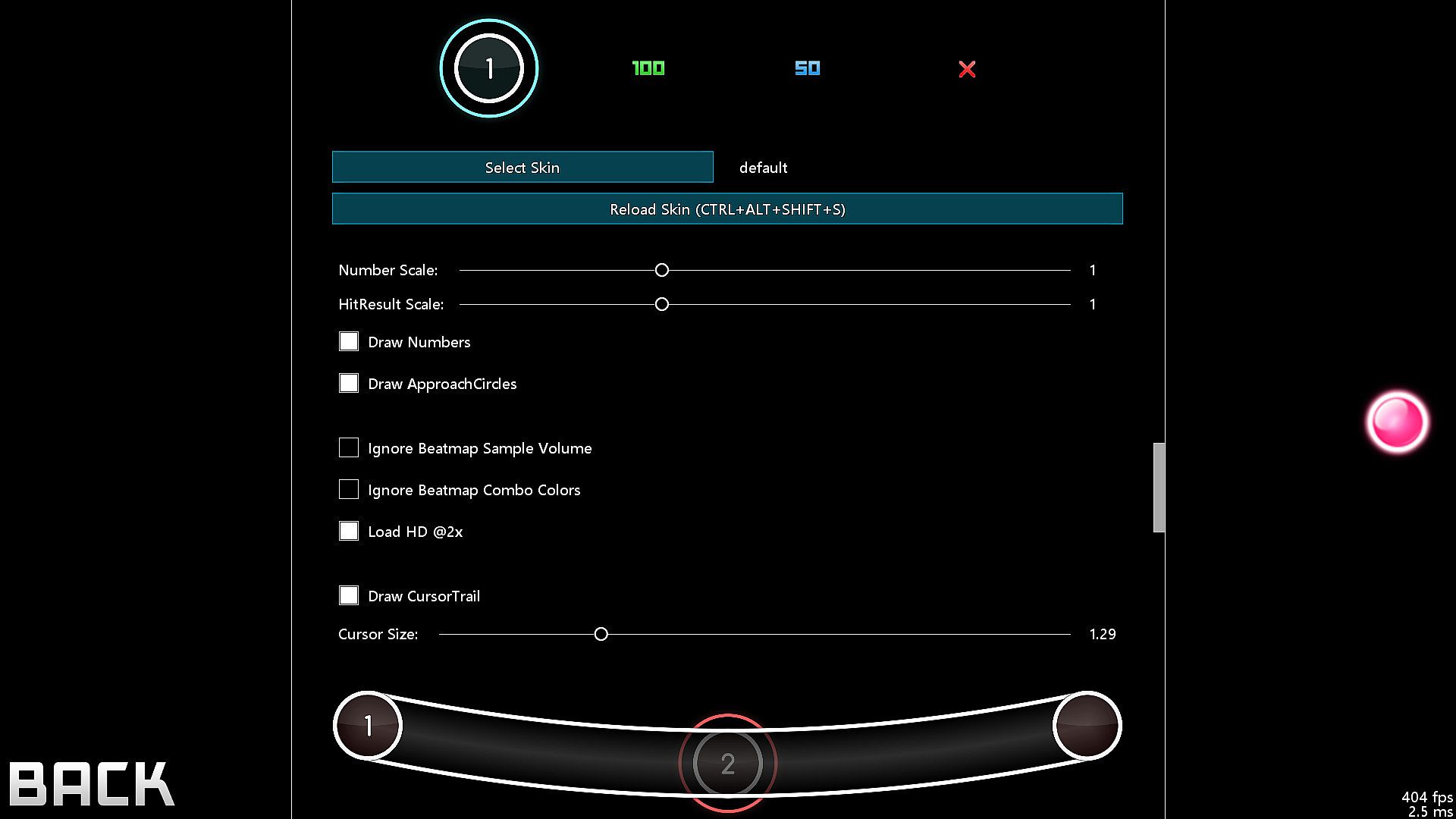
  • Steam Workshop support for skins

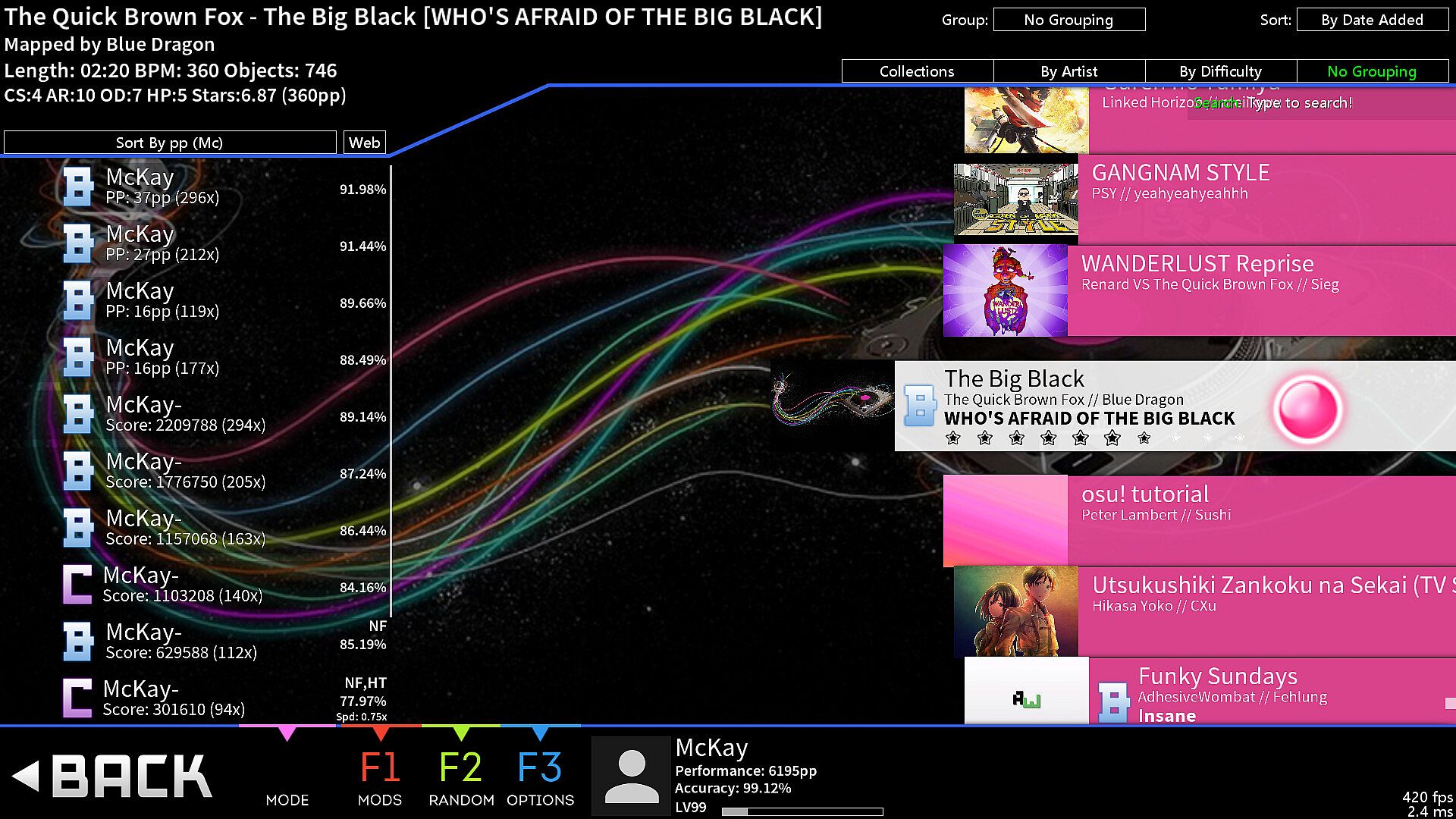
  • Infinite offline profiles with pp ranking

  • Customizable HP Drain + Notelock algorithms

Beatmaps
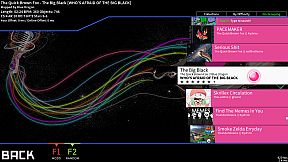
  • If you have osu!(stable) installed, then McOsu will load your beatmaps directly from the default osu!(stable) installation path, although custom paths are also possible

  • You can use McOsu without installing osu!(stable) (it is not recommended though), a guide on manual beatmap management is available in the Steam Community Guides

osu! VS McOsu

The intention of this game is neither to replace peppy's client, nor to split the community. McOsu was created partially out of frustration, because osu! is lacking many usability features vital to practicing effectively and efficiently. This is currently being rectified in the rewrite of osu! (called osu!lazer), which is an open-source project anyone can contribute to.

Holodance VS McOsu

While Holodance is focused on providing a full VR rhythm game experience with osu! beatmap compatibility as a sideproject, McOsu tries to bring pure osu! gameplay into Virtual Reality while staying as close to the original as possible.

As a wise man once said, "plz enjoy game".

-

If you want, you can help out with McOsu development on Github, or just take a look at the source code, as this is an open-source project.

-

Skin Credits:
  • ffffffffffffffffff - "- Jaret - Mish Mosh"

  • irrlux - "Talrava XIV"

  • HazrdMC - "Phaze"

  • Redon - "Aesthetic 1.3"

  • DarkSlayer000 - "xXx_SampleSkin_xXx v1.3"

  • Inori - "Stepmania"

  • taikuta - "Murakumo"

  • Easy - "Burning_Crow V2"

  • Icomoon

  • Freepik

Oberfläche:
English

Altersfreigabe

Keine Angabe
Metacritic:
tbd tbd
Steam:
Very Positive (6k)

Minimum:

  • Prozessor: Not a Potato™
  • Arbeitsspeicher: 512 MB RAM
  • Grafik: OpenGL 3.0 compatible
  • Speicherplatz: 75 MB available space
  • Zusätzliche Hinweise: XAudio2 / DirectSound compatible

Empfohlen:

  • Prozessor: Intel® Core™ i5 or better
  • Arbeitsspeicher: 2 GB RAM
  • Grafik: NVIDIA GeForce® GTX 970 (for VR) / AMD Radeon™ R9 290 or better (for VR)
  • Speicherplatz: 75 MB available space
  • Zusätzliche Hinweise: XAudio2 / DirectSound compatible

Minimum:

  • Betriebssystem: 64-bit
  • Prozessor: Not a Potato™
  • Arbeitsspeicher: 512 MB RAM
  • Grafik: OpenGL 3.0 compatible
  • Speicherplatz: 75 MB available space
  • Zusätzliche Hinweise: Any

Empfohlen:

  • Betriebssystem: 64-bit
  • Prozessor: Intel® Core™ i5 or better
  • Arbeitsspeicher: 2 GB RAM
  • Grafik: OpenGL 3.0 compatible
  • Speicherplatz: 75 MB available space
  • Zusätzliche Hinweise: Any
Historisches Tief
Preisverlauf von offiziellen Shops
-
-
-
Preisverlauf von Keyshops
-
-
-

FAQ

8 Fragen

Bevor du nach einem günstigen McOsu Key suchst, prüfe die wichtigsten Fakten. Entwickelt von McKay. Veröffentlicht von McKay. PC Release-Datum: 20 März 2017. Genres: Indie. Kategorien: Steam Workshop, Single-player, Tracked Controller Support, VR Supported.

Q

Wo kann ich einen gĂĽnstigen McOsu Steam Key kaufen?

McOsu ist Free-to-Play! Lade es auf Steam herunter und spiele sofort los. Suchst du nach McOsu DLC, Spielwährung oder anderen Erweiterungen? Stöbre durch die McOsu DLC-Liste und vergleiche 1 Angebot Angebote auf XD.deals.

McOsu ist auf Steam komplett kostenlos. Kein Kauf nötig - einfach herunterladen und spielen. Wenn du nach Premium-DLC oder In-Game-Items suchst, prüfe die Angebotstabelle oben.

Unser Preistracker deckt sowohl offizielle Händler als auch Key-Marktplätze ab, sodass du McOsu im Angebot auch außerhalb saisonaler Aktionen finden kannst. Wir erkennen derzeit 1 aktives Angebot von offiziellen Shops und Keyshops. Prüfe die Tabelle oben, vergleiche mit dem historischen Tief und setze einen Alarm, damit du den nächsten Preissturz nicht verpasst.

Laut unseren Daten ist McOsu derzeit nicht auf GeForce NOW verfügbar. Du musst es lokal auf deinem PC ausführen. Stöbre durch Spiele, die auf GeForce NOW verfügbar sind.

Ja. McOsu hat eine offizielle Steam-Shop-Seite. Du kannst auch einen McOsu Steam Key von Drittanbietern kaufen. Unser Preisvergleich umfasst derzeit 1 Angebot mit Steam-DRM. Wähle eines davon, um sicherzustellen, dass dein McOsu Download über Valves Plattform läuft.

Derzeit nicht. Valve kennzeichnet McOsu als Unsupported auf dem Steam Deck. Behalte XD.deals im Blick - wir verfolgen Proton-Updates und Community-Fixes. Stöbere durch Spiele, die Steam Deck Verified oder Steam Deck Playable sind.

McOsu scheint derzeit nicht im PC Game Pass, bei EA Play, Ubisoft+ oder einem anderen PC-Abonnement verfĂĽgbar zu sein. Deine einzige Option ist der Kauf - nutze XD.deals, um den besten Preis zu finden.

Nein - XD.deals ist kein Shop. Wir sind ein Preisvergleich, der die besten McOsu-Deals bei offiziellen Shops und verifizierten Keyshops verfolgt. Klicke neben einem Angebot auf "Zum Shop" und du wirst zur Webseite des Händlers weitergeleitet, um deinen Kauf abzuschließen.

Beste Preise fĂĽr McOsu

1 Steam Steam Official
0,00 €

Zum besten Zeitpunkt kaufen? Setze einen Preisalarm auf XD.deals und werde benachrichtigt, wenn McOsu sein nächstes historisches Tief erreicht.

Alarm erstellen
Tritt unserem Discord bei
Erhalte Hilfe von der Community und bleibe ĂĽber Angebote informiert
Preisalarme einrichten
Erhalte E-Mail-Benachrichtigungen wenn Preise fallen
Kostenloses Konto erstellen
Schalte Wunschlisten, Preisalarme und Steam-Sync frei